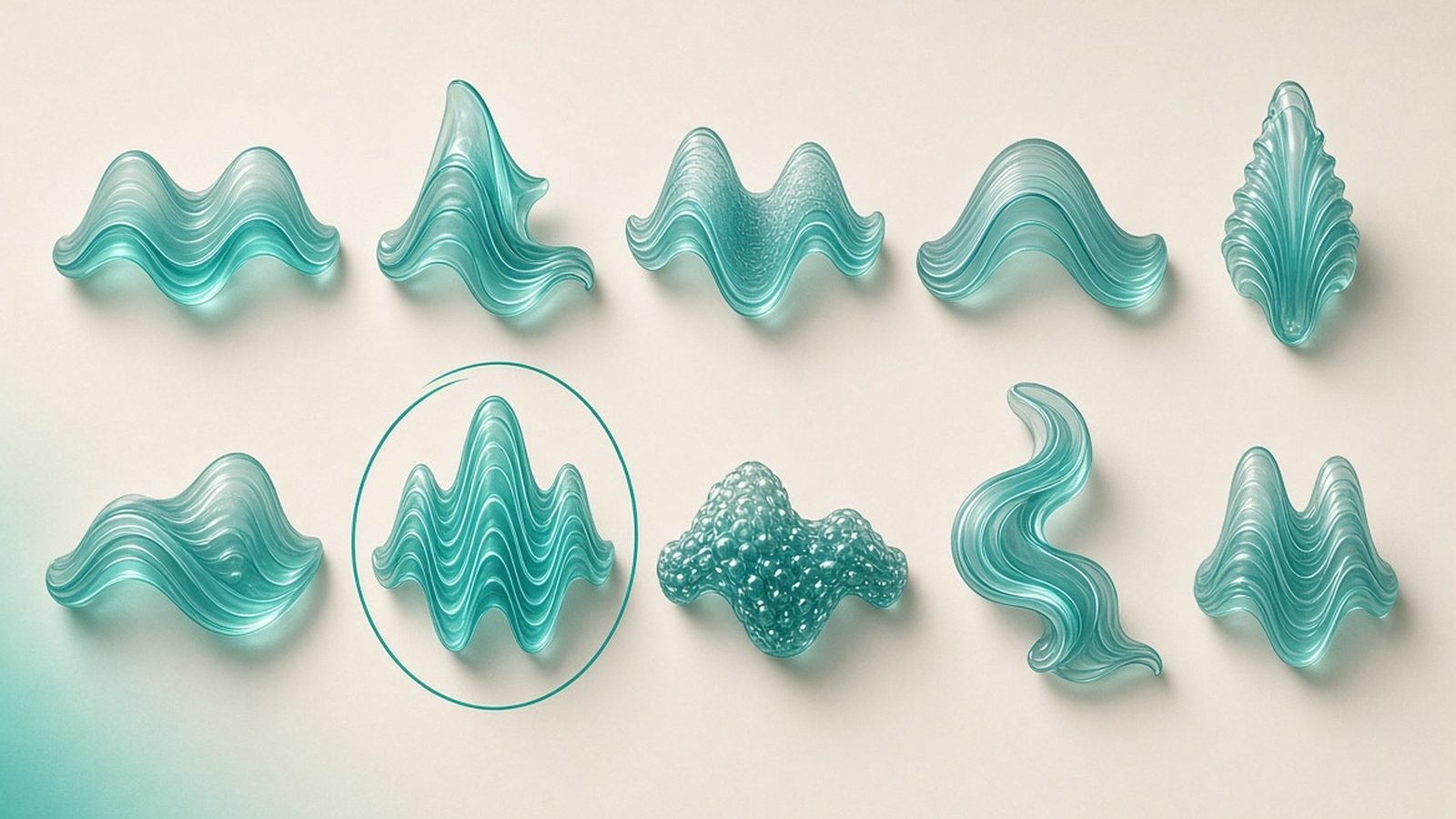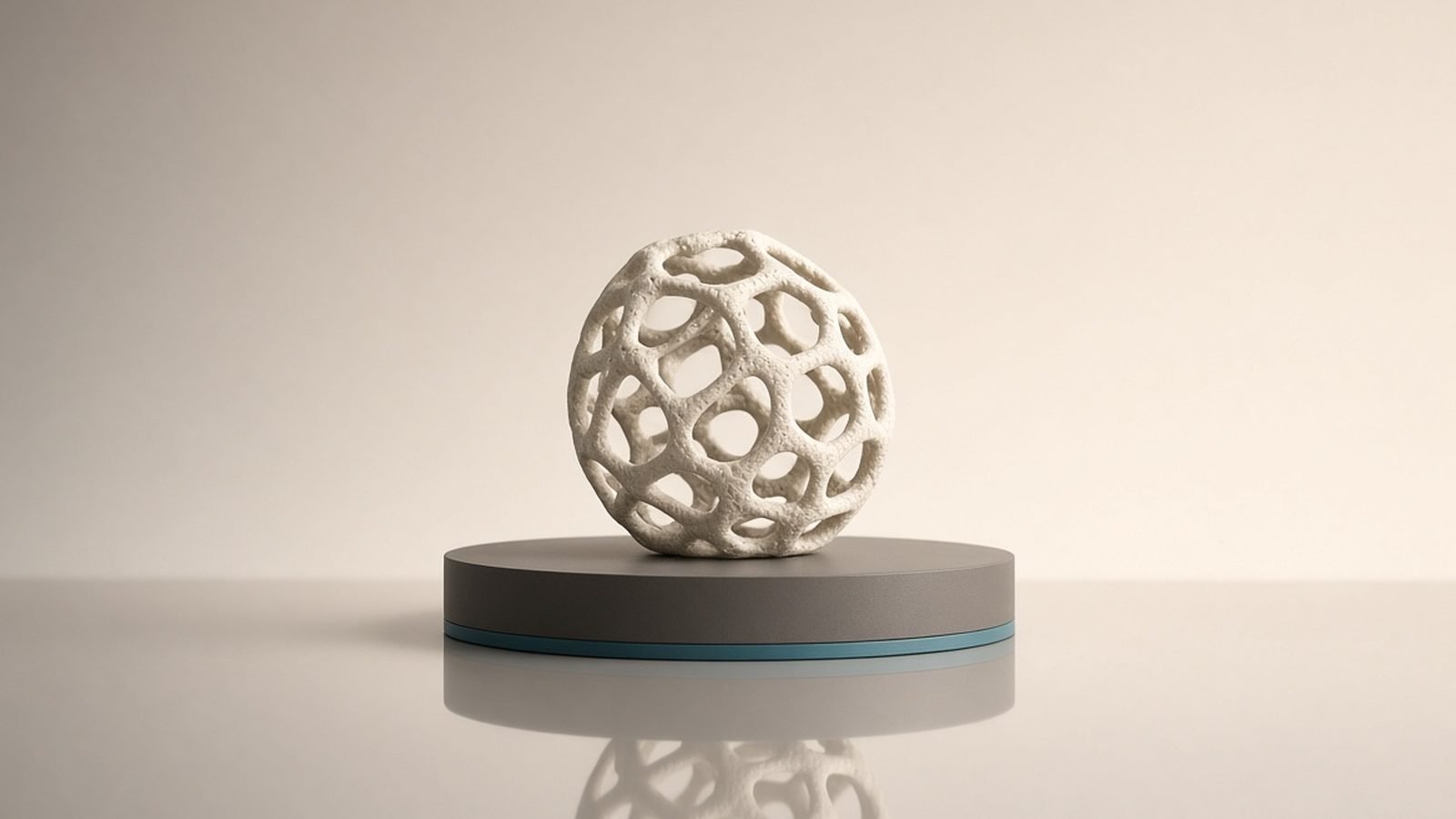
Luma Genie is the best free text-to-3D tool for anyone who wants to type a prompt and get a usable 3D model in seconds. In 2026 it’s the easiest, lowest-cost entry point into AI 3D generation: from Luma AI, it turns a text description into a downloadable mesh fast, with no subscription needed to start. If you’re a hobbyist, student, game jammer, or artist prototyping props and concepts, Genie is a delight and hard to argue with on price. If you need production-grade topology or reliable studio output at volume, a paid tool like Meshy or Kaedim will serve you better.
Text-to-3D generation with fast previews, multiple candidate results, and downloadable meshes; free to use, positioned as an accessible on-ramp to AI 3D from the makers of Luma Dream Machine. This review is based on Luma Genie’s published capabilities, documentation and aggregated user feedback through mid-2026.
Luma Genie at a glance
Pros:
- Free to use — the lowest-friction way into AI 3D generation
- Fast: type a prompt and get 3D candidates in seconds
- Offers multiple variations per prompt to choose from
- Downloadable meshes for use in engines and DCC apps
- Backed by Luma AI, a serious name in generative media
Cons:
- Mesh quality and topology aren’t production-grade for hero assets
- Best for props and concepts, not complex or highly detailed models
- Less control and fewer refinement tools than paid rivals
- Results vary by prompt — some concepts land better than others
What Luma Genie is built for
Luma Genie does one thing and makes it effortless: text to 3D. You describe an object — “a mossy stone lantern,” “a sci-fi ammo crate,” “a cartoon mushroom” — and Genie generates 3D candidates you can preview, spin around, and download. There’s no modeling knowledge required and, crucially, no paywall to begin, which is why it has become so many people’s first taste of AI 3D. It comes from Luma AI, the team behind the Dream Machine video model covered in our Luma Dream Machine Review 2026: Fast AI Video.
The intent is accessibility and speed over precision. Genie is built to get an idea into 3D form immediately — for ideation, prototyping, filling out a scene, or simply playing. It isn’t trying to replace a technical artist producing a hero character; it’s trying to make 3D generation as casual as generating an image. For that goal it succeeds, and the free price makes it almost mandatory to try. Browse the wider set of creative AI tools in our The AI Directory.
Speed and workflow
The Genie workflow is refreshingly simple. Enter a prompt, wait a few seconds, and you’re presented with multiple candidate models rather than a single take — so you can pick the interpretation closest to what you pictured, or re-roll if none fit. Previews are quick to inspect, and you can download the mesh to bring into your engine or 3D software.
That fast, low-commitment loop is the real magic. Because generating costs nothing and takes seconds, you can iterate on wording, try several concepts, and pull the best results into a scene without breaking flow or budget. For prototyping and set-dressing, this speed is worth more than any single feature, and it’s where Genie most clearly beats slower or paid alternatives on sheer convenience.
Mesh quality and limits
Here’s the honest part: Genie’s output is impressive for a free, instant tool, but it is not production-grade. Meshes can be denser or messier than hand-modeled geometry, topology isn’t optimized for clean deformation, and highly detailed or complex objects come out roughly. For simple props, background objects, stylized items, and concept blockouts, quality is genuinely usable. For a rigged hero character or a precise product model, you’ll want a different pipeline.
This is the expected trade-off for free, one-click 3D, and it’s shared by the whole category — pure-AI generation is dazzling but inconsistent. Based on user feedback, results also swing with the prompt: some concepts land beautifully, others need several attempts. Treat Genie as a rapid idea-to-mesh tool and a source of starting points you may refine elsewhere, not as a final-asset factory. For cleaner, more controllable output, step up to Meshy AI Review 2026: AI 3D Asset Generation Explained; for studio-grade, human-checked assets, see Kaedim Review 2026: 2D-to-3D Model Generation Guide.
Exports and using the results
Genie lets you download generated meshes so you can bring them into game engines and 3D apps for further work. In practice, the common flow is: generate a promising base in Genie, then clean up, retopologize, or texture it in your DCC tool before final use. For prototypes and game jams you can often use results nearly as-is; for polished projects, treat them as a fast head start rather than a finished asset.
If your project also needs those props to live in an interactive world with characters players can talk to, pair Genie’s assets with the conversational-NPC tools in our Convai Review 2026: Conversational AI NPCs for Games and Inworld AI Review 2026: AI Characters & NPCs Verdict. And for animated or cinematic content around your 3D scenes, the video side of Luma’s lineup in our Luma Dream Machine Review 2026: Fast AI Video is a natural companion.
Value: who Luma Genie is worth it for
Because it’s free, Genie’s value proposition is almost unbeatable for the right user. For hobbyists, students, indie developers, game jammers, and anyone prototyping, it delivers instant 3D at zero cost — the risk of trying it is nil and the upside is real time saved on props and concepts. There’s simply no reason not to have it in your toolkit for quick ideation.
Its limits define where paid tools take over. If you need reliable production topology, finer control, batch consistency, or studio-grade results, the free convenience gives way to the strengths of Meshy AI Review 2026: AI 3D Asset Generation Explained for versatile consumer 3D or Kaedim Review 2026: 2D-to-3D Model Generation Guide for human-checked studio output. The smart approach is to start every idea in Genie and graduate to a paid tool only when the project’s quality demands it. Explore the full landscape in our The AI Directory.
Alternatives worth considering
- Meshy — more control, better topology and texturing options; the natural paid step up. See our Meshy AI Review 2026: AI 3D Asset Generation Explained.
- Kaedim — studio-grade, human-checked 2D-to-3D for production volume. Read the Kaedim Review 2026: 2D-to-3D Model Generation Guide.
- Luma Dream Machine — Luma’s video-generation model for motion rather than meshes. See the Luma Dream Machine Review 2026: Fast AI Video.
- Hand modeling — still essential for hero assets; Genie is for speed and ideation, not final polish.
Verdict
Luma Genie is the free text-to-3D tool everyone should try, because typing a prompt and getting a downloadable mesh in seconds, at no cost, is genuinely useful for prototyping and play. The output isn’t production-grade — topology is rough and detailed models struggle — but for props, concepts, and rapid ideation it’s excellent, and the price is unbeatable. Use it as your first stop for any 3D idea, then move to Meshy or Kaedim when a project demands cleaner, more reliable assets. As a free on-ramp to AI 3D, Genie is close to essential.
FAQ
Is Luma Genie any good?
Yes, for what it is: a free, instant text-to-3D tool. It’s excellent for props, concepts, and rapid prototyping, generating multiple downloadable candidates in seconds at no cost. It’s not production-grade for hero assets — topology is rough and complex models struggle — but as a fast, free way to turn ideas into 3D, it’s hard to beat.
Is Luma Genie free?
Yes. Luma Genie is free to use, which is a large part of its appeal and why it’s such a popular entry point into AI 3D generation. That makes it essentially risk-free to try. If you later need production topology, finer control, or batch consistency, paid tools like Meshy and Kaedim take over from there.
Luma Genie vs Meshy — which is better?
Genie wins on price and simplicity — it’s free and instant, ideal for quick ideation. Meshy offers more control, better topology options and texturing, making it the stronger choice for cleaner, more usable assets. Start ideas in Genie, then move to Meshy when quality matters. See our Meshy AI Review 2026: AI 3D Asset Generation Explained for details.
What can I make with Luma Genie?
Genie is best for individual objects: props, stylized items, background models, and concept blockouts described in a text prompt. It generates several candidates you can download and refine. It’s less suited to highly detailed, complex, or rigged hero assets, which need a dedicated modeling or studio pipeline.
Can I use Luma Genie models in games?
Yes — you can download the meshes and import them into game engines and 3D software. For prototypes and game jams they often work nearly as-is; for polished projects, plan to clean up, retopologize, or texture the base mesh first. Treat Genie output as a fast starting point rather than a finished game asset.
Zen Tech Hub may earn a commission from links on this page, at no extra cost to you.