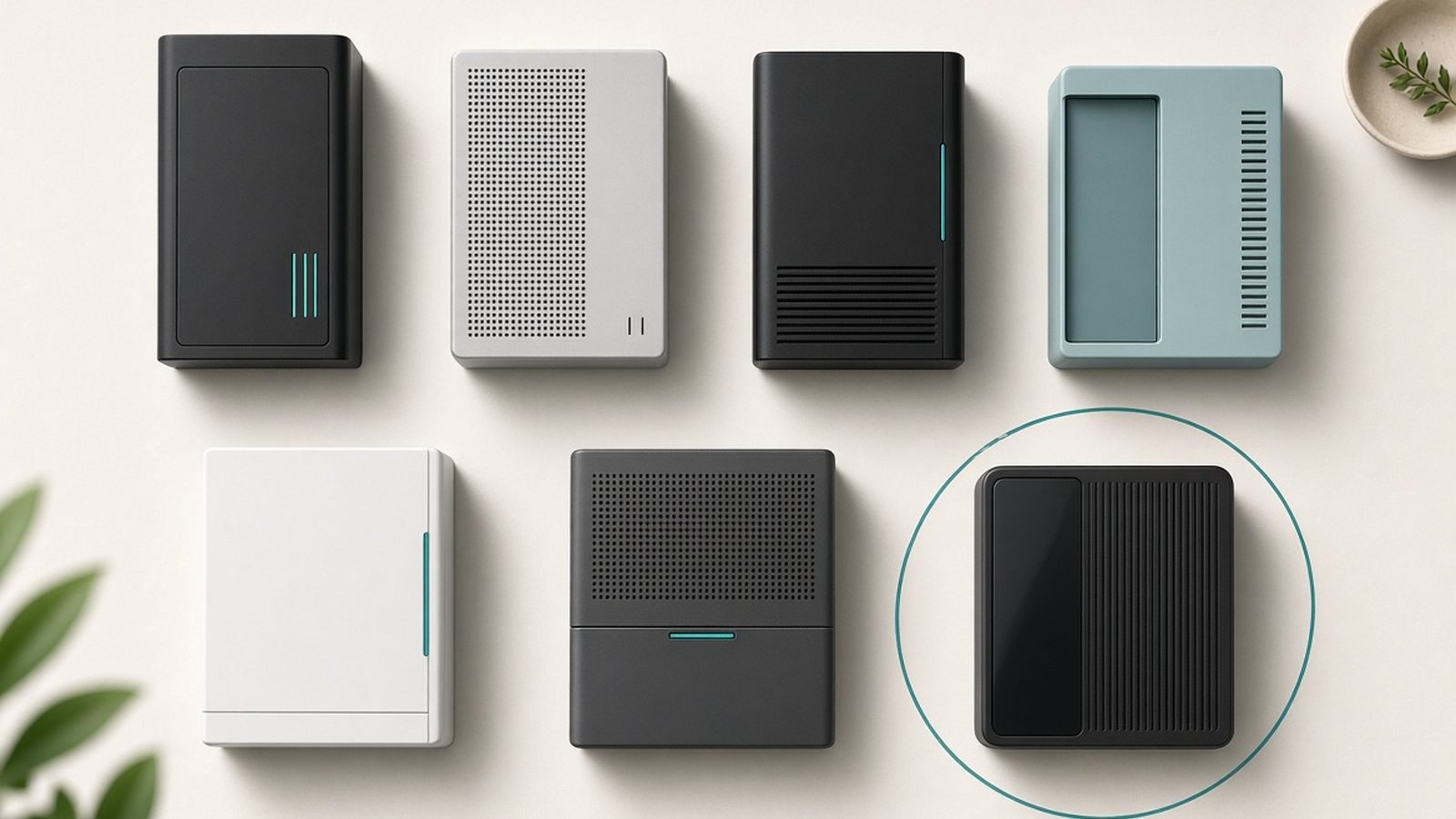
Buying Guide Best NAS Drives for Home 2026: Backup & Media Picks Ranked
The best NAS for home in 2026, compared. Synology, UGREEN, QNAP and Asustor picks for backup, Plex and photos — 2-bay vs 4-bay, with US/UK prices.
Routers, mesh systems, extenders and NAS to fix dead zones and future-proof your home.
45 articles · updated 2026
The best NAS for home in 2026, compared. Synology, UGREEN, QNAP and Asustor picks for backup, Plex and photos — 2-bay vs 4-bay, with US/UK prices.
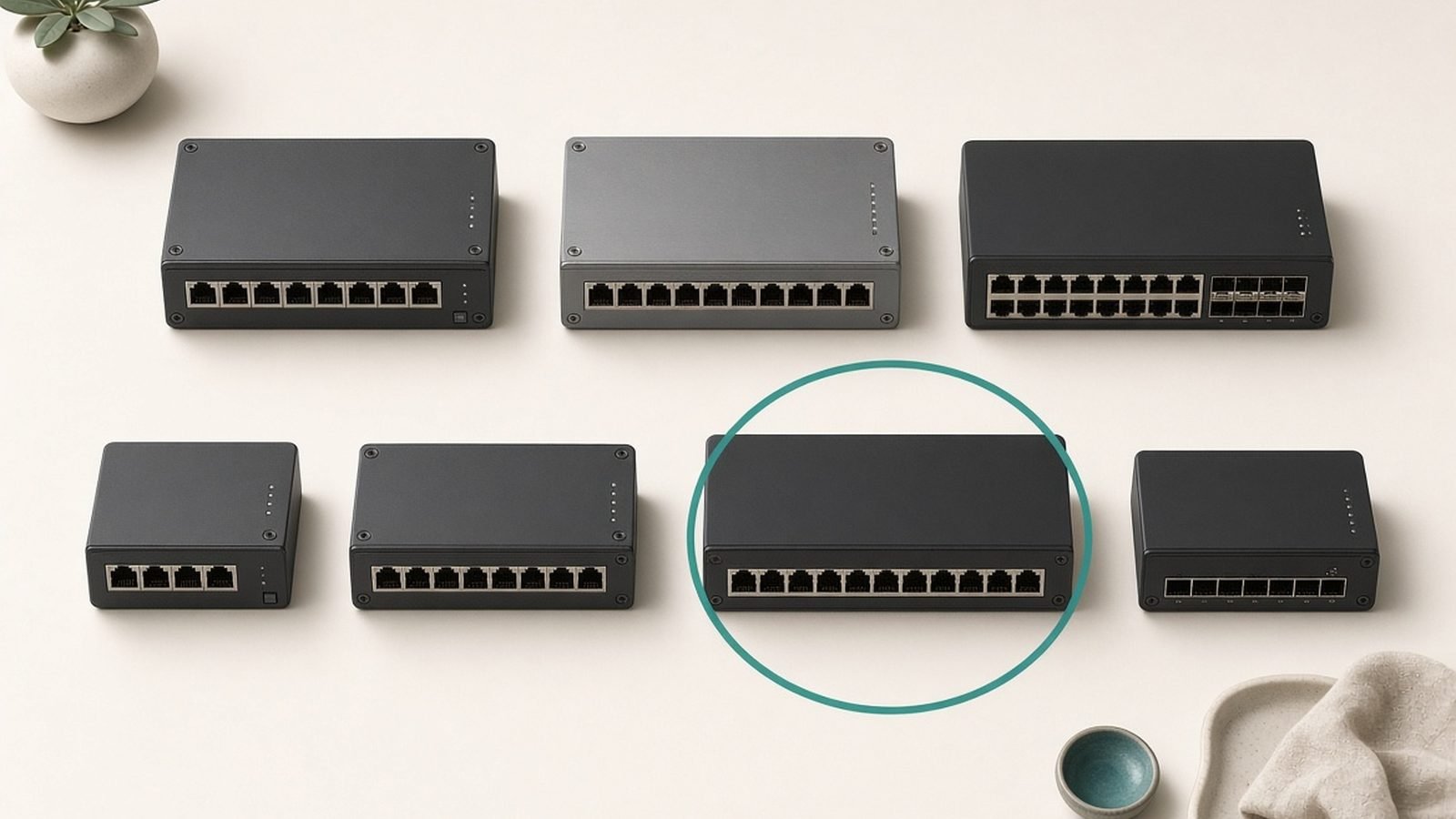
The best PoE switch for most homes is the TP-Link TL-SG1210MP at around $110. Our picks to power cameras and access points, from TP-Link, Netgear and Ubiquiti.
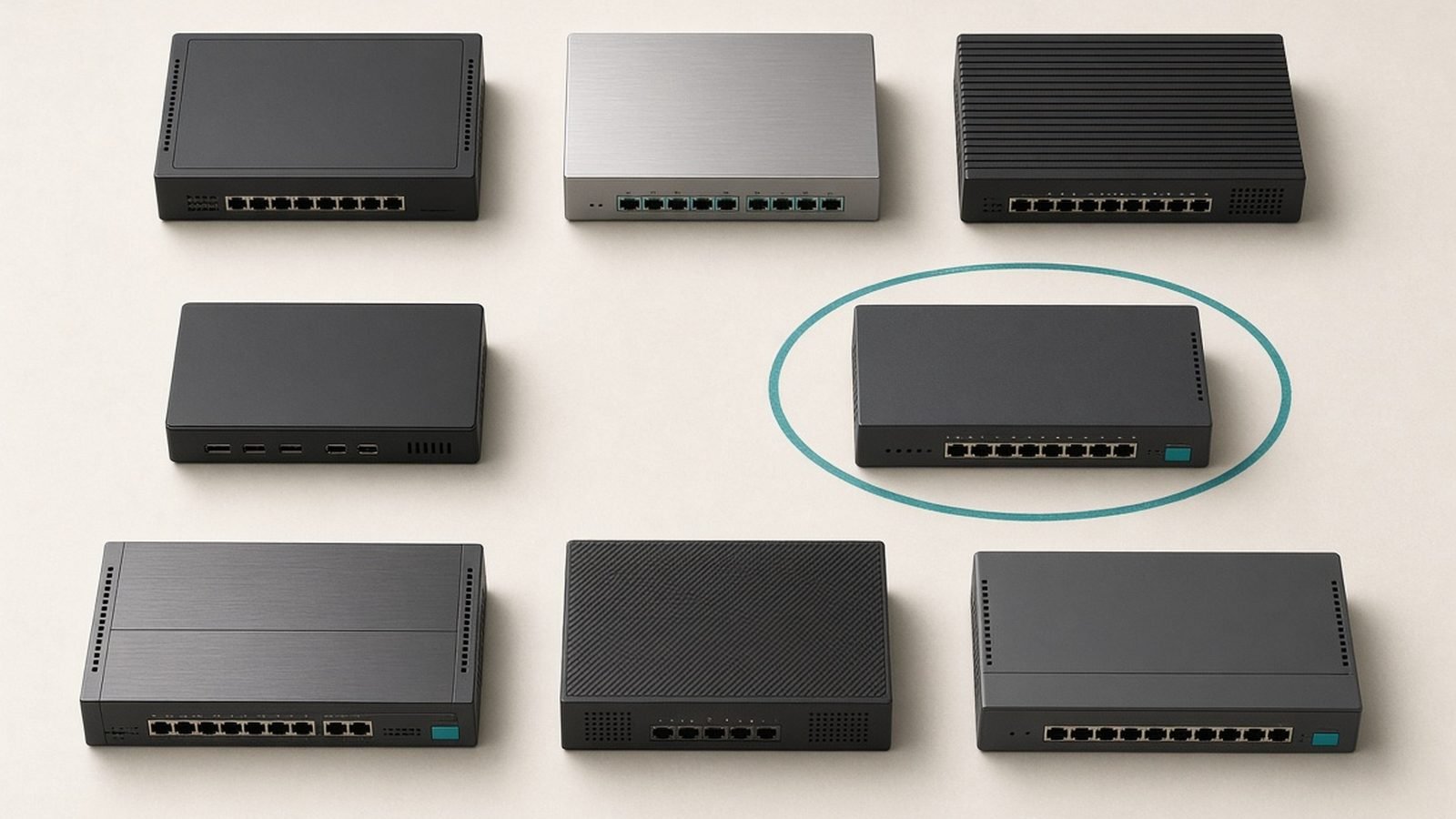
The best network switch for most homes is the TP-Link TL-SG108 at around $23. Our picks across gigabit, 2.5G and 10G, from TP-Link, Netgear and Ubiquiti.
Your networking and Wi-Fi setup is the foundation everything else in your home rests on. A £2,000 laptop and a gigabit broadband plan mean nothing if the router between them was free from your ISP in 2019. This hub covers the whole networking and Wi-Fi category: Wi-Fi routers, mesh systems, Wi-Fi 7 hardware, range extenders, NAS drives for home storage, and travel routers for hotel rooms and rentals — with buying guides, in-depth reviews, comparisons and fixes for the most common problems.
Everything here is built on structured research with real US and UK homes in mind — brick walls, plasterboard, awkward three-storey layouts and all. We cross-reference manufacturer documentation against independent reviewers’ room-by-room measurements and long-term owner reports at scale, and we revisit our verdicts after major firmware updates. When a cheaper option is genuinely good enough, we say so, because most people are sold far more router than they need.
New to the category, or just want the short version? These three guides answer the questions we get asked most.
Best Mesh Wi-Fi Systems 2026: Wi-Fi 6 & Wi-Fi 7 Compared — If any room in your home has a dead spot, this is almost certainly the fix, and the right system costs less than you think.
Best Wi-Fi Routers Under $100 / £100 in 2026 — Our top single-router picks for every budget, for homes where one well-placed box can still cover everything.
Mesh Wi-Fi vs a Single Router: Which Do You Need? — The first decision that determines everything else you buy; get this wrong and no amount of spending fixes it.
Before you read a single review, work through these five questions. They’ll eliminate 80% of the products on the market and stop you overpaying for specs you’ll never use.
Coverage claims on router boxes assume an open-plan bungalow with no interference. Real homes have brick, concrete, foil-backed insulation and neighbours’ networks. The practical rule:
Flats and small homes up to ~1,500 sq ft: one good router, placed centrally and up high, is enough. A mesh system here is wasted money.
Medium homes, 1,500–2,500 sq ft, or anything with thick internal walls: a two-node mesh system beats even an expensive single router. UK Victorian terraces and US homes with a finished basement almost always land in this bracket.
Large or multi-storey homes: a three-node mesh, ideally with a wired or dedicated wireless backhaul, is the only setup that delivers consistent speeds in every room.
Placement matters as much as hardware. A mid-range router in the centre of your home will outperform a flagship shoved behind the TV in a corner.
There is no point paying for a router that can move 5Gbps internally if your internet plan tops out at 150Mbps. Check your actual plan speed, then buy hardware rated comfortably above it — roughly double is sensible headroom for local transfers and future upgrades. If you’re on a sub-500Mbps plan, a good Wi-Fi 6 router or mesh remains the smart-money buy in 2026. If you have gigabit fibre or faster (increasingly common in both the US and UK), Wi-Fi 6E or Wi-Fi 7 starts to pay for itself, because only the 6GHz band reliably delivers those speeds wirelessly.
Wi-Fi 7 is real and it’s good — Multi-Link Operation, 320MHz channels and much better performance in congested areas. But it only shines when your devices support it too, and most homes still run a majority of Wi-Fi 5 and 6 clients. Our guidance: if you’re buying new hardware you plan to keep for five-plus years, or you already own Wi-Fi 7 phones and laptops, buy Wi-Fi 7 now — prices have fallen hard since 2024. If you’re patching a dead spot on a budget, last-generation Wi-Fi 6E hardware is the value sweet spot. What you shouldn’t do is pay flagship money for Wi-Fi 6 in 2026.
A £30 range extender can rescue one stubborn room, and for renters or single-problem homes that’s a perfectly rational purchase. But traditional extenders halve throughput, create a second network name, and cause devices to cling to the wrong signal. If you have more than one weak area — or you’re tired of manually switching networks at the top of the stairs — skip the extender aisle and put that money toward an entry-level mesh kit. The experience difference is night and day.
A NAS (network-attached storage) drive turns your network into a private cloud: automatic photo backup from every phone in the house, a media server for your TV, and no monthly subscription. A two-bay NAS with mirrored drives is the right starting point for almost everyone — one drive can fail and your data survives. Budget for the drives separately; they’re often not included.
A travel router is the cheapest quality-of-life upgrade in this category. It joins hotel or rental Wi-Fi once, then rebroadcasts a private network so all your devices connect automatically — with your VPN running underneath if you want it. Frequent flyers and remote workers should not board a plane without one.
Red flags to avoid across the board: routers that require a cloud account for basic settings, mesh systems with no Ethernet ports on satellite nodes, “AI-powered” marketing with no specifics, and any product that hasn’t received a firmware update in over a year. Security patches matter more in networking than in any other category we cover.
Our ranked recommendations, updated as new hardware ships and prices move.
Best Wi-Fi Routers Under $100 / £100 in 2026 — The single-box picks that cover the most home for the least money, from £60 budget heroes to multi-gig monsters.
Best Mesh Wi-Fi Systems 2026: Wi-Fi 6 & Wi-Fi 7 Compared — Whole-home coverage without dead spots: the kits that actually deliver on the promise, and the ones that don’t.
Best Wi-Fi 7 Routers 2026: Top Picks for Every Budget — If you’re going to future-proof, do it properly — these are the Wi-Fi 7 models worth paying the premium for.
Best NAS Drives for Home 2026: Backup & Media Picks Ranked — Ditch the cloud subscription: the home NAS drives that make private backup genuinely effortless.
Best Travel Routers 2026: Wi-Fi 7 & VPN-Ready Picks — Pocket-sized boxes that turn sketchy hotel Wi-Fi into a fast, private network in under two minutes.
Best Wi-Fi Extenders 2026: Kill Dead Zones for Less — When a cheap fix is the right fix: the few extenders that boost signal without butchering your speed.
Long-term verdicts built on evidence — independent reviewers’ measurements, published benchmarks and months of aggregated owner reports, not a quick skim of the spec sheet.
Eero Max 7 Review 2026: Is Premium Wi-Fi 7 Mesh Worth It? — Amazon’s flagship mesh promises effortless Wi-Fi 7; we weigh the evidence on whether the simplicity justifies the eye-watering price.
Netgear Orbi 970 Review 2026: Premium Wi-Fi 7 Mesh — The most expensive mesh system you can buy — and the long-term owner record tells us exactly who should pay for it.
TP-Link Deco BE85 Review 2026: High-End Wi-Fi 7 Mesh — Wi-Fi 7 mesh at a price that undercuts the big names by hundreds; we hunt for the catch.
Asus ROG Rapture GT-BE98 Review 2026: Quad-Band Wi-Fi 7 Beast — A gaming router that looks like a spider and costs like a console — the performance numbers had to be extraordinary. Were they?
Synology DS224+ Review 2026: Best 2-Bay NAS for Home? — The two-bay NAS we recommend to first-timers, judged on months of owner reports covering photo backups, Plex nights and real drive failures.
GL.iNet Beryl AX Review 2026: Best Travel Router? — This palm-sized travel router is the one frequent flyers keep recommending; here’s what owners say it fixes on the road.
When it comes down to two options, these settle it.
Mesh Wi-Fi vs a Single Router: Which Do You Need? — The single most common question in home networking, answered with independent room-by-room speed data instead of opinions.
Wi-Fi 7 vs Wi-Fi 6E: What's Actually Different? — The spec sheets say one thing, independent real-device measurements say another; here’s where the upgrade actually shows up.
Eero vs Orbi 2026: Which Mesh Wi-Fi System Wins? — The two biggest names in mesh, compared point for point on the same evidence — one clear winner emerged.
NAS vs Cloud Storage 2026: Which Should You Use? — We ran the five-year maths on owning your storage versus renting it, and the break-even point surprised us.
Step-by-step guides for the problems that fill our inbox.
How to Fix Slow Wi-Fi: A Step-by-Step Guide — Ten fixes ordered from free to last-resort, with the two-minute check that solves the problem for most readers.
How to Extend Wi-Fi Range: 8 Fixes That Work — Every legitimate way to push signal into that one dead room, ranked by cost and effectiveness.
How to Set Up a NAS: A Beginner's Guide (2026) — From sealed box to automatic phone backups in under an hour, with the settings screens most guides skip.
Best Router Settings for Gaming (Lower Ping in 2026) — The handful of settings that genuinely cut lag — and the “gaming mode” toggles that do nothing at all.
How to Set Up a Guest Wi-Fi Network (and Why You Should) — Give visitors internet without giving them your smart home, in five minutes on any modern router.
The background knowledge that makes every spec sheet suddenly readable.
What Is Wi-Fi 7? The New Standard Explained — MLO, 320MHz channels and 4K-QAM, translated into what you’ll actually notice at home.
Mesh Wi-Fi Explained: How It Works and Who Needs It — How multiple nodes pretend to be one network, and why backhaul is the spec that separates great mesh from mediocre.
Wi-Fi Bands Explained: 2.4GHz vs 5GHz vs 6GHz — 2.4GHz vs 5GHz vs 6GHz: why your smart plugs and your laptop want completely different things.
What Is a Travel Router and Do You Need One? — The gadget frequent travellers swear by, and the three problems it solves that your phone’s hotspot can’t.
Through 2026 and into 2027, expect Wi-Fi 7 to complete its slide from luxury to default: entry-level Wi-Fi 7 mesh kits have already dipped below the price Wi-Fi 6E launched at, and by mid-2027 we expect Wi-Fi 6 to survive only at the bargain end. The more interesting shift is in the 6GHz band itself — regulators in both the US and UK are expanding usable spectrum and power limits, which will quietly improve range on hardware you may already own.
Multi-gig internet is going mainstream too. With 2Gbps+ fibre plans spreading across both markets, 2.5GbE ports are becoming table stakes and 10GbE is creeping into prosumer routers and NAS drives. On the storage side, expect NAS makers to lean harder into on-device AI — local photo recognition and semantic search that keep your library private instead of feeding a cloud model. Early Wi-Fi 8 (802.11bn) chatter will grow louder through 2027, with a focus on reliability rather than headline speed — but no consumer should delay a purchase waiting for it. We’ll be researching all of it as it lands, and updating every guide on this page when the recommendations change.
How much should I spend on a router or mesh system? For most homes: £60–£120 ($80–$150) buys an excellent single router, and £150–£300 ($200–$400) covers a very good two- or three-node mesh kit. Spend beyond that only if you have multi-gig internet, a very large home, or specific needs like 10GbE. The biggest gains come from correct placement and the right system type, not from flagship pricing.
Is Wi-Fi 7 worth it in 2026, or should I wait? If you’re buying anyway, yes — prices have fallen enough that the premium over Wi-Fi 6E is small, and you’ll keep the hardware through the years when Wi-Fi 7 devices become the majority in your home. Don’t upgrade a working Wi-Fi 6 setup just for the badge, though; you’ll only see the difference with Wi-Fi 7 client devices and fast broadband.
Do I need a mesh system or will an extender do? Count your problem areas. One weak room in an otherwise fine home: a good extender or a powerline adapter is the cheap, rational fix. Two or more weak areas, or dropouts as you move around the house: buy a mesh system. Extenders patch a symptom; mesh replaces the network, with one name, seamless roaming and consistent speed.
Is a NAS overkill for a normal household? Not any more. If your household pays for two or more cloud storage subscriptions, a two-bay NAS typically pays for itself within three years — and it backs up every phone in the house automatically, serves your media to any TV, and keeps your data in your home. The setup that used to require a weekend now takes under an hour.
Zen Tech Hub may earn a commission from links on this page, at no extra cost to you.
The best NAS for home in 2026, compared. Synology, UGREEN, QNAP and Asustor picks for backup, Plex and photos — 2-bay vs 4-bay, with US/UK prices.
The best PoE switch for most homes is the TP-Link TL-SG1210MP at around $110. Our picks to power cameras and access points, from TP-Link, Netgear and Ubiquiti.
The best network switch for most homes is the TP-Link TL-SG108 at around $23. Our picks across gigabit, 2.5G and 10G, from TP-Link, Netgear and Ubiquiti.
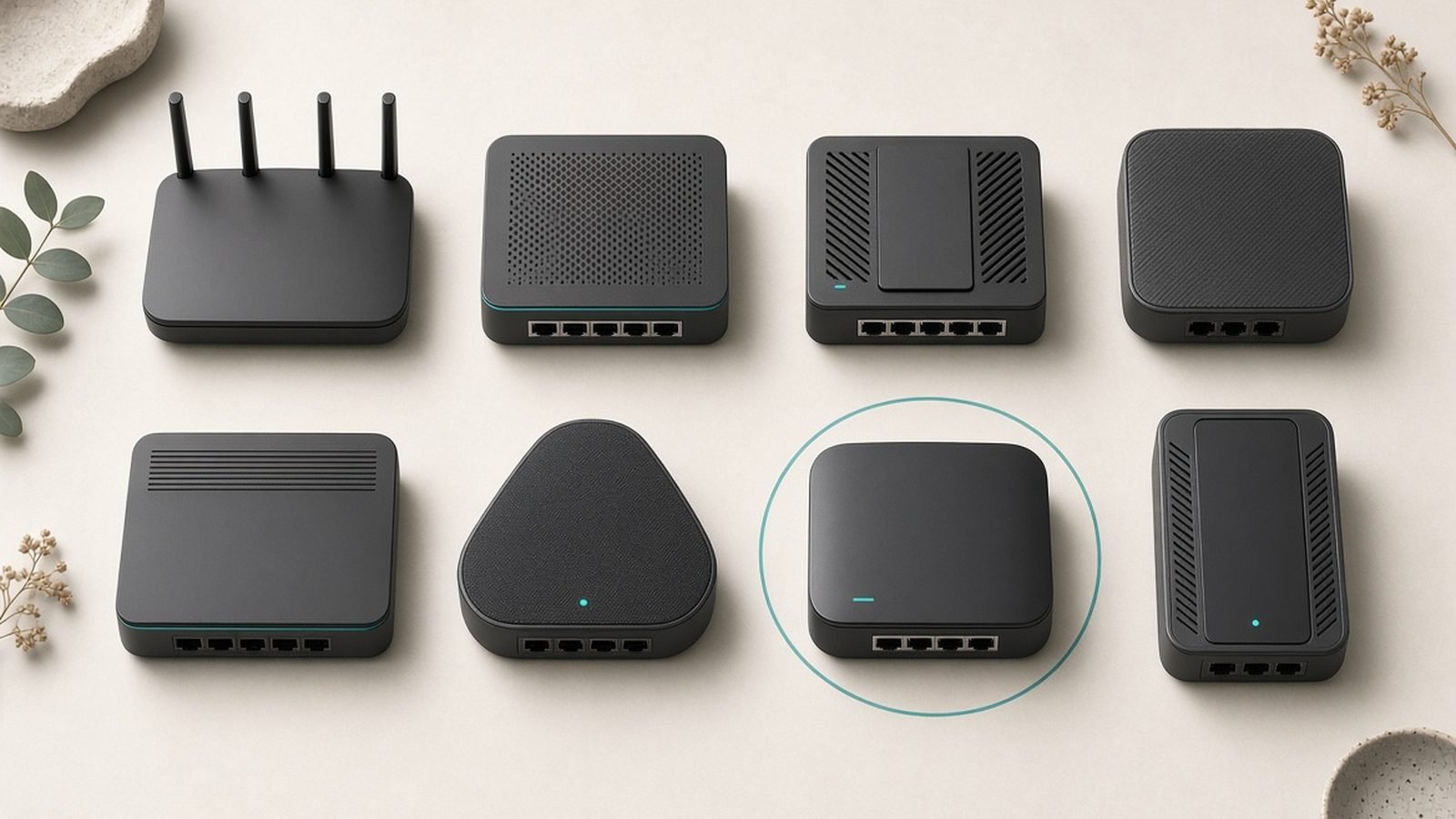
The best VPN router in 2026 is the GL.iNet Flint 2 at around $160. Our picks for fast whole-home WireGuard privacy, from Asus, GL.iNet and the Flint line.

The best wifi 6 router in 2026 is the TP-Link Archer AX55 at around $90. Our value picks for every budget and home size, with US and UK prices.
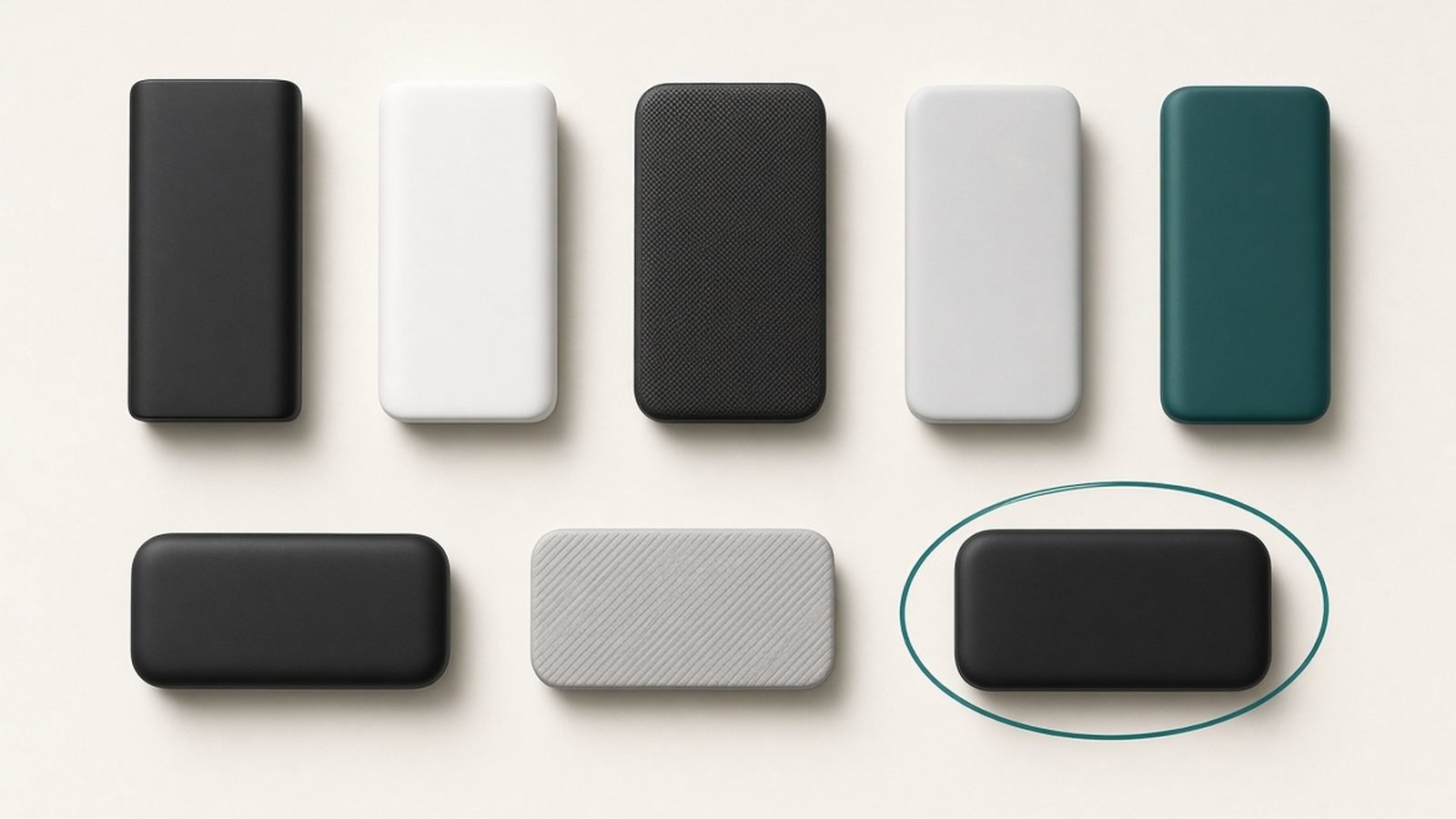
The best cable modem for 2026: our top picks for Xfinity, Spectrum, and Cox — and why buying beats a $15/month rental fee.

The best mesh wifi system for every home and budget in 2026 — Wi-Fi 6 and Wi-Fi 7 picks compared, with honest 3-year costs including subscriptions.
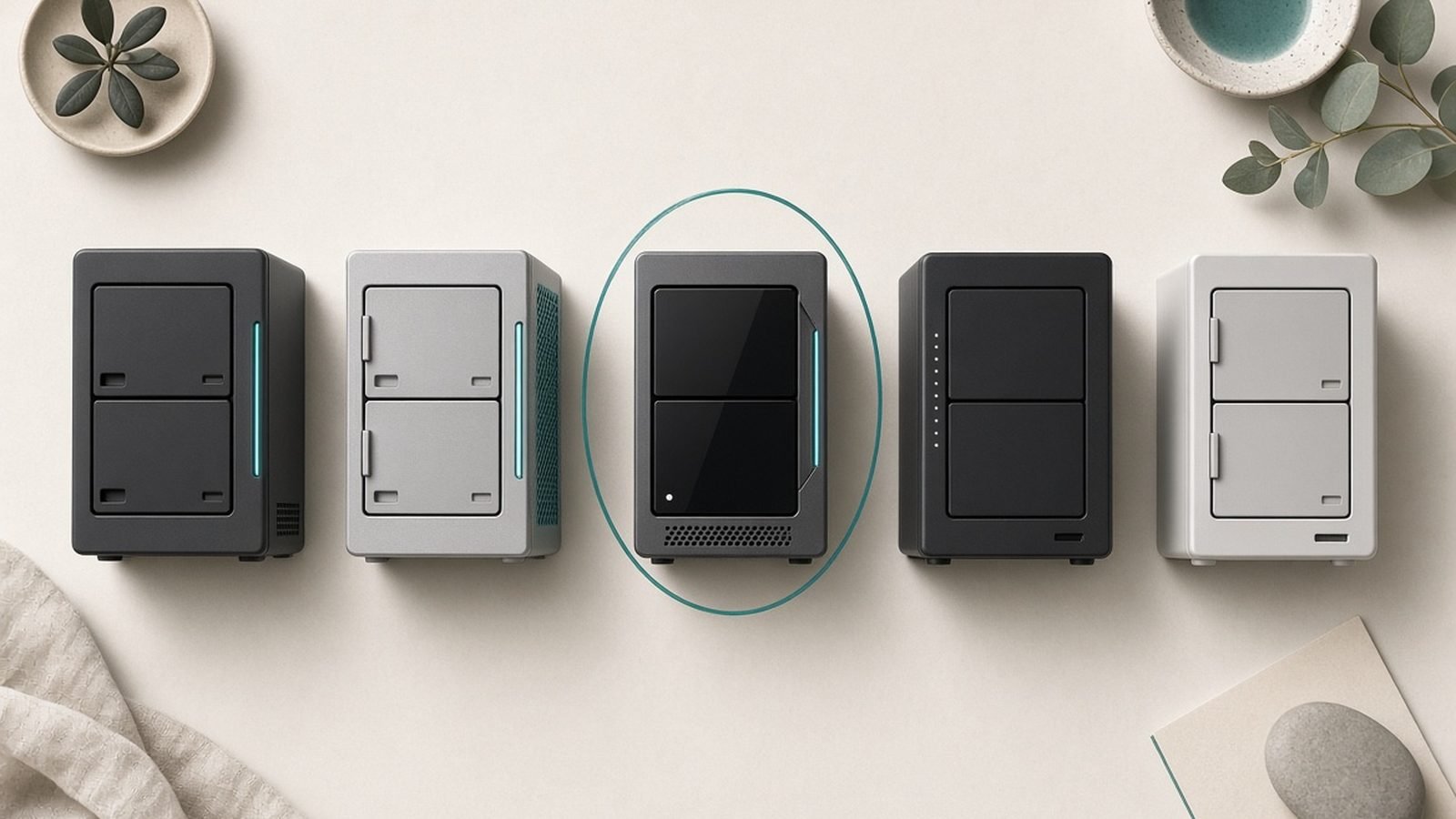
The best NAS for home in 2026, ranked. UGREEN vs Synology picks for backup, Plex and photos — with US/UK prices and drive advice.
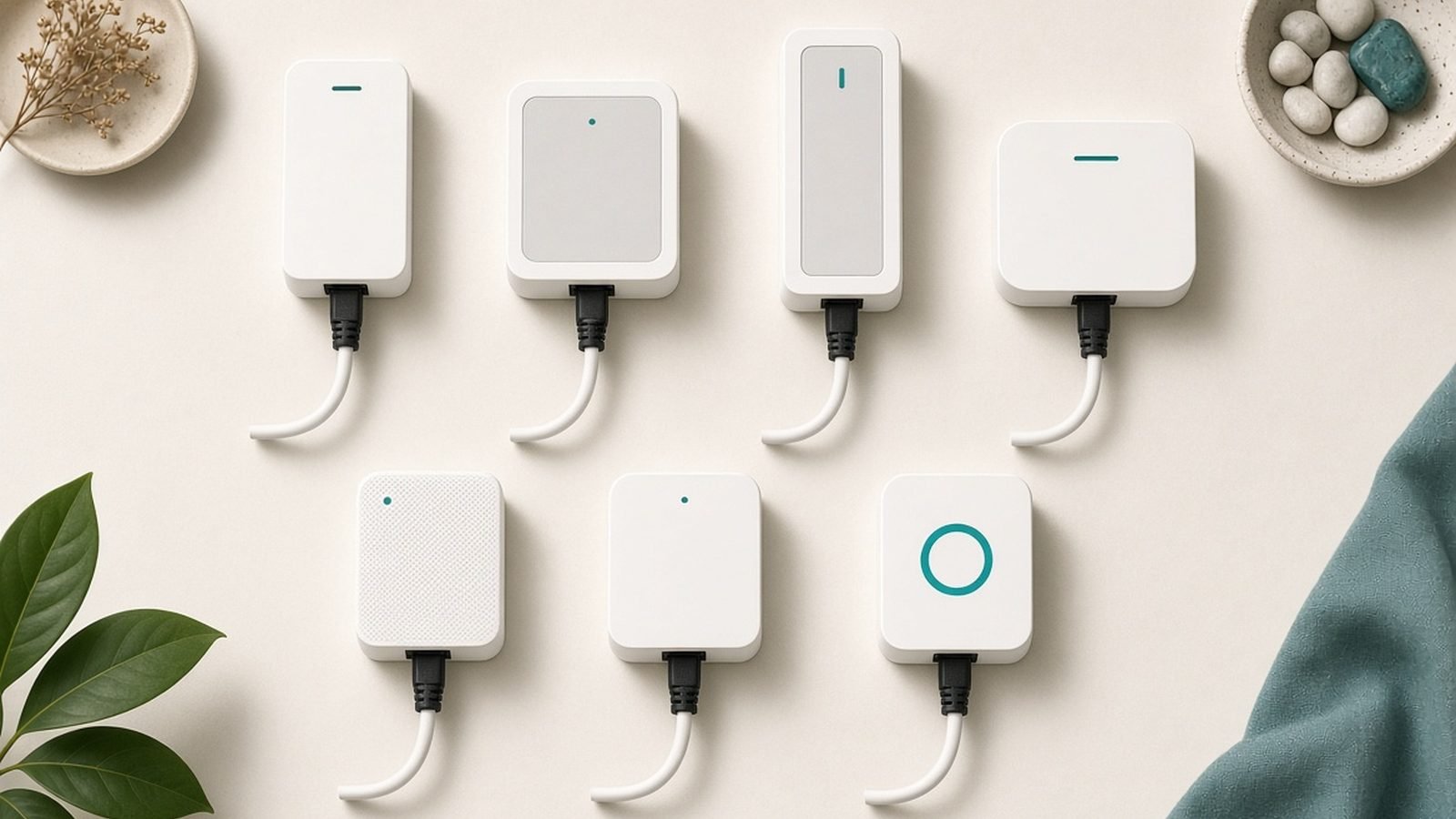
The best powerline adapter picks for 2026, US and UK — real speeds vs box claims, passthrough kits, and a Wi-Fi 6 option for thick-walled homes.

The best travel router for 2026, from Wi-Fi 7 pocket routers to 5G hotspots. VPN speeds, hotel Wi-Fi tricks and US/UK prices compared.
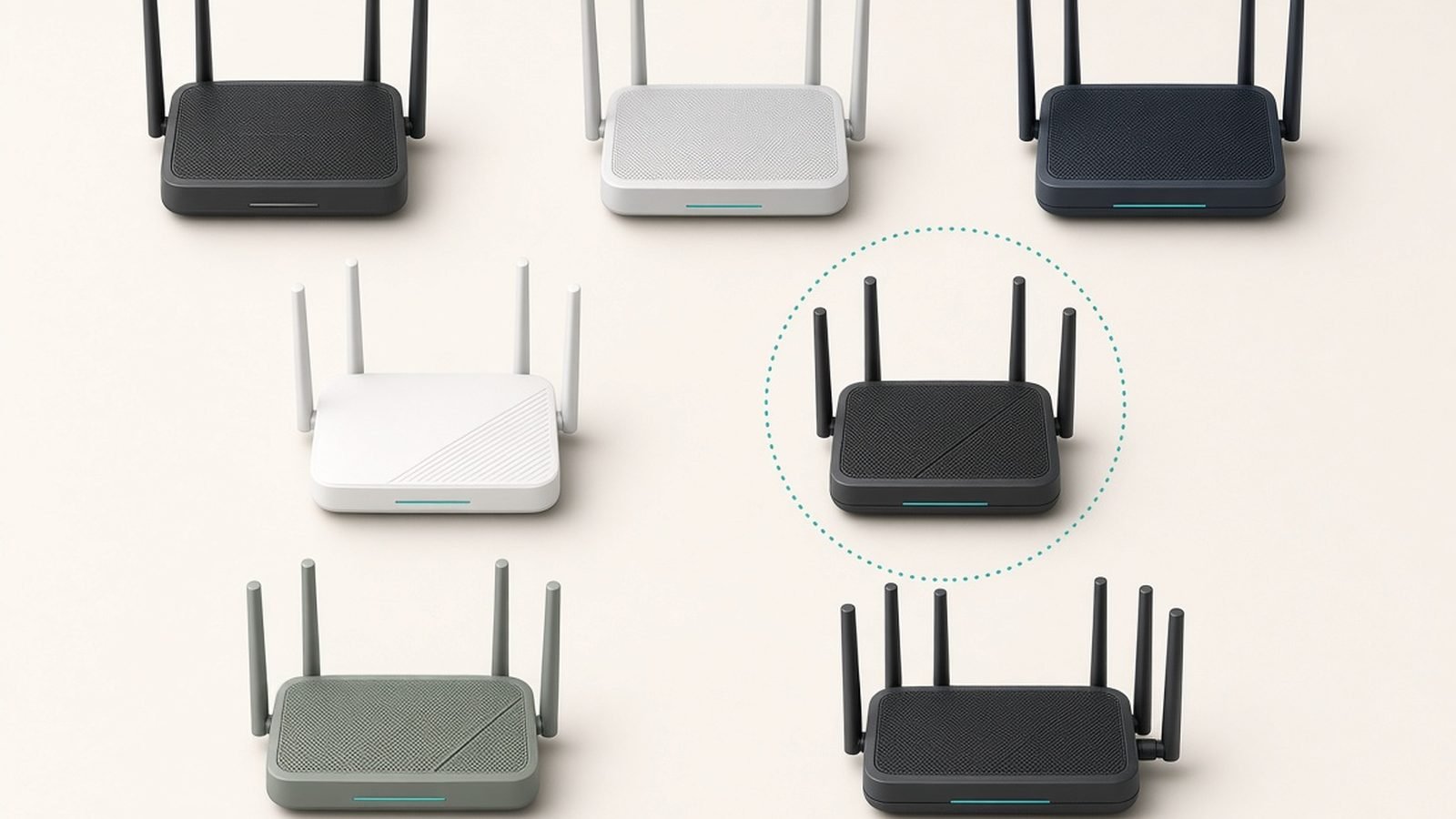
The best wifi 7 router for most people costs under $200 in 2026. Our researched picks for every budget, from $99 to premium mesh, US and UK prices.
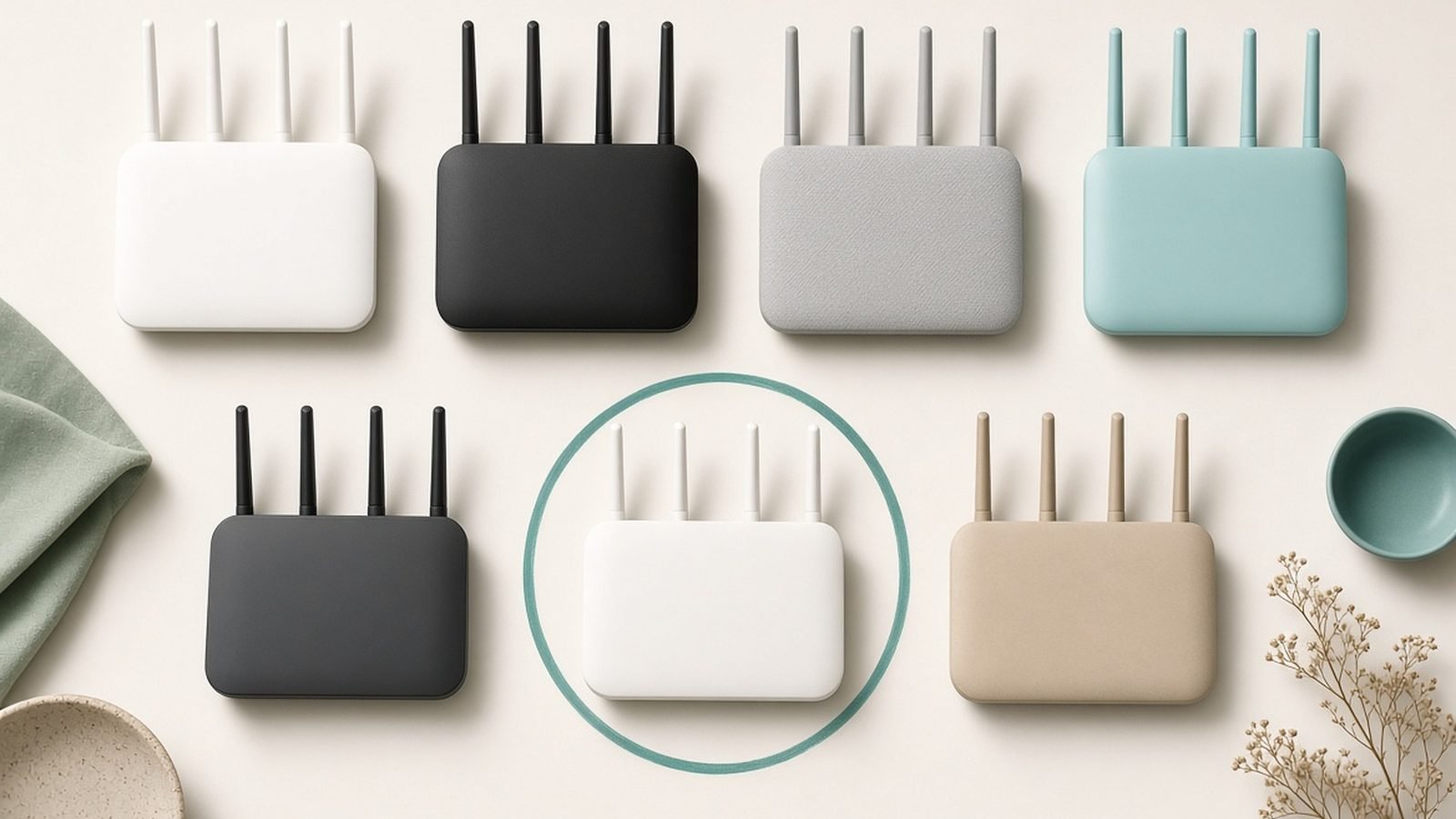
The best wifi router under $100 in 2026: a real Wi-Fi 7 pick, two Wi-Fi 6 workhorses, and a cheap mesh starter — US and UK prices compared.
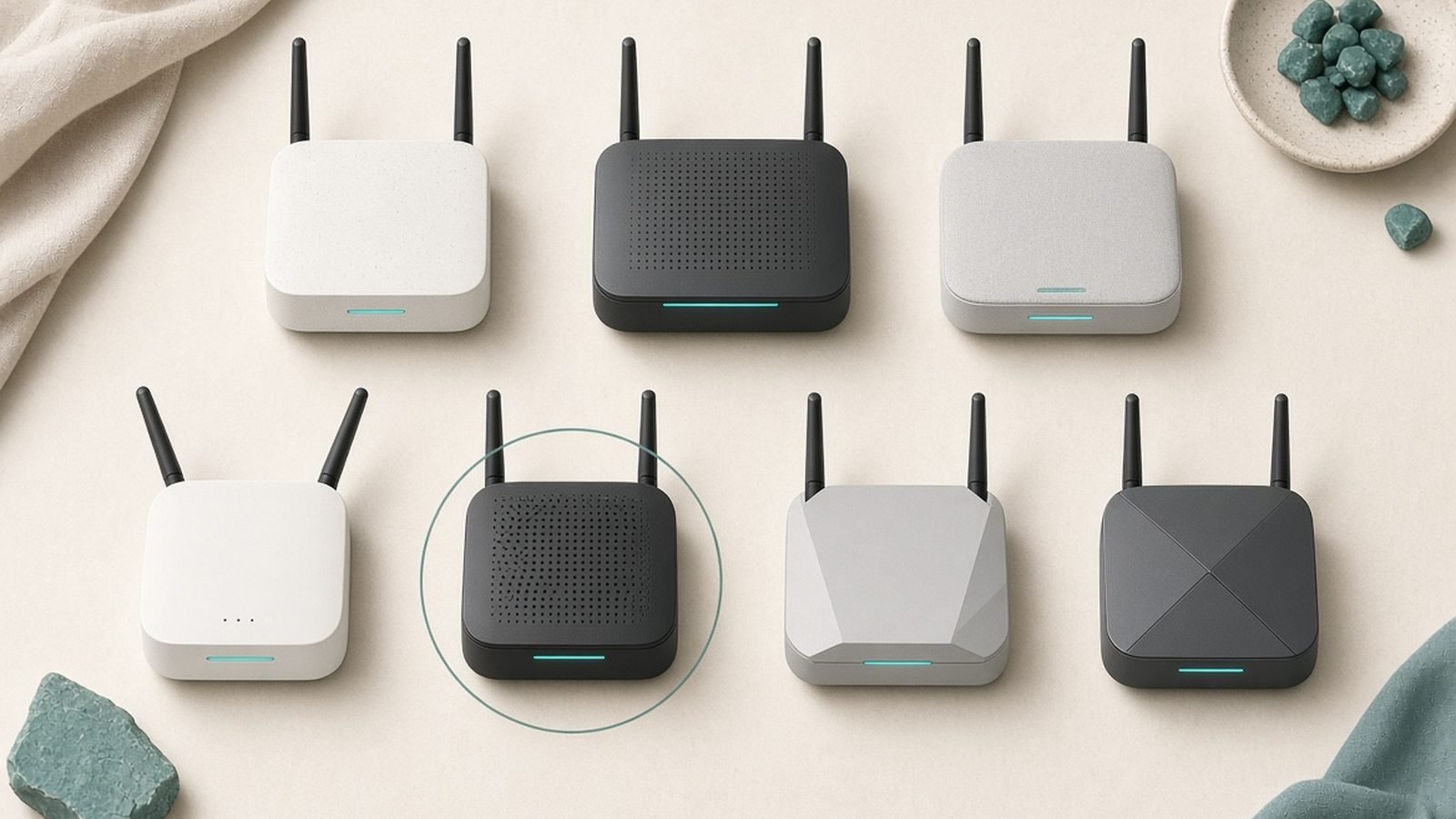
The best wifi extender with ethernet port for gaming and streaming in 2026 — 2.5G, gigabit and budget picks, US/UK prices, plus bridge setup steps.

The best wifi extender picks for 2026, from a $30 dead-zone fix to a Wi-Fi 7 flagship — plus when you shouldn't buy an extender at all.
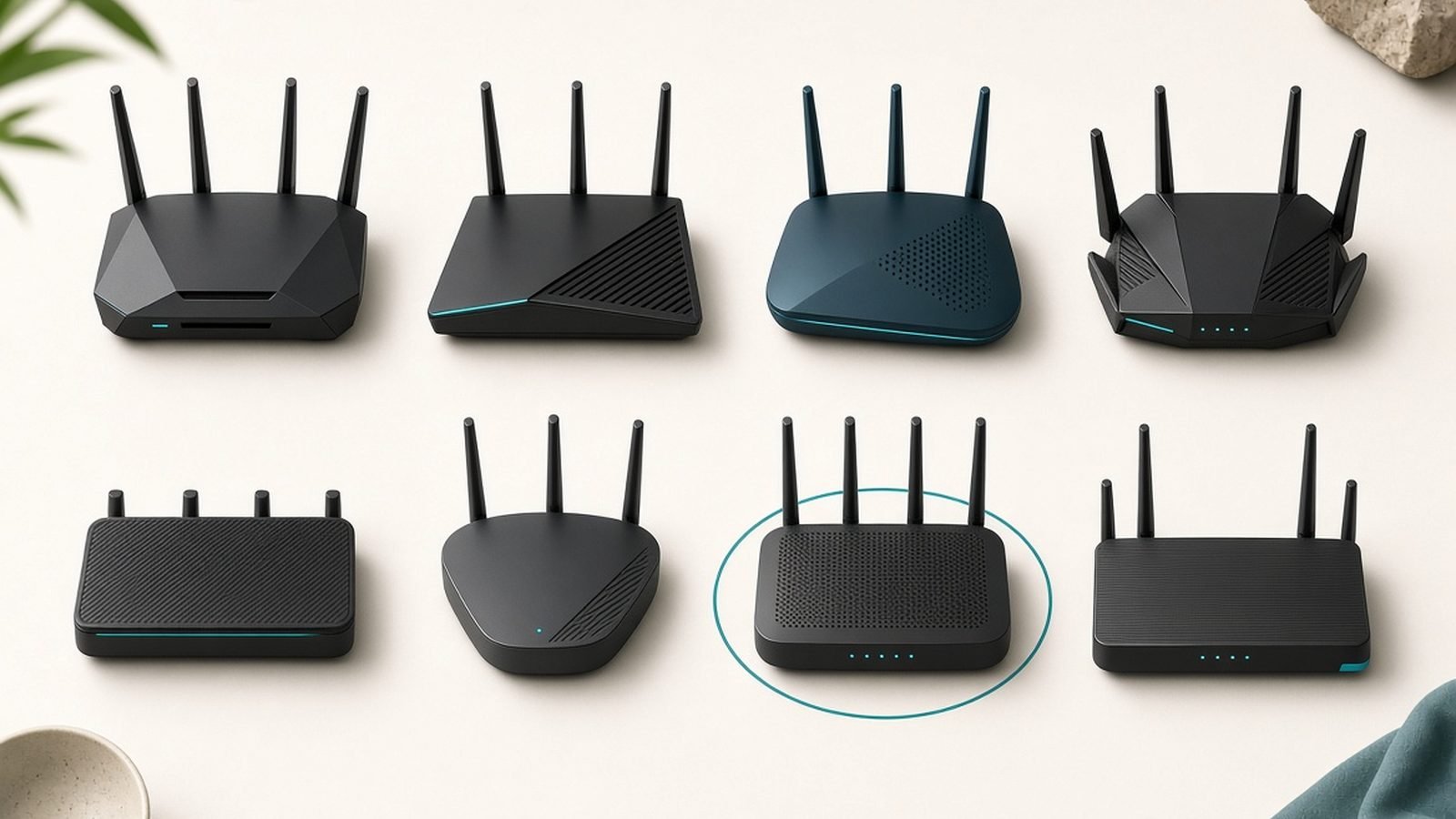
The best gaming router under $250 in 2026: Wi-Fi 7 picks from $99, honest QoS advice, and US/UK prices for PS5, Xbox and PC players.

Our Asus ROG Rapture GT-BE98 review: quad-band Wi-Fi 7, dual 10G ports and serious gaming features — but is this flagship router worth around $700 / £650?

Our Eero Max 7 review: 10G ports, real coverage, quad-band speeds and the eero Plus subscription catch. Is Amazon's flagship mesh worth $1,700?

Our GL.iNet Beryl AX (GL-MT3000) review: Wi-Fi 6 speed, VPN performance, OpenWrt features, and why it's the best pocket travel router for 2026.

Our Netgear Orbi 970 review: quad-band Wi-Fi 7 speed, 10G ports, coverage, subscription costs, and whether the RBE973 is worth its premium price.
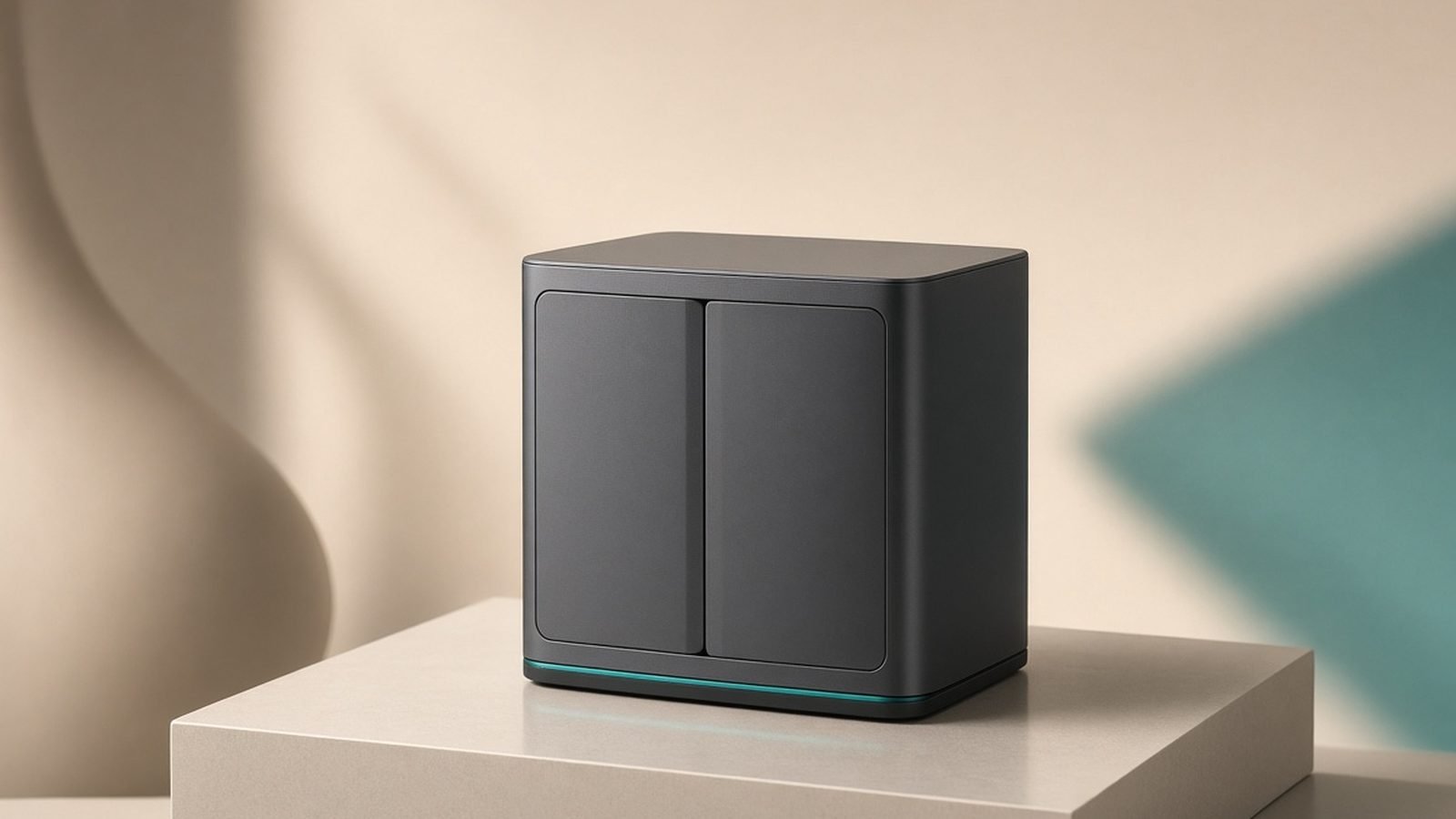
Our Synology DS224+ review: performance, DSM software, Plex and backup use, drive compatibility, and whether this 2-bay NAS is the best for home in 2026.

Our TP-Link Deco BE85 review: tri-band Wi-Fi 7 speed, dual 10G and SFP+ ports, coverage, and whether this flagship mesh beats eero and Orbi on value.
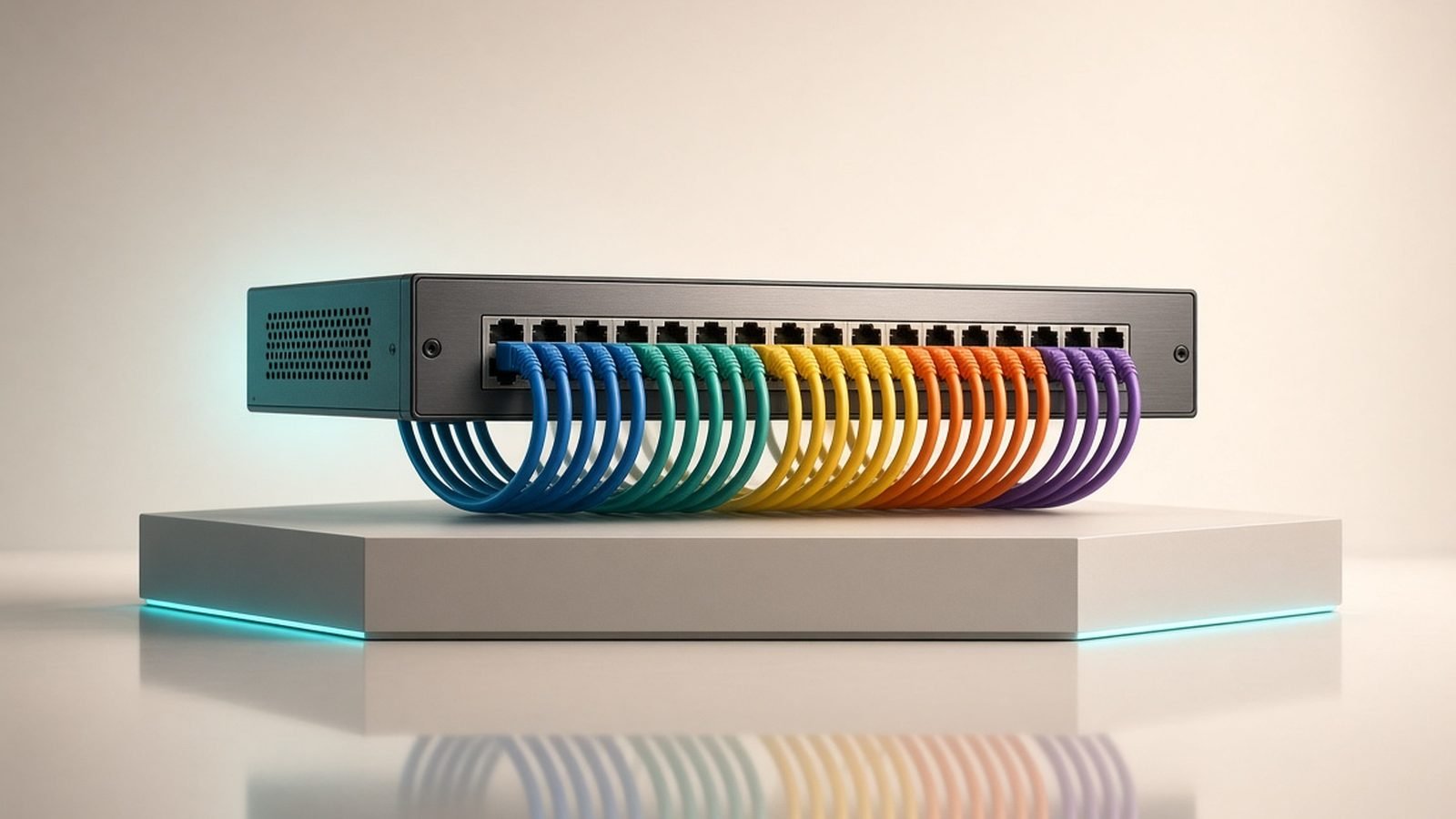
Our Ubiquiti UniFi review: the Cloud Gateway, switches and access points that define prosumer networking. Powerful, polished, but is it right for your home?

Our eero Pro 7 review: real-world speeds, eero Plus costs over 3 years, and how it compares to the Eero 7 and Max 7 in the US and UK.

Our GL.iNet Slate 7 review: Wi-Fi 7, dual 2.5G ports and ~490Mbps WireGuard make the GL-BE3600 the fastest travel router yet — with real trade-offs.
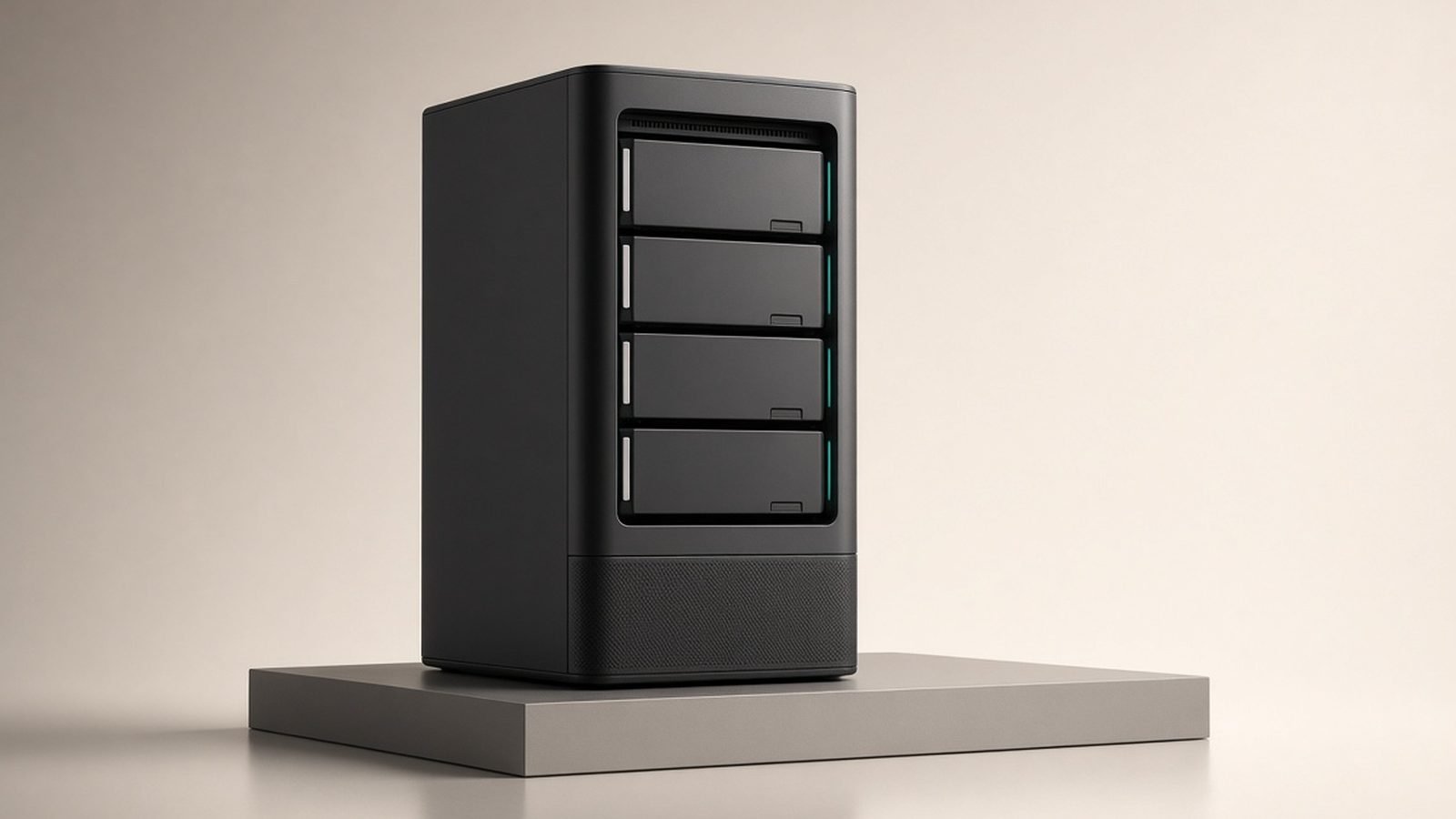
Our Synology DS925+ review for 2026: specs, Plex reality, the DSM 7.3 drive U-turn, and how it stacks up against the UGREEN DXP4800 Plus.
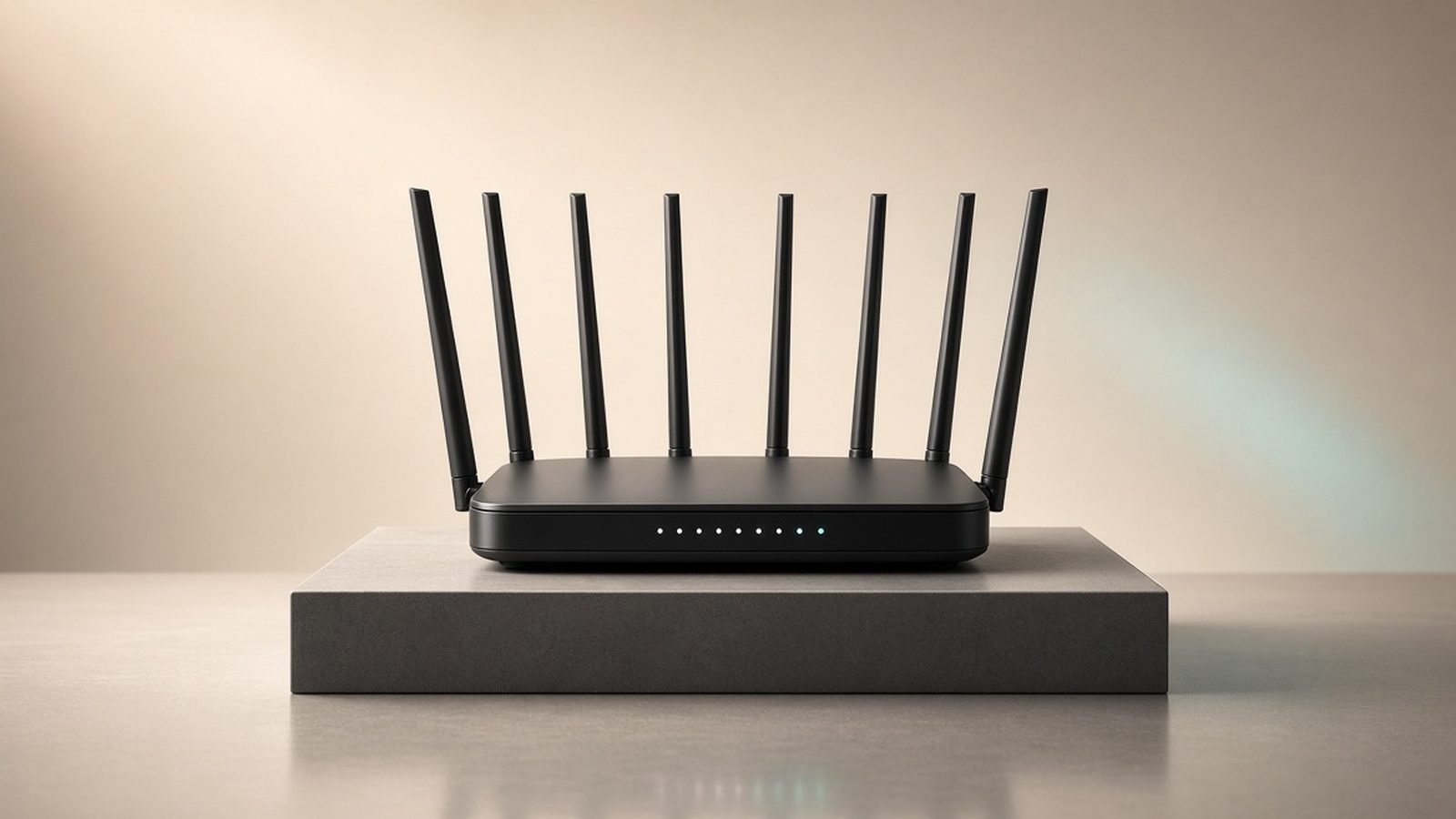
Our TP-Link Archer BE9700 review: specs, real-world speeds, US and UK pricing, and how this $199 Wi-Fi 7 router beats rivals twice its price.

Eero vs Orbi compared for 2026: price, Wi-Fi 7 speed, ports, subscriptions and setup, with clear verdicts for small, large and multi-gig homes.

Mesh wifi vs router, decided by home size and budget. When one powerful router wins, when mesh is worth it, and the wired-backhaul trick that changes both.

NAS vs cloud storage in 2026: we compare cost, privacy, backup safety and speed so you know when a home NAS wins and when cloud storage is the smarter buy.

Eero vs Deco compared for 2026: price, speed, app, subscriptions and smart home support, with clear verdicts at $150, $350 and $700 budgets.

Mesh wifi vs extender: which actually fixes your dead zones? We compare speed, roaming and cost so you spend $30 or $300 — never the wrong one.

Orbi vs Eero in 2026: we compare Wi-Fi 7 range, real speeds, apps and 3-year subscription costs to pick the right mesh for your home.
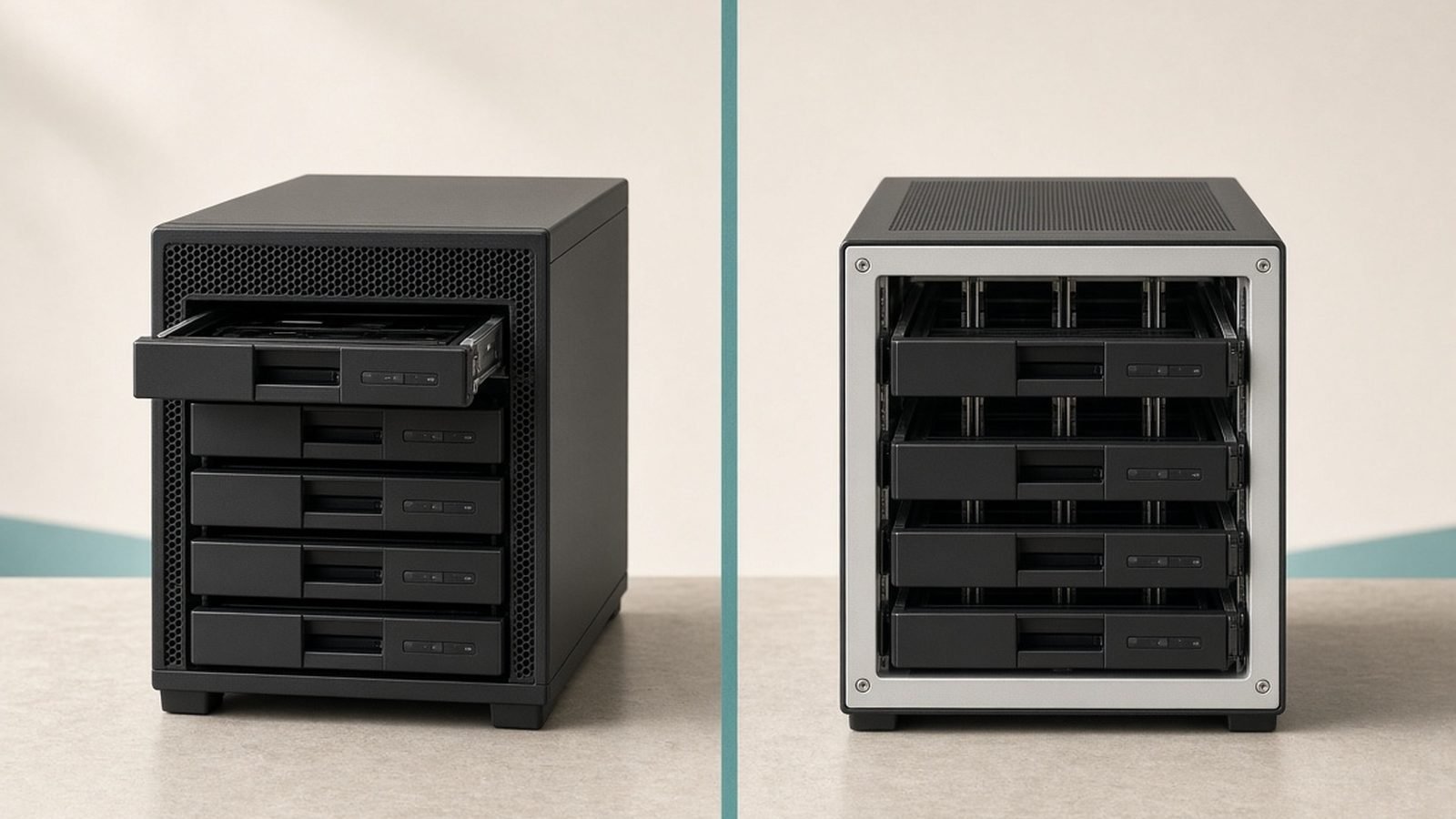
Synology vs UGREEN in 2026: we compare DXP4800 Plus vs DS925+, DXP2800 vs DS225+, DSM vs UGOS Pro, and true cost — with clear verdicts.

The best router settings for gaming: turn on QoS, pick the right band and channel, enable WMM, set gaming DNS and port-forward — for lower, steadier ping in 2026.

How to fix slow Wi-Fi step by step: test your speed, restart gear, pick the right band, clear congestion, update firmware and know when it's your ISP.

How to extend Wi-Fi range with 8 proven fixes: router placement, mesh, extenders, powerline, channels and more. Free tweaks first, then what to buy in 2026.
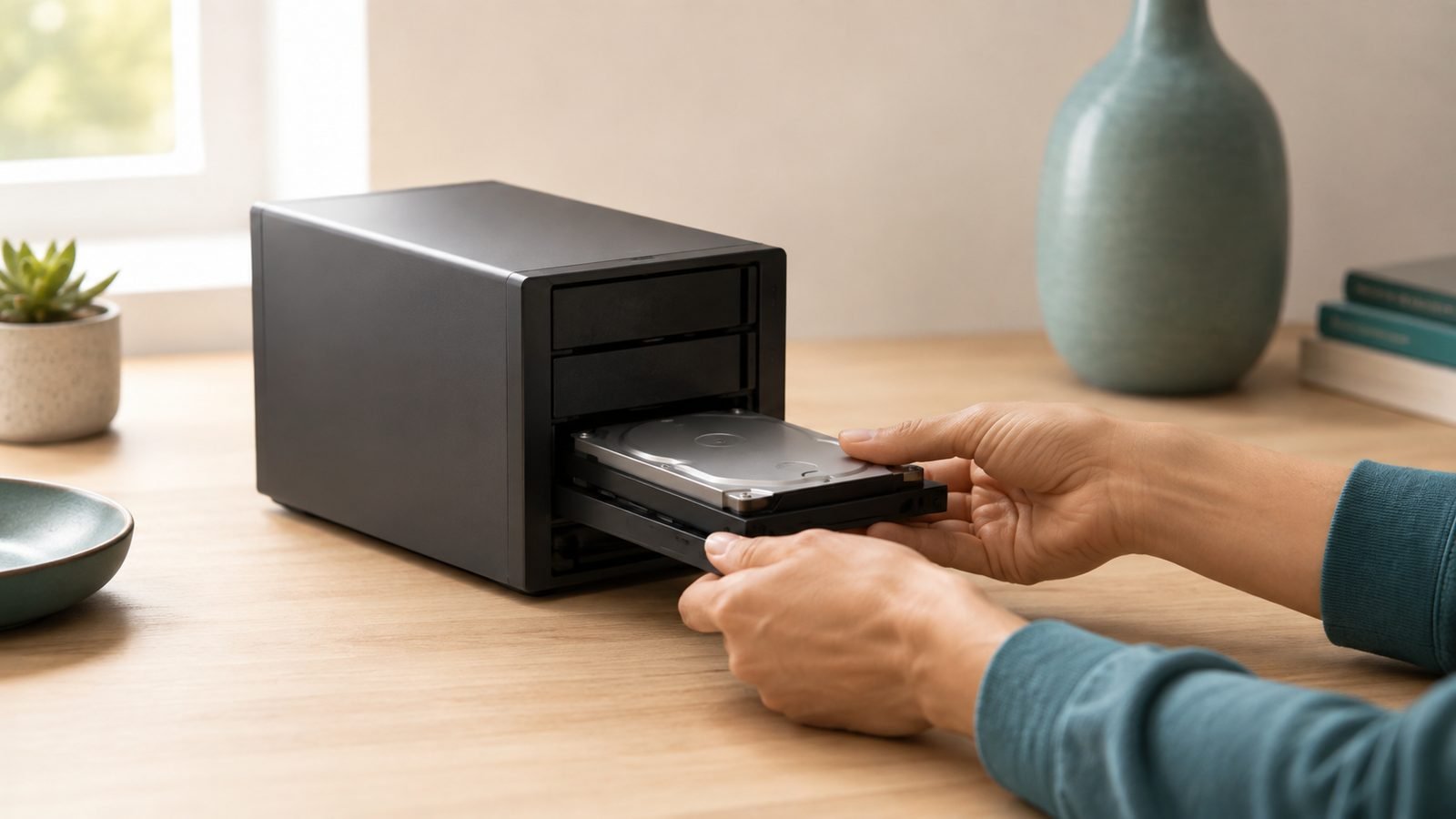
How to set up a NAS step by step: install drives, choose RAID, create shares, schedule backups and set up safe remote access. Beginner-friendly for 2026.

How to set up guest wifi in 10 minutes: isolate visitors and smart devices from your main network, keep your password private, and lock it down safely.
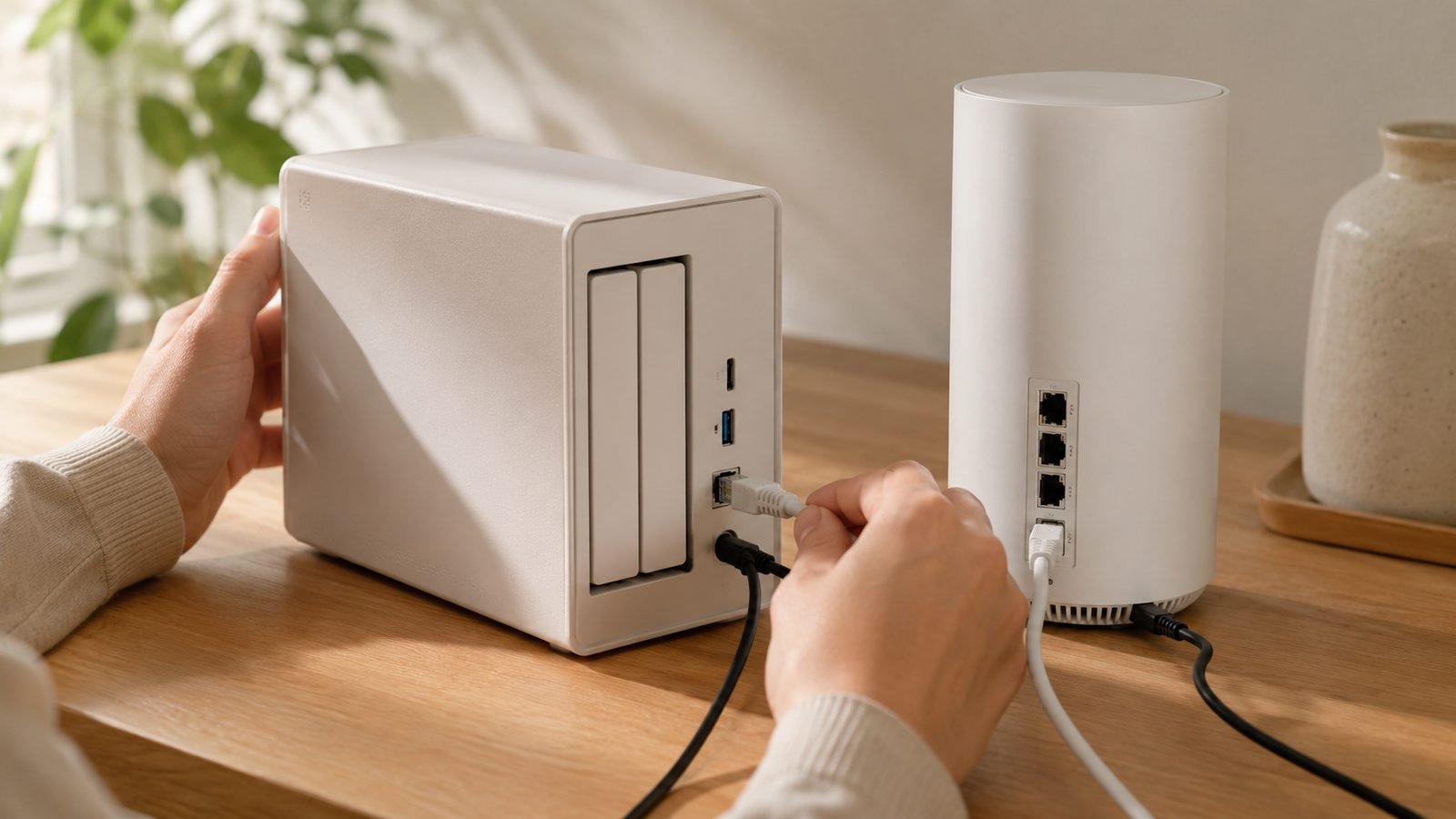
Learn how to set up a NAS in under an hour: drives, RAID/SHR, users, automatic backups and safe remote access — for Synology DSM and UGREEN UGOS.

Learn how to fix Wi-Fi dead zones with 9 proven fixes, from free router tweaks to extenders, powerline and mesh — for any home, any budget.

Learn how to use a travel router with hotel Wi-Fi: beat captive portals, run a VPN, cast to the TV and secure every device in 10 minutes.

Mesh wifi explained in plain English: how multiple nodes blanket your home in one seamless network, how it differs from an extender, and who actually needs it.

What is a travel router? A pocket-sized router that secures hotel Wi-Fi, shares one login across all your devices and runs a VPN. Who needs one and who doesn't.

Wifi bands explained simply: 2.4GHz for range, 5GHz for everyday speed, 6GHz for congestion-free bandwidth. Which band to use for what, and why it matters.

Is Wi-Fi 7 worth it in 2026? We break down real-world speeds, MLO, device support and prices to tell you exactly who should upgrade — and who shouldn't.
We use cookies to run this site, understand traffic, and — where you allow it — measure affiliate referrals and personalise ads. See our Cookie Policy and Privacy Policy.