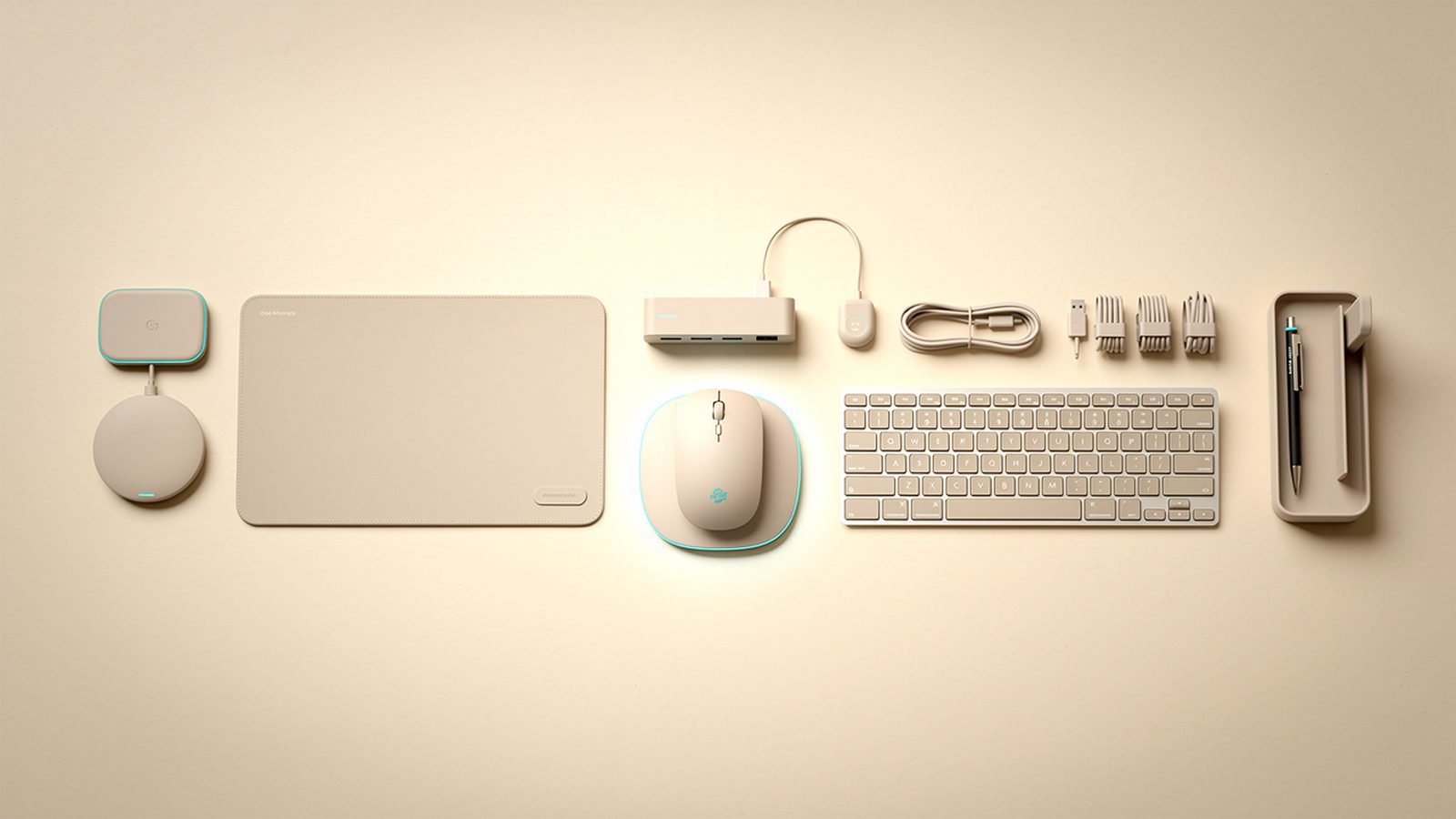
Buying Guide Best Desk Setup Accessories 2026: Upgrade Your Workspace
The best desk setup accessories for 2026: monitor arm, USB-C dock, desk mat, monitor light, cable management and laptop stand. Ranked with US and UK prices.
Chargers, power banks, hubs, docks and desk gear that punch above their price.
50 articles · updated 2026
The best desk setup accessories for 2026: monitor arm, USB-C dock, desk mat, monitor light, cable management and laptop stand. Ranked with US and UK prices.

The best ergonomic mouse for 2026 to prevent wrist and RSI pain. Logitech MX Vertical, MX Master, trackballs and budget picks ranked, with US and UK prices.
The best label makers of 2026 for home and office — Brother P-touch, Dymo and Niimbot compared on tape cost, durability and phone app control.
Your phone, laptop and tablet are only as good as the accessories and charging gear around them. This hub covers everything that keeps your devices powered and your workspace working: GaN wall chargers, power banks, USB-C hubs and Thunderbolt docks, mechanical and low-profile keyboards, mice, monitor arms, and complete desk setups. It’s the least glamorous corner of consumer tech — and the one where a bad purchase bites you every single day.
Every recommendation on Zen Tech Hub is built on structured research: manufacturer documentation and spec sheets, independent reviewers’ measurements of real charging wattage and dock workloads, and verified owner feedback at scale on how keyboards and mice hold up over months of daily use. We weigh both US and UK plugs, pricing and retailers in every guide, and we update our guides when firmware changes or better products ship. If we can’t evidence it, we don’t recommend it.
If you’re new to the category or just want the fast answer, these three guides solve the most common problems we get asked about:
Best GaN Chargers 2026: 30W to 160W Compared & Ranked — One compact GaN charger can replace the drawer full of power bricks you’re currently juggling; here’s the wattage sweet spot for phones, tablets and laptops, and the models that actually deliver their rated output.
Best Power Banks for Laptops in 2026: 100W+ Picks Compared — Capacity numbers on the box are close to meaningless; we dug into real-world recharge counts from independent measurements and owner reports, airline compliance and passthrough charging to find the banks worth carrying.
Best USB-C Hubs & Docks 2026: For Laptops & Desks — The difference between a $30 hub and a $300 dock is mostly bandwidth, and buying the wrong one is why your external monitor flickers; this guide untangles it.
Most buying mistakes in this category come from three misunderstandings: watts, ports and standards. Get these right and you can safely ignore 90% of the marketing copy.
Charging wattage is the single number that matters most, and it’s the one most people size wrong. A modern phone needs 20–30W to fast-charge. A tablet wants 30–45W. A thin-and-light laptop needs 60–65W, and a 16-inch MacBook Pro or gaming laptop can pull 100–140W under load.
The rule: buy for the hungriest device you’ll ever plug in, then add headroom if the charger has multiple ports. A “100W” dual-port charger typically splits to 65W + 35W when both ports are active — fine for a laptop plus phone, useless for two laptops. Check the split-power table on the spec sheet (reputable brands publish it; sketchy ones don’t, which tells you something).
GaN (gallium nitride) chargers are worth the small premium. The semiconductor material runs cooler and switches more efficiently than silicon, which is why a 65W GaN charger is roughly the size of an old 20W brick. In 2026 there’s little reason to buy a non-GaN charger above 30W.
A “20,000mAh” power bank will not charge a 5,000mAh phone four times. Voltage conversion and heat losses eat 30–40% of rated capacity, so expect about 2.5 full charges in practice. Our reviews list independently measured output, not label capacity.
Three more checks before you buy:
Output wattage. A bank that tops out at 18W will trickle-charge a laptop overnight, if at all. For laptop duty you want 65W+ USB-C Power Delivery output.
Flight rules. Both US and UK carriers cap lithium batteries at 100Wh (roughly 27,000mAh) in carry-on. Anything bigger stays home.
Recharge speed. A big bank that takes 8 hours to refill is a bank you’ll leave uncharged. Look for 45W+ input.
A USB-C hub ($25–$80) splits one port into several using the bandwidth your laptop already provides — good for a card reader, a USB-A stick and one external display. A Thunderbolt or USB4 dock ($150–$350) adds its own high-bandwidth controller — necessary for dual 4K monitors, fast external SSDs and single-cable docking with 90W+ charging back to the laptop.
The most common failure we see: buying a cheap hub, plugging in two monitors, and blaming the laptop when one screen drops to 30Hz. That’s DisplayPort bandwidth arithmetic, not a defect. If you run more than one external display, budget for a proper dock and check it explicitly supports your laptop’s protocol — Thunderbolt 4/USB4 for Macs and premium Windows machines, DisplayLink for multi-monitor setups on bandwidth-limited ports.
You’ll press a keyboard 20 million times before you replace it. Prioritize, in order: layout size (do you actually use the numpad? — a 75% or TKL board frees desk space and centres your mouse), switch feel (linear for quiet offices, tactile for typing feedback), and connectivity (2.4GHz dongles beat Bluetooth for latency; Bluetooth wins for multi-device switching).
For mice, shape beats specs. Sensor DPI numbers above ~3,200 are marketing for anyone who isn’t a competitive gamer. What matters is grip fit, weight and whether your wrist hurts after week two — which is why vertical and ergonomic shapes keep growing.
A monitor arm is the highest value-per-pound upgrade on any desk: it reclaims the stand’s footprint, fixes your neck angle and makes cleaning possible. Check two numbers — VESA pattern (75×75 or 100×100mm) and weight rating, remembering that ultrawides often exceed cheap arms’ limits. Gas-spring arms adjust smoothly; post-mount arms are cheaper and fine if you set-and-forget.
Finally, cable management isn’t cosmetic. A cable tray, a few sleeves and a mounted power strip mean you can actually move a sit-stand desk without unplugging half your setup.
Our researched, regularly updated top picks across the category:
Best GaN Chargers 2026: 30W to 160W Compared & Ranked — Stop packing three bricks: the single compact chargers that fast-charge a laptop, phone and earbuds at once, verified against independent reviewers’ power-meter measurements.
Best Power Banks for Laptops in 2026: 100W+ Picks Compared — The banks that hold up under full drains in independent tests and long-term owner reports, with real recharge counts and airline-safe picks for travellers.
Best USB-C Hubs & Docks 2026: For Laptops & Desks — From £25 dongles to full Thunderbolt docks: which tier you actually need for your monitor setup, and the models that don’t overheat.
Best Wireless Keyboards 2026: Top Boards for Work — Boards you can type on for eight hours without regret, from silent low-profile options to enthusiast mechanicals.
Best Ergonomic Mice 2026: Comfort Without RSI — If your wrist aches by Friday, one of these shapes will likely fix it — we ranked them by the comfort owners report after months of daily use.
Best Monitor Arms 2026: Single, Dual & Ultrawide Ranked — The arms that hold a 32-inch panel rock-steady, and the cheap ones that sag within a month.
Best Desk Setup Accessories 2026: Upgrade Your Workspace — The dozen small purchases — trays, mats, lights, risers — that owners consistently say upgraded their desks the most per dollar spent.
In-depth, research-driven verdicts on individual products:
Anker Prime 250W Charger Review 2026: Desktop Power Hub — Can one desktop charger genuinely replace a power strip’s worth of adapters? We dug through its power-split tables and owner reports of four-device loads to find out.
Ugreen Nexode 140W Review 2026: Specs, Value & Verdict — A travel charger that claims full MacBook Pro speeds from something pocket-sized — independent reviewers’ meters say whether it’s honest.
CalDigit TS5 / TS5 Plus Review 2026: The Ultimate Dock? — The dock that power users keep recommending: how it holds up driving dual 6K displays and a 10Gbps SSD, according to long-term owner reports.
Logitech MX Keys S Review 2026: Best Productivity Keyboard? — The default “just buy this” office keyboard, re-examined to see if it still earns that reputation against newer low-profile rivals.
Keychron Q Series Review 2026: Custom Mechanical Keyboards — What a fully customisable mechanical keyboard actually gets you over an off-the-shelf board, and who should bother.
When it’s down to two, these settle it:
Anker vs Ugreen Chargers 2026: Which Brand Is Better? — The two brands dominating the charging aisle, compared on independently measured output, heat, warranty service and price per watt.
Thunderbolt Dock vs USB-C Hub: Which Do You Need? — Spending $250 hurts once; a flickering monitor hurts daily — here’s exactly which setups justify the dock.
Logitech MX Master vs Apple Trackpad 2026: Which for Mac? — Mouse loyalists and trackpad devotees are both sure they’re right; we weighed the evidence on precision, ergonomics and shortcuts to call it.
MagSafe vs Qi2 Charging 2026: What's the Difference? — Two wireless standards, one magnetic future: which chargers work across iPhone and Android, and where speeds really differ.
Practical walkthroughs for the problems that actually come up:
How to Fix Slow USB-C Charging — If your “fast” charger is charging slowly, one of five culprits is responsible — here’s how to isolate it in ten minutes.
Cable Management Guide 2026: Tidy Your Desk for Good — The step-by-step system we use to take a desk from cable spaghetti to clean in under an hour, with a shopping list under £40.
Dual Monitor Setup Guide 2026: Do It Right — Ports, cables, arms and settings: everything between unboxing a second monitor and a setup that actually works at 60Hz+.
How to Extend Your Power Bank's Lifespan — Lithium cells die from habits, not age — the charging practices that double how many years your bank stays useful.
The background knowledge that makes you a smarter buyer:
What Is GaN Charging? Smaller, Cooler, Faster Chargers — Why a charger material you’d never heard of made power bricks two-thirds smaller, in plain English.
USB-C Cables Explained: Why They're Not All the Same — Identical-looking USB-C cables can differ by 10x in speed and 5x in wattage; here’s how to tell what you own.
USB Power Delivery (USB-PD) Explained — How your charger and laptop negotiate wattage — and why mismatched gear silently falls back to slow charging.
Thunderbolt vs USB4 Explained: What's the Difference? — The port looks the same but the capabilities aren’t: what the logos on your laptop actually guarantee.
Three shifts will shape this category through 2026 and 2027. First, Qi2.2 wireless charging is pushing magnetic wireless charging to 25W and beyond across both iPhone and Android flagships, which finally makes wireless desk stands a genuine alternative to cables — expect a wave of multi-device magnetic stands and a shakeout of pre-Qi2 stock at clearance prices. Second, 240W USB-C Power Delivery is moving from spec sheet to shelf: cables and chargers rated for the full EPR standard mean even gaming laptops are abandoning barrel plugs, and single-cable everything becomes realistic. Buy 240W-rated cables now and they’ll outlast several device generations. Third, the dock market is splitting: Thunderbolt 5 docks with 80–120Gbps bandwidth are arriving for creators running multiple high-refresh monitors, while DisplayLink-based docks keep getting cheaper for everyone else. On desks, expect more integrated setups — monitor arms with built-in docks and power, keyboards with hot-swappable everything as standard, and a continued move toward 75% layouts. Our advice holds through all of it: buy standards, not brands, and let the certification logos do the vetting.
How many watts should my charger be? Add up your needs: 30W covers any phone, 45W covers tablets and small laptops, 65W covers most ultrabooks, and 100W+ is for 16-inch pro laptops. For multi-port chargers, check the published power split with all ports active — the headline number rarely applies to simultaneous charging.
Are expensive USB-C cables worth it? Sometimes. For charging only, any certified 60W or 100W/240W cable works — price differences are mostly build quality. For data and video, cable ratings genuinely matter: a charging-only cable will refuse to drive a monitor at all. Buy certified cables from known brands; counterfeit high-wattage cables are a real fire risk.
Do I need a Thunderbolt dock or is a USB-C hub enough? Count your monitors. One external display, a couple of USB devices: a $30–$50 hub is fine. Two or more displays, fast external storage, or single-cable laptop charging: you want a Thunderbolt/USB4 dock, or a DisplayLink dock if your laptop’s port is bandwidth-limited.
What’s the best first upgrade for a home office desk? A monitor arm, in almost every case. It fixes posture, frees more desk space than any organiser and costs less than most keyboards. Second pick: replacing your laptop’s charger with a multi-port GaN unit so the desk runs off one wall socket.
Zen Tech Hub may earn a commission from links on this page, at no extra cost to you.
The best desk setup accessories for 2026: monitor arm, USB-C dock, desk mat, monitor light, cable management and laptop stand. Ranked with US and UK prices.
The best ergonomic mouse for 2026 to prevent wrist and RSI pain. Logitech MX Vertical, MX Master, trackballs and budget picks ranked, with US and UK prices.
The best label makers of 2026 for home and office — Brother P-touch, Dymo and Niimbot compared on tape cost, durability and phone app control.
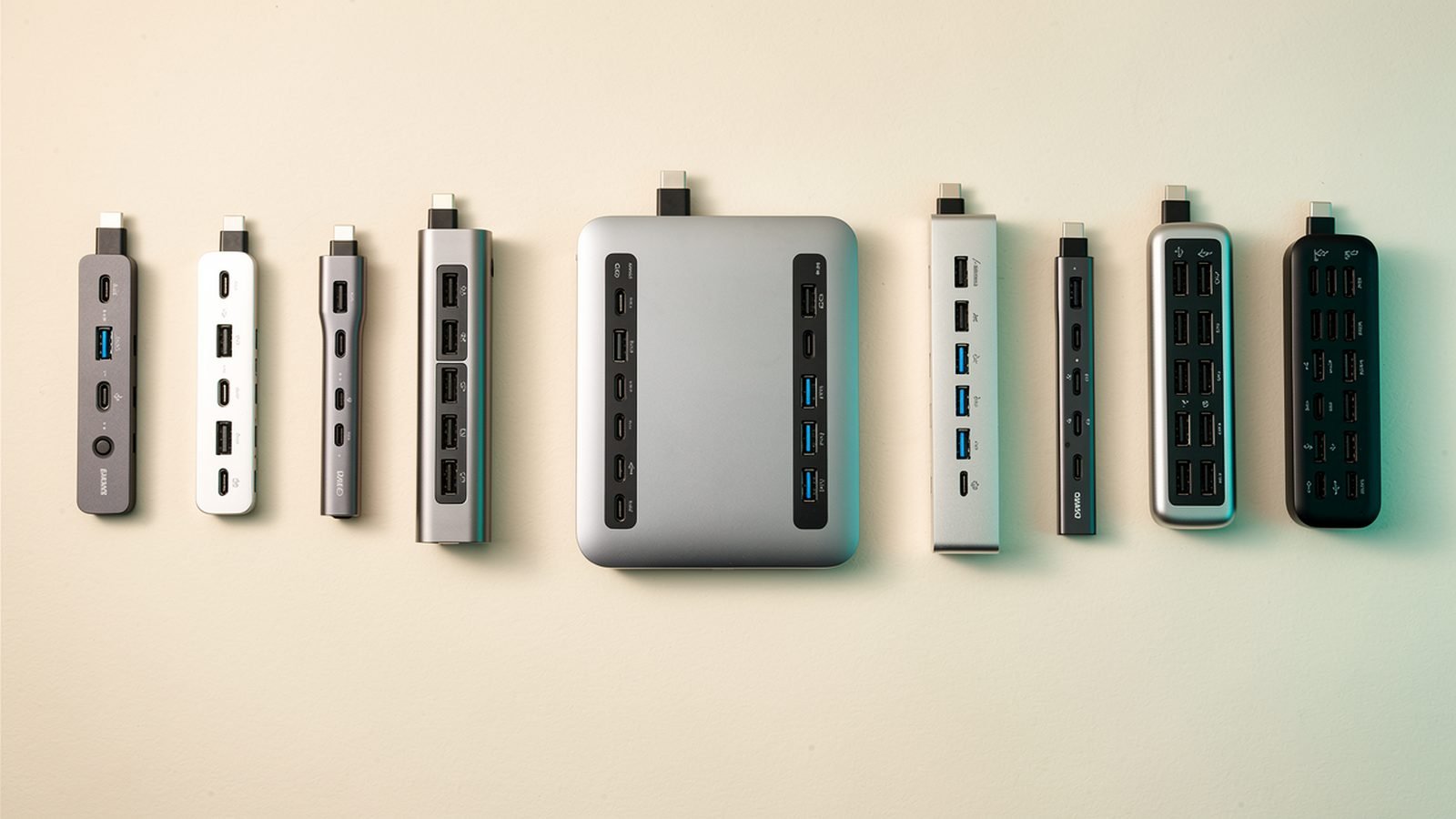
The best laptop docking station for a single-cable desk in 2026. CalDigit, UGREEN, Dell and Thunderbolt 4/5 docks ranked, with US and UK prices.

The best mechanical keyboard for typing and gaming in 2026. Keychron, NuPhy, Logitech, Wooting and budget picks ranked, with US and UK prices.

The best portable monitor for laptops and travel in 2026. ASUS ZenScreen, Espresso and Arzopa ranked, with USB-C, OLED options and US/UK prices.
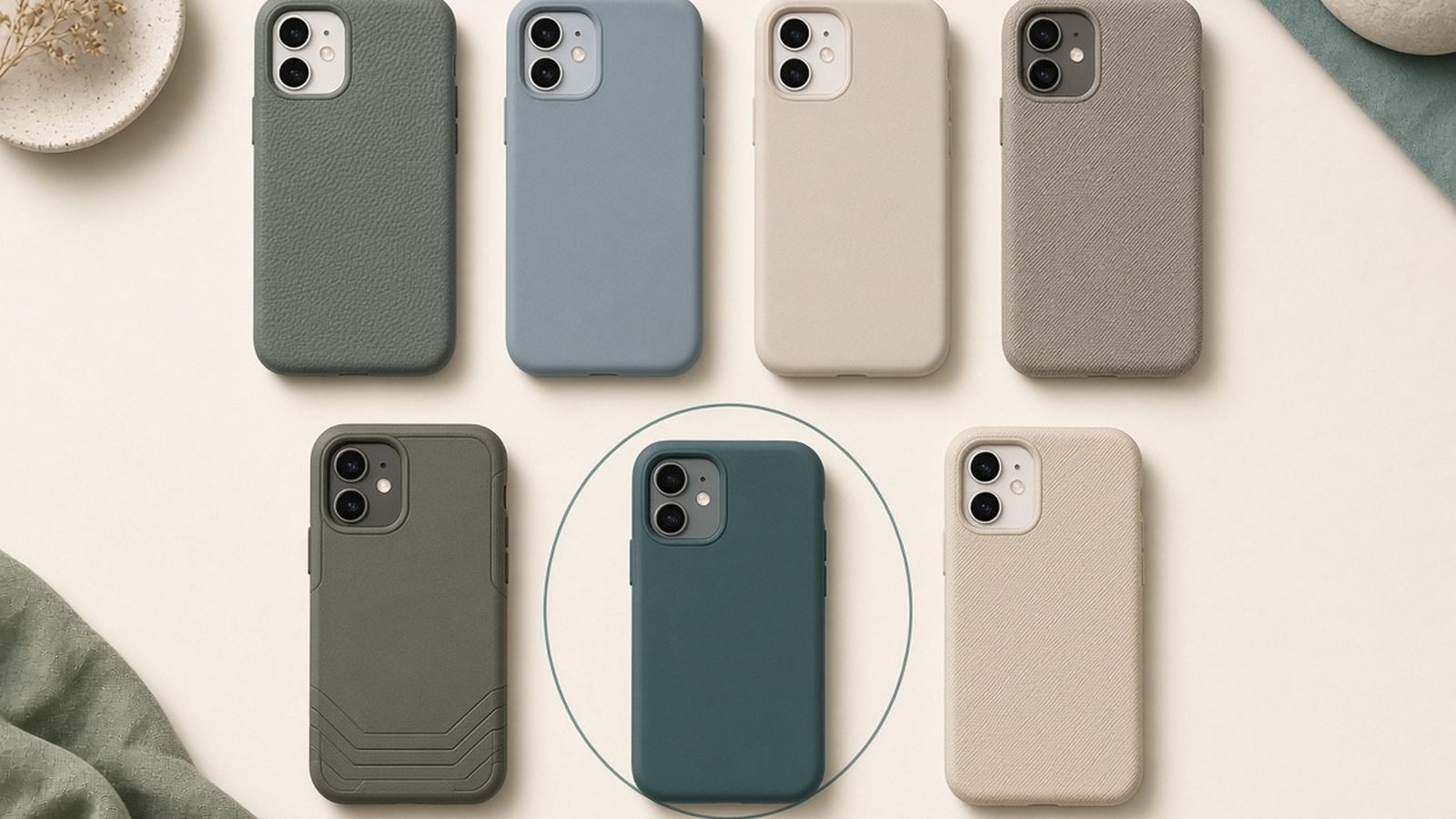
The best phone cases for 2026 — OtterBox, Spigen, Casetify, Peak Design, ESR and Mous compared across rugged, slim, MagSafe and custom, with US and UK prices.
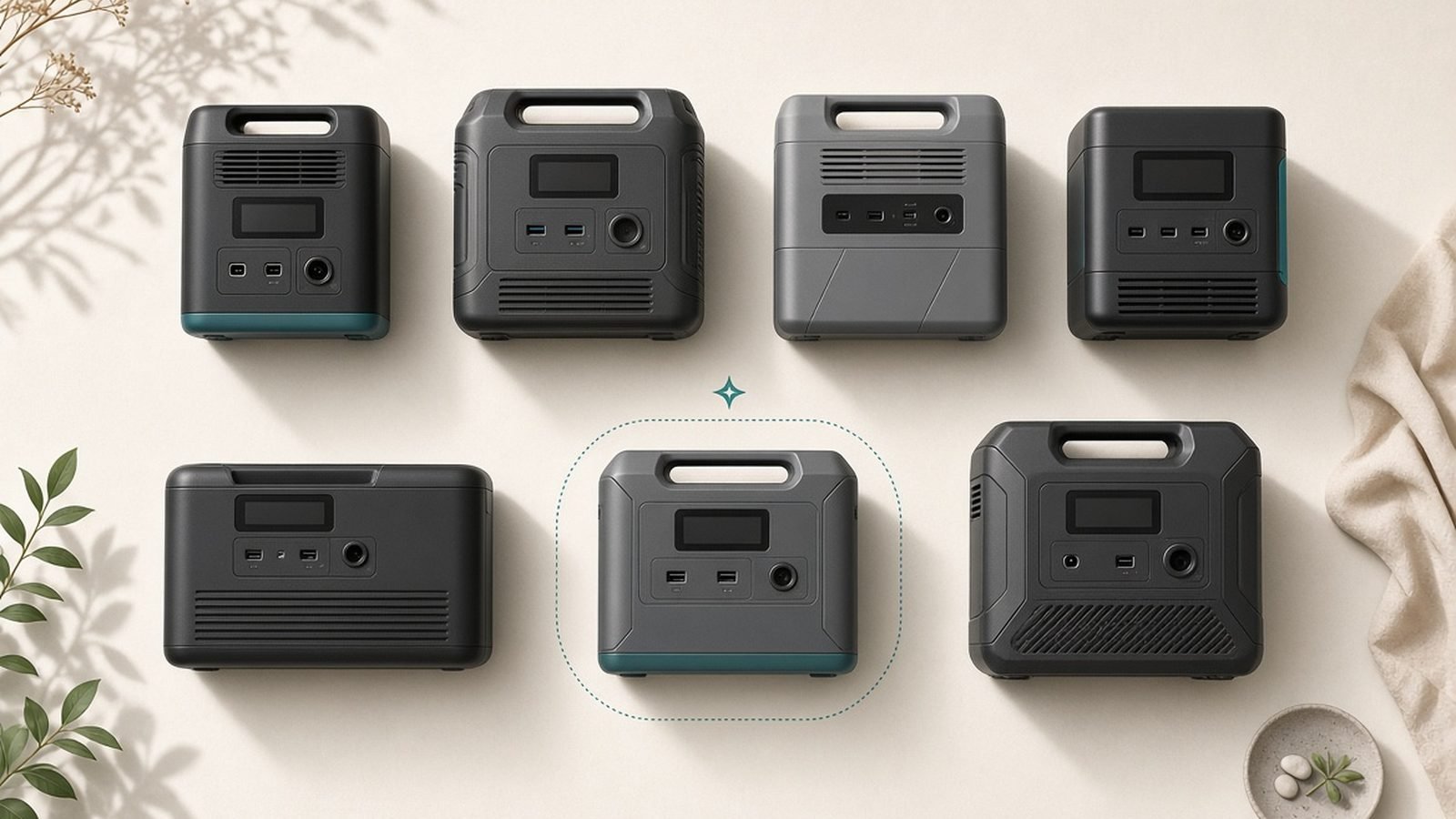
The best portable power stations for 2026 — EcoFlow, Bluetti, Jackery and Anker SOLIX compared on capacity, LiFePO4 life, solar input and home backup, US and UK prices.
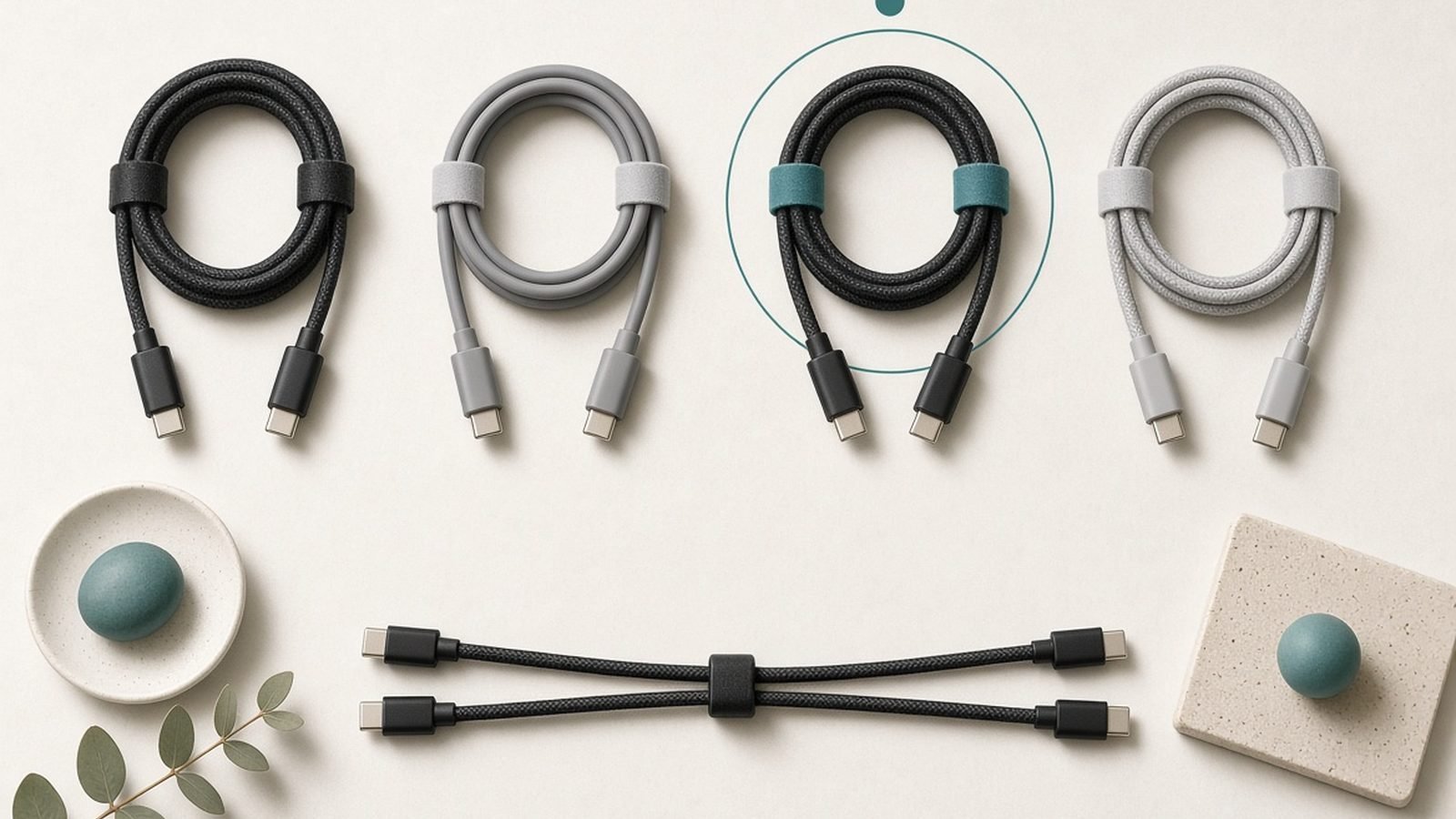
The best USB-C cable for fast charging and fast data in 2026. Anker, UGREEN and Cable Matters ranked by wattage and speed, with US and UK prices.
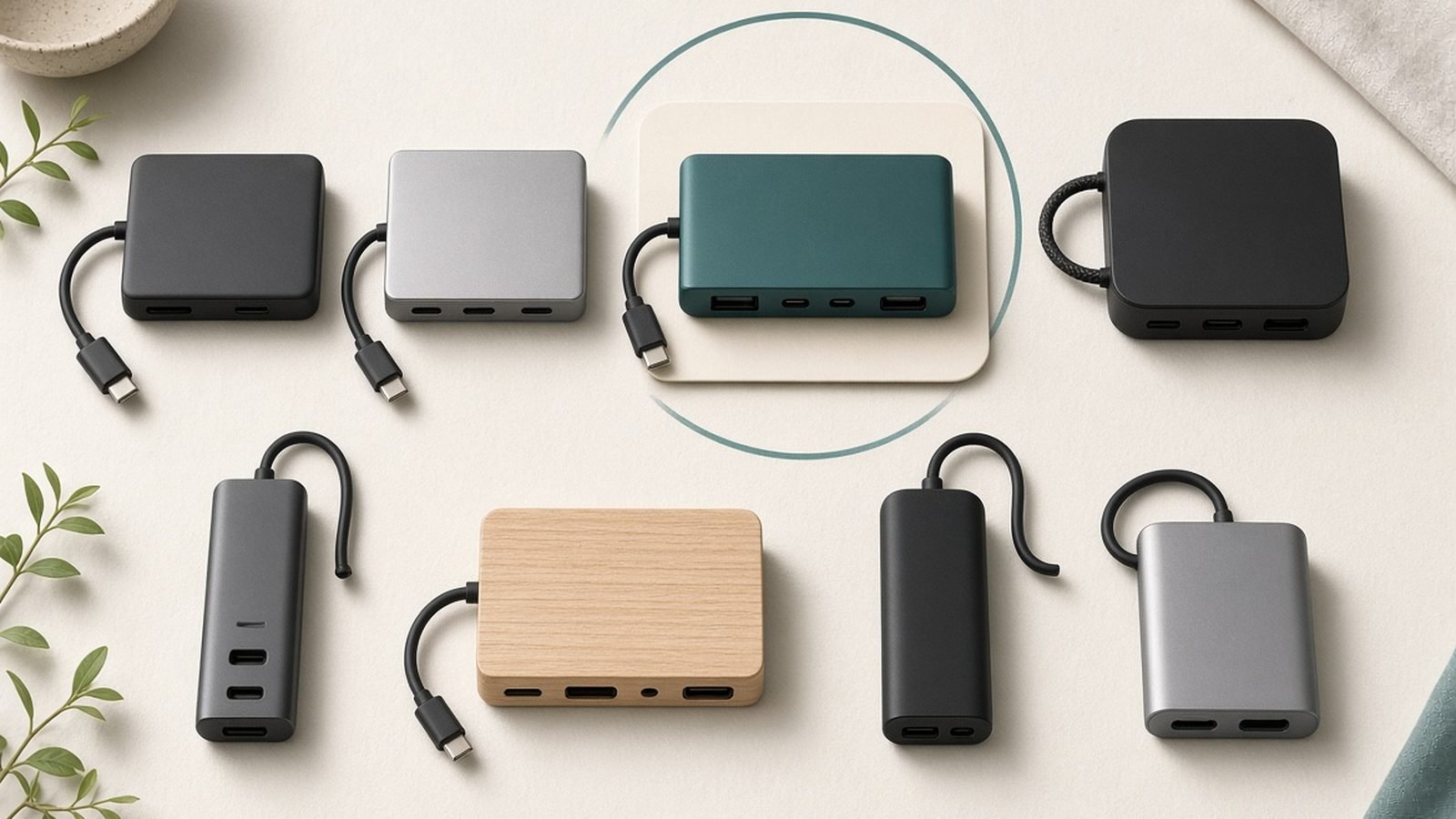
The best USB-C hub and Thunderbolt dock for 2026, from pocket travel hubs to single-cable desk docks. CalDigit, Anker, Ugreen and Satechi ranked, US and UK prices.

The best screen protectors for 2026 — Spigen, ESR, Belkin, amFilm and Zagg InvisibleShield compared on hardness, clarity, install ease and price, US and UK.
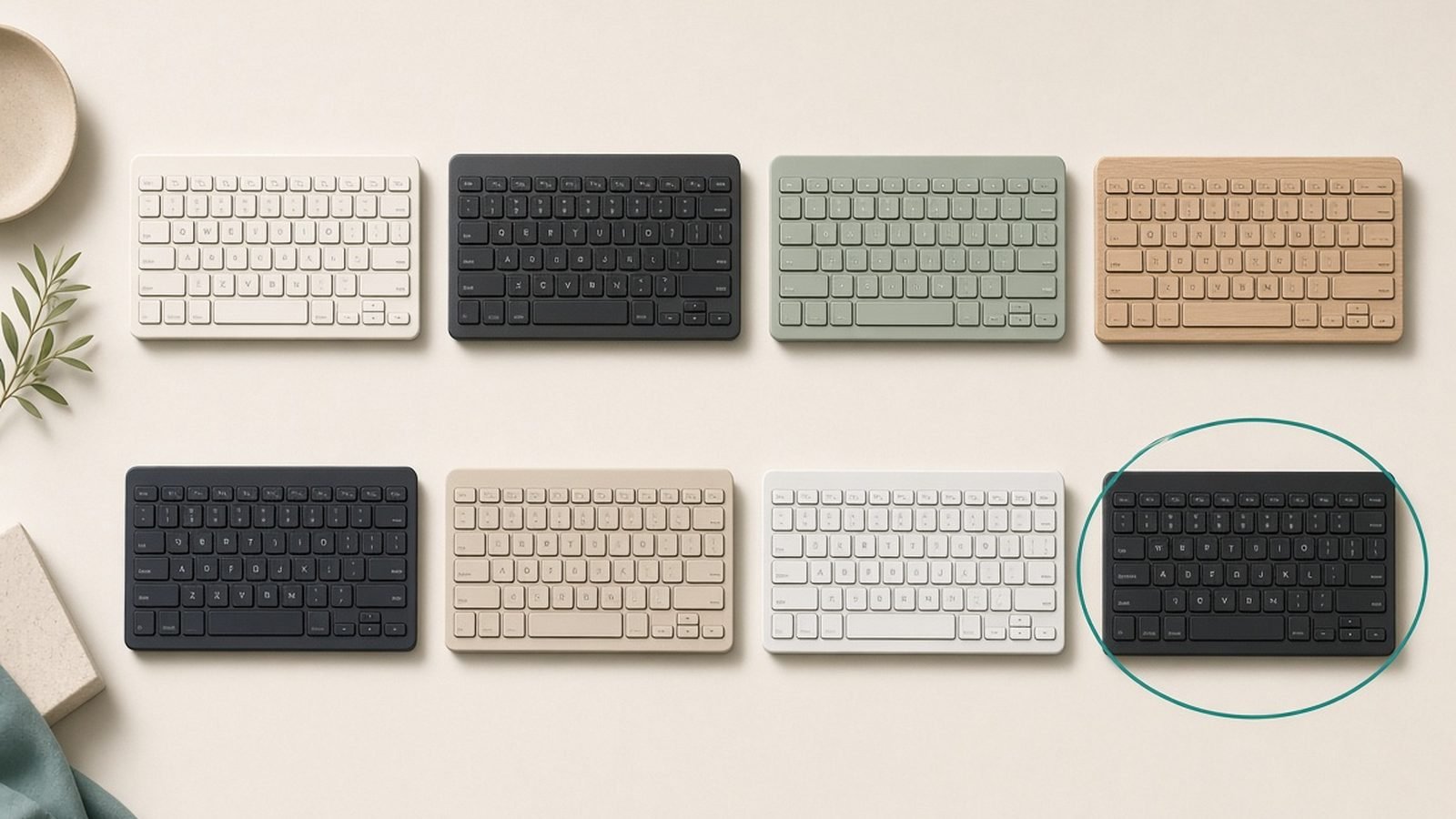
The best wireless keyboard for work and typing in 2026. Logitech MX Keys, Keychron, Apple Magic Keyboard and budget picks ranked, with US and UK prices.
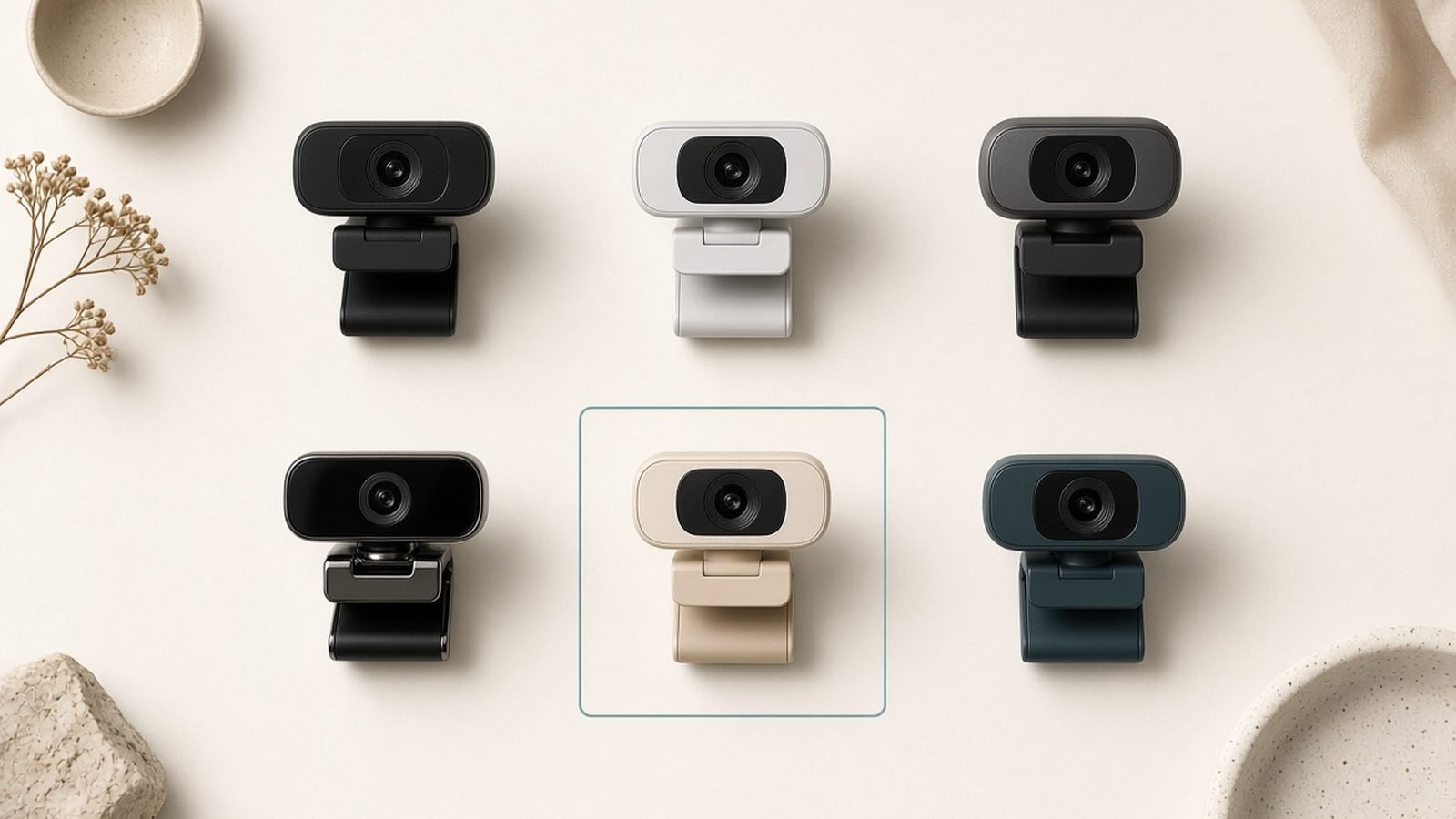
The best webcam for work, streaming and video calls in 2026. Logitech MX Brio, Elgato Facecam, Insta360 Link and budget picks, ranked with US and UK prices.

The best charging station for multiple devices in 2026: 6-port GaN desk stations, all-in-one hubs and Qi2 stands, with real-world trade-offs.
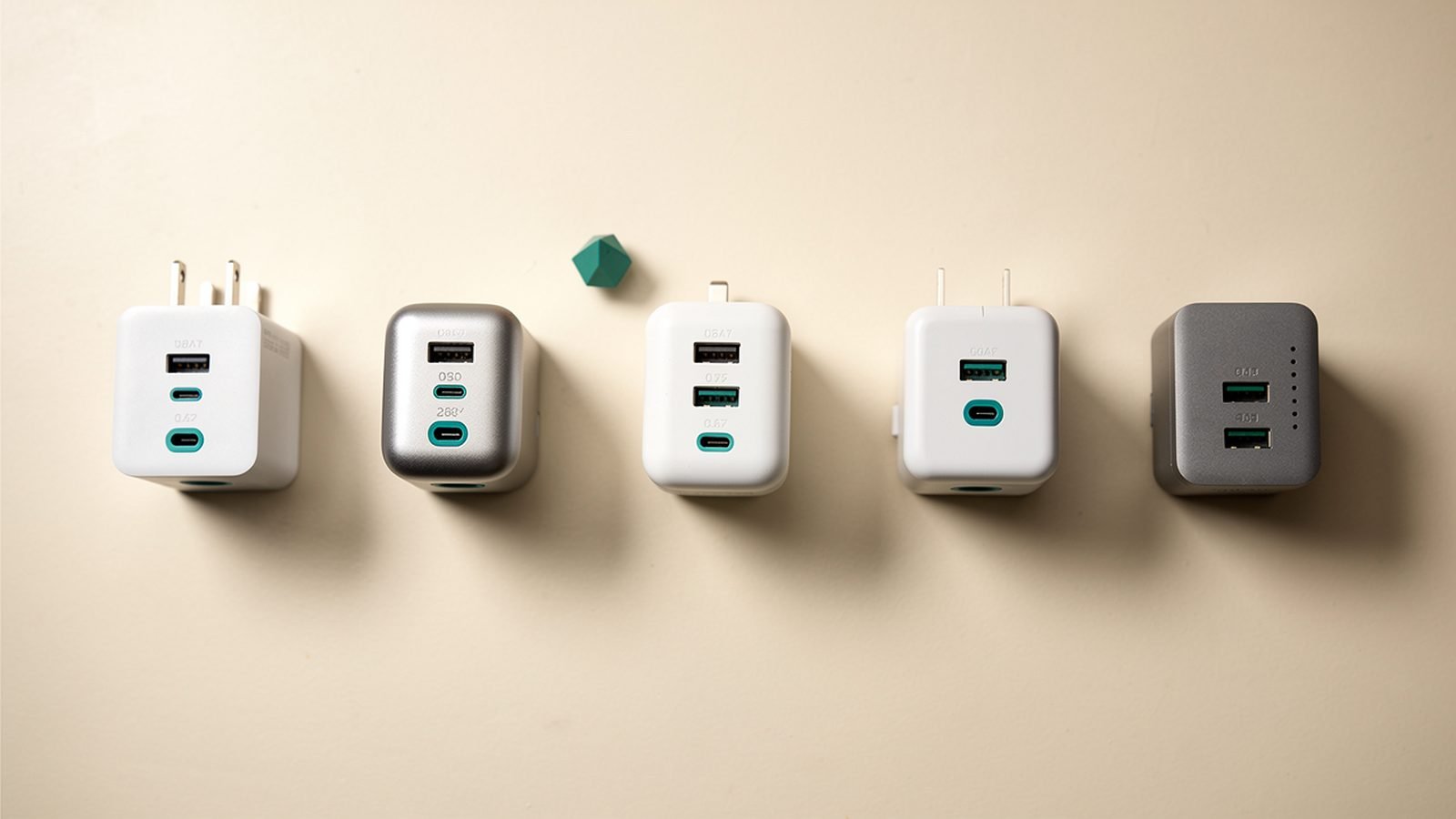
The best GaN charger for every budget in 2026, from 30W phone bricks to 160W laptop powerhouses. Anker, UGREEN and Baseus ranked, US and UK prices.
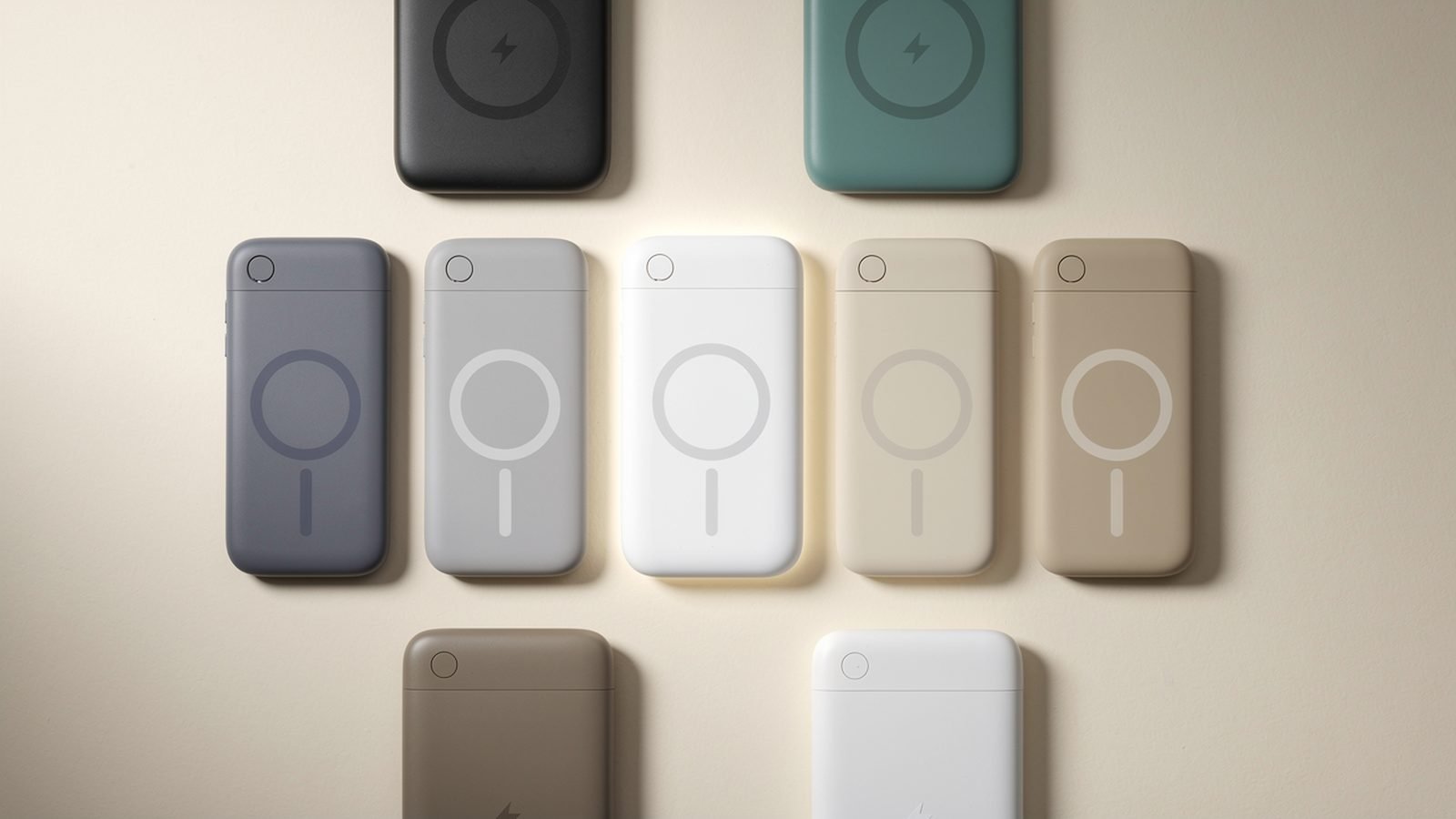
The best MagSafe power bank picks for 2026, including Qi2 25W options for iPhone 17 and Android. Real speeds, real trade-offs, US and UK prices.
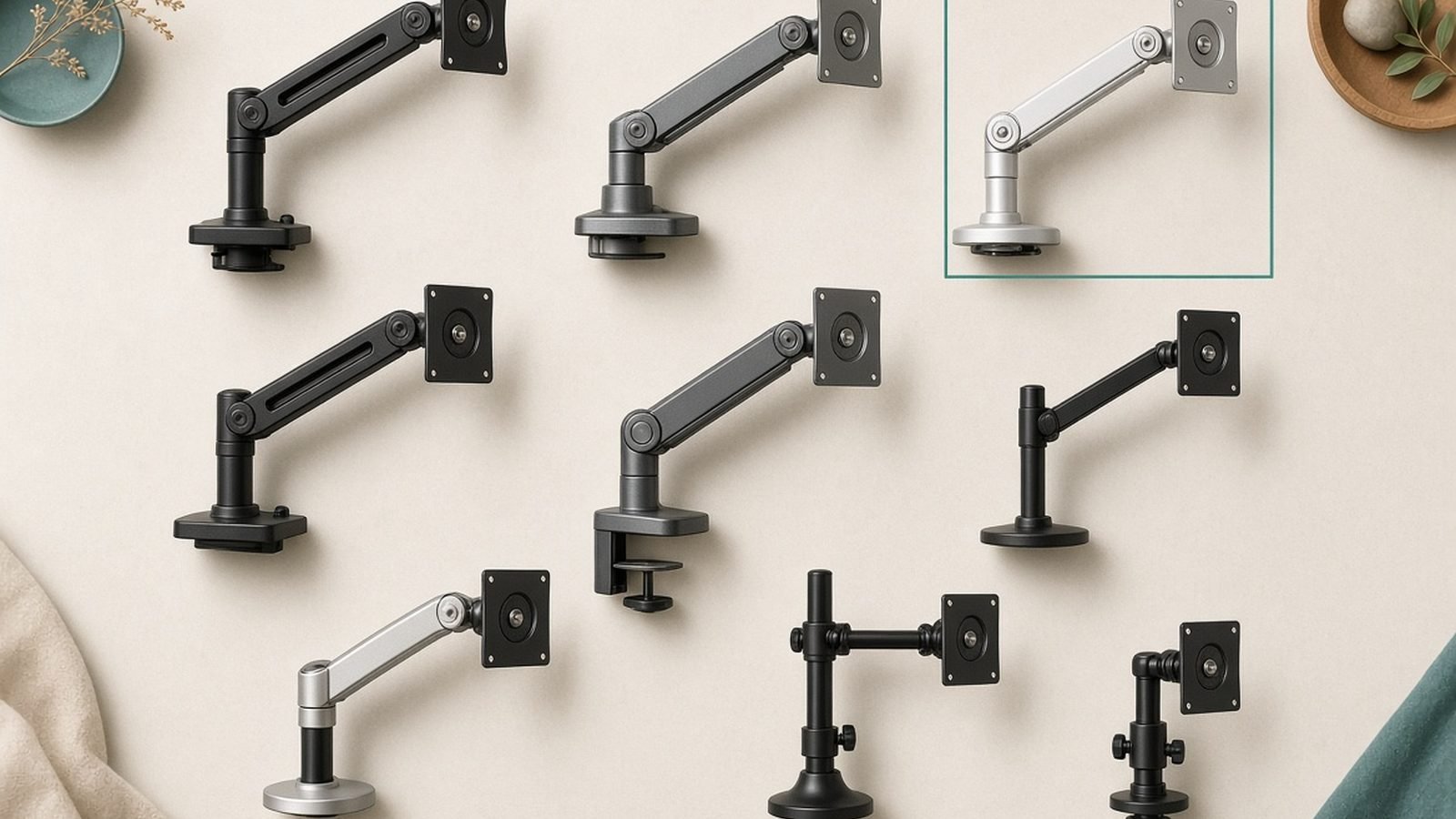
The best monitor arm for every desk in 2026: Ergotron LX, Amazon Basics, North Bayou and more, with US/UK prices and a weight-capacity checklist.
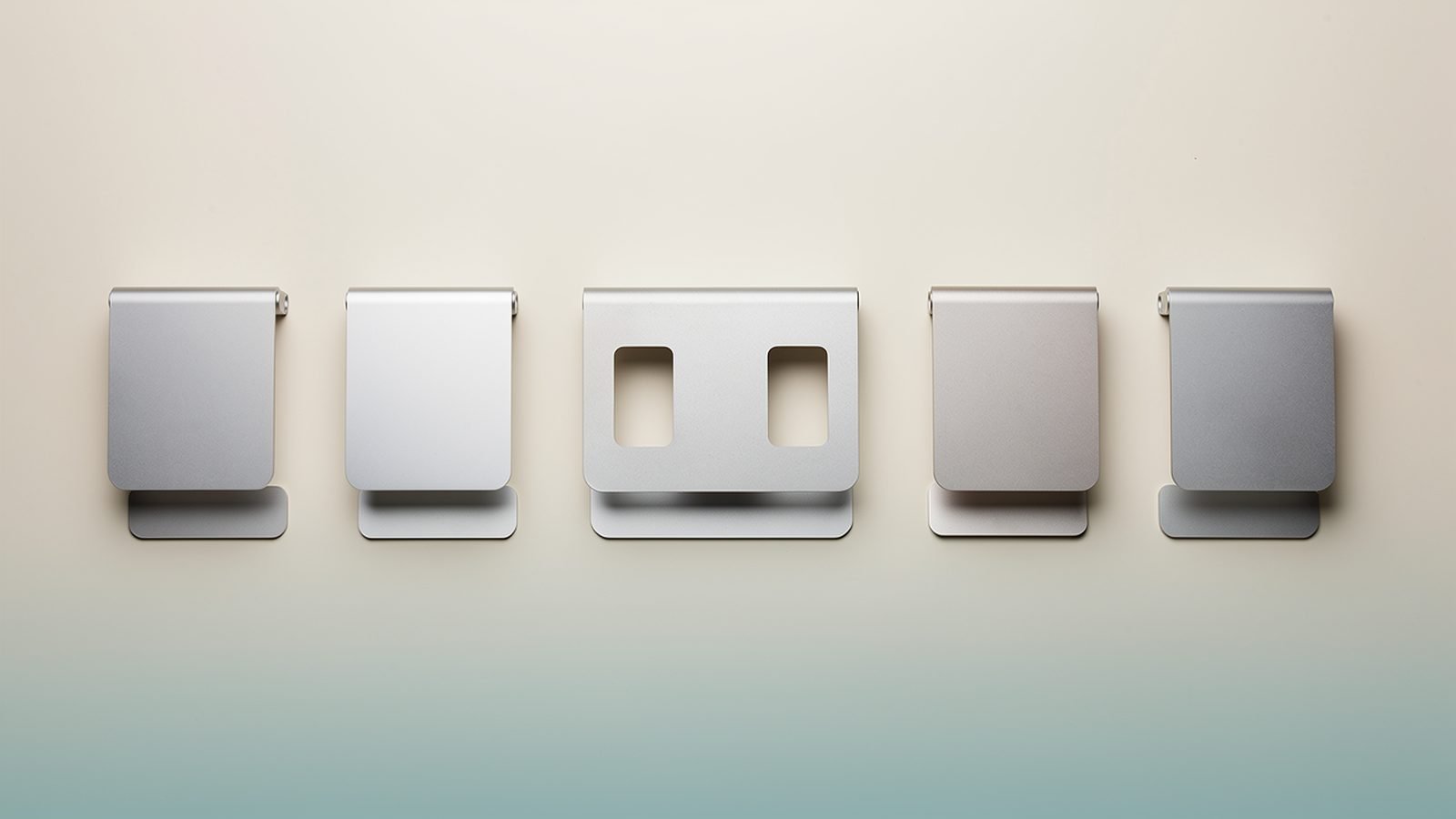
The best laptop stand for your desk or bag in 2026: fixed, adjustable and folding picks from $25/£20, with real trade-offs and ergonomic setup tips.

The best mechanical keyboard for programming in 2026, from the Keychron K8 Pro to hall effect and low-profile picks — with UK ISO buying advice.
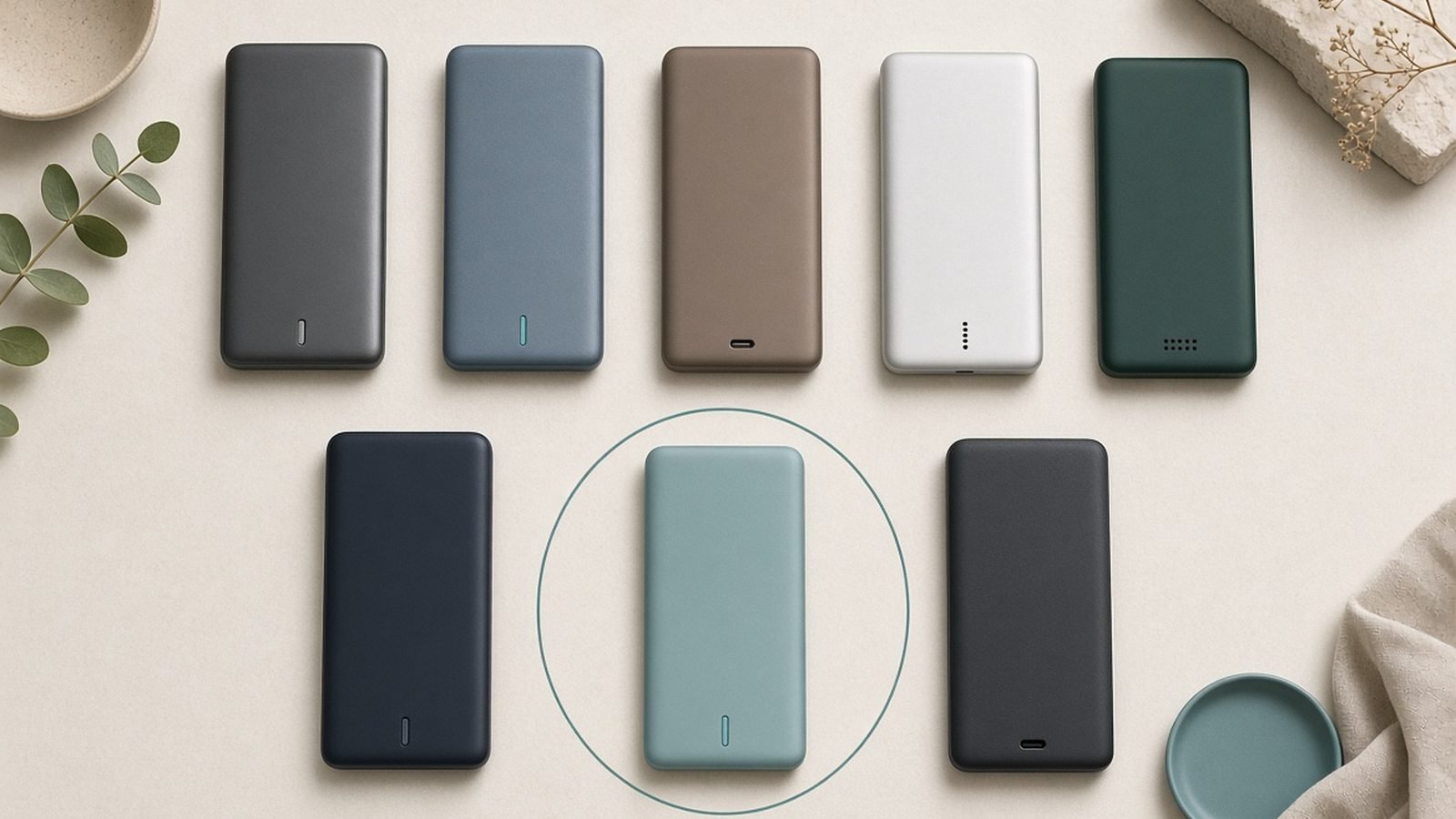
The best power bank for laptop charging in 2026: five 100W+ picks from Anker, UGREEN, EcoFlow and Baseus, plus TSA/airline 100Wh rules.
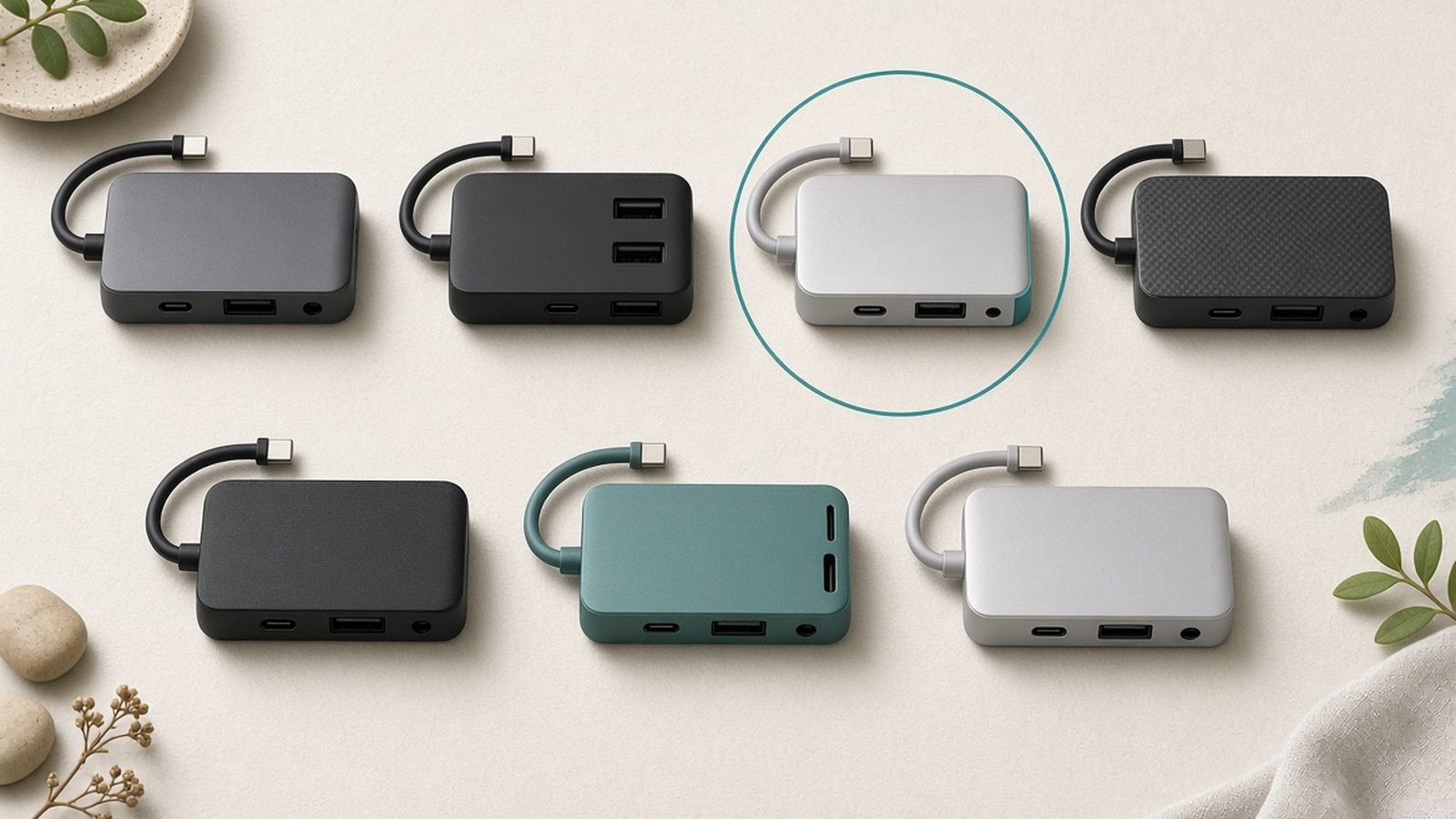
The best USB C hub for MacBook Pro and Air in 2026: six picks vetted against specs and owner reports, from $17 budget hubs to Thunderbolt 5 docks.
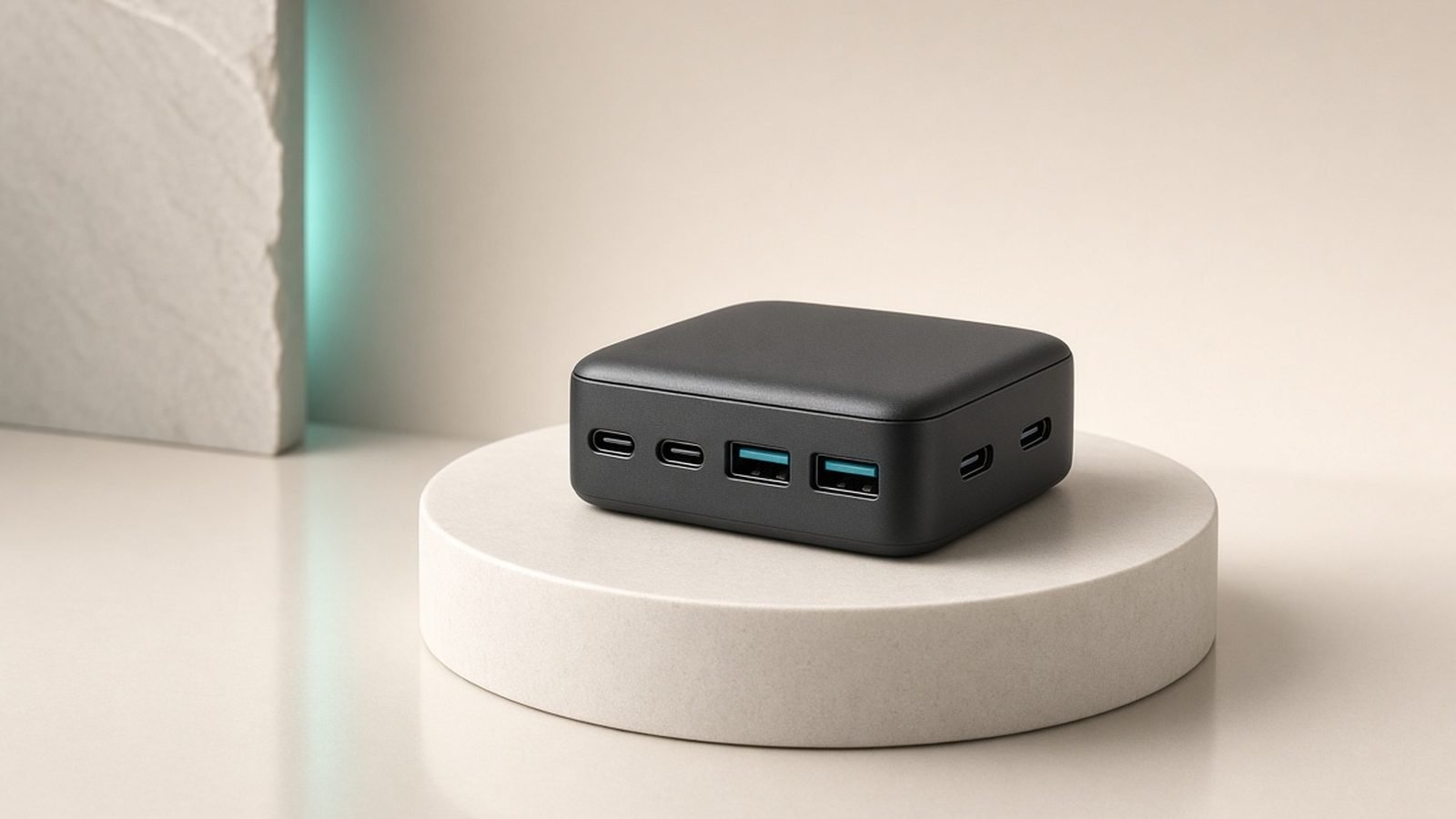
Anker Prime 250W review: this 6-port desktop charging station powers a laptop, phones and more with a smart display. Specs, pricing and who should buy.
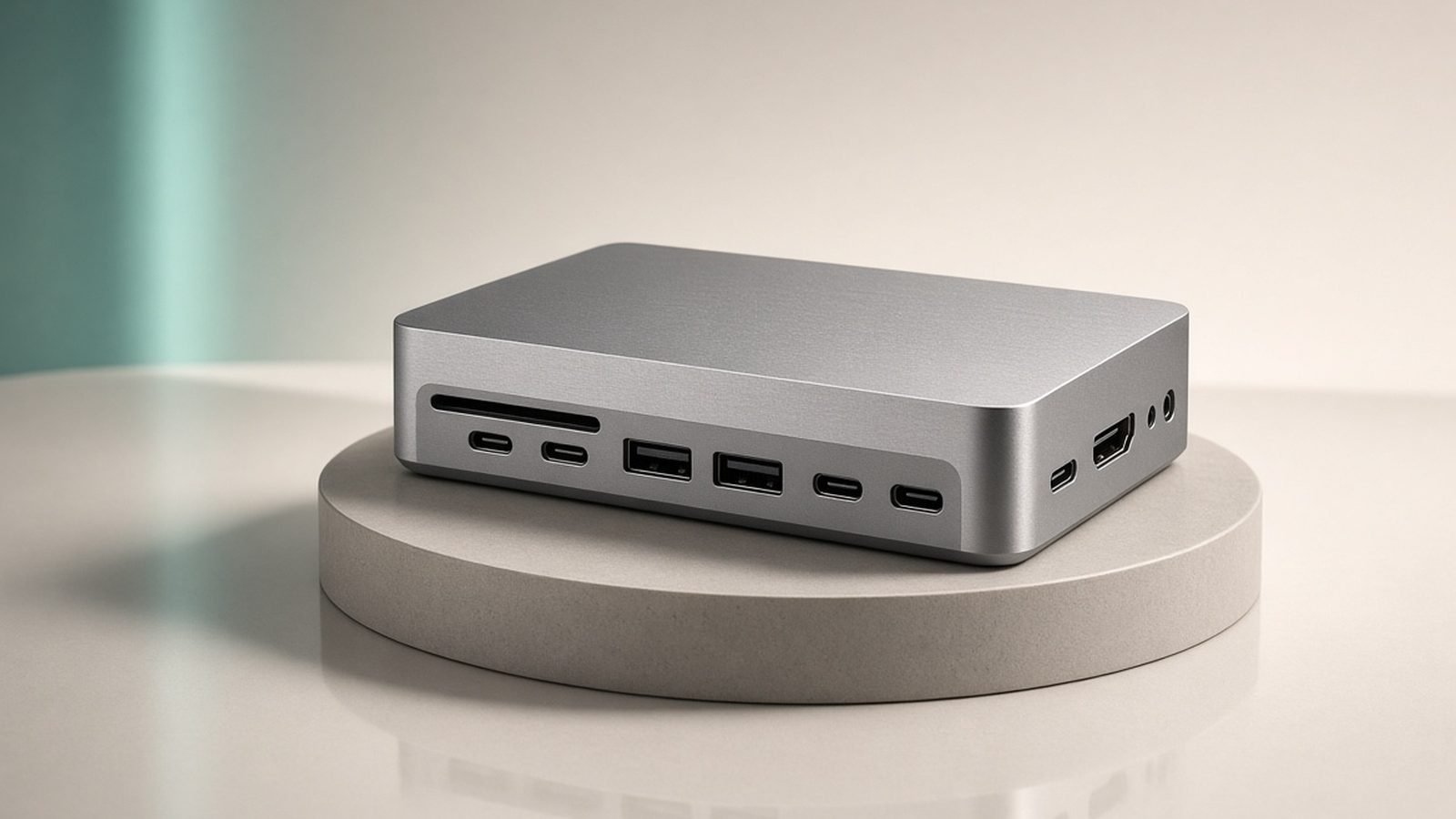
CalDigit TS5 and TS5 Plus review for 2026: Thunderbolt 5 ports, charging, price and who actually needs this dock. Honest pros, cons and US/UK pricing.

Keychron Q Series review: gasket-mounted, hot-swappable, QMK/VIA custom mechanical keyboards. Sound, build, which size to pick and who should buy in 2026.
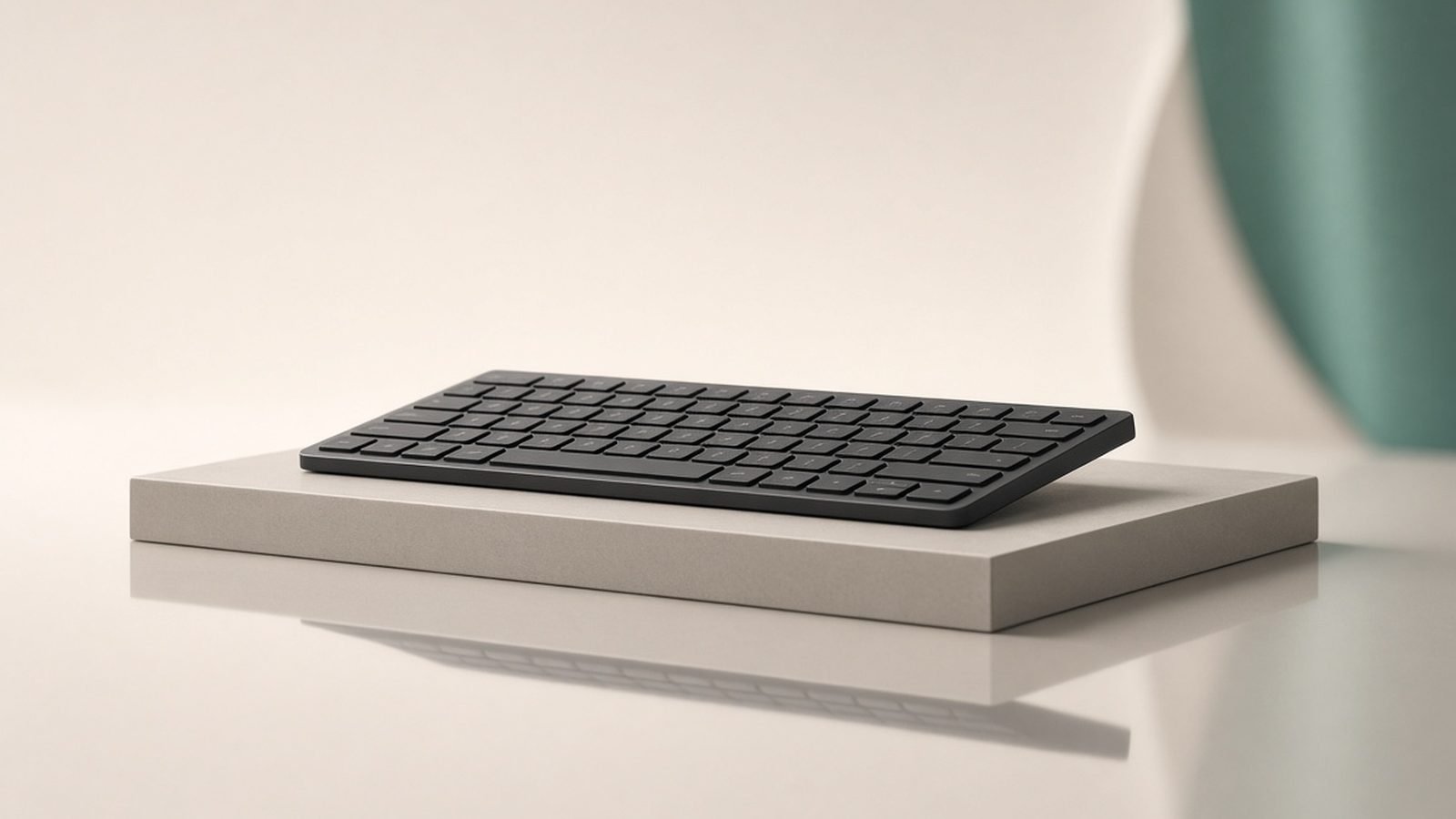
Logitech MX Keys S review: smart backlight, multi-device switching and low-profile typing. Specs, battery life, pricing and who should buy in 2026.

Ugreen Nexode 140W review: a 3-port GaN charger that fast-charges a 16-inch MacBook Pro. Specs, power splits, pricing and who should buy in 2026.
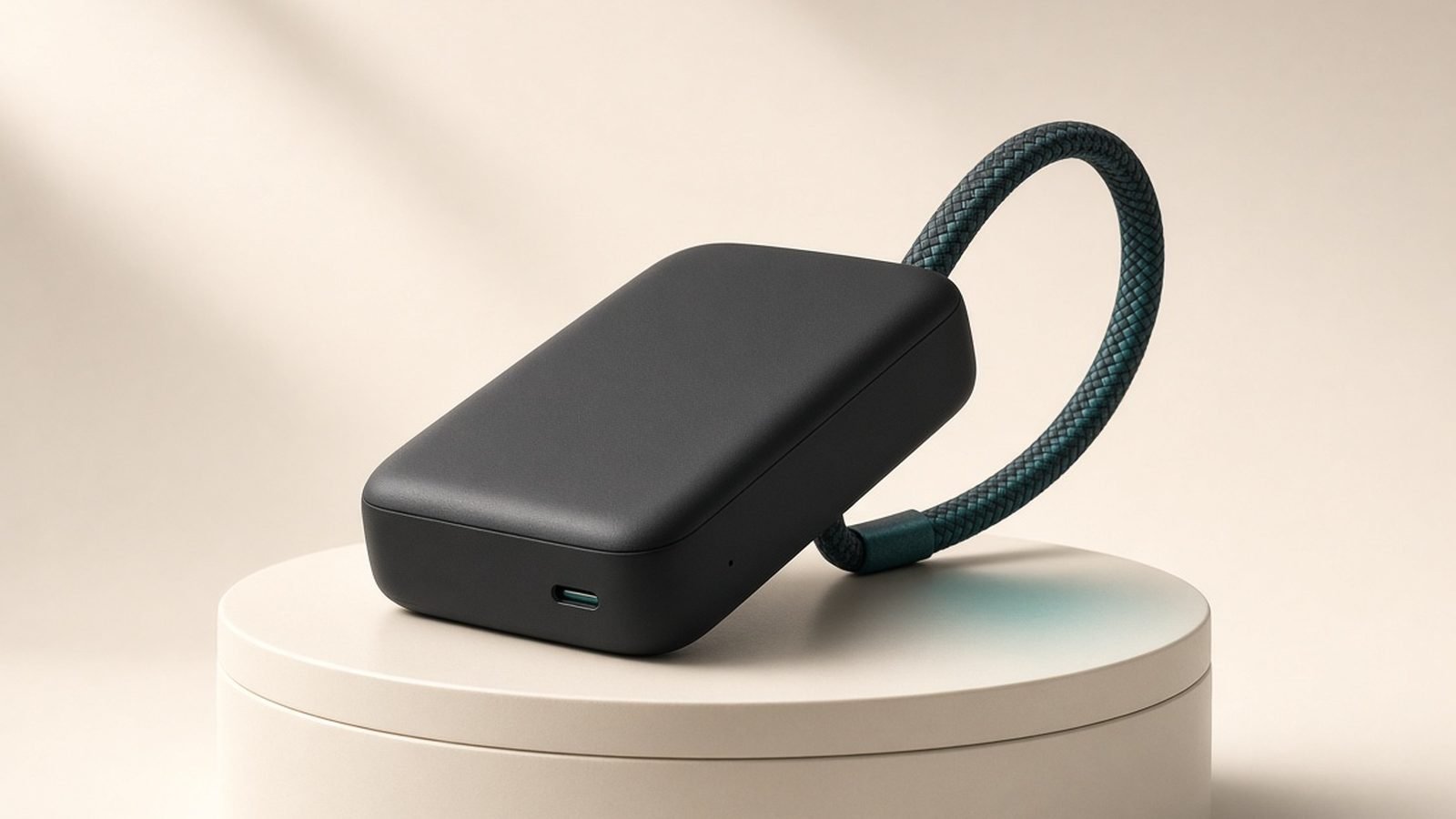
Our Anker laptop power bank review: real-world capacity, 165W output, retractable cables, airline rules, and how it stacks up against UGREEN and Prime.

Our Ergotron LX review covers weight limits, ultrawide compatibility, installation and whether it's still worth it over cheaper arms in 2026.

Our Keychron K8 Pro review after years on the market: build, battery life, QMK/VIA setup, UK ISO buying advice and whether it still beats the K8.

Our Logitech MX Master 4 review after 9 months on the market: haptic Actions Ring, battery life, US/UK pricing, and whether it's worth the upgrade.
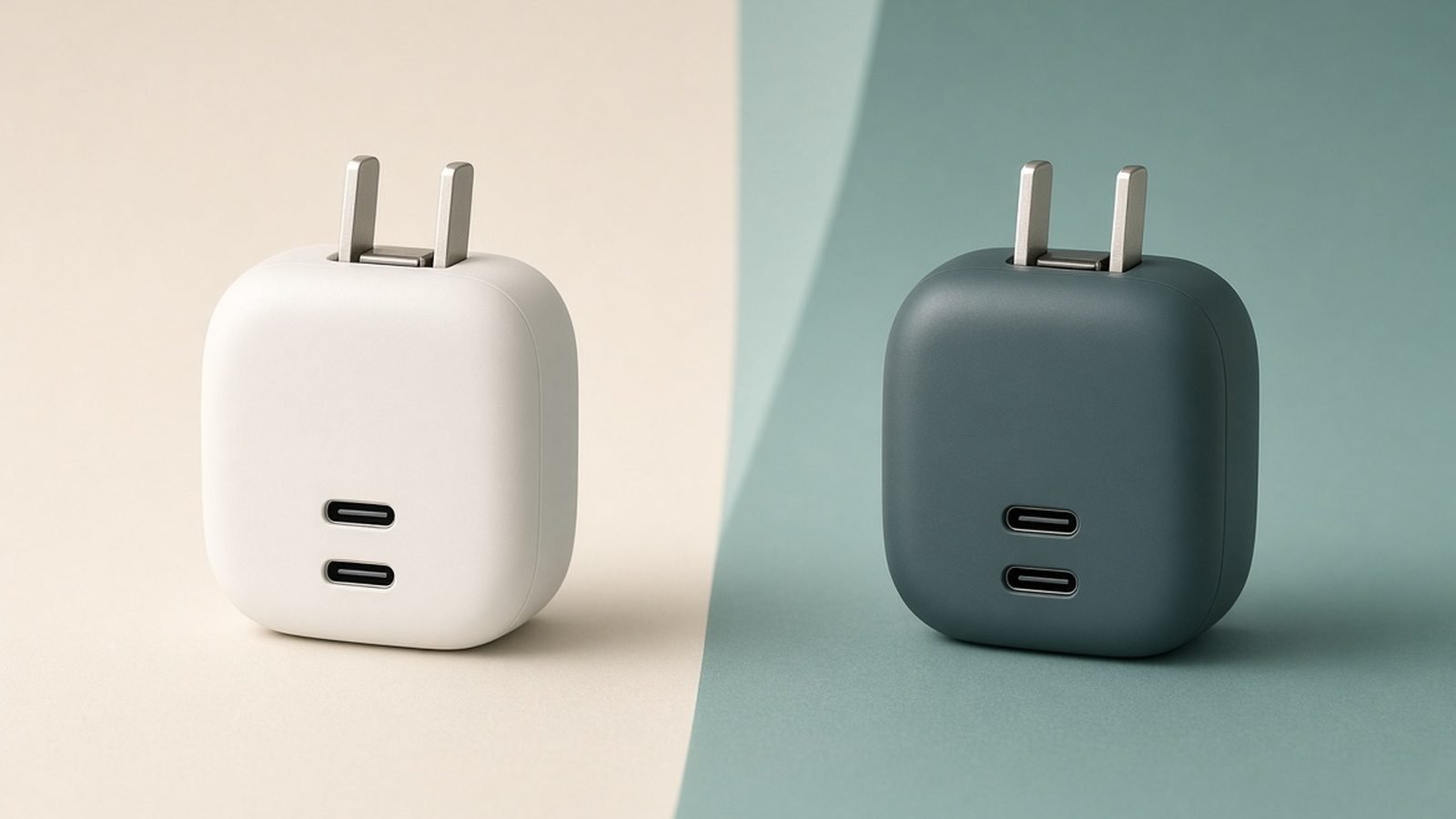
Anker vs Ugreen chargers in 2026: we compare GaN wall bricks and desktop stations on power, size, price, features and support to pick a winner for you.
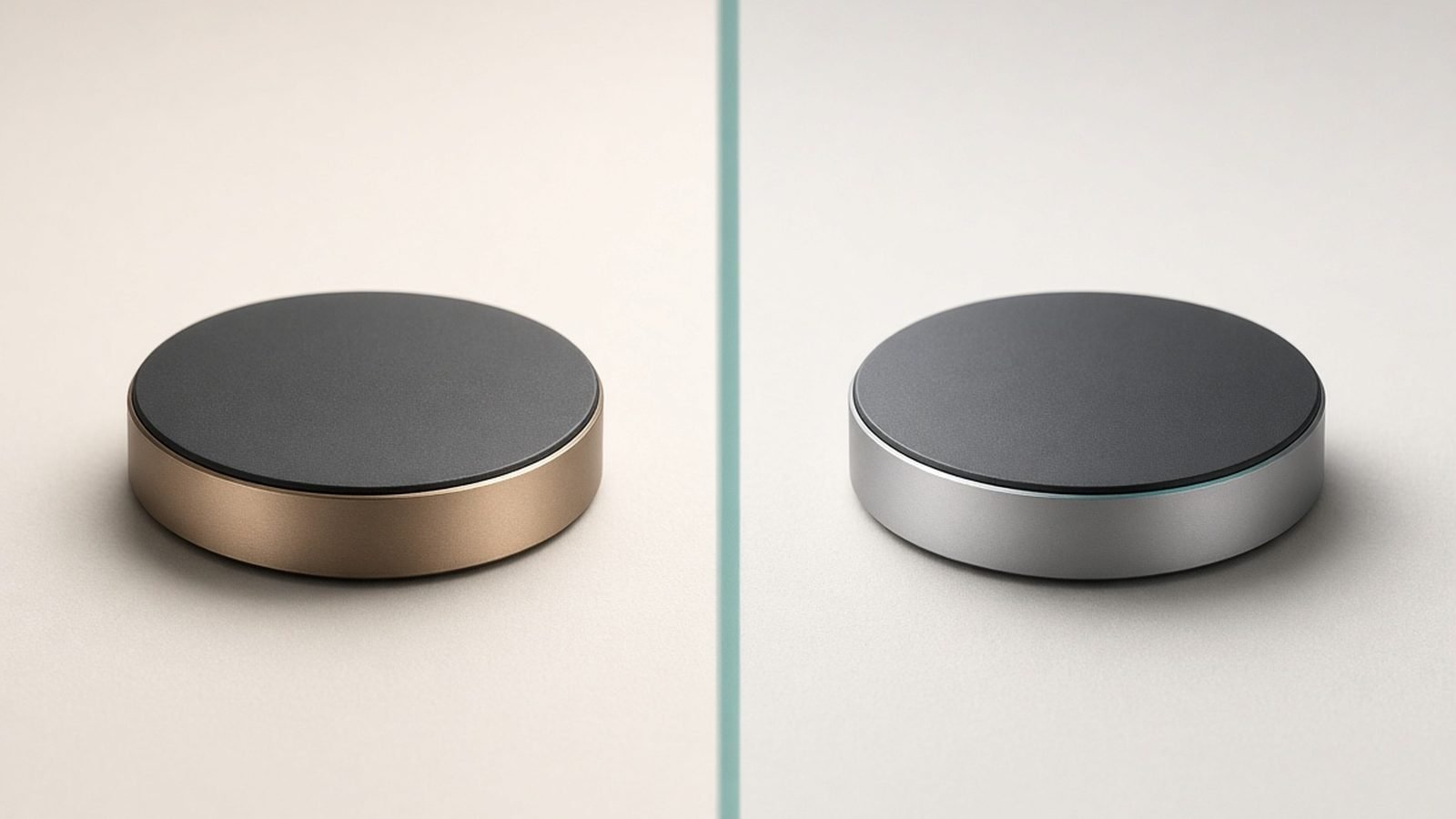
MagSafe vs Qi2 in 2026: both use magnets and hit 15W (or 25W), but they aren't identical. Speeds, compatibility, certification and which to buy.
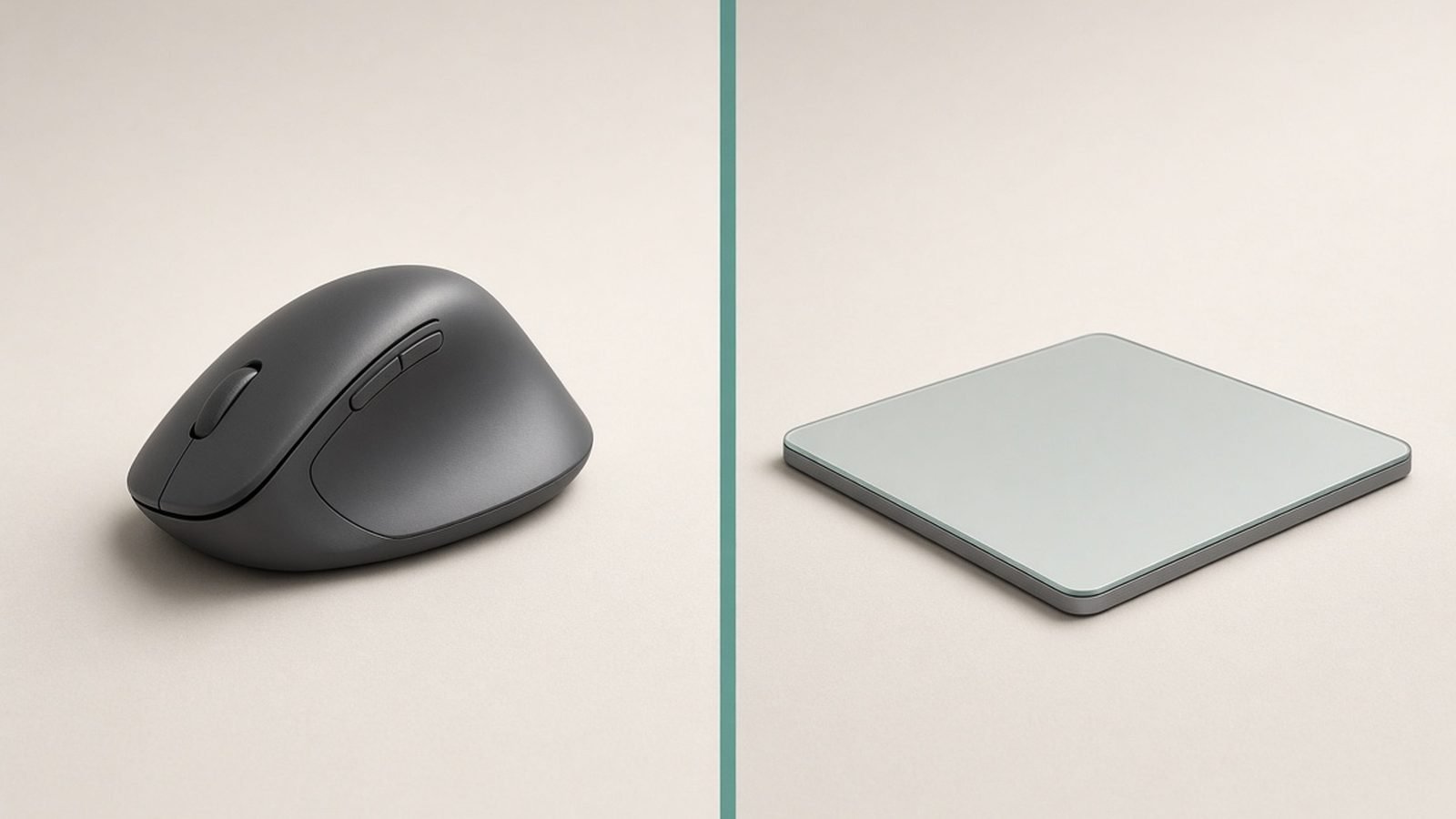
MX Master vs Apple Trackpad for Mac in 2026: gestures vs precision, comfort, price and who each one really suits. A clear pick for every workflow.
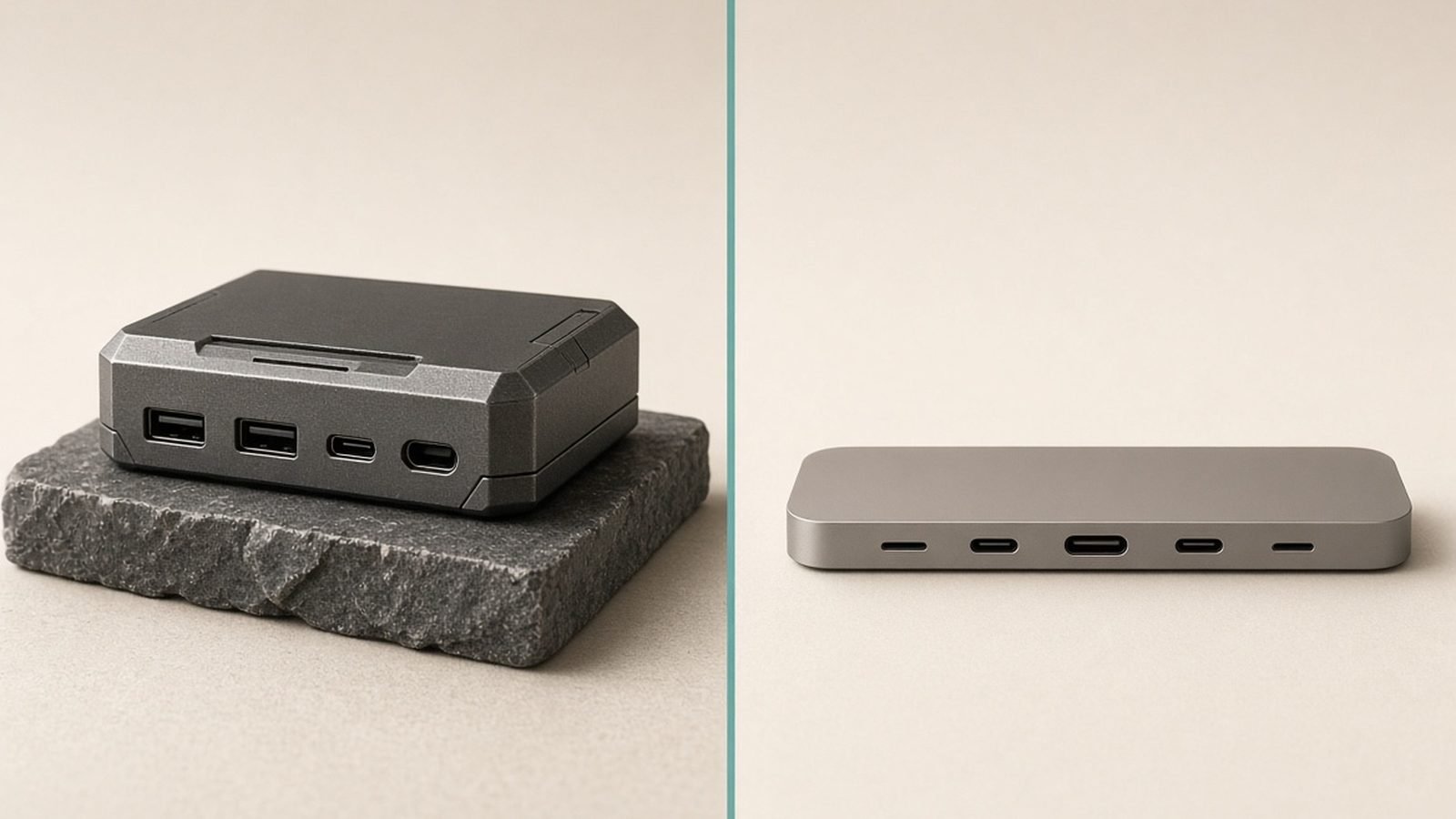
Thunderbolt dock vs USB-C hub in 2026: bandwidth, dual monitors, power delivery and price compared, so you buy the right one and don't overspend.
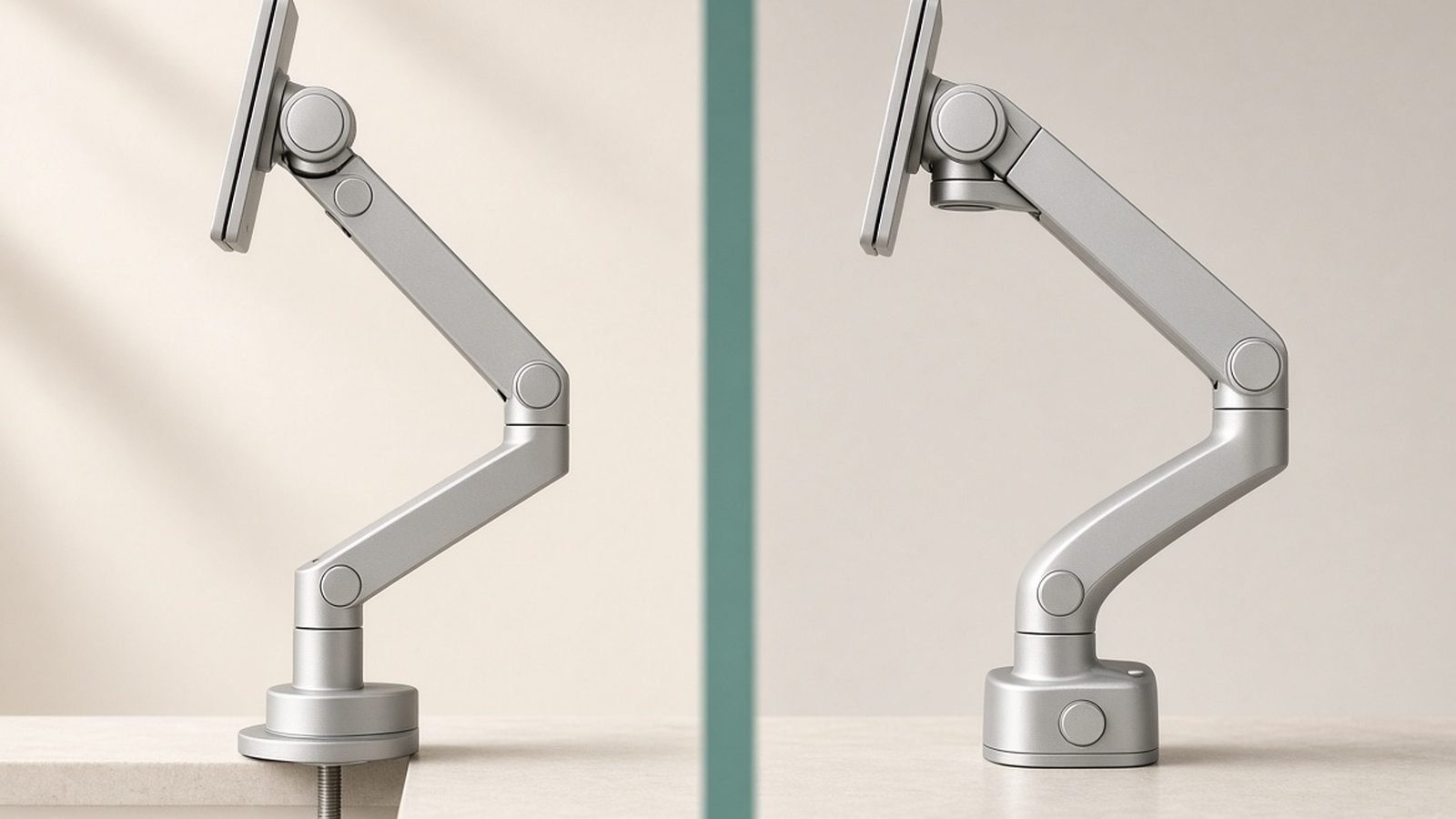
Amazon Basics monitor arm vs Ergotron LX: same OEM, $60+ price gap. We break down warranty, finish and motion quality so you buy the right arm.
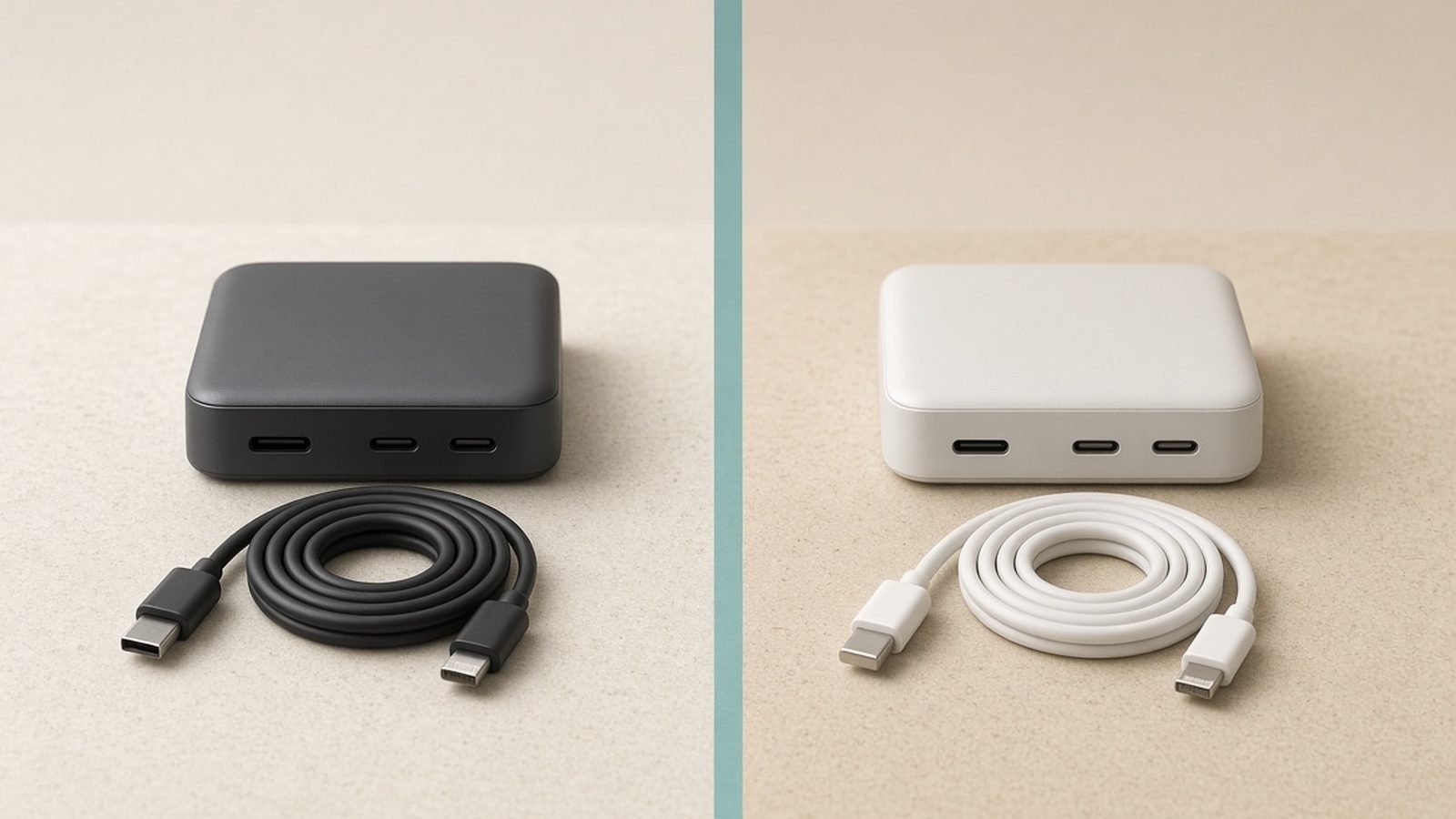
Anker vs UGREEN in 2026: we compare chargers, power banks, hubs, prices, warranties and safety records to pick a winner for every buyer.

MX Keys vs MX Mechanical compared: typing feel, noise, battery and price so you know exactly which Logitech keyboard to buy in the US or UK.

MX Master 4 vs MX Master 3S in 2026: what the haptic Actions Ring adds, what stayed identical, and who should actually pay the extra $40.

A practical cable management guide for 2026: route, bundle and hide desk cables for good with a repeatable method, the right tools and common fixes.
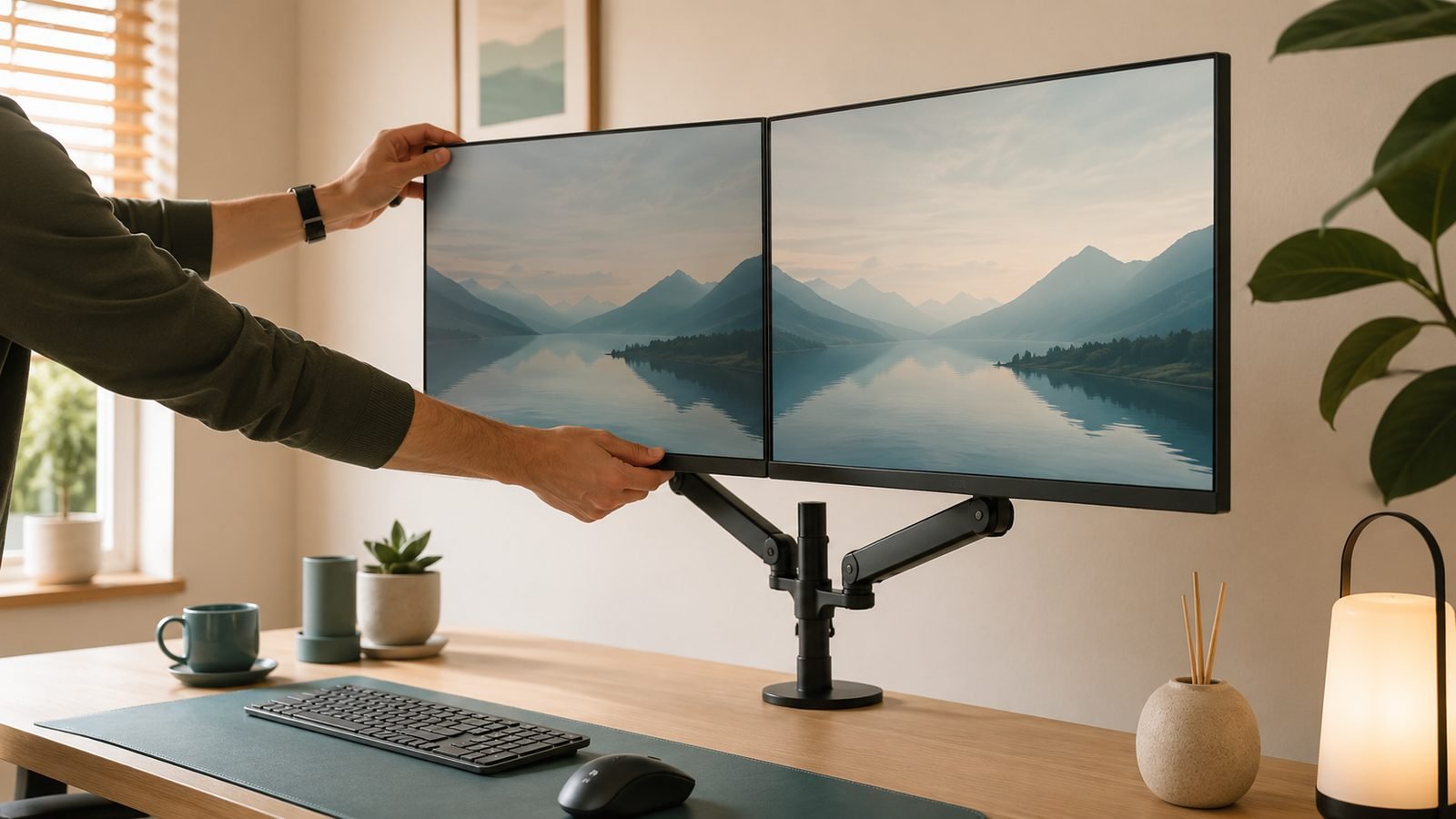
A dual monitor setup guide for 2026: check compatibility, connect the right way, position and calibrate both screens, and fix common detection issues.

Fix slow USB-C charging by checking the cable, charger wattage, PD support, port and settings. A step-by-step guide to getting full-speed charging back.

Extend power bank lifespan with 8 habits that slow lithium wear: partial charging, heat control, monthly top-ups, cable care and smart storage.
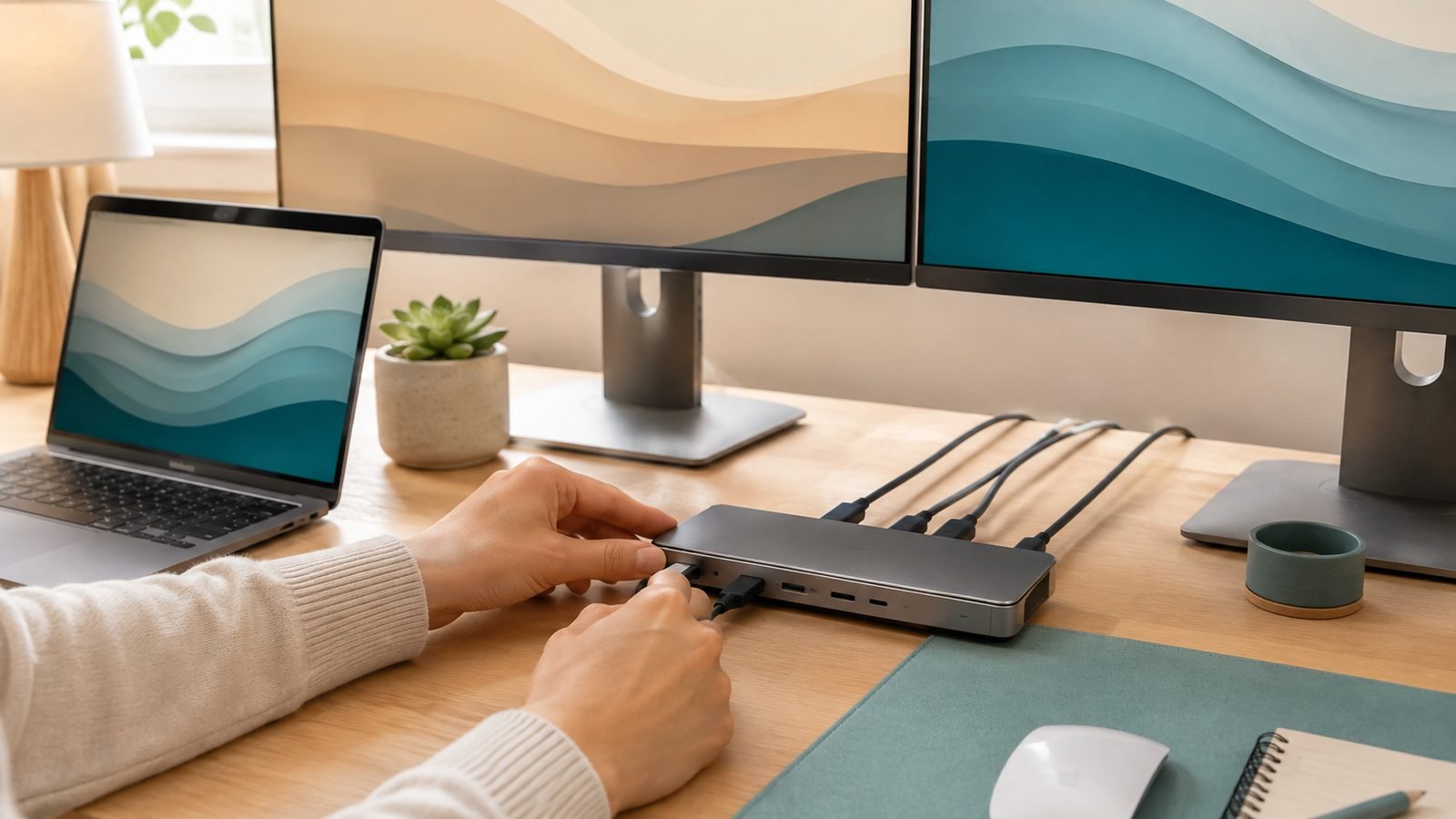
How to connect two monitors to a laptop over USB-C: MST vs DisplayLink vs Thunderbolt explained, plus setup steps, fixes and dock picks.

Build a proper ergonomic desk setup in a day: correct monitor height, chair position, laptop ergonomics and the gear worth buying at every budget.

Power bank not charging? Work through 9 proven fixes — cables, port cleaning, brand resets, deep-discharge recovery and LED codes — before you bin it.

Thunderbolt vs USB4 explained: how they overlap, where they differ on speed, video and certification, and which one you actually need for docks and SSDs.

USB-C cables explained: why identical-looking cables differ in wattage, data speed and video. What e-marker chips, USB4 and the new logos really mean.

USB Power Delivery explained: how USB-PD negotiates up to 240W, what PPS and voltage steps mean, and why it lets one charger power phones and laptops.

What is GaN charging? How gallium nitride makes chargers smaller, cooler and more efficient than silicon — and whether a GaN charger is worth buying.

USB-C cable types explained: 60W vs 240W charging, USB 2.0 to USB4 and Thunderbolt 5 speeds, e-marker chips, logos, and the 4 cables you actually need.
We use cookies to run this site, understand traffic, and — where you allow it — measure affiliate referrals and personalise ads. See our Cookie Policy and Privacy Policy.