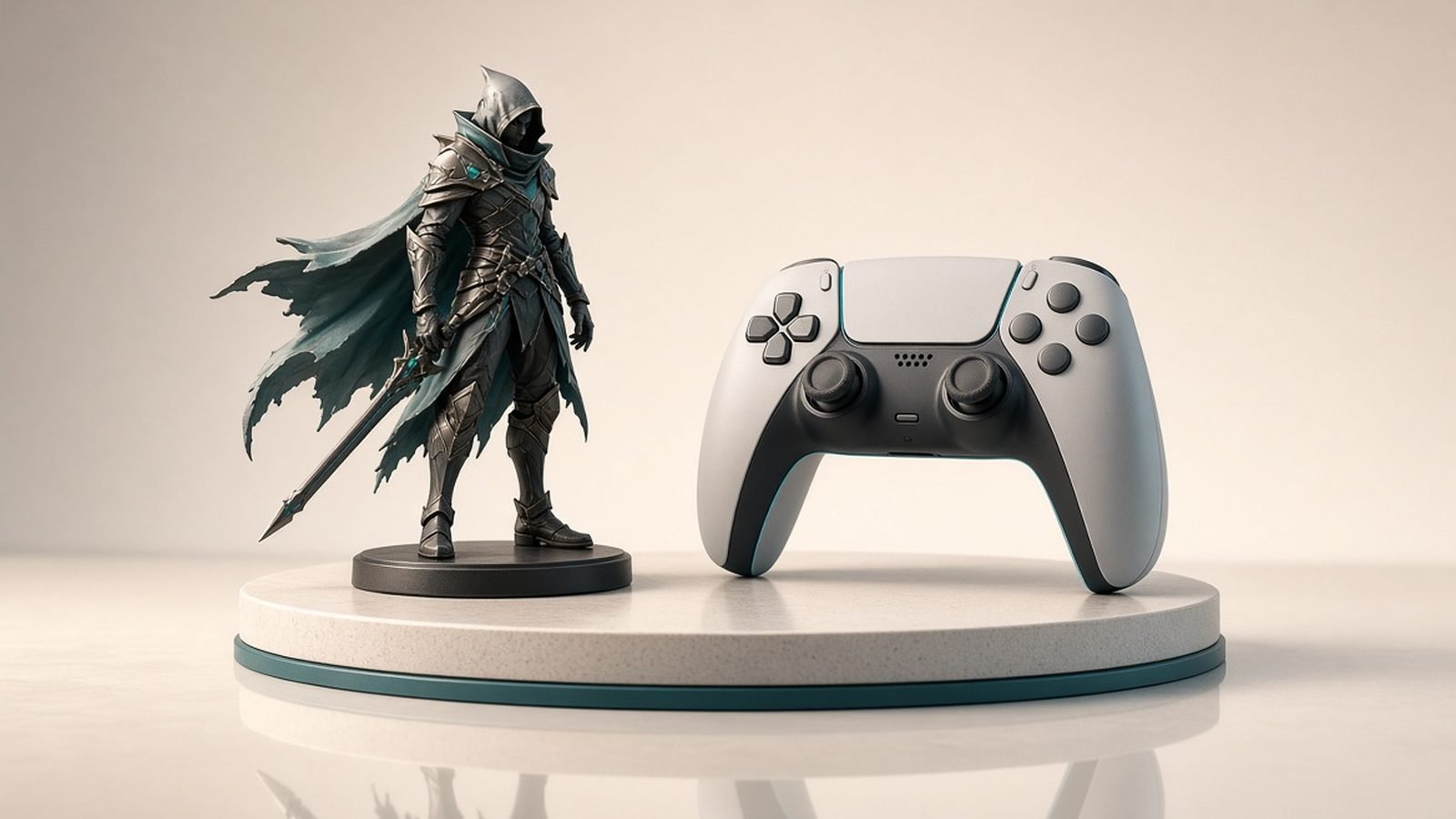
Short answer: Scenario is the AI art generator built specifically for game development in 2026, and its killer feature is training your own custom models so every asset comes out in one consistent, on-brand style. Instead of fighting a general image model to stay on-style, you teach Scenario your look once, then generate props, characters, environments, icons, textures and UI that all match. Paid plans start around $12 / £10 a month, with credit-based generation and custom-model training on top. Buy it if you’re a studio or indie team that needs style-consistent 2D game art at volume; look elsewhere if you only need occasional one-off images or you want 3D models rather than 2D art.
This review is expert analysis drawn from Scenario’s documentation, current pricing and aggregated user feedback through mid-2026, not a private benchmark or a claim of hands-on lab testing.
Scenario at a glance
Pros:
- Custom-trained models keep every asset in one consistent style
- Purpose-built for game art: props, characters, environments, icons, textures
- Strong control tools — reference images, composition, prompt scaffolding
- Good pipeline fit with export and organization features
- Faster than commissioning or hand-drawing large asset libraries
Cons:
- Credit and training costs add up for heavy use
- Learning curve to train models well
- 2D art focused — not a 3D model generator
- Generated art still needs review for quality and originality
What Scenario does
Scenario is a text-to-image and image-to-image platform aimed squarely at games. The distinguishing idea is style consistency at scale. General image models are brilliant at variety but terrible at repetition — ask one for fifty matching inventory icons and you get fifty different aesthetics. Scenario solves this by letting you train custom generators on your own reference art. Once trained, that model produces new assets that share the palette, line weight, shading and mood of your existing work, so a whole asset library hangs together visually.
From there you generate the things games actually need: item and inventory icons, character concepts and portraits, environment and background art, tileable textures, props, skill icons and UI elements. Because the style is baked into your trained model, you spend less time prompt-wrangling and more time producing on-brand output. For where Scenario sits among creative AI tools, the The AI Directory is a useful map.
Custom model training
The custom-model workflow is the heart of Scenario. You gather a set of reference images that define your target style — your own concept art, a mood board you have rights to, or existing assets — and train a model on them. That model then becomes a reusable style engine. Need ten more potions that match your existing potion? Generate them from the trained model and they arrive in the same aesthetic rather than as unrelated images.
This is a meaningfully different value proposition from a general model like Midjourney or Best AI Image Generators 2026: Which One Wins? picks. Those excel at one-off beauty shots; Scenario excels at coherent series. For a game, coherence is the whole point — a store full of items in clashing styles breaks the experience. The trade-off is that training well takes some skill and iteration, and both training and generation consume credits, so there is an upfront investment before the consistency pays off.
Control and workflow
Beyond training, Scenario layers in the control tools serious asset work demands: reference-image guidance, composition and structure control, and prompt scaffolding so you can steer output precisely rather than rolling dice. You can generate variations on a locked composition, blend references, and iterate toward exactly the icon or character you pictured. Combined with organizational features for managing your assets and models, it functions as a production tool rather than a toy.
The realistic workflow is: train a model (or a few, for different asset categories), generate batches, cull and refine the best, then do a light touch-up pass in Photoshop, Krita or Aseprite before shipping. It slots naturally alongside 3D tools — teams often generate concept art and textures in Scenario, then build or reconstruct geometry with a tool like Rodin AI Review 2026: Hyper3D Image-to-3D Explained or Tripo AI Review 2026: Fast Text & Image to 3D. As with all AI art, generated assets should be reviewed for quality, originality and licensing before they ship in a commercial game.
Pricing and value
Pricing: Scenario uses a freemium, credit-based model. There is a free tier for evaluation, and paid plans starting around $12 / £10 a month, with generation and custom-model training metered by credits. Higher tiers add more credits, more concurrent trained models, higher resolution, commercial terms and priority processing. Because training and heavy iteration both consume credits, real cost scales with how much art you produce.
The value read depends on volume and consistency needs. For a studio or indie team producing a large, style-consistent asset library, Scenario replaces enormous amounts of manual illustration or costly commissioning, and the consistency it delivers is genuinely hard to get any other way. For someone who needs one nice image occasionally, a general image model is cheaper and simpler. Matched to volume game-art production where a unified style matters, Scenario earns its keep; used for occasional one-offs, it is over-tooled.
Scenario vs the alternatives
Choose Scenario if you need style-consistent 2D game art at volume — icons, characters, environments, textures — and want to train your own on-brand model rather than fight a general tool to stay on-style.
Choose a general image generator if you mostly need occasional standalone images and do not care about a repeatable, unified style across a large set. See our Best AI Image Generators 2026: Which One Wins? guide.
Choose a 3D tool if what you actually need is geometry, not 2D art — Rodin AI Review 2026: Hyper3D Image-to-3D Explained for clean image-to-3D or Spline AI Review 2026: AI-Assisted 3D Design Explained for interactive 3D design. Scenario is 2D-focused.
For the wider view of creative and autonomous AI, our Best AI Agents 2026: Autonomous AI That Works roundup and the The AI Directory cover adjacent tools.
Who should use Scenario
Scenario suits game studios, indie developers, art directors and solo creators who need a large, coherent library of 2D assets in a defined style. If your recurring problem is “I need dozens of matching game assets and general AI tools keep drifting off-style”, Scenario’s custom models are close to the ideal solution. It is equally useful for prototyping a game’s visual identity fast.
It is less suited to anyone needing only occasional single images, to teams wanting 3D models, or to users unwilling to invest time learning to train models well, since the consistency payoff comes after that upfront effort. And every generated asset still needs a human quality and originality check before commercial release.
Verdict
Scenario is the best-targeted AI art tool for game development in 2026 and a strong recommendation for any team that lives or dies by a consistent visual style. Custom-model training is the feature that sets it apart: teach it your look once, then generate a whole coherent library of icons, characters, environments and textures that actually match. Layered control tools make it a real production instrument rather than a slot machine. The trade-offs are credit-based costs that scale with volume and a learning curve to train models well.
Buy it if you produce style-consistent 2D game art at scale. Choose a general image generator for occasional one-offs, or a 3D tool if you need geometry. Matched to volume game-art production, Scenario is excellent — invest in training it properly and the payoff is a unified look you cannot easily get elsewhere.
FAQ
Is Scenario AI worth it in 2026?
For teams producing style-consistent game art at volume, yes. Scenario lets you train custom models on your own reference art, then generate icons, characters, environments and textures that all share one aesthetic — coherence that general image tools struggle to deliver. Paid plans start around $12 / £10 a month with credit-based generation and training on top, so heavy use adds up. It is over-tooled for occasional single images, but for volume game-art production where a unified style matters, it earns its keep.
How does Scenario’s custom model training work?
You gather reference images that define your target style — your own concept art or assets you have rights to — and train a model on them. That trained model becomes a reusable style engine: new prompts produce assets in the same palette, line weight and shading as your references. You can train several models for different asset categories. Training and generation both consume credits, so there is upfront investment before the style consistency pays off.
Can Scenario make 3D models?
No — Scenario is focused on 2D art: icons, characters, environments, textures and UI. If you need 3D geometry, pair it with a dedicated image-to-3D tool like Rodin or Tripo, or an interactive 3D design tool like Spline AI. A common workflow is to generate concept art and textures in Scenario, then build or reconstruct the actual 3D models in a separate tool.
Scenario vs a general image generator — which should I use?
It depends on consistency needs. Scenario wins when you need a large set of assets that all match one style, because you train a model on your own look and generate coherent series. A general image generator like Midjourney wins for occasional one-off beauty shots where a repeatable unified style does not matter. For volume game-art libraries, Scenario; for standalone images, a general tool is cheaper and simpler.
Do I own the art Scenario generates?
Commercial usage rights typically come with paid tiers, but you should always confirm the current terms for your plan and, importantly, that you have rights to the reference images you train on. Training on art you do not own can create licensing problems downstream. As with any AI-generated asset, review output for originality and check the platform’s licensing terms before shipping it in a commercial game.
Zen Tech Hub may earn a commission from links on this page, at no extra cost to you.