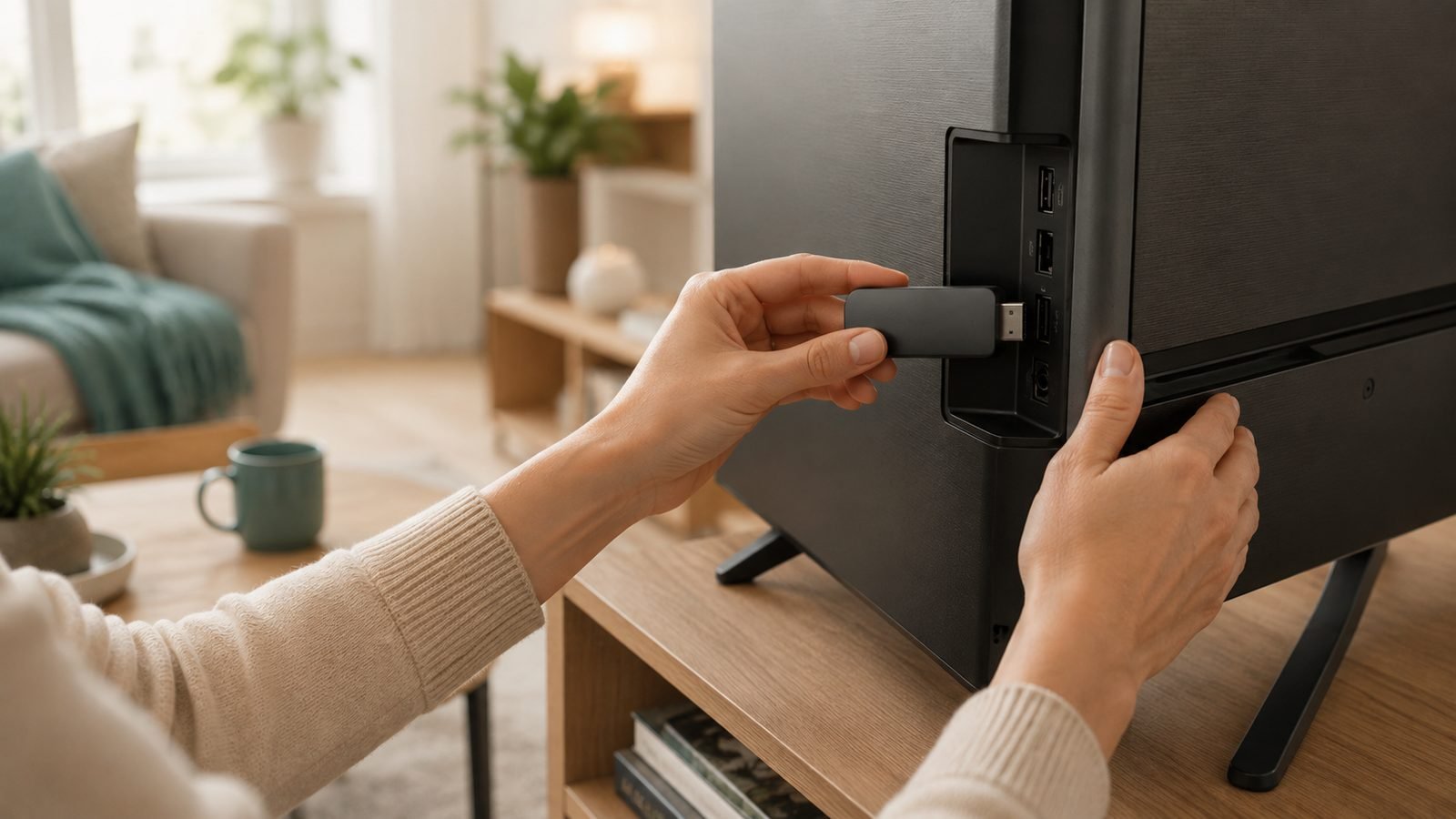
If you’re wondering how to install a VPN on Firestick, here’s the good news: it takes about five minutes, and you don’t need a laptop, a cable, or any technical skill. Every major VPN now has a native Fire TV app in the Amazon Appstore, so for most people it’s a case of search, download, sign in, connect.
This guide covers both routes — the easy Appstore install and sideloading for VPNs Amazon doesn’t list — plus setup, troubleshooting, speed expectations, and our quick picks for the best VPN for Firestick in 2026. The steps are identical for US and UK users.
Quick answer: Press the search icon on your Fire TV home screen, type the VPN’s name (e.g. NordVPN or Surfshark), select the app, click Download, open it, sign in, and hit Connect. Done.
Best VPN for Firestick 2026: Quick Comparison
| VPN | Price | Fire TV App | Best For |
|---|---|---|---|
| NordVPN | around $3.09 / £2.49 per month (2yr) | Yes, Appstore | Fastest streaming, top pick overall |
| Surfshark | around $1.99 / £1.59 per month (24mo) | Yes, Appstore | Budget buyers, unlimited devices |
| ExpressVPN | around $2.79 / £2.19 per month (2yr) | Yes, Appstore | Easiest interface on a TV remote |
All three unblock major streaming platforms, work on 2nd-gen Firesticks and newer, and offer 30-day money-back guarantees — so you can test on your own hardware risk-free. Full breakdowns further down, or see our complete rankings in Best VPN Services 2026: Which One Wins for US & UK?.
What You Need Before You Start
Three things, and you probably have all of them already:
- A Fire TV Stick from 2016 or later. That’s the 2nd-gen stick onward, including the Fire TV Stick Lite, 4K, 4K Max, and Fire TV Cube. The original 2014 stick can’t run VPN apps properly.
- A VPN subscription. Sign up on the provider’s website first, on your phone or computer — web pricing is almost always cheaper than the in-app subscription Amazon processes, and typing payment details with a TV remote is misery you can skip.
- Your Amazon account signed in on the Firestick, which it already is if you’re using the device at all.
Method 1: Install a VPN From the Amazon Appstore (Easiest)
This is the right method for 95% of people. NordVPN, Surfshark, ExpressVPN, Proton VPN, CyberGhost, and every other major provider have official Fire TV apps.
- From the Fire TV home screen, select the search icon (the magnifying glass on the left of the top menu).
- Type your VPN’s name — say, “NordVPN” — or just say it into the Alexa remote’s microphone button, which is faster.
- Select the app from the results. Check the developer name matches the official company (e.g. “Surfshark B.V.”) — copycat apps exist.
- Click “Download” or “Get”. The app is typically 20–40MB, so it installs in seconds.
- Select “Open” once it finishes.
That’s it. The app now also lives in Your Apps & Channels on the home screen. Jump ahead to the setup section to sign in and connect.
Method 2: Sideload a VPN APK on Firestick
Sideloading is only necessary if your VPN doesn’t have a Fire TV app in the Appstore (rare in 2026), or you need a specific APK version. Fire OS is Android-based, so most Android VPN apps will run.
First, allow apps from unknown sources:
- Go to Settings > My Fire TV > Developer Options. (If it’s hidden, go to Settings > My Fire TV > About and click your Fire TV Stick’s name seven times to unlock it.)
- Select Install unknown apps and toggle it on for the app you’ll use to download the APK.
Then install the Downloader app and grab the APK:
- Search the Appstore for Downloader (the orange icon by AFTVnews) and install it.
- Open Downloader and enter the direct APK URL from your VPN provider’s official website — most publish it on a “Fire TV” or “Android APK” support page.
- Click Install when prompted, then Done, and delete the APK file when Downloader offers to free up storage.
A word of caution: only ever download APKs from the VPN’s own website. Third-party APK repositories are the single most common source of malware-laced “free VPN” apps, based on years of security-community reporting.
How to Set Up and Connect Your VPN on Fire TV
The NordVPN Firestick setup below is near-identical for Surfshark, ExpressVPN, and everyone else:
- Open the app and sign in. Most providers now show a short code and ask you to visit a URL on your phone (e.g. nordvpn.com/tv) — far quicker than typing a password with the remote.
- Accept the connection request. Fire OS asks permission to create a VPN connection; this is a standard Android system prompt. Click OK.
- Pick a server and connect. “Quick Connect” grabs the fastest nearby server. For a specific region’s library, pick manually — e.g. a UK server for BBC iPlayer, a US server for American Netflix.
- Enable auto-connect in the app’s settings. This is the step most people skip and regret: without it, the VPN doesn’t reconnect after the Firestick sleeps, and you’re streaming unprotected without realising.
Once you see the connected status, open your streaming app and you’re done. The VPN runs silently in the background from then on.
Best VPNs for Firestick in 2026 (Quick Picks)
We’ve evaluated Fire TV VPN apps on interface usability with a remote, streaming unblocking, connection speed, and value. These three lead the pack in our research — here’s who each one suits.
NordVPN — Best Overall for Fire TV
NordVPN’s Fire TV app is quick, stable, and built around its NordLynx protocol, which consistently posts the smallest speed losses in independent testing round-ups — that matters on a stick you’re pushing 4K through. It reliably unblocks Netflix, BBC iPlayer, Disney+, and Prime Video’s regional libraries, and the TV interface is clean enough to navigate one-handed with the remote.
Pros:
- Fastest streaming performance of the big three in aggregated 2025–26 benchmark reporting
- Excellent unblocking track record across US and UK platforms
- Threat Protection blocks ads and trackers at the connection level
Cons:
- Renewal prices jump significantly after the intro term
- Server list navigation on TV is a little cluttered compared to ExpressVPN
Who it’s for: anyone who wants the safest all-round choice and streams in 4K. At around $3.09 / £2.49 per month on the two-year plan, it’s mid-priced with top-tier performance. Read our full NordVPN Review 2026: Is It Still the Best VPN? for the deep dive.
Surfshark — Best Budget VPN for Firestick
Surfshark’s headline feature is unlimited simultaneous devices: one subscription covers the Firestick in the lounge, the bedroom TV, every phone in the house, and your laptop. At around $1.99 / £1.59 per month on the 24-month plan, nothing of comparable quality comes close on price. The Surfshark Firestick app itself is polished, with a proper remote-friendly layout and reliable UK/US unblocking.
Pros:
- Cheapest quality option — unlimited devices on one plan
- CleanWeb ad-blocking works well inside streaming apps
- Strong UK server coverage for iPlayer, ITVX, and Channel 4
Cons:
- Speeds are good but a step behind NordVPN on distant servers
- Occasional need to switch servers when a streaming platform flags one
Who it’s for: households with multiple TVs and devices, and anyone whose priority is price. It’s the one we recommend most often to UK readers covering a family’s worth of screens.
ExpressVPN — Easiest to Use on a TV Screen
ExpressVPN’s Fire TV app is the most remote-friendly of the lot: giant buttons, a one-tap connect, and a shortcut row so you can launch straight into a streaming app after connecting. Its Lightway Turbo protocol keeps speeds strong, and its unblocking consistency is excellent. Since its 2025 price restructure, it’s also no longer the expensive option — around $2.79 / £2.19 per month on the two-year plan undercuts Nord.
Pros:
- Simplest, most legible interface for TV use
- Very consistent unblocking with minimal server-hopping
- Router app (Aircove) can cover the Firestick without installing anything
Cons:
- Fewer configuration options for tinkerers
- Speeds slightly trail NordVPN in aggregated tests
Who it’s for: less technical users, or anyone setting up a Firestick for parents. If the goal is “press one button and it works,” this is it.
Our verdict: NordVPN for most people, Surfshark if you’re covering many devices on a budget, ExpressVPN if simplicity trumps everything. All three offer 30-day refunds, so the real answer is: pick one, test it on your own Wi-Fi for a week, and swap if it disappoints.
How to Fix a VPN That Won’t Connect on Firestick
Nine times out of ten, one of these solves it:
- Restart the Firestick. Hold Select + Play/Pause for 10 seconds, or unplug it for 30 seconds.
- Switch protocols. In the VPN app’s settings, change from the default (WireGuard/NordLynx/Lightway) to OpenVPN or vice versa — some routers mangle specific protocols.
- Try a different server. The individual server may be down or full.
- Clear the app’s cache under Settings > Applications > Manage Installed Applications > [your VPN] > Clear cache.
- Uninstall any old VPN apps. Only one VPN can hold Fire OS’s VPN slot.
- Reinstall the app if all else fails — it resolves corrupted-config issues.
If the VPN connects but a streaming app still blocks you, that’s a different problem — our guide to Netflix VPN Not Working? 9 Fixes That Work in 2026 walks through it.
Does a VPN Slow Down Firestick Streaming?
Yes, slightly — encryption always costs something — but with a quality provider you won’t notice. Based on aggregated speed-test reporting across 2025–26, top-tier VPNs on modern protocols typically cost you 5–20% of your base speed on nearby servers. Since 4K streaming needs roughly 25Mbps and most home connections deliver several times that, the overhead is invisible in practice.
You will feel a slowdown on far-away servers, overloaded free services, or a 1st-gen stick. Stick to nearby servers for general use, and if buffering appears, switching to a less busy server in the same country usually fixes it instantly.
Free VPNs on Firestick: Why to Avoid Most of Them
Searches for a VPN for Fire TV Stick free are huge, and we get it — but the free tier of this market is genuinely hazardous. Independent security research has repeatedly found free VPN apps that log and sell browsing data, inject ads, or carry outright malware. A VPN sees all your traffic; a shady one is worse than no VPN.
The exceptions: Proton VPN’s free tier is the one genuinely trustworthy free option with a Fire TV app — no data cap, but only a handful of countries and no streaming unblocking. Otherwise, use a paid provider’s 30-day money-back guarantee as a de facto free trial. At around £1.59 a month, the paid route costs less than a single streaming subscription.
FAQ: VPNs on Firestick
Is it legal to use a VPN on a Firestick?
Yes. Using a VPN is legal in the US, UK, and most of the world. What you do while connected still has to be legal — a VPN doesn’t make piracy lawful, and streaming services may restrict accounts that breach their terms by region-hopping, though in practice they typically just block the connection rather than ban you.
Which is the best VPN for Firestick in the UK?
For UK users we’d point to Surfshark or NordVPN. Both maintain large, reliable UK server fleets for accessing BBC iPlayer, ITVX, and Channel 4 abroad, and both handle the reverse trip — US libraries from the UK — well. Surfshark’s around £1.59/month pricing makes it the standout value for UK households with multiple devices.
Can I install a VPN on an old 1st-gen Firestick?
Not usefully. The 2014 original lacks the storage and processing power for modern VPN apps, and most providers no longer support it. Every Firestick from the 2nd generation (2016) onward works fine. If you’re on the original, a current Fire TV Stick Lite costs about $30 / £35 and transforms the whole experience.
Will one VPN subscription cover my Firestick and other devices?
Yes. NordVPN allows 10 simultaneous connections and ExpressVPN 8, while Surfshark is unlimited — one plan covers every Firestick, phone, tablet, and laptop you own. Alternatively, install the VPN on a compatible router and every device on your network, Firestick included, is covered through a single connection slot.
Can I use a VPN with Kodi or third-party apps on Firestick?
Technically yes — once connected, the VPN covers all traffic from every app on the stick, sideloaded or not. But be clear-eyed: a VPN doesn’t make pirated streams legal, and we don’t recommend third-party addons that serve copyrighted content. Use it to protect legitimate streaming instead.
Still deciding on a provider? Our full rankings live in Best VPN Services 2026: Which One Wins for US & UK?, and you’ll find all our privacy and security coverage at Software, Security & AI.
Zen Tech Hub may earn a commission from links on this page, at no extra cost to you.