Verdict: 9.5/10 for value. DaVinci Resolve is the most capable free video editor on the planet, and it is not close. The free version is a genuine professional NLE with the same industry-reference colour grading, editing, VFX (Fusion) and audio (Fairlight) tools that studios use to finish feature films — with only a handful of high-end features held back. Pay once for DaVinci Resolve Studio (around $295 / £268) and you unlock those extras forever, with no subscription. The trade-off is a steeper learning curve than most rivals and hardware demands that punish weak machines. Free version: $0. Studio: a one-time payment of around $295 / £268.
Score basis: research analysis of official specs, independent testing and owner feedback — not first-party measurement.
Who should use it: budget-conscious creators, colourists, filmmakers, and anyone allergic to subscriptions. Who should hesitate: total beginners who want the fastest possible path to a finished social clip, and editors whose whole team lives in Adobe.
Pros
- The free version is a true professional editor, not a crippled demo
- Studio is a one-time purchase — no recurring fees, ever
- The colour page is the industry benchmark for grading
- Fusion (VFX) and Fairlight (audio) are built in, not add-ons
- Runs beautifully on Apple Silicon and strong GPUs
Cons
- Steeper learning curve than Premiere or CapCut
- Genuinely hardware-hungry; weak GPUs struggle
- Free version lacks some AI tools, HDR scopes and >UHD export
- Fewer third-party tutorials than Premiere (though catching up fast)
DaVinci Resolve at a glance
| DaVinci Resolve (Free) | DaVinci Resolve Studio | |
|---|---|---|
| Price | Free | around $295 / £268 one-time |
| Editing / colour / Fusion / Fairlight | Full | Full |
| AI (Magic Mask, Voice Isolation, etc.) | Limited | Full Neural Engine suite |
| Max export resolution | Up to Ultra HD (3840×2160) | 8K and beyond |
| HDR grading & advanced scopes | No | Yes |
| Multi-user collaboration | No | Yes |
| Platforms | Windows, macOS, Linux | Windows, macOS, Linux |
The direct answer to “is the free version enough?”: for most creators, yes. Unless you need 8K export, HDR delivery, the full AI toolset or multi-user collaboration, the free edition will not hold you back. When you do outgrow it, the one-time Studio licence is a rounding error next to years of a rival subscription. If you are weighing that subscription question, our Adobe Premiere Pro Review 2026: Features, Pricing & Verdict lays out the other side.
How we assessed it
This review draws on Blackmagic Design’s official feature list and documentation, the current pricing for Resolve and Resolve Studio in the US and UK, the version 19/20-era release notes, and aggregated feedback from editors, colourists and filmmakers across forums, tutorials and creator communities. We have not run our own render benchmarks, so performance comments summarise the published consensus and owner reports rather than lab numbers of our own. We flag both strengths and genuine frustrations.
Free vs Studio: what you actually give up
The most important thing to understand about Resolve is that “free” is not marketing bait. The free version includes the full edit, colour, Fusion and Fairlight pages, unlimited project length, and delivery up to Ultra HD. You can finish a professional short film in it without paying a cent.
DaVinci Resolve Studio, the one-time ~$295 / £268 upgrade, adds the things high-end and commercial work needs:
- The full AI (Neural Engine) suite — Magic Mask object tracking, Voice Isolation, Super Scale upscaling, AI-based depth maps, text-based editing and more. The free version includes some but not all of these.
- 8K and higher-resolution export, plus more codec options.
- HDR grading tools and advanced scopes for professional colour delivery.
- Multi-user collaboration so several editors and colourists can work on one project.
- Extra Resolve FX and Fairlight FX, temporal and spatial noise reduction, and stereoscopic 3D tools.
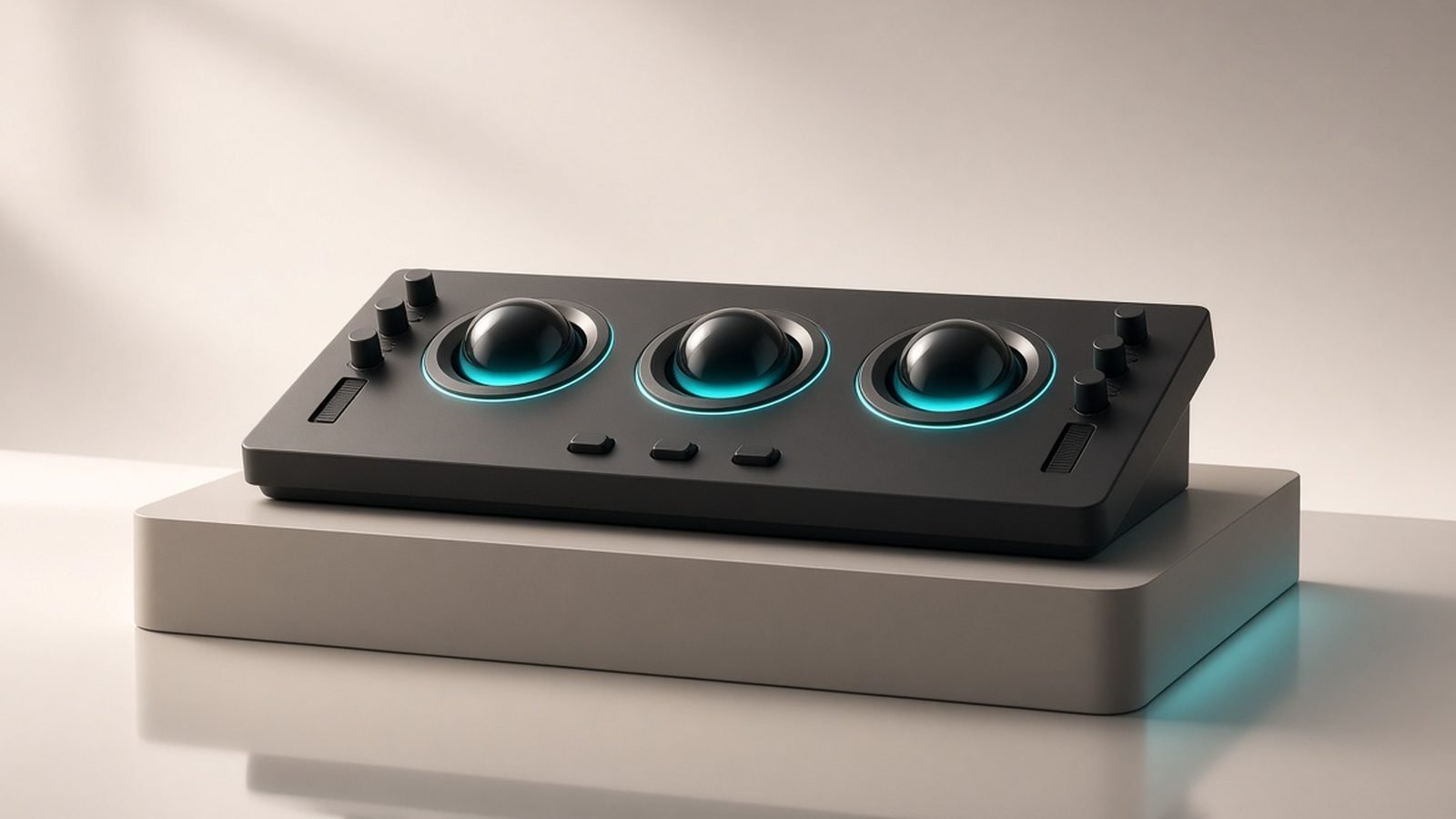
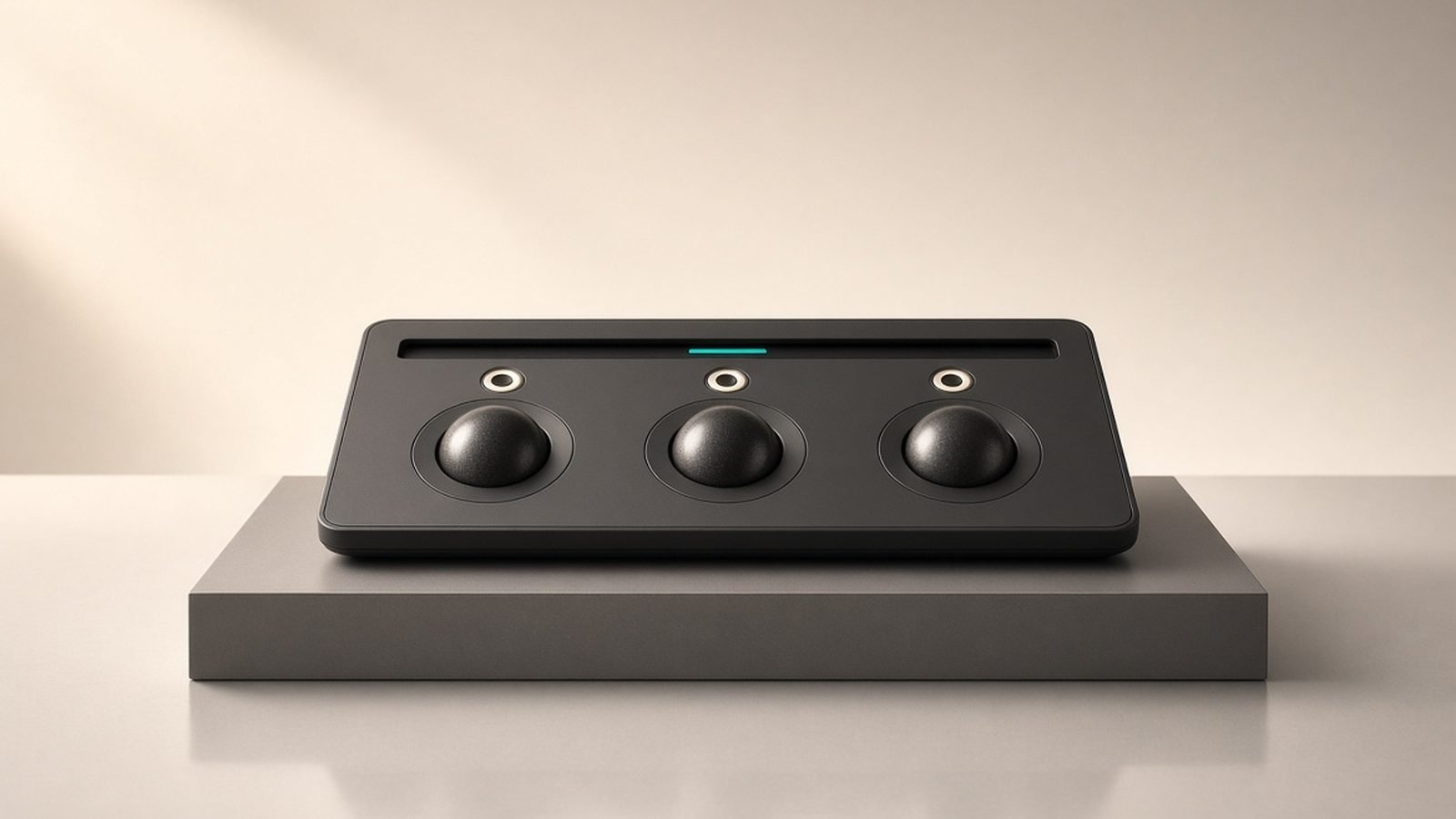
For a YouTuber, wedding videographer or indie filmmaker delivering in 4K, the free version genuinely may be all you ever need. The moment you take on paid commercial colour work, deliver HDR, or want the AI tools as daily drivers, Studio pays for itself immediately — and you own it. Blackmagic also bundles a Studio licence with its Speed Editor and control panels, which is how many editors get it.
The color page: still the reason pros switch
Resolve began life as colour-grading software, and the colour page remains its crown jewel. Node-based grading, primary and secondary correction, power windows, curves, tracking, HDR tools (Studio) and a scope suite make it the reference tool for professional grading — the same software used to finish major films and streaming series.
If colour is central to your work, nothing else in this price bracket is close. Premiere’s Lumetri panel is capable but shallower; Final Cut’s colour tools are friendlier but less powerful. The catch is that node-based grading has a conceptual learning curve — it thinks differently from the layer-based adjustments most editors know. Once it clicks, it is faster and more flexible; getting there takes patience.
Fusion and Fairlight: VFX and audio without leaving the app
Two more full applications live inside Resolve. Fusion is a node-based motion-graphics and VFX compositor — the kind of tool that is a separate paid app elsewhere (it competes with After Effects). It handles titles, tracking, keying, 3D compositing and particle work. It is powerful and, again, has a steeper node-based learning curve than a timeline-based effects panel.
Fairlight is a complete digital audio workstation built into the same software: multitrack mixing, EQ, dynamics, automation, and in Studio the AI Voice Isolation that rescues noisy dialogue. For anyone who has bounced audio out to a separate DAW, having a real mixing environment one tab away is a genuine workflow advantage.
The upshot is that Resolve is not just an editor — it is edit, grade, VFX and audio post in a single application, with no round-tripping between programs. That integration is its second-biggest selling point after price.
The learning curve: the honest catch
Resolve’s power comes at a cost, and that cost is approachability. The page-based structure (Media, Cut, Edit, Fusion, Colour, Fairlight, Deliver) is logical once learned but overwhelming at first. Node-based colour and Fusion are unfamiliar to anyone coming from layer-based tools. And while Blackmagic’s own training materials are excellent and the free tutorial ecosystem has grown enormously, there are still fewer third-party courses than for Premiere.
The Cut page is Blackmagic’s answer to this — a streamlined, fast-editing workspace designed for quick turnarounds that hides much of the complexity. It is a good on-ramp. But there is no getting around it: Resolve rewards study more than it rewards poking around. Beginners who want to post a clip this afternoon will get there faster in CapCut; see our CapCut Review 2026: Best Free Editor for Social?. Beginners willing to invest a weekend will end up with a far more capable skill set.
Performance and system requirements
Resolve is demanding, and specifically GPU-demanding. The colour and Fusion pages lean heavily on the graphics card, and the free version can be more sensitive to VRAM limits than Studio. On a modern machine — a recent dedicated GPU with ample VRAM, or Apple Silicon, plus 16GB of RAM (32GB recommended) and fast SSD storage — it is smooth and responsive, and Apple Silicon Macs in particular run it superbly.
On older or integrated-graphics machines, it struggles, and this is the most common source of frustration in owner reports. Optimised media and proxies help, but Resolve is less forgiving of weak hardware than CapCut or a basic Premiere timeline. Check the official minimum specs before committing, especially on Windows laptops with integrated graphics.
DaVinci Resolve vs Premiere Pro
The short version: Resolve wins on price and colour; Premiere wins on ecosystem and general-editing polish. Resolve’s free tier plus one-time Studio licence is unbeatable value, and its colour and audio tools are deeper. Premiere is smoother for everyday cutting, integrates with the Adobe apps most studios already own, and leads on AI dialogue editing. Solo creators and colourists increasingly pick Resolve; teams embedded in Adobe’s toolchain tend to stay with Premiere. Our Adobe Premiere Pro Review 2026: Features, Pricing & Verdict covers Premiere’s side in full, and the wider field is ranked in Best Video Editing Software 2026: Pro to Beginner.
Alternatives worth considering
- Adobe Premiere Pro — the professional standard, subscription-based, best for Adobe-ecosystem teams. Adobe Premiere Pro Review 2026: Features, Pricing & Verdict
- CapCut — free and fast for social video, but with commercial-use caveats and far less depth. CapCut Review 2026: Best Free Editor for Social?
- Final Cut Pro — Apple’s one-time-purchase editor, Mac-only, fast and friendly but ecosystem-locked.
If you also create thumbnails, titles and channel art, pair Resolve with a design tool from our Best Graphic Design Software 2026: Top Picks Compared & Ranked roundup.
Verdict
DaVinci Resolve is the easiest software recommendation we make. The free version is a professional editor that costs nothing, and the one-time Studio licence removes any subscription anxiety for good. Its colour grading is the industry benchmark, and having VFX and a full DAW built in makes it a complete post-production suite rather than just an NLE.
The honest caveats are the learning curve and the hardware appetite. If you want the quickest route from clip to upload, or you are on a weak machine, look elsewhere first. But if you are willing to invest a little time and you have a capable computer, Resolve gives you more capability per dollar — and per year — than anything else in video editing.
Get the free version if: you are learning, on a budget, or delivering up to 4K. Buy Studio if: you need the full AI suite, HDR, 8K, collaboration, or you do paid commercial grading.
FAQ
Is DaVinci Resolve really free?
Yes, completely. The free version of DaVinci Resolve is a full professional editor with the complete edit, colour, Fusion (VFX) and Fairlight (audio) pages, unlimited project length and export up to Ultra HD. It is not a time-limited trial or a watermarked demo. Blackmagic makes money selling hardware and the optional Studio upgrade, so the free software is genuinely free forever.
What does DaVinci Resolve Studio add over the free version?
Studio, a one-time purchase of around $295 / £268, adds the full AI Neural Engine tools (Magic Mask, Voice Isolation, Super Scale and more), 8K-plus export, HDR grading and advanced scopes, multi-user collaboration, extra Resolve FX and Fairlight FX, and noise reduction. For 4K delivery and general work the free version is usually enough; Studio is aimed at high-end, commercial and collaborative workflows.
Is DaVinci Resolve good for beginners?
It can be, but it has a steeper learning curve than CapCut or even Premiere. The simplified Cut page is a good starting point, and Blackmagic’s free training is excellent. Beginners who want the fastest route to a finished social clip may prefer CapCut, but those willing to invest a weekend will gain a far more powerful and future-proof skill set.
What are the system requirements for DaVinci Resolve?
Resolve is GPU-intensive. For smooth performance you want a modern dedicated graphics card with plenty of VRAM (or Apple Silicon), at least 16GB of RAM — 32GB recommended for 4K — and fast SSD storage. It runs on Windows, macOS and Linux. Older machines with integrated graphics will struggle, so check the official minimum specifications before installing.
DaVinci Resolve vs Premiere Pro — which should I choose?
Choose Resolve for the best value, the best colour grading and no subscription; choose Premiere for smoother general editing, deep Adobe-app integration and stronger AI dialogue tools. Solo creators and colourists lean Resolve; teams inside the Adobe ecosystem lean Premiere. See our Adobe Premiere Pro Review 2026: Features, Pricing & Verdict for the full comparison.
Can DaVinci Resolve edit 4K video?
Yes. Even the free version exports up to Ultra HD (3840×2160), which covers standard 4K delivery for YouTube, streaming and most client work. Only if you need 8K or higher, or HDR mastering, do you require the Studio upgrade. Performance at 4K depends mainly on your GPU; proxies help on modest hardware.
Zen Tech Hub may earn a commission from links on this page, at no extra cost to you.