If you’re weighing a PCIe 4.0 vs 5.0 SSD purely for gaming, here’s the honest headline: the generation barely matters. Gen 5 drives post enormous benchmark numbers, but games almost never touch that ceiling, so the faster drive shaves a fraction of a second off load screens you already forget about and runs hotter while doing it. What used to settle the question was price, because Gen 5 cost clearly more. That is no longer a safe assumption: SSD prices now sit well above the figures this guide carried in July 2026, and they have not moved evenly. For most gamers the sensible rule is to buy whichever good NVMe drive is cheaper on the day and that your build can keep cool.
That’s the short answer. Below we explain exactly why, where Gen 5 does earn its keep, and what the two drives compared here cost when we last checked.
Quick answer for gamers
A fast PCIe 4.0 SSD loads games within a hair of the fastest Gen 5 drives and stays cool without a chunky heatsink or motherboard fan, which still makes it the safe default for a gaming PC. PCIe 5.0 is genuinely impressive hardware, but the case for it in a pure gaming rig rests on price alone: buy one for gaming only when it is listed for no more than a good Gen 4 drive, as the Crucial T705 2TB was in the US on 2 October 2026, and only if your build can cool it. If you also do heavy content creation — 8K video editing, large scientific datasets, huge file transfers — that’s a different story, and we cover it below.
| Spec | PCIe 4.0 (e.g. Samsung 990 Pro) | PCIe 5.0 (e.g. Crucial T705) |
|---|---|---|
| Rated sequential read | ~7,450 MB/s | ~14,500 MB/s |
| Real-world game load benefit | Baseline | Fractions of a second |
| 2TB price (checked 2 Oct 2026) | $385.99 to $389.99 / from £314.99 | $303.99 to $370.45 / £355.19 |
| Heat / cooling needs | Low, small heatsink fine | High, big heatsink or fan |
| Best for | Gamers, most PCs, PS5 | Creators, max throughput |
The speed numbers vs real game load times
On paper the gap looks decisive. A top Gen 5 drive rates around 14,500 MB/s sequential reads; a strong Gen 4 drive like the Samsung 990 Pro sits near 7,450 MB/s. Nearly double. So Gen 5 must halve your load times, right?
No. Game loading is not one long sequential read. It’s a messy mix of small random reads, decompression, shader work and CPU processing — and much of that bottleneck lives outside the SSD entirely. In our research across owner reports and published reviews, the Gen4 vs Gen5 SSD load times difference in real games is consistently tiny: often well under a second, and frequently within margin of error.
The reason is simple. Once you move from SATA to any NVMe drive, you’ve claimed the big win. A hard drive to NVMe can cut a load from 40 seconds to 8. Gen 4 NVMe to Gen 5 might take that 8 seconds to 7.6. You will not feel it. So when people ask “do games use PCIe 5.0” bandwidth, the practical answer is: not the way marketing implies.
DirectStorage: promise vs reality in 2026
DirectStorage was supposed to change this. The pitch: let the GPU decompress assets directly, bypass the CPU bottleneck, and finally make ultra-fast SSDs load worlds instantly. It’s a real, clever technology — and the DirectStorage SSD speed story is still more promise than payoff.
Adoption has been slow. As of 2026, only a modest number of shipping games use DirectStorage meaningfully, and those show most of their gains simply from moving to NVMe — not from Gen 5 over Gen 4. Based on owner reports and developer commentary, the GPU decompression path helps, but it doesn’t create a night-and-day gap between a good Gen 4 drive and a Gen 5 one.
The takeaway: don’t buy a PCIe 5.0 SSD today on the promise of tomorrow’s games. By the time the software catches up, you’ll likely be due a new drive anyway. Buy for the games you play now.
Heat, power and cost differences
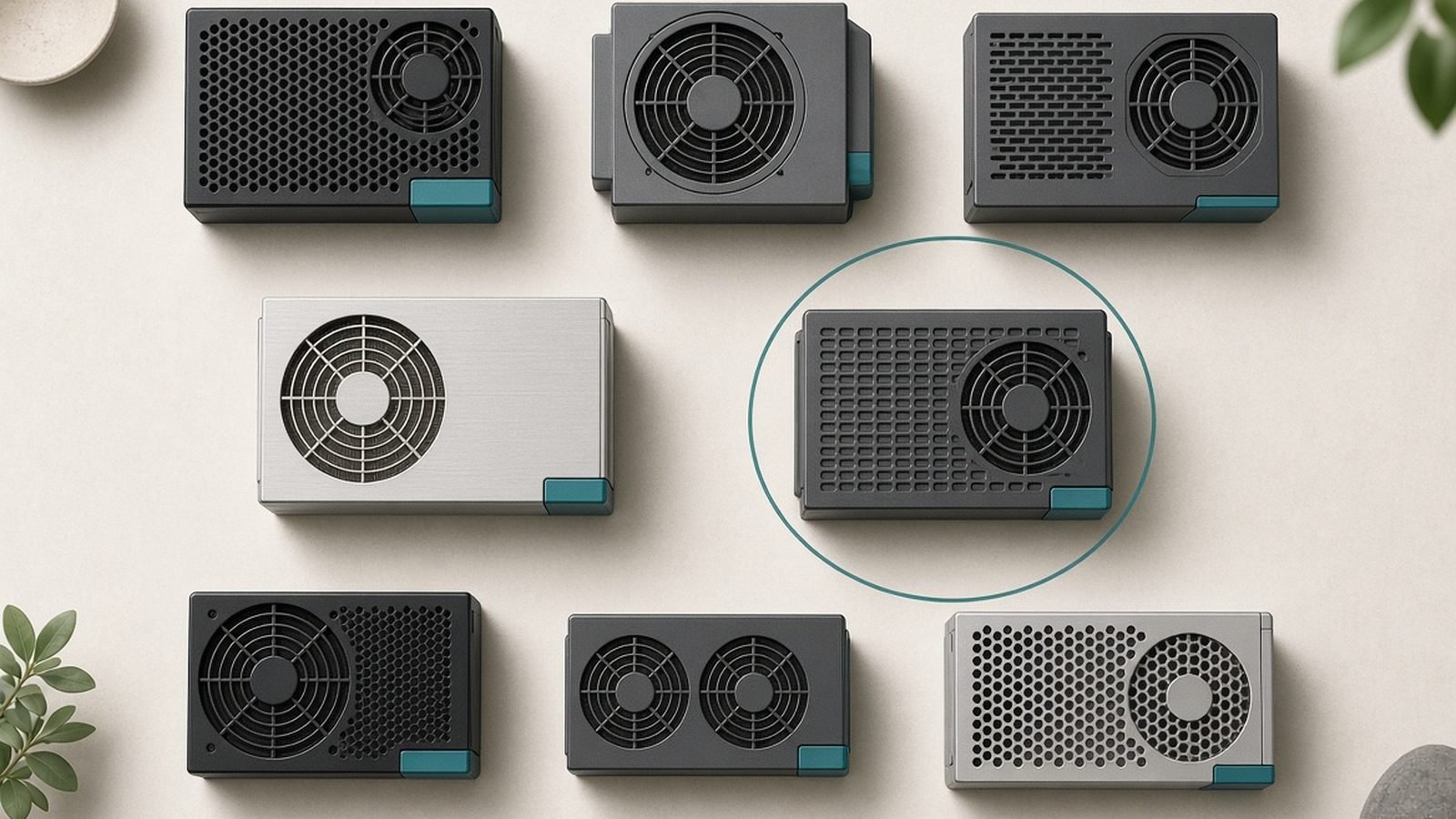
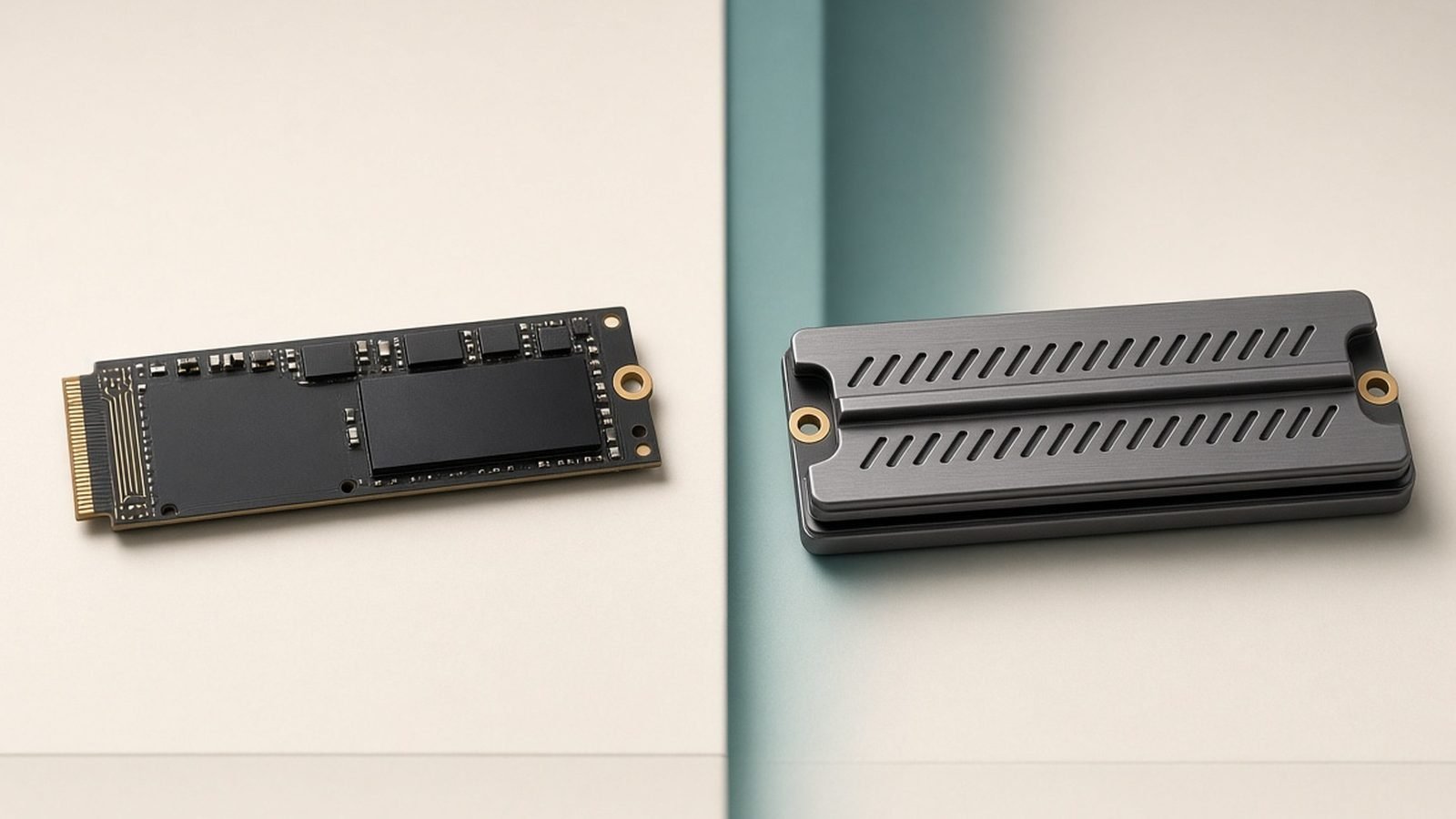
Here’s where Gen 5 stops being merely unnecessary and starts being an active nuisance for some builds. PCIe 5.0 SSD heat is a real design constraint. These controllers push hard and run hot — hot enough that many Gen 5 drives ship with tall heatsinks, and some require a tiny active fan. In a cramped case, or under an M.2 slot blocked by your graphics card, that matters.
A Gen 4 drive like the 990 Pro sips less power and cools easily under a slim motherboard heatsink. That means quieter builds, fewer thermal-throttling worries, and no whining 25mm fan sitting millimeters from your GPU.
Then there’s cost, and this is the part of the argument that has changed. In July 2026 this guide said a Gen 5 drive commands a clear premium over an equivalent Gen 4 model. Listings read on 2 October 2026 do not support that as a rule. In the US, Newegg listed the Samsung 990 Pro 2TB at $385.99 and Tom’s Hardware’s SSD deals tracker (updated 1 October) had it at $389.99 on Amazon, against a $639.99 list price on Samsung’s own store. The Crucial T705 2TB was $303.99 on Crucial’s US store, marked in stock, and $370.45 at Newegg. On those figures the Gen 5 drive was the cheaper of the two, by about $15 to $86 depending on the retailer. Tom’s Hardware’s tracker puts rising SSD prices down to tariffs, geopolitical issues and chip shortages, and says shortages driven by AI data centers could persist for several years. See our Best NVMe SSD for Gaming in 2026 (PCIe 4.0 & 5.0) guide for picks across both generations.
US vs UK: the order is reversed in the UK. PriceSpy’s lowest listed price for the 990 Pro 2TB was £314.99 (Samsung’s UK store asks £503), while Crucial’s UK store listed the T705 2TB at £355.19, so Gen 5 still costs about £40 more there. Two other 2TB Gen 5 drives on PriceSpy sat higher again: the Samsung 9100 Pro from £374.99 and the WD Black SN8100 from £369. UK prices include VAT; US prices are before sales tax.
When PCIe 5.0 actually makes sense (creators)
We’re not anti-Gen 5. There’s a clear audience for it: people who move enormous files, fast, all day.
If you edit 8K multi-cam video, work with massive RAW libraries, run local AI models, or shuffle hundreds of gigabytes between drives regularly, Gen 5’s throughput is transformative. Copying a 200GB project folder at 12,000+ MB/s versus 6,000 MB/s is time you get back every day. That’s a genuine productivity win, not a spec-sheet flex.
So the PCIe 5.0 SSD worth it gaming question flips entirely for creators: yes, buy the Gen 5 drive — just understand you’re buying it for work, and the gaming benefit is a rounding error. If your PC is a workstation that also games, spend on Gen 5. If it’s a gaming PC that occasionally edits a clip, don’t.
What to buy right now
For the best SSD for gaming — Gen4 or Gen5 — our answer is still that Gen 4 is all a game needs. Whether it is also the cheaper buy now depends on where you live and the day you check, so compare the two prices below before ordering.
Samsung 990 Pro 2TB (PCIe 4.0) — best for gamers
The 990 Pro is the drive we recommend to most gamers, full stop. It’s fast enough that no game will make you wish for more, it runs cool under a basic heatsink, and it’s PS5-compatible if you need console expansion. It isn’t the raw-speed leader, and it won’t win a benchmark bragging contest — but in real gaming, you’d never know the difference from a Gen 5 drive.
Pros - Excellent, consistent real-world gaming performance - Runs cool and quiet; easy cooling - Effectively identical game load times to Gen 5 - Cheaper than the T705 in UK listings (2 October 2026) - PS5-ready
Cons - Not the sequential-speed champion - Listed above the Gen 5 Crucial T705 2TB in the US on 2 October 2026
2TB price, checked 2 October 2026: $385.99 at Newegg and $389.99 at Amazon (per Tom’s Hardware’s tracker) in the US; from £314.99 in the UK (PriceSpy’s lowest listed price). Samsung’s own stores list it at $639.99 and £503.
Check price: Samsung 990 Pro 2TB (PCIe 4.0)
Want the deep dive? Read our full Samsung 990 Pro 2TB Review: Best Gaming SSD in 2026?.
Crucial T705 2TB (PCIe 5.0) — best for creators
The T705 is one of the fastest consumer SSDs you can buy, with sequential reads near 14,500 MB/s. For creators moving huge files, it’s spectacular. For gaming, the benefit is negligible — and you pay for it in heat and, in the UK, in price. Buy this if your workload, not your frame rate, demands it, or if it is simply the cheaper drive where you live and your motherboard can cool it.
Pros - Class-leading sequential throughput - Transformative for video editing and large transfers - Excellent for workstation-plus-gaming rigs
Cons - Runs hot; needs a large heatsink (some variants use a fan) - Costs more in the UK for no meaningful gaming gain - More speed than a pure gaming PC can use
2TB price, checked 2 October 2026: $303.99 on Crucial’s US store (marked in stock) and $370.45 at Newegg; £355.19 including VAT on Crucial’s UK store.
Check price: Crucial T705 2TB (PCIe 5.0)
Verdict
For gaming, the PCIe 4.0 vs 5.0 SSD debate is settled by real load times, not spec sheets: Gen 4 is enough. The Samsung 990 Pro remains the cooler, quieter choice, and in UK listings the cheaper one. In the US, where the Crucial T705 2TB was listed for less on 2 October 2026, the Gen 5 drive is a reasonable gaming buy if your motherboard can cool it — but its throughput still pays for itself only in genuine creative workloads. If you’re upgrading, our How to Clone Windows to a New NVMe SSD walkthrough makes the swap painless. For more component picks, visit the PC Hardware.
FAQ
Do games actually use PCIe 5.0 speeds?
Not in any way you’ll notice. Game loading relies on random reads, decompression and CPU work — not the sustained sequential transfers where Gen 5 shines. In our research, real game load times between a good Gen 4 and a Gen 5 drive differ by fractions of a second, usually within margin of error. The bottleneck sits elsewhere in the pipeline.
Is a PCIe 5.0 SSD worth it for gaming in 2026?
Not for its speed. A Gen 5 drive runs hotter and gains effectively nothing in game load times, so for gaming it is only worth buying when it costs no more than a good Gen 4 drive. That was the case for the Crucial T705 2TB in US listings on 2 October 2026, but not in the UK. The exception is a machine that doubles as a creative workstation — video editing, large datasets, heavy file transfers — where Gen 5’s throughput genuinely saves time every day.
Will DirectStorage make Gen 5 SSDs matter later?
Possibly, but slowly. DirectStorage adoption remains limited in 2026, and current implementations get most of their benefit from NVMe in general, not Gen 5 specifically. We wouldn’t pay a premium today betting on future software. Buy for the games you play now; upgrade later if the landscape truly changes.
Do PCIe 5.0 SSDs really run that hot?
Yes, noticeably hotter than Gen 4. Many Gen 5 drives ship with tall heatsinks and some include a small fan to avoid thermal throttling. In a compact case or a slot shadowed by your GPU, that heat and noise is a real consideration. Gen 4 drives cool easily under a slim motherboard heatsink.
What about the PS5 — Gen 4 or Gen 5?
The PS5 uses a PCIe 4.0 interface, so a fast Gen 4 drive like the Samsung 990 Pro is the natural choice. A Gen 5 drive will work but runs at Gen 4 speeds in the console, so the system can’t use its extra bandwidth and there is nothing to gain from choosing one for the PS5.
Zen Tech Hub may earn a commission from links on this page, at no extra cost to you.