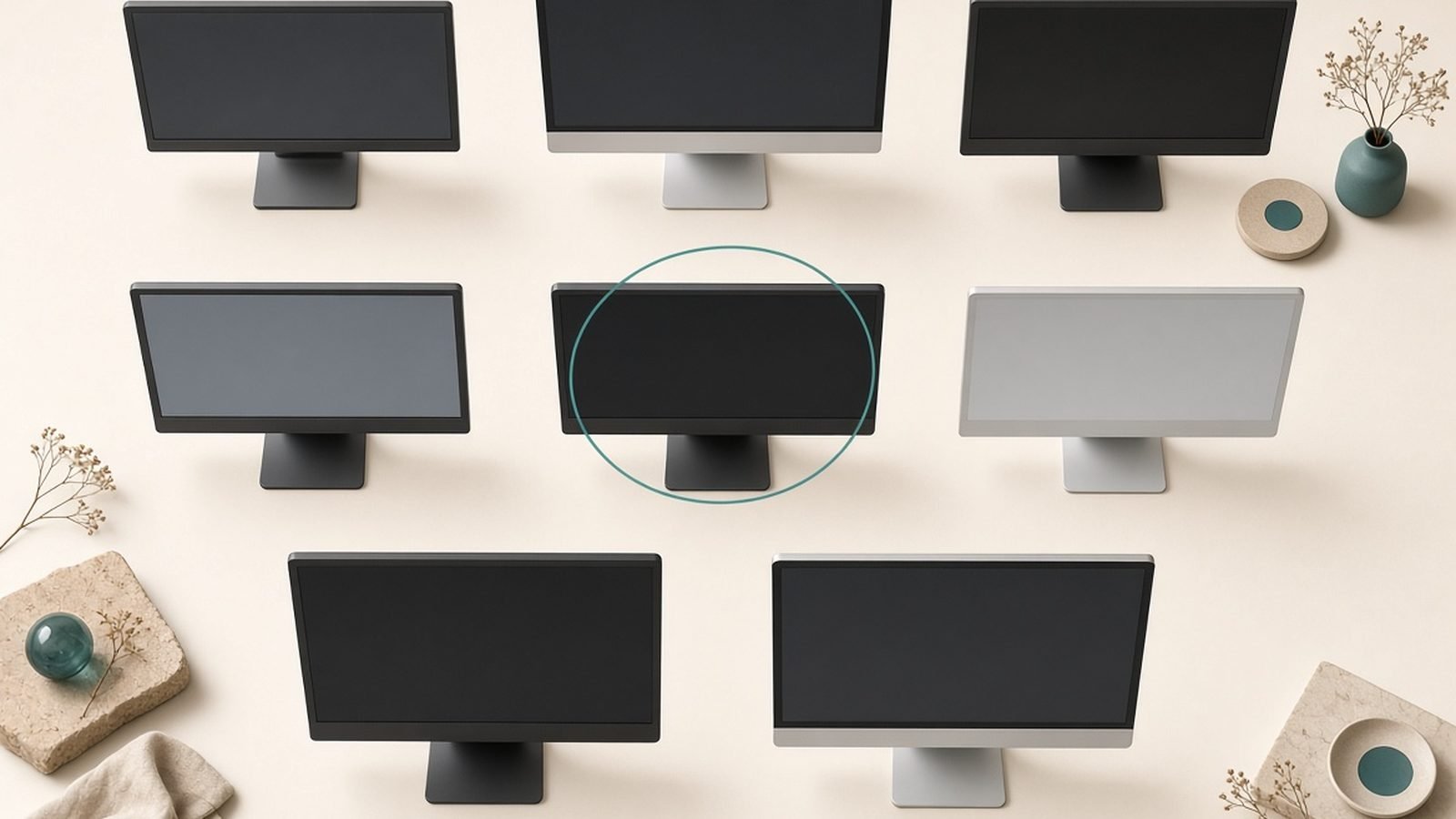
The best gaming monitor 2026 offers for most enthusiasts is a 27-inch 1440p QD-OLED at 360Hz — it hits the sweet spot of resolution, speed, and stunning contrast that suits mainstream GPUs. If you have a top-end card and want the showcase experience, a 32-inch 4K 240Hz OLED is the one to beat. And on a budget, a solid 1440p IPS panel at 180Hz still delivers a superb, smooth picture for far less.
Below are six monitors we’d recommend across resolutions and budgets, with the honest trade-offs each panel type carries. Our analysis is based on published specifications, panel documentation, and the broad consensus among reviewers and owners — not our own calibration lab. Prices move with sales, so treat every figure as an estimate.
Best gaming monitor 2026 at a glance
| Pick | Type | Best for | Price US / UK |
|---|---|---|---|
| Best overall | 27” 1440p QD-OLED 360Hz | High-end 1440p | ~$799 / £769 |
| Best 4K | 32” 4K OLED 240Hz | Flagship 4K gaming | ~$1,099 / £1,049 |
| Best value 1440p | 27” 1440p IPS 180Hz | Mainstream gaming | ~$279 / £269 |
| Best ultrawide | 34” 1440p QD-OLED 175Hz | Immersion + productivity | ~$799 / £769 |
| Best esports | 24.5” 1080p 360Hz+ | Competitive FPS | ~$299 / £289 |
| Best budget | 27” 1440p IPS 144Hz | Tight budgets | ~$199 / £189 |
Prices are estimates and shift with sales. Buy on a genuine dip.
How we picked
We weighed the things that actually shape a gaming experience: panel technology (OLED vs IPS), resolution, refresh rate, response time, contrast, HDR capability, and connectivity — then balanced them against price and the GPU you’d realistically pair with each. A monitor is a multi-year purchase, so longevity and everyday usability matter as much as peak specs.
Our conclusions draw on published specifications, panel maker documentation, and the aggregated view of reviewers and long-term owners. We don’t invent measured numbers or claim hands-on calibration we didn’t do. Where a panel risks burn-in, has imperfect HDR, or needs a powerful GPU to drive it, we say so. Crucially, your monitor should match your graphics card — see our Best Graphics Cards 2026: GPUs for Every Budget guide so you don’t buy a 4K 240Hz panel a mid-range card can’t feed.
Best overall: 27” 1440p QD-OLED 360Hz
2560×1440 · QD-OLED · 360Hz · ~0.03ms · ~$799 / £769
A 27-inch 1440p QD-OLED running at 360Hz is the monitor we’d put in most enthusiast setups in 2026. It combines the resolution mainstream GPUs handle best with OLED’s near-instant response and perfect blacks, and QD-OLED’s quantum-dot layer gives colors real punch. Motion is exceptionally clean, and the contrast makes games look genuinely three-dimensional in a way LCDs can’t match.
The pixel density at 27 inches and 1440p is sharp, and 360Hz gives you esports-grade smoothness while still being drivable by a strong card like an RX 9070 XT or RTX 5070 Ti in most titles. This is the format that hits the best balance of image quality, speed, and GPU demands.
OLED’s caveats apply: there’s a burn-in risk with static elements over years, though modern panels include mitigation features, and full-screen brightness is lower than a bright LCD, so it’s happiest out of direct sunlight. For gaming and dark-room use, the picture is spectacular.
Pros:
- Perfect blacks and superb contrast
- Near-instant response, clean motion
- Vivid QD-OLED color
- 360Hz drivable by strong GPUs
Cons:
- Burn-in risk over years with static content
- Lower full-screen brightness than bright LCDs
- Premium price
Who it’s for: High-end 1440p gamers who want the best all-round image and motion.
Best 4K: 32” 4K OLED 240Hz
3840×2160 · QD-OLED/WOLED · 240Hz · ~0.03ms · ~$1,099 / £1,049
If you have a flagship GPU and want the showcase experience, a 32-inch 4K OLED at 240Hz is the current pinnacle of gaming displays. You get 4K sharpness, OLED contrast, and a 240Hz refresh that makes even fast games feel fluid. At 32 inches, 4K delivers a crisp, immersive picture that’s equally at home for gaming, media, and detailed work.
The catch is the hardware it demands. Driving 4K at high frame rates needs a powerful card — realistically an RTX 5080 or 5090, or the top AMD cards with upscaling — so this panel only makes sense alongside serious silicon. Our Nvidia RTX 5080 Review 2026: The Sweet-Spot GPU? covers exactly the class of GPU you’d want behind it.
As with any OLED, factor in burn-in mitigation and brightness limits. But for a no-compromise flagship setup, nothing else combines resolution, contrast, and refresh this well.
Pros:
- 4K sharpness with OLED contrast
- 240Hz for fluid high-refresh 4K
- Excellent for gaming and media
- Large, immersive 32-inch format
Cons:
- Needs a flagship GPU to drive it
- Expensive
- OLED burn-in and brightness caveats
Who it’s for: Enthusiasts with top-end GPUs who want the ultimate 4K gaming display.
Best value 1440p: 27” 1440p IPS 180Hz
2560×1440 · Fast IPS · 180Hz · ~1ms · ~$279 / £269
Not everyone needs OLED, and this is the proof. A 27-inch 1440p fast-IPS panel at 180Hz delivers a genuinely excellent gaming experience for a fraction of an OLED’s cost. You get sharp 1440p resolution, vivid and accurate IPS color, wide viewing angles, and smooth 180Hz motion — more than enough for most single-player and many competitive games.
It won’t match OLED’s perfect blacks or instant response, and its HDR is decent rather than dazzling. But it’s brighter in full-screen content, carries no burn-in worry, and is far easier on the wallet, which frees up budget for a better GPU or CPU. For the money, this is the format that gives the most gamers a great experience.
Pair it with a mid-range card like an RTX 5060 or RX 9070 and you have a balanced, high-value setup.
Pros:
- Excellent value for the quality
- Sharp 1440p with vivid IPS color
- Smooth 180Hz, no burn-in risk
- Bright, versatile everyday panel
Cons:
- No OLED-level blacks or contrast
- Only decent HDR
- Response time trails OLED
Who it’s for: Mainstream 1440p gamers who want a superb picture without OLED pricing.
Best ultrawide: 34” 1440p QD-OLED 175Hz
3440×1440 · QD-OLED · 175Hz · ~0.03ms · ~$799 / £769
For immersion, a 34-inch 3440×1440 QD-OLED ultrawide is hard to beat. The extra horizontal width pulls you into open-world and racing games, and the OLED panel brings the same perfect blacks and rich color as our top pick. It’s also a productivity powerhouse — the wide canvas fits multiple windows side by side, making it a great single-monitor solution for people who work and play on the same machine.
The trade-offs are the usual OLED considerations plus a couple of ultrawide quirks: not every game supports the 21:9 aspect ratio perfectly, and the wider pixel count is a little more demanding on your GPU than a standard 16:9 1440p panel. The 175Hz refresh is slightly lower than the fastest flat panels, but still very smooth.
For gamers who value immersion and a dual-purpose desktop, it’s a fantastic centerpiece.
Pros:
- Immersive 21:9 field of view
- OLED contrast and color
- Excellent for productivity too
- Great all-round experience
Cons:
- Some games don’t fully support 21:9
- More GPU-demanding than 16:9 1440p
- OLED burn-in and brightness caveats
Who it’s for: Gamers who want immersion and a wide, dual-purpose work-and-play display.
Best esports: 24.5” 1080p 360Hz+
1920×1080 · Fast IPS · 360Hz+ · ~0.5ms · ~$299 / £289
Competitive players have different priorities: they want the highest frame rates and the lowest latency, and a smaller 1080p panel at 360Hz or higher delivers exactly that. At 24.5 inches, everything sits in your field of view without moving your head, the lower resolution is easy for even mid-range GPUs to push to sky-high frame rates, and the ultra-high refresh makes fast-flick aiming feel razor-sharp.
This isn’t the monitor for someone who wants the prettiest single-player experience — 1080p on a modern desktop isn’t as crisp as 1440p, and IPS HDR is modest. But for pure competitive FPS play where every millisecond and frame counts, it’s the right tool, and it doesn’t require a flagship GPU to hit its potential.
Pros:
- Extremely high refresh for competitive play
- Low latency and clean fast motion
- Easy for mid-range GPUs to drive
- Compact, focused viewing area
Cons:
- 1080p is less sharp than 1440p
- Modest HDR
- Not ideal for immersive single-player
Who it’s for: Competitive FPS players who prioritize frame rate and latency above all.
Best budget: 27” 1440p IPS 144Hz
2560×1440 · IPS · 144Hz · ~1ms · ~$199 / £189
If you want to step up to 1440p high-refresh gaming without spending much, a 27-inch 1440p IPS panel at 144Hz is the entry point. It gives you the sharpness of 1440p and the smoothness of 144Hz — a big upgrade over a basic 1080p 60Hz display — for a genuinely affordable price. Color and viewing angles are good, and there’s no burn-in worry.
You’re trading away the higher refresh rates, better HDR, and OLED contrast of the pricier picks, and build quality is more basic. But as a first proper gaming monitor or a smart-value pick to leave budget for other components, it punches above its price. Pair it with a card like an RTX 5060 or Intel Arc B580 and you have an affordable, capable setup.
Pros:
- Affordable 1440p high-refresh entry
- Sharp resolution, smooth 144Hz
- Good IPS color, no burn-in
- Frees budget for other parts
Cons:
- Lower refresh than pricier panels
- Basic HDR and build
- No OLED contrast
Who it’s for: Budget gamers stepping up to 1440p high-refresh for the first time.
How to choose a gaming monitor in 2026
Match the monitor to your GPU. This is the most common mistake. A 4K 240Hz panel needs a flagship card; a 1440p 180Hz panel suits a strong mid-range GPU; and 1080p high-refresh works with almost anything. Decide your GPU tier first using Best Graphics Cards 2026: GPUs for Every Budget, then buy a display it can actually feed.
Pick your resolution by size. 1080p suits 24–25 inches, 1440p is the sweet spot at 27 inches, and 4K shines at 32 inches and up. Matching resolution to size keeps the image sharp — 4K on a 24-inch panel is wasted, and 1080p on a 32-inch panel looks soft.
Weigh OLED against IPS honestly. OLED gives perfect blacks, instant response, and stunning contrast, but carries burn-in risk and lower full-screen brightness. Fast IPS is brighter, worry-free, and cheaper, with excellent color but no true blacks. Choose OLED for image quality in controlled lighting, IPS for value and versatility.
Don’t overspend on refresh you can’t use. A 360Hz panel only helps if your GPU can push those frames in the games you play. Competitive esports players benefit most; single-player gamers are well served by 144–240Hz. Balance refresh against resolution and your realistic frame rates.
Check connectivity and features. Confirm the monitor has the right DisplayPort or HDMI version for your target resolution and refresh, and look for adaptive sync (G-Sync/FreeSync) to eliminate tearing. These details make the difference between a display that works flawlessly and one that frustrates.
FAQ
What is the best gaming monitor in 2026?
For most enthusiasts, a 27-inch 1440p QD-OLED at 360Hz is the best all-round gaming monitor in 2026. It balances resolution, speed, and OLED image quality while remaining drivable by strong mid-to-high-end GPUs. If you have a flagship card, a 32-inch 4K OLED at 240Hz is the showcase pick. On a budget, a 27-inch 1440p IPS panel at 180Hz delivers an excellent experience for far less.
Is OLED worth it for a gaming monitor?
For image quality, yes — OLED delivers perfect blacks, instant response, and contrast that LCDs can’t match, which makes games look stunning. The trade-offs are a burn-in risk over years with static content (mitigated by modern features), lower full-screen brightness, and a higher price. If you game in controlled lighting and want the best picture, OLED is worth it. If you need maximum brightness or worry about burn-in, fast IPS is a great alternative.
What monitor should I pair with my GPU?
Match resolution and refresh to your card. A mid-range GPU like an RTX 5060 or RX 9070 suits 1440p at 144–180Hz. A strong card like an RTX 5070 Ti or RX 9070 XT handles 1440p high-refresh or entry 4K. A flagship RTX 5080 or 5090 is needed for 4K at 240Hz. Buying a display your GPU can’t feed just wastes money — check our GPU guide to plan the pairing.
Is 1440p or 4K better for gaming in 2026?
It depends on your GPU and priorities. 1440p is the mainstream sweet spot — sharp, high-refresh, and drivable by mid-to-high-end cards, offering the best balance of image quality and frame rate. 4K looks stunning and is more immersive but demands a flagship GPU to run at high refresh. If you have top-tier hardware and want maximum sharpness, choose 4K; otherwise 1440p is the smarter, higher-frame-rate choice.
How many Hz do I need for gaming?
For most gamers, 144Hz to 240Hz is the practical range and a huge upgrade over 60Hz. Competitive FPS players benefit from 360Hz or higher for the lowest latency and smoothest fast motion. Single-player and mixed gamers rarely need more than 240Hz. Remember your GPU has to actually produce those frames, so balance refresh against resolution and the games you play.
Do I need HDR on a gaming monitor?
Good HDR adds real impact to games that support it, with brighter highlights and richer contrast, and OLED panels handle it especially well. But budget monitors often carry a basic HDR badge that adds little. If HDR matters to you, look for genuine high-brightness or OLED panels rather than entry-level HDR labels. For many gamers, refresh rate and response time matter more day to day than HDR.
Zen Tech Hub may earn a commission from links on this page, at no extra cost to you.