Ray tracing is a graphics technique that simulates how light actually behaves — bouncing off surfaces, casting accurate shadows, and creating realistic reflections — by tracing the path of individual light rays through a scene. In plain terms: instead of faking lighting with clever shortcuts, the game calculates it more like the real world does, producing reflections, shadows, and glowing light that look genuinely lifelike. It’s the biggest leap in game graphics realism in years, and it’s why puddles mirror neon signs and sunlight filters convincingly through a window in modern titles.
The honest catch: ray tracing is extremely demanding, so it can tank your frame rate, and in many games the visual upgrade is subtle rather than jaw-dropping. Whether it’s worth turning on depends on your graphics card, the specific game, and how much you value looks over performance. This guide explains how ray tracing works, what it costs, and when it’s actually worth it.
The old way: rasterization
For decades, real-time game graphics have used rasterization — a fast method that converts 3D shapes into 2D pixels and then “fakes” lighting with a bag of clever tricks. Shadows, reflections, and ambient light are approximated using pre-baked lightmaps, screen-space effects, and artist-placed light sources.
Rasterization is brilliant at being fast, which is why it powers nearly every game. But its shortcuts have limits: reflections often only show what’s already on screen, shadows can look flat or have hard edges, and light doesn’t bounce realistically between surfaces. Artists spend enormous effort hiding these gaps. Rasterization fakes light; ray tracing calculates it.
How ray tracing works
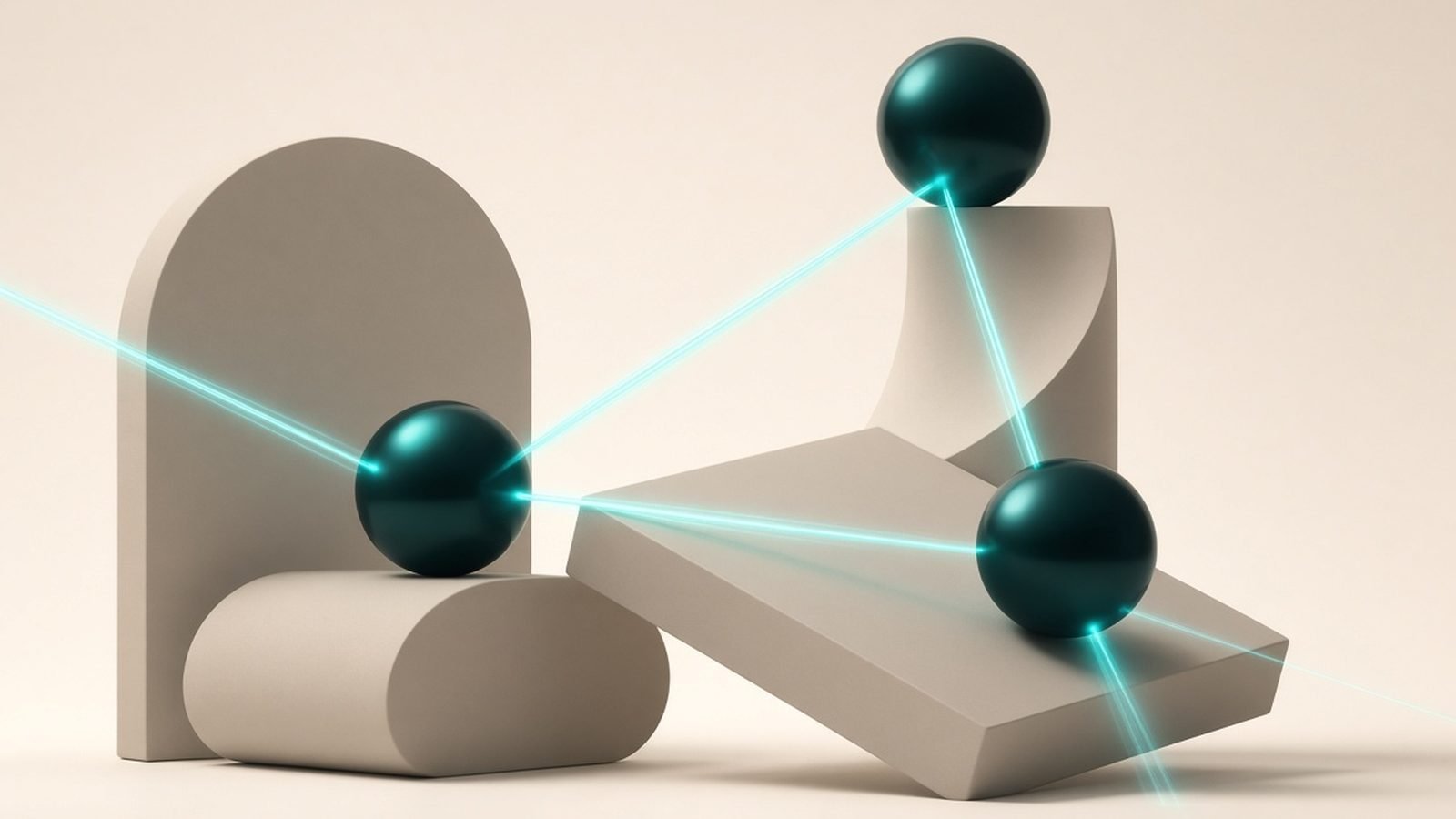
In the real world, light travels from a source, bounces off objects (picking up their color), and some of it reaches your eyes. Simulating every ray from every light source would be impossibly expensive, so ray tracing works backward: it traces rays from the camera out into the scene, following them as they hit surfaces, bounce, and interact with light sources.
Each bounce carries information — the color of the surface it hit, whether it’s in shadow, how reflective it is. Trace enough rays and you get physically accurate:
- Reflections that show the whole environment, not just what’s on screen, including objects behind the camera.
- Shadows with realistic soft edges that get sharper near the object and softer farther away.
- Global illumination — light bouncing off colored surfaces and subtly tinting nearby objects, the effect that makes a scene feel genuinely “lit.”
This is why ray-traced scenes often look more grounded and cohesive: the lighting all agrees with itself, the way it does in a photograph.
Ray tracing vs path tracing
You’ll increasingly see path tracing advertised as the next step. It’s ray tracing taken to its fullest: instead of tracing rays for one effect at a time (just reflections, or just shadows), path tracing simulates many bounces of light throughout the entire scene at once, unifying all lighting effects. Games like Cyberpunk 2077 and Alan Wake 2 use path-traced “overdrive” modes that look stunning — and bring even top-tier graphics cards to their knees without help from upscaling.
Think of it as a spectrum: rasterization (fastest, faked), selective ray tracing (some effects real), full path tracing (most realistic, most demanding).
The performance cost — and how it’s tamed
Here’s the part that decides everything: ray tracing is computationally brutal. Enabling it can cut your frame rate substantially, sometimes by half or more with heavy effects. To handle it, modern GPUs from Nvidia (RTX), AMD (Radeon RX), and Intel (Arc) include dedicated ray-tracing cores that accelerate the math.
Even so, the real hero is AI upscaling. Technologies like Nvidia DLSS, AMD FSR, and Intel XeSS render the game at a lower resolution and use AI to reconstruct a sharp, full-resolution image, recovering much of the lost performance. Frame generation goes further, inserting AI-generated frames to boost smoothness. In practice, ray tracing at playable frame rates almost always relies on these upscalers — they’re what make it viable outside of the most powerful cards.
The upshot: a strong modern GPU plus DLSS/FSR makes ray tracing genuinely usable. On older or budget cards, the frame-rate hit often isn’t worth it. This trade-off is central to how we rank cards and settings, and it interacts directly with your display’s refresh rate — see What Is Refresh Rate? 60Hz vs 120Hz vs 144Hz for why high frame rates matter, and Best Gaming Monitors 2026: OLED, 4K & High Refresh for pairing a GPU with the right screen.
Is ray tracing worth turning on?
An honest, game-by-game answer:
- Turn it on when a game is designed around it (Cyberpunk 2077, Alan Wake 2, Control) and your GPU can sustain a good frame rate with upscaling. Here the difference is striking, especially reflections and global illumination.
- It’s a toss-up in games where ray tracing adds only subtle shadow or reflection tweaks. In fast multiplayer shooters, most players prioritize high frame rates over ray-traced eye candy.
- Skip it if your card struggles and the game still looks great with rasterization — which, thanks to years of refinement, most do.
The visual payoff is real but variable. In some scenes it’s transformative; in others you’d struggle to spot the difference in motion. Try it both ways and judge for your setup and taste. For living-room gaming, note that a great TV shows off ray-traced lighting beautifully — see Best TVs 2026: OLED, Mini-LED & Budget Picks Compared for what to look for in a gaming display.
Where it’s headed
Ray tracing has moved from a novelty to a standard feature. Both current consoles support it (in limited forms), most new AAA games include it, and each GPU generation makes it faster and cheaper to run. Full path tracing is the frontier, and AI upscaling keeps improving to close the performance gap. Over time, as hardware catches up, ray-traced lighting will likely become the default rather than an optional toggle — but for now, it remains a quality-versus-frame-rate choice you get to make.
FAQ
What’s the difference between ray tracing and rasterization?
Rasterization is the traditional, fast method that fakes lighting with shortcuts and powers almost every game. Ray tracing simulates the actual paths of light rays to produce physically accurate reflections, shadows, and bounced light. Ray tracing looks more realistic but is far more demanding, so games often combine both — rasterizing most of the scene and adding ray-traced effects on top.
Does ray tracing really make games look better?
Often yes, sometimes only subtly. In games built around it, ray-traced reflections and global illumination can dramatically improve realism and atmosphere. In others, the effect is modest and hard to notice during fast gameplay. The benefit depends heavily on the specific game and scene, so it’s worth toggling it on and off to see whether the visual gain justifies the frame-rate cost on your system.
How much does ray tracing hurt performance?
A lot, potentially. Enabling ray tracing can cut frame rates significantly — sometimes by half or more with heavy effects or path tracing. Dedicated ray-tracing hardware on modern GPUs helps, but the main fix is AI upscaling like DLSS, FSR, or XeSS, which recovers most of the lost performance. Without a capable GPU and upscaling, ray tracing is often too costly to enable.
Do I need an expensive graphics card for ray tracing?
You need a reasonably modern GPU with ray-tracing hardware, but not necessarily a flagship. Mid-range cards can handle lighter ray-traced effects, especially with upscaling turned on. Full path tracing, however, demands high-end hardware for smooth frame rates. Match your expectations to your card: lighter ray tracing on mainstream GPUs, heavy path tracing on premium ones.
What is path tracing, and how is it different?
Path tracing is the most advanced form of ray tracing. Instead of adding one ray-traced effect at a time, it simulates many bounces of light across the entire scene at once, unifying all lighting for maximum realism. It looks spectacular but is extremely demanding — even top GPUs typically need AI upscaling and frame generation to run path-traced modes at playable frame rates.
Zen Tech Hub may earn a commission from links on this page, at no extra cost to you.