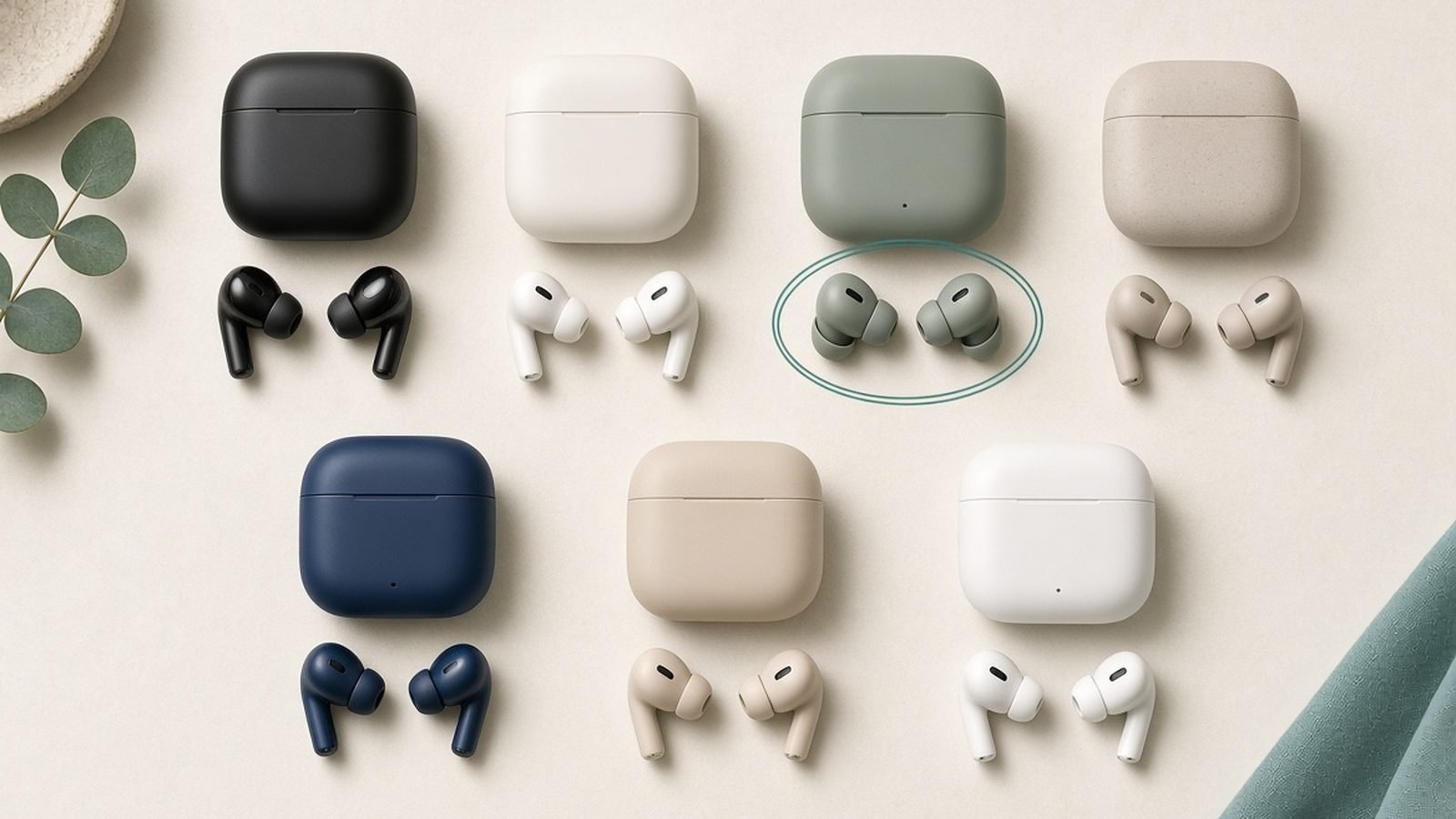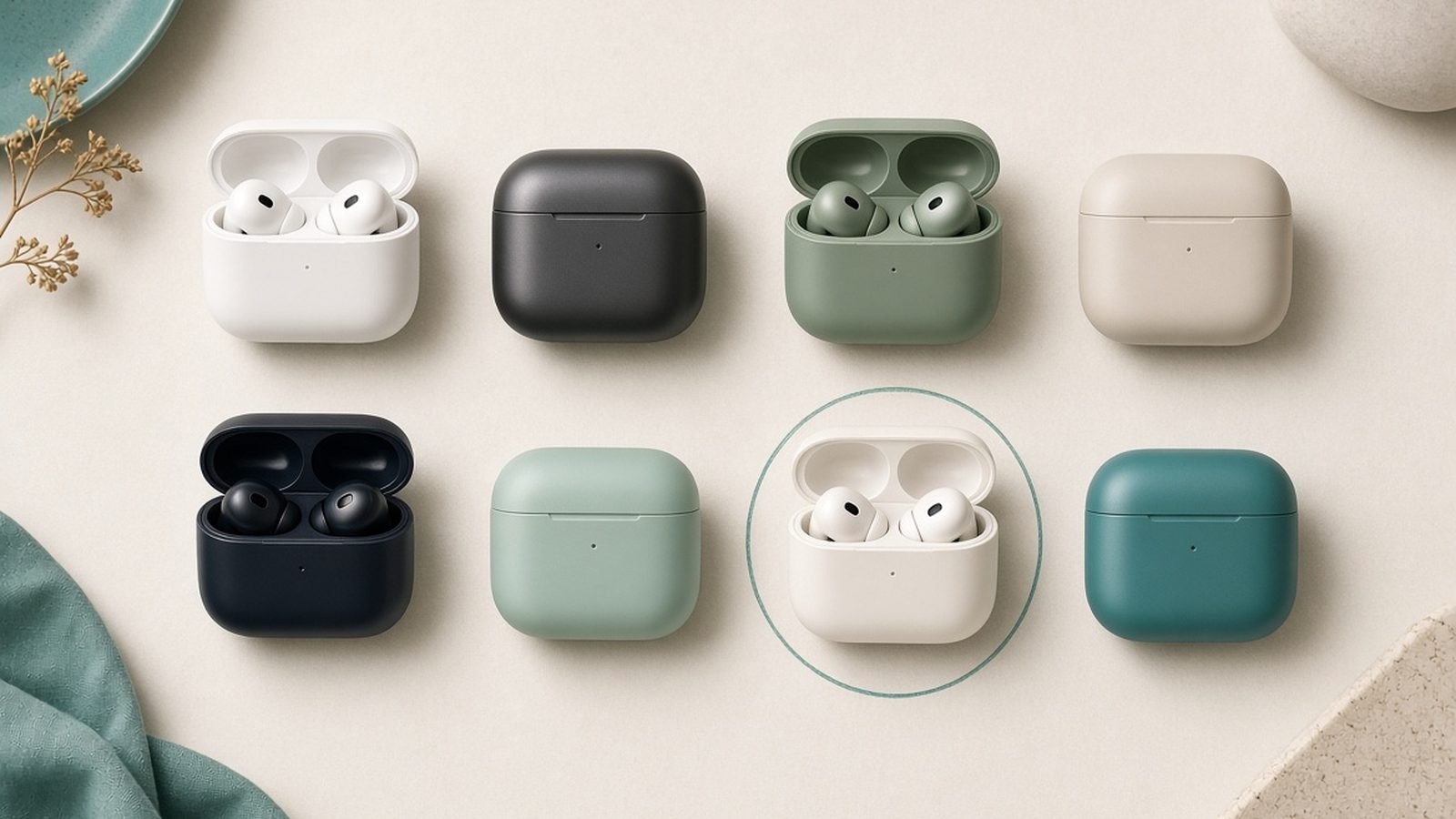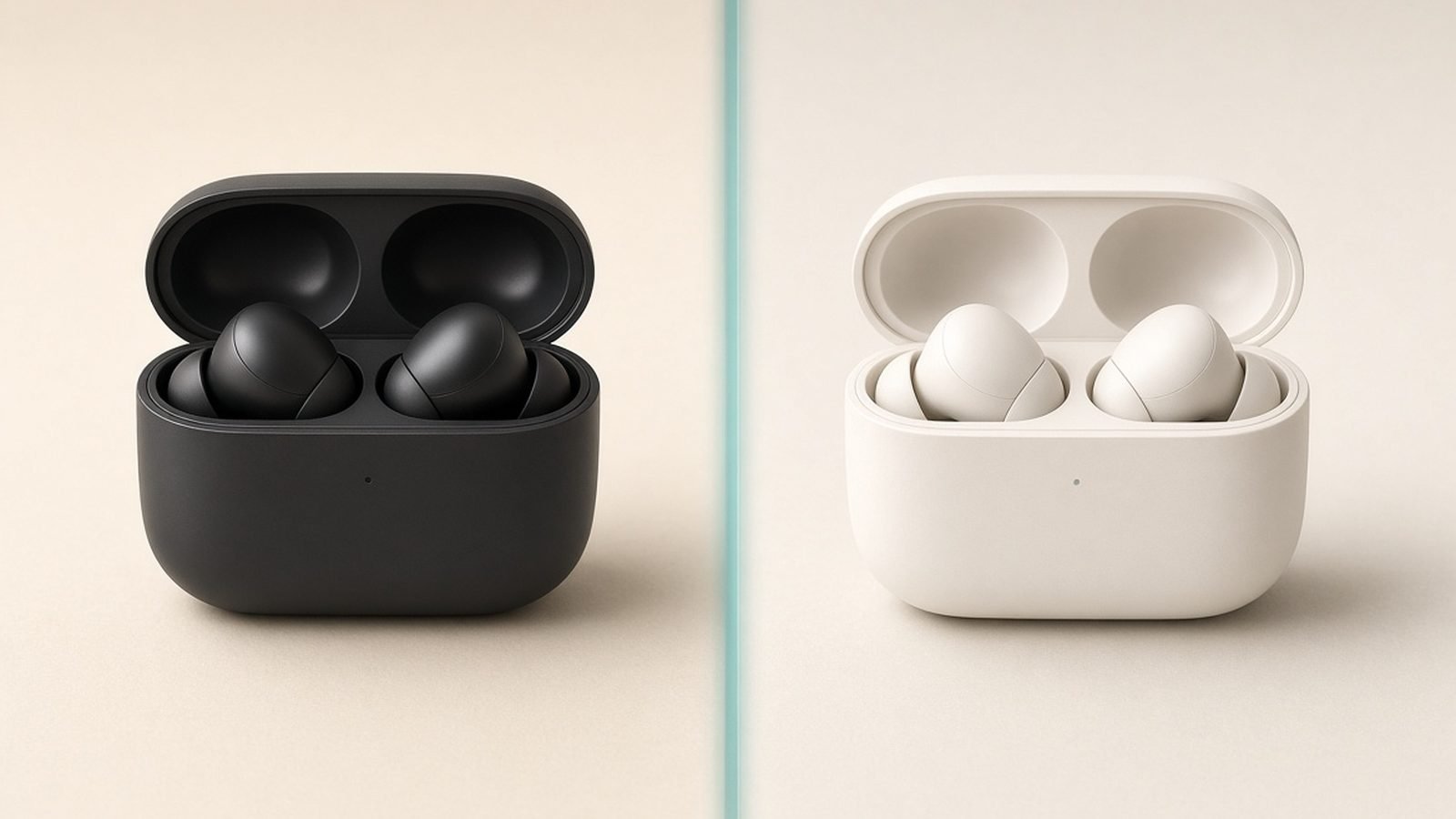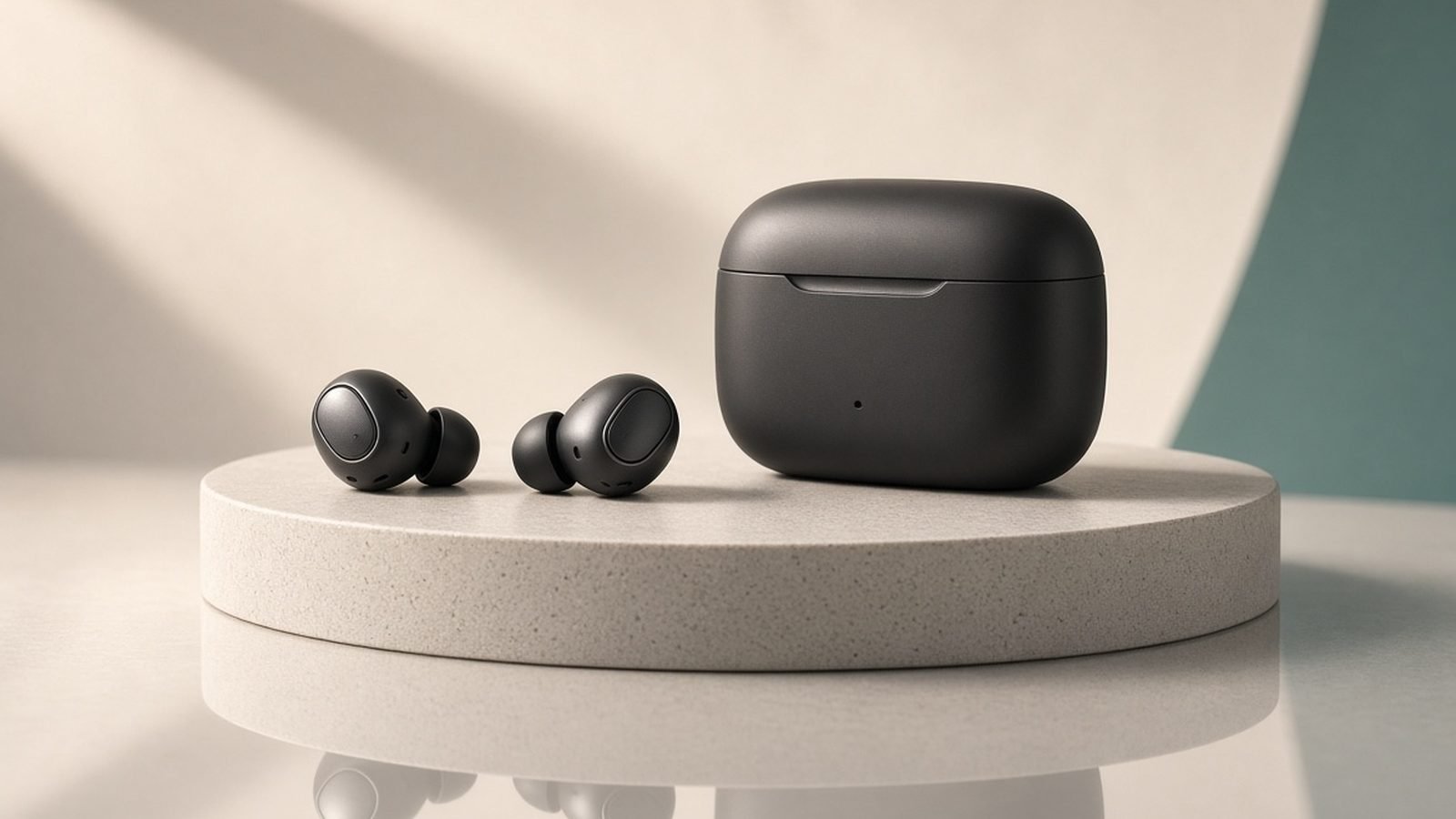
Cleaning your earbuds properly makes them sound better, last longer and stay hygienic — and doing it wrong can permanently kill them. The quick answer: use a dry soft brush and a dry microfiber cloth for everyday cleaning, tackle ear wax gently with the tip removed, and keep all liquid away from the mesh, ports and internals. Never run earbuds under a tap, and never dig at the mesh with a pin.
This guide walks through a safe, step-by-step routine for wireless earbuds and their case, including how to clear wax without damaging the driver mesh, how to clean silicone tips, and the specific mistakes that ruin earbuds. It applies to AirPods, Galaxy Buds, Soundcore, Sony and virtually any modern true-wireless pair.
What You’ll Need
Gather a few cheap, safe tools before you start. Using the right ones is the whole game — improvised sharp objects and household liquids cause most cleaning damage.
- A soft-bristled brush (a clean, dry toothbrush or a dedicated earbud brush)
- A dry microfiber cloth
- Cotton swabs (Q-tips)
- Wooden or plastic toothpicks — never metal pins or needles
- A small amount of 70% isopropyl alcohol (for tips and shells only, used sparingly)
- Optional: a reusable adhesive putty (like Blu Tack) for lifting wax off mesh
- Optional: a soft dry brush or compressed-air alternative for the case
Avoid: water under a tap, hydrogen peroxide, ear-wax drops, metal pins, and any liquid applied directly to the speaker mesh or charging contacts.
Step 1: Power Down and Inspect
Take the earbuds out of the case and turn them off if your model allows it. Look closely at each bud in good light. You’re checking three areas: the speaker mesh (the small grille where sound comes out), the silicone or foam ear tips, and the charging contacts (the little metal pins).
Wax and debris on the mesh is the usual culprit behind muffled or quiet sound and is the number-one reason one earbud sounds weaker than the other. If that’s your issue, our dedicated fix guide goes deeper: One Earbud Not Working? 9 Fixes That Actually Work (2026). Identifying where the gunk is tells you where to focus.
Step 2: Remove and Clean the Ear Tips
If your earbuds have removable silicone or foam tips, pull them off gently. This is the only part you can safely clean with a little moisture, because it’s separate from the electronics.
Wash silicone tips in warm water with a tiny drop of mild soap, rub gently, rinse, and — this is critical — let them dry completely before putting them back on. Any trapped moisture can migrate into the bud. For a deeper clean, wipe them with a cloth lightly dampened in 70% isopropyl alcohol, which evaporates fast and disinfects. Foam tips should not be soaked; wipe them gently with a barely damp cloth instead, as water degrades foam quickly.
Step 3: Clean the Speaker Mesh (Gently)
This is the delicate part. The mesh protects the driver, and pushing wax through it or puncturing it causes permanent damage.
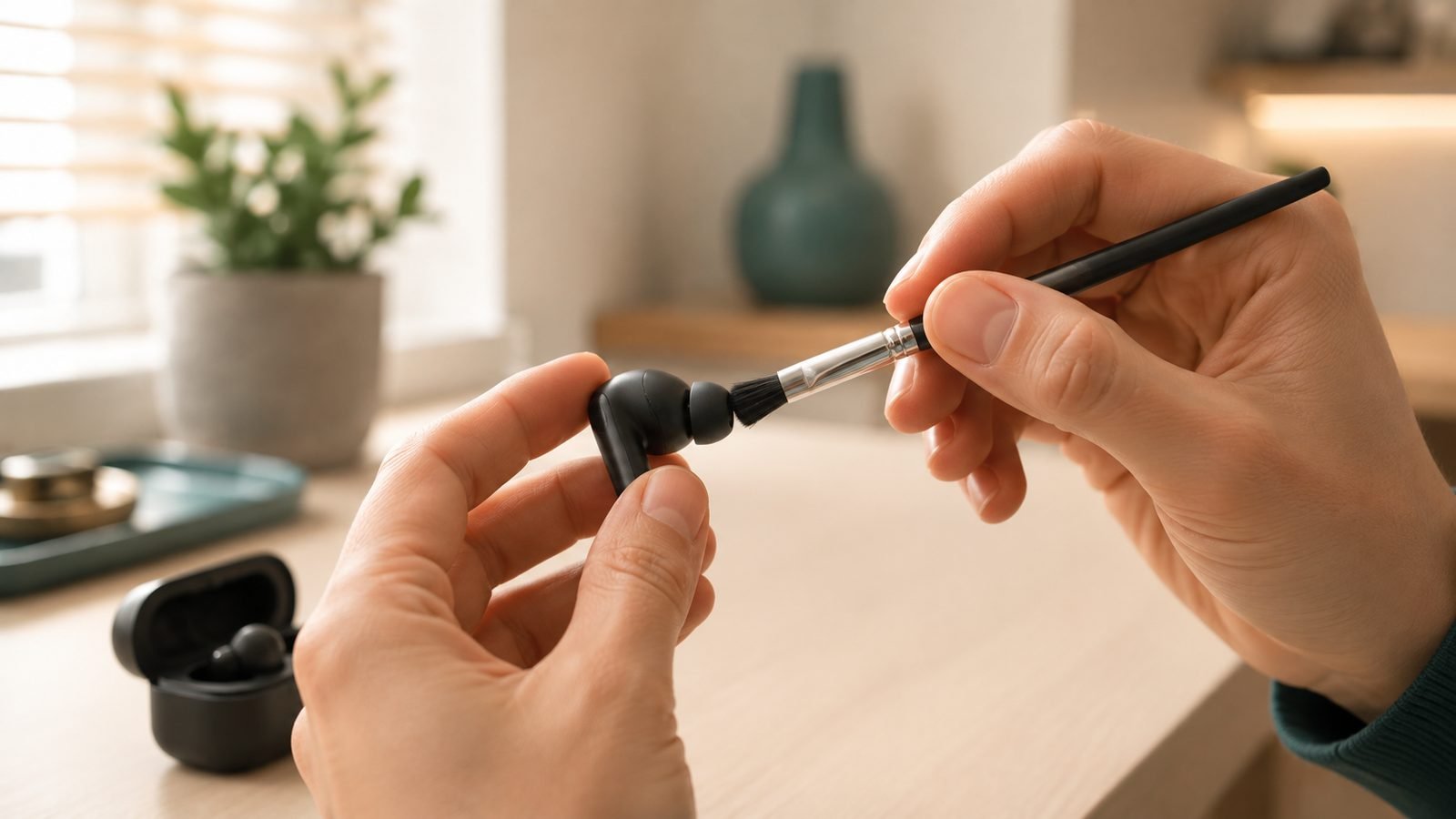
Start dry. Hold the bud with the mesh facing down so gravity works with you, and brush lightly with your soft dry brush to dislodge loose wax and debris. Tap the bud gently against your palm to shake particles out. For stubborn wax stuck in the grille, press a small piece of reusable adhesive putty onto the mesh and peel it away — it lifts wax off without pushing anything inward. Repeat with a fresh piece until clean.
If you must use a toothpick, use a wooden or plastic one, and only scrape the surface and rim of the mesh — never jab straight into it. Do not use a metal pin, needle or safety pin: they tear the mesh and can push wax onto the driver. And keep all liquid away from the mesh entirely; alcohol or water here can seep straight into the speaker.
Step 4: Clean the Charging Contacts
The small metal pins on the earbuds and inside the case carry the charge. If they get coated in wax, oil or lint, the earbuds may stop charging reliably.
Dampen a cotton swab very lightly with 70% isopropyl alcohol — squeeze out any excess so it’s barely moist — and gently wipe each contact. Alcohol evaporates quickly and won’t leave residue. Let everything dry fully before returning the buds to the case. If charging problems persist after cleaning, the contacts or battery may be at fault rather than dirt.
Step 5: Clean the Charging Case
The case collects pocket lint, dust and wax in its bud sockets, which then transfers straight back onto your freshly cleaned earbuds. Cleaning it is easy to forget and just as important.
Brush out the sockets with your dry soft brush to loosen debris, then tip the case upside down and tap to empty it. For lint clinging to the socket walls, roll a small piece of adhesive putty inside, or use a dry cotton swab. Wipe the outer shell with a microfiber cloth lightly dampened with alcohol if needed, keeping liquid away from the internal charging pins. Never rinse the case or use compressed-air blasts that could force debris deeper — a brush and putty are safer.
Step 6: Build a Simple Routine
Consistency beats deep-cleaning. A quick wipe of the tips and a brush of the mesh once a week prevents wax from ever building up enough to muffle the sound, so you rarely need an intensive clean. Wipe the buds after sweaty workouts, since sweat is corrosive over time. Store the earbuds in their case rather than loose in a pocket, and keep your ears clean too — the less wax at the source, the less ends up on the mesh.
Do’s and Don’ts
Do:
- Use dry tools first — brush, cloth, adhesive putty
- Clean the ear tips separately with a little water or alcohol, then dry fully
- Use 70% isopropyl alcohol sparingly on tips, shells and contacts
- Clean the case sockets regularly
- Let everything dry completely before reassembling or charging
Don’t:
- Run earbuds under a tap or submerge them (even “waterproof” models aren’t rinse-safe at the mesh)
- Poke the mesh with metal pins or needles
- Apply liquid directly to the speaker mesh or charging pins
- Use hydrogen peroxide, ear-drops or harsh solvents
- Reassemble while any part is still damp
Troubleshooting
Earbud still sounds muffled after cleaning? There may be wax lodged deeper in the mesh. Repeat the dry brush and adhesive-putty method patiently — it can take several passes. If one side is clearly quieter, confirm it’s not a software balance setting or a Bluetooth issue before assuming a hardware fault; our One Earbud Not Working? 9 Fixes That Actually Work (2026) guide covers those checks.
Earbuds won’t charge after cleaning? The contacts may still have residue, or you reassembled before the alcohol fully dried. Re-wipe the pins with a dry swab and leave everything out to air for a while. Persistent failure usually points to a battery or hardware issue rather than dirt.
Water got inside a “waterproof” bud? IP ratings cover sweat and rain, not deliberate rinsing or immersion at the mesh. If a bud gets soaked, dry the outside, leave it out of the case to air-dry for a day, and don’t charge it until you’re sure it’s dry inside. If a favorite pair is beyond saving, our budget picks are a cheap replacement: Best Budget Earbuds 2026: Great Sound Under $50/£50. Check price: Soundcore P40i
FAQ
How do I clean wax out of my earbuds safely?
Work dry first: hold the mesh downward, brush gently with a soft dry brush, and tap to shake wax loose. For stuck wax, press reusable adhesive putty onto the mesh and peel it away. Avoid metal pins and keep all liquid away from the mesh, which can push wax into the driver.
Can I use water to clean my earbuds?
Only on removable silicone ear tips, and only if you dry them fully before reattaching. Never run the earbuds themselves under water or apply liquid to the mesh or charging contacts — even water-resistant models aren’t designed for that. Use a dry brush and a lightly alcohol-dampened swab for the buds.
How often should I clean my earbuds?
A light weekly clean — wiping the tips and brushing the mesh — prevents wax from ever building up enough to affect sound. Wipe the buds after sweaty workouts, and clean the charging case sockets every couple of weeks. Regular light cleaning means you almost never need an intensive one.
Why do my earbuds sound muffled or quiet?
The most common cause is wax clogging the speaker mesh, which blocks sound output. A careful dry clean with a brush and adhesive putty usually restores full volume. If one earbud stays quieter after cleaning, check your device’s audio balance setting and Bluetooth connection before assuming hardware failure.
Is isopropyl alcohol safe for cleaning earbuds?
Yes, in moderation. Use 70% isopropyl alcohol on a barely damp cloth or swab for ear tips, shells and charging contacts — it disinfects and evaporates without residue. Don’t apply it directly to the speaker mesh, and let everything dry fully before reassembling. Avoid hydrogen peroxide and harsher solvents.
How do I clean my AirPods without damaging them?
The same routine applies: dry soft brush for the mesh, adhesive putty for stubborn wax, and a barely damp alcohol swab for the shells and case contacts. Clean the silicone tips (on Pro models) separately with water and dry them fully. Keep all liquid away from the mesh, speaker and Lightning or USB-C port.
Zen Tech Hub may earn a commission from links on this page, at no extra cost to you.