MikroTik is a specialist networking brand beloved by IT professionals, ISPs, and serious home-lab tinkerers for delivering an enormous amount of routing and switching power at prices that undercut almost everyone. In 2026 it remains one of the best value-per-feature choices in the business — but only if you know what you’re doing, because its RouterOS software has a famously steep learning curve and a history of security incidents that trace back to misconfiguration and unpatched devices. Verdict: buy MikroTik if you’re technical, want pro-grade control cheaply, and enjoy learning RouterOS — but avoid it entirely if you want plug-and-play home Wi-Fi, because the wrong hands can leave it slow, confusing, or insecure.
MikroTik makes routers, switches, and wireless gear that punch far above their price for people who can drive them. This profile covers where it excels, where it frustrates, and who should stay away.
Company overview
MikroTik (formally SIA Mikrotīkls) was founded in 1996 and is headquartered in Riga, Latvia. It’s a privately held company that built its reputation supplying wireless ISPs and network professionals worldwide with inexpensive, highly capable hardware running its own RouterOS operating system. Rather than chasing the mainstream consumer market, MikroTik has always aimed at people who understand networking — and that focus defines its entire brand.
Its reputation among professionals is excellent: MikroTik gear offers enterprise-class routing, firewalling, VPN, and switching features for a fraction of what Cisco or Juniper charge, which has made it a staple in home labs, small ISPs, and budget-conscious IT shops around the globe. The flip side is that MikroTik is emphatically not a consumer brand. Its documentation assumes networking knowledge, its defaults require securing, and it has been at the center of well-known botnet and vulnerability incidents — almost always involving devices left unpatched or misconfigured by owners. Handled correctly, it’s a powerhouse; handled carelessly, it’s a liability.
What MikroTik makes
MikroTik’s catalog is broad, technical, and value-driven:
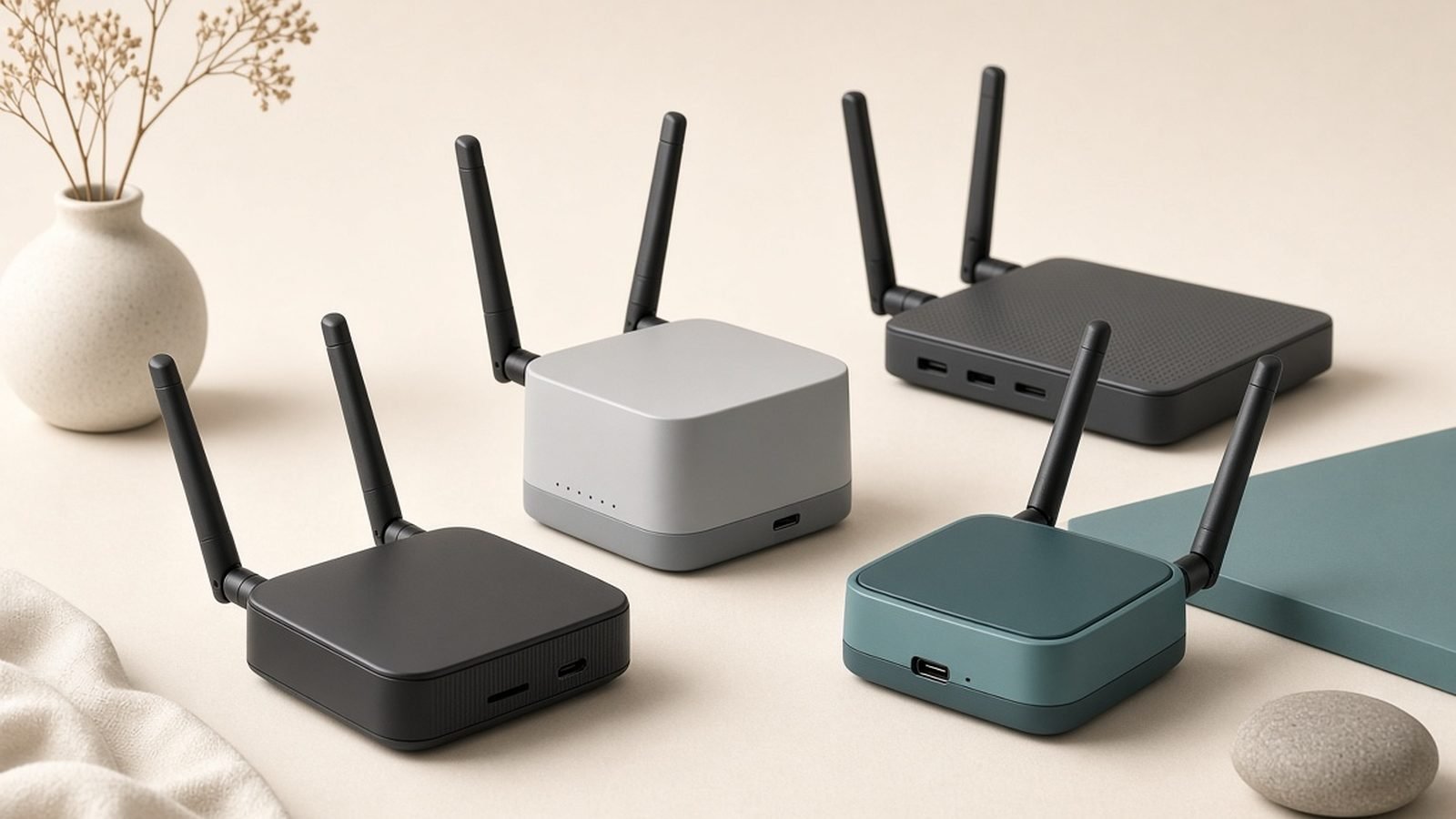
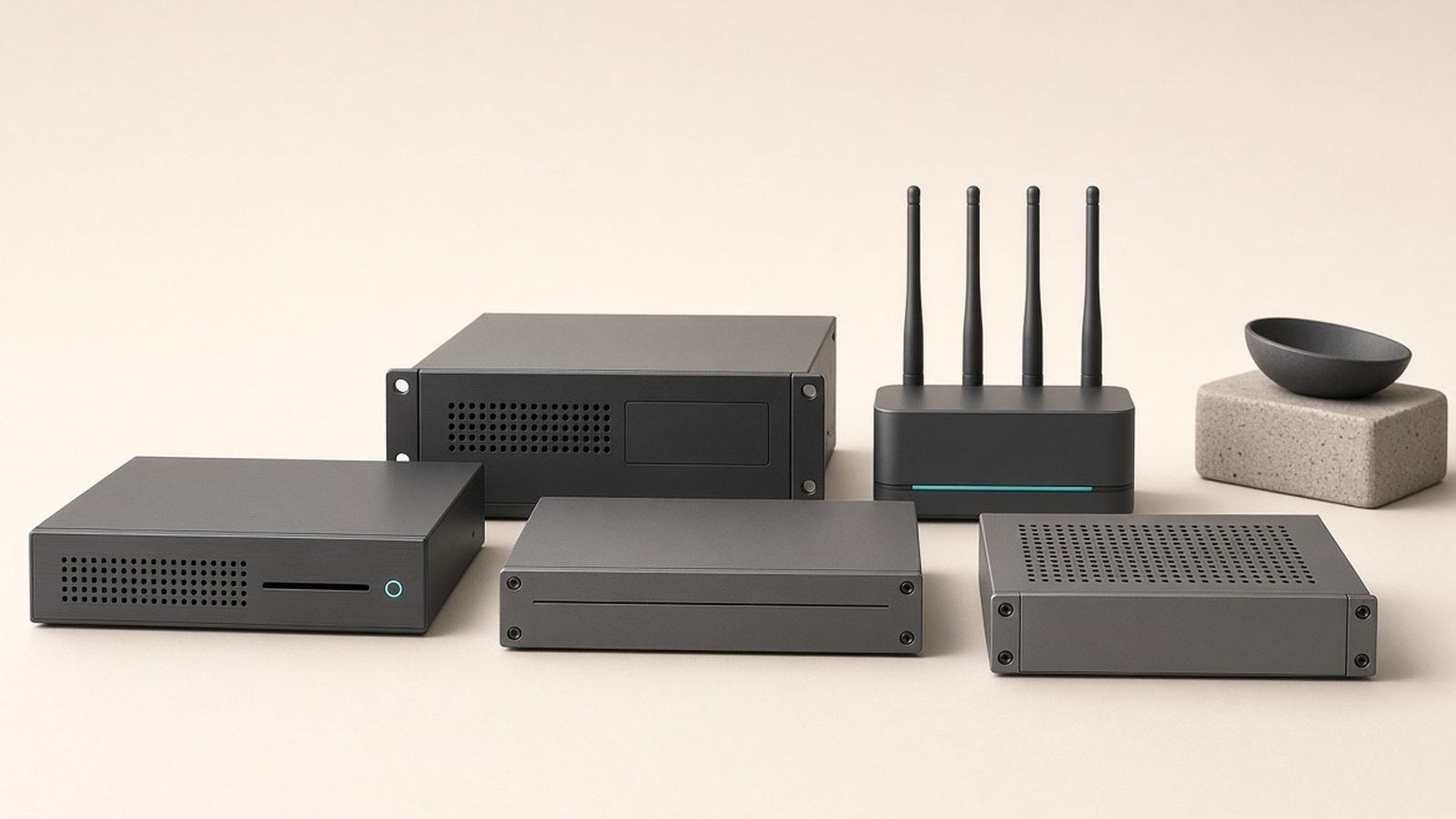
- Routers: From tiny hEX and hAP home-lab units to high-throughput CCR (Cloud Core Router) models for serious workloads.
- Wireless access points: The hAP and cAP lines, plus outdoor and point-to-point wireless for ISPs and long-range links.
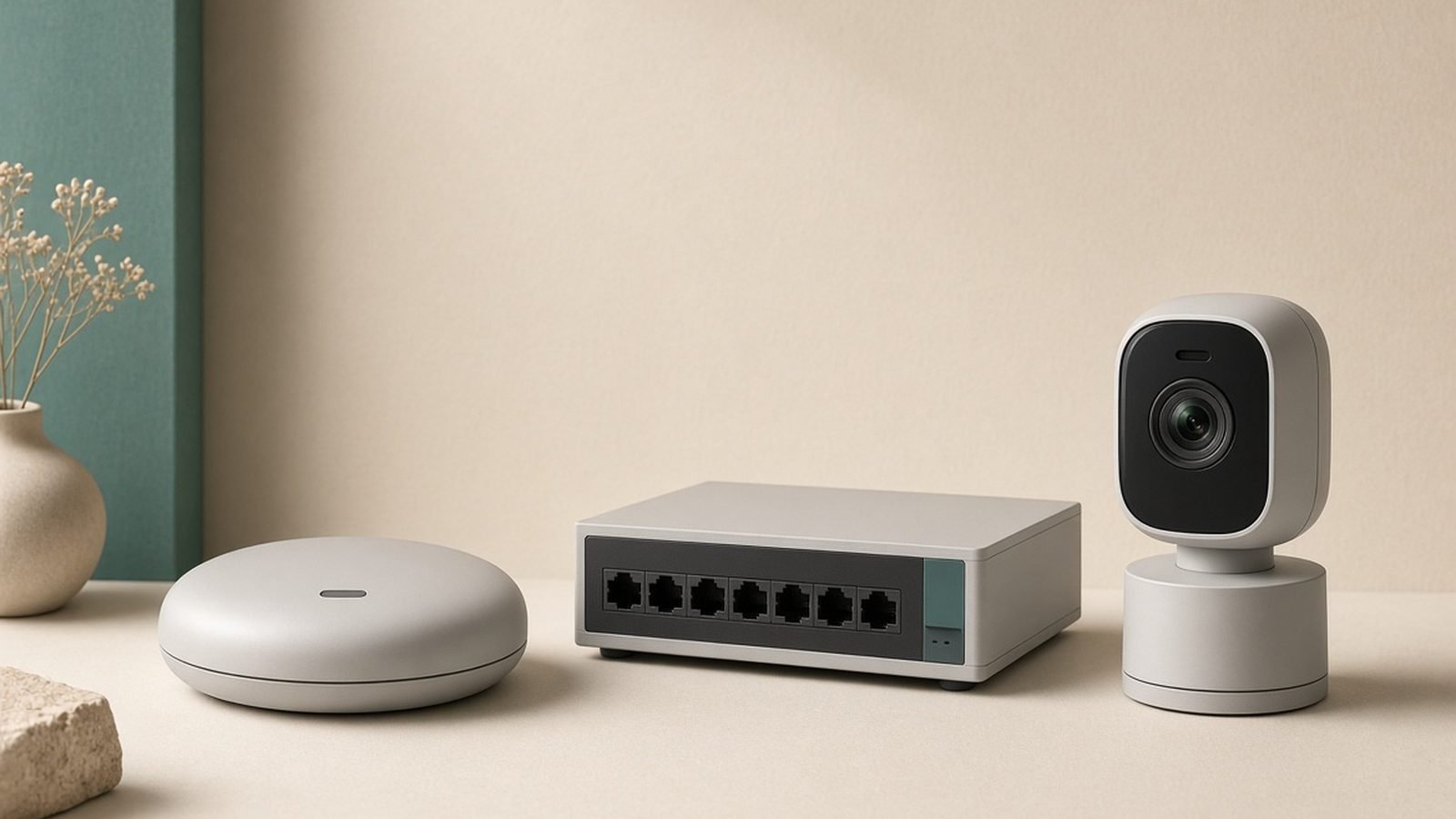
- Switches: The CRS (Cloud Router Switch) range, including multi-gig, SFP+, and PoE options that also run RouterOS.
- RouterOS and RouterBOARD: Its in-house operating system and hardware platform, the heart of everything it sells.
- Accessories and antennas: SFP modules, antennas, and networking add-ons for building out professional links.
Standout MikroTik products in 2026
MikroTik hAP ax3. The most sensible entry point for enthusiasts wanting a capable home router — Wi-Fi 6, gigabit ports, and the full power of RouterOS at a remarkably low price, often around $99 / £89. It’s a fraction of the cost of the mainstream routers in our Best Wi-Fi 7 Routers 2026: Top Picks for Every Budget guide, with far more control (and far more setup).
MikroTik CRS switches. The Cloud Router Switch line — multi-gig, SFP+, and PoE models running RouterOS — is a favorite for home labs and small networks that want managed switching without enterprise pricing.
MikroTik CCR (Cloud Core Router) series. High-performance routers built for heavy routing and firewalling workloads, popular with small ISPs and demanding networks that need serious throughput cheaply.
MikroTik cAP and outdoor wireless. Ceiling and outdoor access points, plus point-to-point wireless links, that make MikroTik a go-to for covering large properties and building long-range connections on a budget.
For most buyers, MikroTik makes sense as a learning-and-control platform — the hAP line for home labs, CRS for switching, CCR for heavy routing.
Strengths
Unbeatable value for features. MikroTik delivers enterprise-grade routing, firewalling, VPN, and switching for prices that mainstream and enterprise brands can’t touch.
Deep, granular control. RouterOS exposes almost everything — routing protocols, firewall rules, VPNs, traffic shaping, scripting — making it a dream for people who want to tune every detail.
Excellent for learning networking. Many IT professionals cut their teeth on MikroTik precisely because it forces (and rewards) real understanding of how networks work.
Broad, capable hardware range. From tiny home units to high-throughput ISP routers and versatile switches, there’s a MikroTik device for almost any technical need.
Strong for VPNs and advanced routing. MikroTik gear is a popular base for network-level VPNs and complex topologies — see our Best VPN Routers 2026: Whole-Home Privacy guide for how VPN routing compares across brands.
Weaknesses & criticisms
Very steep learning curve. RouterOS is powerful but unforgiving; beginners can spend hours on tasks that take minutes on consumer gear, and the terminology assumes real networking knowledge.
Insecure if misconfigured. MikroTik has featured in major botnet and vulnerability incidents, almost always because owners left devices unpatched or used weak/default configurations. It demands active security management.
Not for non-technical buyers. There’s no meaningful plug-and-play experience; the app and interfaces are built for professionals, not families wanting quick home Wi-Fi.
Wi-Fi is functional, not class-leading. MikroTik’s routing and switching outshine its raw Wi-Fi performance, which trails dedicated consumer mesh systems for whole-home coverage.
Documentation and support skew technical. Official docs are extensive but assume expertise; much practical help comes from community forums rather than hand-holding support.
Reliability & support
MikroTik hardware has a strong reputation for reliability and longevity — its routers and switches are known for running for years, and RouterOS receives regular updates, including security patches, across a wide range of devices for a long time. That long support life is a genuine strength: older MikroTik gear often keeps getting firmware updates well after consumer rivals would have declared a product end-of-life.
The critical caveat is that security is the owner’s responsibility. MikroTik’s well-publicized involvement in botnets and exploits has consistently stemmed from unpatched firmware and poor configuration, not inherent hardware faults — the company issues patches, but users must apply them and secure their devices properly. Support is largely self-service and community-driven: extensive documentation, an active user forum, and a knowledgeable global community, but not the polished consumer support of mainstream brands. In short, MikroTik is highly reliable in capable hands, and a risk in careless ones. Keep RouterOS updated, disable unused services, change all default credentials, and treat it as the professional tool it is.
Who should buy MikroTik
Buy MikroTik if you’re technical and want maximum networking capability for minimal money — IT professionals, home-lab enthusiasts, small ISPs, and anyone who wants to learn networking deeply or run advanced routing, firewalling, and VPNs on a budget. For those users, MikroTik is one of the best-value brands anywhere, and its long update support and granular control are hard to beat. If you want to run a network-wide VPN with fine-grained control, it’s worth comparing against the picks in Best VPN Routers 2026: Whole-Home Privacy.
Avoid MikroTik if you want simple, plug-and-play home Wi-Fi, class-leading mesh coverage, or a brand that holds your hand. Non-technical households are far better served by the easy mesh systems in Best Mesh Wi-Fi Systems 2026: Wi-Fi 6 & Wi-Fi 7 Compared or the mainstream routers in Best Wi-Fi 7 Routers 2026: Top Picks for Every Budget. And if you like MikroTik’s pro ambitions but want a friendlier ecosystem, weigh it against the prosumer option in our Ubiquiti UniFi Review 2026: Prosumer Networking Verdict.
FAQ
Is MikroTik a good brand?
For technical users, MikroTik is an outstanding brand — it offers enterprise-grade routing, switching, and firewalling at prices nothing else matches, with long software support. But it has a steep learning curve and demands careful security setup, so it’s a poor choice for anyone wanting simple, plug-and-play home Wi-Fi.
Is MikroTik reliable?
Yes — MikroTik hardware is known for running reliably for years, and RouterOS gets regular updates across a wide device range. The main risk isn’t hardware failure but security through misconfiguration: keep firmware patched, change default credentials, and disable unused services to stay safe.
Where is MikroTik from / who owns it?
MikroTik (SIA Mikrotīkls) is a privately held company founded in 1996 and headquartered in Riga, Latvia. It designs its own RouterOS software and RouterBOARD hardware and sells worldwide, focused on networking professionals rather than mainstream consumers.
Is RouterOS hard to learn?
Yes, RouterOS has a famously steep learning curve. It’s extremely powerful and exposes deep control over routing, firewalling, and VPNs, but it assumes real networking knowledge and offers little plug-and-play convenience. Many IT pros love it as a learning tool; beginners wanting quick home Wi-Fi will likely find it frustrating.
Is MikroTik secure?
MikroTik can be very secure, but only when properly configured and kept updated. It has appeared in major botnet and vulnerability incidents — almost always because owners ran unpatched firmware or weak configurations. The hardware and RouterOS are capable and patched by the vendor, so security really comes down to the owner applying updates and hardening the device.
MikroTik vs Ubiquiti — which is better?
MikroTik offers deeper, cheaper technical control and longer device support, but with a harder learning curve and less polish. Ubiquiti’s UniFi ecosystem is more user-friendly, with slicker management and a cohesive product family. Professionals who want raw control and value lean MikroTik; those wanting a smoother prosumer experience often prefer Ubiquiti — see our Ubiquiti UniFi Review 2026: Prosumer Networking Verdict.
Zen Tech Hub may earn a commission from links on this page, at no extra cost to you.