Ubiquiti UniFi is the platform enthusiasts graduate to when consumer mesh systems stop being enough — a modular ecosystem of gateways, switches, access points and cameras managed through one genuinely excellent interface. This Ubiquiti UniFi review answers the real question: not “is it powerful?” (it clearly is) but “does a normal home actually need it, and can you live with the learning curve?”
Here’s our verdict up front. UniFi is the best prosumer networking platform you can buy in 2026, offering enterprise-grade control, no mandatory subscriptions, and a management experience that makes rival business gear look ancient. But it rewards effort. If you want set-and-forget Wi-Fi, a mesh system from our Best Mesh Wi-Fi Systems 2026: Wi-Fi 6 & Wi-Fi 7 Compared guide will serve you better. If you enjoy networking, want VLANs and rock-solid roaming across a large home, and don’t mind separating your router from your Wi-Fi, UniFi is superb.
Buy into UniFi if you want a scalable, subscription-free network you can grow room by room and manage from one polished dashboard. Skip it if you want a single box you never think about, or you’re not comfortable spending an afternoon learning the platform.
A typical starter setup — UniFi Cloud Gateway Ultra (around $130 / £120) plus a U7 Pro access point (around $190 / £180) — runs roughly $320 / £300 before switches. The all-in-one Dream Router 7 is an alternative entry point.
Ubiquiti UniFi at a glance
| UniFi platform | |
|---|---|
| Model type | Modular: gateways, switches, access points, cameras |
| Common entry point | Cloud Gateway Ultra + U7 AP, or Dream Router 7 |
| Wi-Fi standard | Wi-Fi 6 / 6E / 7 depending on access point |
| Management | UniFi Network app + web console (self-hosted or cloud) |
| Subscription | None required for core networking |
| Best for | Prosumers, large homes, home labs, camera setups |
| Starter cost | ~$130-320 / £120-300 depending on components |
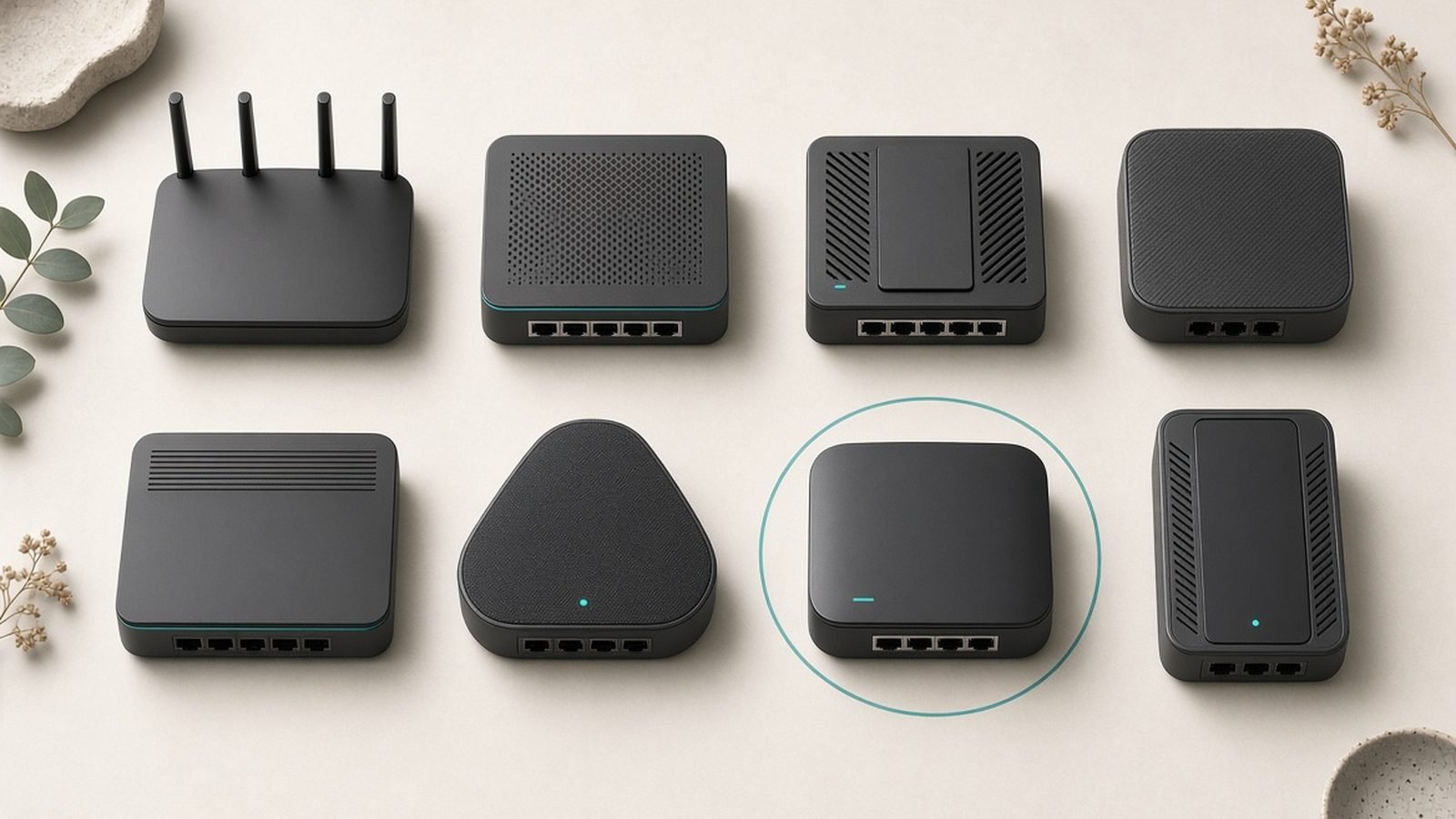
That “modular” row is the key to understanding UniFi. You don’t buy a UniFi router; you assemble a network from parts — a gateway for routing, switches for wired ports (many with PoE), and access points for Wi-Fi. It’s more work than buying a mesh kit, and far more flexible.
Pros:
- Best-in-class management interface with deep insight and control
- No mandatory subscription — a rarity in 2026 networking
- Modular and scalable: add APs, switches and cameras as you grow
- Excellent Wi-Fi roaming and wired reliability across large homes
Cons:
- Meaningful learning curve; not plug-and-play
- Separates routing from Wi-Fi, so a basic setup needs multiple devices
- Stock and pricing can be inconsistent through Ubiquiti’s own store
- Overkill and over-budget for small, simple homes
Design and build
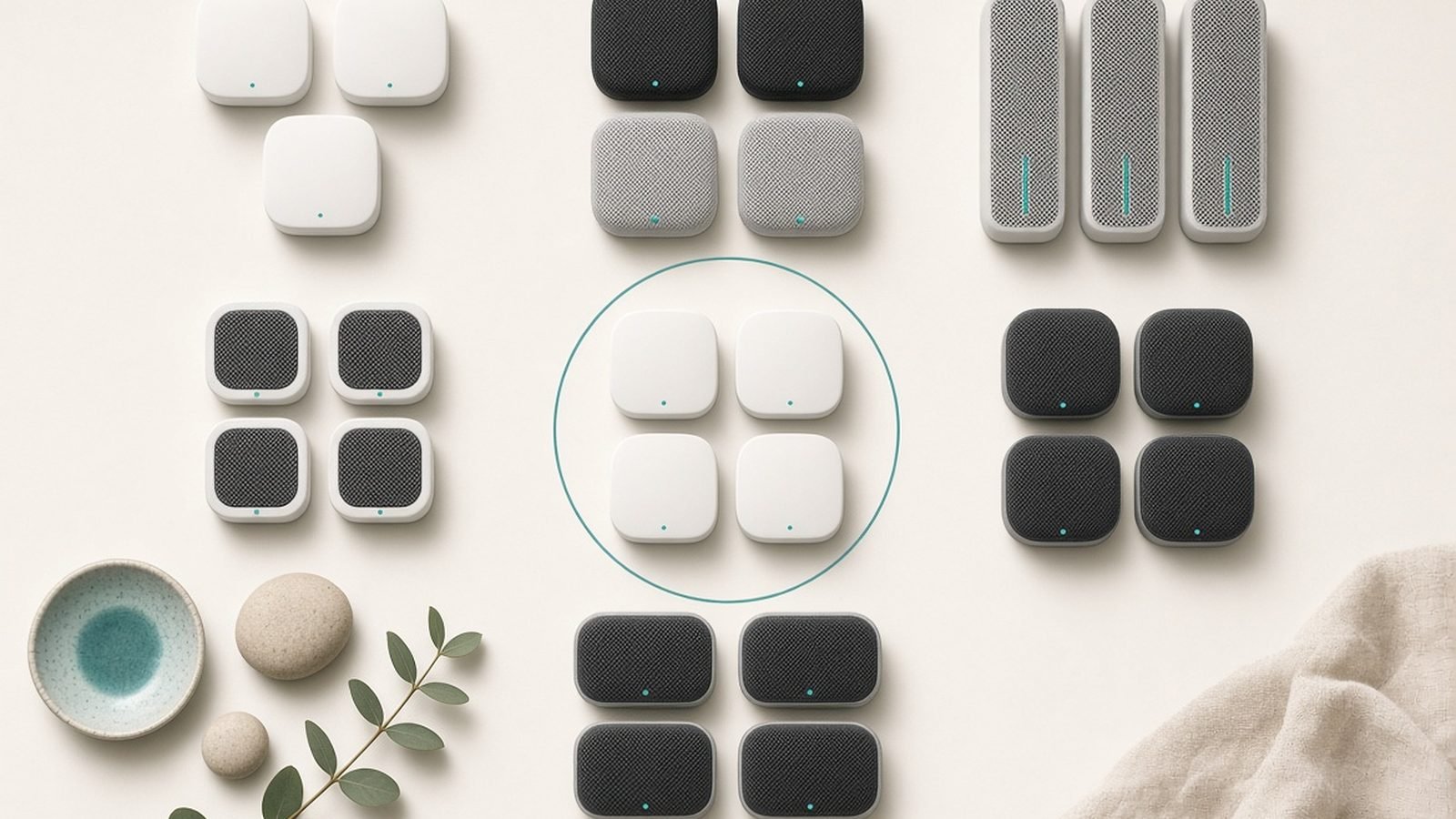
UniFi hardware has a distinct, understated industrial look — clean white or grey enclosures, often circular access points designed to sit unobtrusively on a wall or ceiling. Build quality is a genuine strength: metal and high-grade plastics, solid heft, and a finish that reads more “commercial installation” than “consumer gadget.” These are devices meant to be mounted and forgotten, and they look the part in a hallway or office.
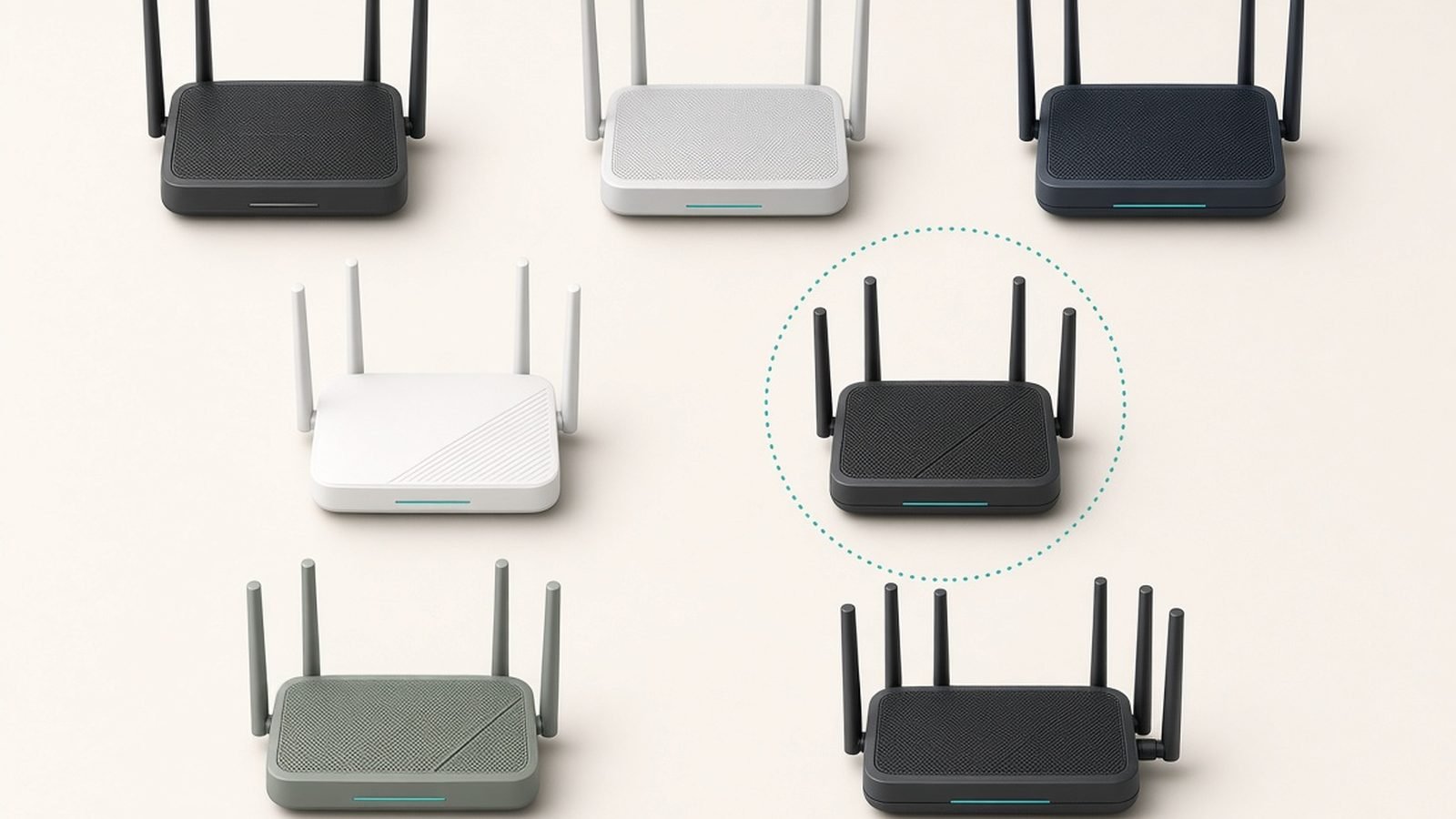
The trade-off versus a consumer router is physical topology. A mainstream Wi-Fi router combines routing and wireless in one box; a UniFi network typically separates them. A gateway (like the Cloud Gateway Ultra) handles routing and runs the controller software, switches provide wired ports and PoE power, and access points broadcast the Wi-Fi — often powered over the same Ethernet cable that carries their data, which keeps installations tidy. The all-in-one Dream Router 7 collapses gateway, switch, controller and an access point into a single unit for people who want a simpler start, at the cost of some flexibility.
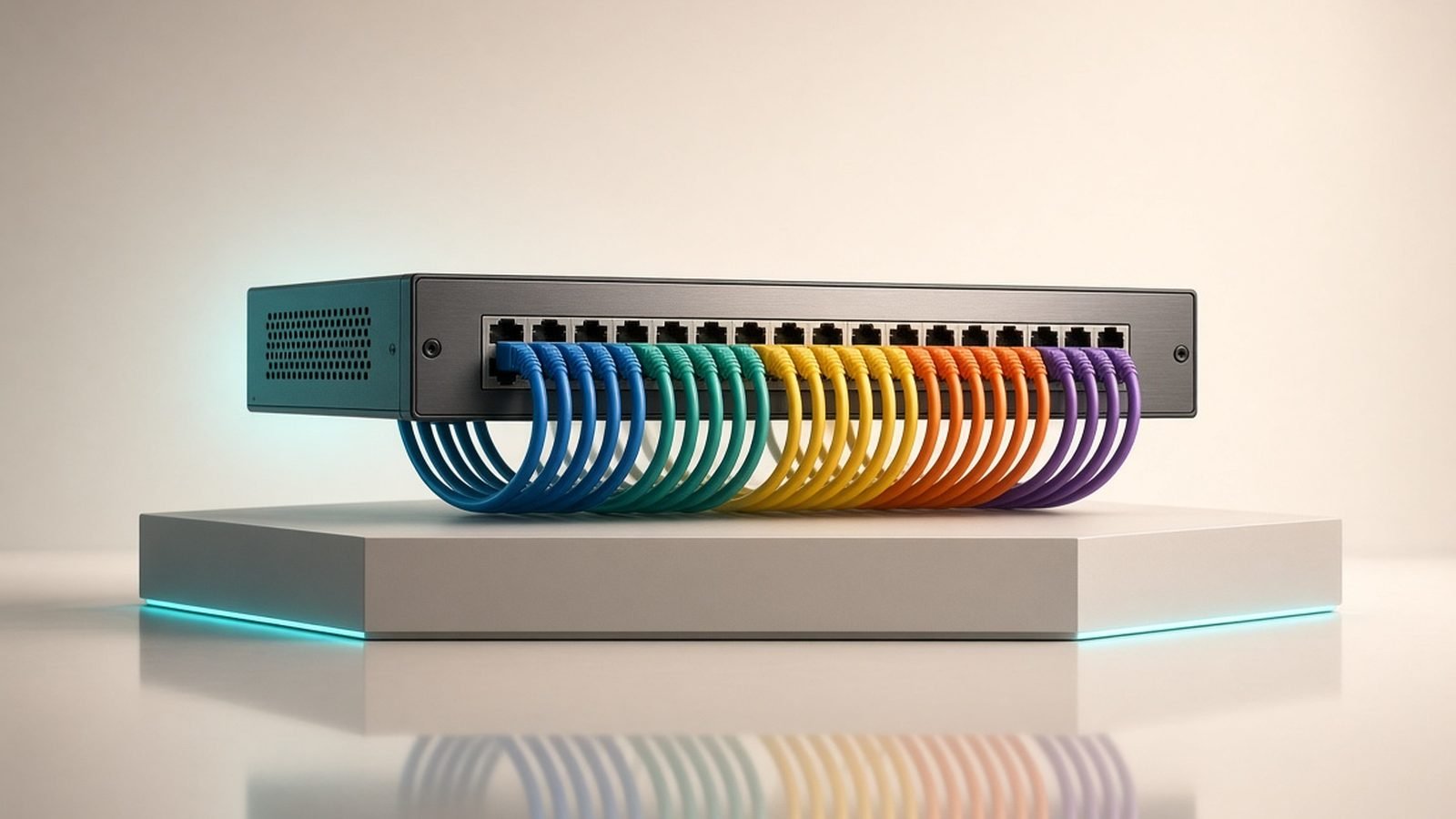
For camera-heavy or access-point-heavy setups, PoE is central to the appeal — one cable per device for both power and data. Our Best PoE Switches 2026: Power Your Cameras & APs guide covers the UniFi switches that make this clean, and Best Network Switches 2026: Gigabit & 2.5G/10G puts them in context against other brands.
Performance and features
The UniFi Network application is the reason people fall for this ecosystem, and it deserves the praise. It presents your entire network — every client, every port, every access point, live throughput, a topology map, historical stats — in one clean, responsive interface available on desktop and mobile. Nothing in the consumer world comes close for visibility, and even most business gear feels clumsy by comparison. Setting up VLANs to isolate IoT or guest devices, configuring multiple SSIDs, applying traffic rules, or scheduling firmware updates are all approachable once you understand the layout.
We’ll be straight about performance data: the figures and impressions here are drawn from Ubiquiti’s published specifications, independent third-party reviews and aggregated owner reports, not our own lab bench. The consistent pattern is that UniFi access points deliver excellent, stable coverage and — crucially — best-in-class roaming. Walk across a large house with several APs and your video call hands off between them seamlessly, because the controller coordinates them as one network rather than as separate routers fighting over your device. This is the single biggest real-world advantage over consumer mesh, where roaming is often less graceful.
Wi-Fi speed depends entirely on which access point you choose. The U6 series (Wi-Fi 6) remains a value workhorse, the U6/U7 6E and U7 Pro models add clean 6GHz spectrum and Wi-Fi 7 features like 320MHz channels and Multi-Link Operation, and higher-end APs push multi-gigabit wireless. Because you pick APs independently of the gateway, you can mix and match — a Wi-Fi 7 AP where you need speed, cheaper units in low-traffic areas. For context on how Wi-Fi 7 compares to a standalone router, see our Best Wi-Fi 7 Routers 2026: Top Picks for Every Budget guide.
The gateway also handles the routing intelligence: a capable firewall, deep traffic statistics, an optional intrusion-detection system on higher-end models, and VPN server support so you can securely reach your home network from anywhere. None of this sits behind a subscription, which is increasingly unusual — eero, Orbi and TP-Link all gate advanced features behind paid tiers.
The subscription question: UniFi’s quiet advantage
In a market where nearly every consumer networking brand now upsells a security or parental-controls subscription, UniFi’s model stands out: the core networking features are free, forever. There’s no monthly fee to unlock the firewall, VLANs, traffic analysis, or the management app. Ubiquiti’s optional paid services are genuinely optional — things like cloud video storage for UniFi Protect cameras or remote management add-ons — and the everyday network runs entirely without them.
Over a few years, that changes the total-cost maths considerably. A premium mesh system plus its subscription can quietly cost more than a comparable UniFi setup that never asks for another penny after purchase. For buyers who resent recurring fees on hardware they already own, this is a major, underrated reason to choose UniFi.
Value and who it’s really for
UniFi’s value is entirely situational. For a small apartment where a single $90 router would do, buying a gateway plus an access point is overkill and overspend — the platform’s strengths (VLANs, roaming across many APs, scalability, camera integration) simply don’t come into play. For those homes, a mesh kit or a good standalone router is both cheaper and simpler.
Where UniFi earns its keep is the larger, more demanding home: multiple floors, thick walls, dozens of devices, a desire to segment IoT gadgets onto their own network, wired backhaul between access points, and perhaps a set of UniFi Protect cameras managed from the same app. In that scenario, UniFi is not just capable but genuinely enjoyable to run, and it scales without ever forcing you to rip and replace — you add a switch here, an access point there. The upfront cost is higher and the setup takes real time, but the ceiling is far above anything consumer gear offers.
Alternatives
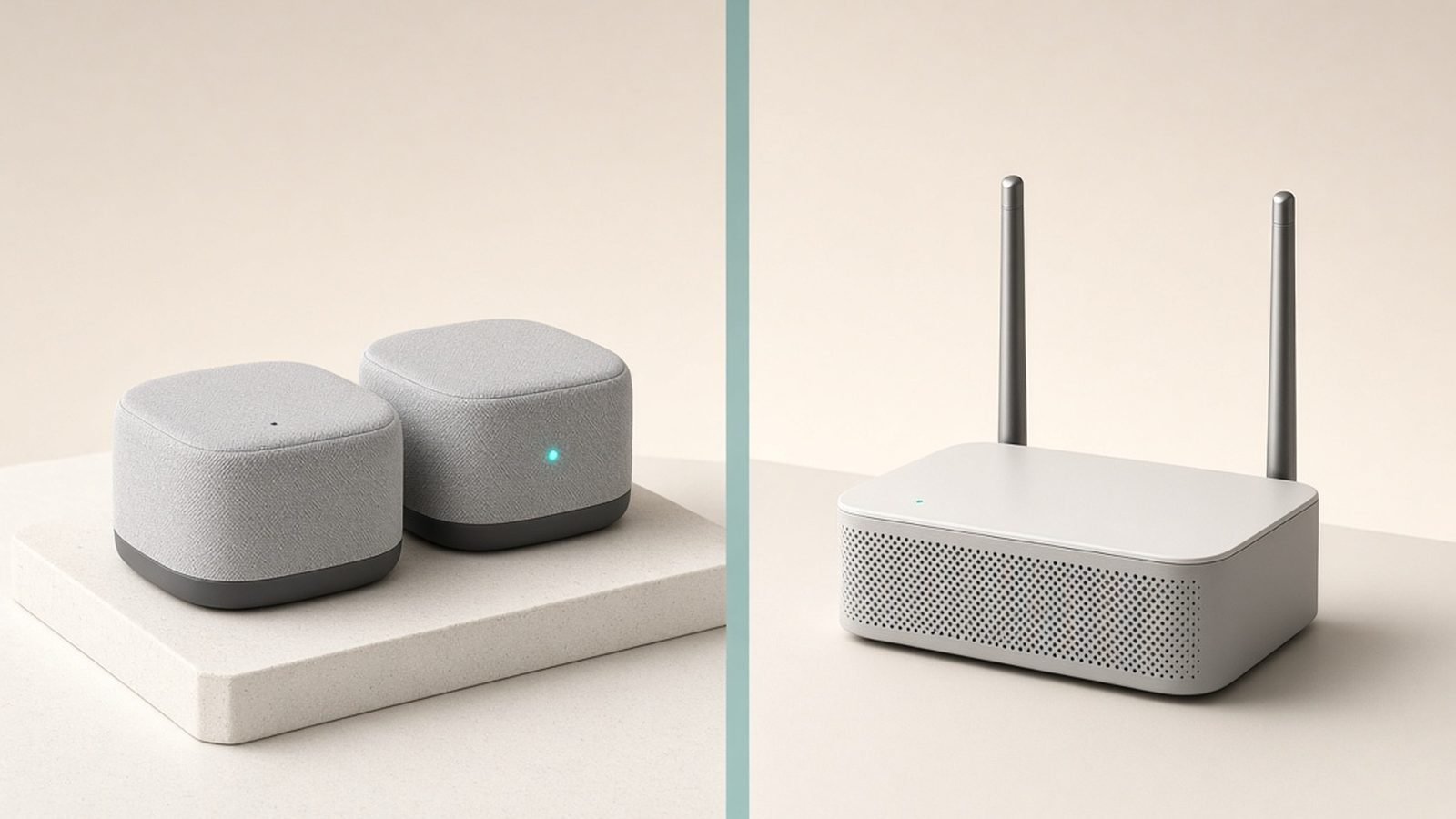
Consumer mesh systems (eero, Orbi, TP-Link Deco) are the obvious alternative for anyone who values simplicity over control. They set up in minutes and roam well enough for most homes, though they lack UniFi’s depth and often carry subscriptions. Our Best Mesh Wi-Fi Systems 2026: Wi-Fi 6 & Wi-Fi 7 Compared guide ranks the best.
A high-end standalone router from our Best Wi-Fi 7 Routers 2026: Top Picks for Every Budget or Best Wi-Fi 6 Routers 2026: Great Value Picks roundups suits a single-router home that doesn’t need multiple access points or VLAN segmentation.
TP-Link Omada is UniFi’s closest direct rival — a similar controller-managed prosumer ecosystem of gateways, switches and APs, often at slightly lower prices, though with a less polished interface and smaller community.
A DIY router (pfSense/OPNsense) plus separate access points offers even more control for hardcore tinkerers, at the cost of UniFi’s unified, friendly management.
Verdict
Ubiquiti UniFi is the clear choice for anyone serious about their home network — a modular, subscription-free platform with management software the rest of the industry should envy. It delivers enterprise-grade control, superb roaming across large homes, and the freedom to scale one component at a time, all without recurring fees. That combination is genuinely hard to beat if you fall in its target audience.
But it is a platform, not an appliance, and that’s the whole decision. If you want networking to be invisible, buy a mesh system and never look back. If you want to understand and control your network — and you have a home big or complex enough to justify it — UniFi is the most rewarding money you can spend in this category. Start with a Cloud Gateway Ultra and one U7 access point, or the all-in-one Dream Router 7, and grow from there.
FAQ
Is Ubiquiti UniFi worth it for a home network?
It depends on your home and your appetite for setup. For a large or multi-storey home with many devices, where you want VLANs, flawless roaming and room to expand, UniFi is excellent value — especially since core features carry no subscription. For a small apartment or anyone who wants plug-and-play simplicity, it’s overkill; a mesh system will cost less and set up in minutes. UniFi rewards people who enjoy networking.
What do I need to start a UniFi network?
At minimum you need a UniFi gateway to handle routing and run the controller software (the Cloud Gateway Ultra is a popular entry point), plus at least one access point for Wi-Fi such as a U6 or U7. Many setups add a UniFi switch for extra wired and PoE ports. Alternatively, the all-in-one Dream Router 7 combines a gateway, switch, controller and access point in a single device for a simpler start.
Does UniFi require a monthly subscription?
No. All core networking features — the firewall, VLANs, traffic analysis, multiple SSIDs and the full UniFi Network management app — are free with no recurring fee. This is a standout advantage in 2026, when most consumer networking brands paywall advanced features. Ubiquiti’s optional paid services, like cloud video storage for its Protect cameras, are genuinely optional and unrelated to running your everyday network.
How is UniFi different from a mesh Wi-Fi system?
A mesh system is a closed, simple, all-in-one kit designed to set up in minutes with limited configuration. UniFi is a modular, professional platform where you assemble a gateway, switches and access points and manage them through deep software. UniFi offers far more control, better roaming across many access points, and no subscription, but it costs more upfront and takes real time to learn. Mesh wins on simplicity; UniFi wins on capability.
Which UniFi access point should I buy?
Match the access point to your needs. The U6 series (Wi-Fi 6) is a strong value pick for general use, the U6 Enterprise and U7 models add 6GHz spectrum and Wi-Fi 7 features like 320MHz channels for higher speeds, and premium APs deliver multi-gigabit wireless for demanding setups. Because UniFi is modular, you can mix models — put a fast Wi-Fi 7 AP where you need speed and cheaper units in low-traffic areas.
Can UniFi replace my ISP’s router?
Yes. A UniFi gateway replaces your ISP router’s routing and Wi-Fi functions; you typically set the ISP’s box to modem or bridge mode so UniFi handles everything, or connect the gateway behind it. If your ISP unit is a pure modem, UniFi slots in directly. For cable internet specifically, you may prefer your own modem — see our Best Cable Modems 2026: Stop Renting, Start Saving guide for standalone options that pair cleanly with a UniFi gateway.
Zen Tech Hub may earn a commission from links on this page, at no extra cost to you.