If you want the fastest single Wi-Fi 7 router money can sensibly buy in 2026 and you play competitively, the Asus ROG Rapture GT-BE98 is the one to beat. It is a quad-band BE25000-class monster with dual 10G ports, and based on published specs and aggregated owner reports it delivers the wired headroom and low-latency wireless that serious gamers actually notice. The catch is the price — around $700 / £650 — and the fact that most households will never use even half of what it offers. If that describes you, a cheaper tri-band router is the smarter buy.
Around $700 / £650 | Quad-band BE25000 | 2x 10G + 4x 2.5G ports
Asus ROG Rapture GT-BE98 at a glance
| Best for | Competitive gamers and multi-gig homes that wire their devices |
| Bands | Quad-band (2.4 + 5 + 5 + 6GHz) |
| Fastest ports | 2x 10G + 4x 2.5G |
| Wi-Fi 7 features | 320MHz channels, MLO, 4K-QAM |
| Weak spots | Price, physical size, overkill for most homes |
| Price | around $700 / £650 |
The headline is that second 5GHz radio. Where most flagship routers are tri-band (2.4 + 5 + 6GHz), the GT-BE98 adds a fourth radio, and Asus lets you use that spare 5GHz band as a dedicated lane — for a games console, a streaming setup, or as wireless backhaul if you later add an AiMesh node.
Design and build
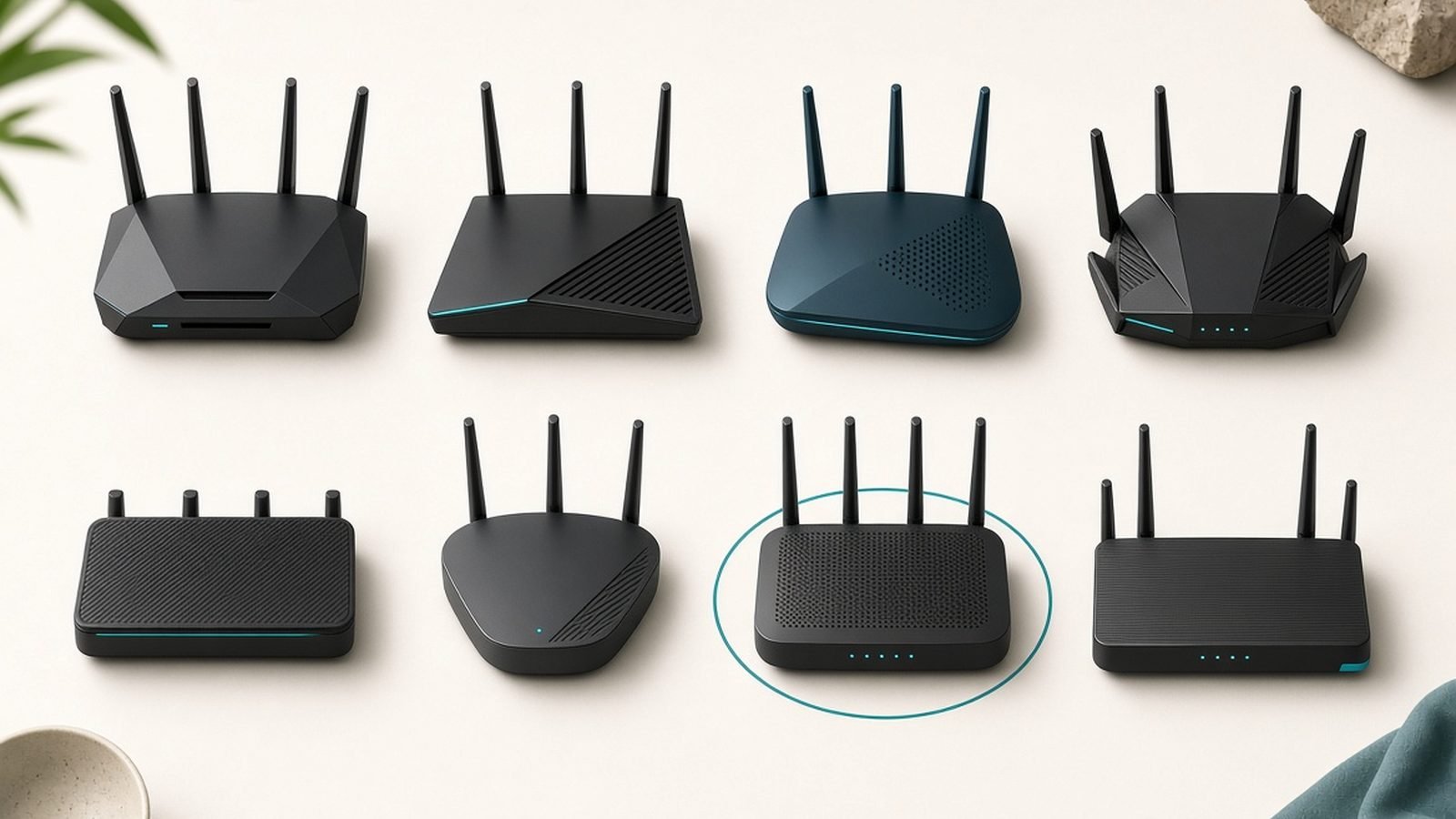
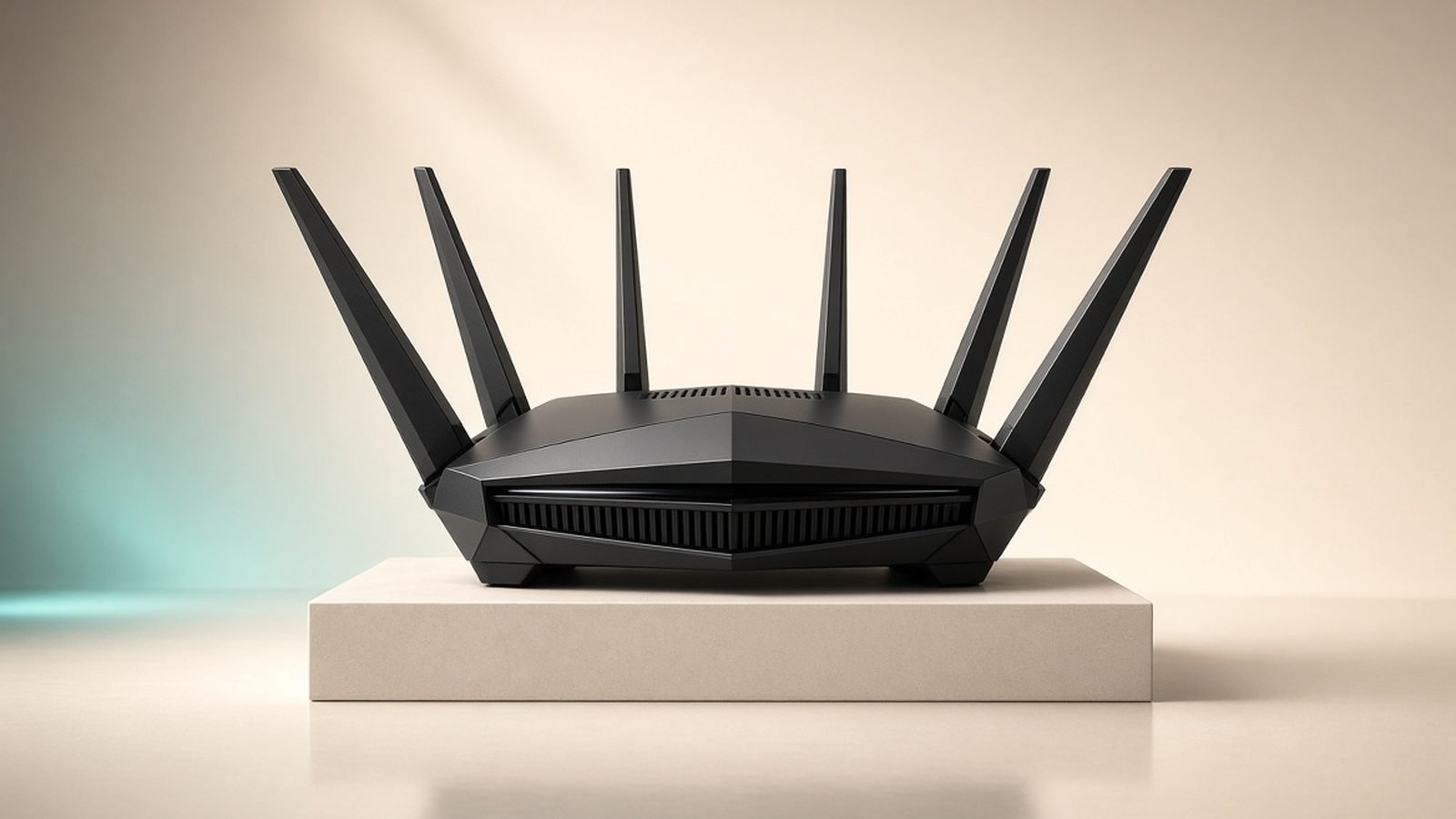
Nobody buys a ROG Rapture for subtlety. This is a large, angular black chassis with eight antennas and configurable Aura RGB lighting. It needs genuine desk or shelf space — clear a spot before it arrives — and the antennas add to the footprint. The RGB is easily turned off for anyone who doesn’t want their networking gear glowing.
Build quality is reassuringly heavy, with generous ventilation that keeps a hard-working Wi-Fi 7 router cool. Around the back you get the star of the show: two 10 Gigabit ports plus four 2.5G ports. That dual-10G arrangement is what separates the GT-BE98 from cheaper gaming routers — you can feed it a 10G internet connection and run a 10G wired link to a PC or a switch at the same time, with no compromise.
Performance and features
On raw throughput, third-party benchmarks consistently place the GT-BE98 among the fastest single routers available, with close-range 6GHz speeds deep into multi-gigabit territory and strong 5GHz performance at range. For real homes the more meaningful gains come from Wi-Fi 7’s Multi-Link Operation (MLO), which lets capable devices use two bands at once to smooth out latency spikes — exactly what matters for online play.
Asus’s gaming stack is the most mature in the category. The Game Acceleration and Open NAT features simplify port forwarding for consoles, mobile game mode prioritises phone traffic, and built-in WTFast-style routing can help on some international matchups (though, as owners note, its benefit varies by game and region — treat it as a bonus, not a guarantee). Crucially, Asus includes lifetime AiProtection Pro security powered by Trend Micro at no extra cost, which is a genuine advantage over TP-Link and Netgear routers that gate comparable features behind a subscription.
The software is a double-edged sword. The ASUSWRT interface is the most powerful in consumer networking — VPN server and client, granular QoS, deep AiMesh control — but that power comes with complexity. Newcomers will find it busier than an eero or Deco app. Owner sentiment is broadly positive on stability after firmware matured, with the usual advice to update firmware on day one.
If you later need to cover a larger home, the GT-BE98 slots into Asus AiMesh, letting you add compatible Asus nodes and use that fourth band for backhaul. For a whole-home system out of the box, though, a dedicated mesh kit is tidier — see our Best Mesh Wi-Fi Systems 2026: Wi-Fi 6 & Wi-Fi 7 Compared guide.
Value: who should actually buy it
There is no way around it: around $700 / £650 is a lot for a router, and the GT-BE98 only earns that price for a specific buyer. If you have a multi-gig internet plan, wire your gaming PC, and want the lowest-latency single-unit setup available, it is arguably the best in class and the lifetime security sweetens the deal.
For everyone else, the honest advice is to spend less. A tri-band Wi-Fi 7 router delivers most of the real-world wireless experience for a fraction of the cost — our top pick in the Best Wi-Fi 7 Routers 2026: Top Picks for Every Budget guide is under $200 — and gamers on a tighter budget should look at the options in our Best Gaming Routers Under $250 in 2026 (Low Ping Picks) roundup. There is also a step-up GT-BE98 Pro with even faster combined throughput, but it widens the price gap without changing the calculus for most players.
Pros:
- Quad-band Wi-Fi 7 with a spare 5GHz band for dedicated lanes or backhaul
- Dual 10G ports plus four 2.5G — best-in-class wired connectivity
- Lifetime AiProtection Pro security with no subscription
- The most powerful gaming and networking software available
Cons:
- Expensive at around $700 / £650
- Physically huge; needs real space
- ASUSWRT is overkill and intimidating for casual users
- Total overspend unless you game competitively or run multi-gig wired
Who it’s for: Competitive gamers and enthusiasts with multi-gig connections who wire their main devices and want the fastest, most configurable single router — with no ongoing security fees.
Verdict
The Asus ROG Rapture GT-BE98 is a flagship that mostly justifies its flagship price for the right person. Its dual 10G ports, quad-band design and subscription-free security make it the standout Wi-Fi 7 gaming router of 2026 for enthusiasts who will use what it offers. Just be honest about your needs: if you don’t game competitively or run wired multi-gig, you are paying for headroom you’ll never touch, and a mid-range router will serve you just as well.
FAQ
Is the Asus ROG Rapture GT-BE98 worth it in 2026?
For competitive gamers with a multi-gig internet plan who wire their PC, yes — the dual 10G ports, quad-band Wi-Fi 7 and lifetime AiProtection Pro security are genuinely best-in-class. For everyone else it’s overkill; a tri-band router under $200 covers most homes. See our Best Wi-Fi 7 Routers 2026: Top Picks for Every Budget guide for cheaper picks.
What’s the difference between the GT-BE98 and GT-BE98 Pro?
Both are quad-band Wi-Fi 7 gaming routers with dual 10G ports. The Pro pushes higher combined theoretical throughput and tweaks the port layout, at a higher price. For real-world gaming the standard GT-BE98 is already more than enough, so the Pro mainly suits buyers who want the absolute maximum on paper.
Does the GT-BE98 need a subscription for security?
No. Asus bundles lifetime AiProtection Pro (powered by Trend Micro) at no extra cost, covering intrusion prevention, malicious-site blocking and parental controls. That’s a real saving versus routers whose comparable features require a paid plan.
Do I need quad-band Wi-Fi 7 or is tri-band enough?
Most people are fine with tri-band. The fourth band on the GT-BE98 is useful if you want a dedicated wireless lane for one device or plan to use Asus AiMesh with wireless backhaul. If you can’t articulate a use for a spare 5GHz radio, you don’t need to pay for one — read Is Wi-Fi 7 Worth It in 2026? What You Actually Get before deciding.
Can I use the GT-BE98 in a mesh network?
Yes. It supports Asus AiMesh, so you can add compatible Asus nodes to extend coverage and dedicate a band to backhaul. For whole-home coverage from the start, though, a purpose-built mesh kit is simpler and often cheaper — compare options in our Best Mesh Wi-Fi Systems 2026: Wi-Fi 6 & Wi-Fi 7 Compared guide.
How big is the GT-BE98 and where should I put it?
It’s one of the largest consumer routers on the market, with eight antennas, so plan for a clear, well-ventilated spot — a shelf or open desk area works best. Central placement, elevated and away from thick walls and metal, gives the best coverage, as with any router.
Zen Tech Hub may earn a commission from links on this page, at no extra cost to you.