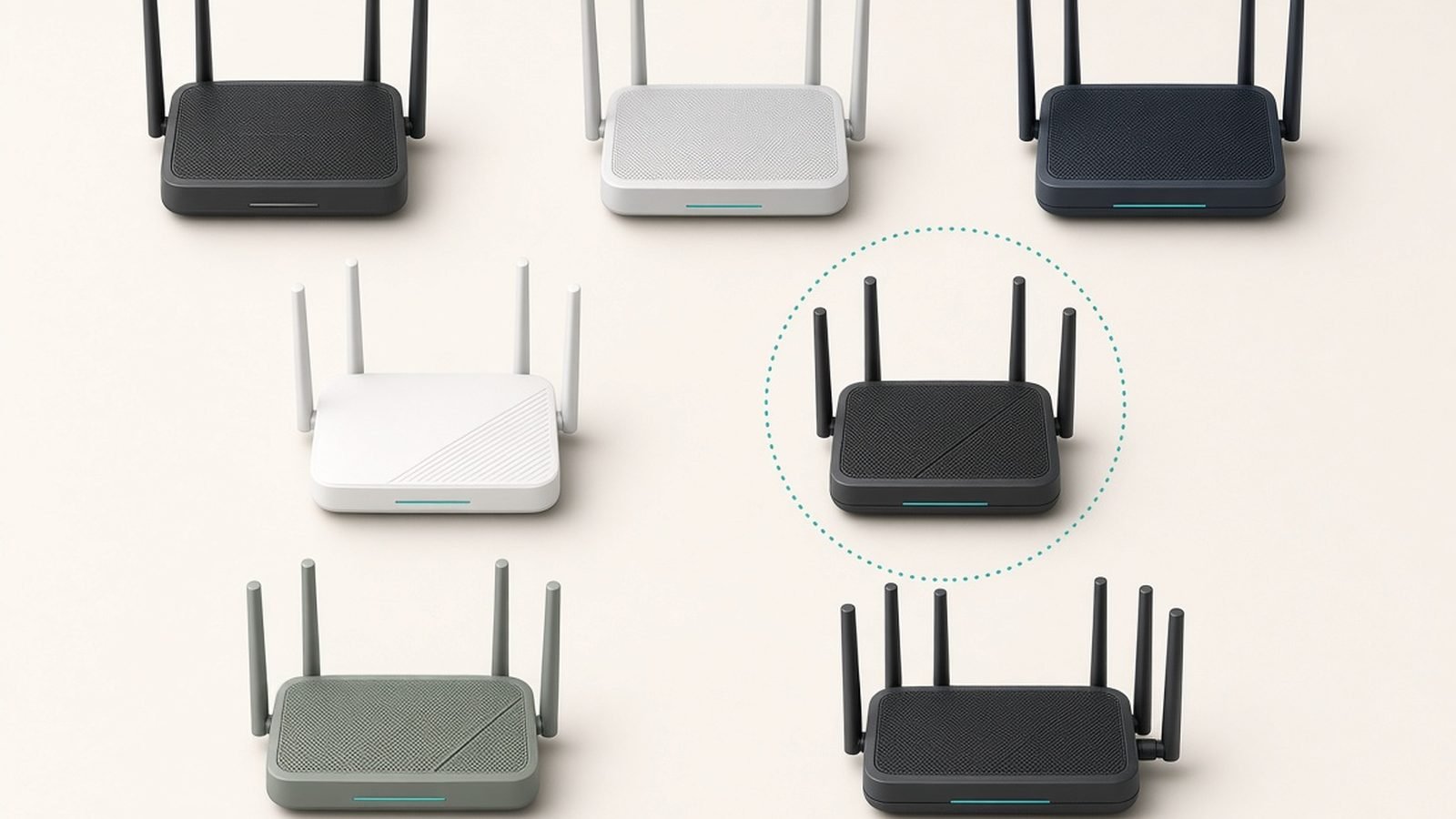
Wi-Fi 7 grabs the headlines, but Wi-Fi 6 is where the value lives in 2026. The best wifi 6 router for most people is the TP-Link Archer AX55, a tri-stream AX3000 unit that costs around $90 / £85 and handles a busy modern household without complaint. Because manufacturers have shifted their marketing budgets to newer standards, Wi-Fi 6 hardware has quietly become some of the best price-to-performance networking gear you can buy.
We’ve researched the current field — manufacturer specs, independent lab results, and hundreds of owner reports across Amazon, Reddit and networking forums — to land on five picks: a clear value winner, the cheapest router worth owning, a gaming-grade flagship, a Wi-Fi 6E option, and a mesh kit for larger homes. If you want the newer standard instead, our Best Wi-Fi 7 Routers 2026: Top Picks for Every Budget guide covers that, and Best Mesh Wi-Fi Systems 2026: Wi-Fi 6 & Wi-Fi 7 Compared handles whole-home coverage.
Best wifi 6 router 2026 at a glance
| Pick | Model | Class | Fastest port | Price (US / UK) |
|---|---|---|---|---|
| Best overall | TP-Link Archer AX55 | AX3000, dual-band | 1G WAN + 4x 1G LAN | around $90 / £85 |
| Best budget | TP-Link Archer AX21 | AX1800, dual-band | 1G WAN + 4x 1G LAN | around $65 / £60 |
| Best for gaming | Asus RT-AX86U Pro | AX5700, dual-band | 2.5G + 1G ports | around $200 / £190 |
| Best Wi-Fi 6E | TP-Link Archer AXE75 | AXE5400, tri-band | 2.5G WAN/LAN | around $150 / £140 |
| Best mesh value | TP-Link Deco X55 (3-pack) | AX3000 mesh | 1G on every node | around $150 / £140 |
Prices drift, especially around Prime Day and Black Friday, so treat these as typical street prices rather than fixed MSRPs.
How we picked
Zen Tech Hub doesn’t operate an RF test chamber, and we won’t pretend to. Our approach is built for buying decisions rather than lab bragging rights: for each router we cross-referenced manufacturer specifications against published third-party benchmarks, then weighed both against aggregated owner feedback covering the things spec sheets hide — firmware stability months in, app quality, and how the router copes with 30-plus smart home gadgets clinging to the 2.4GHz band.
One consistent filter: value has to be real. A Wi-Fi 6 router only earns a spot here if it beats similarly priced Wi-Fi 7 hardware on actual usefulness, not just on a lower sticker. We also flag every subscription upsell rather than burying it, because both TP-Link and Netgear push paid security tiers.
Best wifi 6 router overall: TP-Link Archer AX55
Around $90 / £85 | AX3000 dual-band | 1G WAN + 4x 1G LAN
If you want one router that quietly does its job for years, buy the Archer AX55. It’s the consensus value champion of the Wi-Fi 6 category, and in our research nothing at the price seriously challenges it.
You get a dual-band AX3000 setup — roughly 574Mbps on 2.4GHz and 2402Mbps on 5GHz — with the Wi-Fi 6 features that actually matter for a full house: OFDMA and MU-MIMO, which help the router juggle dozens of devices at once instead of serving them one at a time. Four beefy antennas give it genuinely good range for a sub-$100 box, and owner reports consistently describe rock-solid uptime measured in months, not days.
The honest limitations are about ceilings, not competence. Ports are all gigabit, so if you have a multi-gig internet plan you’ll leave speed on the table — that’s the cue to look at the AXE75 or a Wi-Fi 7 model. HomeShield covers parental controls and basic QoS for free, but the deeper security features want a subscription. And there’s no 6GHz band, so in a dense apartment block the 5GHz airwaves can get crowded.
Pros:
- Excellent AX3000 performance and range for around $90 / £85
- OFDMA and MU-MIMO handle a busy, device-heavy home well
- Reputation for long-term firmware stability
- Easy Tether-app setup with an accessible web interface for tweakers
Cons:
- Gigabit-only ports cap multi-gig internet plans
- No 6GHz band for congested environments
- Full HomeShield security features are subscription-gated
Who it’s for: Almost anyone on a gigabit-or-slower plan in a small-to-medium home who wants dependable Wi-Fi without overspending. It’s the default pick.
Check price: TP-Link Archer AX55
Best budget wifi 6 router: TP-Link Archer AX21
Around $65 / £60 | AX1800 dual-band | 1G WAN + 4x 1G LAN
The Archer AX21 (also sold as the AX20) is the cheapest wifi 6 router we’d actually recommend, and it’s been a best-seller for a reason. At around $65 / £60 it delivers genuine Wi-Fi 6 — OFDMA, MU-MIMO, WPA3 — to a home that just needs to leave old Wi-Fi 5 hardware behind.
Set expectations correctly. This is an AX1800 dual-band router: about 1201Mbps on 5GHz and 574Mbps on 2.4GHz, which is plenty for streaming, video calls and browsing across a modest number of devices, but not a speed demon. Its four antennas cover a small-to-mid apartment or a two-bedroom house well; larger or multi-storey homes will find the edges thin.
In practice, based on published tests and owner sentiment, the AX21 behaves like a reliable workhorse. The recurring praise is “cheap, simple, just works”; the recurring complaint is modest range and a light feature set. If your budget is genuinely hard-capped, it’s the smart floor. For a broader look at what a tight budget buys across standards, see our Best Wi-Fi 7 Routers 2026: Top Picks for Every Budget comparison — sometimes a $99 Wi-Fi 7 model is worth the small stretch.
Pros:
- Real Wi-Fi 6 (OFDMA, MU-MIMO, WPA3) for around $65 / £60
- Simple, reliable, and easy to set up via the app
- Handles a normal streaming-and-browsing household comfortably
Cons:
- AX1800 speeds are entry-level; not for heavy multi-gig use
- Limited range for large or multi-storey homes
- Basic feature set for power users
Who it’s for: Renters, small households, and anyone replacing an aging Wi-Fi 5 router on a strict budget. Buy it for reliability, not top speed.
Check price: TP-Link Archer AX21
Best wifi 6 gaming router: Asus RT-AX86U Pro
Around $200 / £190 | AX5700 dual-band | 2.5G port + gigabit LAN
If you want the most capable single-unit Wi-Fi 6 router — and you’re willing to pay for it — the Asus RT-AX86U Pro is the enthusiast’s choice. It’s an AX5700 dual-band unit built around a fast quad-core processor, a 2.5G port that doubles as WAN or LAN, and Asus’s genuinely useful software stack.
The gaming angle is more than branding. Adaptive QoS and a Mobile Game Mode prioritize latency-sensitive traffic, the 2.5G port lets you feed it a faster-than-gigabit plan or wire a NAS at multi-gig, and a dedicated gaming LAN port fast-tracks a wired console or PC. The bigger draw for tinkerers is AiMesh (turn spare Asus routers into mesh nodes for free) and support for third-party Asuswrt-Merlin firmware, which unlocks deep control most rivals never offer.
The trade-off is simple: it’s around $200 / £190, which is Wi-Fi 7 money now. AiProtection powered by Trend Micro is included free — a real plus versus TP-Link’s paywalled tier — but you’re still buying last-generation wireless. If you don’t value the software or the 2.5G port, cheaper picks here deliver most of the day-to-day experience.
Pros:
- Powerful CPU and AX5700 speeds handle heavy, simultaneous loads
- 2.5G port plus a dedicated gaming LAN port
- Free lifetime AiProtection security and flexible AiMesh
- Merlin firmware support for advanced users
Cons:
- Around $200 / £190 overlaps entry-level Wi-Fi 7 pricing
- Dual-band only — no 6GHz spectrum
- Overkill for light households
Who it’s for: Gamers, power users and Asus-ecosystem fans who want maximum control and a 2.5G port without jumping to Wi-Fi 7. For the latest standard at similar money, weigh it against our Best Wi-Fi 7 Routers 2026: Top Picks for Every Budget picks.
Check price: Asus RT-AX86U Pro
Best wifi 6E router: TP-Link Archer AXE75
Around $150 / £140 | AXE5400 tri-band | 2.5G WAN/LAN port
The one genuine gap in standard Wi-Fi 6 is the crowded 5GHz band. Wi-Fi 6E fixes that by adding a 6GHz radio, and the Archer AXE75 is the value way in. At around $150 / £140 it’s a tri-band AXE5400 router with a 2.5G port that flexes as WAN or LAN.
That 6GHz band is the headline. It’s newly opened spectrum — shorter range than 5GHz, but far less congested — which pays off most in dense apartment buildings where everyone’s network is fighting over the same 5GHz channels. Pair a Wi-Fi 6E phone or laptop (most flagships since 2022 qualify) with the 6GHz band and you get a clean, low-latency lane the neighbors can’t touch.
Based on aggregated tests and owner feedback, the AXE75 performs like a strong upper-mid-range router with a useful extra band and modern wired connectivity. The caveats: 6GHz range is genuinely shorter, so it helps most within a room or two of the router, and as with all TP-Link gear, the fullest HomeShield features sit behind a subscription. It’s also worth asking whether, at this price, a Wi-Fi 7 model makes more sense for future-proofing.
Pros:
- Adds a clean 6GHz band, ideal for congested apartments
- 2.5G port for faster-than-gigabit plans or wired backhaul
- Strong overall throughput for around $150 / £140
Cons:
- 6GHz range is short; benefits are room-scale
- Requires Wi-Fi 6E client devices to use the 6GHz band
- Nudges close to entry Wi-Fi 7 pricing
Who it’s for: Apartment dwellers and anyone with newer 6E-capable devices who wants clean spectrum without paying flagship prices.
Check price: TP-Link Archer AXE75
Best wifi 6 mesh value: TP-Link Deco X55 (3-pack)
Around $150 / £140 | AX3000 mesh | 1G ports on every node
When one router can’t reach the far bedroom, the Deco X55 is the most sensible way to blanket a mid-sized home in Wi-Fi 6 without spending mesh-flagship money. A three-pack runs around $150 / £140 and covers roughly 6,500 sq ft depending on wall construction.
Each node is a full AX3000 dual-band unit with three gigabit Ethernet ports, which matters twice over: the system can use 5GHz as wireless backhaul between nodes, or you can wire them over Ethernet (owner reports strongly recommend this if your home is already cabled), and every room with a node gains wired drops for a TV, console or desktop. The Deco app makes setup one of the easiest jobs in networking — a recurring highlight in owner feedback.
The compromises are the usual mesh ones. It’s app-first, so power users will find advanced settings thin next to the Archer line, and the best parental controls sit behind a subscription. Because backhaul shares the 5GHz band with your devices when unwired, throughput dips at distant nodes — wiring them or stepping up to a tri-band mesh solves it. For the full field, see our Best Mesh Wi-Fi Systems 2026: Wi-Fi 6 & Wi-Fi 7 Compared rankings.
Pros:
- Whole-home Wi-Fi 6 coverage for around $150 / £140
- Gigabit ports on every node; supports wired or wireless backhaul
- Exceptionally easy setup and dependable roaming
- Simple to expand with extra Deco units later
Cons:
- App-first with limited power-user controls
- Shared wireless backhaul slows distant nodes unless wired
- Best parental controls require a subscription
Who it’s for: Families in 3-4 bedroom homes who want reliable coverage everywhere and have no interest in fiddling with settings.
Check price: TP-Link Deco X55 (3-pack)
How to choose a Wi-Fi 6 router
Spec sheets are deliberately confusing. Here’s what actually drives your decision.
Match the router to your internet plan. If your broadband is 1Gbps or slower, a gigabit-port router like the AX55 or AX21 is a perfect fit. Only step up to a 2.5G port (AX86U Pro, AXE75) if you pay for a faster-than-gigabit plan or want multi-gig wired links to a NAS.
Size the coverage to your home. A single router suits apartments and small houses; a mesh kit like the Deco X55 suits anything with dead zones, thick walls or multiple floors. Buying a bigger single router rarely fixes a coverage problem that mesh solves cleanly.
Decide whether you need 6GHz. In a detached house, standard Wi-Fi 6 is plenty. In a packed apartment block where 5GHz is a warzone, the Wi-Fi 6E band on the AXE75 is worth the premium — but only if your devices support it.
Factor in subscriptions. TP-Link’s HomeShield and Netgear’s Armor gate their best security behind paid tiers; Asus includes AiProtection free. Price the ongoing cost, not just the box.
Weigh Wi-Fi 6 against Wi-Fi 7. In 2026 the price gap has narrowed. If a comparable Wi-Fi 7 model is only $20-40 more, it may be the smarter long-term buy — our Best Wi-Fi 7 Routers 2026: Top Picks for Every Budget guide lays out exactly who benefits.
FAQ: Wi-Fi 6 routers
What is the best Wi-Fi 6 router in 2026?
For most people it’s the TP-Link Archer AX55 at around $90 / £85. It pairs solid AX3000 speeds and good range with the OFDMA and MU-MIMO features that keep a device-heavy home running smoothly, all for well under $100. Gamers and power users should look at the Asus RT-AX86U Pro, and larger homes should consider the Deco X55 mesh kit instead.
Is a Wi-Fi 6 router still worth buying, or should I get Wi-Fi 7?
Wi-Fi 6 is absolutely still worth buying in 2026, especially on a budget. If your internet plan is gigabit or slower and your devices are a mix of older and newer hardware, a good Wi-Fi 6 router delivers the same real-world experience for less money. Consider Wi-Fi 7 only if the price gap is small or you have a multi-gig plan and Wi-Fi 7 devices to match.
What’s the difference between Wi-Fi 6 and Wi-Fi 6E?
Wi-Fi 6E adds a third radio operating on the newly opened 6GHz band. That band is much less congested than 5GHz, which helps most in dense apartment buildings, but it has shorter range and requires 6E-capable devices to use. Standard Wi-Fi 6 (like the Archer AX55) uses only 2.4GHz and 5GHz and is cheaper. The Archer AXE75 is our pick if you want the extra 6GHz band.
Do I need a Wi-Fi 6 device to benefit from a Wi-Fi 6 router?
Not entirely. Wi-Fi 6 routers are backward-compatible, and older devices still gain from stronger radios and better congestion handling. But the headline efficiency features — OFDMA and full MU-MIMO — only fully activate with Wi-Fi 6 clients. Most phones and laptops sold since 2020 support Wi-Fi 6, so your device mix is probably readier than you’d expect.
Which Wi-Fi 6 router has the best range?
Among our picks, the Asus RT-AX86U Pro offers the strongest single-unit range thanks to its powerful radios and antennas. But for genuine whole-home coverage, no single router beats a mesh system like the Deco X55, which places multiple nodes around the house. If you’re chasing a specific dead zone, a mesh kit almost always outperforms a bigger standalone router.
When is the best time to find Wi-Fi 6 router deals?
Amazon Prime Day in July, plus Black Friday and Cyber Monday, bring the deepest discounts, and TP-Link’s Archer and Deco lines are cut most aggressively in both the US and UK. Because Wi-Fi 6 is now the previous-generation standard, it also sees frequent quiet price drops year-round as retailers clear stock for newer models.
Zen Tech Hub may earn a commission from links on this page, at no extra cost to you.