Two years ago, asking “is Wi-Fi 7 worth it?” got a simple answer: no, not at $600 a router. In 2026, the answer has genuinely changed. Entry-level Wi-Fi 7 routers now start at around $99 / £90, most flagship phones from the past two years support it, and the real-world benefits — especially Multi-Link Operation — show up in exactly the situations that annoy people most: congested networks, busy households, and video calls that stutter for no obvious reason.
But “cheaper and better” doesn’t automatically mean “worth it for you.” In our research across spec sheets, independent testing published by major labs, and hundreds of owner reports, the gap between Wi-Fi 7’s marketing numbers and what you’ll actually see at home is enormous. This guide gives you the honest version.
The Short Answer: Who Should Upgrade in 2026 (and Who Shouldn’t)
Upgrade to Wi-Fi 7 if:
- Your router is Wi-Fi 5 (802.11ac) or older — you’ll feel the jump immediately, and the price premium over Wi-Fi 6 has shrunk to $20–40
- You have gigabit or faster internet and your current router can’t deliver it wirelessly
- Your household has 20+ connected devices and you see congestion at peak times
- You live in a flat or dense neighborhood where the 2.4GHz and 5GHz bands are crowded
- You’re buying a new router anyway — at current prices, buying Wi-Fi 6 new makes less sense every month
Skip it (for now) if:
- You have a Wi-Fi 6 or 6E router that’s working fine and your internet is under 500Mbps
- Your devices are mostly older than 2023 — they’ll connect, but only at their own Wi-Fi 5/6 speeds
- Your real problem is coverage, not speed — a mesh system or better router placement fixes dead zones; a new Wi-Fi standard doesn’t
That’s the executive summary. Here’s the detail that justifies it.
Wi-Fi 7 Explained in Plain English: MLO, 320MHz and 4K-QAM
Wi-Fi 7 (technically 802.11be) was certified in early 2024 and brings three headline features. Here’s what each actually does — and how much it matters.
What is MLO in Wi-Fi 7? The feature that actually matters
Multi-Link Operation (MLO) is the genuine breakthrough. Every previous Wi-Fi generation forced your device to pick one band — 2.4GHz, 5GHz, or 6GHz — and stick with it until it fully disconnected and rejoined another. MLO lets a Wi-Fi 7 device use two or more bands simultaneously, either combining them for throughput or switching between them packet-by-packet.
In practice, MLO’s biggest win isn’t raw speed — it’s consistency. When one band gets hit by interference (a neighbor’s network, a microwave, a congested channel), traffic shifts to the other band without dropping. Owner reports consistently highlight steadier video calls, lower latency spikes in cloud gaming, and fewer of those mysterious two-second freezes. If you’ve ever wondered “do I need Wi-Fi 7?”, MLO is the feature that should drive your answer more than any speed figure.
320MHz channels: double the width, with a catch
Wi-Fi 7 doubles the maximum channel width from 160MHz to 320MHz — but only on the 6GHz band. Wider channels mean more data per transmission, and this is where the huge headline speeds come from. The catch: 6GHz has shorter range than 5GHz and struggles more with walls, so you’ll only see peak 320MHz performance in the same room as the router, or close to it.
4K-QAM: a modest, real gain
Wi-Fi 7 packs data more densely per transmission (4096-QAM versus Wi-Fi 6’s 1024-QAM). That’s worth roughly 20% more throughput — but only at strong signal strength. Useful, honest, unspectacular.
Wi-Fi 6 vs 6E vs Wi-Fi 7: The Honest Speed Table
Here’s the comparison that matters, with both theoretical maximums and the numbers you can realistically expect on a good connection at close range with a current flagship phone or laptop.
| Wi-Fi 6 | Wi-Fi 6E | Wi-Fi 7 | |
|---|---|---|---|
| Standard | 802.11ax | 802.11ax (6GHz) | 802.11be |
| Bands | 2.4 + 5GHz | 2.4 + 5 + 6GHz | 2.4 + 5 + 6GHz |
| Max channel width | 160MHz | 160MHz | 320MHz |
| Modulation | 1024-QAM | 1024-QAM | 4096-QAM |
| Theoretical max | 9.6Gbps | 9.6Gbps | 46Gbps |
| Realistic single-device peak (near router) | ~900Mbps–1.2Gbps | ~1–1.6Gbps | ~2–4Gbps |
| Realistic speed 2 rooms away | ~300–600Mbps | ~300–600Mbps (6GHz drops fast) | ~500Mbps–1Gbps |
| MLO (multi-band at once) | No | No | Yes |
| Typical router price (2026) | $60–150 | $120–250 | $99–700+ |
Read that table honestly and two things jump out. First, nobody gets 46Gbps — that theoretical figure assumes 16 antenna streams no consumer device has. Second, the Wi-Fi 6E vs Wi-Fi 7 gap is smaller than the Wi-Fi 6 vs Wi-Fi 7 gap, because 6E already added the clean 6GHz band. If you bought a good 6E router in 2023–24, you’re the group with the weakest upgrade case.
Wi-Fi 7 Speed in the Real World: Testing vs Marketing Claims
The marketing says “4.8x faster than Wi-Fi 6.” The independent testing we’ve reviewed — from major publications and lab-based reviewers running consistent methodology — tells a more useful story:
- Close range, 6GHz, flagship client: Wi-Fi 7 routers commonly deliver 2–4Gbps of real throughput. That’s genuinely 2–3x what a Wi-Fi 6 router manages, and it’s the first time wireless comfortably outruns a 2.5Gb Ethernet port.
- Through two walls: the advantage narrows sharply. 6GHz attenuates fast; the router falls back to 5GHz, where Wi-Fi 7’s edge is mostly 4K-QAM and better scheduling — think 20–40% gains, not multiples.
- Latency and consistency: this is where owner feedback is most positive. MLO plus better congestion handling produces noticeably fewer latency spikes in busy homes. For gamers and remote workers, this is often worth more than peak throughput.
The honest framing: Wi-Fi 7’s real-world speed gain is meaningful but conditional. Big numbers need a recent device, proximity to the router, and internet fast enough to matter. The consistency gain, though, shows up almost everywhere.
Do Your Devices Even Support It? Wi-Fi 7 Device Support in 2026
A Wi-Fi 7 router only reaches Wi-Fi 7 speeds with Wi-Fi 7 clients. The good news: in 2026 the device list is finally substantial.
Phones: iPhone 16 and 17 families, Samsung Galaxy S24 Ultra onward (all S25 and S26 models), Google Pixel 8 Pro onward, and most 2024+ flagships from OnePlus and Xiaomi. Mid-range phones are increasingly including it too.
Laptops: Most premium Windows laptops shipped since mid-2024 carry Intel BE200 or Qualcomm FastConnect 7800 chips. Apple added Wi-Fi 7 with the iPhone 16 first; recent Macs have followed. Check your spec sheet — “Wi-Fi 6E” still appears on plenty of 2025 machines.
Consoles and TVs: This is the weak spot. PS5 and Xbox Series X/S top out at Wi-Fi 6, the Switch 2 supports Wi-Fi 6, and most TVs and streaming sticks are still Wi-Fi 5 or 6. These devices will happily connect to a Wi-Fi 7 router — they just won’t go any faster than before.
The takeaway: if your phone and laptop are from 2024 or later, you likely already own Wi-Fi 7 clients that your old router is holding back. If your device fleet is older, the router upgrade buys you future-proofing, not immediate speed.
The Price Argument: Wi-Fi 7 Now Starts at $99 / £90
This is the single biggest change since 2024, when Wi-Fi 7 meant $500+ flagships. TP-Link’s Archer BE3600 brought entry Wi-Fi 7 to around $99 / £90, and the mid-range has landed around $180–250. When a Wi-Fi 7 router costs roughly what a good Wi-Fi 6 router cost three years ago, the “wait for prices to drop” argument has mostly expired.
Two caveats keep this honest. Budget Wi-Fi 7 routers are dual-band (no 6GHz radio), so you lose the 320MHz channels — though you keep MLO across 2.4GHz and 5GHz, plus 4K-QAM and multi-gig Ethernet. And flagship Wi-Fi 7 routers remain expensive, with quad-band models still commanding $500+. The sweet spot in 2026 sits between $99 and $250.
When Wi-Fi 6 Is Still the Smart Buy
Wi-Fi 7 vs Wi-Fi 6 isn’t a knockout in every scenario. Wi-Fi 6 remains the rational choice when:
- Your internet is under 300Mbps. A $60 Wi-Fi 6 router delivers that to every corner of a normal home. Extra wireless headroom you can’t fill is wasted money.
- You’re outfitting a rental or a secondary space where longevity doesn’t matter.
- Your budget is genuinely fixed at under $80 — used and discounted Wi-Fi 6 units are excellent value there. Our Best Wi-Fi Routers Under $100 / £100 in 2026 guide covers the standouts at that price.
What we no longer recommend is buying Wi-Fi 6E. It occupies an awkward middle: priced near budget Wi-Fi 7, lacking MLO, and with a shorter support runway. In the Wi-Fi 6E vs Wi-Fi 7 decision, either save money with Wi-Fi 6 or spend the small premium for Wi-Fi 7.
Upgrade Paths: Router Only, Mesh, or Wait for Wi-Fi 8?
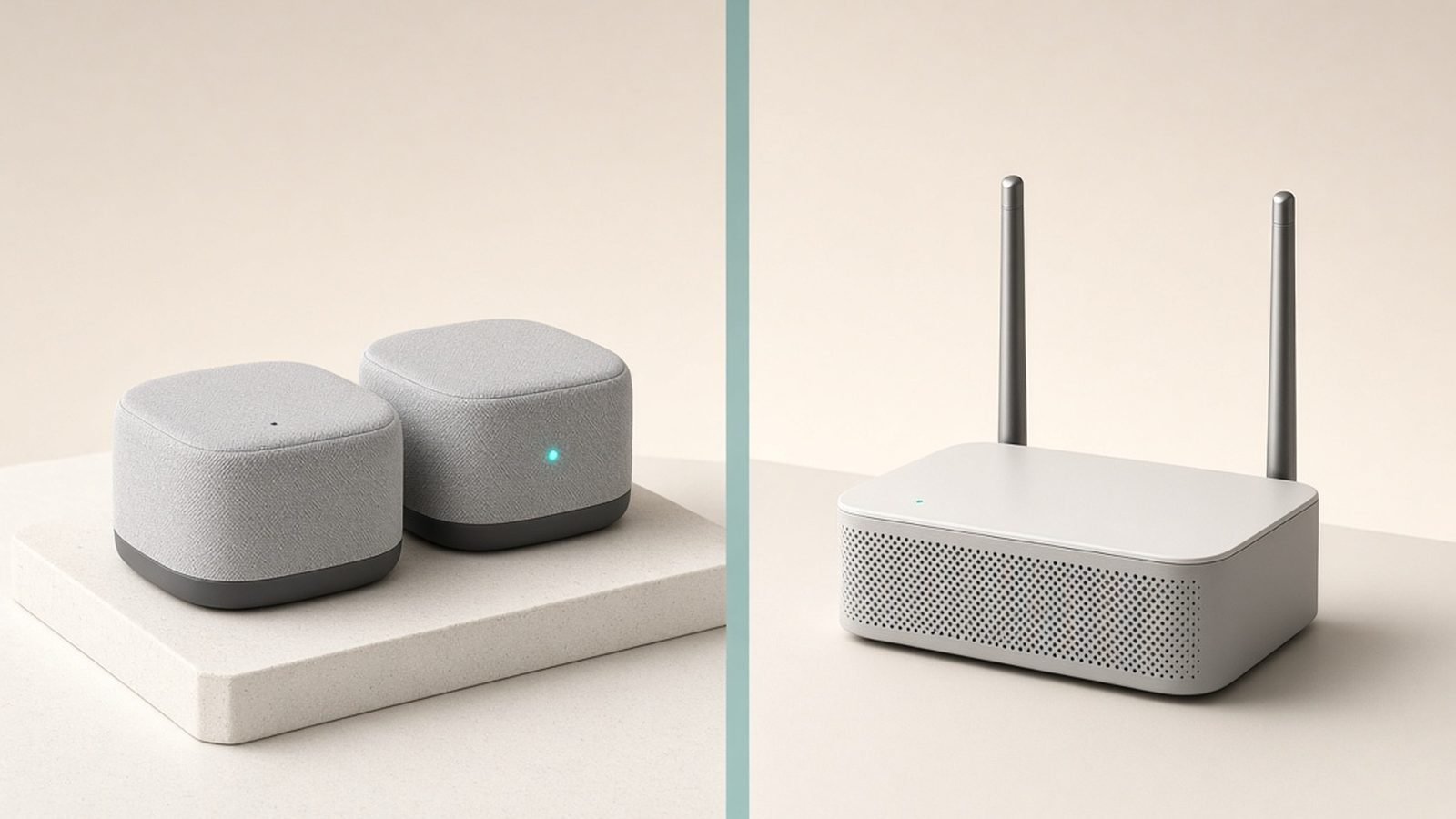
Router only is the right call for flats and small-to-medium homes. One well-placed Wi-Fi 7 router covers more than people expect, and MLO helps stability at range.
Mesh is the answer if you have dead zones today. A Wi-Fi 7 mesh system uses MLO for its backhaul — the link between nodes — which is where the standard shines brightest. If coverage is your pain point, put your budget here rather than into a single flagship router. See our full Best Mesh Wi-Fi Systems 2026: Wi-Fi 6 & Wi-Fi 7 Compared rankings.
Waiting for Wi-Fi 8? Don’t. Wi-Fi 8 (802.11bn) is targeting certification around 2028, and it’s focused on reliability rather than headline speed. Routers won’t be affordable until roughly 2029–2030. If your current router frustrates you today, three-plus years is too long to wait for a standard whose gains will be incremental.
Our Wi-Fi 7 Picks at Three Budgets
Based on our spec research and aggregated owner feedback, these three cover the sensible upgrade paths. For the complete rankings, see our Best Wi-Fi 7 Routers 2026: Top Picks for Every Budget guide.
Budget: TP-Link Archer BE3600 — around $99 / £90
The proof point that Wi-Fi 7 is now cheap. It’s dual-band (no 6GHz), but you still get MLO, 4K-QAM, and a 2.5Gb WAN port — a combination no Wi-Fi 6 router at this price matches.
Pros:
- Wi-Fi 7 with MLO for under $100 / £100
- 2.5Gb multi-gig port handles gigabit-plus internet plans
- Strong, stable 5GHz performance per owner reports
Cons:
- No 6GHz band, so no 320MHz channels or peak Wi-Fi 7 speeds
- Basic feature set; parental controls push you toward a subscription
Who it’s for: anyone on a Wi-Fi 5 or early Wi-Fi 6 router who wants the biggest upgrade per dollar in 2026.
Check price: TP-Link Archer BE3600
Mid-range: TP-Link Archer BE9700 (BE600) — around $199 / £180
The sensible upgrade pick for most households, and the router we point most readers to. Tri-band with 6GHz, full 320MHz channel support, and multiple multi-gig ports. Read our full TP-Link Archer BE9700 Review: Wi-Fi 7 Value King? for the deep dive.
Pros:
- Full tri-band Wi-Fi 7 including 6GHz and 320MHz channels
- Multi-gig LAN and WAN ports for fast wired devices
- Delivers most of a flagship’s real-world performance at a third of the price
Cons:
- Bulky design with external antennas
- Advanced security features sit behind TP-Link’s subscription
Who it’s for: households with gigabit-plus internet and recent phones/laptops who want the full Wi-Fi 7 experience without flagship pricing.
Check price: TP-Link Archer BE9700
Whole-home: Amazon Eero Pro 7 (3-pack) — around $700 / £700
The whole-home Wi-Fi 7 path for larger houses. Three nodes, MLO-boosted wireless backhaul, dead-simple app setup, and the polish eero is known for.
Pros:
- Excellent coverage for large or awkwardly shaped homes
- MLO backhaul keeps satellite nodes fast without Ethernet runs
- Genuinely easy setup and maintenance per hundreds of owner reports
Cons:
- Expensive, and key features require an eero Plus subscription
- Fewer settings for tinkerers; limited manual control
Who it’s for: anyone whose real problem is coverage across 2,500+ sq ft, and who values simplicity over configurability.
Check price: Amazon Eero Pro 7 (3-pack)
Verdict: Should I Upgrade to Wi-Fi 7?
So, is Wi-Fi 7 worth it in 2026? For most people replacing a router that’s three or more years old: yes, clearly. The price premium has collapsed, your newer devices probably already support it, and MLO delivers the kind of everyday reliability improvement that Wi-Fi generations rarely manage. Buy the Archer BE3600 if budget rules, the BE9700 if you want the full standard, and the Eero Pro 7 if coverage is the fight you’re actually fighting.
If you own a solid Wi-Fi 6 or 6E setup and your internet is mid-speed, you’re the exception: hold your money. Wi-Fi 7 will still be there — cheaper again — when something actually breaks. For more router guidance across every budget and standard, browse our Networking & Wi-Fi.
FAQ: Wi-Fi 7
Is Wi-Fi 7 worth it if my internet is only 500Mbps?
Partially. You won’t benefit from Wi-Fi 7’s multi-gigabit peaks, but MLO still improves connection stability and latency in busy homes, and 500Mbps plans often underdeliver over older Wi-Fi at range. If your current router already delivers your full plan speed everywhere you need it, save the money for now.
Will my old devices work with a Wi-Fi 7 router?
Yes. Wi-Fi 7 is fully backward compatible, so Wi-Fi 4, 5, 6 and 6E devices all connect normally — they just run at their own maximum speeds. In fact, older devices often perform slightly better on a Wi-Fi 7 router thanks to stronger radios and smarter traffic scheduling.
What is MLO in Wi-Fi 7, in one sentence?
Multi-Link Operation lets a device use two or more Wi-Fi bands at the same time instead of choosing one, which improves speed but — more importantly — keeps your connection stable when one band gets congested. It’s the single best reason to choose Wi-Fi 7 over Wi-Fi 6E, which lacks it entirely.
Is Wi-Fi 6E vs Wi-Fi 7 a big difference?
Smaller than the marketing suggests, but real. Both use the 6GHz band, but Wi-Fi 7 adds MLO, 320MHz channels and 4K-QAM. Real-world testing shows Wi-Fi 7 ahead by roughly 30–80% at close range. If you already own a good 6E router, don’t rush; if you’re buying new, skip 6E.
Should I wait for Wi-Fi 8 instead?
No. Wi-Fi 8 isn’t expected to be certified until around 2028, with affordable routers arriving a year or two after that, and its focus is reliability refinements rather than dramatic speed gains. If your router is struggling today, a $99–200 Wi-Fi 7 upgrade now beats waiting three-plus years.
Do the PS5, Xbox or Switch 2 support Wi-Fi 7?
No — the PS5 and Xbox Series X/S support Wi-Fi 6, as does the Switch 2. They’ll connect to a Wi-Fi 7 router without issues but won’t reach Wi-Fi 7 speeds. Consoles benefit indirectly, though: with faster devices moved to the 6GHz band, consoles get cleaner airtime on 5GHz.
Zen Tech Hub may earn a commission from links on this page, at no extra cost to you.