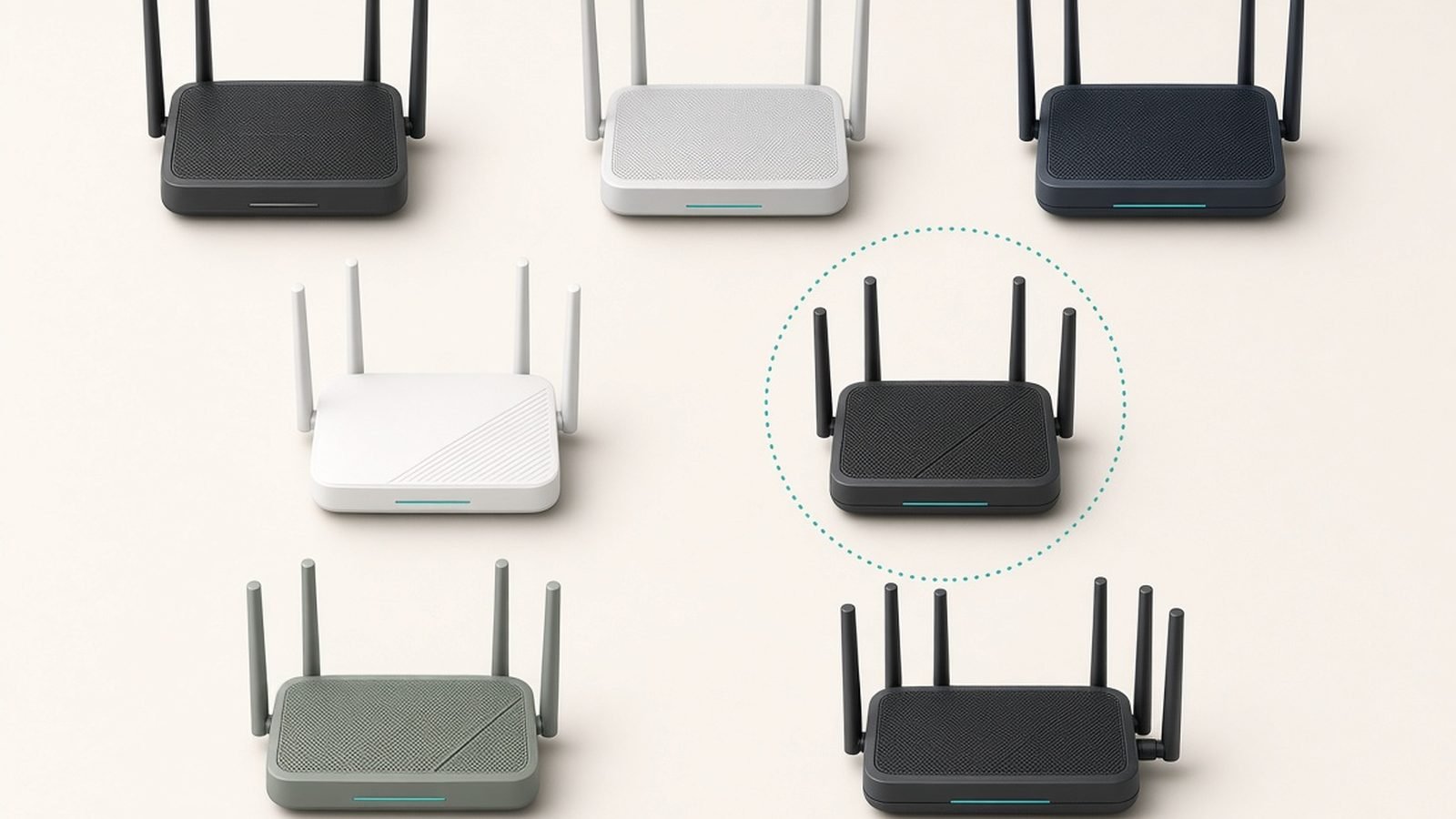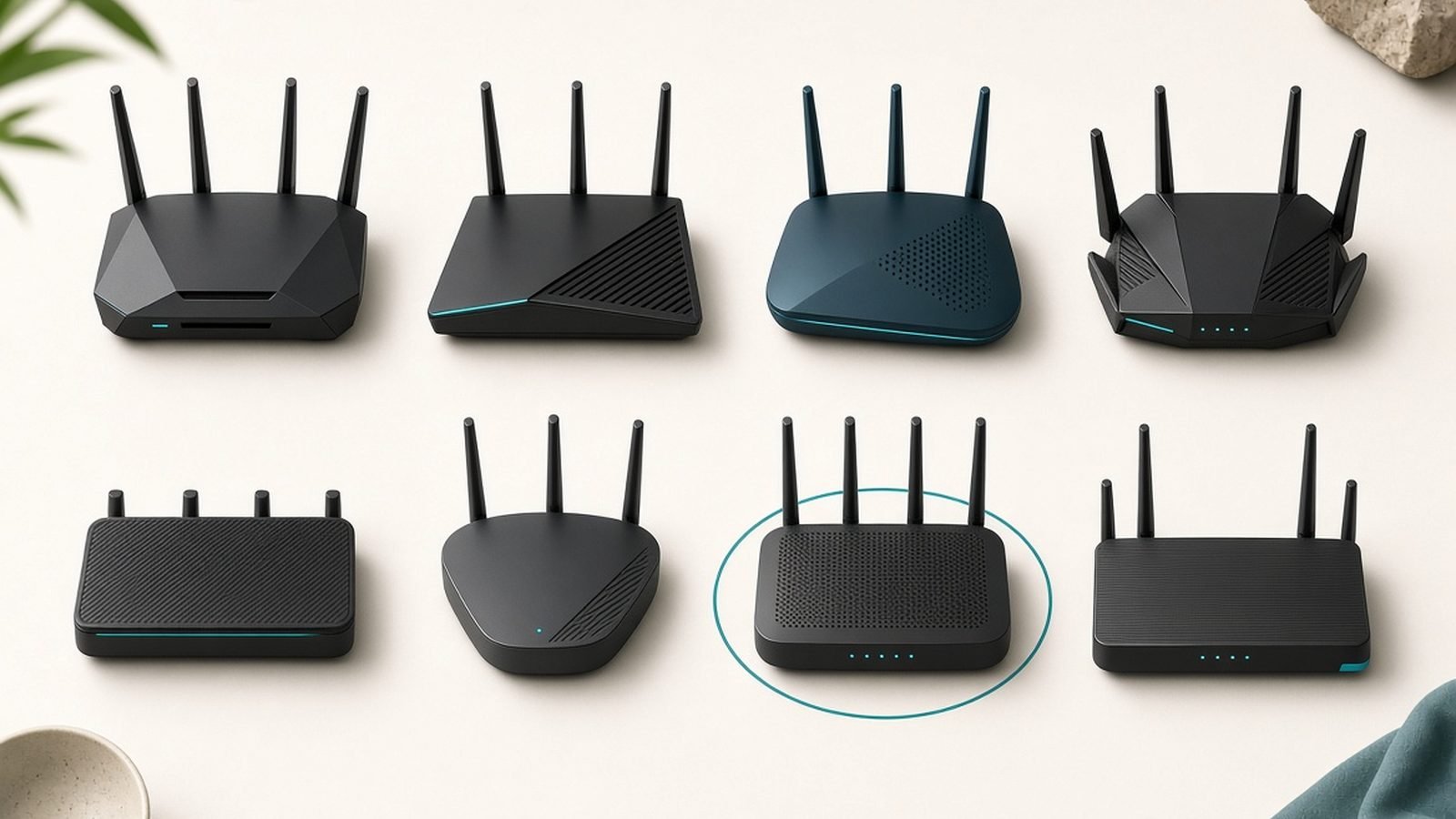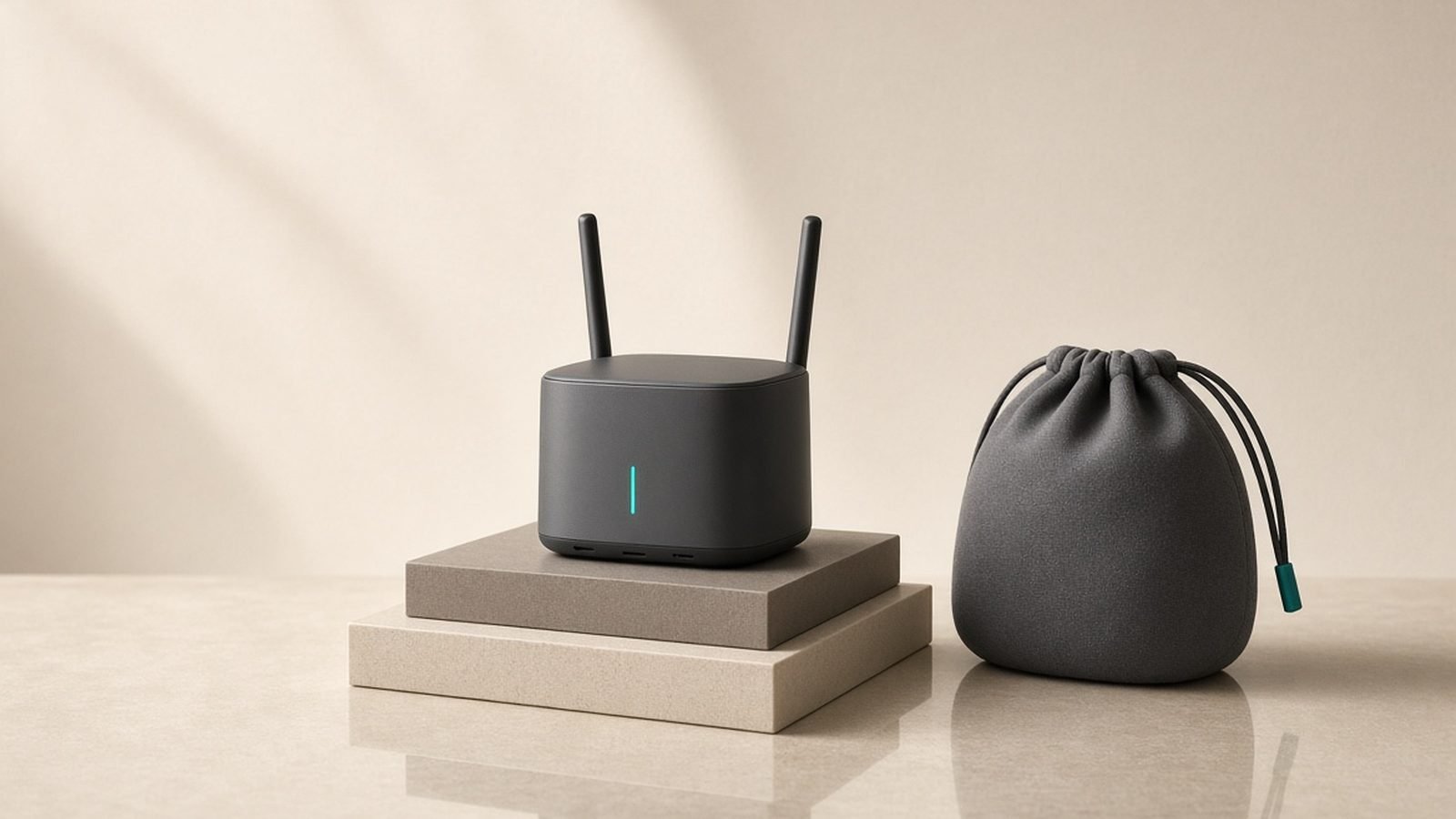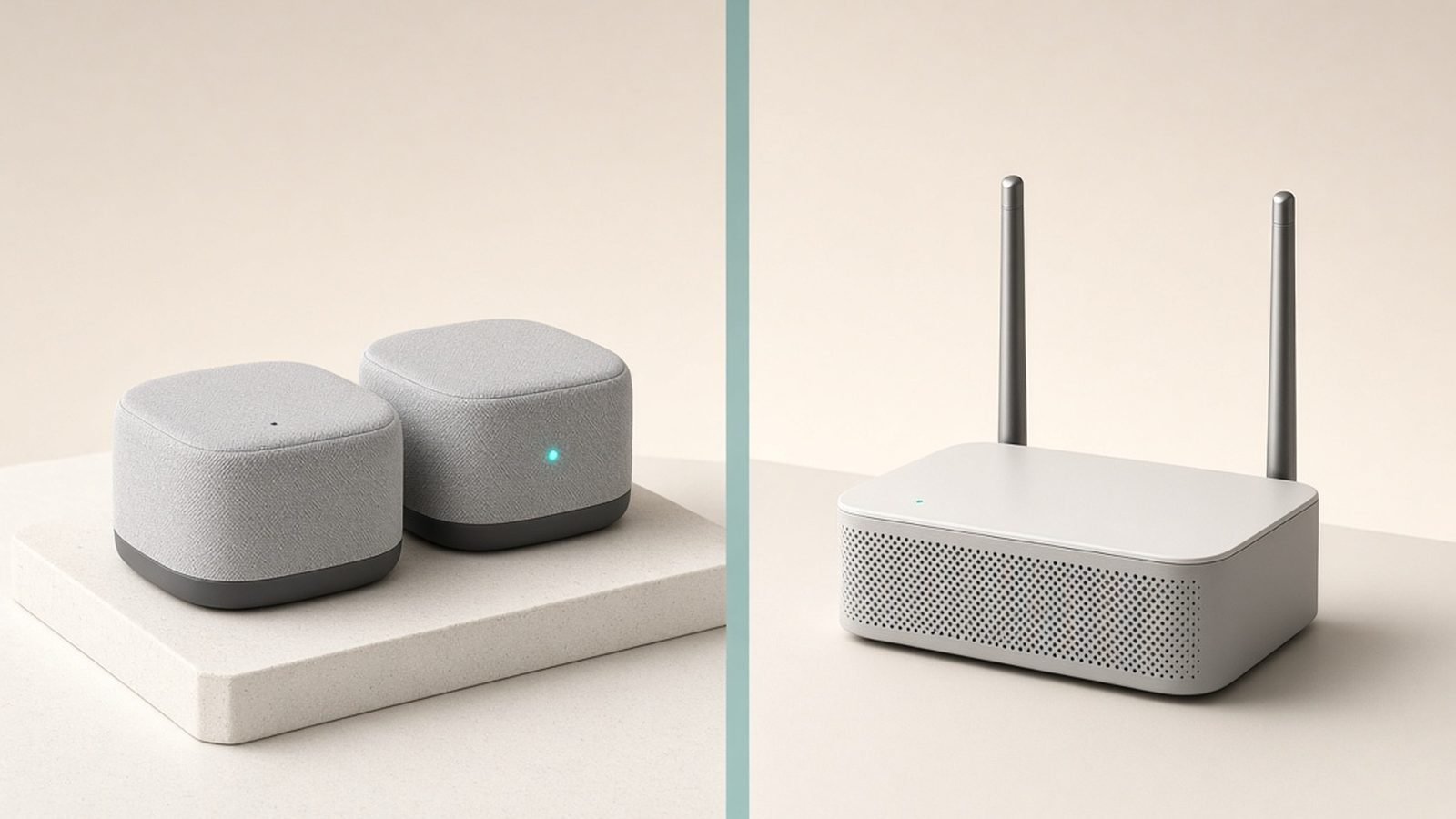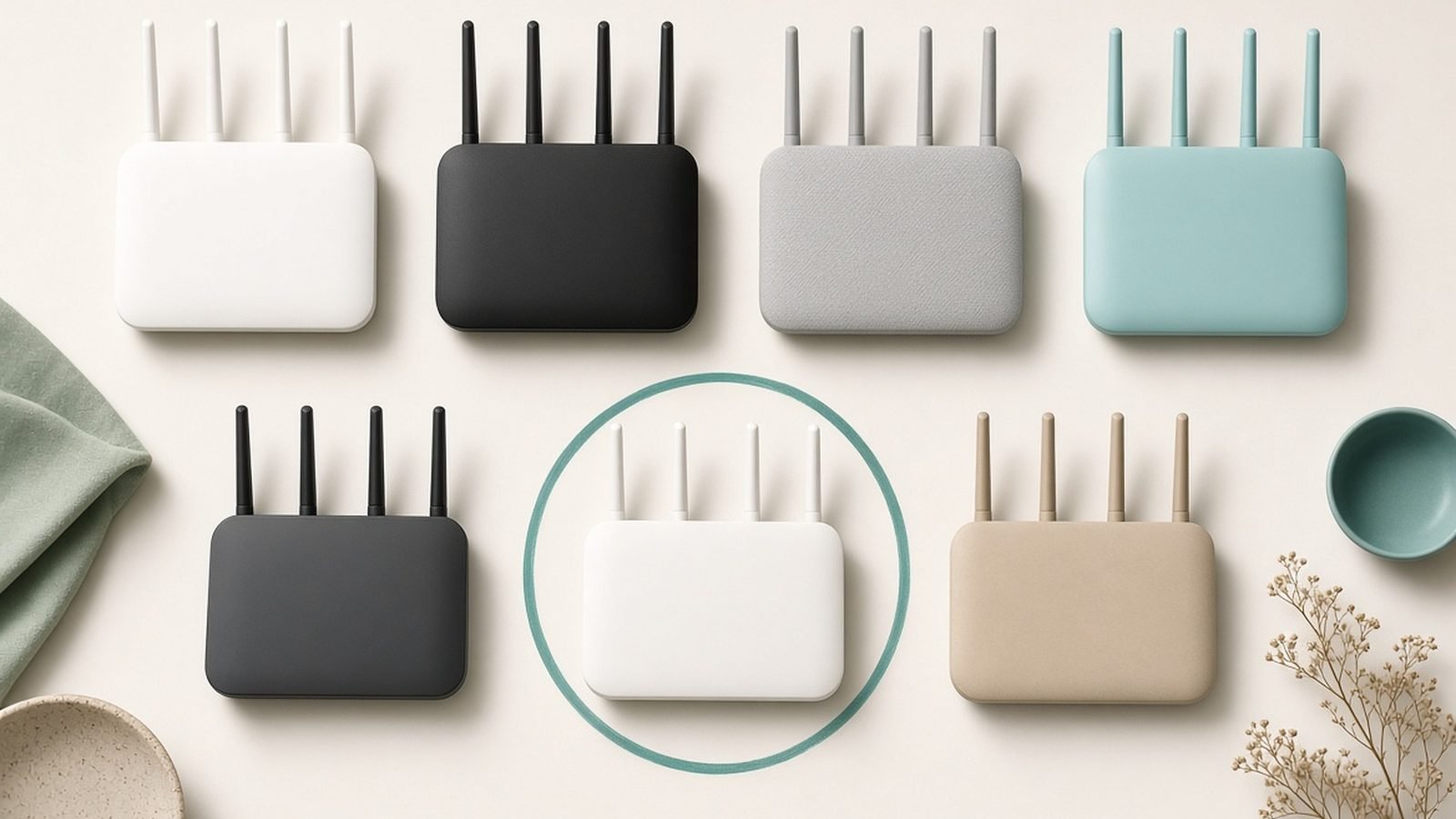
The best wifi router under $100 in 2026 isn’t a compromise anymore — it’s a Wi-Fi 7 router. That’s new. Twelve months ago, this price bracket topped out at decent Wi-Fi 6; today, TP-Link’s Archer BE3600 brings genuine Wi-Fi 7 features like Multi-Link Operation and a 2.5G WAN port in under the $100 / £100 line, and the Wi-Fi 6 routers it pushed down the price ladder are better value than ever.
In our research for this guide — spec sheets, firmware changelogs, ISP compatibility lists, and hundreds of owner reports across US and UK retailers — four routers kept rising to the top. Here’s the short version:
| Pick | Best for | Wi-Fi | Price (US / UK) |
|---|---|---|---|
| TP-Link Archer BE3600 | Most people — the overall winner | Wi-Fi 7 (BE3600) | around $99 / £90 |
| TP-Link Archer AX55 | Pure value on a tighter budget | Wi-Fi 6 (AX3000) | around $75 / £70 |
| Asus RT-AX57 | Gamers and future AiMesh builders | Wi-Fi 6 (AX3000) | around $85 / £80 |
| TP-Link Deco X55 (2-pack) | Whole-home coverage in flats and small houses | Wi-Fi 6 mesh (AX3000) | around $110 / £100, often ~$100 on sale |
Prices move weekly in this bracket — treat the figures above as typical street prices as of July 2026, and check the live links before buying.
What $100 / £100 Actually Buys in 2026 (Wi-Fi 7 Has Arrived)
The headline change this year: cheap Wi-Fi 7 routers are real. Entry-level BE3600-class hardware has settled at or under $100 / £100, which means Multi-Link Operation (MLO), 4K-QAM, and multi-gig WAN ports are no longer flagship-only features. If you’re comparing against last year’s buying guides, the goalposts have moved.
What you should now expect at this price:
- Wi-Fi 6 (AX3000-class) as the floor. Anything still selling Wi-Fi 5 in 2026 is e-waste with antennas. Skip it.
- At least four Ethernet ports, with 2.5G WAN appearing on the newest budget models.
- WPA3, OFDMA, and basic QoS as standard.
- Enough throughput for a 500Mbps–1Gbps internet plan in real rooms, not just lab conditions.
What’s still reserved for the next tier up: 6GHz radio (the third band that makes Wi-Fi 7 truly fly), 10G ports, and premium features like full-fat game acceleration. If you want those, our Best Wi-Fi 7 Routers 2026: Top Picks for Every Budget guide covers the $150–$400 class.
One buying note that trips people up: an AX3000 or BE3600 badge is combined theoretical bandwidth across all bands. No single device ever sees that number. What matters is real-world consistency — which is exactly where the four picks below earn their spots.
The Best Wi-Fi Routers Under $100 / £100
1. TP-Link Archer BE3600 — Best Wi-Fi Router Under $100 Overall
Around $99 / £90 | Wi-Fi 7 (dual-band BE3600) | 2.5G WAN + 2.5G LAN, 3× gigabit LAN
Check price: TP-Link Archer BE3600
The Archer BE3600 is the reason this article leads with Wi-Fi 7. It’s the only true Wi-Fi 7 router that reliably sits under the $100 / £100 line, and it isn’t a badge-engineering trick: you get Multi-Link Operation on the 2.4GHz and 5GHz bands, 4K-QAM, Multi-RU, and a 2.5G WAN port that actually matches the gigabit-plus plans US cable ISPs and UK alt-nets are now selling.
MLO matters more than it sounds on a dual-band router: compatible Wi-Fi 7 devices use both bands simultaneously, which — based on aggregated owner reports — means noticeably steadier latency when the 5GHz band gets congested. That’s a budget router for gaming behaving like something pricier.
The honest catch: there’s no 6GHz band. That’s the trade that gets this router under $100, and it means you won’t see the eye-watering peak speeds of tri-band Wi-Fi 7. You’re buying Wi-Fi 7’s efficiency and latency features, not its top speed. For a one-router household on a sub-gigabit or gigabit plan, that’s the right trade.
Pros:
- Genuine Wi-Fi 7 (MLO, 4K-QAM) at a Wi-Fi 6 price
- 2.5G WAN and one 2.5G LAN port — rare under $100
- Strong 5GHz performance for the class; handles gigabit-ish plans
- EasyMesh support, so you can extend it later without brand lock-in
Cons:
- No 6GHz band — this is dual-band Wi-Fi 7
- Full parental controls and security (HomeShield Pro) sit behind a subscription
- Overkill if every device you own is Wi-Fi 5/6 and will stay that way
Who it’s for: anyone buying one router to keep for five-plus years. New phones and laptops are shipping with Wi-Fi 7 by default now; this is the cheapest way to meet them.
Verdict: the best wifi router under $100 for most people in 2026, and the pick that makes most competing “budget = Wi-Fi 6” guides feel a year out of date.
2. TP-Link Archer AX55 — Best Wi-Fi 6 Router Under $100 (Value Pick)
Around $75 / £70 | Wi-Fi 6 (AX3000) | 4× gigabit LAN, gigabit WAN, USB 3.0
Check price: TP-Link Archer AX55 Check price: TP-Link Archer AX55
If the BE3600 is the smart buy, the Archer AX55 is the sensible one. It’s been the default answer to “best budget wifi router” for three years running, and constant price cuts have only strengthened the case: AX3000-class Wi-Fi 6, a genuinely usable app, OneMesh/EasyMesh extendability, and the best free parental controls in this group.
In our research, the AX55’s defining trait is boring reliability. Owner reports across Amazon US, Amazon UK, and Currys are remarkably consistent: it holds its range, doesn’t need weekly reboots, and gets firmware updates on schedule. It’s also quietly a great cheap router for streaming households — OFDMA and 160MHz channels make four or five simultaneous 4K streams comfortable on a 300Mbps+ plan, and QoS lets you pin the living-room TV to the front of the queue.
The limits are clear: gigabit ports only, so plans above ~940Mbps leave speed on the table, and there’s no Wi-Fi 7 upgrade path.
Pros:
- Excellent price-to-performance; frequently discounted below $70 / £65
- Rock-solid stability per hundreds of owner reports
- Free basic parental controls and HomeShield security tier
- USB 3.0 port for simple network storage — rare this cheap
Cons:
- Gigabit WAN caps multi-gig internet plans
- 2.4GHz band is merely adequate
- No Wi-Fi 7 features at all
Who it’s for: renters, students, parents setting up a family network, anyone on a sub-500Mbps plan who wants maximum router for minimum money.
Verdict: the best wifi 6 router under 100 dollars or pounds — buy it when it’s on sale and don’t think twice.
3. Asus RT-AX57 — Best Budget Router for Gaming and AiMesh Homes
Around $85 / £80 | Wi-Fi 6 (AX3000) | 4× gigabit LAN, gigabit WAN
Check price: Asus RT-AX57 Check price: Asus RT-AX57
The TP-Link vs Asus budget router debate usually comes down to one question: do you want the cheapest good hardware, or the best long-term software? The RT-AX57 is the software answer. Asus bundles lifetime AiProtection Pro (Trend Micro-powered security) and full parental controls with no subscription — the feature TP-Link increasingly charges monthly for.
It’s also the strongest budget router for gaming here. Asus’s Adaptive QoS has a one-click gaming priority mode, the firmware exposes real settings (static routes, VPN client and server, per-device band control) that TP-Link hides or omits, and port forwarding is the cleanest in the class — something owner communities mention constantly for console NAT fixes.
The third pillar is AiMesh: any Asus router you buy later joins this one to form a mesh, making the RT-AX57 the best under-$100 start for a network you intend to grow. Weak points: the design is plain, and some hardware revisions drop the USB port entirely — check the listing if that matters.
Pros:
- Free lifetime security and parental controls (no subscription, ever)
- Best-in-class firmware: real QoS, VPN server, AiMesh expandability
- Long Asus firmware support record
- Gaming-friendly features that cheap routers usually skip
Cons:
- Costs more than the AX55 for similar raw speed
- Gigabit ports only
- Some revisions lack USB; feature set is otherwise plain
Who it’s for: gamers on a budget, tinkerers, privacy-conscious buyers who refuse subscriptions, and anyone planning to expand into AiMesh later.
Verdict: in the tp-link vs asus budget router fight, Asus wins on software and loses on price — pick the RT-AX57 if you’ll actually use the extras.
4. TP-Link Deco X55 (2-Pack) — Best Cheap Mesh Starter
Around $110 / £100, frequently ~$100 / £95 on sale | Wi-Fi 6 mesh (AX3000 per node) | 3× gigabit ports per node
Check price: TP-Link Deco X55 (2-pack)
Sometimes the honest answer to “which router should I buy?” is “not a router.” If your problem is a dead zone — bedroom over the garage, back office through two brick walls — no single sub-$100 box fixes physics. The Deco X55 two-pack does, and it dips to the $100 / £100 line often enough during sale events to earn its place here.
Two AX3000 nodes cover roughly 4,000+ sq ft between them, with one Wi-Fi name and automatic handoff as you move. Setup is a genuinely 10-minute app job — exactly why we recommend it to non-technical relatives. Each node carries three gigabit ports, so use wired backhaul if your home has Ethernet runs; it noticeably steadies performance, per widespread owner feedback.
Trade-offs: it’s dual-band, so the nodes share the 5GHz band between backhaul and your devices, trimming peak speeds at the far node. And it’s app-managed with a limited web interface — tinkerers will feel boxed in. For deeper mesh options, see our full Best Mesh Wi-Fi Systems 2026: Wi-Fi 6 & Wi-Fi 7 Compared guide.
Pros:
- Whole-home coverage no single cheap router can match
- Dead-simple app setup and management
- One network name, seamless roaming — ideal cheap router for streaming in every room
- Ethernet backhaul supported on all nodes
Cons:
- Dual-band: far-node speeds drop on wireless backhaul
- App-centric; minimal advanced settings
- Nominally over budget at full price — wait for the frequent sales
Who it’s for: flats and small houses with dead zones, multi-floor rentals, and anyone who values “it just works everywhere” over peak speed.
Verdict: the best router under £100 isn’t always a router — if coverage is your complaint, buy this instead.
Spec and Price Comparison (US / UK)
| Archer BE3600 | Archer AX55 | Asus RT-AX57 | Deco X55 (2-pk) | |
|---|---|---|---|---|
| Wi-Fi standard | Wi-Fi 7 (dual-band) | Wi-Fi 6 | Wi-Fi 6 | Wi-Fi 6 mesh |
| Rated speed | BE3600 | AX3000 | AX3000 | AX3000 per node |
| MLO / 4K-QAM | Yes | No | No | No |
| WAN port | 2.5G | 1G | 1G | 1G |
| LAN ports | 1× 2.5G + 3× 1G | 4× 1G | 4× 1G | 3× 1G per node |
| USB | No | USB 3.0 | Varies by revision | No |
| Mesh system | EasyMesh | OneMesh/EasyMesh | AiMesh | Deco Mesh |
| Free security suite | Basic (paid tier for full) | Basic (paid tier for full) | Lifetime, free | Basic (paid tier for full) |
| Typical US price | ~$99 | ~$75 | ~$85 | ~$110 (~$100 on sale) |
| Typical UK price | ~£90 | ~£70 | ~£80 | ~£100 (~£95 on sale) |
What You Give Up at This Price (and When to Spend More)
Honesty time. Every router here makes real sacrifices, and knowing them is the difference between a smart buy and a return label.
No 6GHz band. The clean, empty 6GHz spectrum is the single biggest speed unlock in modern Wi-Fi, and nothing under $100 has it. If you have a 2Gbps+ plan or a crowded apartment block’s worth of interference, step up to a tri-band model — our Best Wi-Fi 7 Routers 2026: Top Picks for Every Budget guide starts where this one ends.
Multi-gig is scarce. Only the BE3600 exceeds gigabit ports. On a 1.2Gbps+ plan, the AX55, RT-AX57, and Deco X55 all become the bottleneck.
Subscriptions lurk. TP-Link’s full HomeShield security and parental suite costs extra monthly; only the Asus includes everything free for life. Factor that into any tp-link vs asus comparison — a $10 hardware saving evaporates after two months of subscription.
Coverage has a ceiling. A single budget router honestly covers a two-bed flat or small house. Beyond that, go mesh — or if you rent and can’t rewire anything, a plug-in extender is the cheapest patch; see Best Wi-Fi Extenders 2026: Kill Dead Zones for Less.
When to spend more: multi-gig internet, a large or three-storey home, 30+ smart home devices, or competitive gaming where 6GHz headroom counts. Otherwise, a $250 router on a 500Mbps plan in a flat is a sports car for a school run.
Settings That Make a Cheap Router Feel Fast
A well-configured budget router beats a badly configured flagship. Five changes worth ten minutes:
- Place it high and central. Not in the TV cabinet, not behind the fish tank. Elevation and line-of-sight matter more than any spec on this page.
- Enable 160MHz channels on 5GHz (AX55, RT-AX57) or MLO (BE3600). These are often off by default and can substantially lift throughput on compatible devices.
- Turn on QoS and prioritise what matters. Gaming console or work laptop to the front; smart plugs and printers to the back.
- Split or steer your bands deliberately. Park smart home gadgets on 2.4GHz and keep 5GHz clear for TVs, consoles, and laptops.
- Update firmware immediately, then enable auto-updates. Launch firmware on budget routers is routinely mediocre; three updates later they’re different products. Week-one owner reviews consistently undersell these devices.
More networking guides live in our hub: Networking & Wi-Fi.
Which Should You Buy?
- Just tell me what to get: the Archer BE3600. Wi-Fi 7, 2.5G WAN, under $100 / £100. It’s the only pick here you won’t want to replace in three years.
- Tightest budget: the Archer AX55 — the best budget wifi router per dollar or pound, full stop.
- Gamer, tinkerer, or subscription-hater: the Asus RT-AX57 and its free lifetime security.
- Dead zones: the Deco X55 2-pack. Coverage beats speed you can’t reach.
FAQ: Budget Routers
Is a cheap Wi-Fi 7 router actually worth it, or is it a gimmick?
Worth it — with the right expectations. A cheap wifi 7 router like the Archer BE3600 lacks the 6GHz band, so you won’t hit flagship peak speeds. But MLO and 4K-QAM deliver real latency and congestion improvements with Wi-Fi 7 devices, and the 2.5G WAN port future-proofs faster ISP plans. At the same price as good Wi-Fi 6, it’s the rational default in 2026.
Is a router under $100 good enough for gaming?
Yes, for the overwhelming majority of players. Online gaming needs low, stable latency — typically under 1Mbps of bandwidth — not raw speed. The Asus RT-AX57’s gaming QoS and clean port forwarding make it our budget router for gaming pick. Wire your console or PC via Ethernet and a $100 router gives up almost nothing to a $400 one for online play.
Can a budget router handle 4K streaming on several TVs?
Comfortably. One 4K stream needs roughly 25Mbps, so even four simultaneous streams use ~100Mbps — well within AX3000-class capability on any pick here. The real constraints are your internet plan and coverage. If a far bedroom TV buffers, that’s a range problem: fix it with the Deco X55 mesh or an extender, not a more expensive single router.
TP-Link vs Asus budget router — which brand should I pick?
TP-Link wins on price and raw value; Asus wins on software and lifetime value. TP-Link’s Archer routers are cheaper and rock-solid, but full security and parental controls cost a subscription. Asus includes AiProtection and parental controls free forever, plus AiMesh expandability. If you’ll use those features, the RT-AX57’s premium pays for itself within months.
What’s the best router under £100 for UK fibre (Openreach or alt-net)?
The Archer BE3600 at around £90. Its 2.5G WAN port matches the 1Gbps+ FTTP plans now common from alt-nets and Openreach providers, where gigabit-port routers throttle you to ~940Mbps. It works as a standard router behind an ONT; for Sky and some ISPs, check MER/DHCP option 61 support before buying — owner forums confirm current firmware handles the major providers.
Should I buy a single router or a cheap mesh system?
Count your walls, not your devices. A single router (BE3600, AX55, RT-AX57) is faster and cheaper for a flat or small house where the router can sit centrally. Choose mesh like the Deco X55 when you have dead zones a single unit can’t reach — multi-floor homes, brick internal walls, or a router stuck in a corner by the master socket.
Zen Tech Hub may earn a commission from links on this page, at no extra cost to you.