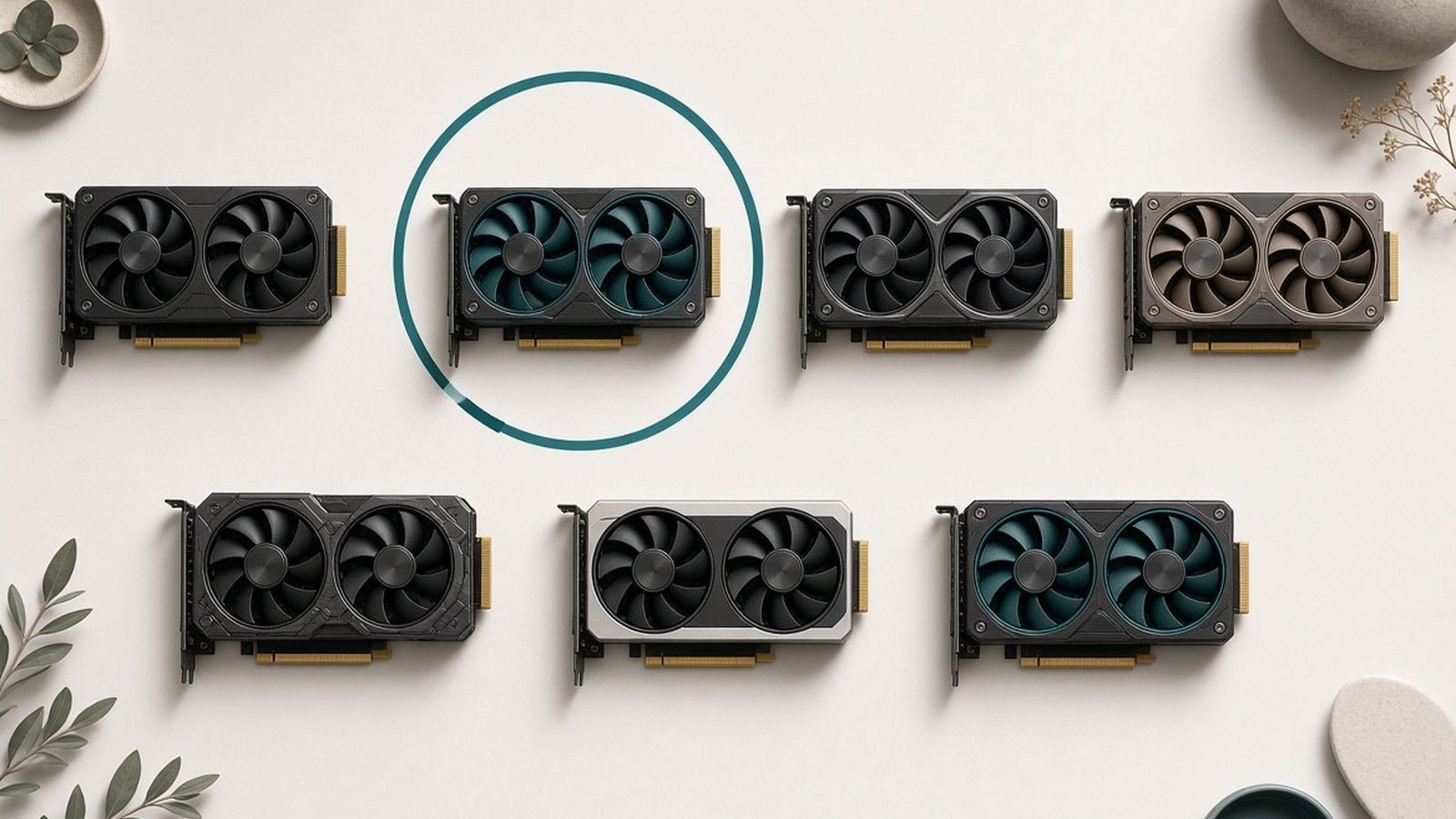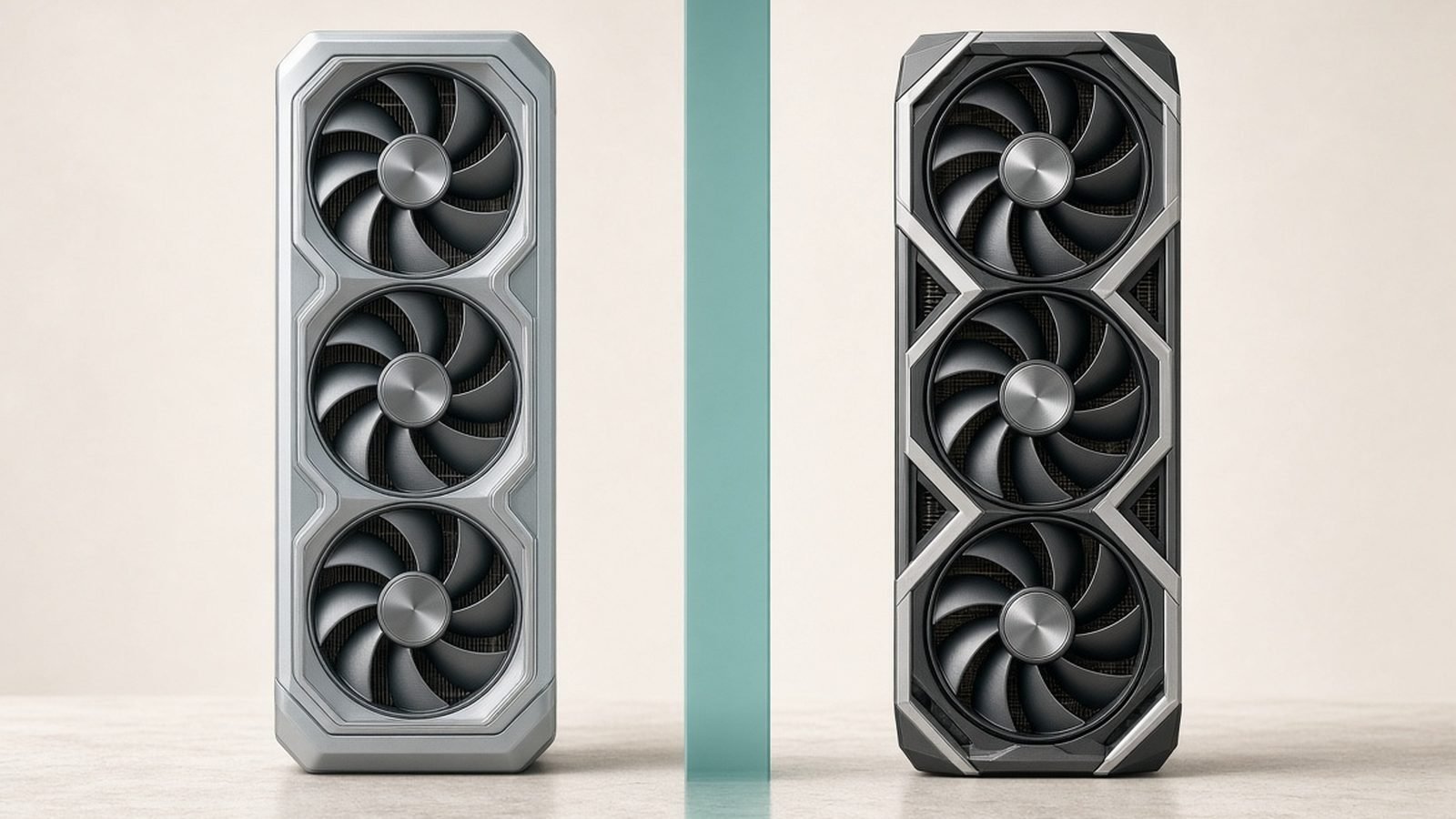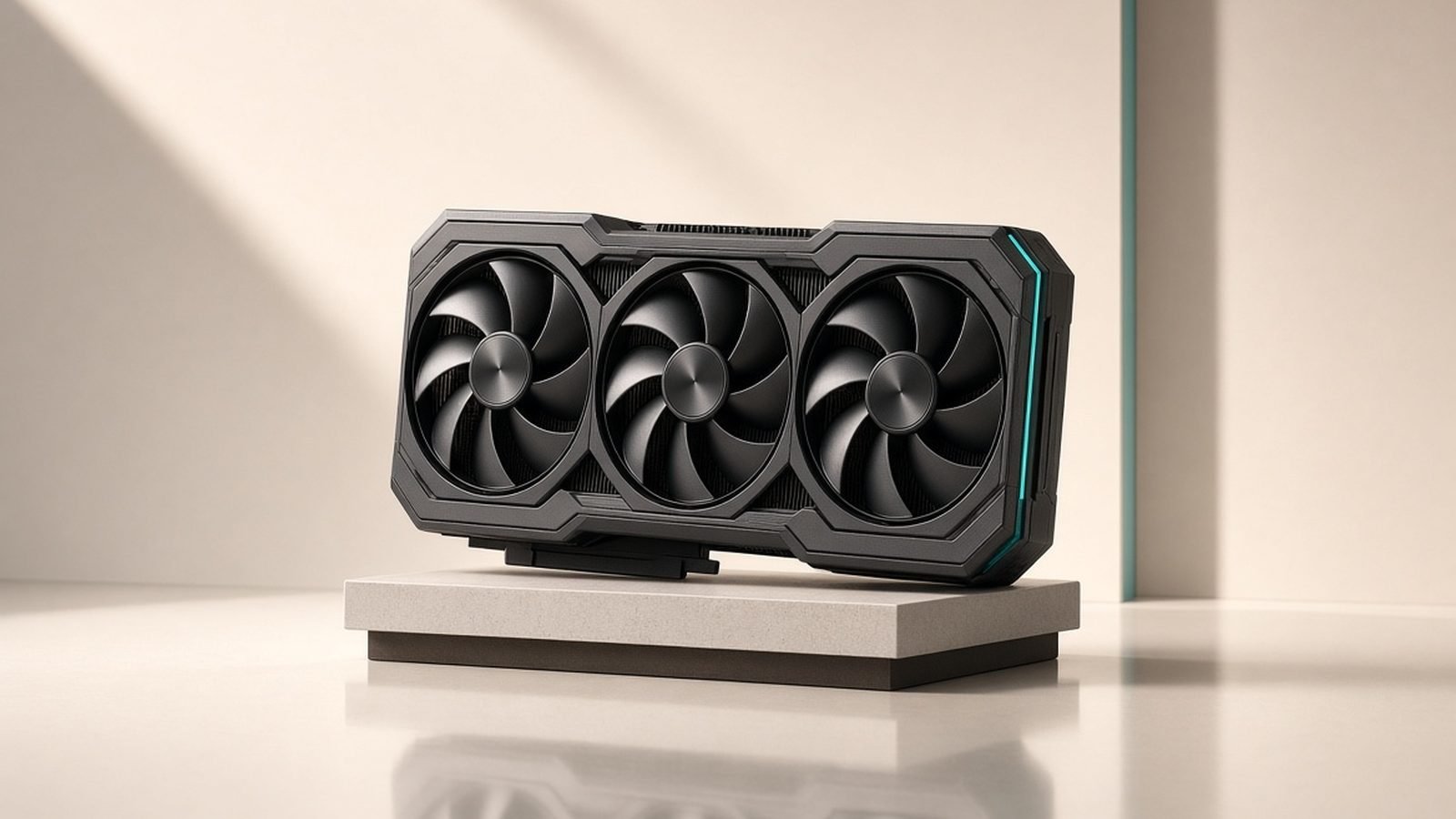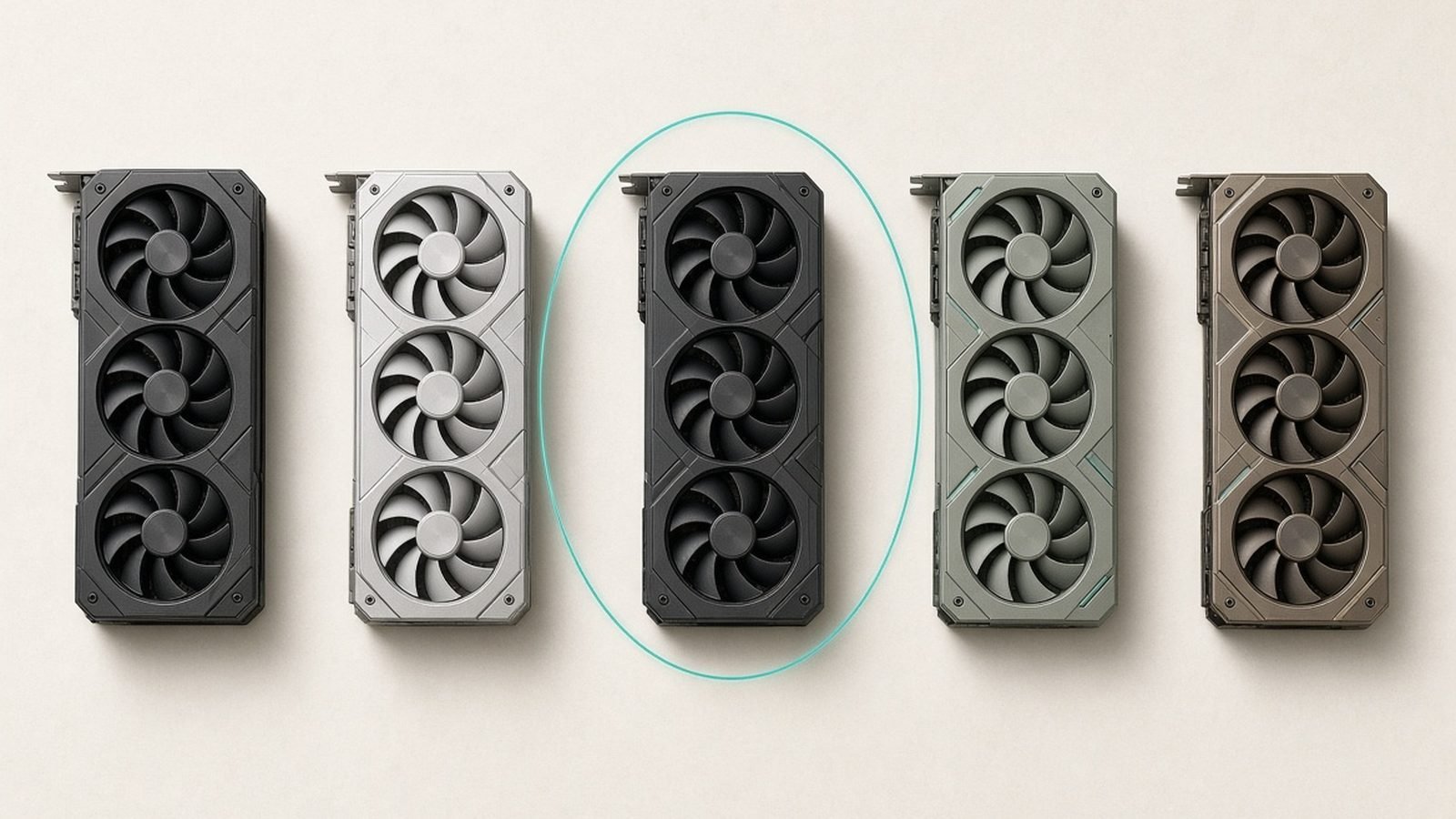
If you want the short answer, the best GPU 2026 offers most people is the AMD Radeon RX 9070 XT: it lands near GeForce RTX 5070 Ti performance for meaningfully less money and handles 1440p and entry 4K with room to spare. If you have deep pockets and want the outright fastest card, the RTX 5090 stands alone. And if you’re shopping tight, the Intel Arc B580 remains the value story of the generation. (Our best graphics cards under $500 guide digs into that tier.)
Below are seven cards we’d actually recommend right now, sorted by budget, with the honest trade-offs each one carries. This is based on published specifications, vendor documentation, and aggregated owner and reviewer feedback — not our own lab bench. Prices swing constantly, so treat every figure as a moving estimate.
Best GPU 2026 at a glance
| Pick | GPU | Best for | Price US / UK |
|---|---|---|---|
| Best overall value | AMD RX 9070 XT | 1440p + entry 4K | ~$599 / £569 |
| Best flagship | RTX 5090 | 4K max settings, creators | ~$1,999 / £1,899 |
| Best high-end | RTX 5080 | High-refresh 4K | ~$999 / £949 |
| Best 1440p all-rounder | RTX 5070 Ti | 1440p high-refresh | ~$749 / £719 |
| Best AMD alternative | RX 9070 | 1440p value | ~$549 / £519 |
| Best budget mainstream | RTX 5060 | 1080p / 1440p | ~$299 / £289 |
| Best cheap card | Intel Arc B580 | 1080p high, tight budgets | ~$249 / £239 |
Prices are estimates and move week to week. Buy on a genuine dip, not on a spike.
How we picked
We prioritized real-world value over headline benchmark numbers. That means weighing raster performance, ray tracing, upscaling quality (DLSS 4, FSR 4, XeSS 2), VRAM capacity, power draw, and driver maturity together, then asking a simple question: for the money, who is each card actually right for?
Our analysis draws on published specs, manufacturer documentation, and the broad consensus from reviewers and long-term owners. We don’t quote invented frame-rate figures or claim hands-on testing we didn’t do. Where a card has a known weakness — thin VRAM, hot running, immature drivers — we say so plainly. Every pick includes who it’s for and what you give up.
For the chips driving these cards, it’s worth understanding the wider platform picture in our AMD vs Intel 2026: Which CPU Should You Buy? breakdown, and pairing your GPU with the right processor from our Best CPUs 2026: Gaming & Productivity Processors guide.
Best overall value: AMD Radeon RX 9070 XT
RDNA 4 · 16GB GDDR6 · ~304W · ~$599 / £569
The RX 9070 XT is the card we point most people toward in 2026. It delivers strong 1440p performance and credible entry-level 4K, and its 16GB of VRAM gives it real headroom as textures keep ballooning. Critically, AMD’s FSR 4 upscaling closed a large chunk of the gap to NVIDIA’s DLSS this generation, so the old “but the upscaling is worse” objection carries far less weight than it used to.
Ray tracing is where it still trails NVIDIA’s equivalents. RDNA 4 improved RT throughput substantially over the last generation, but in the heaviest path-traced titles an RTX 5070 Ti or 5080 will pull ahead. For the vast majority of games, including most with standard ray tracing, the 9070 XT is more than fast enough — and it costs less than the NVIDIA card it trades blows with. On the Radeon side, board-partner cards from XFX and Sapphire are the ones you’ll most often find on shelves.
On the classic RTX 5080 vs RX 9070 XT question: the 5080 is faster, especially in RT, but it also costs several hundred dollars more. The 9070 XT wins on price-to-performance decisively.
Pros:
- Excellent 1440p and solid 4K raster performance
- 16GB VRAM for future-proofing
- FSR 4 is a big upscaling leap
- Strong price-to-performance
Cons:
- Ray tracing still trails NVIDIA equivalents
- Higher power draw than the RX 9070
- Availability and pricing can be inconsistent
Who it’s for: 1440p and entry-4K gamers who want near-flagship performance without flagship pricing.
Best flagship: NVIDIA GeForce RTX 5090
Blackwell · 32GB GDDR7 · ~575W · ~$1,999 / £1,899
The RTX 5090 is the fastest consumer graphics card you can buy, full stop. With 32GB of GDDR7 and a massive core count, it eats 4K at max settings, drives high-refresh 4K in most titles, and is the only card that makes path tracing genuinely comfortable. DLSS 4 with Multi Frame Generation stretches that lead further in supported games.
It’s also enormous in every sense. Power draw is around 575W, so you need a serious PSU (a quality 1000W unit is the sensible floor) and a case with real airflow. It runs hot, it’s physically large, and it commands a premium that only makes sense if you’re chasing the ceiling or doing professional creator and AI work where the VRAM and compute pay for themselves.
For gaming alone, the 5090 is overkill for most people. But if you want the best and will actually use it — 4K/high-refresh, heavy content creation, local AI — nothing else competes. If you’re weighing it against the tier below, our Nvidia RTX 5080 Review 2026: The Sweet-Spot GPU? lays out exactly what you give up by stepping down.
Pros:
- Unmatched 4K and path-tracing performance
- 32GB VRAM ideal for creators and AI
- DLSS 4 Multi Frame Generation
- Genuine future headroom
Cons:
- Very expensive
- ~575W draw needs a big PSU and cooling
- Overkill for pure 1440p gaming
Who it’s for: Enthusiasts and creators who want the absolute fastest card and will use every watt.
Best high-end: NVIDIA GeForce RTX 5080
Blackwell · 16GB GDDR7 · ~360W · ~$999 / £949
The RTX 5080 is the sensible high-end pick for people who want excellent 4K without 5090 money. It handles high-refresh 1440p effortlessly and pushes 4K at high-to-max settings in nearly everything, with DLSS 4 giving it substantial frame-rate headroom in supported titles. Ray tracing performance is a genuine strength.
The one asterisk is VRAM. At 16GB, it has enough for today’s 4K games, but it’s less generous than the 5090’s 32GB, and the most demanding future titles at max texture settings could nudge that ceiling. For a 4K card at this price, most buyers would have liked to see more. In practice, 16GB is fine now and for the near term; just know it’s the card’s weakest spec.
Against the RX 9070 XT, the 5080 is clearly faster, especially in RT, and DLSS 4 is excellent. Whether that justifies the price gap depends on how much you value ray tracing and NVIDIA’s software stack.
Pros:
- Superb high-refresh 4K performance
- Excellent ray tracing and DLSS 4
- Lower power and heat than the 5090
- Strong all-round feature set
Cons:
- 16GB VRAM is adequate, not generous, for 4K
- Priced well above AMD’s fastest
- Still a premium purchase
Who it’s for: 4K gamers who want near-flagship speed and NVIDIA’s software without paying 5090 prices.
Best 1440p all-rounder: NVIDIA GeForce RTX 5070 Ti
Blackwell · 16GB GDDR7 · ~300W · ~$749 / £719
The RTX 5070 Ti is the NVIDIA card we’d steer 1440p enthusiasts toward. It has the same 16GB of VRAM as the 5080, delivers high-refresh 1440p with ease, and is perfectly capable at 4K with DLSS enabled. It’s the point in NVIDIA’s stack where you get flagship-class features — full DLSS 4, strong RT — at a price that a serious gaming build can absorb.
Its natural rival is the RX 9070 XT, which typically costs less and matches or beats it in raster. The 5070 Ti answers back with better ray tracing and DLSS 4’s frame generation. If you play a lot of RT-heavy titles or want the NVIDIA ecosystem, the Ti earns its premium; if you mostly care about raw frames per dollar, AMD wins.
Pair it with a fast CPU and you have a 1440p machine that will stay relevant for years. It’s also a strong desktop counterpart to the mobile chips in our Best Gaming Laptops 2026: RTX 50-Series Picks Ranked roundup if you’re deciding between a laptop and a tower.
Pros:
- Excellent high-refresh 1440p, capable 4K
- Full 16GB VRAM
- DLSS 4 and strong ray tracing
- Reasonable power draw
Cons:
- Often pricier than the faster-in-raster RX 9070 XT
- 4K max settings need upscaling
- Premium over the standard 5070
Who it’s for: 1440p high-refresh gamers who want NVIDIA features and RT muscle.
Best AMD alternative: AMD Radeon RX 9070
RDNA 4 · 16GB GDDR6 · ~220W · ~$549 / £519
The plain RX 9070 is the efficiency-minded sibling of the 9070 XT. It gives up some clocks and shaders, so it’s a step slower, but it also draws noticeably less power (around 220W) and often costs less. For 1440p gaming it’s still excellent, and its 16GB of VRAM matches its bigger brother.
This is the card to consider if you want most of the 9070 XT experience in a cooler, quieter, more power-friendly package — handy for smaller cases or more modest power supplies. FSR 4 support is the same, so upscaling quality carries over.
The trade-off is straightforward: if the XT is only a little more expensive on the day, it’s usually worth the small stretch for the extra performance. But when the price gap is real, the 9070 is a smartly balanced buy.
Pros:
- Strong 1440p performance
- Efficient ~220W draw
- 16GB VRAM and FSR 4
- Often cheaper than the XT
Cons:
- Slower than the 9070 XT
- Ray tracing trails NVIDIA
- Value depends on the price gap to the XT
Who it’s for: 1440p gamers who want efficiency and value over the last few frames.
Best budget mainstream: NVIDIA GeForce RTX 5060
Blackwell · 8GB GDDR7 · ~145W · ~$299 / £289
The RTX 5060 is the mainstream NVIDIA card for 1080p and lighter 1440p gaming. It’s efficient, quiet, easy to cool, and brings DLSS 4 down to a friendly price. For high-refresh 1080p esports and mainstream single-player titles at high settings, it does the job well.
The catch is the 8GB of VRAM. In 2026 that’s the card’s real limitation: several modern games at 1440p with high textures already brush against 8GB, forcing you to dial settings back. NVIDIA offers a 16GB variant that’s the smarter buy if your budget stretches, because it removes the one thing likely to age this card early. If you can only get the 8GB model, keep expectations at 1080p.
Against Intel’s Arc B580, the 5060 is faster and has more mature drivers and DLSS, but it costs more. It’s the safe mainstream pick rather than the value champion.
Pros:
- Efficient and easy to cool
- DLSS 4 at a mainstream price
- Great for high-refresh 1080p
- Mature NVIDIA drivers
Cons:
- 8GB VRAM is limiting in 2026
- 16GB variant costs more
- Not a true 1440p-max card
Who it’s for: 1080p and light-1440p gamers who want NVIDIA features on a budget — ideally the 16GB version.
Best cheap card: Intel Arc B580
Battlemage · 12GB GDDR6 · ~190W · ~$249 / £239
Intel’s Arc B580 is the budget hero of this generation. It undercuts NVIDIA’s mainstream cards while offering a generous 12GB of VRAM — more than the 8GB RTX 5060 — which makes it surprisingly comfortable at 1080p high and even playable 1440p in many titles. XeSS 2 upscaling has matured into a genuinely useful feature, and Intel’s driver support has improved dramatically since Arc’s rocky launch.
It isn’t flawless. Performance can be less consistent across older or less-common titles, where NVIDIA’s decades of driver optimization still show. And while modern games run well, you may occasionally hit a rough edge in a niche or legacy title. For the price, though, the value is hard to argue with, especially given the VRAM.
If you’re building a budget gaming PC and want the most frames and future headroom per dollar, the B580 deserves a serious look.
Pros:
- Excellent price-to-performance
- Generous 12GB VRAM
- XeSS 2 upscaling is solid
- Much-improved drivers
Cons:
- Occasional inconsistency in older titles
- Higher power draw than its class suggests
- Ecosystem less mature than NVIDIA’s
Who it’s for: Budget builders who want maximum value and more VRAM than rivals offer.
How to choose a graphics card in 2026
Match the card to your resolution and refresh rate. There’s no point buying a 4K card for a 1080p 60Hz monitor, or a budget card for a 4K 240Hz panel. Decide your target first — our Best Gaming Monitors 2026: OLED, 4K & High Refresh guide can help — then buy the GPU that feeds it.
Take VRAM seriously. In 2026, 8GB is the new bottleneck at 1440p and above. 12GB is a comfortable minimum for higher settings, and 16GB is ideal for 4K and longevity. Don’t let a great chip get hamstrung by thin memory.
Weigh ray tracing and upscaling honestly. If path tracing and the richest RT effects matter to you, NVIDIA still leads. If you mostly play raster titles, AMD’s raw frames-per-dollar are excellent, and FSR 4 has narrowed the upscaling gap. Intel’s XeSS 2 is a strong budget option.
Check your power and case. High-end cards draw a lot and run hot. Confirm your PSU has the wattage and connectors, and that your case has airflow. It’s easy to overlook until the system throttles or won’t boot.
Balance the whole system. A flagship GPU paired with a weak CPU wastes money at lower resolutions. See Best CPUs 2026: Gaming & Productivity Processors to avoid a bottleneck, and remember storage and memory matter too — check Best SSDs 2026: NVMe & SATA Drives Compared & Ranked and Best RAM 2026: DDR5 Kits for Gaming & Work.
FAQ
What is the best GPU for most people in 2026?
For the majority of gamers, the AMD RX 9070 XT is the best all-round buy. It offers near-RTX 5070 Ti performance at a lower price, has 16GB of VRAM for longevity, and handles 1440p and entry 4K comfortably. Only step up to a 5080 or 5090 if you specifically want top-tier ray tracing or 4K max settings, and drop to the Arc B580 if budget is the priority.
Is the RTX 5090 worth it for gaming?
For pure gaming, the RTX 5090 is overkill for most people — it’s built for 4K max settings, path tracing, and heavy creator or AI workloads. If you game at 4K high-refresh, do serious content creation, or run local AI models, the performance and 32GB of VRAM justify the price. If you mainly play at 1440p, a 5080, 5070 Ti, or RX 9070 XT gives you far better value.
RTX 5080 vs RX 9070 XT: which should I buy?
The RTX 5080 is faster, especially in ray tracing, and pairs with DLSS 4, but it costs several hundred more. The RX 9070 XT wins decisively on price-to-performance and matches or beats the 5080 in some raster games. Choose the 5080 for RT-heavy 4K and NVIDIA’s software; choose the 9070 XT for the best value at 1440p and entry 4K.
How much VRAM do I need in 2026?
For 1080p, 8GB still works but is starting to feel tight. For 1440p, aim for 12GB or more, and for 4K or future-proofing, 16GB is the sweet spot. VRAM has become a common bottleneck as game textures grow, so it’s often wiser to buy a card with more memory than to chase the last few percent of core performance.
Is Intel Arc a safe choice now?
Yes, far more so than at launch. Intel’s drivers have improved dramatically, and cards like the Arc B580 offer excellent value with a generous 12GB of VRAM. Modern games run well, and XeSS 2 upscaling is solid. The main caveat is occasional inconsistency in older or niche titles, so if you play a lot of legacy games, factor that in — but for most budget builds it’s a strong, cost-effective pick.
Should I wait for prices to drop before buying?
GPU pricing fluctuates with supply, demand, and memory costs. If you can wait, watch for sale events and buy on a genuine dip rather than a spike. That said, don’t hold out indefinitely for a hypothetical price — pick a card that fits your resolution and budget, and buy when you see a fair price. Prioritize the right tier and VRAM over squeezing out a small discount.
Zen Tech Hub may earn a commission from links on this page, at no extra cost to you.