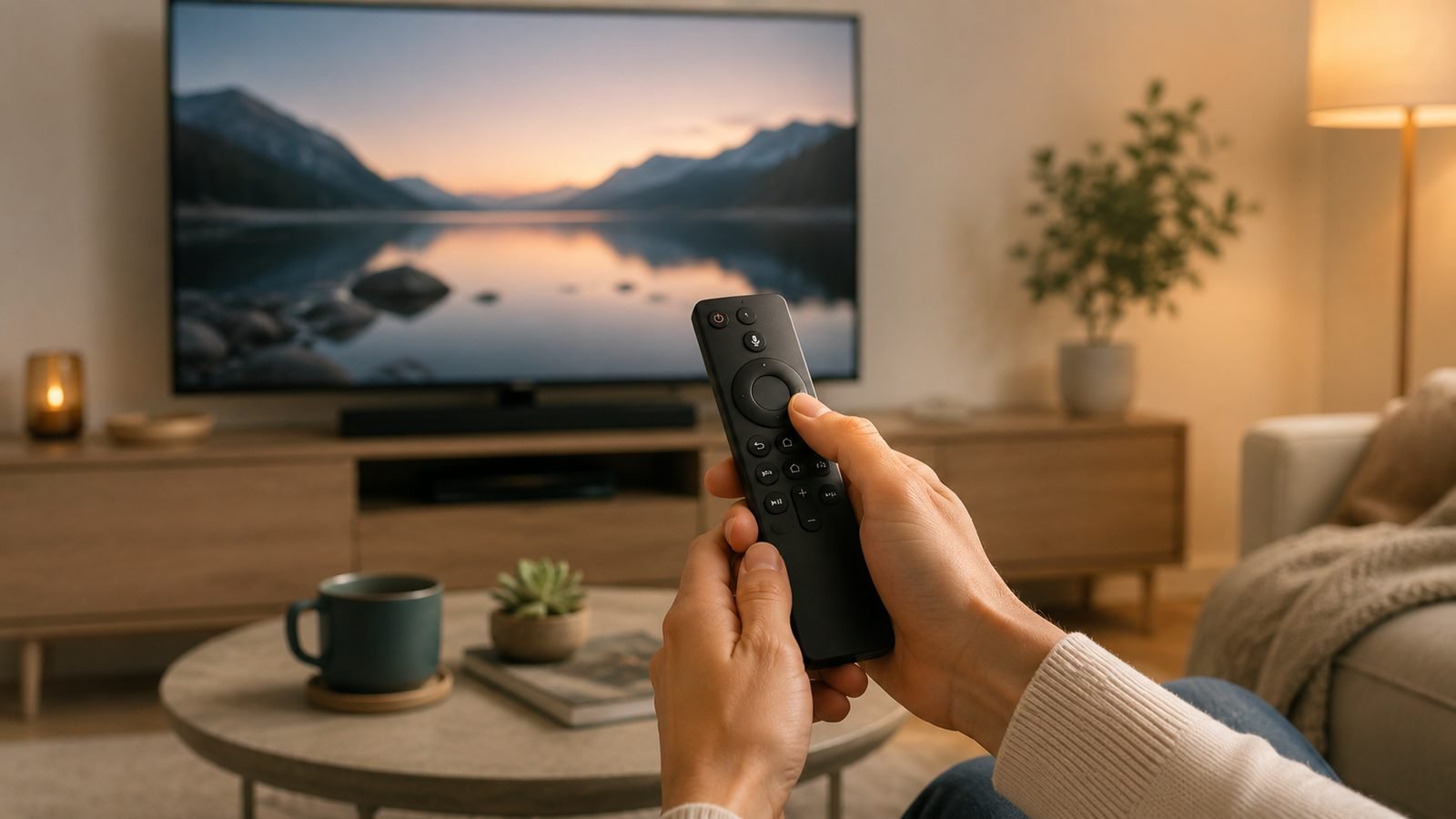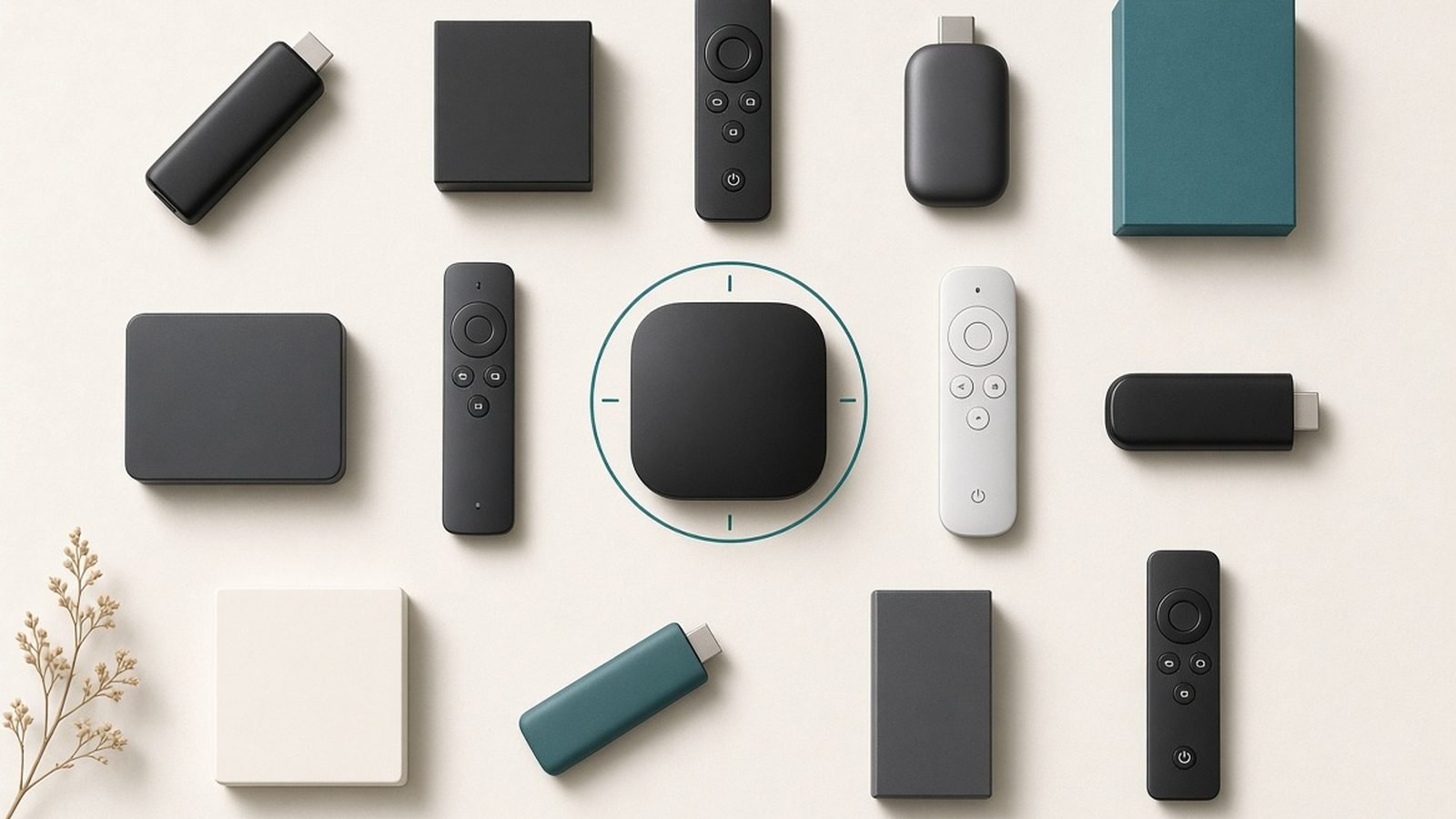
The best streaming device for most people in 2026 is the Amazon Fire TV Stick 4K Max — cheap, fast, 4K HDR, and compatible with essentially every app, so it’s the easiest upgrade for any TV. If you value a clean, ad-light interface and privacy, the Apple TV 4K is the premium pick and the best-feeling device here by a wide margin. And if you just want the least cluttered, most neutral platform, the Roku Ultra is the friendliest to non-technical households. A good streamer makes an older or sluggish smart TV feel new again for a fraction of the cost of replacing it.
Update, 3 October 2026: Nvidia raised the Shield TV Pro from $199.99 to $299.99 on 2 October 2026, citing component costs including memory, and 9to5Google reports the Google TV Streamer recently rose to $149; the around $200 and around $100 figures below date from a July check. Our report on this week’s tech price rises has the detail and the alternatives.
We’ve researched the current field across the US and UK — chip performance, 4K/HDR and Dolby Vision/Atmos support, interface design, ad load, and thousands of owner reports — to pick the best streaming device for each situation. Below are five picks spanning $40 sticks to enthusiast boxes, each with a clear “who it’s for” and the trade-off you accept.
Best streaming device 2026 at a glance
| Pick | Device | Best for | Price (US / UK) |
|---|---|---|---|
| Best overall value | Fire TV Stick 4K Max | Cheap, fast, universal apps | around $60 / £70 |
| Best premium | Apple TV 4K | Best interface + privacy | around $130 / £129 |
| Best neutral platform | Roku Ultra | Simple, unbiased, easy | around $100 / £—* |
| Best for Google users | Google TV Streamer | Google ecosystem + smart home | around $100 / £99 |
| Best for enthusiasts | Nvidia Shield TV Pro | Power users, gaming, media servers | around $200 / £180 |
*Roku’s hardware presence in the UK is limited; Roku software ships built into some UK TVs instead. Prices swing with sales.
How we picked the best streaming devices for 2026
Our analysis rests on published specifications, platform documentation, app availability, and aggregated owner feedback across US and UK users — not lab testing we didn’t run. Four factors decided it.
Speed and responsiveness. A laggy streamer is a daily annoyance. We favored devices with faster chips and snappy menus, since the interface is the thing you touch every single day.
App compatibility. The best device is worthless if it’s missing an app you need. We checked coverage of the major services plus regional apps (BBC iPlayer, ITVX, Channel 4 in the UK; the full US lineup), and flagged any gaps.
Interface and ads. Platforms differ sharply here. Some home screens are clean; others are wall-to-wall ads and “suggested” content. We weighted a calm, honest interface heavily because it shapes the whole experience.
Privacy and value. Cheaper streamers are often subsidized by advertising and data collection. We call out which devices track more, and which cost more precisely to avoid doing so.
Best overall value: Amazon Fire TV Stick 4K Max
Around $60 / £70 — the fast, cheap, do-everything upgrade for any TV.
The Fire TV Stick 4K Max is the easy recommendation for most people because it nails the fundamentals cheaply: 4K HDR with Dolby Vision and Atmos, a fast processor that keeps menus responsive, Wi-Fi 6 for stable streaming, and near-universal app support including every major US service plus BBC iPlayer, ITVX and Channel 4 in the UK. It plugs into any HDMI port, sets up in minutes, and the Alexa voice remote makes finding shows genuinely quick.
For the money, nothing matches its blend of speed and compatibility. It turns a slow, dated smart TV into a responsive one, and the “Max” version’s faster chip is worth the small premium over the standard 4K stick — the menus stay smooth for years rather than bogging down. If you have Amazon Prime it’s especially natural, but it works fully without it.
The trade-off is Amazon’s interface. The Fire TV home screen leans heavily on ads, Prime Video promotions, and sponsored rows, and it pushes Amazon’s content ahead of a neutral view of your apps. You can look past it, but if a clean, unbiased home screen matters to you, the Apple TV or Roku are calmer. Privacy-wise, Amazon collects usage data like most ad-supported platforms.
Pros:
- Fast chip, smooth interface for the price
- Full 4K HDR, Dolby Vision and Atmos
- Near-universal app support (US + UK)
- Cheap and trivially easy to set up
Cons:
- Ad-heavy, Amazon-biased home screen
- Data collection typical of ad platforms
- Remote is functional but plasticky
Who it’s for: Almost anyone who wants a fast, affordable 4K streamer and doesn’t mind Amazon’s busy interface.
Check price: Amazon Fire TV Stick 4K Max
Verdict: The best-value streaming device of 2026 — the default pick unless you specifically want a cleaner interface.
Best premium: Apple TV 4K
Around $130 / £129 — the fastest, cleanest, most private streamer you can buy.
The Apple TV 4K is the best streaming device to actually use. Its A-series chip makes it the snappiest box here, the tvOS interface is clean and free of the ad clutter that fills cheaper platforms, and it supports every premium format — 4K, Dolby Vision, Dolby Atmos. It’s also the most privacy-respecting option: Apple doesn’t run its home screen on advertising the way Amazon and Google do. For Apple households it’s seamless — AirPlay from iPhone and Mac, Fitness+, Apple Music, and easy sharing all just work.
Beyond the ecosystem, it’s simply a premium experience. The remote is solid metal, color calibration can tune your TV’s picture using an iPhone, and it doubles as a capable HomeKit smart-home hub. App support is comprehensive across US and UK services. If you’re tired of fighting your TV’s interface, this is the antidote — it feels like a well-made product rather than a billboard.
The trade-off is price. At roughly $130 / £129 it costs twice a good stick, which is hard to justify if you just want Netflix on a spare TV. It’s also the most locked into one company’s ecosystem, and its value is highest for people already using iPhones. But for the best day-to-day experience, nothing else here comes close.
Pros:
- Fastest performance and smoothest interface
- Clean, ad-light home screen
- Best privacy of any streamer here
- Deep Apple ecosystem + HomeKit hub
Cons:
- Expensive versus sticks
- Best value only inside Apple’s ecosystem
- Overkill for a simple secondary TV
Who it’s for: People who want the best interface and privacy, especially iPhone and Mac owners.
Verdict: The premium pick and the nicest streamer to live with — worth it if interface and privacy matter to you.
Best neutral platform: Roku Ultra
Around $100 / £— — the simplest, most unbiased streamer for non-techies.
Roku’s appeal is neutrality. It doesn’t make its own streaming service, so its home screen presents your apps in a simple grid without shoving one company’s content ahead of the rest. The Roku Ultra is the top-end box: 4K HDR with Dolby Vision, the fastest Roku performance, wired Ethernet, and a remote with a headphone jack for private listening and a lost-remote finder. For a household that just wants to press a button and watch, it’s the least confusing platform available.
That simplicity is the whole point. Older relatives, kids, and anyone who finds modern TV interfaces baffling tend to get on with Roku fastest. App support in the US is comprehensive, and universal search works cleanly across services. The Ultra’s Ethernet port also helps in homes with patchy Wi-Fi near the TV.
The trade-offs: Roku’s interface, while neutral, is a bit dated-looking, and the platform does still show ad banners on the home screen (less aggressively than Fire TV). The bigger caveat is regional — Roku’s standalone hardware is US-centric; in the UK, Roku mostly ships built into certain TVs rather than as a box, so check availability. For US buyers who prize simplicity, though, it’s the friendliest pick.
Pros:
- Neutral, unbiased app grid
- Very easy for non-technical users
- 4K Dolby Vision, Ethernet, private listening
- Strong universal search
Cons:
- Interface looks dated
- Still shows some home-screen ads
- Limited standalone hardware in the UK
Who it’s for: US households, especially non-technical ones, who want the simplest, most neutral streamer.
Verdict: The easiest, most neutral platform — the pick for simplicity, mainly for US buyers.
Best for Google users: Google TV Streamer
Around $100 / £99 — Chromecast’s successor with smart-home smarts.
The Google TV Streamer replaced the Chromecast as a proper set-top device, and it’s the natural pick if you live in Google’s world. The Google TV interface pulls together recommendations across your services into one feed, Google Assistant voice search is excellent, casting from a phone is effortless, and it doubles as a smart-home hub for Google Home and Matter devices — handy if you’re building out connected lights and cameras. It supports 4K, Dolby Vision, and Atmos.
For anyone using Google Photos, YouTube, YouTube TV, or an Android phone, it’s the most integrated option, and the unified recommendation feed genuinely helps you find something to watch across apps. As a bonus smart-home controller, it can save you buying a separate hub.
The trade-offs are the interface’s busyness and privacy. Google’s home screen, like Amazon’s, leans on recommendations and promotional content rather than a plain app list, and Google collects usage data to power those suggestions. Performance is good but not Apple-TV fast. If you value the Google ecosystem and smart-home integration, though, it’s the right box.
Pros:
- Deep Google and Android integration
- Unified cross-app recommendations
- Doubles as Google Home / Matter hub
- Full 4K Dolby Vision and Atmos
Cons:
- Busy, recommendation-heavy interface
- Data collection to power suggestions
- Not as fast as Apple TV
Who it’s for: Google and Android households, especially those building a Google/Matter smart home.
Check price: Google TV Streamer
Verdict: The best streamer for Google users — buy it for the ecosystem and the built-in smart-home hub.
Best for enthusiasts: Nvidia Shield TV Pro
Around $200 / £180 — the power user’s box for gaming, media servers and tinkering.
The Nvidia Shield TV Pro is old but still unmatched for enthusiasts. It runs Android TV with the most powerful chip in a mainstream streamer, supports AI upscaling that sharpens lower-resolution content toward 4K, and is the go-to device for running a Plex media server or playing local high-bitrate files that cheaper streamers choke on. It also handles GeForce NOW cloud gaming and Android games well, with full 4K Dolby Vision and Atmos.
For people who host their own media library, want the best upscaling, or like to tinker with an open Android platform, nothing else here competes. It’s the streamer that does the awkward jobs — obscure file formats, big local libraries, cloud gaming — that trip up sticks.
The trade-offs are age and price. The Shield Pro hasn’t been refreshed in years, so at $200 it’s expensive for hardware that’s no longer new, and it’s overkill for anyone who only uses mainstream apps. Its Android TV interface also carries Google’s ads and recommendations. But for enthusiasts with specific needs, it remains the only real choice.
Pros:
- Most powerful mainstream streamer
- Excellent AI upscaling
- Best for Plex servers and local files
- Cloud and Android gaming capable
Cons:
- Expensive and aging hardware
- Overkill for mainstream app use
- Android TV ads/recommendations
Who it’s for: Enthusiasts running media servers, playing local files, or gaming who want maximum capability.
Check price: Nvidia Shield TV Pro
Verdict: The enthusiast’s streamer — buy it for media-server duty and upscaling, skip it if you only use apps.
How to choose a streaming device
Four decisions get you there.
Set your budget honestly. A $60 Fire TV Stick 4K Max does 90% of what a $130 Apple TV does. Pay more only for a cleaner interface, more privacy, or enthusiast features — not because more expensive feels safer. For a secondary TV, a cheap stick is plenty.
Match the platform to your ecosystem. iPhone/Mac homes lean Apple TV; Android/Google homes lean Google TV Streamer; Amazon Prime homes suit Fire TV; anyone wanting neutrality picks Roku. The device that plays nicest with the phones you already own will feel best.
Weigh interface and ads. Cheaper, ad-supported platforms (Fire TV, Google TV) show promotional home screens; Apple TV and Roku are calmer. If a cluttered interface annoys you daily, that’s worth paying to avoid.
Check the apps you actually use. All these devices cover the majors, but confirm regional apps (BBC iPlayer, ITVX, Channel 4 in the UK) and any niche services you rely on before buying. A missing app ruins an otherwise great streamer.
FAQ: streaming devices
What is the best streaming device in 2026?
For most people it’s the Amazon Fire TV Stick 4K Max — fast, cheap, 4K HDR, and compatible with nearly every app. If you want the best interface and privacy, the Apple TV 4K is the premium pick. For a simple, neutral platform, choose the Roku Ultra; Google households should look at the Google TV Streamer; and enthusiasts want the Nvidia Shield TV Pro.
Is a streaming stick as good as a box?
For most people, yes. The Fire TV Stick 4K Max delivers full 4K HDR and smooth performance in a stick that hides behind the TV. Boxes like the Apple TV 4K and Nvidia Shield add faster chips, Ethernet, more storage, and features like media-server hosting or smart-home hubs. Buy a box only if you need that extra capability; otherwise a good stick is plenty.
Do I still need a streaming device if I have a smart TV?
Often yes. Built-in smart-TV platforms tend to slow down after a few years and stop getting app updates, while a $60 streamer stays fast and current. A dedicated streaming device also usually has a better interface and wider app support than the software baked into a TV, effectively giving an older set a second life.
Which streaming device is best for privacy?
The Apple TV 4K, by a clear margin. Apple doesn’t build its home screen around advertising, so it collects far less usage data than the ad-supported platforms. Fire TV, Google TV, and Roku are all subsidized to varying degrees by advertising and data collection, which is part of why they’re cheaper. If privacy is a priority, the Apple TV is worth its premium.
Do these devices work in the UK with BBC iPlayer and ITVX?
The Fire TV Stick 4K Max, Apple TV 4K, Google TV Streamer, and Nvidia Shield all support BBC iPlayer, ITVX, and Channel 4 in the UK. Roku’s standalone boxes are more US-focused — in the UK, Roku’s software often comes built into TVs instead. Always confirm the specific regional apps you need are available on your chosen device before buying.
Is the Apple TV 4K worth twice the price of a stick?
It depends on how much you value the experience. You’re paying for the fastest performance, the cleanest ad-free interface, the best privacy, and tight iPhone/Mac integration. For a main living-room TV in an Apple household, many owners find that worth it. For a spare bedroom TV or a non-Apple home, a Fire TV Stick 4K Max makes far more sense.
Zen Tech Hub may earn a commission from links on this page, at no extra cost to you.