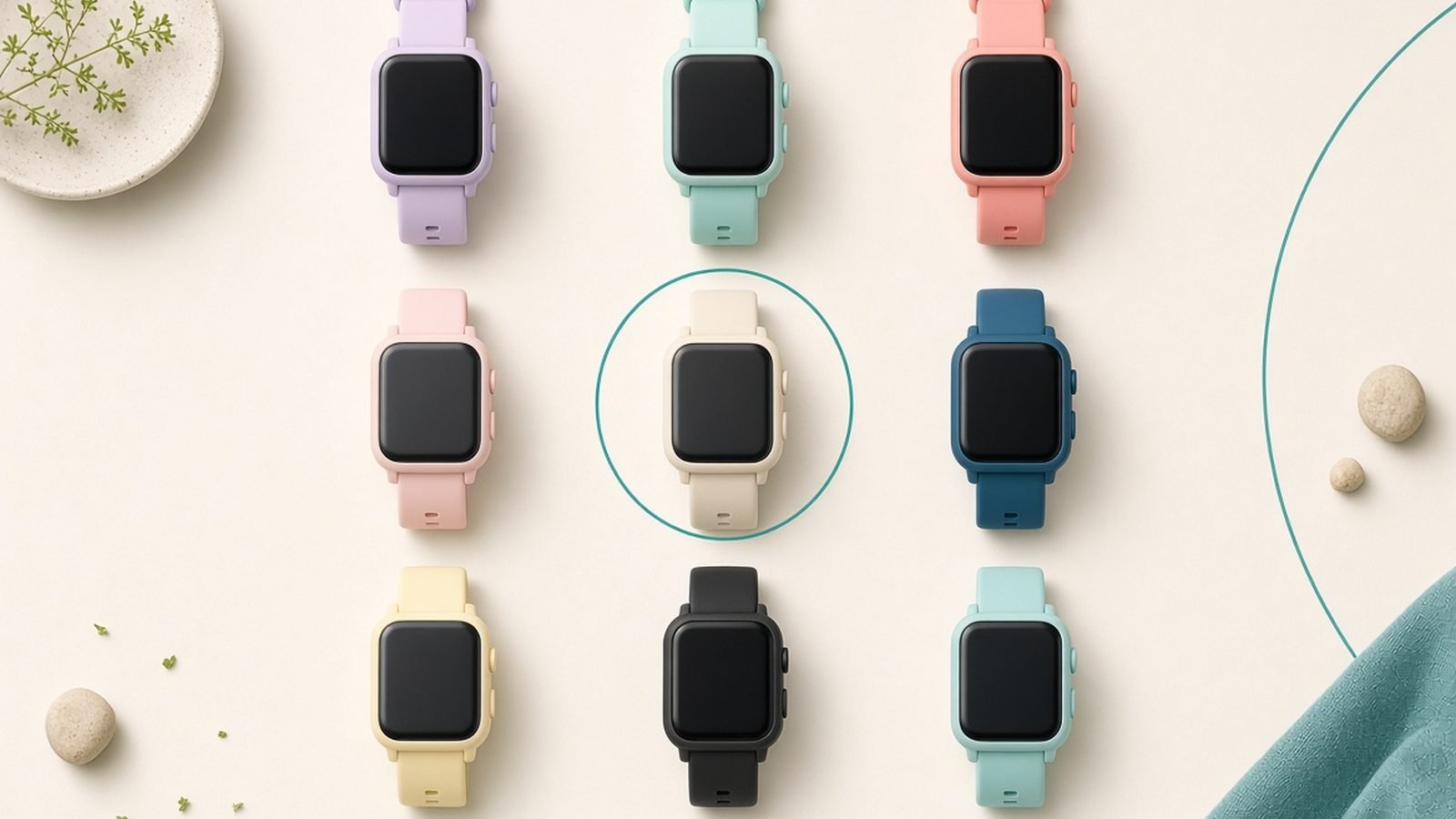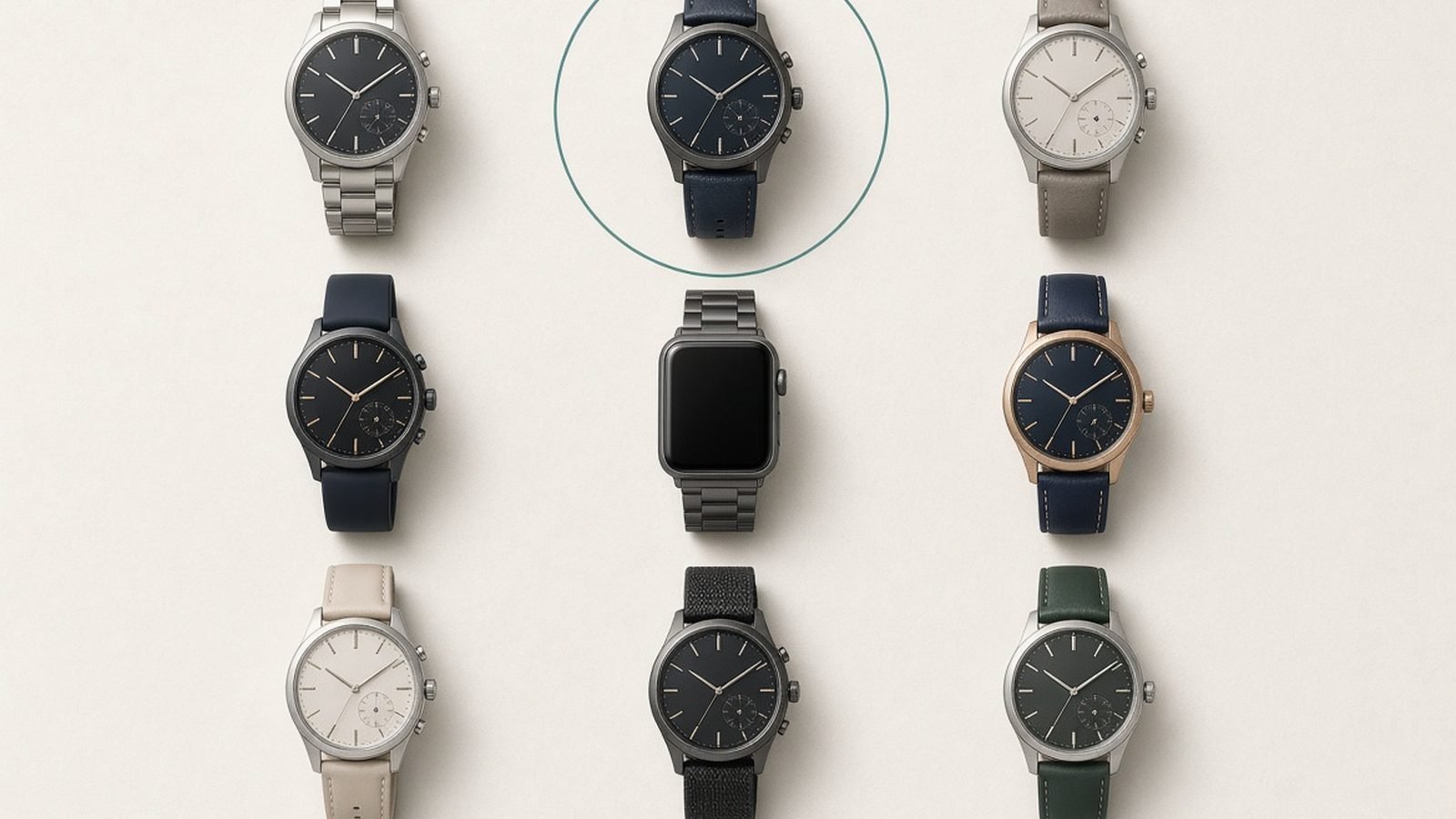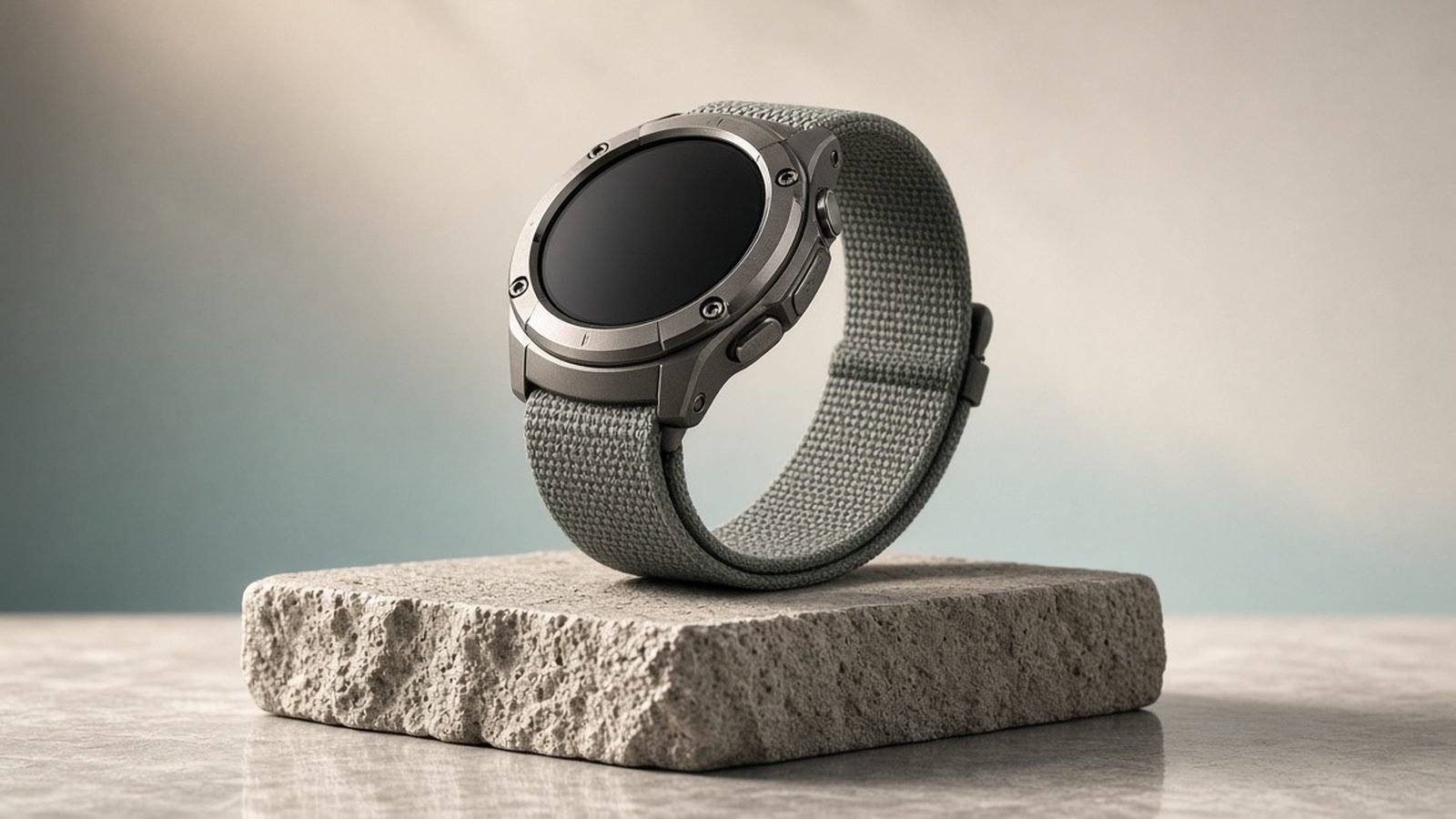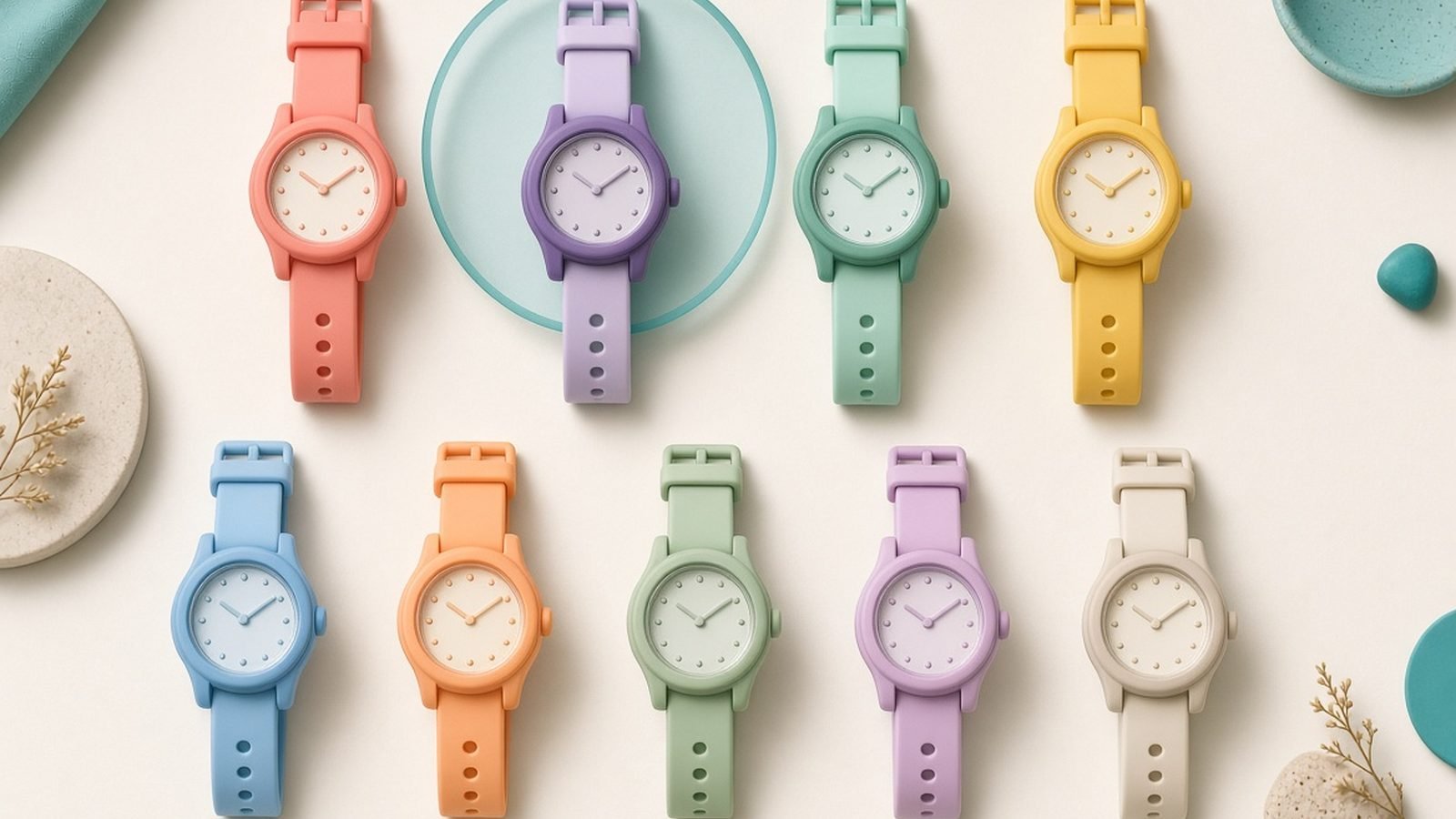
The best kids smartwatch 2026 for most families is the Apple Watch SE (with Family Setup) — it gives older kids calling, messaging, GPS location and Schooltime focus mode without a phone, all managed from a parent’s iPhone. For younger children, the TickTalk 5 and Verizon Gizmo Watch are purpose-built, locked-down alternatives with GPS, voice calls to approved contacts and no open internet. And for pure fun on a tight budget, playful cameras-and-games watches keep little kids happy for far less. The right pick depends on your child’s age, your phone platform and how much you want to spend.
Below are six kids’ smartwatches worth buying in 2026, each mapped to an age and need, with honest trade-offs. Our analysis is based on published specs, documentation and aggregated parent feedback rather than a fabricated lab test.
Best kids smartwatch 2026 at a glance
| Pick | Watch | Best for | Price US / UK |
|---|---|---|---|
| Best overall | Apple Watch SE (Family Setup) | Older kids, iPhone families | ~$249 / ~£219 |
| Best locked-down (US) | TickTalk 5 | Safe calls + GPS | ~$160 / ~£140 |
| Best carrier option (US) | Verizon Gizmo Watch 3 | Simple, carrier-managed | ~$150 / ~£130 |
| Best UK/EU pick | Xplora X6 Play | GPS + SOS, activity | ~$170 / £150 |
| Best budget fun | Kids camera/game watch | Young kids, play | ~$40 / ~£35 |
| Best for tweens (Android) | Samsung Galaxy Watch (family) | Android families | ~$199 / ~£179 |
Prices move with sales and often need a small monthly SIM plan. Full breakdowns follow.
How we picked
For kids’ watches, safety and parental control outrank specs. We prioritized GPS location and geofencing, contact allow-lists (so children can only reach approved people), an SOS button, no open web browser or app store, a school/focus mode, and comfortable, durable, water-resistant builds. We also weighed ongoing cost, since many kids’ watches need a cellular plan. Our assessment draws on manufacturer documentation and aggregated parent feedback, not our own lab testing, and we flag where a watch needs a subscription or a specific carrier.
Best overall: Apple Watch SE with Family Setup
Family Setup, GPS + cellular, Schooltime mode, around $249 / £219.
For older kids in an iPhone household, the Apple Watch SE paired with Family Setup is the strongest all-round choice. A parent manages the watch entirely from their own iPhone — the child doesn’t need a phone of their own. You get calling and messaging to approved contacts, live location sharing, Schooltime mode that limits the watch to a clock face during lessons, plus fitness tracking, alarms and Apple’s polished, reliable experience.
The trade-offs are cost and platform. You’ll pay for the watch and add a cellular plan to your carrier bill, and Family Setup requires an iPhone-owning parent — it won’t work with Android. It’s also more watch than a young child needs. But for tweens and teens who want independence before a first phone, nothing matches its blend of safety controls and genuine capability. Our Best Smartwatches 2026: 7 Top Picks for Every Budget guide covers the adult models too.
Pros: Excellent parental controls, reliable, GPS + cellular, Schooltime mode, grows with the child.
Cons: Needs an iPhone parent and a cellular plan, pricier, overkill for young kids.
Who it’s for: Tweens and teens in iPhone families who want phone-like independence, safely managed.
Best locked-down safety watch (US): TickTalk 5
Approved-contacts only, GPS, video calls, around $160 / £140 + plan.
The TickTalk 5 is purpose-built for child safety, and that focus is its strength. There’s no open internet, no app store and no social media — children can only call, video-call and message contacts a parent approves. Parents get GPS location with safe-zone alerts, an SOS function, and a school-mode that silences the watch during class. It works on major US carriers with a bring-your-own or bundled SIM plan.
The compromises are that it needs a monthly plan to do its core job, and the interface, while kid-friendly, is less slick than an Apple Watch. Battery is a day of active use. But as a first “communicator” for a child too young for a phone, its locked-down design is exactly what most parents want.
Pros: Fully locked-down, GPS + safe zones, SOS, video calls, no open web.
Cons: Requires a monthly plan, less polished interface, one-day battery.
Who it’s for: Parents of primary-age kids who want calling and location without any internet risk.
Best carrier-managed option (US): Verizon Gizmo Watch 3
Simple, GPS, approved contacts, around $150 / £130 + plan.
If you’re on Verizon, the Gizmo Watch 3 is the easy, carrier-managed route to a safe kids’ watch. It offers GPS location, calling and messaging to a parent-approved contact list, an SOS button, reminders and step tracking, all controlled through Verizon’s GizmoHub app. Setup is straightforward because it runs on your existing carrier account, and the design is rugged and water-resistant for everyday knocks.
The obvious limitation is that it’s tied to Verizon and needs a small monthly line on your plan. Features are deliberately simple, and it’s less flexible than the TickTalk. But for Verizon families who want a fuss-free, locked-down first watch, it’s a dependable, affordable pick.
Pros: Easy carrier setup, GPS, approved contacts, SOS, durable and water-resistant.
Cons: Verizon-only, needs a monthly line, limited features by design.
Who it’s for: Verizon families wanting a simple, safe, carrier-managed watch for younger kids.
Best UK/EU pick: Xplora X6 Play
GPS + SOS, approved contacts, activity rewards, around £150 / $170 + plan.
In the UK and Europe, the Xplora X6 Play is one of the most established kids’ watches. It provides GPS location, an SOS alarm, calling and messaging to approved contacts, and a school mode, plus a clever activity-rewards system (Goplay) that turns steps into in-app coins to motivate active play. It has no open browser or social media, and parents manage everything from a companion app. It needs a nano-SIM and a small monthly plan.
The trade-offs are a plastic build that feels its price and an interface that’s functional rather than premium. Camera quality is basic. But for UK families who want a widely supported, safety-first watch with a fun fitness hook, it’s the natural default.
Pros: Strong UK/EU support, GPS + SOS, approved contacts, activity rewards, no open web.
Cons: Needs a SIM and plan, plastic build, basic camera.
Who it’s for: UK and European families wanting a proven, locked-down watch that encourages activity.
Best budget fun: kids’ camera and game watch
Camera, games, no cellular, around $40 / £35.
Not every young child needs GPS and calling. For under-8s, a play-focused watch with a camera, mini-games, a pedometer and fun watch faces delivers the “smartwatch” excitement kids crave for a fraction of the price — and with no cellular plan, no calling and no location, there’s nothing to subscribe to or worry about online. These watches charge over USB and typically survive splashes and drops.
The honest framing: these are toys, not safety devices. There’s no GPS, so they can’t help you locate a child, and camera and game quality are basic. But as a first watch, a birthday gift or a way to satisfy a young child without ongoing cost, they do exactly what’s asked. Step up to a GPS communicator when your child starts walking to school or playing out alone.
Pros: Very cheap, no plan or fees, fun for young kids, durable, USB charging.
Cons: No GPS or safety features, toy-grade camera and games, short battery.
Who it’s for: Younger children who want a fun watch, where safety tracking isn’t yet needed.
Best for tweens (Android): Samsung Galaxy Watch (family)
Android-friendly, GPS, location sharing, around $199 / £179.
Android families who want an Apple Watch-style experience for an older child can look to a Samsung Galaxy Watch managed through Google and Samsung’s family tools. With location sharing via Google Family Link and Find My Device, calling and messaging on cellular (LTE) models, fitness tracking and a bright AMOLED screen, it gives tweens genuine capability while parents retain oversight. It’s the closest Android equivalent to the Apple Watch SE route.
The caveats: parental controls on Android watches are less unified than Apple’s Family Setup, so you’ll lean on a mix of Family Link, carrier and app settings. It also needs an LTE model and plan for standalone calling. But for Android households with a responsible tween, it’s the most capable pick — and our Best Fitness Trackers 2026: Bands That Beat Smartwatches guide covers simpler alternatives.
Pros: Capable and polished, GPS + location sharing, good screen, Android-friendly.
Cons: Parental controls less unified than Apple’s, needs LTE model + plan, pricier.
Who it’s for: Android families with an older, responsible tween who want a full-featured watch.
How to choose a kids’ smartwatch
Match the watch to your child’s age and your priorities using four questions:
How old is your child? Under-8s often only need a fun camera-and-games watch, or a simple GPS communicator like the Gizmo Watch. Tweens and teens are better suited to a capable watch like the Apple Watch SE or a Galaxy Watch.
What’s your phone platform? Apple Watch SE Family Setup needs an iPhone-owning parent. Android families should look at Samsung’s Galaxy Watch or platform-agnostic communicators like TickTalk and Xplora.
Do you need GPS and calling? If your child walks to school or plays out alone, prioritize GPS, safe zones and an SOS button. If the watch is purely for fun at home, a no-cellular toy watch avoids monthly costs entirely.
What’s the ongoing cost? Communicator and cellular watches need a monthly SIM or carrier plan. Toy watches and non-cellular models don’t. Factor the running cost, not just the sticker price, into your budget.
For a picture of how kids’ models compare with mainstream watches, see our Best Smartwatches 2026: 7 Top Picks for Every Budget roundup.
FAQ
What is the best kids smartwatch in 2026?
For most families, the Apple Watch SE with Family Setup is the best kids smartwatch in 2026 for older children in iPhone households, offering strong parental controls, GPS and Schooltime mode. For younger kids, purpose-built communicators like the TickTalk 5 or Verizon Gizmo Watch 3 give safe calling and location without any open internet, at a lower price.
At what age is a kids’ smartwatch appropriate?
It depends on the type. Play-focused camera watches suit children from around 4 to 7. GPS communicator watches like the TickTalk or Gizmo make sense from about 6 to 10, when kids start walking to school or playing out. Capable watches such as the Apple Watch SE suit tweens and teens from roughly 10 upward who want phone-like independence.
Do kids’ smartwatches need a monthly plan?
Communicator and cellular watches — including the Apple Watch SE, TickTalk 5, Gizmo Watch and Xplora — need a SIM or carrier plan to make calls and share location, usually a small monthly fee. Toy-style watches with only a camera and games have no cellular connection and no ongoing cost, which is part of their appeal for younger children.
Are kids’ smartwatches safe from the open internet?
Purpose-built kids’ watches like the TickTalk, Gizmo and Xplora are designed to be, with no web browser, no app store and calling limited to parent-approved contacts. The Apple Watch SE is also tightly controlled through Family Setup. Always check that the model you choose uses a contacts allow-list and lacks open internet access before buying.
Can a kids’ smartwatch work without the child having a phone?
Yes — that’s the main appeal. Watches like the Apple Watch SE (Family Setup), TickTalk 5, Gizmo Watch and Xplora are managed entirely from a parent’s phone, and the child’s watch handles calling and location on its own cellular plan. It lets kids stay reachable and trackable before they’re ready for a phone of their own.
Which kids’ smartwatch works with Android phones?
Apple Watch SE Family Setup requires an iPhone, but many kids’ watches are platform-agnostic. The TickTalk 5 and Xplora X6 Play are managed from companion apps on Android or iPhone, and Android families wanting a fuller watch can use a Samsung Galaxy Watch with Google Family Link. Check compatibility before buying to match your household’s phones.
Zen Tech Hub may earn a commission from links on this page, at no extra cost to you.