QNAP is Synology’s biggest rival in network-attached storage, and in 2026 it’s the brand to beat on hardware value — its NAS units routinely pack faster CPUs, more RAM, and better networking (multi-gig and even 10GbE) than similarly priced competitors, plus open compatibility with third-party drives. The trade-offs are a busier, less beginner-friendly interface and a genuinely concerning security history that demands you follow good hardening practices. Verdict: buy QNAP if you want the most hardware and flexibility for your money and you’re comfortable locking the box down properly — but lean toward a simpler rival if you want the most polished software and the least security homework.
QNAP spans budget home units to serious business systems, plus switches and expansion gear. This profile covers where it beats the competition, why security is the recurring worry, and who should buy.
Company overview
QNAP Systems, Inc. was founded in 2004 and is headquartered in New Taipei City, Taiwan. Like its main rival Synology, it’s a Taiwanese company that specializes in NAS, but QNAP’s strategy leans harder into hardware: it tends to offer more powerful components, more ports, and more expandability at a given price, appealing to users who want performance and flexibility.
Its reputation is strong on capability and value, and more mixed on two fronts: software approachability and security. QNAP’s QTS operating system is powerful and feature-rich but is often described as busier and more complex than Synology’s DSM. On security, QNAP devices have been repeatedly targeted by ransomware campaigns over the years — high-profile threats have specifically hit internet-exposed QNAP NAS units — which has forced the company to push urgent patches and hardening guidance. The hardware and value story is genuinely excellent; the security narrative is the reason to buy carefully and configure responsibly.
What QNAP makes
QNAP’s catalog is broad and hardware-forward:
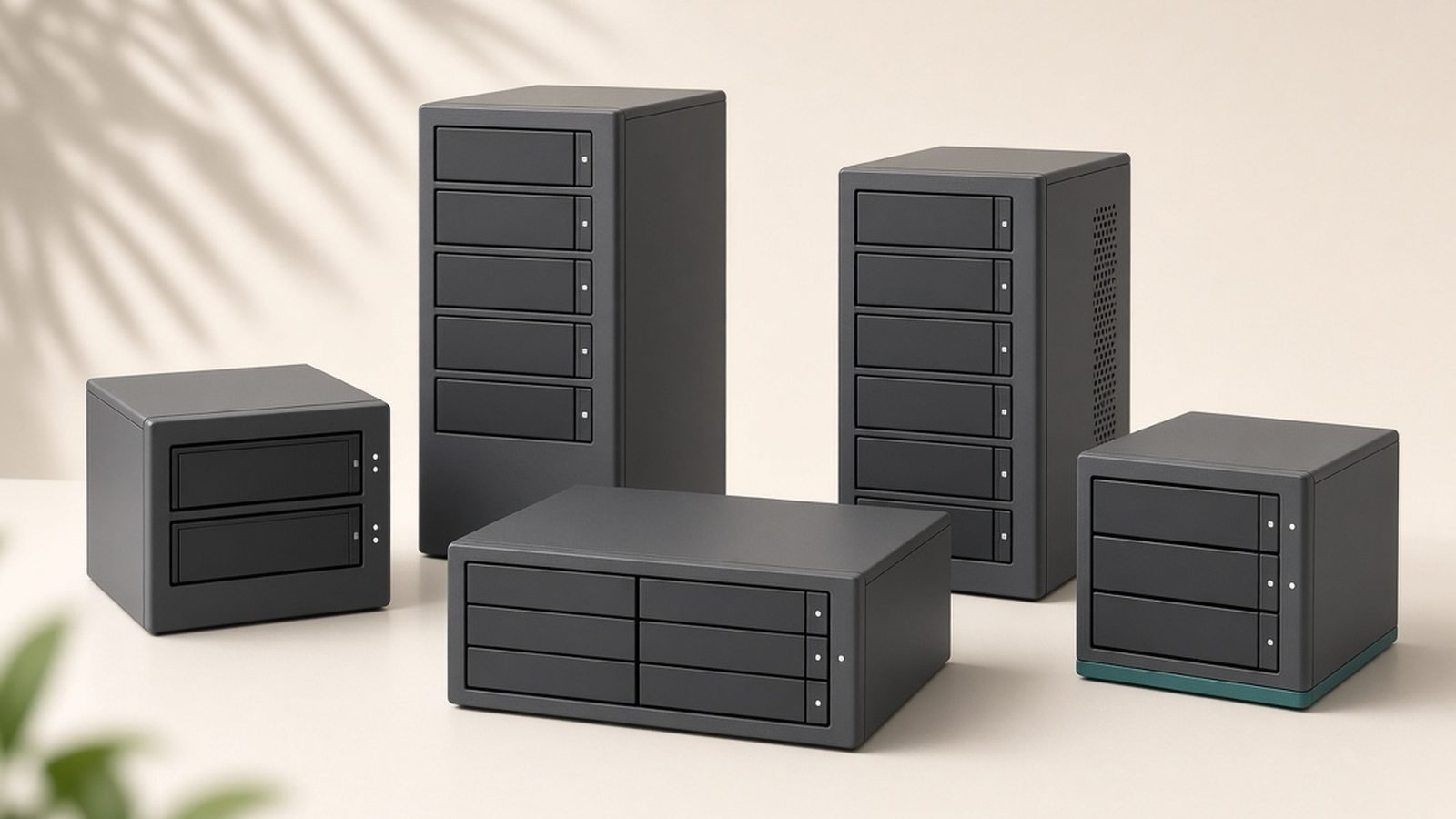
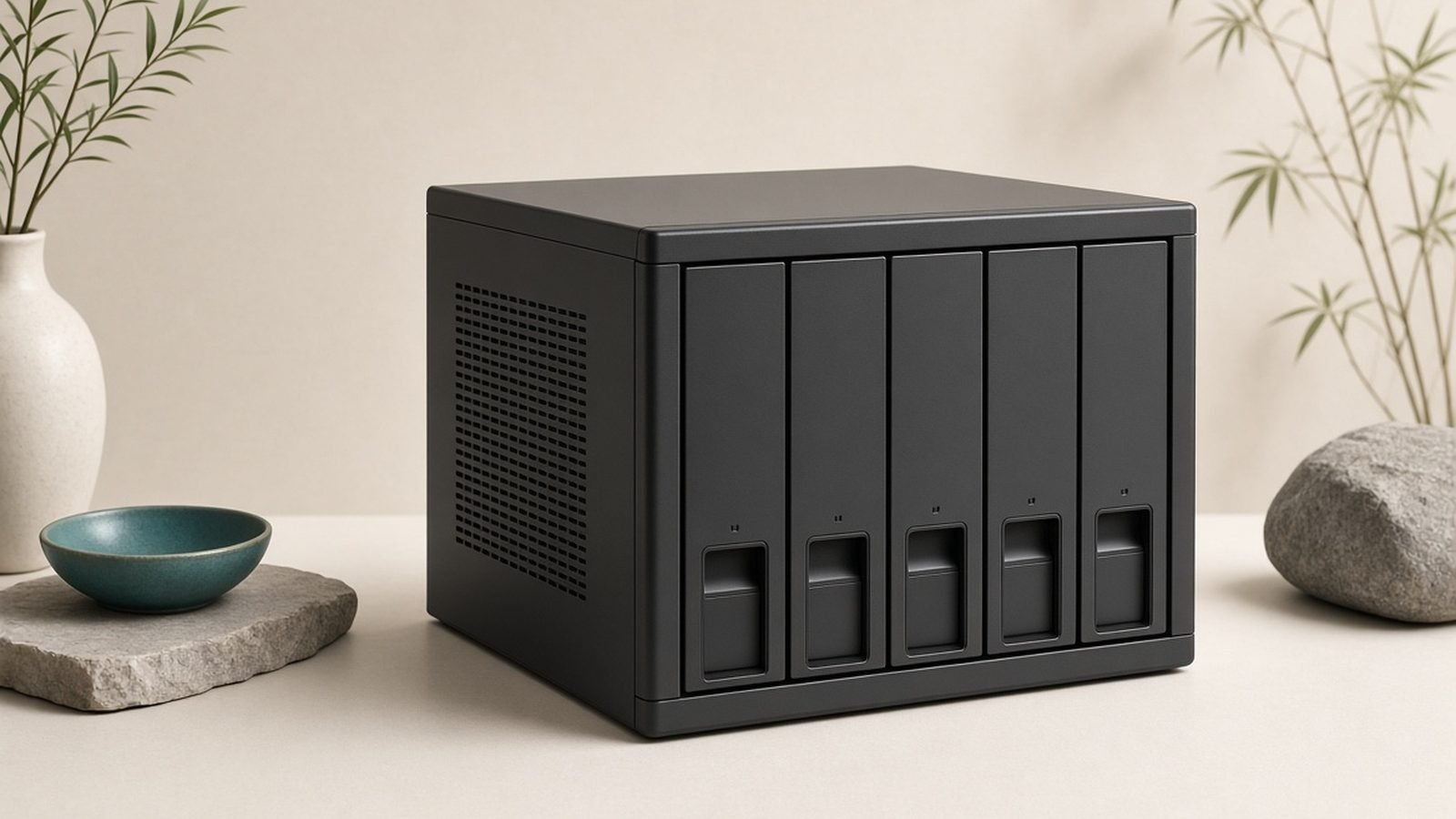
- Desktop NAS (TS, TVS, and related series): Home and small-business network storage from 2-bay upward, frequently with stronger CPUs and networking than rivals at similar prices.
- Rackmount NAS: Business and enterprise systems for higher capacity and scalability.
- All-flash and high-performance NAS: SSD-focused and 10GbE/25GbE-capable models for demanding workloads.
- QTS and QuTS hero operating systems: QTS is the mainstream OS; QuTS hero adds the ZFS file system for advanced data integrity and features.
- Networking gear: QNAP also makes managed and unmanaged switches, including multi-gig models, to complement its high-speed NAS.
- Expansion units and accessories: Add-on bays, network cards, and memory to extend and upgrade systems.
- Surveillance and virtualization apps: Camera-recording (QVR) and virtualization/container tools for prosumers and businesses.
Standout QNAP products in 2026
QNAP multi-bay home NAS. QNAP’s mainstream desktop units are a top pick when you want more CPU power, RAM, and faster networking than the default competition — great for media servers, virtualization, and heavier multi-user use. They feature in our Best NAS Drives for Home 2026: Backup & Media Picks Ranked guide for performance-minded buyers.
QuTS hero (ZFS) models. For users who want advanced data integrity, snapshots, and self-healing storage, QNAP’s ZFS-based QuTS hero systems offer capabilities beyond typical consumer NAS.
QNAP all-flash / 10GbE NAS. Where raw speed matters — video editing, large transfers, or many simultaneous users — QNAP’s high-bandwidth models stand out against rivals that reserve fast networking for pricier tiers.
QNAP multi-gig switches. Pairing a fast NAS with QNAP’s own affordable multi-gig switches is a common way to build a high-speed home or small-office network end to end.
For most home users, a mid-range multi-bay QNAP delivers noticeably more hardware than the price suggests — just plan to secure it properly from day one.
Strengths
Outstanding hardware value. QNAP typically offers stronger CPUs, more RAM, and faster networking (multi-gig, 10GbE) than similarly priced rivals — you get more raw capability per dollar.
Open drive compatibility. QNAP generally lets you use third-party hard drives freely, avoiding the branded-drive lock-in that has drawn criticism elsewhere in the NAS market.
Feature-rich software. QTS (and ZFS-based QuTS hero) is powerful, with extensive apps, virtualization, containers, and surveillance tools for advanced users and businesses.
Great for performance workloads. Media transcoding, virtual machines, and multi-user access are areas where QNAP’s beefier hardware shines.
Broad, flexible lineup. From budget 2-bay units to enterprise rackmounts and all-flash systems, plus matching switches, QNAP scales widely.
Weaknesses & criticisms
Security track record. This is the headline concern. QNAP NAS units have been repeatedly targeted by ransomware and exploited when exposed to the internet, forcing urgent patches. QNAP has improved defaults and guidance, but owners must take security seriously — keep firmware current, avoid exposing the NAS directly to the internet, and use strong credentials and two-factor authentication.
Busier, steeper software. QTS is powerful but less polished and more complex than Synology’s DSM, with more menus and options that can overwhelm beginners.
Inconsistent app quality. The large app catalog varies in polish and maintenance, and some first-party apps feel less refined than the competition’s.
Interface clutter. Advocacy for features sometimes results in a crowded UI, upsells, and notifications that detract from a clean experience.
Occasional bugs. Frequent feature updates can introduce quirks; cautious users wait for stable firmware before applying major updates.
Reliability & support
QNAP hardware is generally reliable and well-specified, and the company backs products with warranties commonly ranging from two years on many consumer models to longer on business units (varies by region and model). QNAP is diligent about releasing firmware updates, including important security patches — though the flip side is that the frequency of security advisories reflects how often its devices have been targeted.
The most important reliability consideration with QNAP is security posture rather than component failure. Because internet-exposed QNAP units have been hit by ransomware campaigns, the practical reliability of your data depends heavily on configuration: apply updates promptly, disable unnecessary internet-facing services, use a strong admin password and two-factor authentication, and keep proper backups (ideally following a 3-2-1 strategy). QNAP provides documentation, security advisories, an active community, and support channels, and its RMA process is workable. Handled responsibly, a QNAP is dependable; left exposed and unpatched, it carries more risk than a casual user might expect.
Who should buy QNAP
Buy QNAP if you want the most hardware and flexibility for your money — power users, media servers, virtualization/container enthusiasts, and small businesses that need faster CPUs, more RAM, multi-gig or 10GbE networking, and open drive compatibility. It’s an excellent choice if you’re comfortable managing your own security and want advanced features like ZFS-based QuTS hero. See Best NAS Drives for Home 2026: Backup & Media Picks Ranked for where QNAP fits best.
Look elsewhere if you want the simplest, most polished NAS experience with the least security homework — a rival like Synology offers friendlier software (our Synology Review 2026: Is It a Good NAS Brand? comparison lays out the trade-offs), which suits first-time buyers who prioritize ease over raw specs. If you can’t commit to keeping firmware current and hardening the device, a simpler, more locked-down platform is the safer call.
FAQ
Is QNAP a good brand?
Yes — QNAP is a leading NAS brand offering excellent hardware value, open drive compatibility, and feature-rich software. The main caveats are a busier interface than some rivals and a history of security threats, so it’s best for users comfortable keeping the device updated and properly secured.
Is QNAP reliable?
QNAP’s hardware is reliable and well-specified. The bigger factor is security: QNAP NAS units have been targeted by ransomware when exposed online, so your data’s safety depends on keeping firmware current, not exposing the NAS to the internet, using strong credentials and two-factor authentication, and maintaining backups.
Where is QNAP from / who owns it?
QNAP Systems, Inc. is a Taiwanese company founded in 2004 and headquartered in New Taipei City. It specializes in NAS and networking hardware and competes most directly with fellow Taiwanese brand Synology.
Is QNAP safe from ransomware?
QNAP has faced repeated ransomware campaigns targeting internet-exposed devices and has responded with patches and hardening guidance. A QNAP can be safe if you follow best practices: update firmware promptly, avoid direct internet exposure, disable unused services, enable two-factor authentication, and keep separate backups. Neglecting these raises real risk.
QNAP vs Synology — which should I buy?
QNAP generally offers stronger hardware, faster networking, and open drive compatibility at a given price; Synology offers more polished, beginner-friendly software (DSM). Choose QNAP for performance and flexibility, Synology for ease of use — see our Synology Review 2026: Is It a Good NAS Brand? comparison.
Do I need to use specific hard drives with QNAP?
No — QNAP generally supports third-party drives freely, which is an advantage over brands moving toward branded-drive requirements. It’s still wise to check QNAP’s compatibility list for your model and choose NAS-rated drives for reliability.
Zen Tech Hub may earn a commission from links on this page, at no extra cost to you.