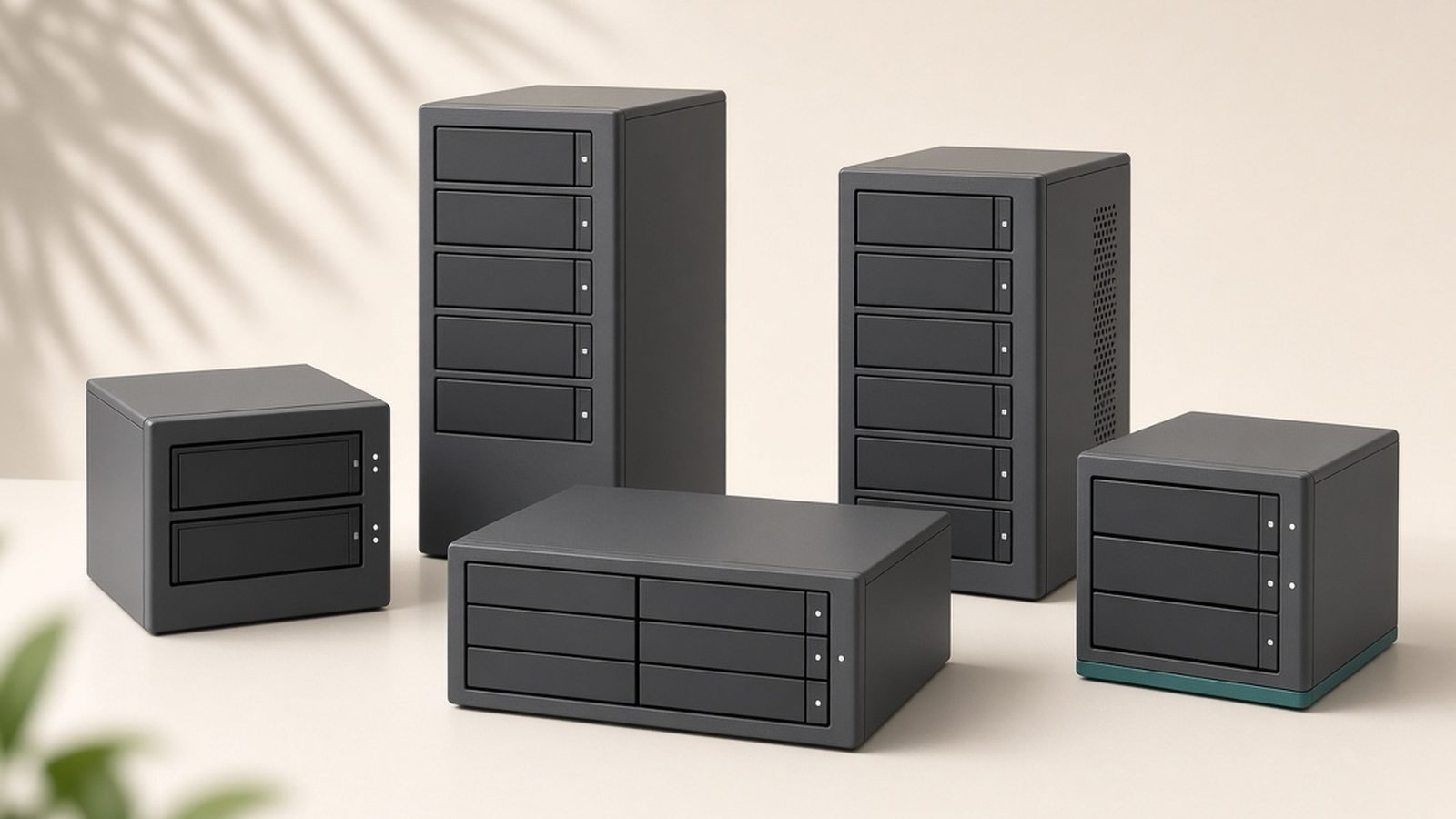
Synology is the most recommended name in home and small-business NAS, and in 2026 that reputation still holds — its DiskStation Manager (DSM) software is the best in the category, making a Synology box the easiest and most polished way to run your own private cloud, backups, and media server. The serious caveat is a growing move toward requiring Synology-branded hard drives in newer models, which raises costs and limits choice. Verdict: buy Synology for its unmatched software and reliability if you value ease of use — but check the exact model’s drive-compatibility policy first, because the branded-drive requirement can meaningfully change the total cost and appeal.
Synology sells everything from two-bay home units to rackmount business systems, plus routers and surveillance software. This profile covers why DSM is so loved, why the drive policy is so criticized, and who should buy.
Company overview
Synology Inc. was founded in 2000 and is headquartered in Taipei, Taiwan. It’s a privately held company that has become the default consumer and prosumer NAS brand largely on the strength of its software rather than aggressive hardware specs. For many buyers, “getting a NAS” is effectively synonymous with “getting a Synology.”
Its reputation is excellent on usability and ecosystem, and more contested lately on openness. DSM, Synology’s operating system, is widely regarded as the most refined, beginner-friendly, and feature-complete NAS platform available, and its suite of first-party apps (for backup, photos, files, and more) is a big part of the appeal. The recent controversy is Synology’s decision, on some newer models, to restrict full functionality — including drive health features and in some cases the ability to use drives at all — to Synology-branded (or explicitly certified) hard drives, which many long-time fans view as vendor lock-in.
What Synology makes
Synology’s lineup is focused and software-led:
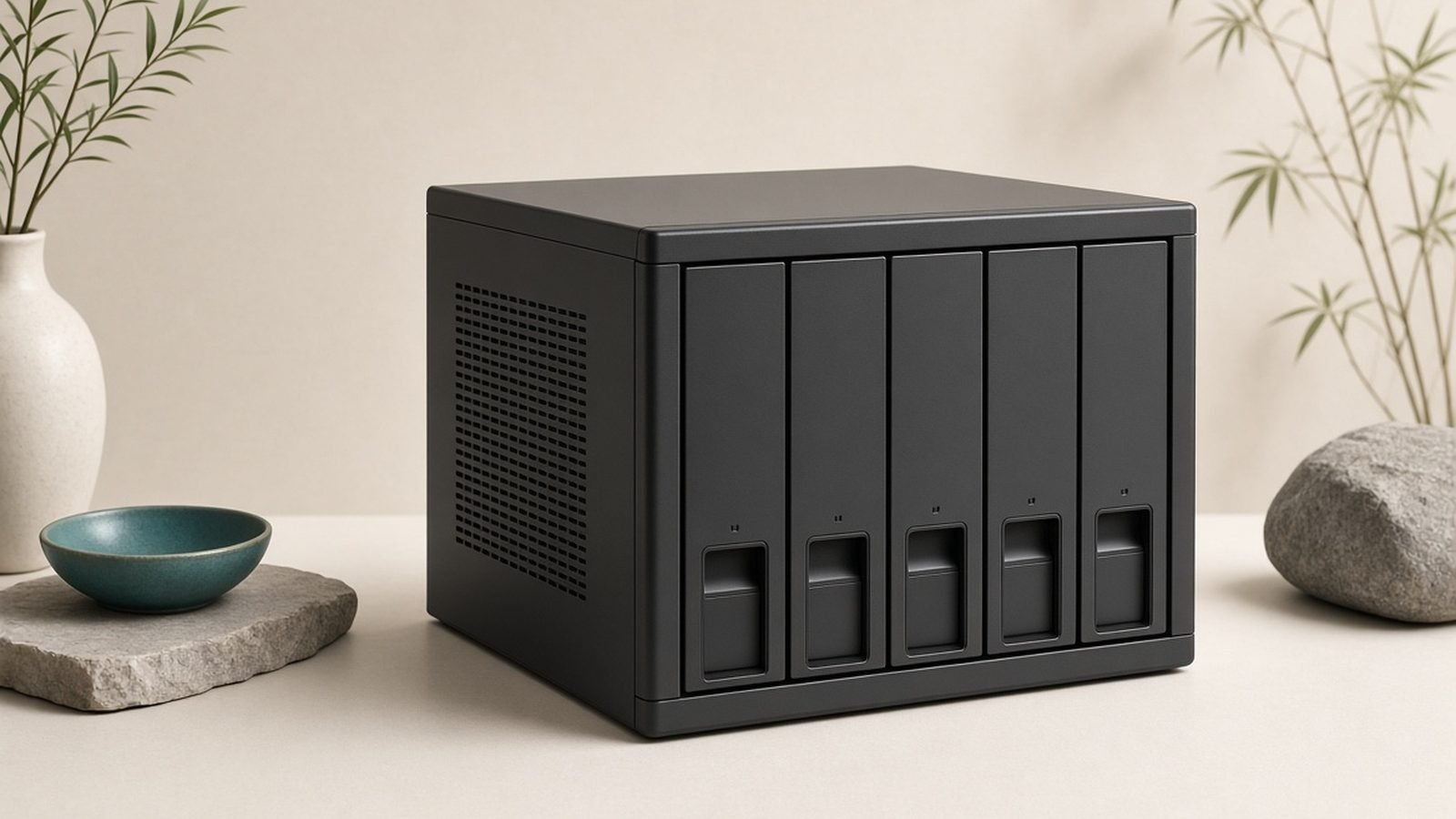
- DiskStation (DS) NAS: Desktop network-attached storage for homes and small offices, from 2-bay to multi-bay units — the core of the brand.
- RackStation (RS) NAS: Rackmount systems for businesses needing more capacity and scalability.
- Expansion units and all-flash models: Add-on bays and SSD-focused NAS for higher performance.
- DiskStation Manager (DSM): The operating system and app ecosystem — arguably the real product, covering backups, private-cloud file sync, photo management, and more.
- Surveillance Station: Powerful NVR software for IP cameras, a standout reason many buy Synology.
- Routers and Wi-Fi: A smaller line of routers running Synology Router Manager (SRM), praised for clean software but a minor part of the business.
- Synology-branded drives and memory: HDDs, SSDs, and RAM increasingly positioned as the recommended (or required) components for newer NAS models.
Standout Synology products in 2026
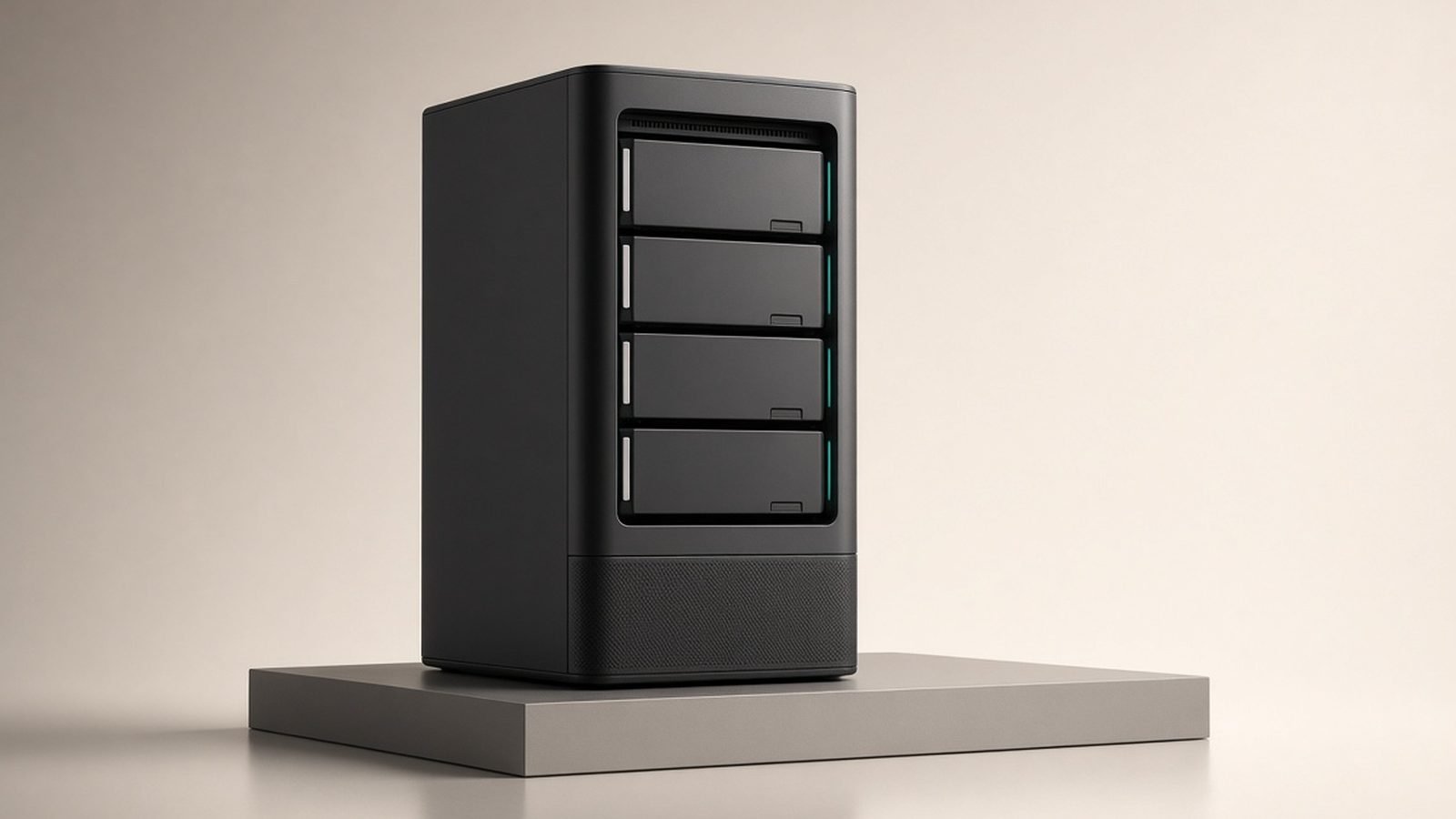
Synology DiskStation home NAS (2- and 4-bay). The mainstream DS models are the classic recommendation for a first NAS: easy to set up, quiet, and running the excellent DSM. They headline our Best NAS Drives for Home 2026: Backup & Media Picks Ranked guide for anyone wanting private backups and a personal cloud.
Synology Plus-series NAS. The ”+” models add more RAM, better CPUs, and virtualization/Docker support for power users and small businesses, while keeping the same friendly DSM experience.
Surveillance Station on any DiskStation. Turning a NAS into a capable, license-based camera recorder is a genuine standout use case, and a common reason to pick Synology over rivals.
Synology all-flash and rackmount units. For businesses, the RackStation and SSD-based models scale up performance and capacity while retaining DSM’s management.
For most home users, a mainstream 2- or 4-bay DiskStation is the right entry point — just confirm the drive-compatibility rules for that specific model before buying disks.
Strengths
Best-in-class software (DSM). DSM is the reason to buy Synology: polished, stable, beginner-friendly, and packed with genuinely useful first-party apps for backup, sync, photos, and media.
Easy setup and management. Getting a Synology running is the smoothest experience in NAS, making it approachable for non-experts while still deep enough for pros.
Strong app and integration ecosystem. From private-cloud file sync to photo libraries and camera surveillance, Synology’s apps reduce the need for third-party tools.
Reliable, quiet hardware. DiskStation units are well-built, energy-efficient, and quiet enough for a home office or living room.
Excellent for backups and private cloud. It’s one of the best ways to own your data instead of renting cloud storage, with robust backup and versioning tools.
Weaknesses & criticisms
Branded-drive lock-in. The biggest recent criticism: several newer models restrict full features — or drive support entirely — to Synology-branded or certified drives. This raises costs, limits choice, and has damaged goodwill among long-time users who valued open compatibility.
Modest hardware for the price. Synology’s CPUs, RAM, and networking are often conservative compared with similarly priced rivals; you pay a premium for the software, not the raw specs.
Slower to adopt cutting-edge hardware. Features like faster default networking (multi-gig/10GbE) or the latest transcoding capabilities can lag behind competitors on comparable models.
Some feature gating. Certain capabilities and optimizations are steered toward first-party components and apps, which can feel restrictive to tinkerers.
Pricing pressure. Between the hardware premium and branded-drive requirements, the all-in cost of a modern Synology setup can climb higher than expected.
Reliability & support
Synology has a strong reliability reputation. Its hardware is dependable, and DSM’s stability is a major reason the brand is trusted for something as critical as backups. Software updates are frequent and generally smooth, with a good long-term track record of supporting older models with security patches — better longevity than much consumer electronics. Warranty is commonly two years on many consumer DiskStation models (three or five on some business units, varying by region and model).
Support is solid for the category: Synology offers documentation, an active community, and responsive help channels, and DSM’s guided interfaces mean many issues are self-serviceable. RAID and data-recovery tools are mature. The honest caveat isn’t reliability but policy: because newer models may demand branded drives, plan your disks around the specific model’s compatibility list to avoid warnings, feature loss, or unsupported configurations. Overall it remains one of the safest choices for keeping your own data, provided you go in aware of the drive rules.
Who should buy Synology
Buy Synology if you want the easiest, most polished path to a private cloud, robust backups, a home media server, or a camera NVR — especially first-time NAS buyers and small businesses who value software quality and reliability over raw specs. DSM alone justifies the choice for many, and the ecosystem of first-party apps means you can do a lot without third-party tinkering. See Best NAS Drives for Home 2026: Backup & Media Picks Ranked for model recommendations.
Look elsewhere if you want maximum hardware for your money, cutting-edge networking, or complete freedom to use any hard drive — a rival like QNAP typically offers stronger specs and more open compatibility. Enthusiasts who love tinkering and want the fastest components per dollar may also prefer building their own NAS or choosing a more open brand.
FAQ
Is Synology a good brand?
Yes — Synology is the leading NAS brand, prized for its excellent DSM software, easy setup, and reliability. The main caveat in 2026 is a push toward requiring Synology-branded drives on some models, which raises costs and limits choice, so check the specific model’s policy before buying.
Is Synology reliable?
Very. Synology hardware is dependable and DSM is notably stable, which is why the brand is trusted for backups and private cloud. It also supports older models with security updates for a long time. The key thing to plan around is drive compatibility on newer units, not reliability itself.
Where is Synology from / who owns it?
Synology Inc. is a privately held company founded in 2000 and headquartered in Taipei, Taiwan. It built its reputation primarily on its DSM software rather than hardware specs.
Do I have to use Synology-branded drives?
On many older and some current models, no — you can use compatible third-party drives. But several newer models restrict full functionality, or in some cases drive support entirely, to Synology-branded or certified drives. Always check the exact model’s compatibility list before buying disks; see Best NAS Drives for Home 2026: Backup & Media Picks Ranked.
Synology vs QNAP — which is better?
Synology wins on software polish, ease of use, and beginner-friendliness; QNAP typically offers stronger hardware specs and more open drive compatibility at similar prices. Choose Synology for the best software experience, QNAP for more power and flexibility — our best NAS drives for home guide includes picks from both brands.
Is a Synology NAS worth it over cloud storage?
If you have a lot of data or value owning it privately, yes — a NAS pays for itself over time versus recurring cloud fees and keeps your files under your control. Synology makes this especially approachable with DSM’s backup and private-cloud apps.
Zen Tech Hub may earn a commission from links on this page, at no extra cost to you.