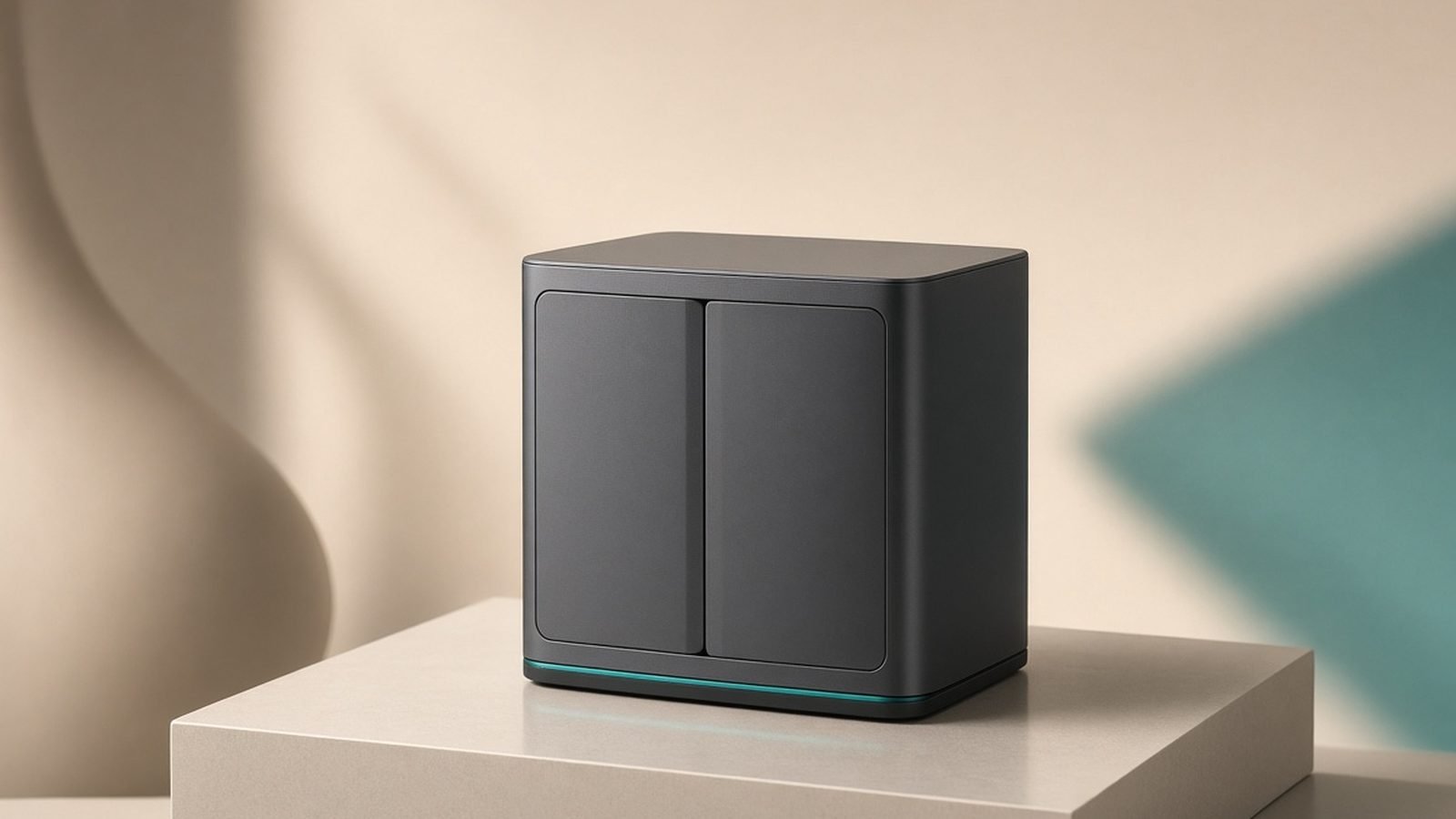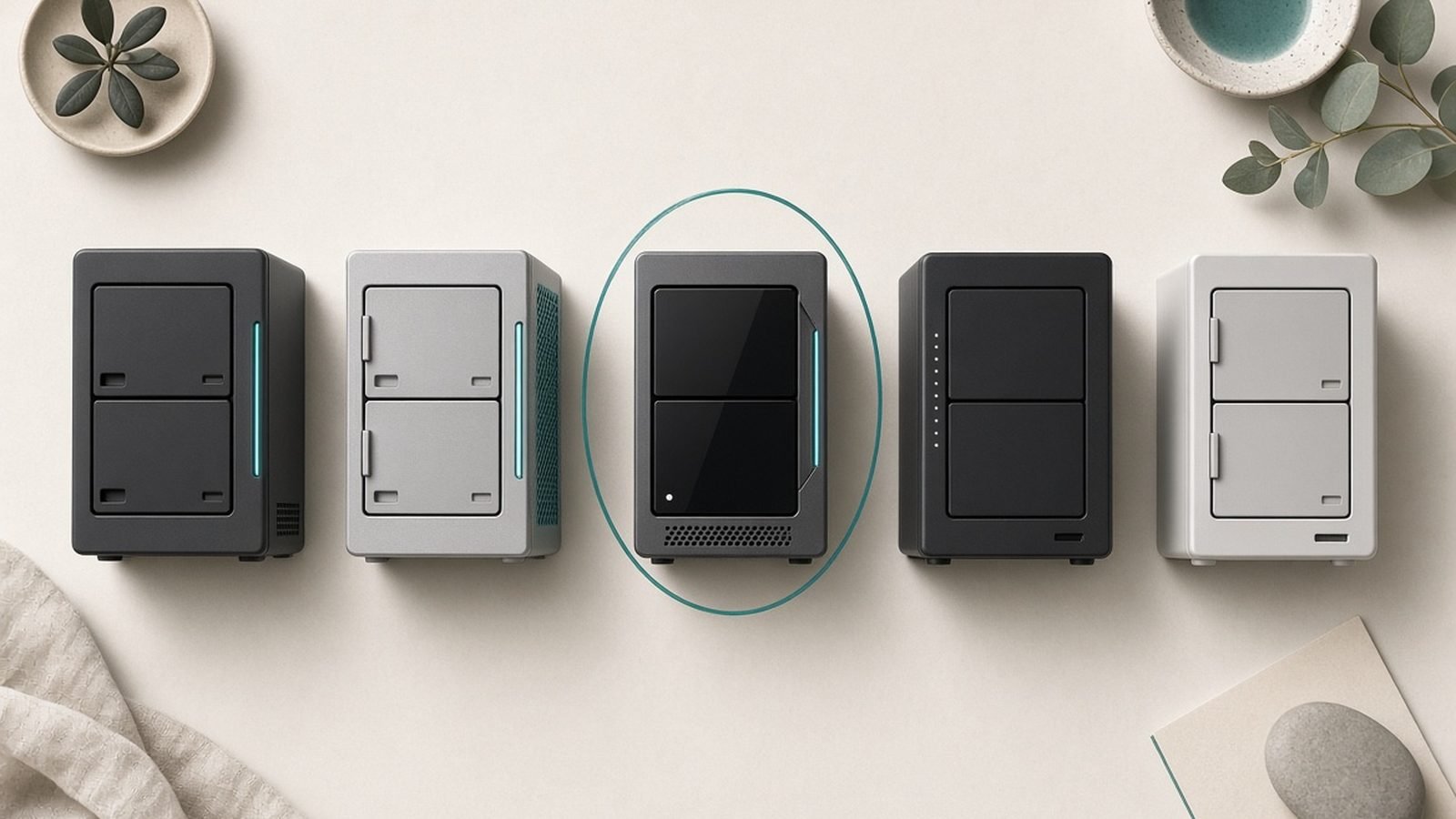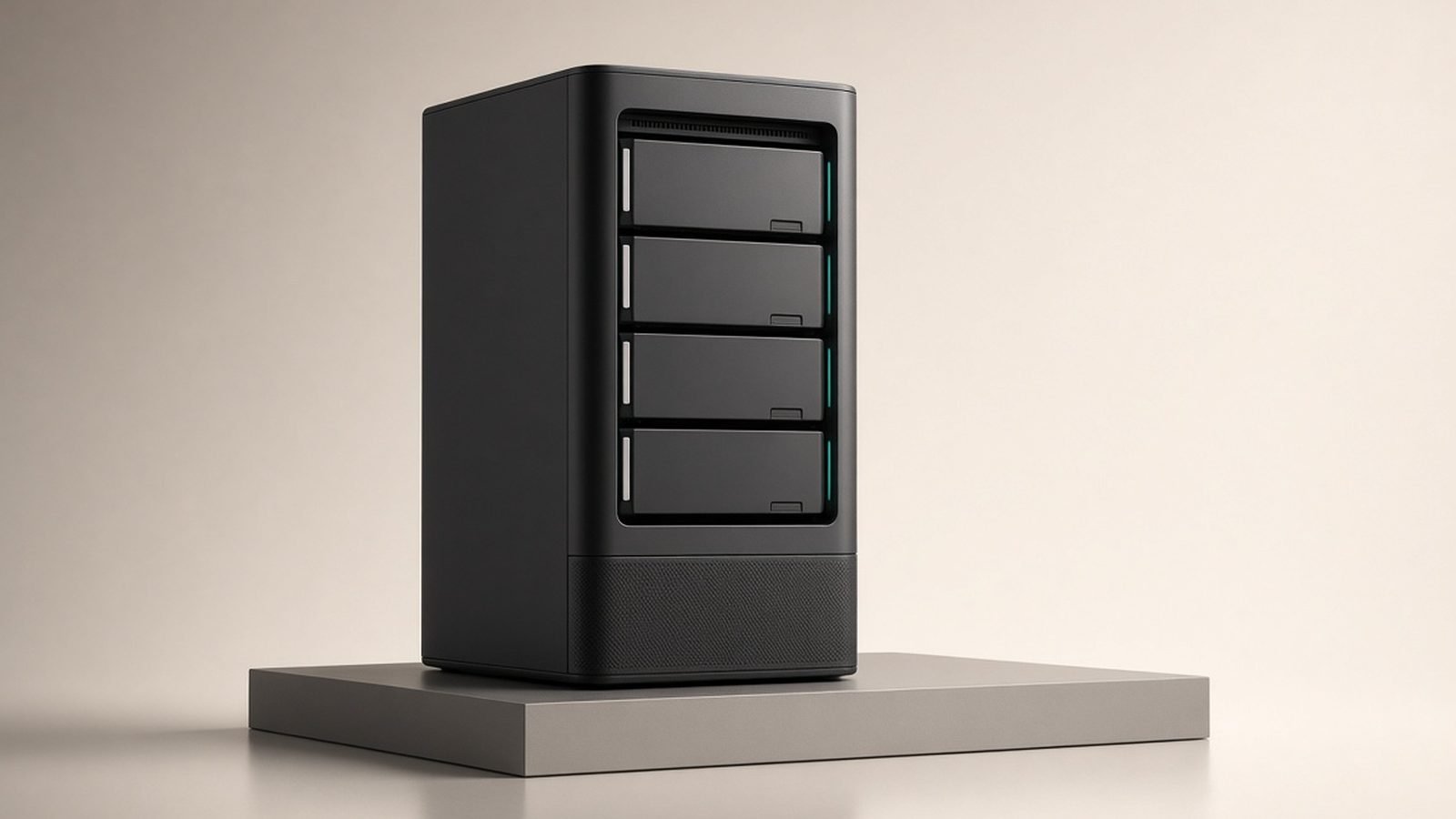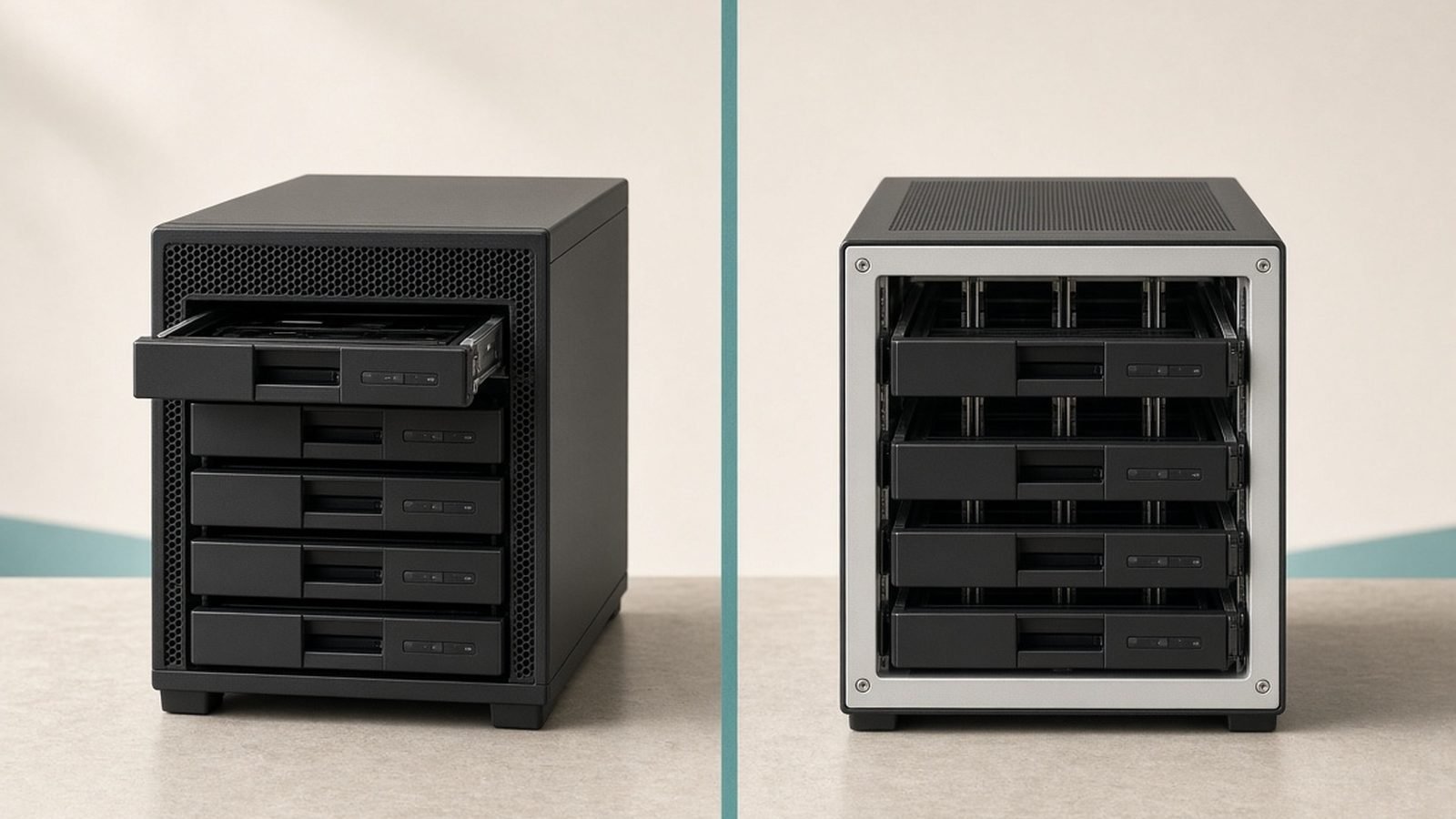
Choosing a home NAS in 2026 comes down to which you value more: hardware per dollar, or software you never have to think about. The UGREEN NASync DXP4800 Plus wins the first argument, pairing an Intel chip whose Quick Sync graphics handle Plex transcoding with DDR5 memory and a 10GbE port, while Synology’s DSM still sets the bar for backups, photo indexing and security updates — which is the case for the Synology DiskStation DS925+. Two further questions narrow the field. One is whether Plex or Jellyfin is part of the plan, because Synology’s AMD-based Plus units cannot hardware-transcode at all. The other is whether you need four bays or only a two-bay backup vault, where the Synology DS225+ and the budget UGREEN NASync DXP2800 do the job for far less.
A NAS (network-attached storage) is a small always-on box of hard drives that lives on your home network. It backs up every device automatically, streams your movies to any screen, and keeps your photos private instead of renting them from a cloud subscription. Below are six picks across two brands you probably know (Synology, QNAP) and two you should (UGREEN, Asustor), split by 2-bay vs 4-bay, based on published specs, current pricing and aggregated long-term owner reports.
Want the fuller UGREEN-versus-Synology argument? See our companion guide, Best Home NAS 2026: Top Picks for Backup, Plex & Photos. Ready to plug one in? Jump to How to Set Up a NAS: A Beginner's Guide (2026).
Best NAS for home at a glance
| Pick | Model | Bays | Best for | Price US/UK |
|---|---|---|---|---|
| Best overall | UGREEN NASync DXP4800 Plus | 4 (+2 M.2) | Plex, editing, home lab | around $600 / £560 |
| Best software | Synology DS925+ | 4 (+2 M.2) | Backup, family photos | around $640 / £520 |
| Best 2-bay for beginners | Synology DS225+ | 2 | First-time buyers | around $300 / £280 |
| Best budget | UGREEN NASync DXP2800 | 2 (+2 M.2) | Cheap media + backup | around $260 / £240 |
| Best for tinkerers | QNAP TS-464 | 4 (+2 M.2) | Docker, VMs, flexibility | around $500 / £470 |
| Best media enthusiast | Asustor Lockerstor 4 Gen3 | 4 (+2 M.2) | 10GbE Plex power users | around $700 / £650 |
Prices move around a lot — UGREEN in particular runs frequent flash sales — so treat these as guide figures and check current listings before buying. All prices are diskless; you buy hard drives separately (see our drive advice near the end).
How we picked
A NAS is a five-to-ten-year purchase that sits in a cupboard holding irreplaceable data, so we weight it differently than a phone or laptop. We based these rankings on published specifications, manufacturer documentation, current retail pricing and aggregated owner feedback — not our own lab bench. Four things drove the order.
Software you’ll actually live with. The operating system decides how painless backups, photo indexing, mobile apps and security updates feel day to day. Synology’s DSM still sets the bar; UGREEN’s UGOS Pro is closing fast; QNAP’s QTS is powerful but busier; Asustor’s ADM sits in between.
Transcoding for media. If Plex or Jellyfin is part of the plan, an Intel chip with Quick Sync graphics matters far more than raw core count. It can reshape a 4K stream on the fly for an old TV or a phone on cellular. AMD-based Synology Plus units can’t hardware-transcode at all.
Upgrade path. RAM headroom, M.2 slots for SSD cache, and faster networking (2.5GbE or 10GbE) decide whether a NAS grows with you or gets replaced.
Noise, power and reliability. These live in bedrooms and living rooms. We lean on owner reports for fan noise, drive vibration and long-term failure patterns — the things spec sheets never mention.
Best NAS overall: UGREEN NASync DXP4800 Plus
4 bays + 2 M.2 · Intel Pentium Gold 8505 · 8GB DDR5 (to 64GB) · 10GbE + 2.5GbE · around $600 / £560
The DXP4800 Plus is the box that made this category interesting again. For roughly what Synology asks for the DS925+, UGREEN hands you a 5-core 12th-gen Intel chip with a proper Iris-class iGPU, DDR5 memory expandable to a huge 64GB, two NVMe slots, an SD reader, 4K HDMI out — and, crucially, both a 10GbE and a 2.5GbE port. Nothing else near this price competes on paper.
That hardware pays off in real use. The Quick Sync graphics chew through multiple 4K Plex transcodes at once, the 10GbE port lets photo and video editors work off the NAS at near-local speed (with a compatible switch), and 64GB of RAM headroom makes it a legitimate Docker and virtual-machine host, not just a file server.
The honest caveat is the software. UGOS Pro has matured a lot — snapshots, solid backup tools, a genuinely good AI photo app and Docker are all there — but it’s years younger than DSM, with a thinner third-party app catalogue and no true rival to Synology’s Active Backup suite. To its credit, UGREEN openly lets you install TrueNAS or Unraid without voiding the warranty.
Pros:
- Class-leading hardware: DDR5, strong Intel iGPU, 64GB RAM ceiling
- 10GbE and 2.5GbE built in — rare below $700
- Excellent Plex/Jellyfin transcoding
- Two M.2 slots for SSD cache or fast volumes
Cons:
- UGOS Pro is capable but less mature than DSM
- Fewer polished third-party apps
- Fans can spin up audibly under sustained load
Who it’s for: Plex households, photographers and tinkerers who want the most hardware per pound and don’t mind a younger OS. The trade-off is software depth for raw power.
Best software: Synology DiskStation DS925+
4 bays + 2 M.2 · AMD Ryzen V1500B · 4GB DDR4 ECC (to 32GB) · 2x 2.5GbE · around $640 / £520
If the NAS is going to hold the family’s photos and become the backup destination for four laptops, DSM is worth paying for. Synology’s operating system is simply the most complete and best-documented in the category. Synology Photos rivals Google Photos for face and object search, Active Backup for Business protects PCs and Macs for free, and Hyper Backup handles offsite copies with grown-up encryption. For non-technical households, DSM’s guardrails matter as much as its features.
The DS925+ modernises the line with dual 2.5GbE ports (link-aggregable) and ECC memory for extra data integrity. It’s a quietly excellent, reliable box that owners keep for the better part of a decade.
Two real drawbacks. First, the AMD chip has no integrated graphics, so it cannot hardware-transcode — fine for direct-play Plex or Jellyfin, poor if you rely on on-the-fly conversion. Second, Synology’s 2025 push toward its own branded drives caused genuine anger; DSM 7.3 softened the stance, but check current compatibility before buying third-party disks.
Pros:
- The most polished, best-supported NAS software, full stop
- Superb backup and photo suites included free
- ECC memory and dual 2.5GbE for reliability
- Long track record of updates and resale value
Cons:
- No hardware transcoding (weak for on-the-fly Plex)
- Drive-compatibility politics you must check
- You pay a clear premium for the software
Who it’s for: Backup-and-photos families who value effortless, dependable software over raw specs. The trade-off is media horsepower.
Best 2-bay for beginners: Synology DS225+
2 bays · Intel Celeron J4125 · 2GB (to 6GB) · 2.5GbE + 1GbE · around $300 / £280
Most people’s first NAS should be a simple two-bay unit running two mirrored drives, and the DS225+ is the easiest on-ramp there is. You get the same friendly DSM software as the pricier models on approachable hardware, plus — unlike the four-bay DS925+ — an Intel chip with Quick Sync, so light Plex transcoding is on the table.
Two drives in a mirror (SHR/RAID 1) give you one copy protected against a single drive failure, with the capacity of one disk. For photos, documents and modest media libraries, that’s plenty. It’s quiet, sips power, and you can grow into DSM’s deeper features later.
The limits are exactly what you’d expect at the price: only 2.5GbE on one port, RAM capped at 6GB, and no room to expand past two bays. If you already know you’ll want four drives or heavy apps, size up now rather than rebuy.
Pros:
- The gentlest introduction to NAS ownership
- Full DSM software experience
- Intel Quick Sync enables light transcoding
- Quiet and power-efficient
Cons:
- Two bays only; no expansion
- Modest CPU and 6GB RAM ceiling
- Entry pricing, not bargain pricing
Who it’s for: First-time buyers who want reliable backups and photo storage without a learning curve. The trade-off is headroom.
Best budget: UGREEN NASync DXP2800
2 bays + 2 M.2 · Intel N100 · 8GB DDR5 (to 16GB) · 2.5GbE · around $260 / £240
The DXP2800 is the value play. An Intel N100 is no powerhouse, but it has Quick Sync for a couple of Plex transcodes, and UGREEN pairs it with 8GB of DDR5 (four times what the comparable Synology ships) and two M.2 slots — unusual on a budget two-bay. For a media-and-backup box on a tight budget, the spec-per-pound is hard to argue with.
You’re accepting UGOS Pro’s relative youth again, and the N100 will feel the strain if you pile on Docker containers or several simultaneous 4K streams. But for one or two people who want private photo storage, automatic PC backups and casual Plex, it punches well above its price.
Pros:
- Excellent hardware for the money: 8GB DDR5, two M.2 slots
- Quick Sync handles light transcoding
- Genuinely affordable entry point
Cons:
- N100 CPU limits heavier workloads
- UGOS Pro less mature than DSM
- 16GB RAM ceiling
Who it’s for: Budget-conscious first buyers who want media playback as well as backup. The trade-off is CPU headroom under load.
Best for tinkerers: QNAP TS-464
4 bays + 2 M.2 · Intel Celeron N5105 · 4GB (to 16GB) · 2x 2.5GbE + PCIe slot · around $500 / £470
QNAP occupies the enthusiast middle ground: more configurable than Synology, more mature than UGREEN. The TS-464 gives you an Intel Quick Sync chip for solid transcoding, dual 2.5GbE, two M.2 slots and — the standout — a PCIe expansion slot, so you can add a 10GbE card or extra NVMe later. Its QTS operating system exposes far more knobs than DSM: Container Station for Docker, Virtualization Station for VMs, and granular network controls.
The flip side of that power is complexity. QTS has a busier interface, and QNAP has a patchier security history than Synology, so keeping the box updated and off the open internet is essential. Pair it with the remote-access guidance in How to Set Up a NAS: A Beginner's Guide (2026) and you’ll be fine.
Pros:
- Great transcoding plus a PCIe slot for future upgrades
- Powerful Docker and VM tooling
- Dual 2.5GbE and two M.2 slots
Cons:
- QTS is busier and steeper to learn
- Historically weaker security reputation — patch diligently
- Bundled RAM is stingy
Who it’s for: Comfortable tinkerers who want maximum flexibility and expansion. The trade-off is a steeper learning curve and stricter security hygiene.
Best media enthusiast: Asustor Lockerstor 4 Gen3
4 bays + 2 M.2 · Intel Core i3-N305 · 4GB DDR5 (to 16GB) · 10GbE + 2.5GbE · around $700 / £650
Asustor is the quiet specialist, and the Lockerstor 4 Gen3 is aimed squarely at media and speed. Its 8-core Intel Core i3-N305 is genuinely quick, the 10GbE port matches the UGREEN for editors working off the NAS, and Asustor’s ADM software is clean and reliable with a decent app catalogue. A handy front USB-C port and dual M.2 slots round it out.
It’s the priciest pick here, and ADM has a smaller community than DSM, so you’ll find fewer YouTube walkthroughs when you get stuck. But for someone building a serious Plex or Jellyfin server who wants strong hardware without UGREEN’s software youthfulness, it’s a compelling middle path.
Pros:
- Fast 8-core Intel CPU with strong transcoding
- 10GbE plus 2.5GbE for high-speed access
- Clean, reliable ADM software
- Handy front-panel USB-C
Cons:
- Most expensive option here
- Smaller community and app ecosystem than Synology
- Modest bundled RAM
Who it’s for: Media enthusiasts who want power and 10GbE with more mature software than UGREEN. The trade-off is price and a smaller support community.
How to choose the right home NAS
2-bay or 4-bay? A two-bay in a mirror is the right starting point for backups, documents and photos — one drive can die without data loss. Choose four bays if you want a bigger, more efficient storage pool (SHR or RAID 5 gives you the capacity of three drives with one-drive redundancy), or you plan to grow a media library. Four bays also leave room to expand without migrating everything.
Do you need transcoding? If you’ll stream to older TVs, phones on cellular, or several people at once, buy an Intel chip with Quick Sync (UGREEN, QNAP, Asustor, or Synology’s 2-bay Plus units). If everything you own can direct-play your files, the AMD-based Synology DS925+ is fine — and its software is better.
How fast is your network? 2.5GbE is the sweet spot for 2026 and covers almost everyone. Only spring for 10GbE if you edit large video or photo files directly off the NAS and own a 10GbE switch to match.
Software temperament. Want it to just work with zero fuss? Synology. Want the most hardware for the money? UGREEN. Want to tinker and expand? QNAP or Asustor.
Budget for drives. The box is only half the cost. Plan to spend a similar amount again on NAS-rated hard drives.
A quick word on the actual drives
Don’t put desktop hard drives in a NAS. Buy drives rated for always-on, multi-bay use — WD Red Plus, Seagate IronWolf or Toshiba N300 are the mainstream choices, typically around $30–$45 / £30–£45 per terabyte depending on capacity. Buy two identical drives to start a mirror, and treat SSDs as optional cache (via the M.2 slots), not your main storage. Whatever you buy, remember the golden rule below.
Check price: WD Red Plus NAS Hard Drives
FAQ
Is a NAS worth it for a home in 2026?
Yes, if you value private, one-time-cost storage over recurring cloud subscriptions. A NAS automatically backs up every device, streams your own media, and keeps family photos off third-party servers. Over three years it usually costs less than equivalent cloud storage, and you own the hardware. It’s overkill only for people with very little data who are happy renting cloud space.
How many bays do I need?
Most homes are well served by a two-bay unit running two mirrored drives — that protects against one drive failing. Choose four bays if you want more usable capacity for the money (RAID 5/SHR), a growing media library, or room to expand later without rebuilding. Start with two if you’re unsure; you can always buy a bigger box down the line.
Which NAS is best for Plex?
The UGREEN NASync DXP4800 Plus and Asustor Lockerstor 4 Gen3 are the strongest Plex boxes here thanks to fast Intel chips with Quick Sync for smooth 4K transcoding. The budget UGREEN DXP2800 and Synology DS225+ handle lighter Plex duty. Avoid the AMD-based Synology DS925+ if you rely on on-the-fly transcoding — it can’t hardware-transcode.
Synology or UGREEN — which should I buy?
Buy Synology if software polish, effortless backups and long-term support matter most. Buy UGREEN if you want dramatically stronger hardware — DDR5, Intel iGPU, 10GbE — for the same money and don’t mind a younger operating system. Our full head-to-head weighs both in detail. It genuinely comes down to whether you value software maturity or raw specs.
Do I need special hard drives for a NAS?
Yes — use NAS-rated drives such as WD Red Plus, Seagate IronWolf or Toshiba N300. They’re built for constant operation and the vibration of a multi-bay enclosure, and they carry firmware tuned for RAID. Desktop drives can work short-term but fail sooner in this duty cycle, and some carry firmware quirks that cause dropouts in a NAS.
Is RAID a backup?
No — this is the single most important thing to understand. RAID protects against a drive failing, keeping you running while you swap the dead disk. It does not protect against accidental deletion, ransomware, theft or fire. Always keep a separate backup (an external drive plus an offsite or cloud copy) in addition to your NAS. Our setup guide walks through configuring both.
For placement, cabling and getting the most from your network, browse our full Best Mesh Wi-Fi Systems 2026: Wi-Fi 6 & Wi-Fi 7 Compared and Best Wi-Fi 7 Routers 2026: Top Picks for Every Budget guides too — a NAS is only as fast as the network it sits on.
Zen Tech Hub may earn a commission from links on this page, at no extra cost to you.