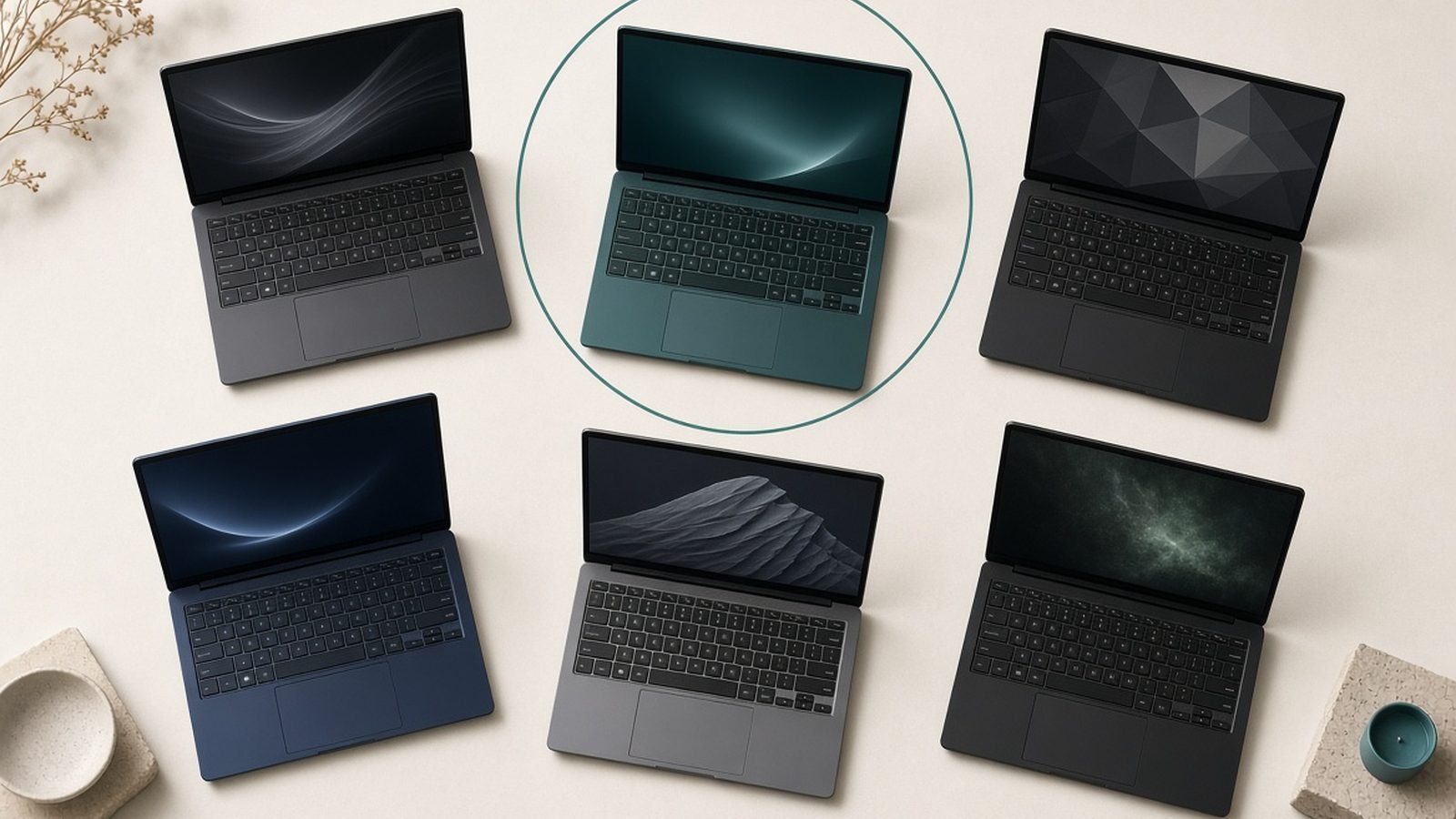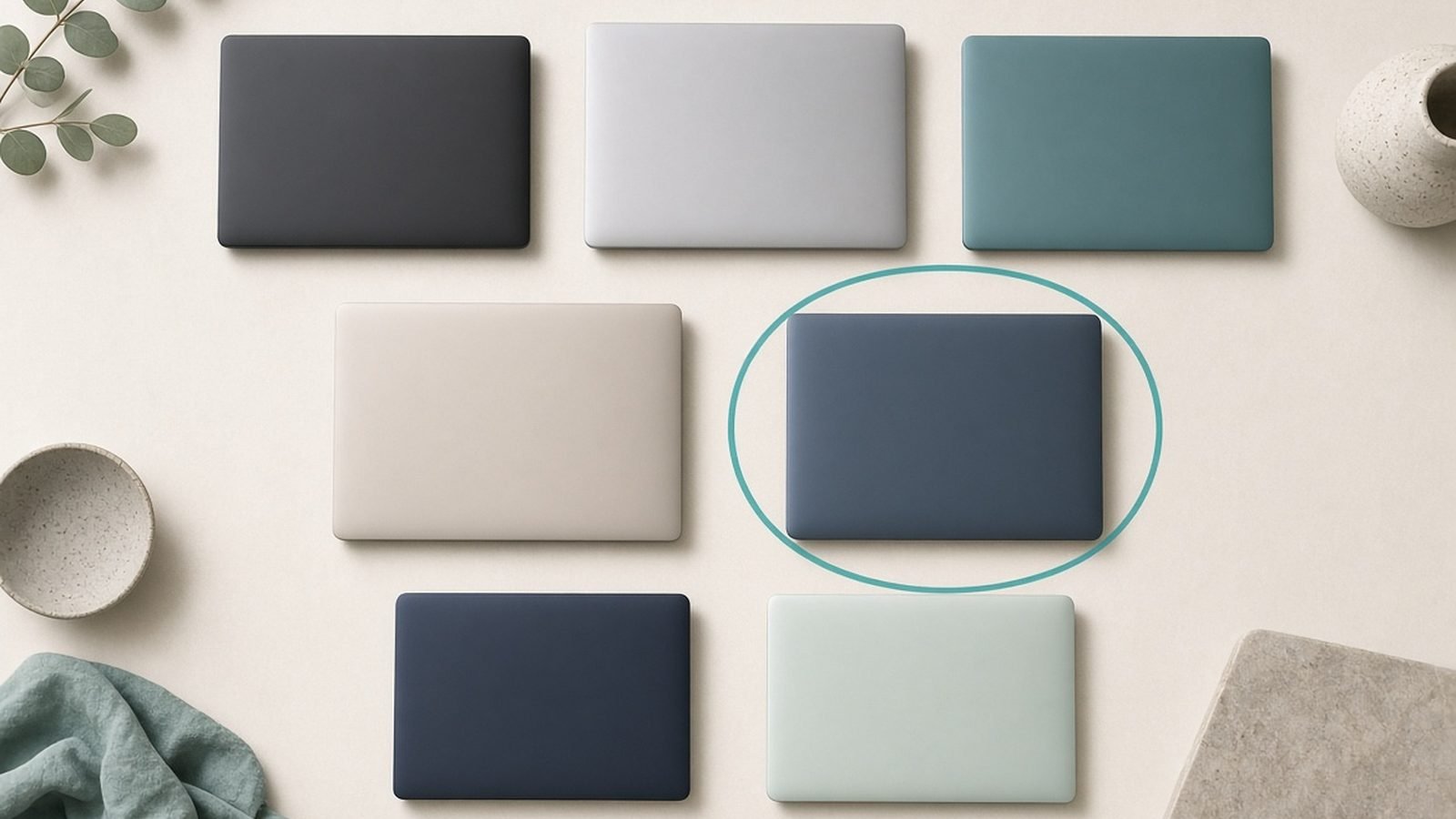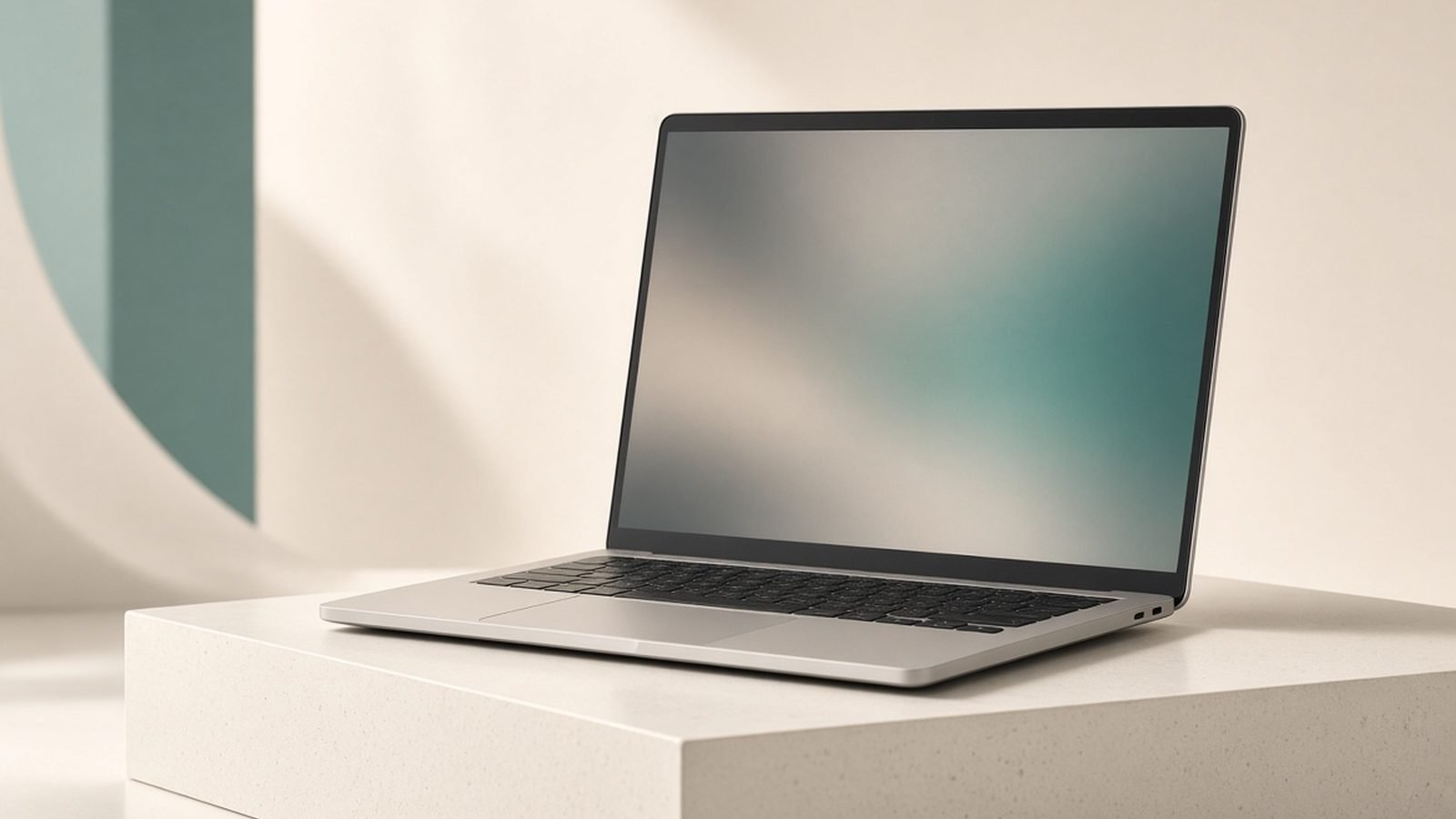
The ASUS Zenbook S16 is the thin-and-light answer to the big-screen laptop question, and in 2026 it’s one of the best value premium 16in machines you can buy. This ASUS Zenbook S16 review draws on ASUS’s published specs, documentation and aggregated owner feedback — we haven’t run our own lab benchmarks and won’t pretend to.
The short verdict: the Zenbook S16 is the laptop to buy if you want a gorgeous 3K OLED, all-day battery and a remarkably slim, light 16in body for everyday work, and you don’t need discrete gaming graphics. It undercuts the Dell XPS 16 on price and endurance while feeling nearly as premium. Creators who need an RTX GPU should look elsewhere, but for writers, office users, students and general productivity, it’s superb.
As configured here: AMD Ryzen AI 9 HX 370, 16in 3K (2880×1800) OLED 120Hz, Radeon 890M integrated graphics, 32GB RAM, 1TB SSD — around $1,499 / £1,599. Lower Ryzen AI configs start nearer $1,199 / £1,299.
ASUS Zenbook S16 at a glance
Pros
- Beautiful 16in 3K OLED, 120Hz, factory-calibrated
- Genuinely thin (~1.1cm) and light (~1.5kg) for a 16in laptop
- Excellent battery life from the efficient Ryzen AI platform
- Premium “Ceraluminum” ceramic-aluminium finish that resists fingerprints
- Includes USB-A and HDMI alongside USB4 — better ports than the XPS 16
Cons
- Integrated Radeon graphics only — not for serious GPU work or gaming
- Soldered RAM, so buy the memory you need up front
- Can warm up and throttle slightly under sustained heavy loads
- Webcam and speakers are good, not class-leading
- OLED brings the usual burn-in caution for static UI
| Spec | ASUS Zenbook S16 (UM5606) |
|---|---|
| Display | 16in, 3K (2880×1800) OLED, 120Hz, touch on some SKUs |
| CPU | AMD Ryzen AI 9 HX 370 / Ryzen AI 9 365 |
| GPU | AMD Radeon 890M (integrated) |
| RAM / Storage | 16–32GB LPDDR5x (soldered) / 512GB–1TB SSD |
| Ports | 2× USB4 (USB-C), 1× USB-A, HDMI 2.1, headphone |
| Weight | ~1.5kg / 3.3lb |
| Price | around $1,199–$1,699 / £1,299–£1,699 |
Design and build: thin, light, and quietly premium
The Zenbook S16’s headline trick is how little there is of it. At roughly 1.1cm thick and 1.5kg, it’s dramatically more portable than most 16in laptops, including the Dell XPS 16, while still giving you a big-screen workspace. For anyone who wants a large display but hates lugging a heavy machine, that combination is the whole pitch — and it delivers.
ASUS builds the lid and deck from “Ceraluminum,” a ceramic-infused aluminium finish that feels warm and matte, resists fingerprints far better than glossy metal, and looks distinctive without being flashy. The keyboard is comfortable with a decent 1.1mm travel, the large trackpad is smooth and accurate, and unlike the XPS 16 there’s a normal, visible function row — a relief for anyone who relies on physical F-keys.
Ports are a genuine strength. You get two USB4 (USB-C) ports, a full-size USB-A, HDMI 2.1 and a headphone jack. That means you can plug in a monitor, a mouse dongle and a legacy accessory without a dock — a practical edge over port-starved rivals. It’s one reason it shows up in our Best Business Laptops 2026: Reliable & Secure shortlist.
Display: a 3K OLED that punches above its price
The 16in 3K (2880×1800) OLED runs at 120Hz, comes factory-calibrated, and looks excellent: deep blacks, vivid but accurate colour, and smooth motion. Based on published specs and owner reports, it’s one of the best displays at this price and a real reason to pick the Zenbook over cheaper IPS 16in laptops. The tall 16:10 aspect ratio suits documents, spreadsheets and web work.
As with any OLED, keep the usual caveats in mind: use a dark taskbar, enable screen dimming for static content, and you’ll sidestep long-term burn-in worries. For most people the payoff — a stunning panel for video, photos and everyday reading — is well worth it.
Performance and battery: efficiency is the story
The AMD Ryzen AI 9 HX 370 is a fast, highly efficient chip, and it’s the reason the Zenbook S16 does two things well at once: strong everyday performance and long battery life. Office work, dozens of browser tabs, photo edits, code and 1080p video work all run smoothly. The integrated Radeon 890M is one of the better integrated GPUs, capable of light gaming and casual creative work, but it is not a substitute for a discrete RTX GPU — if you edit heavy 4K timelines or game seriously, the Dell XPS 16 or a gaming laptop is the right tool.
The upside of that efficiency is endurance. Owner reports commonly land around 10–14 hours of mixed productivity use, well ahead of the OLED XPS 16 and enough for a genuine full day away from power. Under sustained heavy multi-core loads the slim chassis warms up and clocks ease back a little, which is expected in a body this thin; for bursty real-world work it stays composed and quiet. The Ryzen AI NPU also drives on-device Windows AI features, which will matter more over the laptop’s life.
Value and who it’s for
The Zenbook S16 is one of the smartest premium buys in the 16in class. You get a flagship OLED, a top efficiency chip, a better port array than the XPS 16, and standout battery life — usually for several hundred dollars/pounds less than an OLED/RTX XPS 16.
Buy it if you want a big, beautiful screen in a thin, light, long-lasting laptop for productivity, study or writing, and integrated graphics are enough. Skip it if you need discrete RTX power for heavy creative work or gaming, or if you want upgradeable RAM.
Pros: Superb 3K OLED, thin and light, excellent battery, good ports, resists fingerprints. Cons: Integrated GPU only, soldered RAM, mild throttling under long loads, average webcam/speakers.
Verdict
The ASUS Zenbook S16 is the sensible-yet-special pick in the premium 16in space: it gives you a flagship OLED and a big screen without the weight, the price premium or the battery anxiety of an RTX-equipped rival. Provided you don’t need discrete graphics, it’s easier to recommend to more people than the flashier Dell XPS 16 — and it’s a standout everyday laptop for 2026. See how it stacks up in Best Laptops 2026: Top Picks for Every Need, and if you want a convertible instead, check Best 2-in-1 Laptops 2026: Convertibles & Tablets.
FAQ
Is the ASUS Zenbook S16 good for 2026? Yes. It pairs an efficient AMD Ryzen AI chip with a 3K OLED, strong battery life and a genuinely thin, light 16in body. For productivity, study and everyday creative work it’s one of the best value premium laptops available, as long as you don’t need discrete graphics.
Does the Zenbook S16 have discrete graphics? No. It uses AMD’s integrated Radeon 890M, which is capable for light gaming and casual editing but not a replacement for a dedicated RTX GPU. For serious 4K video work or gaming, a machine like the Dell XPS 16 or a gaming laptop is the better choice.
How is the Zenbook S16’s battery life? Very good. Thanks to the efficient Ryzen AI platform, owner reports commonly see 10–14 hours of mixed productivity use — enough for a full working day away from power, and noticeably better than the OLED Dell XPS 16.
ASUS Zenbook S16 vs Dell XPS 16 — which should I buy? Choose the Zenbook S16 for lighter weight, longer battery, better ports and lower price. Choose the XPS 16 for discrete RTX graphics, a higher-resolution 4K OLED option and a more premium look. Our Best Laptops 2026: Top Picks for Every Need guide compares both directly.
Can you upgrade the RAM in the Zenbook S16? No. The LPDDR5x memory is soldered to the board, so choose 32GB up front if you multitask heavily or plan to keep the laptop for years. Storage is on a standard M.2 SSD, which is more serviceable.
Is the Zenbook S16 OLED prone to burn-in? Any OLED carries some long-term risk with static images, but everyday use is low-risk. Enable a dark taskbar, use screen dimming and let it sleep, and you’re very unlikely to see problems over normal ownership.
Zen Tech Hub may earn a commission from links on this page, at no extra cost to you.