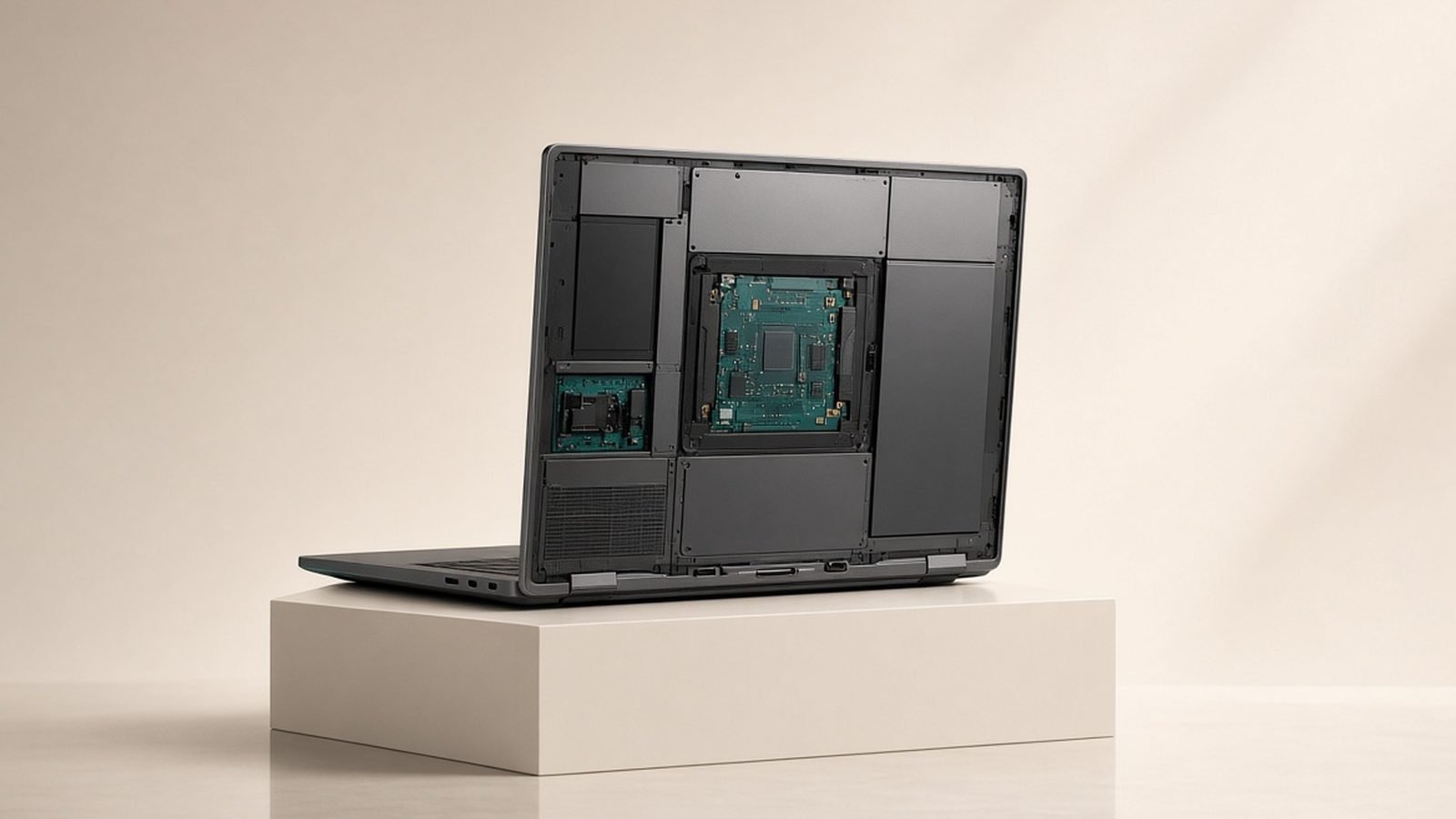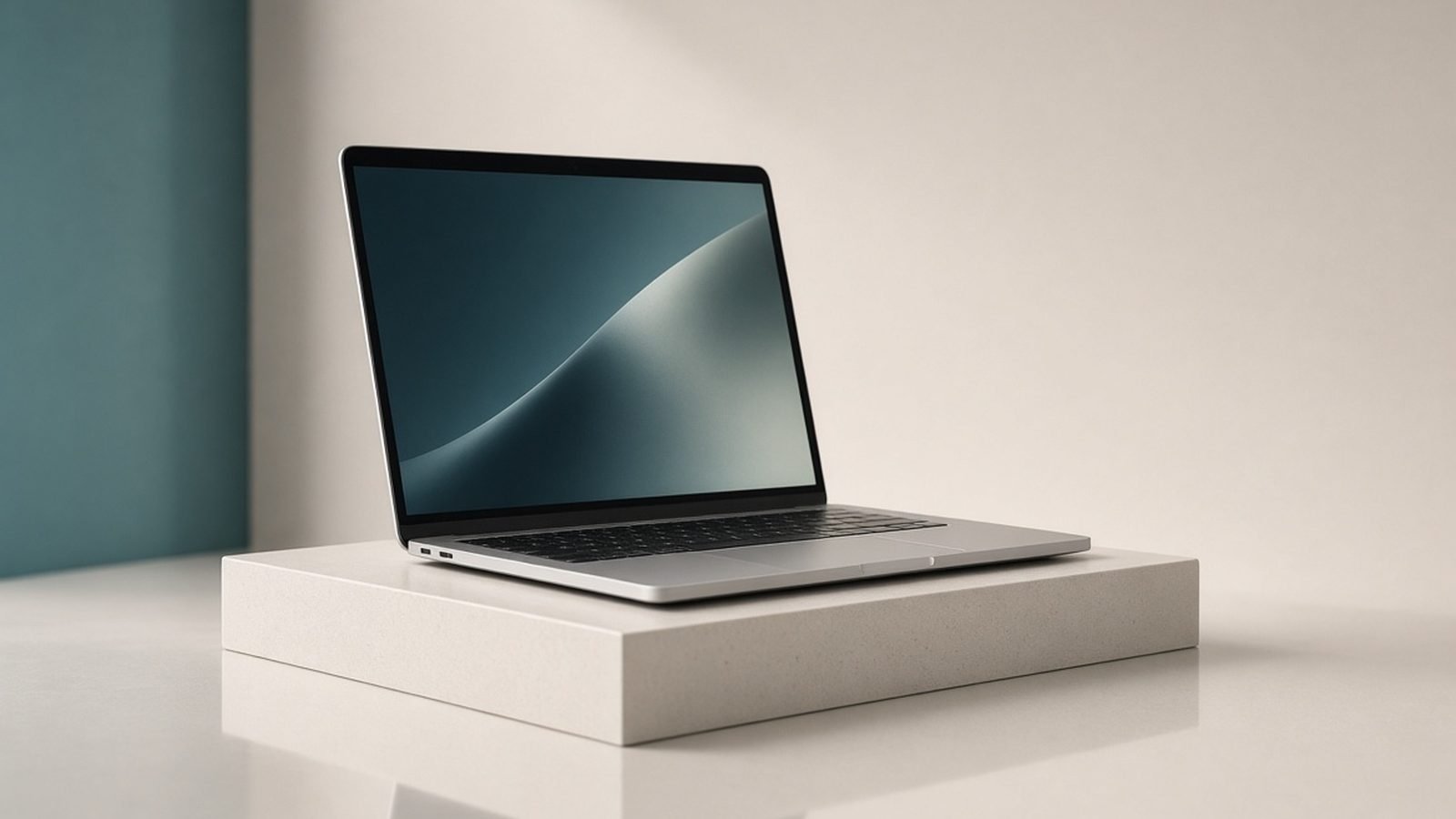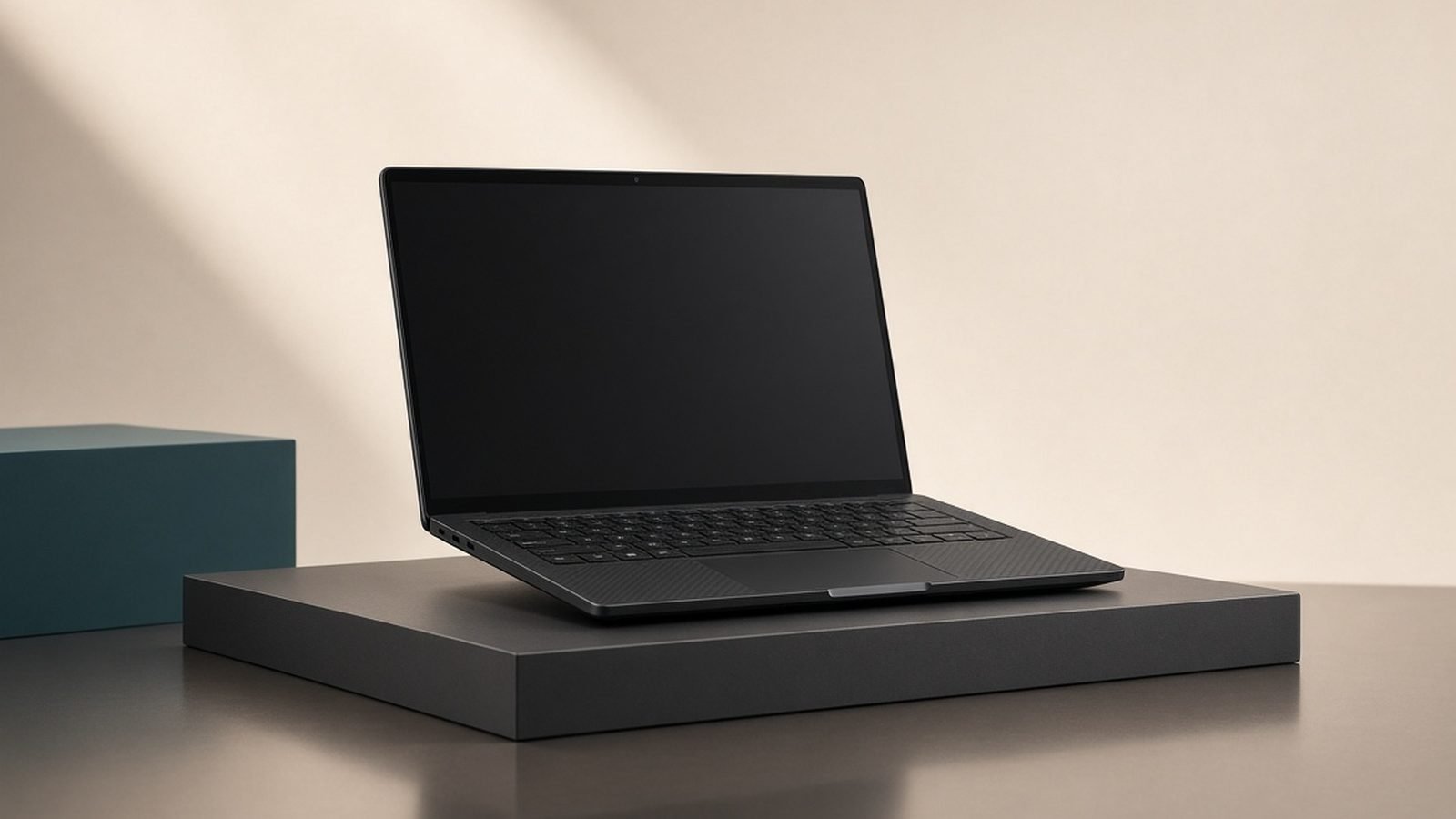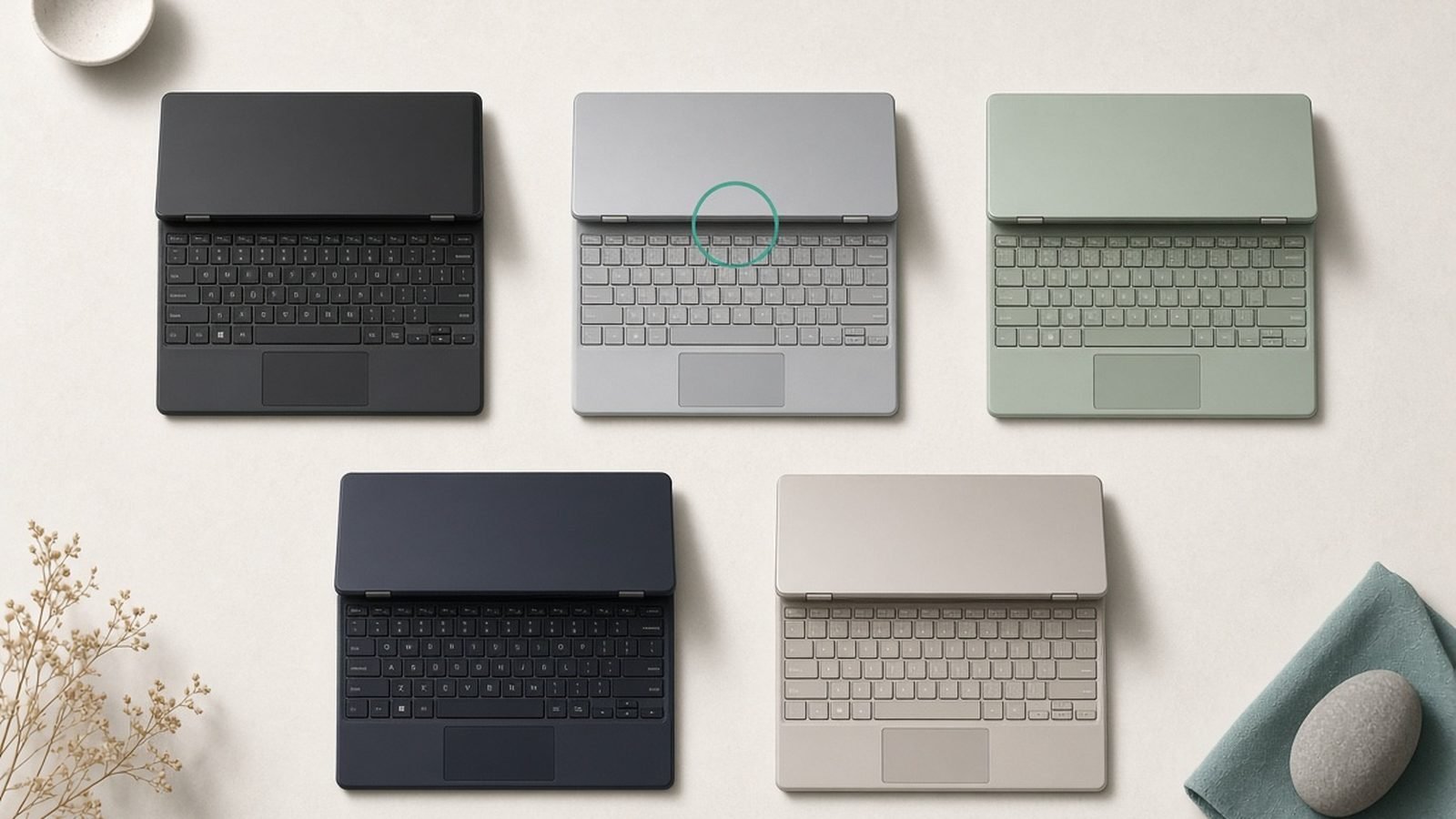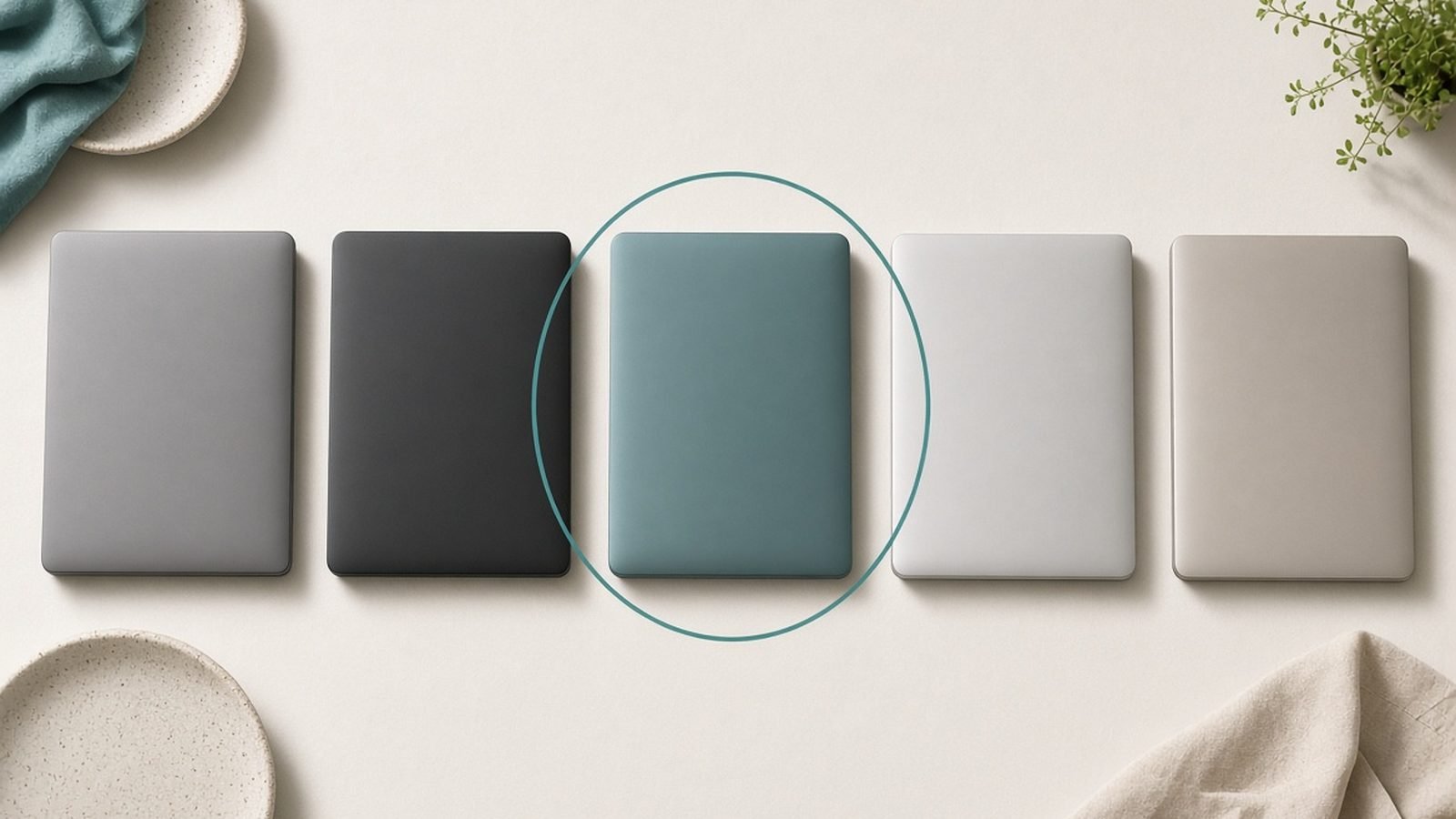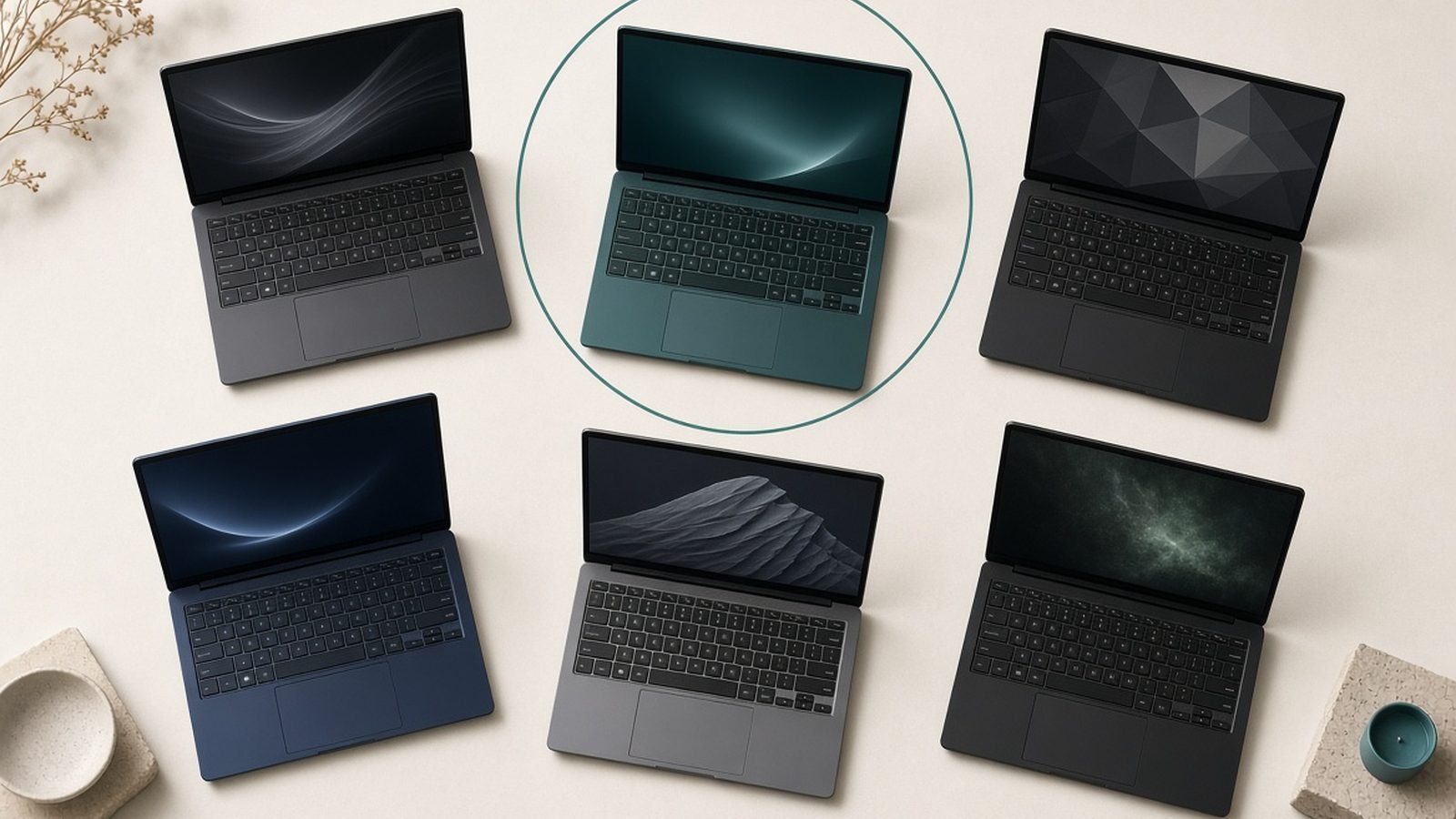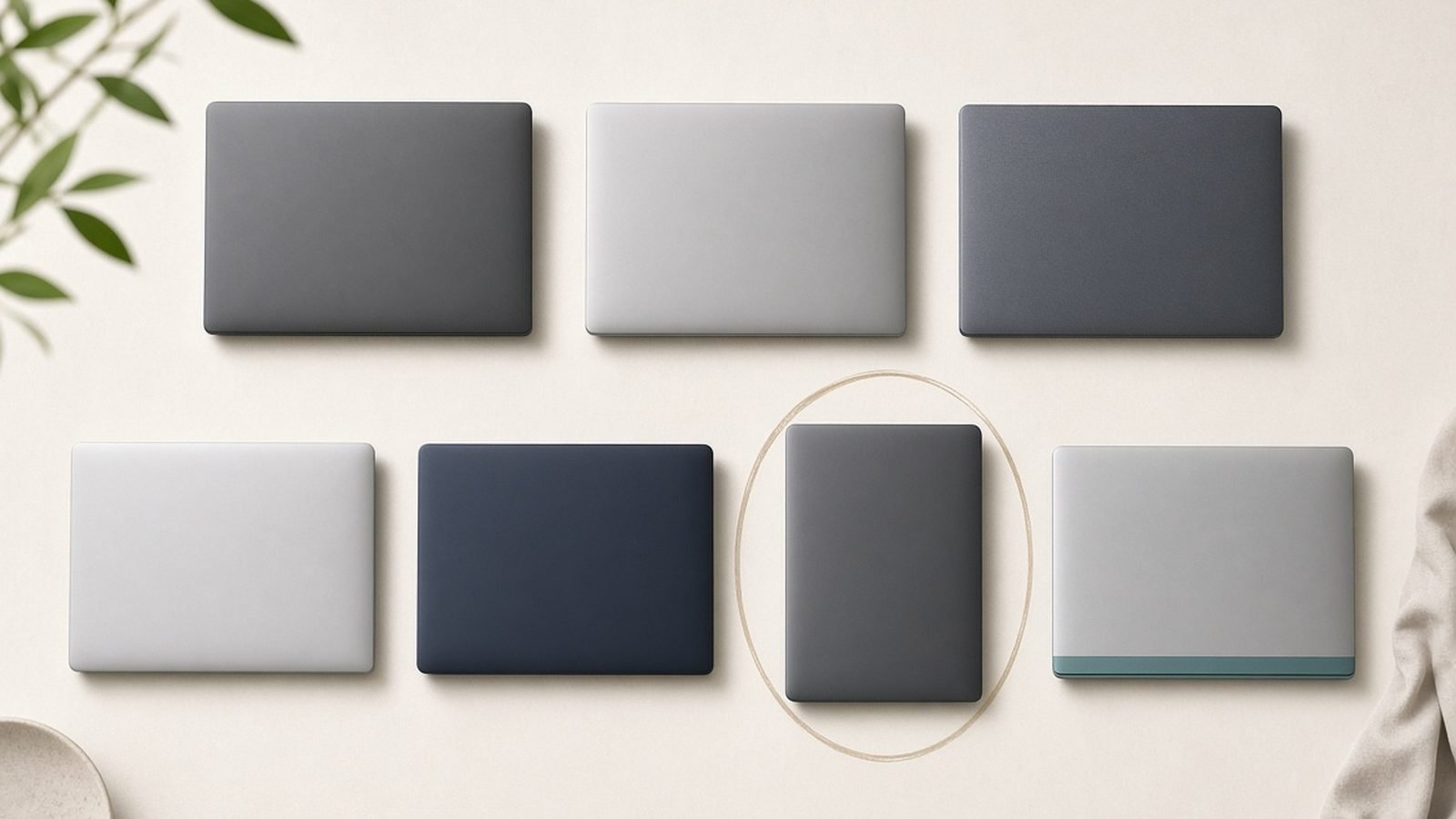
The best business laptop in 2026 for most professionals is the Lenovo ThinkPad X1 Carbon Gen 13. It’s light, tough enough to pass military-grade durability tests, has the best keyboard in the business, and ships with the enterprise security and manageability features IT departments actually rely on. If you’d rather have Mac silence and battery, the MacBook Air 15 (M4) is the alternative we’d hand most people.
A business laptop isn’t chosen the way a gaming rig is. Reliability, keyboard comfort, battery life, security hardware, serviceability and support matter far more than raw benchmark scores. Below are seven machines that get those fundamentals right, spanning ultraportables, workstations and value picks, from around $700 to premium territory. Each names who it suits and where it compromises.
Best business laptop 2026 at a glance
| Pick | Laptop | Best for | Price (US / UK) |
|---|---|---|---|
| Best overall | Lenovo ThinkPad X1 Carbon Gen 13 | All-round pro work, keyboard | ~$1,699 / £1,599 |
| Best Mac for business | Apple MacBook Air 15 (M4) | Battery, silence, simplicity | ~$1,299 / £1,299 |
| Best premium AI PC | HP EliteBook Ultra G1i | Copilot+ features, security | ~$1,599 / £1,499 |
| Best value | Dell Pro 14 | Fleet buyers, durability | ~$1,099 / £1,049 |
| Best 2-in-1 | Lenovo ThinkPad X1 2-in-1 | Presenting, note-taking | ~$1,549 / £1,449 |
| Best mobile workstation | Lenovo ThinkPad P1 Gen 8 | Engineering, CAD, data | ~$2,499 / £2,399 |
| Best budget | Acer TravelMate P4 | Tight budgets, basics | ~$749 / £719 |
Prices shift through 2026, and business models are often bought through configurators — treat these as starting reference points.
How we picked
We’re an editorial team, not a corporate IT lab, so here’s our method plainly. These picks draw on published specs from Lenovo, Dell, HP, Apple and Intel/AMD/Qualcomm, manufacturer and enterprise documentation, retailer and configurator pricing across US and UK, and aggregated feedback from IT admins, business owners and long-term reviewers. Where we describe a machine as “bulletproof” or “poorly serviceable,” that reflects patterns in that feedback and documented spec — not a stopwatch in our hands.
For business use we weighted six things above speed. Reliability and build (MIL-STD-810H testing, hinge and keyboard longevity). Keyboard and comfort, because these are typing machines first. Battery life for real travel and meetings. Security hardware: TPM 2.0, discrete security chips, IR cameras, fingerprint readers, privacy shutters, and firmware protection. Manageability, meaning vPro or equivalent for IT fleets. And support and serviceability — next-business-day options and how easy the RAM/SSD are to replace.
Best overall: Lenovo ThinkPad X1 Carbon Gen 13
Intel Core Ultra 7 (vPro), 16–64GB RAM, 14in low-power OLED or IPS, ~2.2 lb, ~$1,699 / £1,599.
The X1 Carbon remains the default answer to “what’s the best laptop for work” because it nails the boring, essential things. The keyboard is the best on any laptop — deep, quiet, precise — which matters when you type for a living. It weighs around two pounds, passes MIL-STD-810H durability testing, and comes with the full enterprise security stack: a discrete TPM, IR camera with presence detection, fingerprint reader, physical webcam shutter, and Intel vPro for IT-managed fleets.
Battery life is genuinely all-day on the low-power panel, and the port selection — two Thunderbolt 4, two USB-A, HDMI — spares you the dongle life that afflicts thinner rivals. Lenovo’s business support and next-business-day options are a real advantage for anyone who can’t lose a day to a repair.
It isn’t cheap, and the value-priced OLED configuration trades some battery for its lovely screen, so choose the panel to match your priority. The chassis, while tough, has a slightly utilitarian look that won’t turn heads. But as a no-drama tool that will still be reliable in three years, nothing beats it.
Pros:
- Best-in-class keyboard and typing comfort
- Full enterprise security and vPro manageability
- Light, durable, excellent port selection
Cons:
- Premium price
- OLED option dents battery life
- Understated, business-plain design
Who it’s for: Professionals and IT fleets who want the most reliable, secure, comfortable all-round work laptop and will pay for it.
Best Mac for business: Apple MacBook Air 15 (M4)
M4 chip, 16–24GB unified memory, 15.3in Liquid Retina, ~3.3 lb, ~$1,299 / £1,299.
For businesses on Apple, or individuals who want the least fuss, the 15-inch MacBook Air is superb. It’s silent (no fan), lasts all day, and the M4 handles email, documents, video calls, and even light creative work without breaking a sweat. macOS is low-maintenance, and Apple’s Touch ID plus the Secure Enclave covers everyday security well. With modern MDM tools, IT can manage a Mac fleet cleanly.
The business-specific gaps are worth naming. There’s no vPro-style deep manageability that some enterprises standardize on, no IR facial login, and only two Thunderbolt ports plus MagSafe — light on connectivity for a docked desk without a hub. Base 16GB is fine for office work but 24GB future-proofs it. For the many companies now Mac-first, though, the Air is the easy, reliable choice.
Pros:
- Silent, fanless, outstanding battery
- Low-maintenance, secure macOS with Touch ID
- Light and premium for the price
Cons:
- Limited ports; needs a hub at the desk
- No IR camera or deep vPro-style management
- 16GB base is tight for heavy multitaskers
Who it’s for: Mac-first businesses and professionals who prize battery, silence and simplicity over enterprise manageability.
Best premium AI PC: HP EliteBook Ultra G1i
Intel Core Ultra 7 (Lunar Lake, 40+ TOPS NPU), 16–32GB RAM, 14in OLED, ~$1,599 / £1,499.
HP’s EliteBook Ultra is a Copilot+ business laptop that leans into the AI-PC era without forgetting it’s a work tool. The 40-plus TOPS NPU runs Windows Studio Effects, live captions and Copilot features locally, and HP layers its Wolf Security firmware protection on top of the standard TPM, IR camera and fingerprint reader. The OLED screen is lovely for a work laptop, and the build is genuinely premium.
There are two things to weigh. Battery on the OLED, Intel-based model is good but not Snapdragon-class, and if your workplace runs niche legacy Windows apps, confirm compatibility — most business software is fine on these chips now, but edge cases exist. If you want a forward-looking, secure Windows machine that feels expensive in a good way, this is it. For more on what the NPU actually buys you, see Best Laptops for AI & Machine Learning 2026.
Pros:
- Copilot+ NPU for local AI features
- HP Wolf Security firmware layer on top of standard hardware
- Premium OLED build
Cons:
- Battery good, not exceptional
- OLED burn-in risk over years
- Higher price than mainstream EliteBooks
Who it’s for: Professionals who want a premium, secure Windows laptop with genuine on-device AI capability.
Best value: Dell Pro 14
Intel Core Ultra 5/7 (vPro option), 16–32GB RAM, 14in IPS, ~$1,099 / £1,049.
Dell’s Pro line (the successor to Latitude branding) is what IT departments buy by the hundred, and for good reason. The Pro 14 is durable, easy to service — RAM and SSD are accessible, which lowers long-term fleet costs — and offers vPro for centralized management. It won’t win beauty contests, but it’s dependable, well-supported, and sensibly priced.
The compromises are exactly what you’d expect at the price: a good-not-great 1080p IPS screen, a solid but unremarkable keyboard, and plastic-heavy construction versus the metal ultraportables above. None of that matters much for spreadsheets, browsers and video calls. As a reliable workhorse that IT can manage and repair without drama, it’s the value benchmark.
Pros:
- Excellent serviceability lowers fleet costs
- vPro manageability and solid security
- Dependable and well-supported
Cons:
- Ordinary IPS screen and design
- Heavier, more plastic than premium rivals
- Mediocre battery on higher-power configs
Who it’s for: Businesses buying in volume and value-minded professionals who want reliability and repairability over polish.
Best 2-in-1: Lenovo ThinkPad X1 2-in-1
Intel Core Ultra 7 (vPro), 16–32GB RAM, 14in OLED touch, pen included, ~$1,549 / £1,449.
If your work involves presenting, annotating documents or sketching in meetings, a convertible earns its keep, and the ThinkPad X1 2-in-1 is the most business-ready one. It folds into tablet mode, includes a garaged or bundled pen, and keeps the ThinkPad essentials: strong keyboard, IR camera, fingerprint reader, vPro management and a MIL-STD-tested chassis. The OLED touch panel is excellent for reviewing and marking up.
Convertibles always carry a small penalty — this one is a touch heavier and pricier than a comparable clamshell, and the flexible hinge is one more moving part over years of use. But for consultants, educators and anyone who lives in slide decks and annotated PDFs, the flexibility is worth it.
Pros:
- Genuine tablet/pen flexibility for presenting and notes
- Full ThinkPad security and manageability
- Lovely OLED touch screen
Cons:
- Heavier and pricier than a clamshell equivalent
- Extra hinge is a long-term wear point
- Touch OLED trims battery slightly
Who it’s for: Consultants, educators and mobile professionals who present, annotate and take handwritten notes.
Best mobile workstation: Lenovo ThinkPad P1 Gen 8
Intel Core Ultra 9 HX, NVIDIA RTX pro GPU, up to 64–128GB RAM, 16in OLED, ~$2,499 / £2,399.
When your “business” work is CAD, simulation, 3D, data science or heavy engineering, you need a certified mobile workstation, and the ThinkPad P1 is the most portable serious one. ISV certifications mean apps like SolidWorks and AutoCAD run in a supported, stable configuration, the pro-grade NVIDIA GPU accelerates rendering and compute, and you can load it with enormous RAM for big datasets.
It’s expensive, heavier than an ultraportable, and its battery under load is a get-to-the-outlet affair — the price of that horsepower. It’s overkill for office work and a poor choice if you just need email and Excel. But for professionals whose software demands certified, powerful hardware, it’s the right tool. Creative pros should also compare it against the machines in our Best Laptops for Video Editing 2026: The Complete Guide guide.
Pros:
- ISV-certified for pro engineering and design apps
- Pro NVIDIA GPU and huge RAM ceiling
- ThinkPad reliability and support
Cons:
- Expensive and heavier than ultraportables
- Weak battery under sustained load
- Overkill for ordinary office work
Who it’s for: Engineers, architects, and data professionals who need certified, GPU-accelerated horsepower on the move.
Best budget: Acer TravelMate P4
Intel Core Ultra 5, 16GB RAM, 14in IPS, ~3.1 lb, ~$749 / £719.
Not every business needs a $1,500 laptop. The TravelMate P4 covers the fundamentals — TPM 2.0, fingerprint reader, a durable-enough chassis, and a decent keyboard — for well under the price of the premium picks. With 16GB of RAM and a modern Core Ultra chip, it handles the office workload comfortably.
You are buying to a price, so expect a dimmer 1080p screen, more plastic, average battery, and no vPro-level management. Confirm the RAM is upgradeable on the exact SKU, as some budget configs solder it. For small businesses, contractors and anyone equipping staff on a tight budget, it delivers the security basics without waste.
Pros:
- Core business security at a low price
- Light enough for daily commuting
- Handles the standard office workload
Cons:
- Dim screen and plasticky build
- No enterprise-grade manageability
- Average battery; check RAM upgradeability
Who it’s for: Small businesses and budget-conscious professionals who need dependable basics, not premium polish.
How to choose a business laptop
Weigh these factors before the spec sheet.
Security you actually need. TPM 2.0 is table stakes. Add an IR camera for face login, a fingerprint reader, and a physical webcam shutter for privacy. Firmware-level protection (HP Wolf, Lenovo ThinkShield) matters for regulated industries. If IT manages your fleet, insist on Intel vPro or an equivalent.
Keyboard and battery over benchmarks. You’ll type on this all day and carry it between meetings, so keyboard quality and real-world battery life beat a slightly higher benchmark score every time. Prioritize a low-power screen if all-day unplugged use is the goal.
Serviceability and support. Accessible RAM and SSD lower total cost of ownership and extend a laptop’s life. Next-business-day on-site support is worth its price for anyone who can’t afford downtime.
Ecosystem fit. Match Windows or macOS to your company’s software and management tools. Fighting your platform costs more than any hardware difference.
FAQ
What is the best business laptop in 2026?
For most professionals, the Lenovo ThinkPad X1 Carbon Gen 13. It combines the best laptop keyboard, a light and MIL-STD-tested chassis, all-day battery, and the full enterprise security and vPro management stack that IT departments depend on. Mac-first users who want silence and battery over deep manageability should look at the MacBook Air 15 (M4).
What makes a laptop “secure” for business?
Look for TPM 2.0, an IR camera for Windows Hello face login, a fingerprint reader, a physical webcam privacy shutter, and firmware-level protection such as HP Wolf Security or Lenovo ThinkShield. For managed fleets, Intel vPro (or an AMD/Qualcomm equivalent) lets IT patch, lock and manage machines remotely — a meaningful layer beyond the hardware itself.
Is a MacBook good for business use?
Yes, especially for individuals and Mac-first companies. The MacBook Air and Pro offer excellent battery, silent operation, strong Touch ID/Secure Enclave security, and low-maintenance macOS that modern MDM tools manage well. The gaps are deep enterprise manageability like vPro, no IR facial login, and limited ports — so it depends on how tightly your IT team needs to control the fleet.
How much should I spend on a business laptop?
Around $1,100–$1,700 / £1,050–£1,600 hits the sweet spot for a durable, secure, all-day ultraportable like the Dell Pro 14 or ThinkPad X1 Carbon. Budget buyers can get the security basics from a ~$750 / £719 machine like the Acer TravelMate P4. Only engineering and design pros who need a certified workstation should spend $2,500 / £2,400 or more.
Which business laptop has the best battery life?
Snapdragon X-based Copilot+ laptops and Apple’s MacBook Air lead on battery — often a genuine full workday or more of real use. Among the picks here, the MacBook Air 15 (M4) is the standout for all-day unplugged work. Intel ThinkPads and EliteBooks are strong too, though choosing an OLED screen trims their runtime noticeably.
Do I need vPro for a business laptop?
Only if your IT department manages a fleet. vPro (and equivalents) lets admins remotely patch, lock, wake and repair machines below the operating-system level, which is valuable at scale and in regulated industries. A solo professional or small business without centralized IT gains little from it and can save money by skipping it.
For the wider field and adjacent needs, see our main Best Laptops 2026: Top Picks for Every Need guide and, if coding is part of the job, Best Laptops for Programming 2026: Devs' Picks.
Zen Tech Hub may earn a commission from links on this page, at no extra cost to you.