The Dell XPS 16 is the most striking Windows laptop most people can buy, and for 2026 it remains a genuine MacBook Pro rival that trades some practicality for looks. This Dell XPS 16 review is built on Dell’s published specs, documentation and the large body of owner feedback that has accumulated since the design launched — not on fabricated bench numbers.
The short verdict: the XPS 16 is the premium Windows laptop to buy if you want a gorgeous OLED screen, a big trackpad and discrete RTX graphics in a slim, aluminium body, and you can live with a polarising keyboard, a hidden capacitive function row and merely-okay battery life. Creative professionals and buyers who value design will love it. If you want maximum ports, all-day endurance or the best value, look elsewhere.
Configuration reviewed here: Intel Core Ultra 7, 16.3in 4K OLED touch, NVIDIA RTX 4070 (laptop), 32GB RAM, 1TB SSD — around $2,399 / £2,399. Entry FHD+ IPS builds start closer to $1,499 / £1,599.
Dell XPS 16 at a glance
Pros
- Stunning 16.3in OLED option (3.2K, 90Hz, touch) with deep blacks and wide colour
- Genuinely premium CNC aluminium and Gorilla Glass build
- Discrete NVIDIA RTX 4060/4070 graphics for creative work and light gaming
- Huge, seamless haptic glass trackpad
- Strong speakers and a clean, quiet aesthetic
Cons
- Divisive edge-to-edge keyboard and invisible capacitive function row
- Runs warm and can get loud under sustained load
- Battery life is average for the class, especially on OLED
- Only USB-C/Thunderbolt ports — you live in dongle life
- Expensive once you add OLED and RTX
| Spec | Dell XPS 16 (as configured) |
|---|---|
| Display | 16.3in, 3.2K (3840×2400) OLED touch, 90Hz (FHD+ IPS base option) |
| CPU | Intel Core Ultra 7/9 (Series 2) |
| GPU | Intel Arc or NVIDIA RTX 4050 / 4060 / 4070 |
| RAM / Storage | 16–64GB LPDDR5x / 512GB–4TB SSD |
| Ports | 3× Thunderbolt 4 (USB-C), microSD, headphone |
| Weight | ~2.1kg / 4.7lb |
| Price | around $1,499–$2,899 / £1,599–£2,899 |
Design and build: beautiful, and a bit stubborn
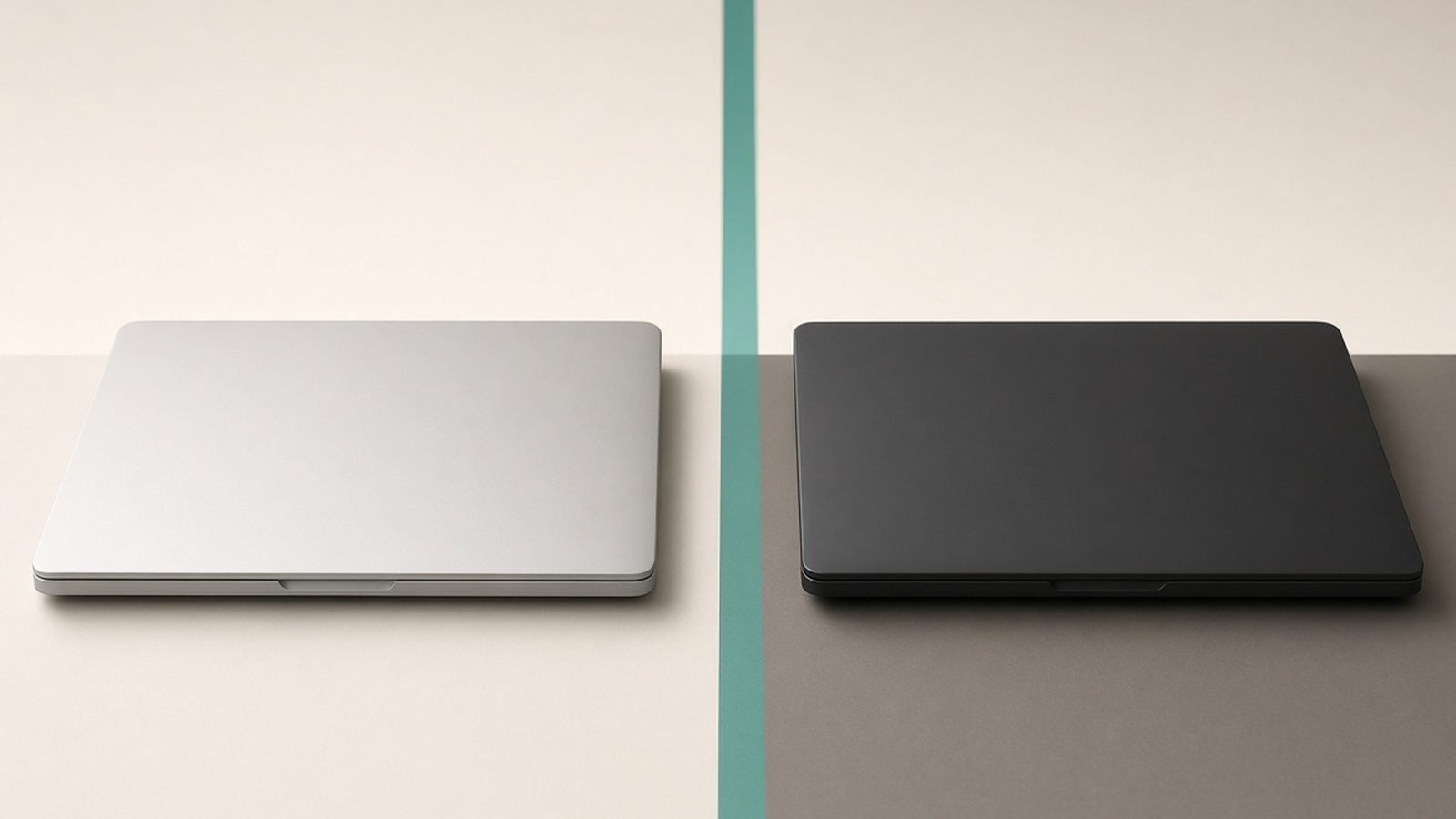
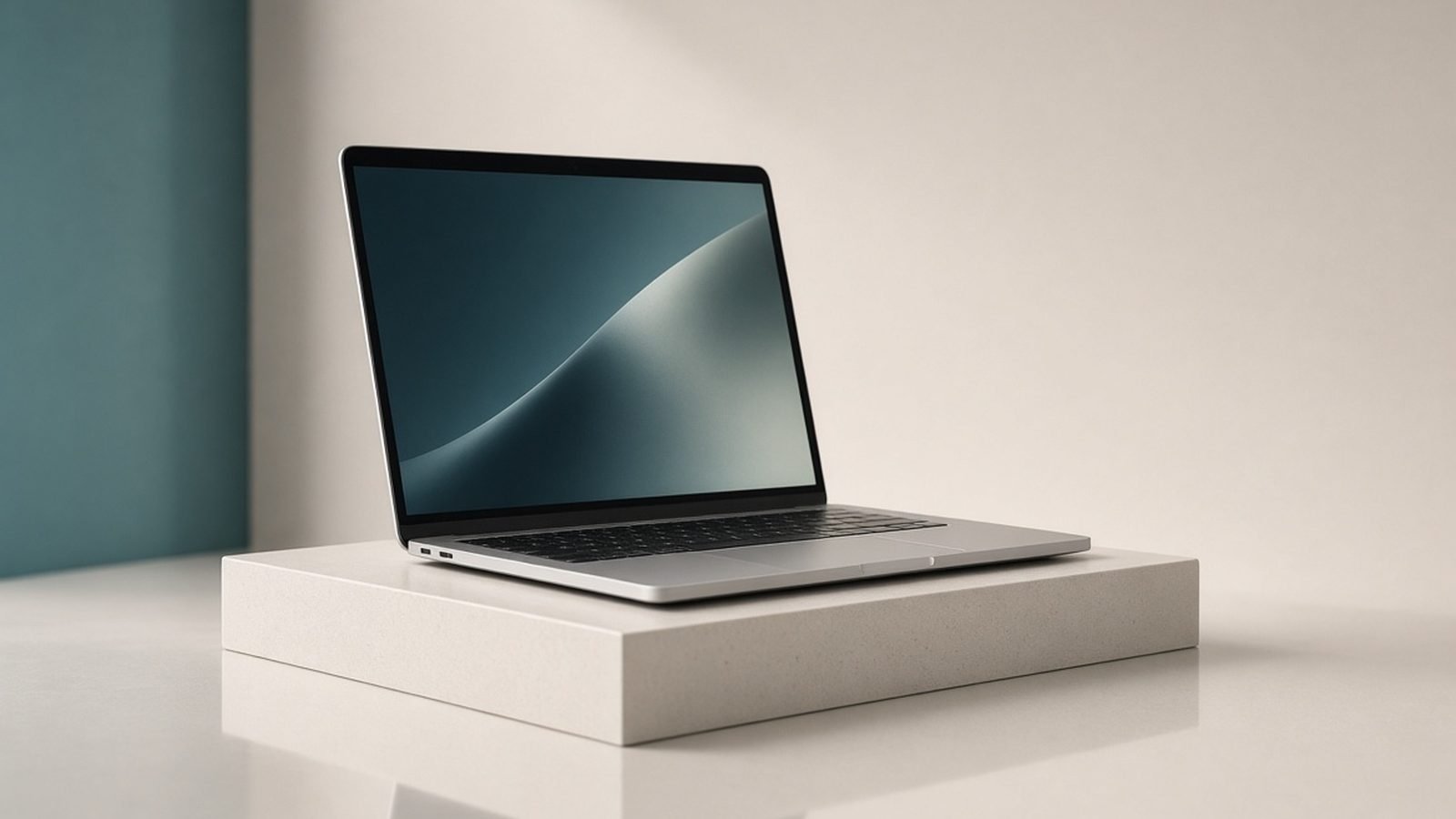
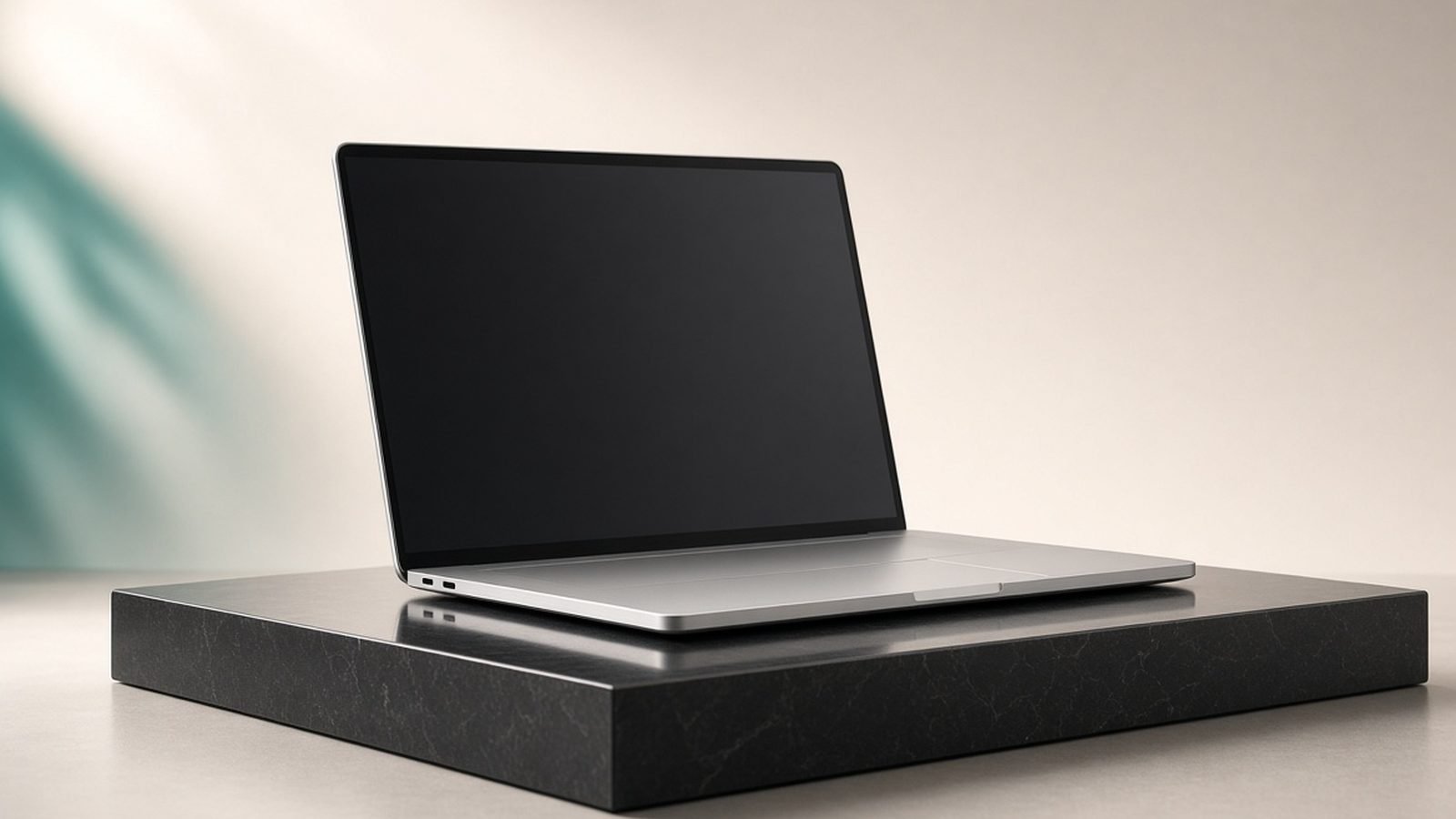
Dell carried the XPS 13’s controversial “InfinityEdge” language up to the 16, and the result is the best-looking Windows laptop in its class. The chassis is CNC-milled aluminium with a Gorilla Glass palm rest, near-borderless display, and a clean lattice-free deck. It feels every bit as expensive as it costs.
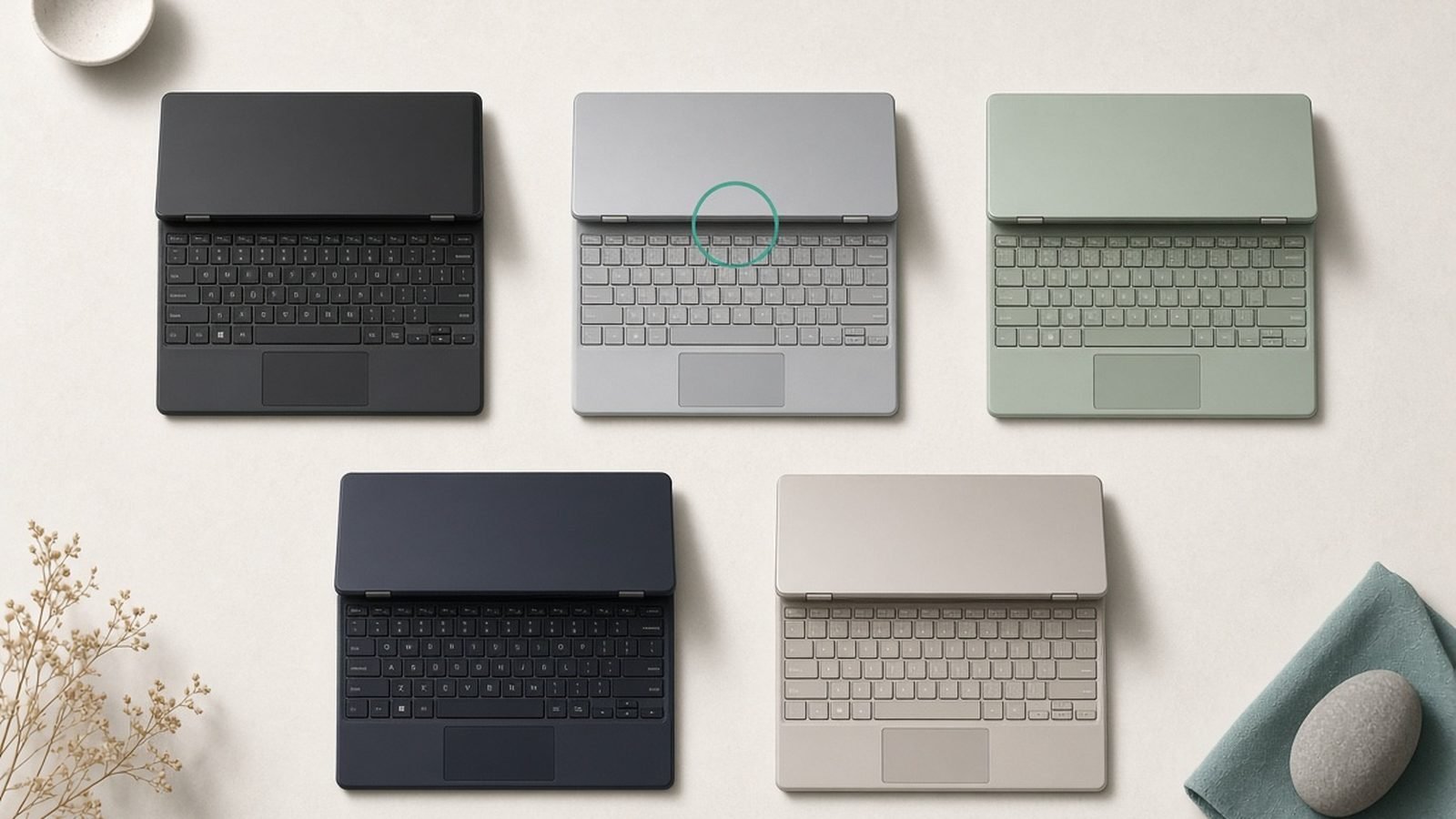
The headline design choice is the keyboard deck. The function row is a capacitive touch strip that is invisible until backlit, and the seamless haptic trackpad has no visible borders. Both look spectacular in photos. In daily use, owner feedback splits hard: some adapt in a week and love the clean flush keys; others never stop mis-hitting the touch function row or hunting for the trackpad edges. Touch-typists tend to be fine; anyone who lives on the F-keys or Escape (developers, video editors with shortcut-heavy apps) should try before they buy.
Port selection is minimalist to a fault: three USB-C Thunderbolt 4 ports, a microSD reader and a headphone jack. There’s no USB-A, no HDMI and no full-size SD slot, which stings on a laptop aimed partly at photographers. Dell bundles a USB-C-to-USB-A and USB-C-to-HDMI adapter, but you will end up carrying a dock. Our Best Laptops 2026: Top Picks for Every Need roundup weighs how much that matters against rivals.
Display and speakers: the reason to buy it
The OLED panel is the star. The 3.2K (3840×2400) 16.3in display is bright, wildly contrasty, colour-accurate enough for photo and video work, and runs at up to 90Hz for smoother scrolling than most OLED laptops. Based on published specs and owner reports, it’s one of the best screens on any Windows laptop, full stop. The trade-off is battery drain and the usual OLED caveats around long-term burn-in with static UI elements.
If you don’t need OLED, the FHD+ IPS base panel is lighter on the battery and cheaper, but it’s a clear step down and undercuts the main reason to pick this machine. The quad-speaker system is genuinely good too — loud, full and better than most laptops this thin, which makes the XPS 16 a strong media and reference machine for creatives.
Performance: fast, until the fans give up
With Intel Core Ultra (Series 2) chips and up to an NVIDIA RTX 4070 laptop GPU, the XPS 16 is quick at real work: photo editing, 4K video timelines, code compiles and design apps all run smoothly in the higher configurations. The RTX 4070 build also handles 1080p–1440p gaming at medium-high settings, though this is a creator laptop that games, not a gaming laptop.
The recurring theme in owner feedback is thermals. In a chassis this slim, sustained CPU-plus-GPU loads push temperatures up and fans get audible, and Dell tunes power to protect the design rather than chase peak numbers. For bursty creative work it’s excellent; for hours of rendering or gaming it throttles and gets warm on the deck. If sustained multi-core performance is your priority, a thicker mobile workstation or a MacBook Pro will hold clocks better. We compare the platforms directly in MacBook vs Windows Laptop 2026: Which Is Right for You?.
Battery life: the weak spot
This is where the XPS 16 is merely average. The OLED panel and discrete GPU are power-hungry, and real-world owner reports land around 6–9 hours of mixed use on the OLED model — fine for a day at a desk with a charger nearby, less reassuring for all-day travel. The IPS configuration does noticeably better. If you want a machine that reliably lasts a full working day away from power, this isn’t the class leader; business ultraportables like those in Best Business Laptops 2026: Reliable & Secure are the safer bet.
Value and who it’s for
The XPS 16 is not trying to be cheap. A well-specced OLED/RTX build sits near $2,399 / £2,399, in the same bracket as a 16in MacBook Pro and premium creator laptops. What you’re paying for is design, the display and the trackpad — not endurance or expandability.
Buy it if you want the best-looking Windows creator laptop, you value screen quality above all, and you mostly work plugged in or near power. Skip it if you need long battery life, lots of ports, sustained rendering performance, or the best price-to-performance — a 2-in-1 or a business ultraportable may serve you better.
Pros: Class-leading OLED, premium build, RTX graphics, superb trackpad and speakers. Cons: Divisive keyboard/function row, warm and loud under load, average battery, port-limited, expensive.
Verdict
The Dell XPS 16 in 2026 is a designer’s Windows laptop: buy it for the screen, the build and the badge, and go in clear-eyed about the keyboard quirks, the thermals and the battery. Nothing else in the Windows world nails the “expensive object” feel quite like it, and for creatives who work mostly at a desk with an OLED-first workflow, it’s genuinely desirable. Just make sure you’ve handled that capacitive function row before you commit. For alternatives, weigh it against the picks in Best Laptops 2026: Top Picks for Every Need and the convertibles in Best 2-in-1 Laptops 2026: Convertibles & Tablets.
FAQ
Is the Dell XPS 16 worth it in 2026? For the right buyer, yes. If you want a premium Windows creator laptop with a spectacular OLED display, RTX graphics and a first-class build, it’s one of the best. It’s not the best value or the best-battery option, so it’s worth it specifically for design, screen quality and creative work rather than raw endurance.
Does the Dell XPS 16 have good battery life? It’s average for the class. Owner reports put the OLED model around 6–9 hours of mixed use, while the IPS configuration lasts longer. It’s fine for a desk-based day near power, but if all-day travel endurance matters most, a business ultraportable will serve you better.
Is the XPS 16 keyboard actually bad? It’s divisive, not bad. The edge-to-edge keys and invisible capacitive function row look clean but take adjustment. Touch-typists usually adapt within a week; people who rely on physical F-keys or Escape often struggle. Try it in a store if you can before committing.
Dell XPS 16 vs MacBook Pro — which is better? The MacBook Pro holds sustained performance better, runs cooler and lasts longer on battery; the XPS 16 counters with Windows, touch, RTX graphics and arguably a nicer-looking chassis. It comes down to your operating system and workflow — see our full MacBook vs Windows Laptop 2026: Which Is Right for You? breakdown.
Can the Dell XPS 16 game? The RTX 4060/4070 configurations handle 1080p–1440p gaming at medium-high settings well. But it’s a creator laptop first: thermals limit sustained performance, so a dedicated gaming laptop will run cooler and faster for long sessions.
What ports does the Dell XPS 16 have? Three USB-C Thunderbolt 4 ports, a microSD reader and a headphone jack — no USB-A, HDMI or full-size SD. Dell includes USB-C adapters, but most owners end up using a dock or dongle for accessories and external displays.
Zen Tech Hub may earn a commission from links on this page, at no extra cost to you.