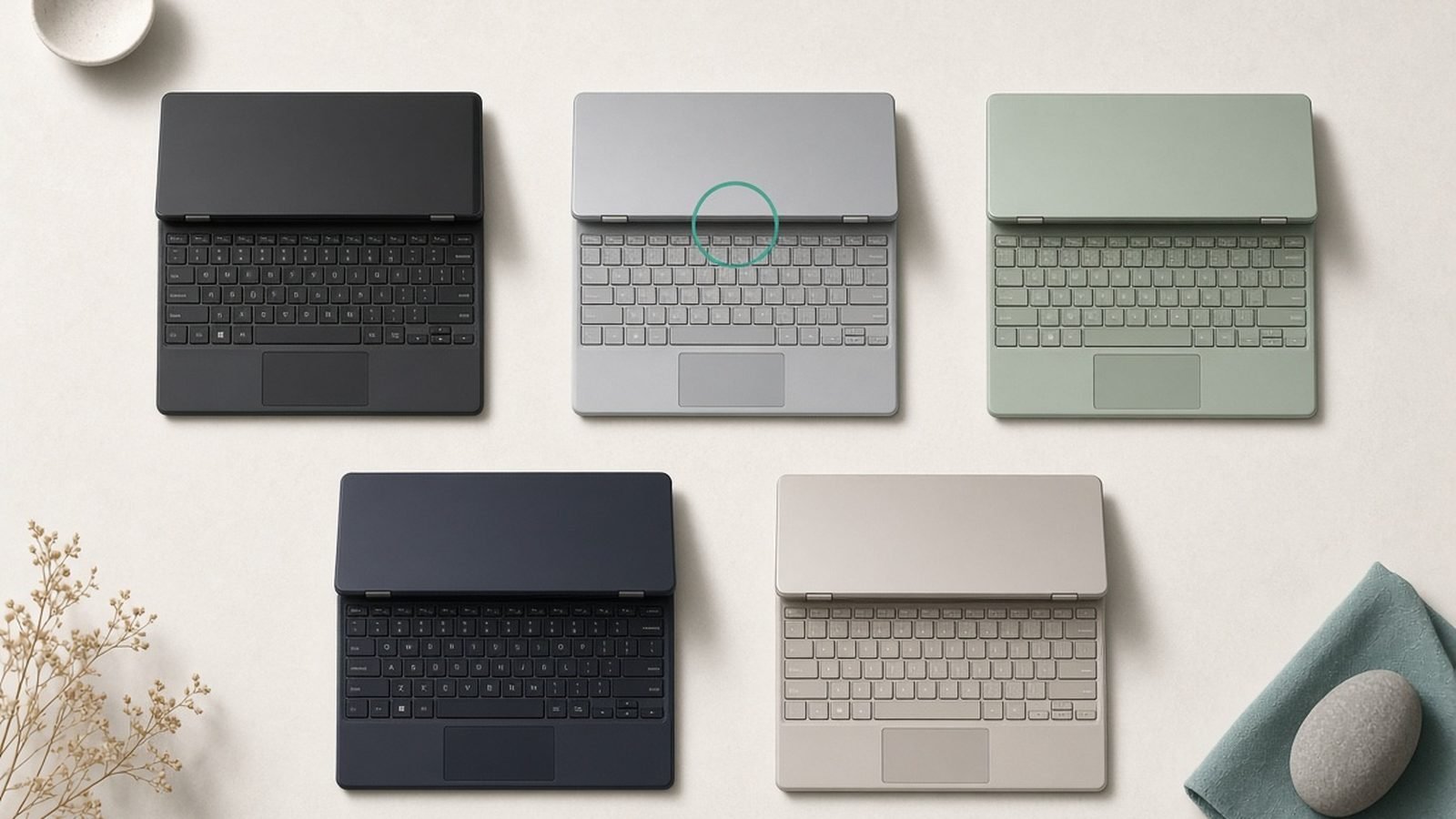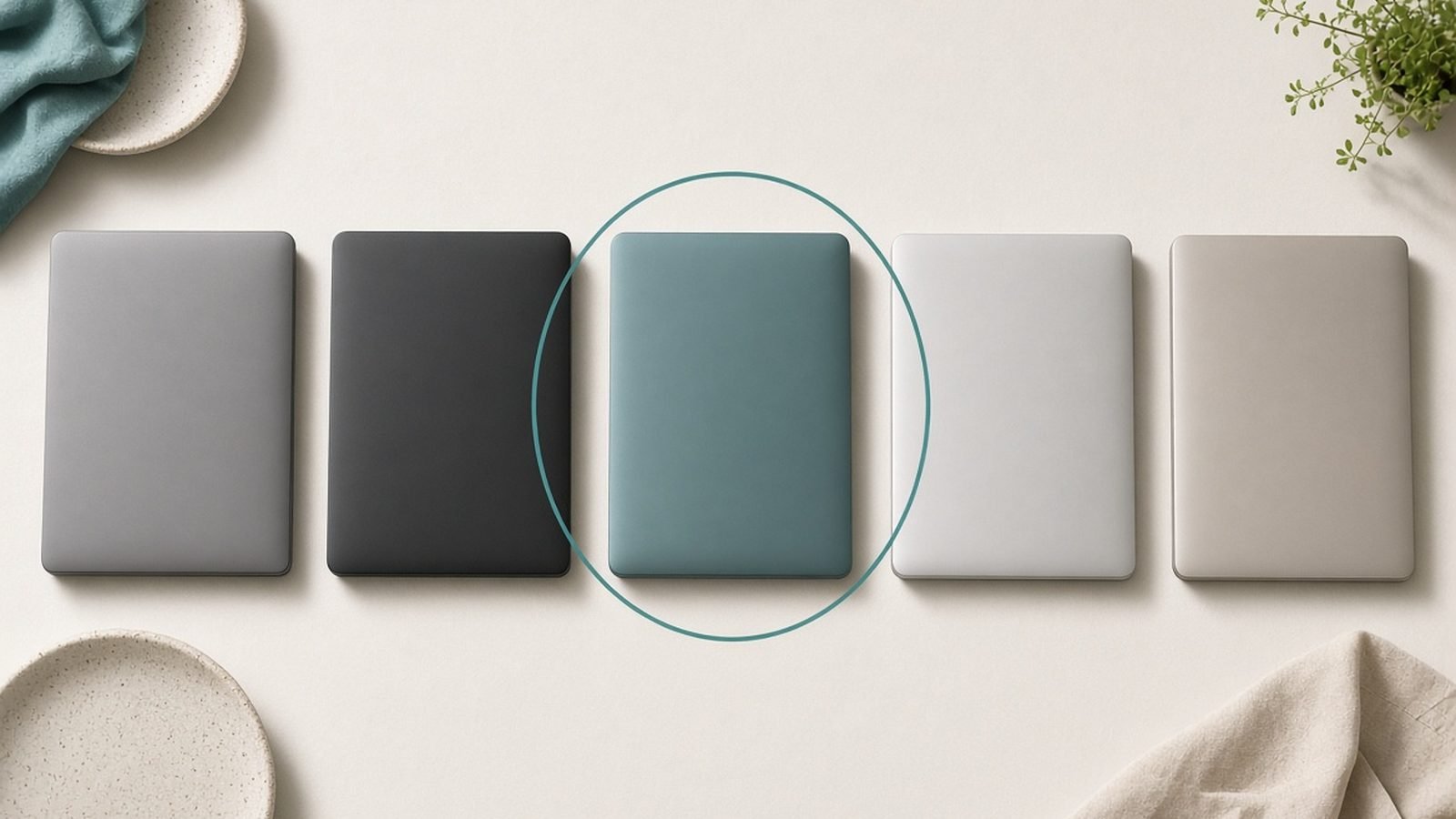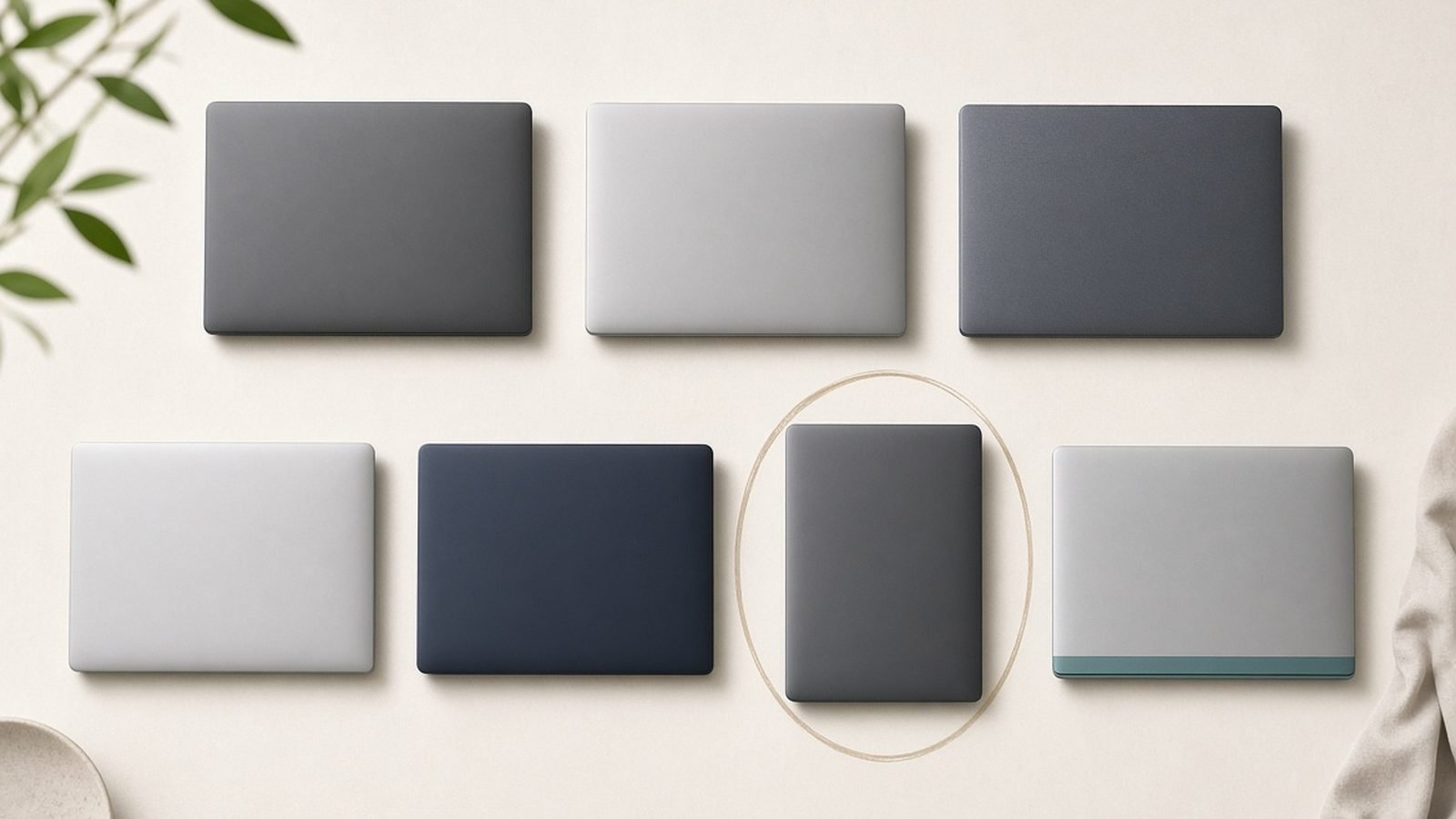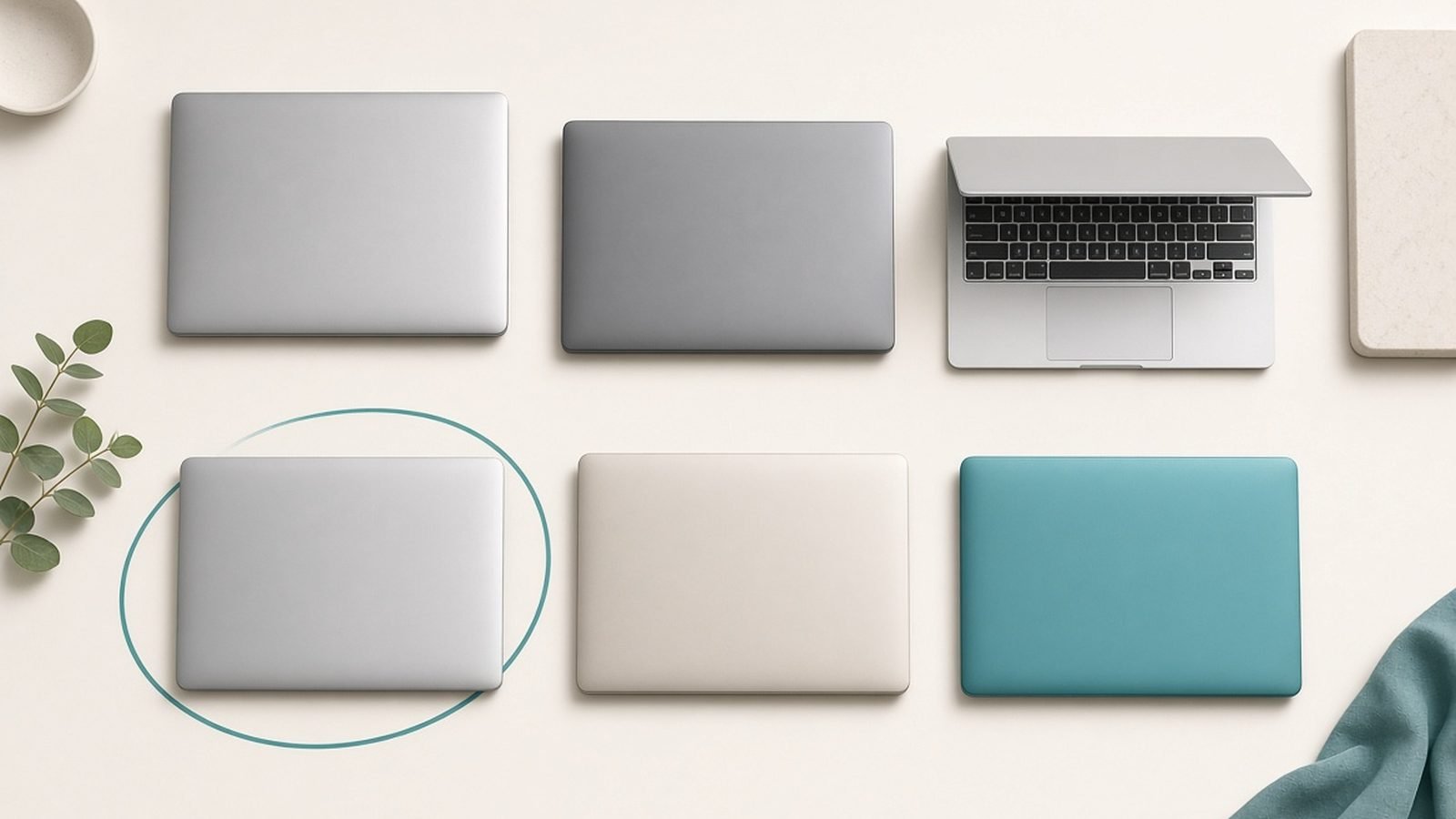
The best laptop for most students in 2026 is the Apple MacBook Air M5 at around $1,099 / £1,099: it is light, silent, lasts a full day of classes on one charge, and is fast enough to carry a student through four years and beyond. If that is out of budget, the picks below drop to a superb sub-$700 Windows machine and a genuinely useful Chromebook, so there is a strong option at every price a student is likely to spend.
This guide focuses on the two things that actually matter in a backpack: battery life that survives a day of lectures, and value that respects a tight budget. We pair published specs and current US and UK pricing with aggregated owner feedback, and we are upfront about method below. Whether you are heading to university, sixth form, or a coding bootcamp, start here.
Best student laptops 2026 at a glance
| Pick | Laptop | Best for | Price (US / UK) |
|---|---|---|---|
| Best overall | MacBook Air M5 (13in) | Most students | ~$1,099 / £1,099 |
| Best value Windows | ASUS Vivobook 16 | Big screen, low price | ~$699 / £649 |
| Best under $700 | Acer Aspire 14 AI | Tight budgets | ~$649 / £599 |
| Best Chromebook | Lenovo Chromebook Plus | Web-first study | ~$499 / £449 |
| Best 2-in-1 for notes | HP Pavilion x360 14 | Handwritten notes | ~$749 / £699 |
| Best for STEM/engineering | Lenovo Legion Slim 5 | Heavy software | ~$1,199 / £1,199 |
Prices shift with back-to-school promotions and RAM costs, so treat these as mid-2026 reference points.
How we picked
Our picks come from manufacturer specs, current US and UK retail pricing, and aggregated owner reports from reviews and long-term threads. When we describe battery life or build quality, we are summarizing published patterns, not lab measurements we took ourselves. We do not invent benchmark figures.
For students we weighted battery life first, because a laptop that dies before the afternoon seminar is useless. Then durability, since these machines live in bags and take knocks; then value, keyboard comfort for long essay sessions, and enough RAM (16GB where possible) to keep dozens of tabs and a video call running at once.
Best overall: MacBook Air M5
M5 chip, 16GB unified memory (base), 13.6in Liquid Retina, fanless. Around $1,099 / £1,099.
The MacBook Air M5 is the laptop we would put in most students’ hands. It is thin and light enough to forget in a bag, completely silent because there is no fan, and its battery genuinely lasts a full day of lectures, note-taking, and web research, often 15+ hours of light use in owner reports. Apple’s move to 16GB base memory means even the cheapest model multitasks smoothly.
Longevity is the quiet superpower. macOS stays fast for years, resale value is strong, and the aluminum body survives four years of campus life. The trackpad and screen are the best in the class, which matters when you stare at them all day.
The downsides: only two ports, so budget for a hub (see Best USB-C Hubs & Docks 2026: For Laptops & Desks), a 60Hz display, and expensive storage upgrades, so buy enough at checkout. If you want the full breakdown, we cover it in MacBook Air M5 Review 2026: The Laptop for Most People and rank the range in Best MacBook 2026: Which Mac Laptop Should You Buy?.
Pros:
- All-day, class-proof battery
- Silent and very light
- Holds value and speed for years
Cons:
- Only two ports
- 60Hz screen
- Costly storage upgrades
Who it’s for: Students who want one dependable laptop for all four years and can stretch to the price.
Best value Windows: ASUS Vivobook 16
Core Ultra or Ryzen, 16in IPS, 16GB RAM, 512GB SSD. Around $699 / £649.
For students who want Windows and a big screen without spending flagship money, the Vivobook 16 is the sweet spot. The roomy 16-inch display makes split-screen research and writing genuinely comfortable, and you still get 16GB of RAM and a 512GB SSD, the specs that keep a laptop feeling quick for years.
It handles the real student workload, browser tabs, office apps, streaming, and calls, without fuss, and battery life is solid for a big-screen machine at around 10-12 hours of light use. The keyboard is comfortable for long essays, and there is a full spread of ports.
Compromises match the price: the chassis is plastic, the IPS screen is fine rather than vivid, and it is not a gaming or heavy-video machine. As an affordable, do-everything Windows laptop with a big screen, though, it is hard to beat.
Pros:
- Large, comfortable 16in screen
- 16GB RAM and fast SSD
- Genuinely affordable
Cons:
- Plastic build
- Ordinary IPS panel
- Not for gaming or 4K editing
Who it’s for: Windows students who want screen real estate and strong value over a premium finish.
Best under $700: Acer Aspire 14 AI
Intel Core or Snapdragon, 14in IPS, 16GB RAM, 512GB SSD. Around $649 / £599.
The Aspire 14 AI is proof you do not need to overspend for a reliable study machine. At around $649 / £599 it packs 16GB of RAM, a 512GB SSD, and a matte 14-inch screen into a light body, and it covers the essentials, writing, research, streaming, and video calls, with room to spare. Battery life is a highlight, often stretching past a full school day.
It is smaller and easier to carry than the Vivobook 16, which some students will prefer for commuting. The trade-offs are the usual budget ones: a plastic build and a middling IPS panel, and it is not built for demanding games or 4K editing.
For most coursework, none of that matters. We compare the wider affordable field in Best Budget Laptops 2026: Great Value Under $700.
Pros:
- 16GB RAM for the money
- Long battery life
- Light and portable
Cons:
- Plastic chassis
- Basic screen
- Limited for heavy media
Who it’s for: Budget-focused students who want a dependable everyday laptop under $700.
Best Chromebook: Lenovo Chromebook Plus
Intel Core or MediaTek, 14in IPS, 8-16GB RAM, ChromeOS. Around $499 / £449.
If a student’s world is Google Docs, browser tabs, streaming, and web apps, a Chromebook Plus is the smartest way to spend under $500. ChromeOS boots in seconds, updates itself invisibly, is very hard to clog with malware, and the “Plus” tier guarantees stronger hardware and built-in AI features than basic Chromebooks. Battery life is excellent, easily a full day.
It also runs Android apps and can handle light Linux use for coding classes, which extends its reach beyond the browser. For younger students especially, the simplicity and low price are the whole point.
The catch is ecosystem: no native Windows or macOS software, so it will not run desktop apps some courses require, and offline work depends on apps that support it. Check your program’s software list before committing.
Pros:
- Fast, low-maintenance ChromeOS
- Excellent battery life
- Very affordable
Cons:
- No Windows/macOS apps
- Weaker for heavy offline work
- Limited by web ecosystem
Who it’s for: Web-first students, and families equipping younger learners on a budget.
Best 2-in-1 for notes: HP Pavilion x360 14
Core Ultra, 14in touch IPS, 16GB RAM, pen support, convertible. Around $749 / £699.
Students who take handwritten notes, annotate PDFs, or sketch diagrams should look at a convertible, and the Pavilion x360 14 is the value champ. The 360-degree hinge folds it into a tablet, and with a supported active pen you can scribble equations and mark up lecture slides directly on the screen.
As a regular laptop it is perfectly capable, with 16GB of RAM and a comfortable keyboard for essays, so you are not sacrificing productivity for the tablet trick. Battery life is reasonable for the flexibility on offer.
It is heavier than a slab ultraportable, the pen is often a separate purchase, and the IPS touch panel is decent rather than dazzling. But for note-heavy courses, the ability to switch between typing and writing on one device is genuinely useful.
Pros:
- Flips to a tablet for pen notes
- 16GB RAM, full laptop capability
- Reasonable price for a convertible
Cons:
- Heavier than a clamshell
- Pen often costs extra
- Average touch panel
Who it’s for: Students in note- and diagram-heavy subjects who want to write by hand and type on one device.
Best for STEM and engineering: Lenovo Legion Slim 5
Ryzen AI or Core, RTX 5060/5070, 16in 165Hz, 16-32GB RAM. Around $1,199 / £1,199.
Some degrees, engineering, data science, CS with heavy simulation, or 3D and CAD work, need real graphics and CPU power, and a value gaming laptop is often the most cost-effective way to get it. The Legion Slim 5 pairs an RTX 50-series GPU with a strong CPU and a 16-inch high-refresh screen, so it chews through MATLAB, CAD, local machine-learning tasks, and virtual machines, and games well between deadlines.
You get 16GB (upgradeable to 32GB), fast storage, and Lenovo’s dependable cooling, which keeps performance steady under long compiles and renders. It is a lot of capability for the money.
The trade-offs are portability and battery: it is heavier than an ultraportable and lasts only a few hours off the charger under load. For students who need the power, that is a fair deal. Programming-focused students should also read Best Laptops for Programming 2026: Devs' Picks, and pure gamers our Best Gaming Laptops 2026: RTX 50-Series Picks Ranked guide.
Pros:
- Real GPU power for STEM software
- Upgradeable RAM and storage
- Strong value for the performance
Cons:
- Heavy for daily carry
- Short battery under load
- Overkill for non-technical courses
Who it’s for: Engineering, CS, and design students whose software demands a discrete GPU.
How to choose a student laptop
Put battery first. A full lecture day means aiming for 10+ real-world hours. Apple silicon and efficient Windows ultraportables clear that easily; gaming laptops do not.
Check your course software. Some programs require specific Windows or macOS apps. Confirm the required-software list before considering a Chromebook or switching ecosystems.
Get 16GB of RAM if you can. It is the difference between a laptop that stays smooth for four years and one that stutters by year two. Only accept 8GB on a cheap Chromebook.
Weigh size against your commute. A 16-inch screen is lovely for research at a desk but heavier in a bag; 13-14 inches is the better everyday carry.
Buy enough storage up front. 512GB is the comfortable baseline for coursework, files, and a few large apps. Cloud storage helps, but local space avoids constant juggling.
FAQ
What is the best laptop for students in 2026?
For most students, the MacBook Air M5 at around $1,099 / £1,099. It is light, silent, and its all-day battery survives a full timetable, while macOS and strong resale value keep it worthwhile across four years. If it is out of budget, the ASUS Vivobook 16 or Acer Aspire 14 AI deliver the same essentials, 16GB RAM and long battery, for far less.
How much should a student spend on a laptop?
Most students are well served in the $650-$1,100 / £600-£1,100 range. Under $700 buys a capable Windows machine like the Aspire 14 AI with 16GB of RAM; around $1,099 gets the MacBook Air M5 for the long haul. Only spend more if your course requires a discrete GPU for engineering, CAD, or data-science work.
Is a Chromebook enough for university?
For web-first study, Google Docs, research, streaming, and web apps, a Chromebook Plus is fast, cheap, and low-maintenance. The limitation is software: it cannot run desktop Windows or macOS applications, so it is a poor fit for courses that require specific programs. Always check your program’s required-software list before choosing one.
What battery life should a student laptop have?
Aim for at least 10 real-world hours so the laptop survives a full day of classes without a charger. Apple silicon MacBooks and efficient Windows ultraportables comfortably exceed that, often reaching 12-15 hours of light use. Gaming laptops are the exception; expect only a few hours away from the wall under load.
Do students need a 2-in-1 for note-taking?
Only if you genuinely write by hand or annotate documents often. A convertible like the Pavilion x360 lets you handwrite notes and mark up PDFs with a pen, which suits math, design, and PDF-heavy subjects. If you mostly type notes, a standard clamshell is lighter, cheaper, and just as effective.
How much RAM and storage do students need?
Target 16GB of RAM and a 512GB SSD. That combination keeps dozens of browser tabs, office apps, and a video call running smoothly, and leaves room for coursework, files, and a few large programs. You can drop to 8GB only on a budget Chromebook; avoid 256GB storage unless you rely heavily on the cloud.
Zen Tech Hub may earn a commission from links on this page, at no extra cost to you.