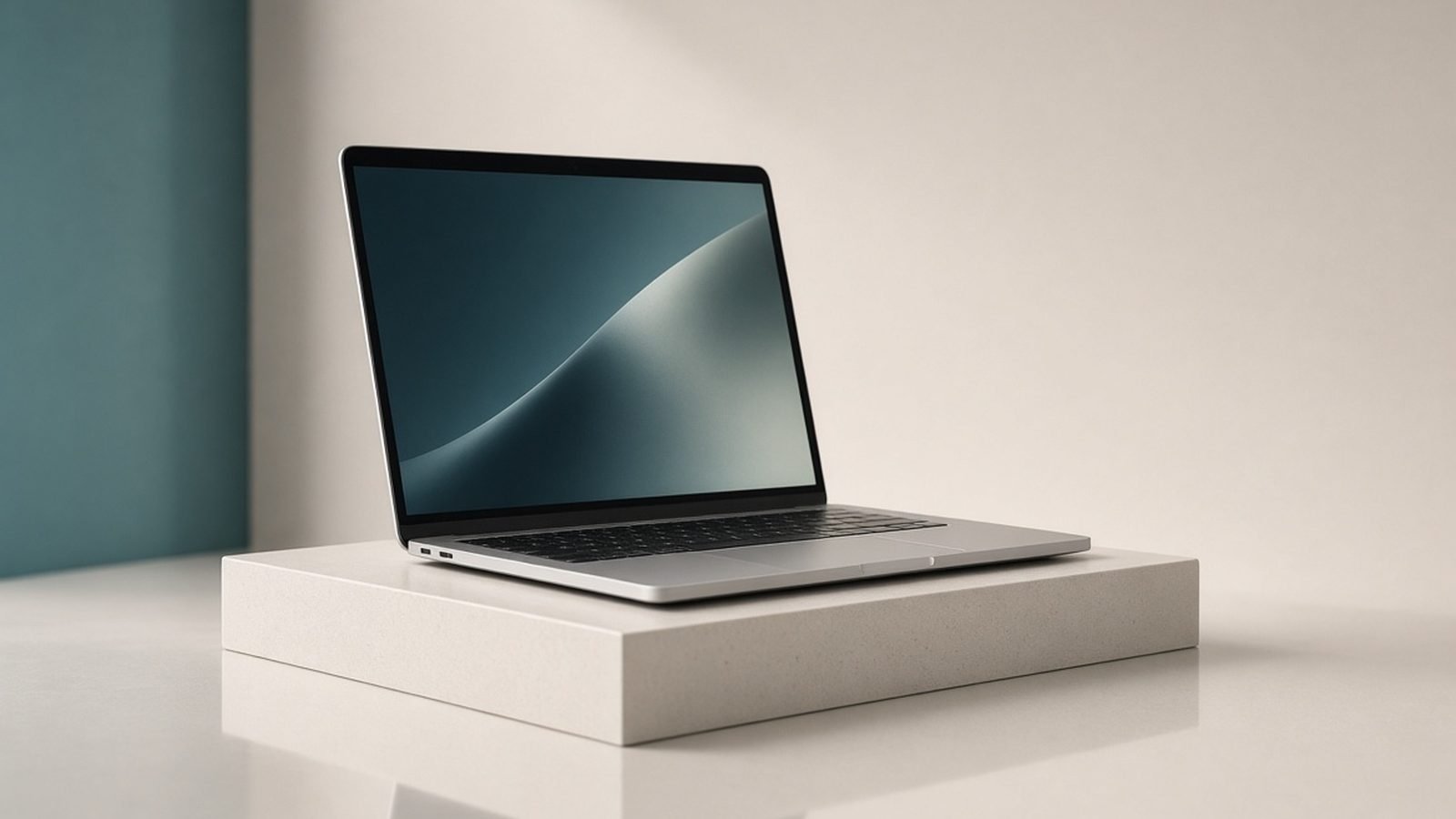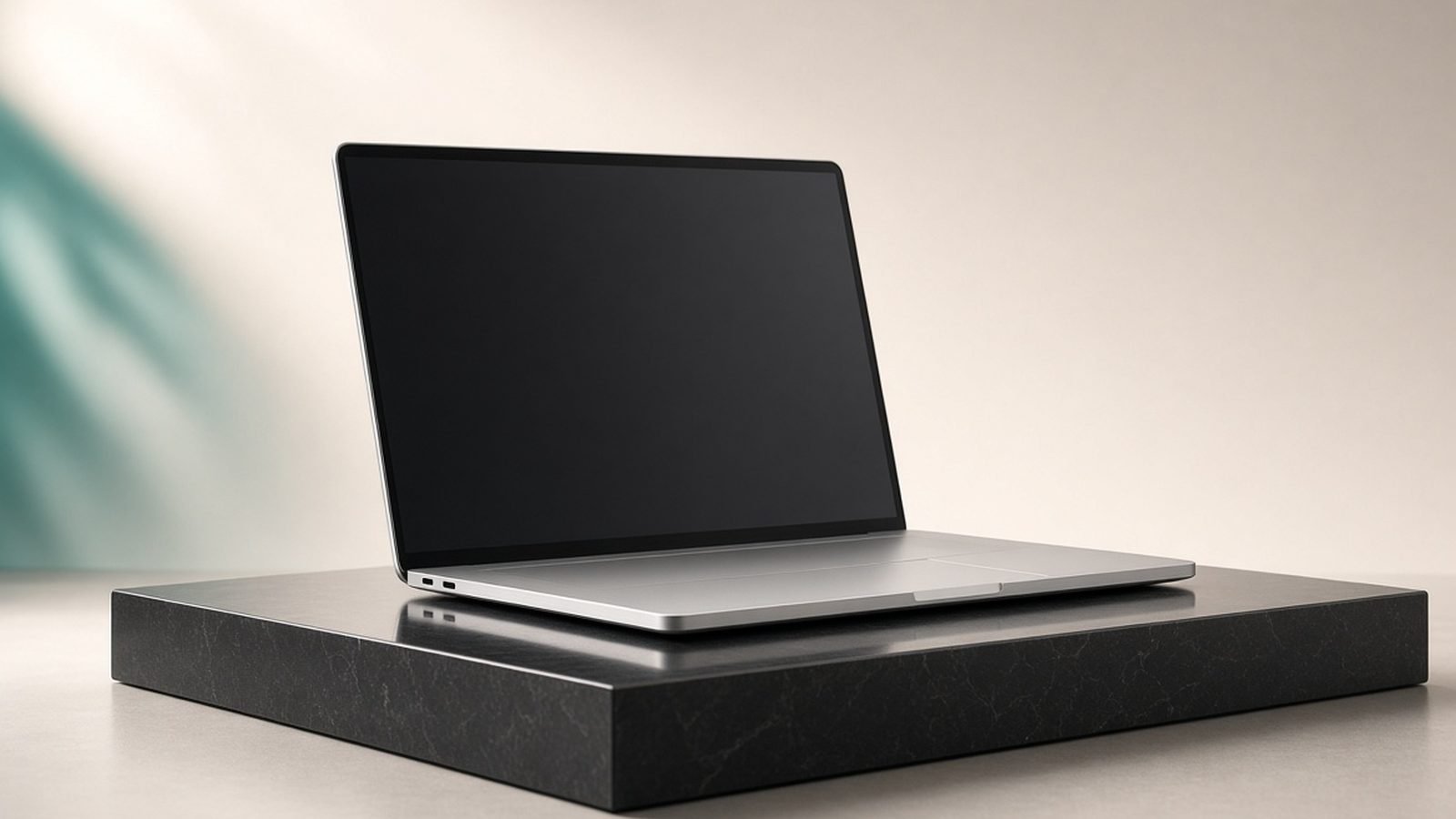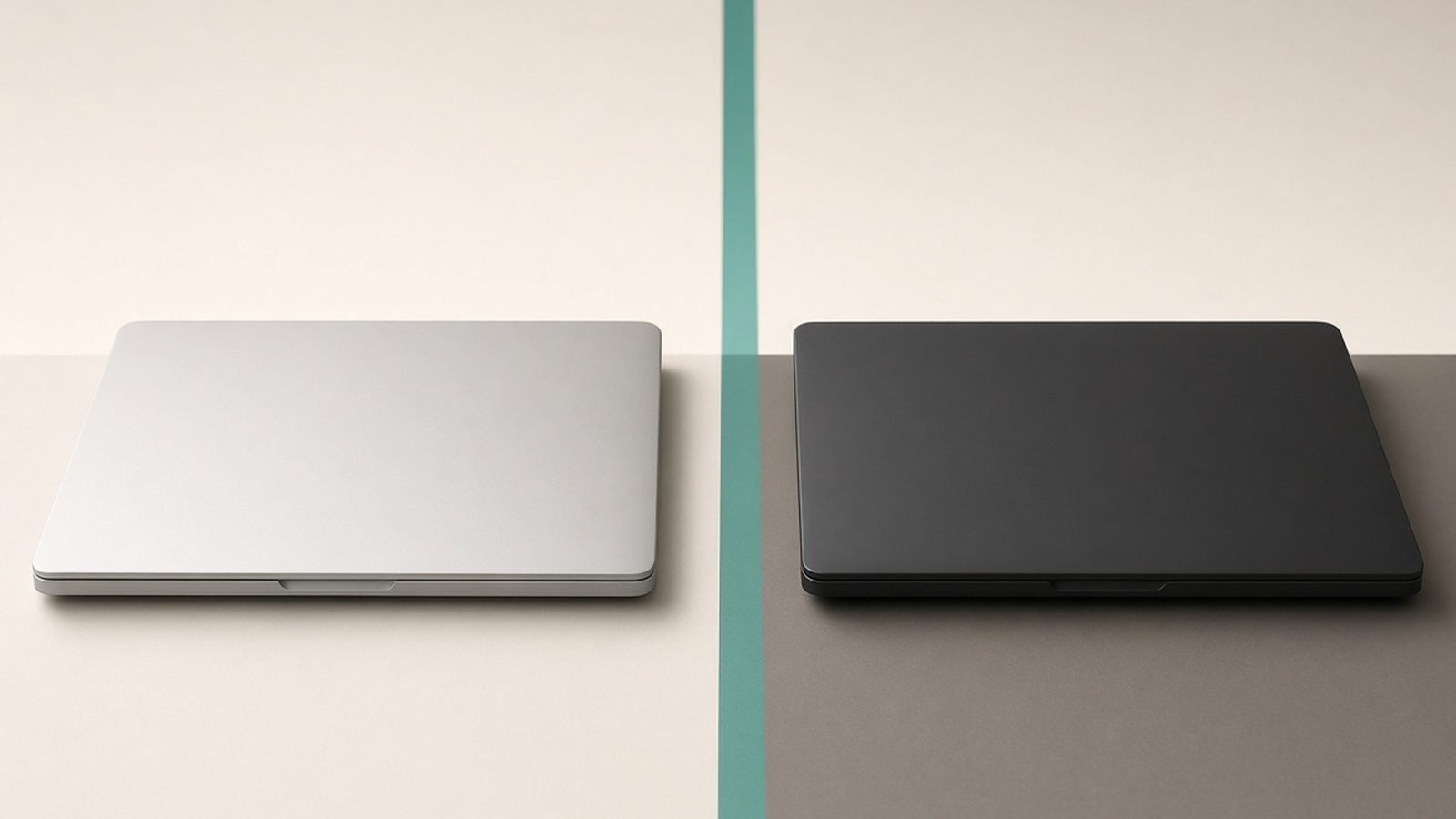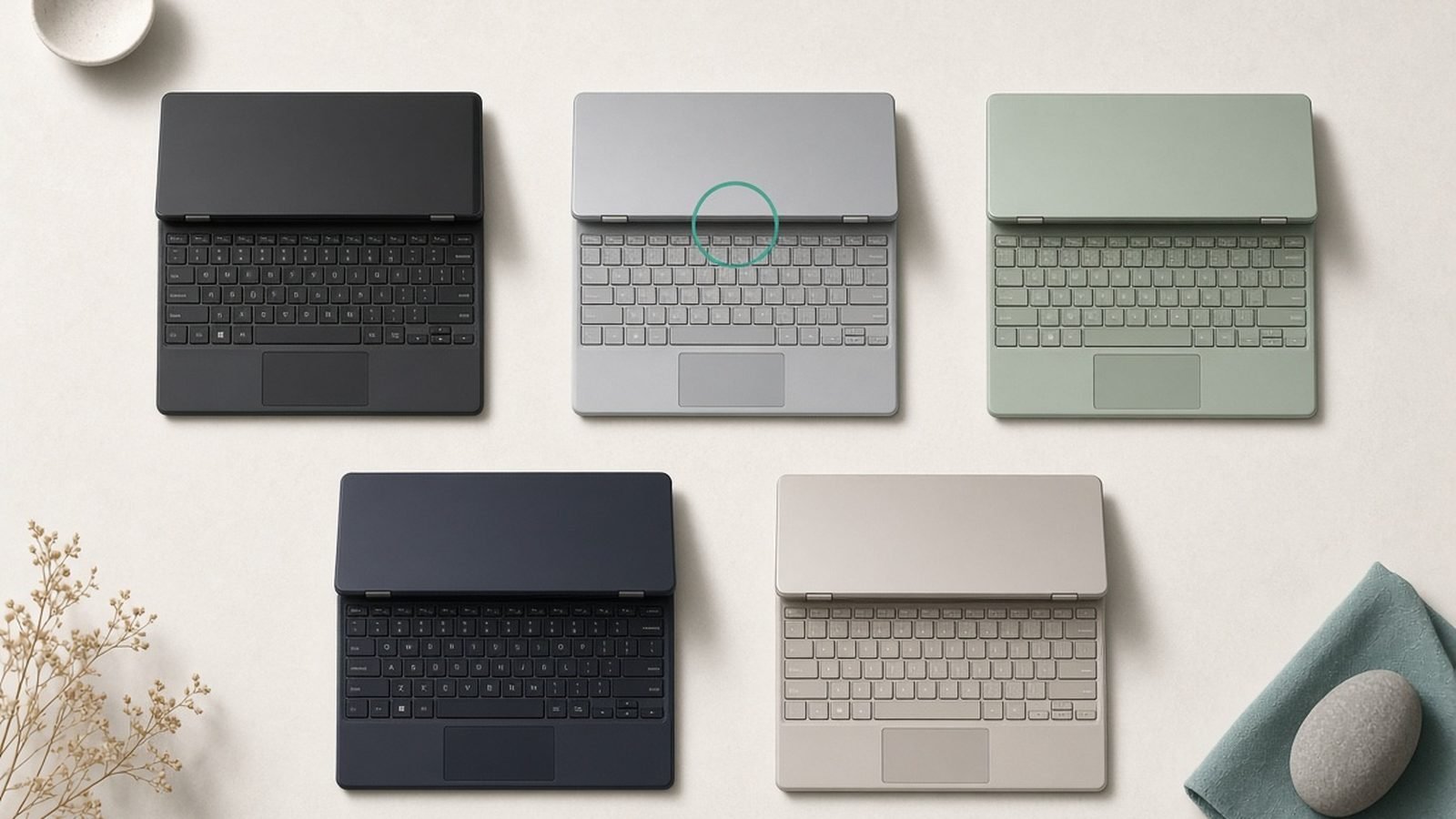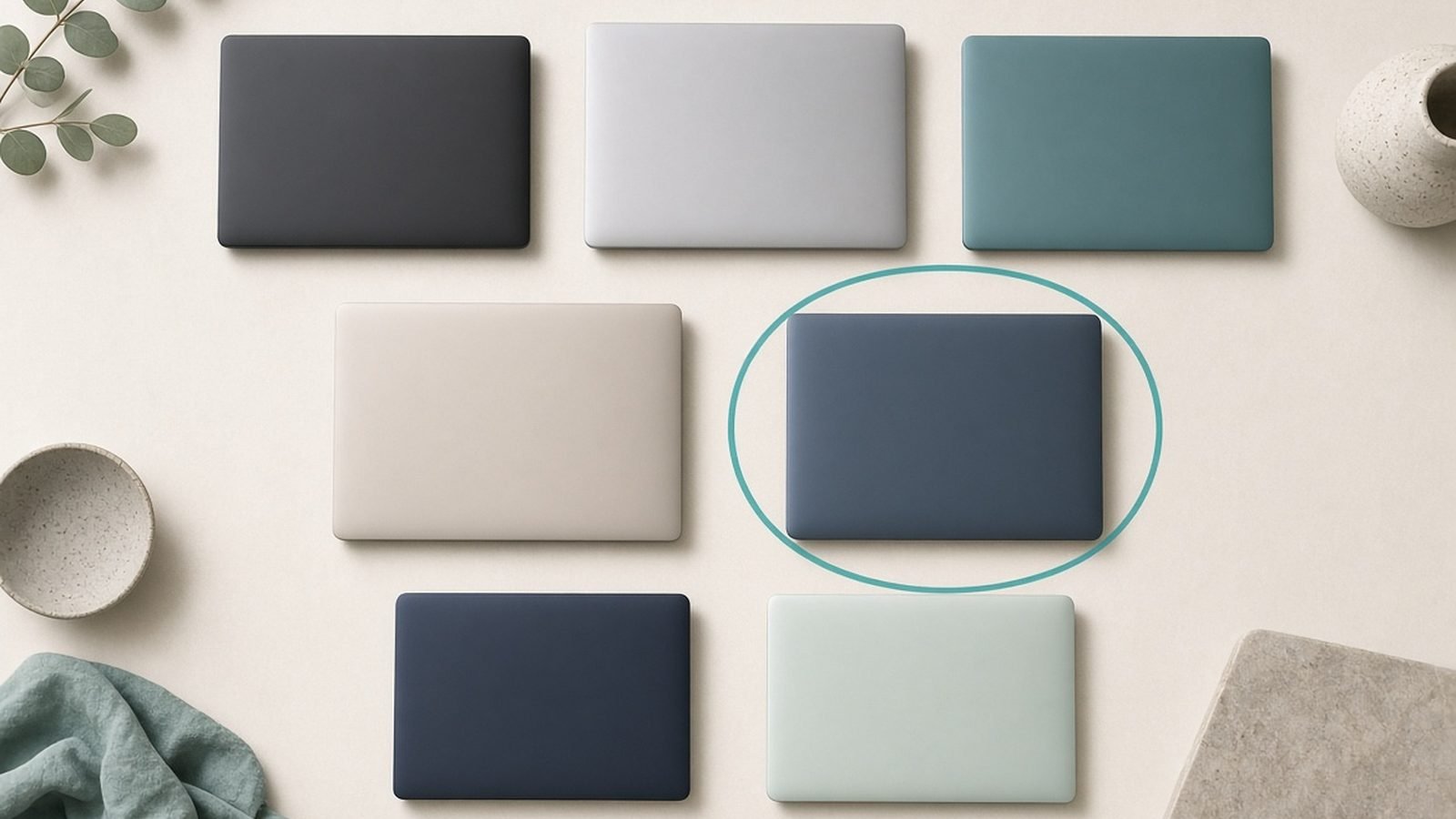
What makes the Apple MacBook Air M5 such an easy recommendation is not any single spec — it is the absence of trade-offs at its price. Most machines around $1,099 / £1,099 make you choose between fan noise, battery life and performance headroom; the Air simply does not, which is why it is the best laptop for most people in 2026 and the one we hand to the largest number of buyers without a second thought. The exceptions are real, though: if you need Windows, a bigger screen or serious graphics power, the picks below cover each case — along with what every machine actually costs right now in the US and UK, which matters more than usual in a year when RAM costs and promotions keep nudging street prices around.
This guide leads with what these machines actually cost right now, US and UK, and pairs that against published specs and aggregated owner feedback. We are a small editorial team, not a lab, so we are clear about method below. Whether you want the lightest ultraportable, the best Windows flagship, a gaming machine, or a genuinely good sub-$700 laptop, there is a pick here that fits.
Best laptops 2026 at a glance
| Pick | Laptop | Best for | Price (US / UK) |
|---|---|---|---|
| Best overall | MacBook Air M5 (13in) | Most people | ~$1,099 / £1,099 |
| Best Windows flagship | Dell XPS 14 (2026) | Premium Windows | ~$1,499 / £1,499 |
| Best pro laptop | MacBook Pro M5 Pro (14in) | Creators, devs | ~$1,999 / £2,099 |
| Best thin-and-light Windows | ASUS Zenbook 14 OLED | OLED on a budget | ~$1,099 / £1,049 |
| Best business laptop | Lenovo ThinkPad X1 Carbon Gen 13 | Typists, travel | ~$1,699 / £1,599 |
| Best gaming laptop | ASUS ROG Zephyrus G16 (RTX 5080) | Play and work | ~$2,199 / £2,199 |
| Best budget laptop | Acer Aspire 14 AI | Spending under $700 | ~$649 / £599 |
Prices move through the year with RAM costs and promotions, so treat these as mid-2026 reference points.
How we picked
Our picks come from manufacturer specs and documentation, current US and UK retailer pricing, and aggregated owner reports from reviews, forums, and long-term threads. When we say a machine “runs warm under load” or “has a mediocre webcam,” that reflects patterns in published feedback, not a stopwatch or a light meter in our hands. We never invent benchmark numbers.
We weighted four things: real-world battery life, keyboard and screen quality (the parts you touch all day), sustained performance for the price, and how well the whole package holds up over three or four years. A laptop that is fast on day one but throttles hard, or hinges that loosen, does not make the list.
Best overall: MacBook Air M5
M5 chip, 16GB unified memory (base), 13.6in Liquid Retina, fanless. Around $1,099 / £1,099.
The MacBook Air M5 is the default recommendation for a reason: it does almost everything most people need and asks for almost nothing in return. There is no fan, so it is completely silent, and Apple’s efficiency means genuine all-day battery, comfortably 15+ hours of light work in owner reports. The M5 adds a faster neural engine and more GPU muscle than the M4 it replaces, which shows up in on-device AI features and smoother creative apps.
Apple also finally made 16GB the base memory, so the entry model no longer feels compromised for multitasking. The screen is bright and color-accurate, the trackpad remains the best in the business, and the aluminum build shrugs off years of bag life.
The trade-offs are familiar. Ports are limited to two Thunderbolt and a headphone jack, so a hub is close to mandatory (see Best USB-C Hubs & Docks 2026: For Laptops & Desks). The 60Hz display looks dated next to 120Hz Windows OLEDs, and upgrading storage or RAM at checkout is expensive. If you want the deeper dive, we cover it in MacBook Air M5 Review 2026: The Laptop for Most People and rank Apple’s full range in Best MacBook 2026: Which Mac Laptop Should You Buy?.
Pros:
- Silent, fanless, and cool
- Excellent all-day battery life
- 16GB base memory at last
Cons:
- Only two ports
- 60Hz display
- Pricey storage and RAM upgrades
Who it’s for: Students, professionals, and families who want a fast, quiet, long-lasting laptop and do not need discrete graphics.
Best Windows flagship: Dell XPS 14 (2026)
Intel Core Ultra (Series 3) or optional RTX 5050, 14.5in OLED touch, 16-32GB RAM. Around $1,499 / £1,499.
If you want the Windows equivalent of the Air’s polish, the XPS 14 is it. Dell’s machined-aluminum chassis and edge-to-edge display still look a class above most rivals, and the optional 3.2K OLED touchscreen is gorgeous for photos, video, and everyday reading. You can also spec a modest RTX 5050 for light creative and gaming duty, which the MacBook cannot match on Windows software.
Performance from the latest Core Ultra chips is strong for productivity and handles Copilot+ AI features locally. Battery life is solid for a Windows laptop, though not Apple-class, landing most owners in the 10-12 hour range with the OLED dimmed.
The polarizing parts remain. The capacitive function row and the seamless “zero-lattice” keyboard divide people, so try before you buy if you can. The webcam is fine rather than great, and the OLED touch config gets expensive fast. Still, no other Windows ultraportable feels this premium.
Pros:
- Stunning OLED touch option
- Genuinely premium build
- Optional discrete graphics
Cons:
- Divisive capacitive keys
- OLED config gets costly
- Battery trails MacBooks
Who it’s for: Windows loyalists who want the best-looking, best-built ultraportable and will pay for the OLED.
Best pro laptop: MacBook Pro M5 Pro (14in)
M5 Pro chip, 24GB+ unified memory, 14.2in Liquid Retina XDR 120Hz, active cooling. Around $1,999 / £2,099.
When the Air is not enough, the 14-inch MacBook Pro with the M5 Pro is where serious creators and developers land. The mini-LED XDR display runs at 120Hz ProMotion, hits eye-searing HDR brightness, and is one of the best panels on any laptop. Active cooling lets the M5 Pro hold high clocks under long exports, code compiles, and video renders that would make the fanless Air throttle.
Connectivity is the other reason pros pick it: three Thunderbolt ports, HDMI, an SD card slot, and MagSafe charging mean fewer dongles. Battery life stays excellent despite the power, often 18+ hours of light use in owner reports.
It is heavier and pricier than the Air, and the base storage is stingy for the money. Casual users will never touch its ceiling and should save the cash. But for Xcode, DaVinci Resolve, Logic, or heavy Docker work, it is the most capable Mac laptop short of the M5 Max.
Pros:
- Superb 120Hz mini-LED XDR screen
- Sustained pro performance
- Ports galore, MagSafe included
Cons:
- Expensive, especially with storage
- Heavier than the Air
- Overkill for casual use
Who it’s for: Developers, video editors, and photographers who need sustained power and a reference-grade display.
Best thin-and-light Windows: ASUS Zenbook 14 OLED
Core Ultra or Ryzen AI, 14in 3K OLED 120Hz, 16-32GB RAM, ~1.2kg. Around $1,099 / £1,049.
The Zenbook 14 OLED is the value pick for anyone who wants a premium Windows ultraportable without XPS money. You get a genuinely lovely 14-inch 3K OLED at 120Hz, a light magnesium-aluminum chassis, and a full port selection including two Thunderbolt, USB-A, and HDMI, so you can often skip the dock.
The latest Core Ultra and Ryzen AI options are plenty for office work, browser-heavy multitasking, and Copilot+ features, and battery life is respectable at around 12-14 hours of light use thanks to the efficient panel and chip. It undercuts most rivals while feeling nicer than its price suggests.
It is not flawless. The speakers are only average, the keyboard is good but not ThinkPad-good, and sustained heavy loads will spin the fans up. As an all-rounder that punches above its price, though, it is the Windows laptop we recommend most often after the flagships.
Pros:
- Beautiful 3K 120Hz OLED
- Light with a full port set
- Strong value
Cons:
- Middling speakers
- Fans audible under load
- Keyboard good, not great
Who it’s for: Buyers who want an OLED Windows ultraportable and better value than the flagship tier.
Best business laptop: Lenovo ThinkPad X1 Carbon Gen 13
Core Ultra vPro, 14in low-power OLED or IPS, 16-32GB RAM, ~1.09kg. Around $1,699 / £1,599.
The X1 Carbon is the laptop you buy to type on for the next four years. Its keyboard is still the best in the business, the chassis is impossibly light for a 14-inch machine, and the carbon-fiber build passes military durability testing. Add in vPro manageability, a physical webcam shutter, and excellent Linux support, and you have the classic road-warrior choice.
The low-power OLED option is a genuine highlight this generation, pairing deep contrast with the efficiency that keeps battery in the 12-15 hour range. Repairability and long-term parts availability are better than most consumer ultraportables, which matters over a device’s life.
You pay for all this: the X1 Carbon is expensive at list price, though business discounts are common. Speakers are unremarkable and it is not a gaming or heavy-GPU machine. For people who live in documents, email, and terminals, none of that matters.
Pros:
- Best-in-class keyboard
- Extremely light and durable
- Great manageability and Linux support
Cons:
- High list price
- Weak speakers
- No discrete graphics
Who it’s for: Business users, frequent travelers, and anyone whose day is mostly typing.
Best gaming laptop: ASUS ROG Zephyrus G16 (RTX 5080)
Ryzen AI 9 or Core Ultra, RTX 5080 laptop GPU, 16in 2.5K 240Hz OLED. Around $2,199 / £2,199.
The Zephyrus G16 is the rare gaming laptop you would happily carry to a meeting. It is slim, clean-looking, and built around a stunning 16-inch 2.5K 240Hz OLED, yet packs an RTX 50-series GPU that handles modern titles at high settings with DLSS. That combination of desktop-class play and understated design is why it wins here.
For hybrid users it doubles as a strong creator machine, with the OLED’s color accuracy and the GPU accelerating video and 3D work. Build quality is excellent and the trackpad and keyboard are better than most gaming rivals.
The catches are inherent to the class: battery life away from games is modest, the fans get loud under sustained load, and the price is high. If gaming is the whole point, we compare the full field, including cheaper and more powerful options, in Best Gaming Laptops 2026: RTX 50-Series Picks Ranked.
Pros:
- Powerful RTX 50-series graphics
- Gorgeous 240Hz OLED
- Slim, professional design
Cons:
- Loud fans under load
- Short battery off the charger
- Premium price
Who it’s for: Gamers and creators who want serious GPU power in a portable, grown-up chassis.
Best budget laptop: Acer Aspire 14 AI
Intel Core or Snapdragon, 14in IPS, 16GB RAM, 512GB SSD. Around $649 / £599.
You should not have to spend four figures for a good laptop, and the Aspire 14 AI proves it. For around $649 / £599 you get 16GB of RAM, a 512GB SSD, a matte 14-inch screen, and a light chassis that handles browsing, office work, streaming, and video calls without complaint. Battery life is a real strength, often stretching past a full workday.
It is honest about what it is. The screen is a decent IPS panel rather than an OLED, the build is plastic, and it will not edit 4K video or run demanding games. But the fundamentals, enough memory, a fast SSD, and all-day battery, are the ones that keep a cheap laptop feeling fine for years.
We dig into the whole affordable field, including sub-$500 options, in Best Budget Laptops 2026: Great Value Under $700, and cover the student angle in Best Laptops for Students 2026: Value & Battery.
Pros:
- 16GB RAM at a low price
- Long battery life
- Light and practical
Cons:
- Plastic build
- Ordinary IPS screen
- Not for gaming or heavy media
Who it’s for: Budget buyers, students, and anyone who wants a dependable everyday laptop under $700.
How to choose the right laptop in 2026
Start with the OS. macOS is the smoothest, most efficient experience for general use; Windows wins on hardware variety, gaming, and specific business software. Pick the ecosystem first, then the model.
Get enough RAM. 16GB is the 2026 floor for comfortable multitasking, and it is now standard even on the MacBook Air. Only go to 8GB on a secondary or throwaway machine.
Match the screen to your eyes. OLED and mini-LED are worth it if you look at the screen all day or do color work. A good IPS panel is perfectly fine for budgets.
Weigh battery honestly. If you work untethered, Apple silicon and efficient Windows ultraportables lead; gaming laptops do not, no matter the marketing.
Do not overbuy graphics. Discrete GPUs add cost, heat, and weight. Only pay for one if you game or do serious GPU-accelerated creative work.
FAQ
What is the best laptop for most people in 2026?
The MacBook Air M5 at around $1,099 / £1,099. It is silent, lasts all day on battery, and is fast enough that most people never hit its limits, and the base model now ships with 16GB of memory. Unless you specifically need Windows, discrete graphics, or a larger screen, it is the easiest recommendation in the category.
Should I buy a Mac or a Windows laptop?
Choose the ecosystem before the model. macOS is more efficient, quieter, and simpler for general work, and Apple silicon battery life is unmatched. Windows offers far more hardware choice, better gaming, touch and OLED options across price points, and compatibility with business software that only runs on Windows. Both are excellent in 2026; the decision is about software, not quality.
How much RAM do I need in a 2026 laptop?
16GB is the practical minimum for smooth multitasking, multiple browser tabs, and on-device AI features, and it is now the base on machines like the MacBook Air. Step up to 32GB only if you edit video, run virtual machines, work with large datasets, or keep dozens of heavy apps open at once. Avoid 8GB except on a cheap secondary device.
Is an OLED screen worth it on a laptop?
If you spend hours looking at the display or do any color-critical work, yes. OLED delivers deeper blacks, richer color, and better contrast than IPS, and many 2026 OLED panels add 120Hz smoothness. The trade-offs are higher cost and slightly more battery drain on bright content. For strictly budget buyers, a good IPS screen is still perfectly usable.
Which laptop has the best battery life in 2026?
Apple silicon MacBooks lead, with the MacBook Air M5 and MacBook Pro routinely exceeding 15 hours of light use in owner reports. Efficient Windows ultraportables like the ThinkPad X1 Carbon and Zenbook 14 OLED land in the 12-15 hour range. Gaming laptops are the weakest, often under six hours off the charger regardless of the marketing claims.
Do I need a laptop with an NPU for AI features?
For local AI features in Windows (Copilot+) and macOS, a capable neural processor helps, and every laptop here has one. It speeds up things like live captions, image cleanup, and on-device assistants without hitting the cloud. That said, the heaviest AI work still runs in the cloud, so an NPU is a nice-to-have for now rather than a reason to overspend.
Zen Tech Hub may earn a commission from links on this page, at no extra cost to you.