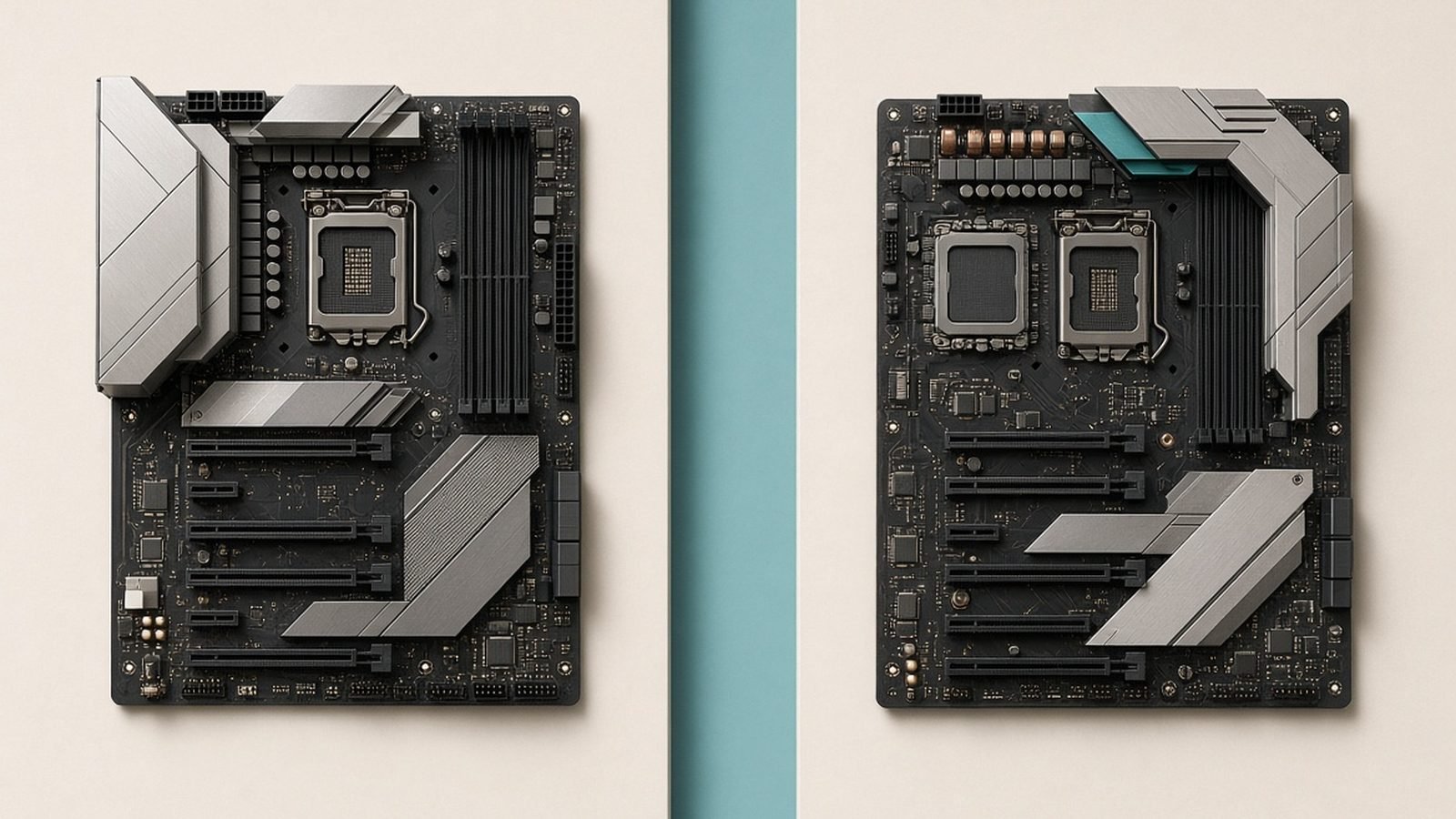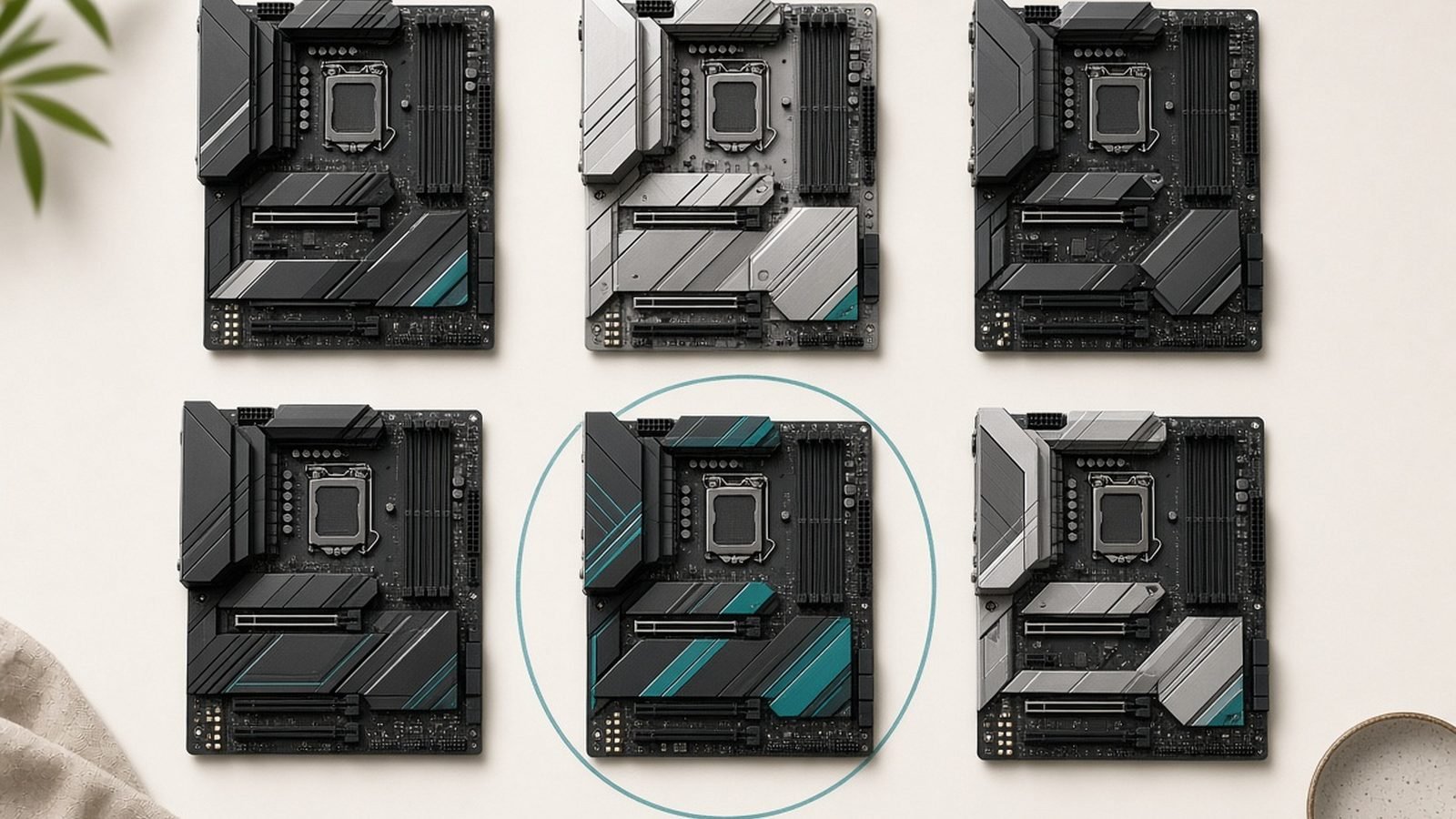
If you are building a Ryzen gaming rig this year, the best B850 motherboard for Ryzen is almost certainly a smarter buy than a pricey X870 board. B850 gives you the same Zen 5 support, PCIe 5.0 graphics and storage headroom, and modern Wi-Fi, but it strips out the flagship premium you rarely use. For anyone pairing a Ryzen 7 9800X3D with a single fast GPU, that is exactly the trade you want.
We have spent this guide focused on real buying decisions: which board is best overall, which is the best value AM5 motherboard, which premium option earns its price, and which mATX pick suits a compact build. Below is our quick-reference table, then a full breakdown of each board with pros, cons, and who it is actually for.
Quick comparison: best B850 motherboards 2026
| Board | Best for | Form factor | Approx price | Wi-Fi |
|---|---|---|---|---|
| MSI MAG B850 Tomahawk WiFi | Best overall / 9800X3D builds | ATX | around $220 / £210 | Wi-Fi 7 |
| ASRock B850 Pro RS | Best value AM5 motherboard | ATX | around $160 / £155 | Optional (WiFi SKU) |
| ASUS ROG Strix B850-F Gaming | Best premium B850 | ATX | around $290 / £280 | Wi-Fi 7 |
| Gigabyte B850M Aorus Elite | Best mATX B850 motherboard | Micro-ATX | around $180 / £175 | Wi-Fi 7 |
Why B850 is the smart 2026 AM5 choice
AM5 is a long-lived platform, and B850 sits in its sweet spot. You get official support for Ryzen 9000 (Zen 5) chips including the X3D gaming parts, DDR5 with EXPO, and a mandatory PCIe 5.0 M.2 slot on every B850 board — a genuine step up from where B650 started.
The honest reality for gamers is that X870’s headline extras — guaranteed USB4, more rear I/O, beefier power delivery for heavy overclocking — do very little for a single-GPU gaming build. A 9800X3D draws modest power and is largely locked down for tuning anyway, so a solid mid-range VRM handles it comfortably. That is why, in our research, B850 repeatedly lands as the value pick: you spend the savings on a better GPU or faster storage instead.
If you are still weighing tiers, our B850 vs X870: Which AM5 Motherboard Should You Buy? breakdown goes deeper, but the short version is that most gamers should stop at B850.
What to look for in a B850 board
VRM quality. This is the part that matters most for longevity and stable boost. You do not need a 20-phase monster, but avoid the cheapest boards with thin heatsinks. Every board on this list has power delivery that comfortably feeds a 9800X3D or even a 12-core 9900X.
PCIe 5.0 M.2. B850 mandates at least one Gen5 SSD slot. Useful for future drives, though a good Gen4 SSD is still the value sweet spot today. Count your total M.2 slots if you keep a lot of local storage.
Wi-Fi 7 and networking. The best B850 board for most people ships with Wi-Fi 7 and 2.5G Ethernet. If you are hard-wired only, a non-Wi-Fi SKU saves money.
USB4 (optional). On B850, USB4 is optional and often absent on some SKUs. If you use a USB4/Thunderbolt dock or external SSD enclosure, confirm the exact model before buying — this is the easiest spec to get wrong.
Layout and BIOS. EZ-latch M.2 heatsinks, a clear CMOS button, and a Q-Release GPU mechanism make life easier. If you are new to memory tuning, keep our How to Enable EXPO for DDR5 RAM (Ryzen AM5) guide handy for first boot.
Best overall: MSI MAG B850 Tomahawk WiFi
The Tomahawk line has been the default “just buy this” recommendation for years, and the B850 version keeps the crown. It combines a genuinely strong VRM, a clean and buildable layout, Wi-Fi 7, 2.5G LAN, and enough M.2 storage for the vast majority of builds — all at a mid-tier price. For a 9800X3D gaming PC, this is the board we point people to first, making it our pick for the best motherboard for 9800X3D owners who do not want to overthink it.
Based on owner reports and the aggregated review consensus, the Tomahawk runs cool under sustained load, posts reliably, and has a mature BIOS that makes EXPO and fan tuning painless. The main caveat: USB4 is not present on every Tomahawk SKU, so if you need it, verify the exact variant.
Pros - Excellent VRM with strong cooling for any gaming Ryzen chip - Clean, beginner-friendly layout and stable BIOS - Wi-Fi 7, 2.5G LAN, generous M.2 storage
Cons - USB4 missing on some SKUs — check before buying - Not the cheapest B850 if you only game at 1080p on a budget
Who it is for: anyone building a mainstream-to-high-end AM5 gaming rig who wants a no-drama board that will last the life of the platform.
Verdict: the safest, most balanced B850 board you can buy right now — our overall winner.
Check price: MSI MAG B850 Tomahawk WiFi
Best value: ASRock B850 Pro RS
If your goal is the best value AM5 motherboard, the ASRock B850 Pro RS is hard to beat. It undercuts the Tomahawk by a meaningful margin while still delivering a solid VRM, the mandatory PCIe 5.0 M.2 slot, and a full-size ATX layout. You lose some of the premium extras — fewer USB ports, a plainer heatsink design, and Wi-Fi only on the pricier WiFi SKU — but nothing that hurts a straightforward gaming build.
In our research, the Pro RS consistently shows up as the smart budget-conscious choice for a 9800X3D or Ryzen 5 build where every dollar not spent on the board goes toward the GPU. Owner feedback highlights a clean BIOS and reliable memory training, which is exactly what you want at this price.
Pros - Lowest sensible entry point into B850 with a trustworthy VRM - PCIe 5.0 M.2 and full ATX layout retained - Great pairing for a value-focused X3D gaming PC
Cons - Fewer premium extras (USB count, aesthetics) - Wi-Fi requires stepping up to the WiFi SKU
Who it is for: budget-minded builders who want maximum GPU money and refuse to overspend on the board.
Verdict: the best value B850 board of 2026, and our pick when the budget is tight.
Check price: ASRock B850 Pro RS
Best premium B850: ASUS ROG Strix B850-F Gaming
Some builders want the nicer board even on a mid-range chipset, and the ROG Strix B850-F Gaming is where the money goes. You get a heftier VRM, more and faster rear USB (frequently including USB4 on this tier — confirm your SKU), premium audio, robust Wi-Fi 7, tool-free M.2 and GPU release mechanisms, and the polished ROG BIOS. It is overkill for a pure 1080p gamer, but it shines in a high-end 9950X3D or content-creation build that also games.
The trade-off is obvious: you are paying an X870-adjacent price on a B850 board. That only makes sense if you specifically value the extra I/O, aesthetics, and build-quality touches.
Pros - Premium VRM, audio, and I/O with likely USB4 - Excellent tool-free build features and mature ROG BIOS - Great for high-core-count or creator-plus-gaming rigs
Cons - Priced close to entry X870 — questionable value for pure gamers - More board than a single-GPU 9800X3D setup needs
Who it is for: builders who want flagship feel, extra connectivity, and the best-looking B850 board without technically stepping up to X870.
Verdict: the premium choice — buy it for the features and finish, not because a gaming Ryzen chip demands it.
Check price: ASUS ROG Strix B850-F Gaming
Best mATX: Gigabyte B850M Aorus Elite
For a compact build, the Gigabyte B850M Aorus Elite is the best mATX B850 motherboard we would recommend. It packs a surprisingly capable VRM, Wi-Fi 7, and a PCIe 5.0 M.2 slot into a Micro-ATX footprint that drops into smaller cases. That makes it a strong base for a tidy 9800X3D system that does not need a huge tower.
The compromise with mATX is space: you get fewer M.2 slots and fewer PCIe slots than the ATX boards above. For most gamers running one GPU and one or two SSDs, that is a non-issue. If you are a storage hoarder, step up to a full ATX board.
Pros - Genuinely good VRM for a Micro-ATX board - Wi-Fi 7 and PCIe 5.0 M.2 in a compact form - Ideal foundation for small-form-factor gaming builds
Cons - Fewer M.2 and expansion slots than ATX - Tighter layout to work in
Who it is for: compact and small-form-factor builders who want modern features without going ATX.
Verdict: the mATX board to buy for a clean, space-saving Ryzen gaming PC.
Check price: Gigabyte B850M Aorus Elite
B850 vs B650 vs X870: quick guidance
B850 vs B650 for gaming. B850 is the newer tier and guarantees a PCIe 5.0 M.2 slot plus generally refreshed I/O. A great B650 board is still excellent for gaming, so if you find one heavily discounted with the VRM and features you need, it remains a smart buy. But at similar prices in 2026, B850 is the safer default.
B850 vs X870. X870 mandates USB4 and adds more high-speed I/O and top-end power delivery. For a single-GPU gaming build — even with a 9800X3D — that headroom mostly goes unused. Choose X870 only if you genuinely need USB4/Thunderbolt or run a high-core-count workstation-gaming hybrid.
Our verdict: for the great majority of Ryzen gamers, B850 is the right chipset, and the MSI B850 Tomahawk WiFi is the board to start with.
Planning the rest of the build? See our AMD Ryzen 7 9800X3D Review: Still the Gaming King? and Best Gaming CPU Under $300 in 2026 (AMD vs Intel) guides, and browse everything in the PC Hardware.
FAQ
Is B850 good enough for a Ryzen 7 9800X3D? Yes. The 9800X3D is efficient and largely locked for tuning, so it does not need flagship power delivery. Every board in this guide has a VRM that feeds it comfortably. B850 is arguably the ideal chipset for a 9800X3D gaming build, letting you redirect the savings toward a stronger GPU.
Do all B850 motherboards have PCIe 5.0 M.2? Yes. AMD’s B850 spec makes at least one PCIe 5.0 M.2 slot mandatory, so any B850 board supports a Gen5 SSD. That said, a fast Gen4 drive still offers better real-world value today, and you may not saturate Gen5 in typical gaming use for a while yet.
Does B850 support USB4? Sometimes. On B850, USB4 is optional and varies by model, whereas X870 mandates it. If you rely on a USB4 or Thunderbolt dock or external enclosure, confirm the exact SKU before buying, since two boards in the same family can differ.
Should I buy B850 or wait for a newer chipset? Buy now if you are building. AM5 is a long-life platform and B850 already supports current Zen 5 chips with modern features. Waiting rarely pays off for gamers, and today’s best B850 boards will comfortably serve for years of GPU upgrades.
Do I need the Wi-Fi version? Only if you will use Wi-Fi. A Wi-Fi 7 board is the best B850 board choice for wireless setups, but if your PC sits next to the router on wired 2.5G Ethernet, a non-Wi-Fi SKU saves money with no downside.
Zen Tech Hub may earn a commission from links on this page, at no extra cost to you.