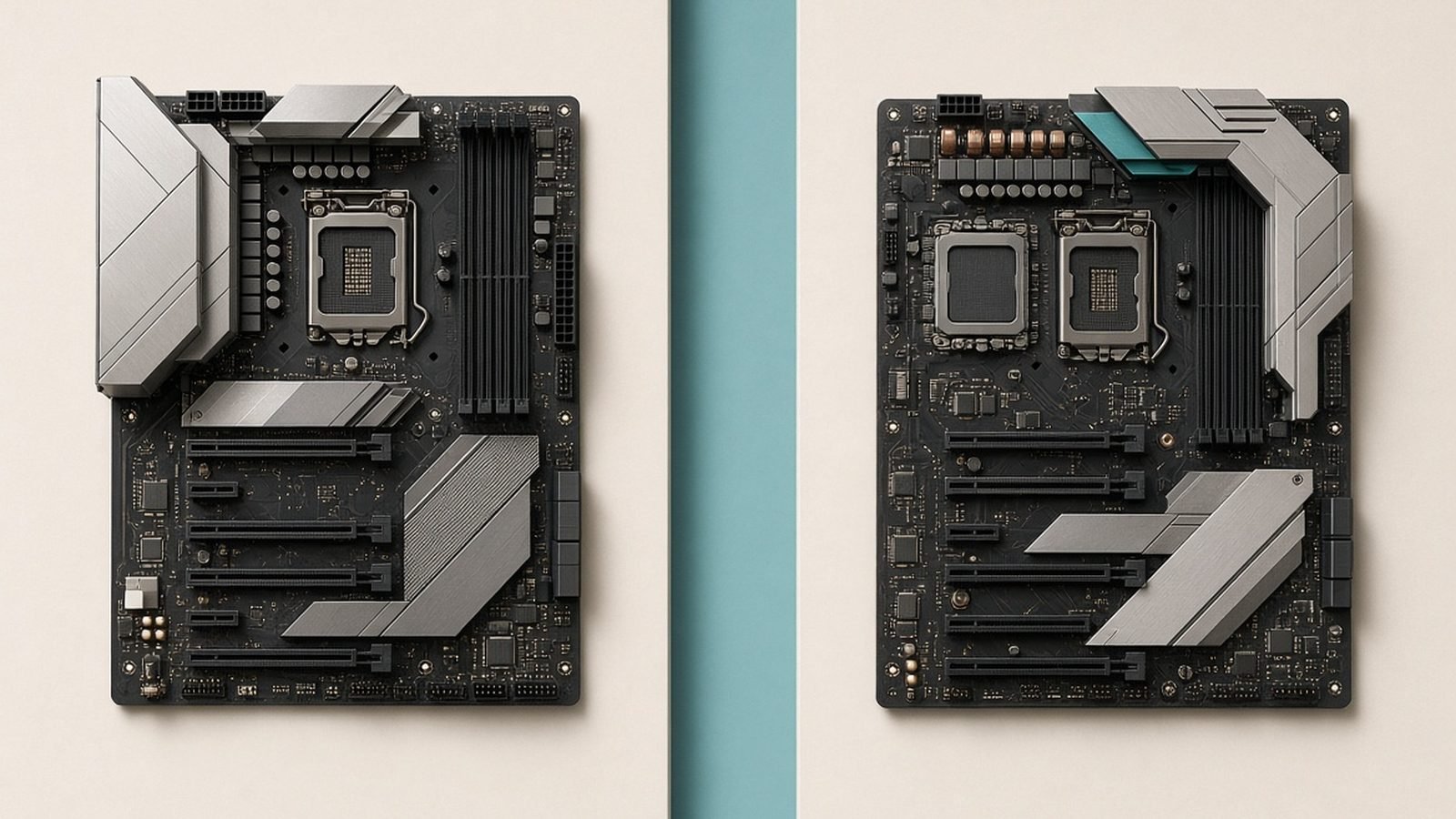
If you’re building on AMD’s AM5 platform in 2026, the B850 vs X870 decision comes down to one question: do you actually need the features X870 forces you to pay for? For most gamers, the honest answer is no. B850 gives you the same CPU support, the same overclocking, and PCIe 5.0 storage for meaningfully less money. X870 earns its premium only in specific high-end and creator scenarios.
Here’s the short version, then the detail to back it up.
Quick answer: who needs X870
Buy B850 if you’re building a gaming PC around a Ryzen chip like the 9800X3D, use one or two SSDs, and don’t need Thunderbolt-class ports. You’ll save cash you can put toward a better GPU.
Buy X870 if you want guaranteed USB4 (40Gbps) out of the box, run external high-speed storage or a capture setup, or you’re building a workstation where connectivity and I/O flexibility matter more than the last $80.
That’s the whole debate in two sentences. The rest is about making sure you’re not overpaying.
B850 vs X870 differences: chipset, USB4, PCIe 5.0 and overclocking
Both chipsets sit on the same AM5 socket, support the same Ryzen 7000, 8000 and 9000 CPUs, run DDR5 with EXPO memory overclocking, and allow full CPU overclocking. That surprises people. The core platform is identical.
The differences are narrower than the price gap suggests:
| Feature | B850 | X870 |
|---|---|---|
| Socket / CPU support | AM5, Ryzen 7000–9000 | AM5, Ryzen 7000–9000 |
| USB4 (40Gbps) | Optional (board-dependent) | Mandatory |
| PCIe 5.0 graphics slot | Optional | Mandatory |
| PCIe 5.0 M.2 storage | Yes | Yes |
| CPU + memory (EXPO) OC | Yes | Yes |
| Chipset USB/PCIe lanes | Fewer | More (dual chipset option) |
| Typical price | Lower | Higher |
The two headline items in the B850 vs X870 USB4 PCIe 5 conversation are exactly the ones AMD made mandatory on X870. USB4 is required on every X870 board; on B850 it’s optional, so many cheaper B850 boards skip it. Likewise, X870 mandates a PCIe 5.0 graphics slot, while B850 lets manufacturers choose PCIe 5.0 or 4.0 for the GPU.
Here’s the catch for gamers: no current graphics card comes close to saturating PCIe 4.0 x16, let alone 5.0. Based on owner reports and independent testing aggregated across the community, the real-world gaming difference between a PCIe 4.0 and 5.0 GPU slot is within margin of error. PCIe 5.0 storage support, meanwhile, exists on good B850 boards too, so you don’t lose fast SSD headroom by going B850.
Overclocking is the other myth worth killing. You do not need X870 to overclock a Ryzen CPU or to run an EXPO DDR5 kit. Both chipsets handle it. What matters more is the board’s VRM and memory layout, and plenty of B850 boards have excellent power delivery.
Price gap and what you actually pay for
This is where the decision usually resolves. In our research across US and UK retailers in mid-2026, solid B850 boards land around $180–$210 / £180–£200, while comparable X870 boards sit around $260–$300 / £260–£290 — though X870 discounts have started appearing, with some Tomahawk-class boards dipping toward $240.
So you’re paying roughly $60–$100 extra for X870. What that money buys, concretely:
Guaranteed USB4 (40Gbps) Type-C — useful for external SSD enclosures, docks, and some displays.
More chipset lanes and USB ports for heavily populated builds.
A mandated PCIe 5.0 GPU slot you almost certainly won’t benefit from in games today.
If none of those first two bullets describe your build, that premium is better spent elsewhere. On a gaming rig, $80 is a real step up in GPU tier, and the GPU is what actually moves your frame rate.
Do I need X870 for Ryzen gaming, or is B850 enough?
For a pure gaming build — even a high-end one with a 9800X3D and a top GPU — B850 is the right chipset for the 9800X3D and its siblings. The X3D chips are cache monsters that thrive on fast memory and a clean VRM, both of which good B850 boards deliver. You get the same boost behavior and the same EXPO support.
Choose X870 for gaming only if you specifically want USB4 for peripherals or you’re future-proofing a case with lots of front-panel I/O. Otherwise, “do I need X870 for Ryzen?” answers itself: no.
Which for high-end and creator builds
Creators and power users are where X870 stops being overkill. If you’re editing video off external Thunderbolt/USB4 drives, running a capture card plus multiple NVMe drives, connecting a USB4 dock, or building a workstation you want to keep dense with fast I/O, the extra lanes and mandatory USB4 genuinely help. This is the audience the chipset was designed for.
If your “creator” work is mostly Lightroom and the occasional export, a strong B850 board with a PCIe 5.0 M.2 slot still covers you fine. Be honest about how many high-speed devices you’ll actually plug in.
Recommended boards on each chipset
We picked one standout on each chipset to make the AM5 chipset comparison 2026 concrete.
ASUS TUF Gaming B850-Plus WiFi — best value for gamers
Around $200 / £190. This is the board most gamers should buy. Strong VRM for its class, clean DDR5/EXPO support, Wi-Fi, and PCIe 5.0 storage — everything a 9800X3D build needs without paying the X870 tax.
Pros - Excellent value and strong power delivery for the price - Handles X3D CPUs and EXPO memory without fuss - PCIe 5.0 M.2 support for fast SSDs
Cons - No mandatory USB4 (this SKU skips it) - Fewer high-speed ports than X870 boards
Best for: gamers and mainstream builders who want to spend the savings on a better GPU.
Check price: TUF Gaming B850-Plus WiFi
MSI MAG X870 Tomahawk WiFi — best for high-end and creators
Around $290 / £280 (and increasingly discounted). A well-rounded X870 board with USB4, generous connectivity, and the port density that suits creator and workstation-adjacent rigs. Overkill for a pure gaming box, exactly right for a heavy I/O build.
Pros - Mandatory USB4 (40Gbps) and rich connectivity - Robust VRM and layout for high-end CPUs - Great fit for external storage and capture setups
Cons - More than most gamers need - Premium over an equivalent B850 board
Best for: creators, streamers, and power users who will actually use USB4 and the extra lanes.
Check price: MAG X870 Tomahawk WiFi
The bottom line: is X870 worth it?
For the vast majority of Ryzen builders, B850 is the smarter buy and X870 is worth it only when you have a concrete need for USB4 or extra I/O. The chipsets share the same CPU support, the same overclocking, and PCIe 5.0 storage. The premium mainly buys mandatory USB4 and a PCIe 5.0 GPU slot that games don’t use yet.
So on is X870 worth it — pay for it if you’re a creator or I/O-heavy user, and pocket the savings if you’re a gamer. Either way, spend on the parts that change your experience: the GPU, the CPU, and fast memory.
For more, see our Best B850 Motherboards for Ryzen in 2026, our AMD Ryzen 7 9800X3D Review: Still the Gaming King?, and once your board arrives, How to Enable EXPO for DDR5 RAM (Ryzen AM5). You’ll find every AM5 guide in our PC Hardware.
FAQ
Do I need X870 for a Ryzen 9800X3D?
No. The 9800X3D runs perfectly on B850, with identical boost behavior, full EXPO memory overclocking, and PCIe 5.0 SSD support on good boards. B850 is the best-value chipset for a 9800X3D gaming build. Choose X870 only if you specifically want guaranteed USB4 or the extra connectivity, which gaming itself does not require.
What’s the main difference between B850 and X870?
The two B850 vs X870 differences that matter are that X870 makes USB4 (40Gbps) and a PCIe 5.0 graphics slot mandatory, while B850 treats both as optional. X870 also offers more chipset lanes and ports. CPU support, overclocking, and PCIe 5.0 storage are the same on both.
Is PCIe 5.0 for the GPU worth paying for?
Not today. No current graphics card saturates even PCIe 4.0 x16, so the gaming difference between a 4.0 and 5.0 GPU slot is within margin of error based on aggregated testing. It’s a mild future-proofing perk, not a reason to pay the X870 premium on a gaming build.
Can I overclock on B850?
Yes. Both B850 and X870 support full CPU overclocking and DDR5 EXPO memory overclocking. What actually limits overclocking headroom is the board’s VRM and memory layout, not the chipset tier. Many B850 boards have excellent power delivery that matches or beats cheaper X870 options.
Is X870 worth it in 2026?
Only for specific builds. X870 is worth it if you’ll use USB4, external high-speed storage, a capture setup, or need dense I/O for a workstation. For a pure gaming PC, B850 delivers the same performance for less, and the savings are better spent on your GPU.
Zen Tech Hub may earn a commission from links on this page, at no extra cost to you.