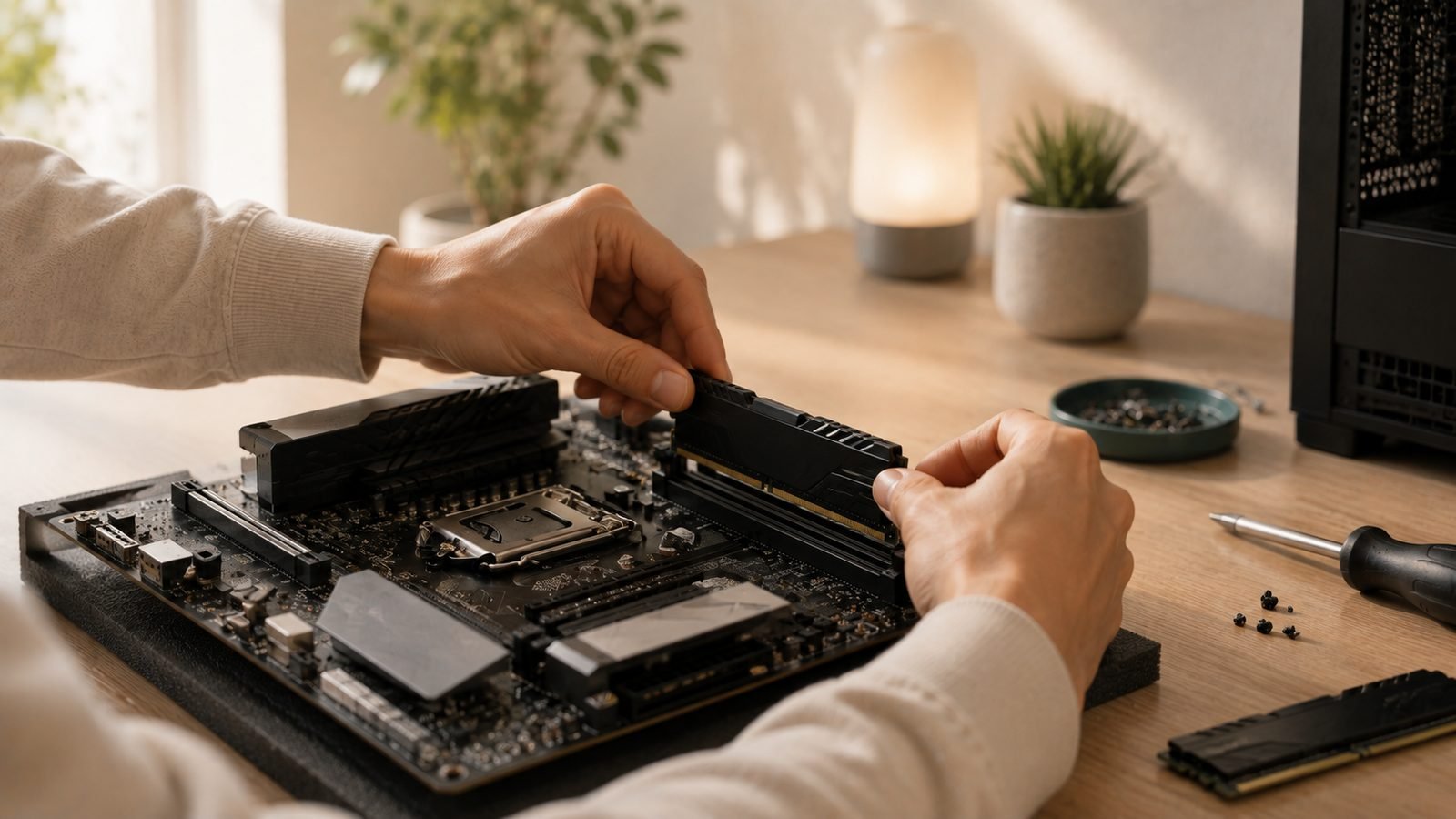
You bought a shiny DDR5-6000 kit, finished your build, then noticed your RAM is running at 4800 MT/s. Nothing is broken; you just haven’t turned it on yet. Learning how to enable EXPO DDR5 is a two-minute BIOS trip, and it’s the single most common speed left on the table by new AM5 builders. This guide walks you through it and shows how to confirm the fix in Windows.
Why Your DDR5 Runs at 4800 by Default
Every DDR5 module ships with a conservative JEDEC profile baked in. On AM5 (Ryzen 7000, 8000, and 9000 series), that fallback is typically DDR5-4800. Your board boots at this safe speed so any stick from any brand posts on the first try, regardless of the CPU’s memory controller quality.
The rated speed on the box, DDR5-6000, is an overclock: a factory-tuned profile the manufacturer validated but the board won’t apply unless you say so. That’s the whole story behind “RAM not running at full speed Ryzen” threads. The profile exists, it just isn’t switched on, and until you enable it you’re leaving roughly 20% of your memory bandwidth unused, which hits gaming 1% lows.
EXPO vs XMP Explained
Both are the same idea with different owners. XMP (Extreme Memory Profile) is Intel’s standard; on an Intel board you’ll enable XMP DDR5 in the same BIOS spot. EXPO (Extended Profiles for Overclocking) is AMD’s equivalent, validated for AM5 memory controllers.
In the EXPO vs XMP debate there’s no meaningful performance gap at the same speed and timings. The difference is validation: an EXPO-certified kit is tuned for AMD boards, so it trains cleanly. Many kits carry both profiles, so an XMP kit often runs fine on AM5, but a dedicated EXPO profile is the safer bet.
For AM5, DDR5-6000 CL30 is the sweet spot because it lets the memory controller run 1:1 with the memory clock. Push higher and the controller drops to a slower 2:1 ratio, erasing the gains.
Recommended Kits That Enable Cleanly
Still shopping? These two kits carry proper EXPO profiles and post reliably on B650/B850/X870 boards.
| Kit | Speed / Timing | Profile | Approx. Price | Best For |
|---|---|---|---|---|
| G.Skill Flare X5 32GB | DDR5-6000 CL30 | EXPO | around $255 / £245 | AM5-first builders |
| Corsair Vengeance 32GB | DDR5-6000 CL30 | EXPO + XMP | around $270 / £259 | Mixed Intel/AMD, RGB-free |
G.Skill Flare X5 DDR5-6000 CL30 32GB
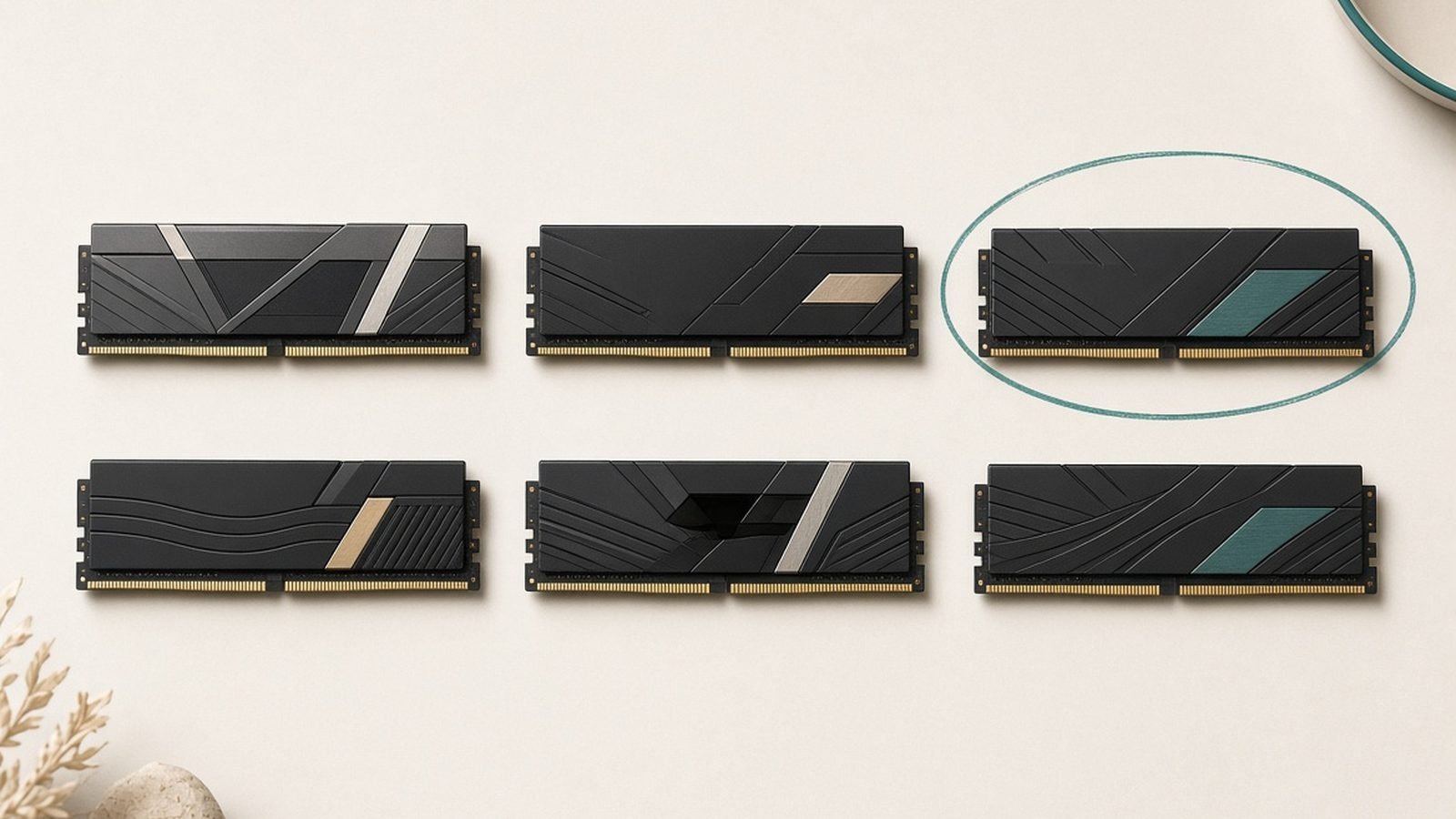
The Flare X5 was built around AMD EXPO, and in our research it’s the kit least likely to give you a training headache on AM5. The heatspreader is plain and low-profile, a bonus for big air coolers.
Pros: EXPO-tuned for Ryzen; clears tall coolers; well-priced. Cons: Basic looks; single EXPO profile.
Who it’s for: AM5 builders who want the best odds of a first-try post.
Check price: G.Skill Flare X5 DDR5-6000 CL30 32GB
Corsair Vengeance DDR5-6000 CL30 32GB
The Vengeance carries both EXPO and XMP, making it the safer pick if you might move it between AMD and Intel later. Owner reports show broad compatibility across AM5 vendors. Recent DDR5 shortages have inflated pricing, so shop the exact SKU.
Pros: Dual EXPO/XMP profiles; wide compatibility; clean matte look. Cons: Shortage-inflated pricing; costs a touch more.
Who it’s for: builders who want one kit that works everywhere.
Check price: Corsair Vengeance DDR5-6000 CL30 32GB
Step-by-Step: Enabling EXPO in BIOS
Here’s how to enable EXPO in BIOS AM5. Menu names vary by brand, but the flow is identical.
Enter BIOS. Restart and tap Delete (sometimes F2) repeatedly as the board posts.
Switch to advanced mode if your board opens in “Easy Mode.” Press F7 on most boards.
Find the memory/overclocking section. ASUS calls it Ai Tweaker; MSI uses OC; Gigabyte uses Tweaker; ASRock uses OC Tweaker.
Locate the EXPO/DOCP dropdown. Look for “Memory Profile,” “EXPO,” or “AMD EXPO.”
Select Profile 1. If you see EXPO I and EXPO II, choose EXPO I for now.
Save and exit. Press F10, confirm, and let the board reboot.
That’s it. The profile sets speed, voltage, and timings in one move. Don’t touch voltages on your first pass; let the profile do its job.
First-Boot Memory Training (Why It’s Slow)
The moment you save, your board runs memory training, and it can look alarming: a black screen, several reboots, or fans spinning with no display for 30-90 seconds. This is normal. AM5 memory training slow boot is expected behaviour, not a fault.
During training the board calibrates hundreds of signal parameters for your specific CPU, RAM, and slots. AM5 trains longer than Intel, especially on 4-DIMM boards. Wait it out. Once trained, the result is cached, so later boots are fast unless you clear CMOS or change hardware. If the screen stays black past two minutes, the board usually fails back to 4800; if it doesn’t, hold the power button and boot again.
Verifying Your Speed in Windows
Don’t assume it worked. Confirm it.
Task Manager: Press Ctrl+Shift+Esc, open Performance > Memory, and read the Speed value. Windows reports the base clock, so DDR5-6000 shows as 3000 MHz (double data rate). That’s correct.
CPU-Z: The free tool’s Memory tab shows DRAM Frequency (again, half the rated number) and timings; the SPD tab confirms your EXPO profile.
Seeing 2400 MHz instead of 3000? EXPO didn’t stick, so the DDR5 running at 4800 fix is simply to head back into BIOS and reselect the profile.
Troubleshooting Instability (FCLK, EXPO II)
Most kits just work. If you hit crashes, freezes, or failed boots after enabling EXPO, try these in order:
Update your BIOS. AGESA firmware updates dramatically improve memory compatibility and fix most AM5 memory issues on their own.
Try EXPO II vs EXPO I. EXPO II often loosens secondary timings slightly, so it may post cleanly when EXPO I won’t.
Check your FCLK. The Infinity Fabric clock should sit around 2000 MHz for DDR5-6000. Most boards set this automatically; if you raised it chasing an overclock, drop it back.
Run MemTest86. This free boot-USB test confirms your profile is genuinely stable before you trust it.
Seat your sticks correctly. On a 2-DIMM install, use slots A2 and B2 (second and fourth from the CPU). Wrong slots cause instability.
If none of that works, your CPU’s memory controller may just dislike 6000 on your board. Dropping to DDR5-5600 EXPO is a near-invisible-performance compromise.
For parts around your memory, see our Best 32GB DDR5 RAM for Gaming in 2026, B850 vs X870: Which AM5 Motherboard Should You Buy?, and full How to Build a Gaming PC: Step-by-Step for Beginners walkthrough. More in the PC Hardware.
FAQ
Is enabling EXPO safe for my CPU and RAM? Yes. EXPO is a manufacturer-validated profile, not a manual overclock, and it applies voltages the RAM maker rated for daily use. AMD supports EXPO officially on AM5, and running a certified profile does not void your CPU warranty. It’s the intended way to run your kit.
Why does my PC take so long to boot after enabling EXPO? That’s memory training. On the first boot, the board calibrates signal timing for your exact hardware, which can take 30-90 seconds with black screens and reboots. AM5 trains longer than Intel. Once done, the result is cached and normal boot speed returns.
EXPO vs XMP, which should I pick on AM5? Choose EXPO if your kit offers it, since it’s tuned for AMD’s memory controller. If your kit only has XMP, that usually works too, as boards translate it. Performance is identical at the same speed and timings; the difference is validation and clean training.
My DDR5 still shows 4800 after enabling EXPO. What now? Re-enter BIOS and confirm the profile is set to EXPO Profile 1, not “Auto.” If it reverted, the board likely failed training and fell back. Update to the latest BIOS, try EXPO II, reseat your RAM in the A2/B2 slots, then re-verify in Task Manager.
Do I need EXPO for gaming, or is 4800 fine? Enable it. DDR5-6000 improves 1% lows and frame consistency over 4800, especially with X3D chips at 1080p and 1440p where the CPU matters. It’s free performance you already paid for, so there’s no reason to leave a certified kit at its slowest fallback.
Zen Tech Hub may earn a commission from links on this page, at no extra cost to you.