The Aqara Camera Hub G5 Pro is the rare security camera that earns a spot in this Aqara Camera Hub G5 Pro review on merit rather than marketing: it runs person, vehicle, animal and package AI on the device itself, records locally with no forced monthly fee, and doubles as a Zigbee 3.0 hub for the rest of your smart home. If you want an outdoor camera that works fully offline, supports Apple HomeKit Secure Video, and won’t hold your footage hostage behind a subscription, this is one of the best options in 2026.
Short version: it’s a superb value for tinkerers and Apple households, with genuinely private local storage and strong low-light video — but the app has a learning curve, and the “hub” role means you don’t want to unplug it. Here’s the full picture.
Price/spec line: around $109 / £99 for the 2K version; roughly $169 / £159 for the PoE variant. 2K (1440p) sensor, f/1.0 aperture, local NPU AI, microSD + NAS recording, Zigbee 3.0 hub, Matter bridge, HomeKit Secure Video, Wi-Fi 6 or PoE.
Verdict Up Front
Buy the Aqara Camera Hub G5 Pro if you value ownership of your footage, want on-device AI without a cloud tax, and either live in Apple’s ecosystem or run a local-first smart home with Home Assistant. It captures color night video most rivals can’t, stores clips on a microSD card or your NAS, and quietly acts as a Zigbee coordinator for Aqara sensors and bulbs — one device doing the work of two.
It’s not the camera for someone who wants a five-minute setup and never opens settings again. The Aqara Home app is powerful but fiddly, wall-powered mounting takes planning, and if this camera is also your Zigbee hub, powering it off takes your sensors down with it.
Rating: 4.5/5 — the best no-subscription HomeKit camera you can buy, if you’ll invest an afternoon in setup.
Check price: Aqara Camera Hub G5 Pro
Aqara Camera Hub G5 Pro at a Glance
| Detail | |
|---|---|
| Resolution | 2K / 4MP (2560 x 1440) |
| Aperture | f/1.0 — exceptional low-light gathering |
| AI detection | On-device: person, vehicle, animal, package, face |
| Local storage | microSD (up to 512GB), NAS/SMB, HomeKit Secure Video |
| Cloud | Optional, not required |
| Smart home | Zigbee 3.0 hub, Matter bridge, works with Alexa, Google, HomeKit |
| Power | Wi-Fi 6 model (wall adapter) or PoE model (Ethernet) |
| Weatherproofing | IP65-rated for outdoor use |
Pros (short version)
- Real on-device AI — no subscription, no cloud round-trip
- HomeKit Secure Video plus Alexa and Google support
- Class-leading f/1.0 low-light performance
- Built-in Zigbee 3.0 hub and Matter bridge
Cons (short version)
- App is feature-dense and not beginner-friendly
- Doubling as a hub discourages moving or unplugging it
- Local AI features and HomeKit can’t all run at full tilt simultaneously
Design, Build and Installation
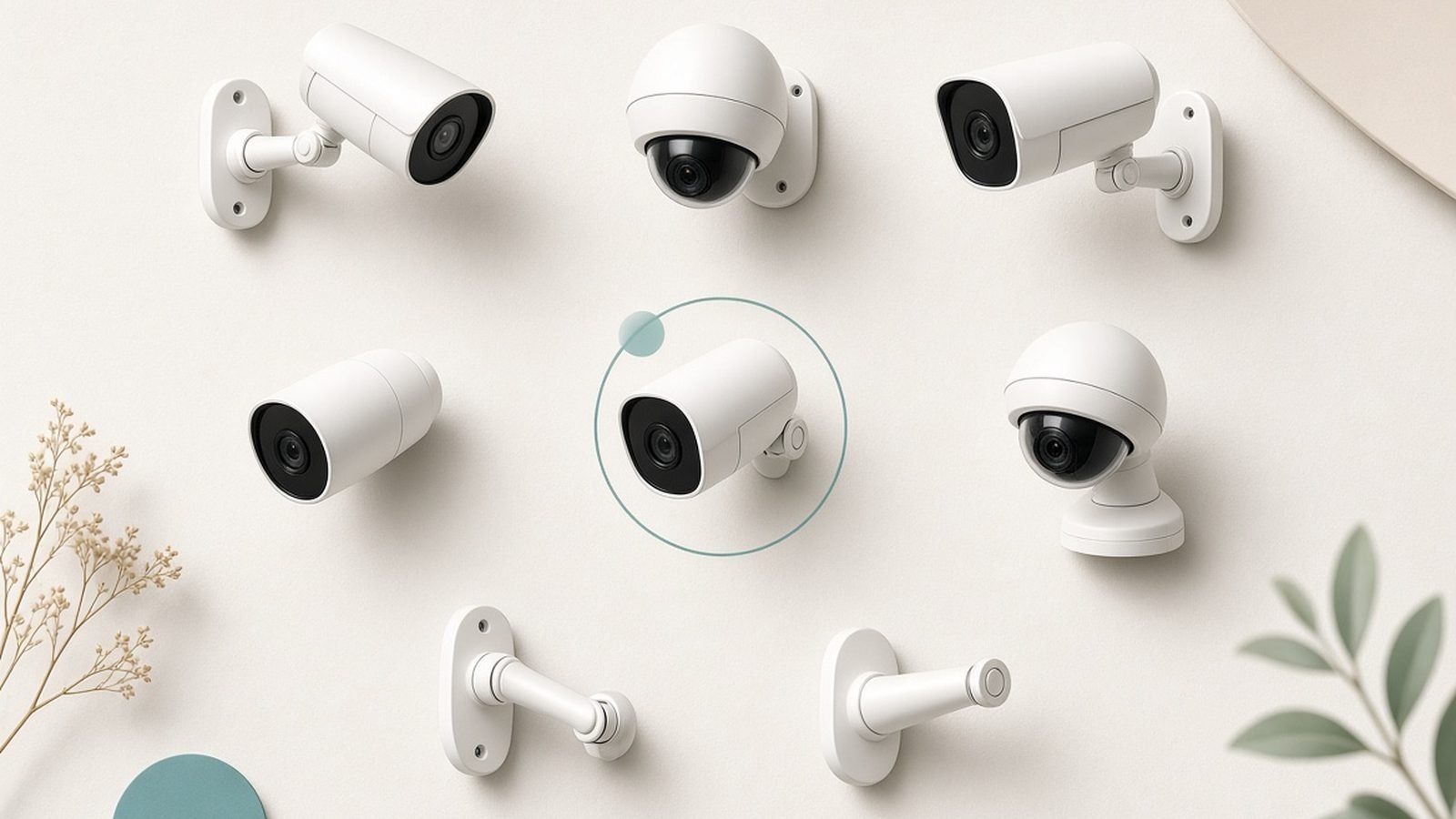
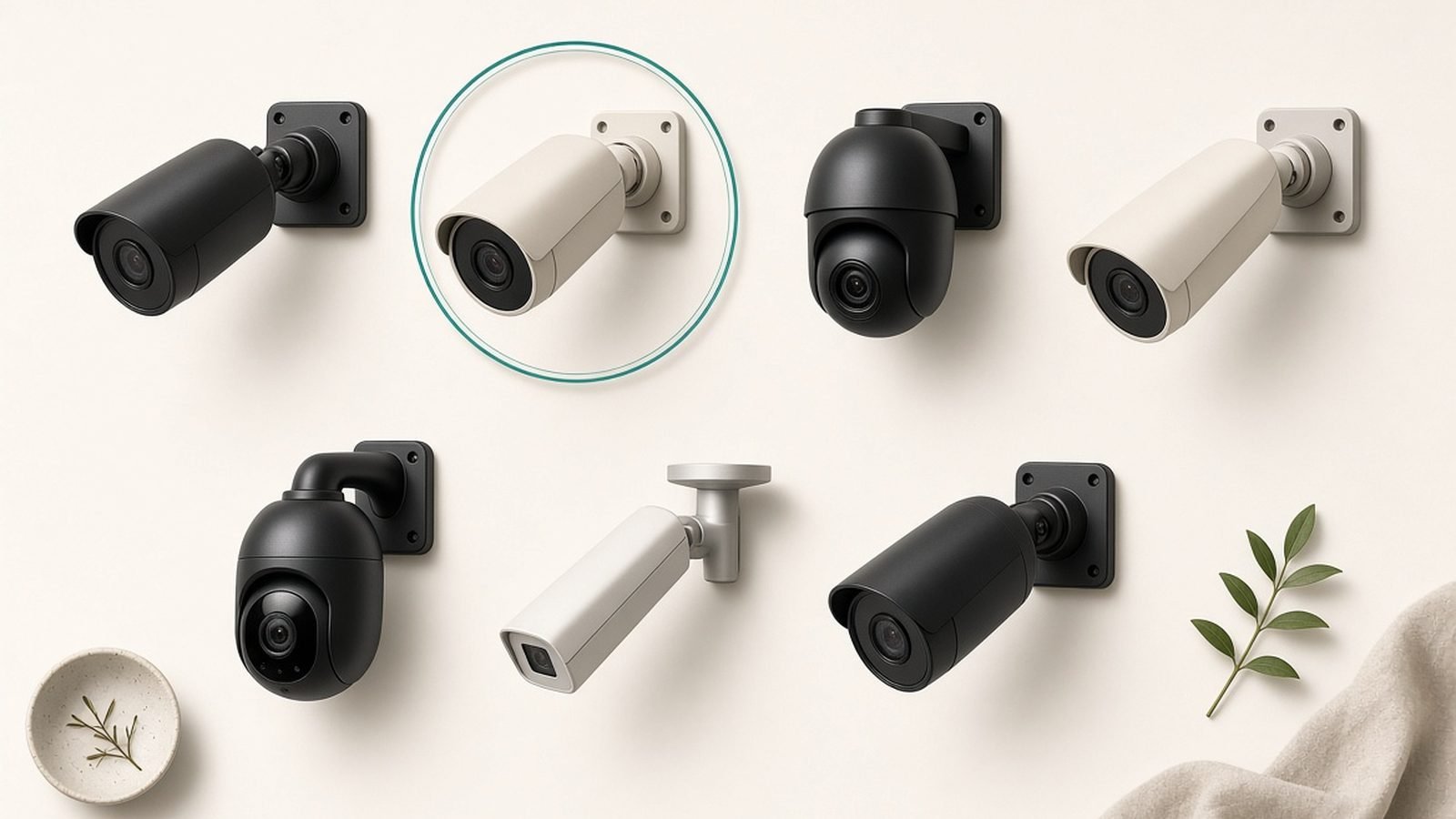
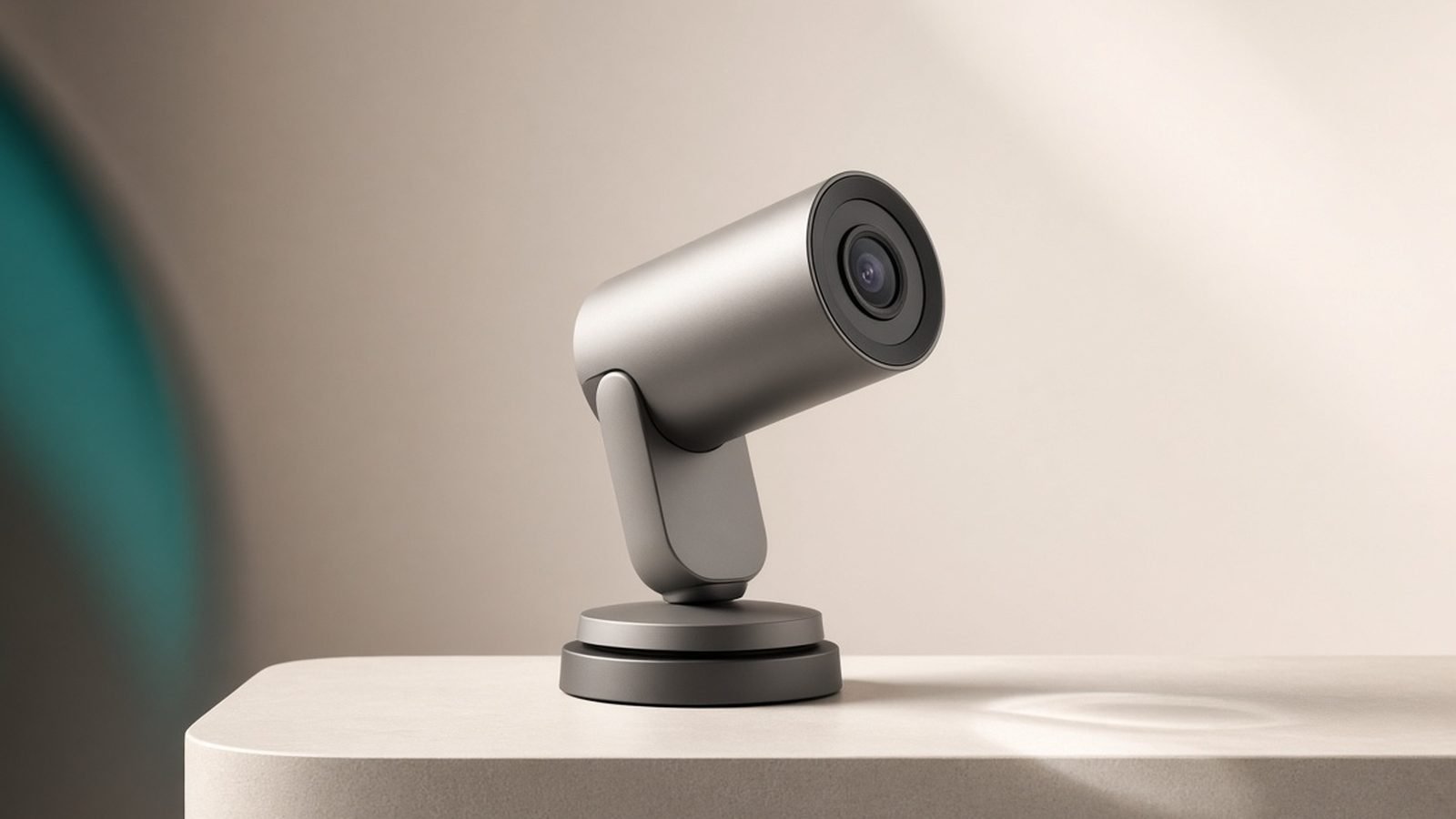
The G5 Pro is a squat, weather-sealed bullet camera on an articulating base — utilitarian rather than pretty, which suits a device meant to sit under an eave. It’s IP65-rated, so rain and dust aren’t a concern, and the operating range covers typical US and UK winters. Aqara includes a mount and screws; the camera tilts and swivels enough to cover a doorway, driveway, or side return.
You choose your power at purchase, and this is the first real decision. The Wi-Fi 6 model runs off a standard wall adapter and connects wirelessly — simplest for most homes. The PoE (Power over Ethernet) model draws power and data down a single Ethernet cable, which is the more reliable, more secure choice if you already have wired runs or a PoE switch. Neither is battery-powered: this is a continuously powered camera, by design, because it’s also acting as a hub.
That hub role shapes placement. Because the G5 Pro can coordinate Zigbee devices and bridge them to Matter, you want it reasonably central to your Zigbee sensors, not tucked at the far corner of the property where the signal barely reaches the house. In practice, most owners mount it near a door — close enough to the home network and Zigbee mesh, with a useful view of the approach.
Setup runs through the Aqara Home app, and this is where patience helps. Adding the camera is straightforward; configuring local recording, detection zones, AI types, and HomeKit all at once is where new users get lost. Budget an afternoon, not five minutes.
Video Quality: Where the f/1.0 Lens Earns Its Keep
The headline spec is the f/1.0 aperture, and it isn’t a gimmick. A wider aperture gathers dramatically more light than the f/1.6–f/2.0 lenses on typical rivals, and based on published specs and aggregated owner footage, the G5 Pro holds usable color video in low light where competing cameras have long since dropped to grainy infrared black-and-white.
The practical payoff is the same one that matters for any security camera: a description the police can use. “Man in a red jacket, dark grey hatchback” beats “a person, a car.” With a nearby streetlamp or porch light, the G5 Pro stays in color; in near-total darkness it falls back to IR like everything else, and there’s a spotlight/color night vision mode you can enable for a lit deterrent.
The 2K (4MP) sensor is sharp enough for faces at the door and license plates within a reasonable range. It won’t out-resolve a genuine 4K camera at distance — if reading plates across the street is your priority, look at higher-resolution models in our Best Home Security Cameras 2026: Indoor & Outdoor Picks roundup — but for the overwhelming majority of porch, driveway, and side-gate duties, 2K at f/1.0 is the better real-world trade than a 4K sensor with a slow lens.
Daytime video is clean, with solid dynamic range that keeps a backlit visitor from becoming a silhouette. The field of view is wide enough to cover a doorway and the ground in front of it without heavy fisheye distortion at the edges.
Local AI and Recording: The Real Selling Point
Here’s what separates the G5 Pro from the crowd, and the reason it belongs on any subscription-free shortlist. The AI detection — person, vehicle, animal, package, and face recognition — runs on an on-device NPU. Nothing has to go to a server for the camera to decide a human just walked up versus a cat crossing the lawn. That means faster, more private alerts, and it keeps working if your internet drops.
Recording is equally owner-friendly. You can store footage three ways:
- microSD card (up to 512GB) slotted into the camera — the simplest local option.
- NAS or network share (SMB) — point the camera at a drive on your network for larger, redundant storage.
- HomeKit Secure Video — if you have an Apple Home hub (HomePod, Apple TV), footage records end-to-end encrypted to iCloud, and this doesn’t count against your iCloud storage on eligible plans.
Crucially, none of this requires an Aqara subscription. Optional cloud storage exists if you want off-site backup, but the camera is fully functional — AI alerts, recording, live view, notifications — with zero recurring cost. That’s rare, and it’s exactly the model buyers want after being burned by cameras that record nothing without a plan. If a $0/month setup is your goal across the whole home, our Best Home Security Cameras With No Subscription in 2026 guide covers the field.
One honest caveat from aggregated owner reports: the G5 Pro is doing a lot at once — local AI, local recording, HomeKit, and Zigbee hub duties — and you can’t always run every advanced feature at maximum simultaneously. HomeKit Secure Video, for instance, takes over the recording pipeline in a way that changes how some Aqara-app AI features behave. Decide whether you’re primarily a HomeKit household or an Aqara-app household and configure accordingly, rather than expecting both stacks to run at full tilt in parallel.
The Hub Trick: Zigbee 3.0 and Matter
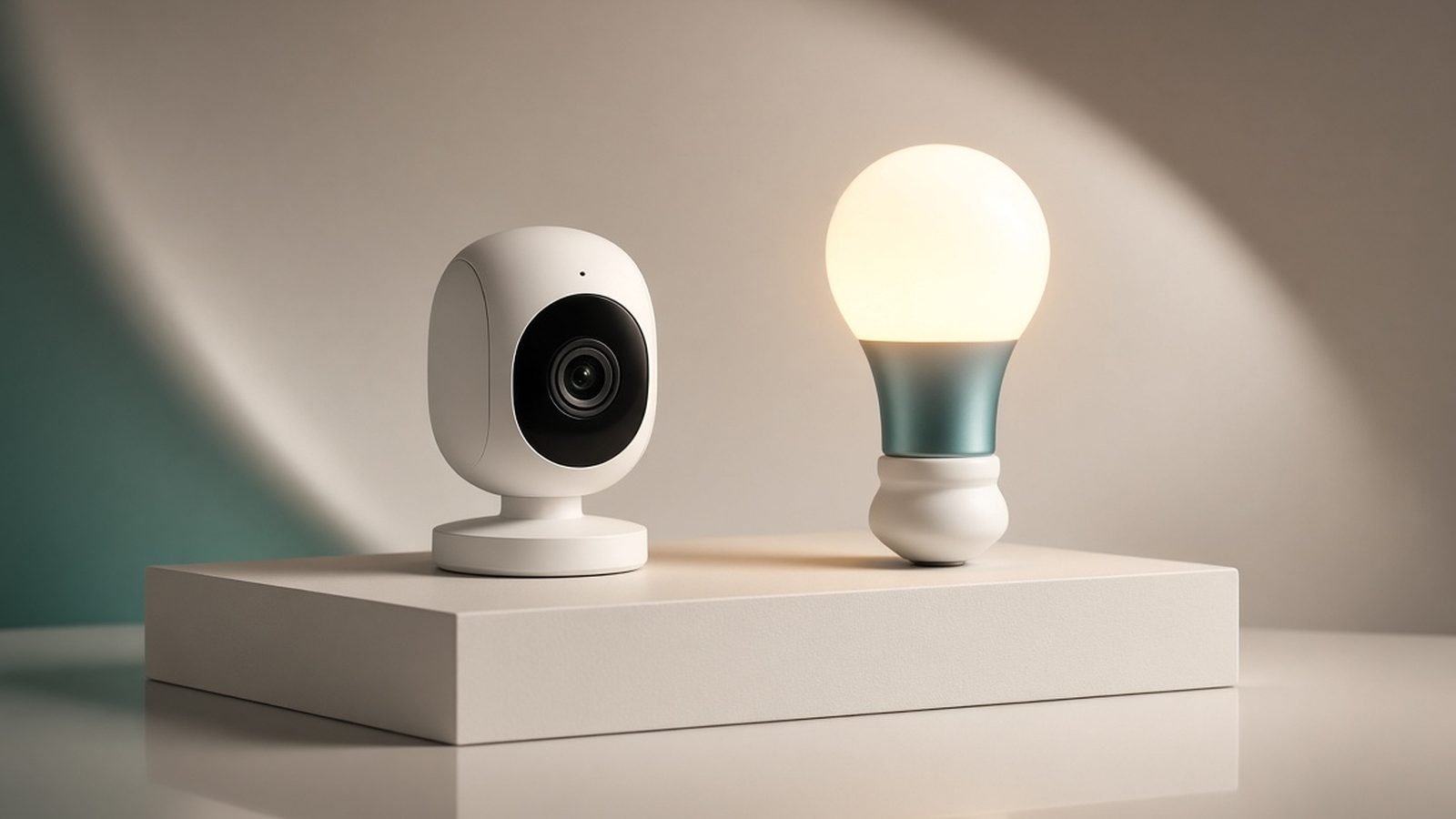
The “Camera Hub” name is literal. Inside is a Zigbee 3.0 coordinator, so the G5 Pro can directly control Aqara’s ecosystem of motion sensors, door/window contacts, temperature sensors, buttons, and bulbs — no separate hub box required. It also acts as a Matter bridge, exposing those Zigbee devices to Matter controllers, which is how it plays nicely with Alexa, Google Home, and Apple Home at once.
For anyone building out an Aqara sensor kit, this is genuinely money-saving: the camera you were going to buy anyway replaces a dedicated hub. Set an Aqara motion sensor to trigger the camera to record, or have the camera’s person detection turn on a light — all locally, all fast.
The trade-off is dependency. Because the camera is your Zigbee brain, you don’t casually unplug it or move it around. Treat it as permanent infrastructure. If you think you’ll want to relocate your camera often, that argues for a dedicated hub plus a simpler camera instead.
Ecosystem: HomeKit, Alexa, Google and Home Assistant
Cross-platform support is a strength here. The G5 Pro works with Apple HomeKit (including Secure Video), Amazon Alexa, and Google Home, which very few outdoor cameras manage all at once — most pick a lane. Apple households get the full HomeKit Secure Video experience with end-to-end encryption; Alexa and Google users get live view on Echo Show and Nest Hub displays.
Local-first enthusiasts should note the strong Home Assistant community support around Aqara’s G5 Pro, which appeals to exactly the buyer this camera is aimed at: someone who wants footage and automations under their own roof, not a vendor’s cloud. This is the camera to pick if the phrase “no cloud dependency” is a feature, not a downside.
Value: What You Actually Pay
At around $109 / £99 for the Wi-Fi 2K model and roughly $169 / £159 for the PoE variant, the G5 Pro sits in the mid-range on sticker price but wins decisively on cost of ownership. There’s no mandatory subscription, so the price you pay is close to the price you pay forever.
Compare that to a subscription camera at a similar or lower upfront price that then charges $5–10 / £5–8 a month to record anything: over three years, the “cheaper” camera can cost $180–360 / £180–290 more than the G5 Pro. Ownership math is the whole argument, and it’s the same case we make for skipping recurring fees in the Ring Battery Doorbell Pro Review 2026: Worth the Subscription? and across our security coverage.
Alternatives to Consider
- Prefer a battery camera with zero wiring and a free storage tier? Look at Eufy’s outdoor cameras, which also lean local-storage — the aqara g5 pro vs eufy choice comes down to whether you want a Zigbee hub (Aqara) or a bundled HomeBase and battery power (Eufy).
- Want the same lights-plus-security idea but from a lighting brand? See our Philips Hue Secure Camera Review 2026: Lights Meet Security for a camera that integrates with an existing Hue system.
- On the fence about the whole ecosystem? Our Best Home Security Cameras 2026: Indoor & Outdoor Picks guide compares the G5 Pro against Ring, Nest, and Arlo across price, storage, and features.
Aqara Camera Hub G5 Pro — Pros and Cons
Pros
- On-device AI (person, vehicle, animal, package, face) with no subscription
- Local recording to microSD, NAS, or HomeKit Secure Video
- Outstanding f/1.0 low-light color video
- Doubles as a Zigbee 3.0 hub and Matter bridge
- Works with HomeKit, Alexa, Google and Home Assistant
Cons
- Aqara Home app is powerful but steep for beginners
- Hub duty means the camera can’t be casually unplugged or moved
- Not every advanced feature runs at full capacity simultaneously
- No battery option — continuous power required
Verdict
The Aqara Camera Hub G5 Pro is the camera to buy if you want to own your security setup rather than rent it. Local AI, subscription-free recording, class-leading low-light video, and a built-in Zigbee hub add up to genuine value, especially for Apple HomeKit households and local-first smart-home builders. The catch is effort: the app rewards patience, and the hub role makes the camera permanent infrastructure. If you’re comfortable spending an afternoon in setup, few cameras give you this much control for the money.
For a plug-and-play experience with hand-holding, a Ring or Nest is easier. For privacy, ownership, and no monthly bill, the G5 Pro wins.
FAQ
Does the Aqara Camera Hub G5 Pro need a subscription?
No. Recording, AI detection, live view, and notifications all work with no monthly fee. Footage stores locally to a microSD card, a NAS, or — for Apple users — HomeKit Secure Video. Optional cloud storage exists if you want off-site backup, but nothing essential is locked behind a plan, which is the camera’s biggest advantage over Ring and Nest.
Does the G5 Pro support Apple HomeKit Secure Video?
Yes. With an Apple Home hub (a HomePod or Apple TV), the G5 Pro records to HomeKit Secure Video with end-to-end encryption, and on eligible iCloud plans that footage doesn’t count against your storage. It’s one of the few outdoor cameras that supports HomeKit Secure Video alongside Alexa and Google Home, making it a strong pick for mixed households.
Is the Aqara G5 Pro a Zigbee hub as well as a camera?
Yes — that’s the “Hub” in the name. It contains a Zigbee 3.0 coordinator, so it directly controls Aqara sensors, buttons, and bulbs without a separate hub, and it bridges them to Matter for Alexa, Google, and Apple Home. Because it’s acting as your Zigbee brain, keep it powered continuously and avoid moving it around.
Wi-Fi or PoE version — which should I buy?
Choose PoE (Power over Ethernet) if you have or can run an Ethernet cable to the camera location: it’s the most reliable and secure option, powering and connecting the camera over one wire. Choose the Wi-Fi 6 model for simpler installs where running cable isn’t practical. Both offer the same 2K sensor and local AI; the difference is purely how the camera connects and powers.
How good is the G5 Pro in the dark?
Very good, thanks to its f/1.0 aperture, which gathers far more light than typical camera lenses. Based on published specs and owner footage, it holds usable color video in low light — a streetlamp or porch light is enough — where rivals switch to grainy infrared. In total darkness it uses IR or an optional spotlight. Color detail at night is a real security advantage.
How does the Aqara G5 Pro compare to Eufy?
Both favor local storage and no forced subscription. The G5 Pro adds a built-in Zigbee hub, Matter bridging, and full HomeKit Secure Video support, making it the better local-first and Apple choice. Eufy typically offers battery-powered models and a bundled HomeBase, which suits homes wanting wire-free cameras. Pick Aqara for ecosystem integration; pick Eufy for wire-free convenience.
Zen Tech Hub may earn a commission from links on this page, at no extra cost to you.