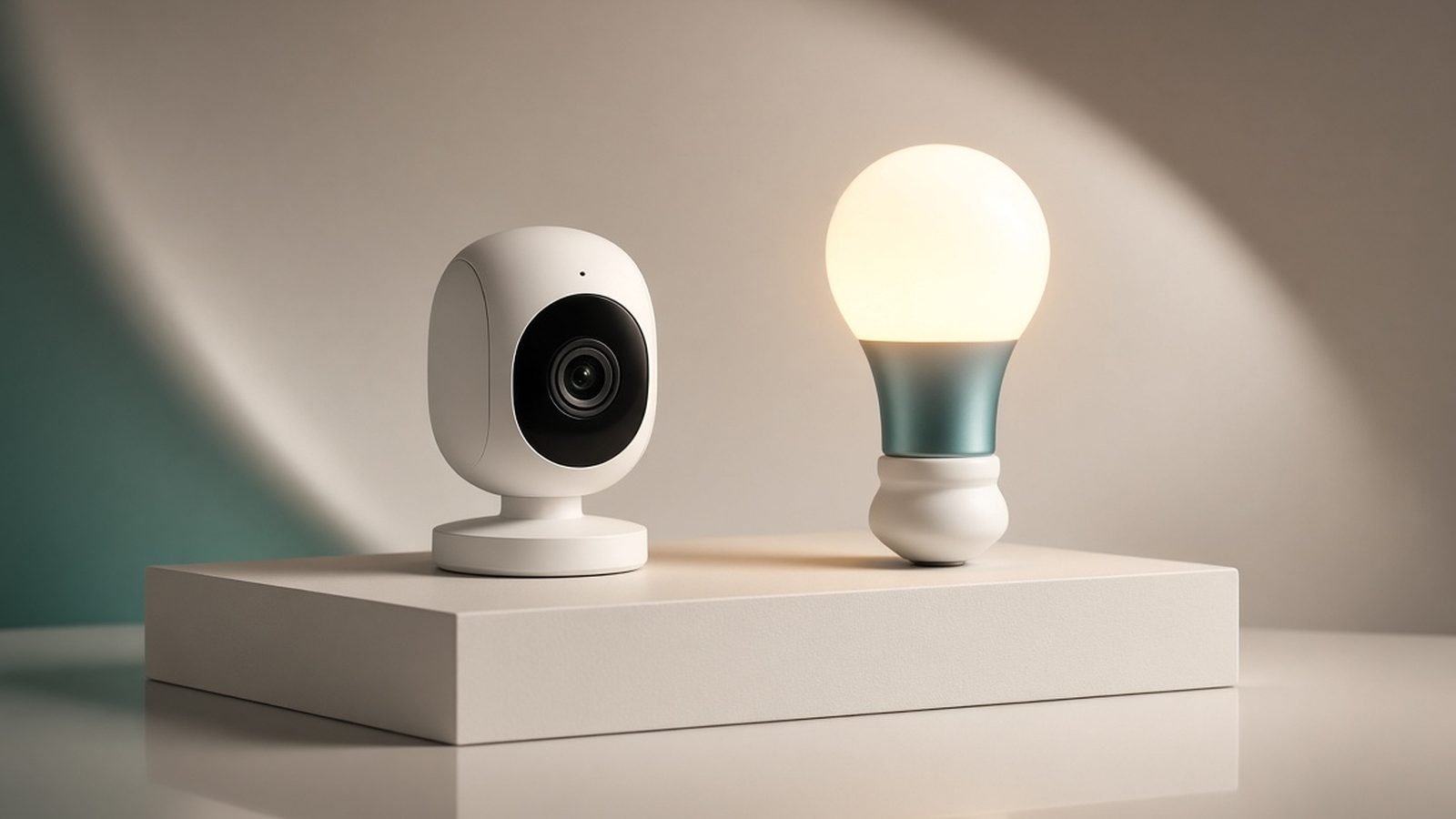
The Philips Hue Secure camera is the only security camera that treats your existing lights as part of the alarm system, and that’s the single most interesting thing in this Philips Hue Secure camera review. When it detects a person, it can flash your Hue bulbs red, ramp your outdoor lights to full brightness, and sound a siren — turning a smart lighting setup you already own into active deterrence. If you’re already invested in Philips Hue, it’s the most natural camera you can buy.
Short version: the video is sharp, the app integration is genuinely clever, and the light-based deterrence works better than a static spotlight. But the cameras are premium-priced, the best features need a Hue Secure subscription, and if you’re not already a Hue household, cheaper cameras do the core job for less. Here’s the full picture.
Price/spec line: wired camera around $199 / £169; battery camera around $199 / £169; desktop/indoor variants lower. 1080p HDR video, AI person/vehicle/animal/package detection, two-way talk, integrates with Hue bulbs for light alarms. Advanced features need Hue Secure from ~$3.99 / £3.99 a month.
Verdict Up Front
Buy the Philips Hue Secure camera if you already run a Philips Hue lighting system and want security that plugs straight into the same app and bridge. The killer feature is real: a detected intruder triggers your actual lights — flashing, brightening, changing color — plus an optional siren, which is a far stronger deterrent than a camera that merely records. Video is clean 1080p HDR, and everything lives in the polished Hue app you already use.
Skip it if you’re not in the Hue ecosystem. Without existing Hue bulbs and a bridge, you’re paying a premium for a camera whose signature trick you can’t fully use, and rivals like Ring, Nest, Aqara, or Eufy give you more camera for the money. The subscription for the good AI features is another mark against it.
Rating: 4/5 — brilliant for Hue owners, hard to justify for anyone else.
Check price: Philips Hue Secure Wired Camera
Philips Hue Secure at a Glance
| Detail | |
|---|---|
| Video | 1080p HDR, up to ~2K on newer models |
| AI detection | Person, vehicle, animal, package (with subscription) |
| Signature feature | Light-based deterrence — triggers Hue bulbs + siren |
| Power options | Wired or battery camera; indoor desktop variant |
| Requires | Philips Hue Bridge for full functionality |
| App | Philips Hue app (unified with your lights) |
| Ecosystem | Alexa, Google Home; HomeKit via the Hue Bridge for lights |
| Subscription | Basic works free; advanced AI needs Hue Secure |
Pros (short version)
- Turns your existing Hue lights into an active alarm and deterrent
- Clean 1080p HDR video with reliable AI alerts
- Everything in one polished app alongside your lighting
- Choice of wired, battery, and indoor cameras
Cons (short version)
- Best AI features require a Hue Secure subscription
- Premium price; poor value if you don’t own Hue already
- Needs the Hue Bridge for full functionality
- 1080p resolution trails 2K/4K rivals for distance detail
Design, Build and the Hue Ecosystem Fit
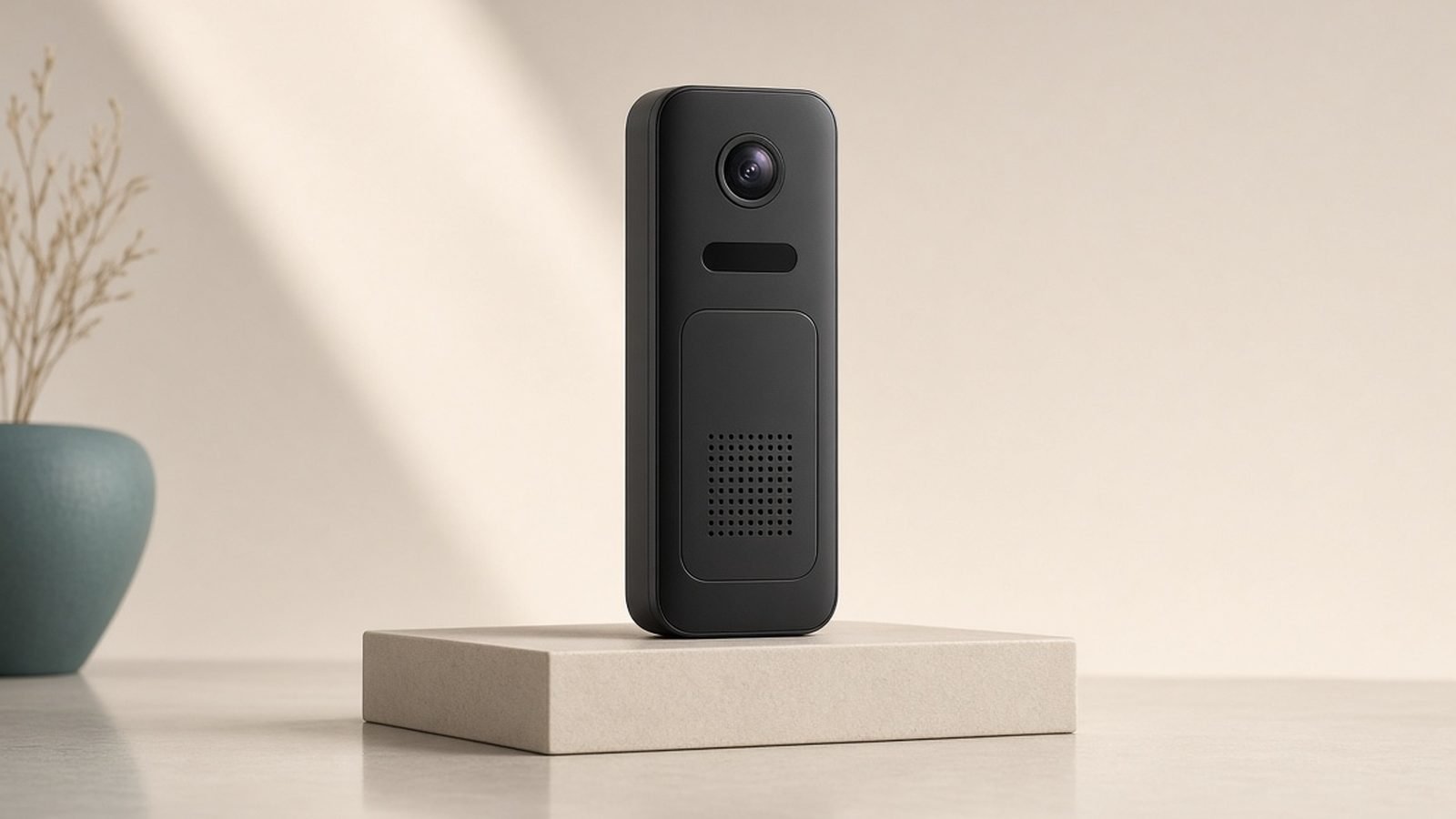
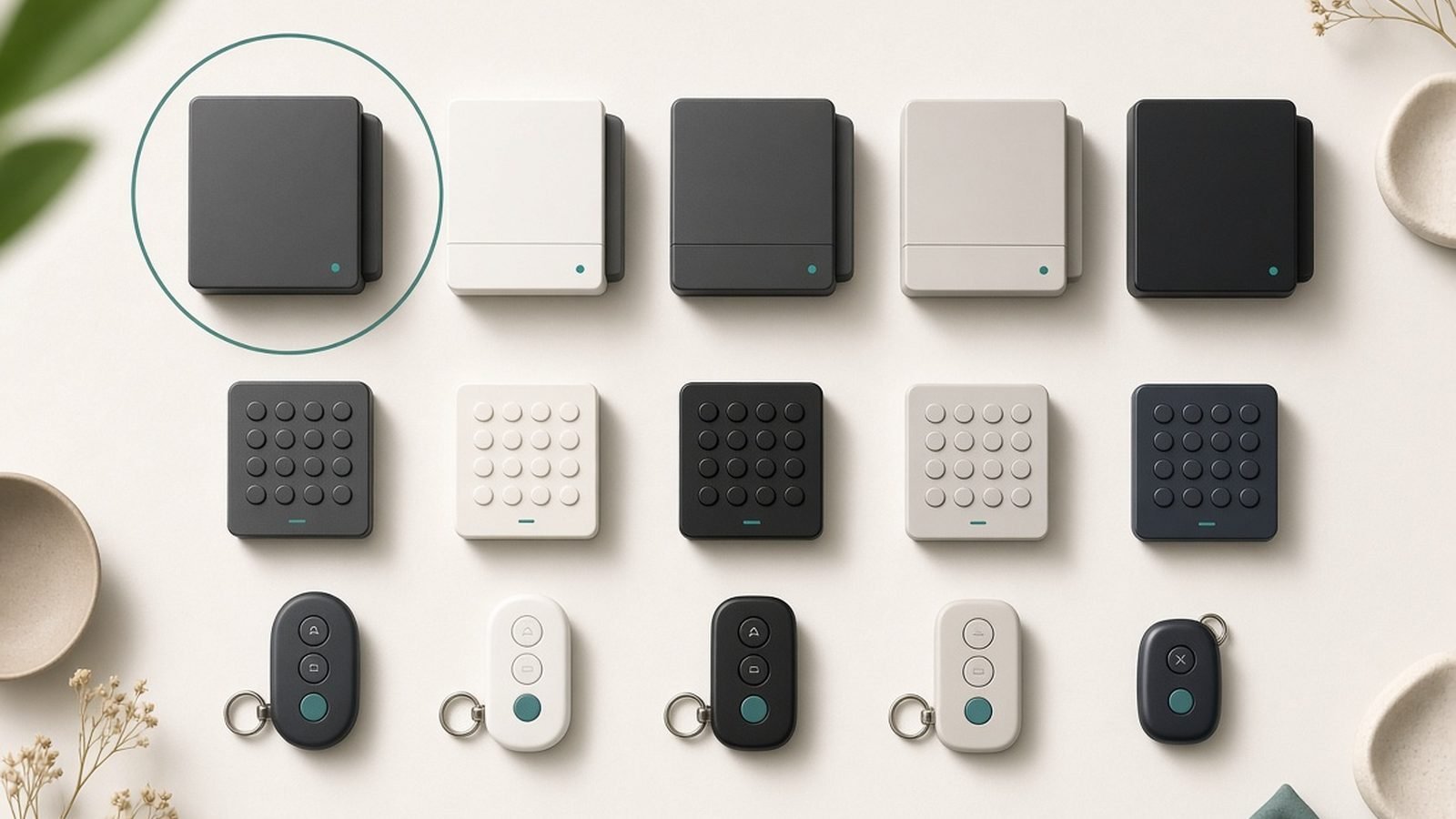
The Hue Secure cameras share the clean, minimalist design language of the rest of the Hue range — matte black or white, a compact articulating body, and a magnetic mount that makes aiming easy. They look like premium products, which matters when a camera sits by your front door. The wired and battery outdoor cameras are weather-rated for year-round US and UK use; there’s also a smaller indoor/desktop camera for hallways or nurseries.
The defining design decision isn’t physical — it’s that the camera lives inside the Philips Hue app. If you already control your lights there, adding security means no second app, no separate account, no juggling ecosystems. Your cameras, bulbs, and automations sit together. For a Hue household, that unified experience is a genuine daily convenience that spec sheets don’t capture.
The flip side: full functionality expects a Philips Hue Bridge. The bridge is what lets cameras talk to bulbs for the light-alarm feature and what most Hue owners already have. If you don’t own a bridge (or a Hue system at all), you’re buying into an ecosystem to use one camera — which is exactly why this camera makes sense for existing Hue owners and much less sense for newcomers.
Video Quality: Clean 1080p HDR
Hue Secure cameras shoot 1080p HDR video (newer models push toward 2K), and based on published specs and aggregated owner footage, daytime quality is clean, well-exposed, and sharp enough to identify faces at the door. HDR processing handles tricky backlighting — a visitor standing in front of the sun stays exposed rather than becoming a silhouette — which is one of the harder tests for a doorstep camera.
Night video uses infrared, and the results are solid for identification at close-to-medium range. Where Hue has an ace, of course, is light: because it can turn your outdoor Hue bulbs to full brightness on detection, it can effectively create its own color night scene rather than relying on IR alone. A well-lit porch produces far better footage than any infrared mode.
Honestly assessed, 1080p is the camera’s weakest spec on paper. It won’t resolve a license plate across the street the way a 4K camera can, and if maximum distance detail is your priority, a higher-resolution model from our Best Home Security Cameras 2026: Indoor & Outdoor Picks guide will out-resolve it. For the job most people actually need — who’s at my door, what happened on my drive — 1080p HDR plus smart lighting is more than enough.
The Killer Feature: Light-Based Deterrence
This is why the Hue Secure camera exists and the reason it belongs in any Hue owner’s cart. Most cameras are passive — they record an incident you review later. The Hue Secure camera is active: when it detects a person (or a specific event you configure), it can trigger your Philips Hue lights to respond in real time.
The options are more flexible than a basic spotlight camera:
- Flash lights red to signal the intruder they’ve been seen.
- Ramp outdoor lights to full brightness, eliminating the shadows a prowler relies on and lighting the scene for the camera.
- Sound a siren through the camera for an audible warning.
- Simulate presence by triggering interior lights, so the property looks occupied.
Based on aggregated owner feedback and the well-established security principle that light and the appearance of occupancy deter opportunistic intruders, this is a meaningfully stronger deterrent than a camera that merely watches. A spotlight camera lights one cone; a Hue system can light your whole exterior and interior in a coordinated response. It’s the clearest example of security and smart lighting genuinely reinforcing each other, rather than living in separate apps.
AI Detection and the Subscription
The Hue Secure camera does person, vehicle, animal, and package detection, and it’s here that the subscription enters. Basic functionality — live view, motion notifications, two-way talk, and the light-based automations — works without a paid plan. The richer AI detection, longer video history, and advanced features require Hue Secure, priced from around $3.99 / £3.99 a month for a single camera, scaling up for multiple cameras.
That’s cheaper than Ring’s or Nest’s top tiers, and Philips has generally been less aggressive than Ring about locking essentials behind a paywall — the deterrence automations, the part you’re actually buying this for, work without paying. Still, to get the full AI experience and stored history you’ll pay monthly, so factor it into the cost of ownership. If a zero-subscription setup is your firm requirement, cameras like the Aqara Camera Hub G5 Pro Review 2026: Camera + Hub in One record locally with no fee at all, and our Best Home Security Cameras With No Subscription in 2026 guide covers the field.
Wired vs Battery vs Desktop: Which to Buy
Philips offers the Hue Secure camera in a few forms, and the choice mirrors every camera line:
- Wired camera (~$199 / £169): constant power, never needs charging, best for a permanent spot near an outlet. The default for most exterior installs.
- Battery camera (~$199 / £169): total placement freedom with no cabling, at the cost of periodic recharging — runtime depends on how often it’s triggered.
- Indoor/desktop camera: smaller and cheaper, for interiors — hallways, nurseries, a home office.
For an existing Hue home, the wired outdoor camera paired with your existing outdoor Hue bulbs is the setup that unlocks the light-alarm feature most fully. The battery model is the pick where running power isn’t practical.
Ecosystem: Hue, Alexa, Google and HomeKit
Naturally, the Hue Secure camera is at its best inside the Philips Hue ecosystem — that’s the whole thesis. Beyond Hue, the cameras work with Amazon Alexa and Google Home for live view on smart displays and voice control. The Philips Hue Bridge has long offered Apple HomeKit support for lights, which keeps Apple households comfortable on the lighting side, though camera-specific HomeKit Secure Video support is more limited than a dedicated HomeKit camera like the Aqara G5 Pro.
If you want the tightest possible Apple integration for the camera itself, that Aqara model or a Eufy HomeKit camera may suit better. But if your lights, routines, and automations already run on Hue, keeping security in the same app and bridge is the frictionless path.
Value: Who Should Actually Buy This
The honest value verdict splits cleanly in two.
If you already own Philips Hue, this is arguably the best camera you can buy, full stop — not because it out-specs Ring or Nest, but because it does something they can’t: it turns lighting you already paid for into an active security response, all in one app. The premium price is easier to swallow when the camera is completing a system rather than starting one.
If you don’t own Hue, the math is unforgiving. At ~$199 / £169 per camera you’re paying a premium, the signature light-alarm feature needs bulbs and a bridge you’d have to buy, and 1080p trails the resolution of similarly priced rivals. A Ring, Nest, Aqara, or Eufy gives you more camera for the money. If it’s the smart lighting you’re drawn to rather than the camera, start with our Best Philips Hue Alternatives in 2026: Cheaper Smart Bulbs guide instead and add security later.
Philips Hue Secure — Pros and Cons
Pros
- Unique light-based deterrence — triggers your Hue bulbs and a siren on detection
- Clean 1080p HDR video with good backlight handling
- Unified with your lights in one polished app
- Reasonable subscription price, with deterrence automations free
- Choice of wired, battery, and indoor cameras
Cons
- Poor value unless you already own a Philips Hue system
- Advanced AI and stored history need a Hue Secure subscription
- Requires the Hue Bridge for full functionality
- 1080p resolution trails 2K/4K rivals for distance detail
Verdict
The Philips Hue Secure camera is a smart, well-executed idea: security that doesn’t just watch but responds, by turning your existing lights into an alarm. For the many households already running Philips Hue, it’s the most natural camera to buy — one app, one bridge, one coordinated system, and a deterrent that genuinely does more than a spotlight. The video is clean, the app is excellent, and the subscription is reasonable.
For everyone else, it’s a hard sell. The best feature depends on owning Hue, the resolution is mid-tier, and cheaper cameras cover the basics. Buy it to complete a Hue home; look elsewhere to start a security system from scratch.
FAQ
Does the Philips Hue Secure camera work without a subscription?
Partly. Live view, motion notifications, two-way talk, and the light-based deterrence automations work without paying. The richer AI detection (person, vehicle, animal, package classification) and longer video history require a Hue Secure plan from around $3.99 / £3.99 a month. Philips locks fewer essentials behind the paywall than Ring, but the full AI experience does need a subscription.
Do I need Philips Hue lights to use the Secure camera?
For the camera’s core recording and alerts, no — but for the signature light-alarm deterrence, yes. The whole point of Hue Secure is that detection can trigger your Hue bulbs to flash, brighten, or change color, which needs Hue lights and a Hue Bridge. Without them you get a decent but ordinary 1080p camera at a premium price, which is why it mainly suits existing Hue owners.
How good is the Hue Secure camera’s video quality?
It shoots clean 1080p HDR (newer models approach 2K), sharp enough to identify faces at the door and with good handling of harsh backlighting. Night footage uses infrared but benefits hugely from the camera’s ability to switch on your Hue lights for a fully lit color scene. Resolution trails 2K and 4K rivals for reading detail at distance, but it’s ample for typical doorstep and driveway use.
Does the Philips Hue Secure camera support Apple HomeKit?
The Philips Hue Bridge has long supported Apple HomeKit for lights, so your Hue lighting works seamlessly in Apple Home. Camera-specific HomeKit Secure Video support is more limited than on a dedicated HomeKit camera. Apple households wanting full HomeKit Secure Video from the camera itself may prefer the Aqara Camera Hub G5 Pro; Hue Secure is best when your priority is lighting-integrated security.
Is the Philips Hue Secure camera worth it?
Worth it if you already own Philips Hue — the light-based deterrence is a genuinely useful feature no other camera offers, and running security in the same app as your lights is a real convenience. If you don’t own Hue, it’s hard to justify: you’d pay a premium for a 1080p camera whose best trick needs bulbs and a bridge you don’t have. Cheaper rivals do the core job better.
How much does the Philips Hue Secure camera cost in the UK?
The Hue Secure wired and battery cameras launched at around £169 each in the UK, with the indoor desktop model lower. Hue Secure subscriptions start around £3.99 a month for a single camera. Philips hardware discounts occasionally around Prime Day and Black Friday. Remember the true cost includes any Hue bulbs and a bridge if you’re not already set up, plus the optional monthly plan.
Zen Tech Hub may earn a commission from links on this page, at no extra cost to you.