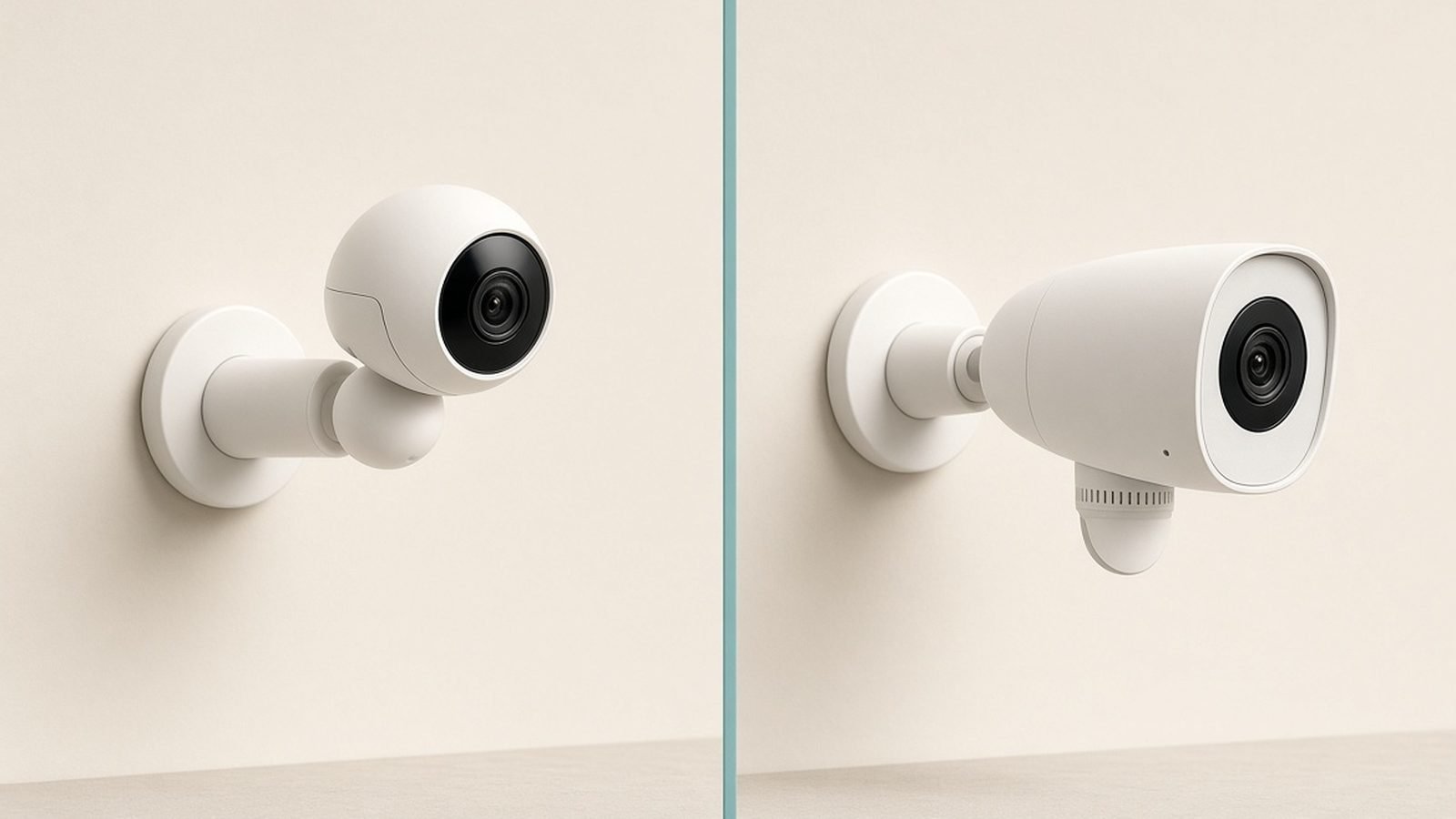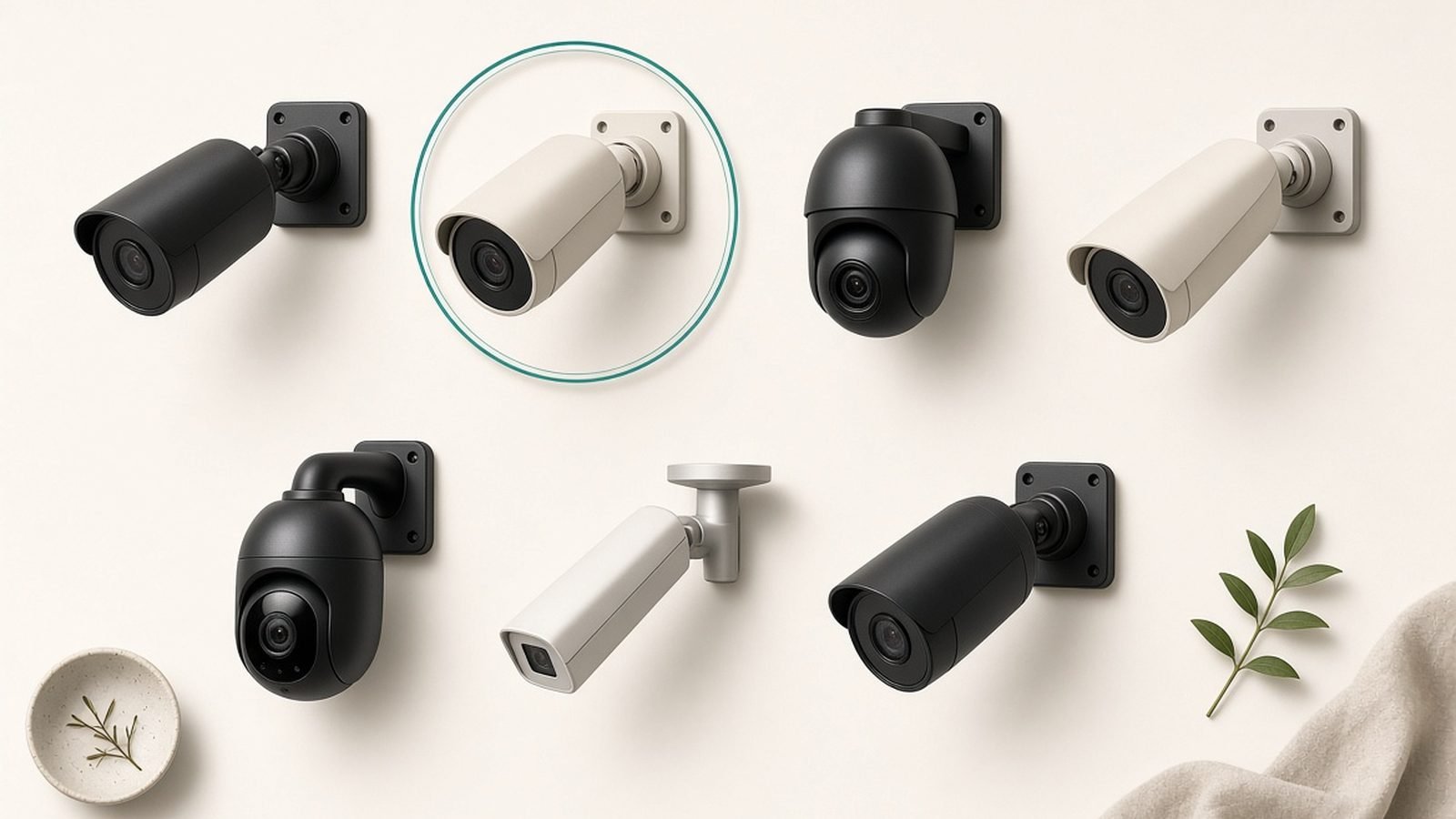
The best security camera without subscription fees isn’t a compromise anymore — in 2026, it’s often the smarter buy. While Ring, Nest and Arlo quietly push you toward £80–£200 a year in cloud plans just to watch your own footage, brands like Eufy, Reolink and TP-Link now sell cameras with 4K video, solar charging and genuinely good on-device AI that store everything locally, for free, forever.
This guide ranks the five best home security cameras without monthly fees for US and UK buyers, based on our research into specs, firmware histories and hundreds of aggregated owner reports. More importantly, we do the maths the big review sites skip: what each camera actually costs over five years compared with a subscription-based rival.
Short version: a “cheap” £90 Ring camera can quietly become a £400+ commitment. A £459 EufyCam 3 kit stays £459.
If you’re also looking at doorbells, we’ve done the same fee-free analysis in our guide to the Best Video Doorbells With No Subscription (2026), and you can browse everything smart home at the Smart Home.
The Subscription Trap: What Ring, Nest and Arlo Really Cost Per Year
Here’s the part camera makers put in the small print. Without a plan, a Ring camera won’t record anything — it’s a live-view-only gadget. Nest cameras give you three hours of event history; Arlo gives you essentially nothing usable. The hardware is the razor; the cloud plan is the blades.
Current plan pricing at the time of writing:
| Service | Monthly (per home) | Annual | 5-year cost |
|---|---|---|---|
| Ring Home Standard | ~$10 / £8 | ~$100 / £80 | ~$500 / £400 |
| Ring Home Premium | ~$20 / £16 | ~$200 / £160 | ~$1,000 / £800 |
| Nest Aware (Google Home Premium) | ~$10 / £8 | ~$100 / £80 | ~$500 / £400 |
| Nest Aware Plus | ~$20 / £16 | ~$200 / £160 | ~$1,000 / £800 |
| Arlo Secure (unlimited cams) | ~$18 / £16 | ~$216 / £190 | ~$1,080 / £950 |
Prices creep up, too — Ring, Arlo and Google have all raised subscription prices at least once in the past three years, and there’s no reason to think they’ll stop. When you buy a subscription camera, you’re not locking in today’s price; you’re signing up for whatever the price becomes.
Now compare that with a security camera with no monthly fee: you pay once, footage saves to a microSD card or a local hub, and features like person detection run on the camera or hub itself. Over five years, even the most expensive kit in this guide undercuts a two-camera Arlo setup by hundreds of pounds.
One honest caveat before the picks: subscription ecosystems do buy you convenience — slick apps, easy sharing, off-site backup if a burglar steals the camera. We’ll flag where the fee-free options genuinely trail, because they occasionally do.
Fee-Free Cameras at a Glance
| Camera | Best for | Resolution | Power | Local storage | Price | 5-yr cost vs Ring cam + Standard plan* |
|---|---|---|---|---|---|---|
| EufyCam 3 (S330) 2-cam kit | Best overall system | 4K | Battery + built-in solar | HomeBase 3, 16GB (expandable to 16TB) | ~$549 / £459 | Saves ~$250 / £240 vs 2 Ring cams |
| Eufy Indoor Cam S350 | Best budget indoor | 4K | Wired | microSD (up to 128GB) or HomeBase 3 | ~$110 / £100 | Saves ~$450 / £350 |
| Reolink Argus 4 Pro | Best solar outdoor | 4K, 180° | Battery + solar panel | microSD (up to 512GB) or Home Hub | ~$150 / £140 | Saves ~$430 / £320 |
| TP-Link Tapo C425 | Best cheap outdoor | 2K QHD | Battery (optional solar) | microSD (up to 512GB) | ~$100 / £90 | Saves ~$490 / £370 |
| Blink Outdoor 4 | Cheapest with a catch | 1080p | 2x AA lithium | USB drive via Sync Module 2 | ~$100 / £80 (+ module) | Saves ~$400 / £300 |
*Assumes one comparable Ring camera plus five years of Ring Home Standard at today’s prices; savings figures rounded.
Best Overall System: EufyCam 3 (S330) With HomeBase 3
Around $549 / £459 for the 2-camera kit with HomeBase 3
If you want a proper multi-camera system — not just a camera — the EufyCam 3 is the one to beat, and no eufycam 3 review is complete without stating the obvious: nothing subscription-based matches its five-year value.
Each camera shoots genuine 4K, runs off a battery topped up by a solar panel built into the top of the housing, and carries an IP67 weather rating. Eufy claims up to a year per charge even without sun; in our research, owners in cloudy UK conditions routinely report going months between charges, with the solar strip keeping batteries near full through spring and summer. For most homes, you mount it once and never climb the ladder again.
The real star is the HomeBase 3 hub. It ships with 16GB of storage — enough for weeks of event clips — and takes a hard drive or SSD up to 16TB, which is effectively unlimited. It also runs Eufy’s BionicMind AI locally: person, pet and vehicle detection plus facial recognition that learns household members, so you can get a “Sam is at the front door” alert rather than another generic motion ping. On Ring or Nest, AI at this level sits behind the paywall. Here it’s free, processed in your house, with footage that never has to touch a cloud server.
Trade-offs? The upfront cost is real — this kit costs as much as three budget cameras. Eufy also took justified criticism in 2022–23 over cloud thumbnails and stream security that contradicted its “local only” marketing; the company patched the issues and added end-to-end encryption, but if vendor trust is your top criterion, that history is worth knowing. And 4K streams can be sluggish to load remotely on slow home broadband.
Pros
- 4K video with integrated solar charging — genuinely fit-and-forget
- Expandable local storage up to 16TB via HomeBase 3
- Free on-device AI including facial recognition, no subscription ever
- Easy expansion to 16 devices, including Eufy doorbells and locks
- Works with Alexa and Google Home
Cons
- High upfront cost
- Past security-disclosure controversy, now patched, still colours trust for some buyers
- No 24/7 continuous recording on battery power
- HomeKit not supported on this model
Who it’s for: anyone covering a whole property — two or more cameras, maybe a doorbell — who wants Ring-tier polish without Ring-tier annual bills. Over five years, the kit costs less than two Arlo cameras plus Arlo Secure, and after year five the gap only widens.
Check price: EufyCam 3 (S330) 2-cam kit Check price: EufyCam 3 (S330) 2-cam kit
Best Budget Indoor: Eufy Indoor Cam S350
Around $110 / £100
Indoors, you don’t need weatherproofing or batteries — you need sharp video, smart alerts and a security camera with SD card slot storage so nothing leaves your house. The Eufy Indoor Cam S350 nails all three for around £100.
It’s a dual-lens pan-and-tilt camera: a 4K wide lens plus a 2K telephoto that lets you punch in up to 8x hybrid zoom without the smeary mess of pure digital zoom. The motorised base covers 360° of pan, and AI tracking follows people (or pets) around the room. Detection — person, pet, crying baby — runs on-device and costs nothing, which makes it a standout pet camera and nursery monitor as much as a security device.
Storage goes to a local microSD card (up to 128GB) or a HomeBase 3 if you already own one, at which point it joins the same facial-recognition system as the EufyCam 3. Based on hundreds of owner reports, the two consistent gripes are that it’s wired-only — you’ll need a socket near the mounting spot — and that night vision is infrared-only, so no colour after dark. Neither matters much indoors.
Pros
- 4K resolution with dual-lens 8x hybrid zoom — exceptional detail for the price
- 360° pan/tilt with AI subject tracking
- Free on-device person, pet and cry detection
- microSD slot or HomeBase 3 storage; optional HomeKit Secure Video support
Cons
- Wired power only
- No colour night vision
- Pan/tilt motor is audible in a quiet room
Who it’s for: renters, pet owners and anyone wanting eyes on the hallway, nursery or living room without a fee — and without indoor footage sitting on someone else’s servers.
Check price: Eufy Indoor Cam S350 Check price: Eufy Indoor Cam S350
Best Solar Outdoor: Reolink Argus 4 Pro
Around $150 / £140 with solar panel
Any honest reolink argus 4 pro review starts with the party trick: two 4K sensors stitched into a single seamless 180° image. Where a normal camera watches a slice of your garden, the Argus 4 Pro watches all of it — no blind spots at the edges, no second camera to cover the side gate.
It’s also the strongest night-vision performer in this guide. Reolink’s ColorX system uses an f/1.0 aperture — the largest fitted to a mainstream consumer camera — to deliver genuine colour footage at night from ambient light alone, no spotlight required. In our research, low-light clips from this camera embarrass pricier Arlo and Ring hardware, which lean on harsh spotlights to fake colour at night.
As a solar security camera with no fees, it’s superbly self-sufficient: the bundled panel keeps the battery topped up with a couple of hours of decent light a day, and UK owners report it holding charge fine through winter with occasional top-ups. Footage records to a microSD card up to 512GB, or to Reolink’s optional Home Hub, which adds encrypted storage and keeps cards out of the camera itself. Smart detection — person, vehicle, animal — runs locally and free.
The weak spot is software polish. Reolink’s app is functional and fast, but notification customisation, clip scrubbing and multi-user sharing all feel a generation behind Ring’s. Battery models also skip continuous recording — that needs Reolink’s wired cameras.
Pros
- Seamless 180° 4K view eliminates blind spots
- Best-in-class colour night vision without a spotlight
- Solar panel included at this price; effectively zero maintenance
- Free local AI detection; microSD up to 512GB or Home Hub storage
Cons
- App is less refined than Ring or Nest
- No continuous 24/7 recording on battery
- Big housing is conspicuous — a plus for deterrence, a minus for subtlety
Who it’s for: anyone covering a wide area — driveway, back garden, yard — with one camera instead of two. Arguably the best outdoor security camera UK no subscription buyers can get for under £150, especially with our dim winter light, where ColorX genuinely earns its keep.
Check price: Reolink Argus 4 Pro (with solar panel) Check price: Reolink Argus 4 Pro (with solar panel)
Best Cheap Outdoor: TP-Link Tapo C425
Around $100 / £90
The Tapo C425 is the camera we point friends to when they say “I just want something outside that works and doesn’t cost me monthly.” It’s a 2K QHD wireless outdoor camera with local storage, a 150° view, colour-capable night vision via a small spotlight, and an IP66 rating — for less than a year of Arlo Secure.
TP-Link claims up to 300 days per charge, and aggregated owner feedback suggests four to eight months is realistic with moderate traffic — still excellent. The magnetic mount deserves a special mention: the camera snaps on and off in seconds for recharging, so there’s no fiddling with brackets on a ladder. Add Tapo’s compatible solar panel (around $40 / £35) and it becomes another fit-and-forget solar setup.
Storage is a microSD card up to 512GB — months of clips — and person, pet and vehicle detection run free on-device. Tapo does sell a cloud plan (Tapo Care), but unlike Ring, the camera is fully functional without it; the plan is genuinely optional rather than load-bearing. The compromises are fair for the price: 2K rather than 4K, no hub option with drive-level storage, and the smart detection is a touch less nuanced than Eufy’s, with owners noting occasional false alerts from headlights and swaying branches until sensitivity zones are dialled in.
Pros
- Excellent 2K image and reliable app for the money
- 512GB microSD support — huge free storage
- Magnetic mount makes recharging painless; optional solar panel
- Free on-device person/pet/vehicle detection
Cons
- No 4K option and no expandable hub storage
- Motion alerts need tuning to avoid false positives
- If the camera is stolen, the card goes with it (no off-site copy)
Who it’s for: first-time buyers and anyone kitting out multiple outdoor spots on a budget. Three of these cost less than one EufyCam 3 kit and still charge you nothing per month.
Check price: TP-Link Tapo C425 Check price: TP-Link Tapo C425
The “Almost Fee-Free” Caveat Pick: Blink Outdoor 4
Around $100 / £80, plus Sync Module 2 (~$35 / £30) and a USB drive
Blink deserves a place here — with an asterisk the size of the camera itself. The Outdoor 4 is Amazon’s budget champion: a small, simple 1080p camera that runs up to two years on a pair of AA lithium batteries. No recharging, no solar panel, no wiring. For sheer low-maintenance cheapness, nothing else in this guide touches it.
The asterisk: out of the box, Blink pushes you hard toward its subscription (from around $30 / £30 a year). To make it a home security camera without monthly fees, you must add a Sync Module 2 with a USB flash drive plugged into it — clips then save locally and the subscription becomes unnecessary. Many bundles include the module; the USB stick is on you. Skip that step and you’ve bought another live-view-only camera.
Know what you give up, too. Without the plan you lose person detection (you get basic motion sensing only), there’s no cloud backup, and owner reports consistently mention that saved local clips must be accessed somewhat clunkily through the app. Video is 1080p — fine for “someone’s at the shed”, not for reading a numberplate across the road.
Pros
- Two-year battery life on standard AA lithiums — zero maintenance
- Cheapest way into the Alexa ecosystem; excellent Echo Show integration
- Local storage works reliably once the Sync Module 2 + USB drive are set up
Cons
- Fee-free operation requires extra hardware most buyers don’t know about
- No person detection without a subscription — motion alerts only
- 1080p video trails every other pick here
- Local clip playback is clunkier than rivals
Who it’s for: Alexa households who want the cheapest possible coverage of low-stakes areas — a shed, a side alley — and who will actually buy the Sync Module. If you’d use it with the subscription, the maths favours the Tapo C425 instead.
Local Storage Options Compared: microSD, HomeBase, NVR
Not all local storage is equal, and it’s the biggest structural choice you’ll make.
microSD cards (Tapo C425, Reolink, Eufy S350) are the simplest security-camera-with-SD-card-slot approach: cheap, silent, no extra boxes. Downsides: capacity tops out around 512GB, cards wear out after a couple of years of constant rewriting (buy “high endurance” cards), and if the camera is stolen, the evidence leaves with it.
Hub storage (Eufy HomeBase 3, Reolink Home Hub, Blink Sync Module 2) moves recordings to a box hidden inside your home. The camera can be smashed or stolen and the footage survives. Eufy’s hub is the standout because it also runs the AI and scales to 16TB.
NVRs (network video recorders, mostly Reolink and other wired PoE systems) are the CCTV-grade option: 24/7 continuous recording from every camera to a multi-terabyte drive. Overkill for most homes and beyond this guide’s battery-cam scope, but if you want round-the-clock recording rather than event clips, a wired NVR kit is the honest answer.
Whichever you choose, do one thing subscription clouds handle automatically: check your footage saves correctly once a month. A corrupted SD card that failed silently in March is no help in June.
Do Fee-Free Cameras Have Worse AI Detection?
Five years ago, yes — local cameras pinged you for every cat and headlight while cloud AI sorted people from pets. In 2026, mostly no. On-device chips now handle person, vehicle, pet and package detection on hardware costing under £150, and Eufy’s HomeBase 3 does facial recognition — a feature Google reserves for Nest Aware subscribers.
Where cloud AI still leads is at the fringes: Arlo’s paid smoke/CO-alarm listening, Ring’s newer AI event summaries and multi-camera “tracked event” stitching. Useful? Somewhat. Worth £80–£190 every year, forever? For most households, no. And local processing has two quiet advantages: alerts arrive faster because nothing round-trips to a server, and your comings and goings aren’t analysed in someone else’s data centre.
How We Research and Rank Security Cameras
Zen Tech Hub recommendations are built on structured research rather than sponsored junkets. For this guide we compared verified specifications and firmware changelogs for every shortlisted camera, analysed hundreds of owner reports across US and UK retail listings, Reddit and brand forums to find failure patterns that don’t show up in week-one reviews (battery degradation, false-alert rates, app regressions), and modelled five-year ownership costs at current US and UK pricing. We weight long-term reliability and total cost over launch-day wow factor, and we tell you when a subscription rival genuinely does something better. Where we haven’t physically measured something, we say so and attribute the finding to owner consensus or manufacturer specs.
FAQ
Are no-subscription security cameras actually free to run?
Effectively, yes. After the hardware (and perhaps a £15 microSD card), there are no recurring fees — recording, alerts and AI detection are included. Electricity and Wi-Fi costs are negligible, and solar models like the EufyCam 3 and Argus 4 Pro barely touch the mains. The only future costs are optional: a replacement SD card every few years or extra storage for a hub.
What happens to Ring or Nest cameras if you don’t pay the subscription?
Less than most owners expect. An unsubscribed Ring camera gives live view and notifications but records nothing — you can’t review an event after it happens. Nest keeps just three hours of event history; Arlo drops recording almost entirely. That’s why we treat subscription cameras’ advertised prices as deposits, not full prices, when comparing them with fee-free rivals.
Is local storage as safe as cloud storage?
It’s differently safe. Local footage can’t be breached in a mass cloud leak and never leaves your home, but a stolen camera can mean stolen SD-card footage. Hub-based systems like Eufy’s HomeBase 3 solve this by storing clips on a box hidden indoors. Cloud’s genuine advantage — automatic off-site backup — matters most for high-crime locations; for typical homes, an indoor hub is protection enough.
Which is the best outdoor security camera in the UK with no subscription?
For most UK homes, the Reolink Argus 4 Pro: its 180° view covers a whole garden with one camera, its colour night vision copes brilliantly with long winter nights, and the bundled solar panel keeps it charged even in British weather. If you’re covering several areas and want facial recognition, step up to the EufyCam 3 (S330) kit with HomeBase 3.
Do fee-free cameras work with Alexa and Google Home?
Yes — every camera in this guide streams to Echo Show and Google Nest displays, and Blink is Amazon-owned, so its Alexa integration is best-in-class. HomeKit is patchier: the Eufy Indoor Cam S350 supports HomeKit Secure Video, but the outdoor picks here don’t. If deep Apple integration is essential, factor that in before buying. For broader ecosystem planning, see What Is Matter? The Smart Home Standard Explained (2026).
Can I add a fee-free camera to an existing Ring or Nest setup?
You can run them side by side, but they’ll live in separate apps — there’s no way to view Eufy footage inside the Ring app. Many readers run a hybrid: keeping an existing subscription doorbell while adding fee-free cameras for garden and indoor coverage, which caps the subscription at a single device. Our Ring vs Nest Doorbell (2026): Which Should You Buy? comparison covers the doorbell side of that decision.
Verdict: The Best No-Subscription Setup for Most Homes
For whole-home coverage, buy the EufyCam 3 (S330) kit with HomeBase 3. At around $549 / £459 it’s the priciest pick here, but it’s a one-off: 4K video, solar charging, facial recognition and up to 16TB of storage with nothing more to pay — ever. Over five years it costs less than a two-camera Ring or Arlo setup with plans, and it’s expandable to 16 devices as your system grows. If you’re also adding a smart lock, it plays nicely alongside the options in our Best Fingerprint Smart Locks of 2026: Top Picks Ranked guide.
Covering one wide outdoor area? The Reolink Argus 4 Pro is the best single security camera with no monthly fee you can buy — the 180° view and no-spotlight colour night vision are unmatched at around $150 / £140.
On a tight budget, the TP-Link Tapo C425 (around $100 / £90) is the honest cheap pick outdoors and the Eufy Indoor Cam S350 (around $110 / £100) wins indoors. Choose the Blink Outdoor 4 only if you’re deep in the Alexa ecosystem and will genuinely set up the Sync Module 2 — otherwise its subscription gravity pulls you right back into the trap this guide exists to avoid.
Whichever you pick, the principle holds: in 2026, the best security camera without subscription costs isn’t the one with the biggest brand behind it. It’s the one that still costs you nothing in year five.
Zen Tech Hub may earn a commission from links on this page, at no extra cost to you.