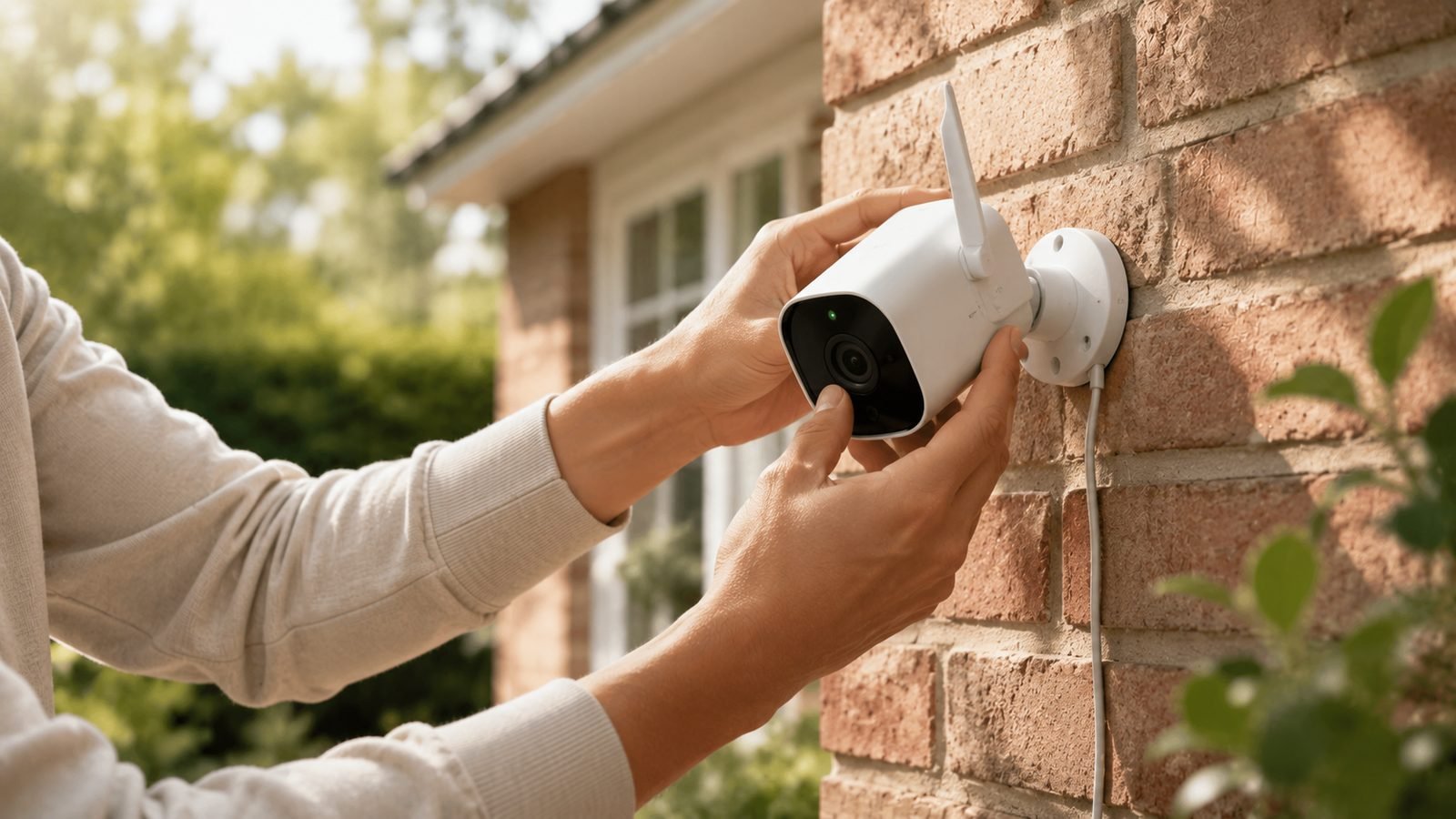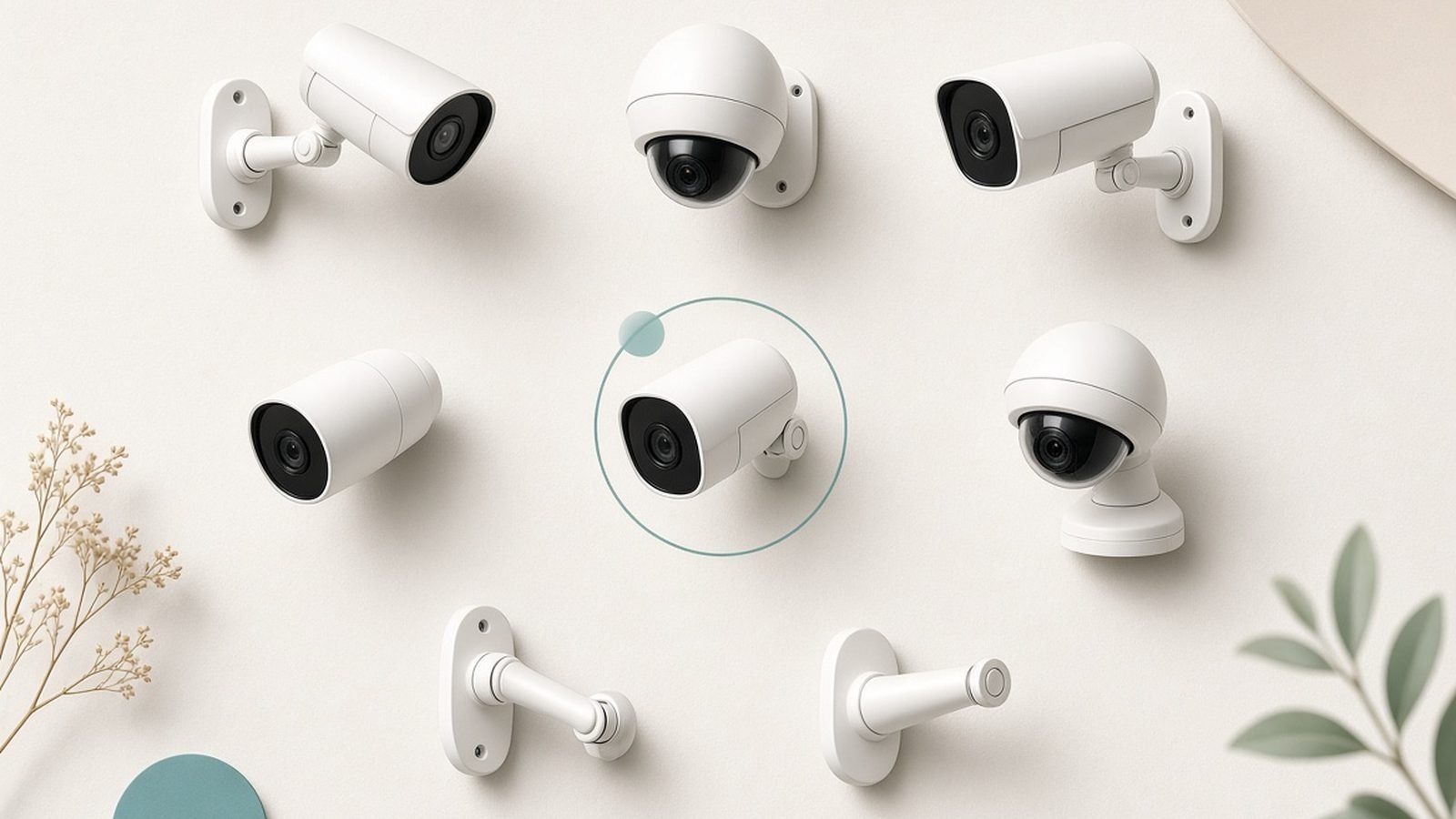
The best home security camera for most people in 2026 is the eufyCam S3 Pro, because it records 4K locally, charges by solar, and never asks for a monthly fee. But “best” depends heavily on one decision you should make before you buy anything: are you willing to pay a subscription, or do you want everything stored on the device? That single choice reshapes the whole shortlist, so this guide sorts picks by both storage model and use case.
We’ve spent weeks researching the current field — spec sheets, storage and subscription terms, resolution and night-vision claims, and hundreds of owner reports across the US and UK — to land on six cameras worth buying, from a no-fee 4K outdoor cam to a HomeKit Secure Video pick. Whether you want the best security camera without subscription or the most polished app experience money can buy, one of these fits.
Best home security camera at a glance
| Pick | Camera | Best for | Storage model | Price (US / UK) |
|---|---|---|---|---|
| Best overall | eufyCam S3 Pro | No-fee 4K outdoor coverage | Local (HomeBase 3) | around $220 / £200 (1-cam) |
| Best value | Reolink Argus 4 Pro | Wide-angle, no wiring, no fees | Local (microSD / NVR) | around $130 / £120 |
| Best ecosystem | Ring Stick Up Cam Pro | Alexa homes, easy setup | Cloud (subscription) | around $180 / £180 |
| Best premium wireless | Arlo Pro 5S 2K | App polish, flexible mounting | Cloud (subscription) | around $130 / £120 |
| Best for Google/Nest homes | Nest Cam (2nd gen, battery) | Google ecosystem, smart alerts | Cloud + 3hr free | around $180 / £180 |
| Best for Apple homes | Aqara Camera Hub G5 Pro | HomeKit Secure Video | Local + iCloud | around $130 / £120 |
Prices swing hard around sales — Eufy and Reolink in particular discount several times a year — so treat these as ballpark figures.
How we picked the best home security camera for 2026
Analysis here is based on published specs, manufacturer documentation, subscription terms, and aggregated owner feedback across US and UK retailers — not lab testing we didn’t do. Four factors decided the rankings.
Storage model and true cost. A $60 camera that needs $8/month to be useful costs more over three years than a $220 camera that stores everything free. We weighted lifetime cost heavily and flag the subscription for every pick.
Image quality where it counts. Daytime 4K is easy; the real test is night vision, motion clarity, and how well a camera resists over-exposing under a porch light. We lean on published sensor specs and consistent owner reports rather than marketing stills.
Reliability and false alerts. A camera that cries wolf at every passing car gets muted, which defeats the point. Person/vehicle/package detection quality mattered more than raw feature count.
Ecosystem fit. The right camera for an all-Alexa house is the wrong one for a HomeKit house. We name the ecosystem each pick belongs in.
Best home security camera overall: eufyCam S3 Pro
Around $220 / £200 (single cam + HomeBase 3) — 4K, solar-charged, and no monthly fee ever.
The eufyCam S3 Pro is the camera we’d hand most people who ask. It shoots genuine 4K, adds Eufy’s “BionicMind” face and person recognition on the local HomeBase 3, and — the headline — stores everything on the HomeBase with no subscription required. Built-in solar means that once it’s mounted in a spot with a few hours of daylight, you may never charge it again.
Because recordings live on the HomeBase (expandable to 16TB), your footage isn’t hostage to a cloud plan or a company’s pricing decisions. That’s the same logic behind our wider Best Home Security Cameras With No Subscription in 2026 guide, and Eufy executes it better than anyone in 2026. Night vision is strong, and the optional spotlight adds usable color night footage.
The honest catches: you must buy into the HomeBase system, which raises the entry price versus a cheap standalone cam. Eufy also now sells an optional cloud plan and has, in the past, drawn criticism over cloud-thumbnail handling — reasons some owners keep it strictly local, which the system fully supports.
Pros:
- True 4K with local, subscription-free storage on HomeBase 3
- Solar charging makes it near maintenance-free
- On-device person/face recognition reduces false alerts
- Expandable local storage up to 16TB
Cons:
- Higher upfront cost because you need the HomeBase
- Best value only if you’ll add more Eufy cameras later
- Past cloud-privacy criticism means privacy-focused users should keep it local
Who it’s for: Homeowners who want the best image quality with zero recurring fees and don’t mind a slightly higher entry price.
Verdict: The best home security camera for most homes in 2026 — 4K, solar, and free of the subscription trap.
Best value: Reolink Argus 4 Pro
Around $130 / £120 — a 4K 180-degree wire-free camera with no mandatory fees.
The Reolink Argus 4 Pro packs a genuinely wide 180-degree view into a battery cam, so a single unit can cover a whole driveway or back garden that would otherwise need two cameras. It records 4K, supports color night vision via a spotlight, and stores footage on a microSD card or Reolink NVR — no subscription needed. For the money, nothing matches its coverage-per-pound.
Add the optional solar panel and it becomes effectively set-and-forget. Reolink’s app is functional if less polished than Ring’s or Arlo’s, and local storage keeps your footage yours. It’s a natural fit alongside Reolink’s wired PoE range if you later want 24/7 recording.
Trade-offs are the usual budget ones: the app and person-detection tuning aren’t as refined as premium rivals, and very wide lenses introduce some edge distortion. Wi-Fi range on battery cams can also be finicky through thick UK brick, so plan placement near your router or a mesh node.
Pros:
- 180-degree ultra-wide 4K — one camera covers a lot
- microSD/NVR local storage, no subscription
- Optional solar panel for hands-off power
- Excellent value in both US and UK
Cons:
- App and detection tuning trail Ring/Arlo
- Edge distortion from the very wide lens
- Battery Wi-Fi can struggle through thick walls
Who it’s for: Value hunters covering a wide outdoor area who want local storage and no monthly bill.
Check price: Reolink Argus 4 Pro
Verdict: The most coverage per dollar in 2026, and subscription-free — just temper expectations on app polish.
Best for Alexa homes: Ring Stick Up Cam Pro
Around $180 / £180 — the smoothest experience if your house already runs on Alexa.
Ring’s Stick Up Cam Pro is the do-everything camera in the Ring range: use it wired or on battery, indoors or out, and it slots instantly into an Alexa household. Setup is genuinely ten-minute simple, the app is the most refined in the category, and features like radar-powered “Bird’s Eye View” motion tracking are unique to Ring. If you already own an Echo Show, a Ring doorbell, or Ring alarm, the integration is seamless.
The catch is Ring’s business model: without a Ring Home subscription (from around $4.99/month per device), you get live view and notifications but no recorded video history at all. That’s the trade every Ring buyer makes, and it’s why we send subscription-averse readers elsewhere. If you want a doorbell on the same terms, our Best Video Doorbells With No Subscription (2026) guide covers the no-fee alternatives.
Ring’s other well-known issue is company culture around police footage requests; Ring has changed these policies over time, but privacy-minded buyers should read the current terms before committing.
Pros:
- Best-in-class app and Alexa integration
- Flexible: wired or battery, indoor or outdoor
- Unique radar motion features on the Pro
- Huge accessory and ecosystem support
Cons:
- No recorded footage without a Ring Home subscription
- Ongoing cost adds up across multiple cameras
- Privacy history worth reviewing before buying
Who it’s for: Alexa households that want the slickest setup and don’t mind paying a small monthly fee.
Check price: Ring Stick Up Cam Pro
Verdict: The easiest camera to live with in an Alexa home — as long as you accept the subscription is effectively mandatory.
Best premium wireless: Arlo Pro 5S 2K
Around $130 / £120 — polished, flexible, and dual-band, but subscription-dependent.
The Arlo Pro 5S 2K is the enthusiast’s wireless cam: 2K HDR, a genuinely bright integrated spotlight, dual-band Wi-Fi for a more stable connection, and a magnetic mount that makes repositioning trivial. Arlo’s app rivals Ring’s for polish, and its AI detection (person, vehicle, animal, package) is among the most accurate in aggregated owner reports.
Like Ring, though, Arlo gates the good stuff behind Arlo Secure (from around $7.99/month single-camera). Without it you get live view but limited or no cloud recording, and Arlo has steadily reduced what the free tier offers over the years. Factor the plan into your budget from day one.
It’s a superb camera let down only by that recurring cost. If subscriptions bother you, the eufyCam or Reolink above deliver more freedom; if app quality and AI accuracy are your priority, Arlo is worth the fee.
Pros:
- Sharp 2K HDR with a strong spotlight
- Dual-band Wi-Fi for connection stability
- Excellent, accurate AI detection
- Easy magnetic mounting and repositioning
Cons:
- Cloud recording needs Arlo Secure
- Free tier has shrunk over time
- Battery life dips with heavy 2K recording
Who it’s for: Buyers who want premium app polish and accurate AI alerts and will pay a monthly fee for them.
Verdict: One of the best wireless cameras to use — just know the subscription is part of the deal.
Best for Google/Nest homes: Nest Cam (2nd gen, battery)
Around $180 / £180 — the natural pick if you live in Google’s world.
The battery Nest Cam is the camera to buy if your home runs on Google. It integrates tightly with the Google Home app and Nest displays, and its on-device machine learning delivers some of the smartest, lowest-noise alerts in the category — it reliably tells a person from a passing car without a subscription. Crucially, Nest includes three hours of free event history, so even fee-free you get a basic safety net that Ring flatly doesn’t offer.
For full event history and familiar-face detection you’ll want a Nest Aware plan (from around $8/month), but the free tier is genuinely usable for many households. Build quality is excellent and the weatherproofing is rated for real outdoor use.
The trade-offs: it’s 1080p, not 4K, which shows when you zoom into footage, and the Google Home app has been through some rocky redesigns. Battery life is fair rather than exceptional if your camera is busy.
Pros:
- Best-in-class on-device smart alerts
- Three hours of free event history, no plan needed
- Seamless Google Home and Nest display integration
- Solid weatherproof build
Cons:
- 1080p only — no 4K detail
- Full history and face detection need Nest Aware
- Google Home app has had a bumpy history
Who it’s for: Google/Nest households wanting smart, quiet alerts and a usable free tier.
Check price: Nest Cam (2nd gen, battery)
Verdict: The smartest alerts in the group and a rare useful free tier — ideal for Google homes, if you can live with 1080p.
Best for Apple homes: Aqara Camera Hub G5 Pro
Around $130 / £120 — the standout for HomeKit Secure Video.
If your smart home is built on Apple, the Aqara Camera Hub G5 Pro is the pick. It supports HomeKit Secure Video, meaning recordings are analyzed on your Apple hub and stored encrypted in iCloud, with the storage counting against your existing iCloud plan rather than a new camera-specific fee. It doubles as a Matter/Thread and Zigbee hub, so it can tie together the rest of your gadgets — useful context if you’re reading our What Is Matter? The Smart Home Standard Explained (2026) explainer.
It works cross-platform too (Alexa, Google, and Aqara’s own app), and supports local microSD recording alongside HKSV. On-device AI can recognize faces, pets, and vehicles. For the price, it’s remarkably versatile.
Caveats: to unlock HKSV you need an Apple home hub (a HomePod or Apple TV), and iCloud’s free 5GB fills fast — most users will need a paid iCloud tier for meaningful history. The Aqara app, while capable, is busier than Apple’s clean Home interface.
Pros:
- Full HomeKit Secure Video support with encrypted iCloud storage
- Doubles as a Matter/Thread/Zigbee hub
- Local microSD recording as a backup
- Strong value and cross-platform flexibility
Cons:
- HKSV needs an Apple home hub
- Meaningful history needs a paid iCloud tier
- App is more cluttered than Apple’s Home app
Who it’s for: Apple households that want private, HomeKit-native recording and a bonus smart-home hub.
Check price: Aqara Camera Hub G5 Pro
Verdict: The best HomeKit Secure Video camera for the money in 2026, with a Matter hub thrown in.
How to choose a home security camera
Five decisions get you to the right camera faster than any spec sheet.
Subscription or local storage? Decide this first. Ring and Arlo need a plan to record anything useful; Eufy, Reolink, and Aqara (via microSD/HKSV) store locally. Over three years the difference can exceed the camera’s own price.
Indoor, outdoor, or both? Outdoor cameras need real weatherproofing (look for IP65+) and better night vision. Indoor-only cameras can be cheaper — but consider a physical privacy shutter for bedrooms and living spaces.
Wired or battery? Battery and solar cams are easy to place anywhere but need occasional charging and can drop Wi-Fi through thick walls. Wired/PoE cameras never run flat and can record 24/7, but installation is more involved.
Resolution vs storage. 4K looks great but eats storage and bandwidth fast. For most porches and gardens, sharp 2K with good night vision beats soft 4K. Match resolution to how much footage you’re willing to store.
Ecosystem. Buy the camera that matches the assistant you already use — Alexa (Ring), Google (Nest), or Apple (Aqara/HKSV) — unless local-first ownership matters more, in which case Eufy or Reolink win.
FAQ: home security cameras
What is the best home security camera without a subscription?
The eufyCam S3 Pro is our top no-fee pick: it records 4K locally to a HomeBase with no monthly cost. The Reolink Argus 4 Pro (microSD/NVR) and Aqara G5 Pro (HomeKit Secure Video or microSD) are strong subscription-free alternatives. We cover the full field in our dedicated Best Home Security Cameras With No Subscription in 2026 guide.
Do I really need to pay a monthly fee for a security camera?
Only for some brands. Ring and Arlo record almost nothing without a plan, so a subscription is effectively mandatory with them. Eufy, Reolink, and HomeKit Secure Video cameras store footage locally or in storage you already own, so you can run them fee-free indefinitely.
Are wireless (battery) cameras good enough, or should I get wired?
Battery cameras are excellent for flexibility and easy DIY installation, and solar charging removes most of the maintenance. Choose wired or PoE only if you need continuous 24/7 recording or your camera location has poor Wi-Fi. For most homes, a good battery cam with a solar panel is the sweet spot.
How much internet upload speed do security cameras need?
Roughly 1-2 Mbps upload per camera for 1080p, and 3-5 Mbps for 4K live streaming. A few cameras are fine on most broadband, but a dozen 4K cameras streaming to the cloud can saturate a slow uplink — another reason local storage is attractive for larger setups.
Can these cameras record indoors and outdoors?
Some, like the Ring Stick Up Cam Pro, are rated for both. Most outdoor cameras (Eufy, Reolink) can be used indoors too, but dedicated indoor cameras are usually cheaper and smaller. For bedrooms and living rooms, prioritize models with a physical privacy shutter or an easy schedule to disable them when you’re home.
What’s the best security camera for UK homes with thick brick walls?
Signal penetration matters. Wired or PoE cameras avoid Wi-Fi issues entirely; among wireless picks, place battery cams near a router or mesh node. The eufyCam S3 Pro’s HomeBase and the Nest Cam’s efficient radios tend to hold connections well, but if walls are very thick, a wired Reolink PoE setup is the most reliable route.
Zen Tech Hub may earn a commission from links on this page, at no extra cost to you.