Few smart home failures are as quietly infuriating as a robot vacuum that cleans the whole house, then dies three feet from its charger. If your robot vacuum won’t return to dock — whether it’s a Roomba that circles the base and gives up, or a Roborock throwing a “failed to return to dock” error — the cause is almost always fixable. Based on hundreds of owner reports across Roborock, iRobot, Eufy and Ecovacs forums, roughly 80% of docking failures come down to dock placement, dirty sensors or a stale map. Here are all 11 fixes, in order of likelihood, plus brand error codes and the maintenance routine that stops it recurring.
Quick checklist: try these first
Before deep troubleshooting, run through this two-minute list:
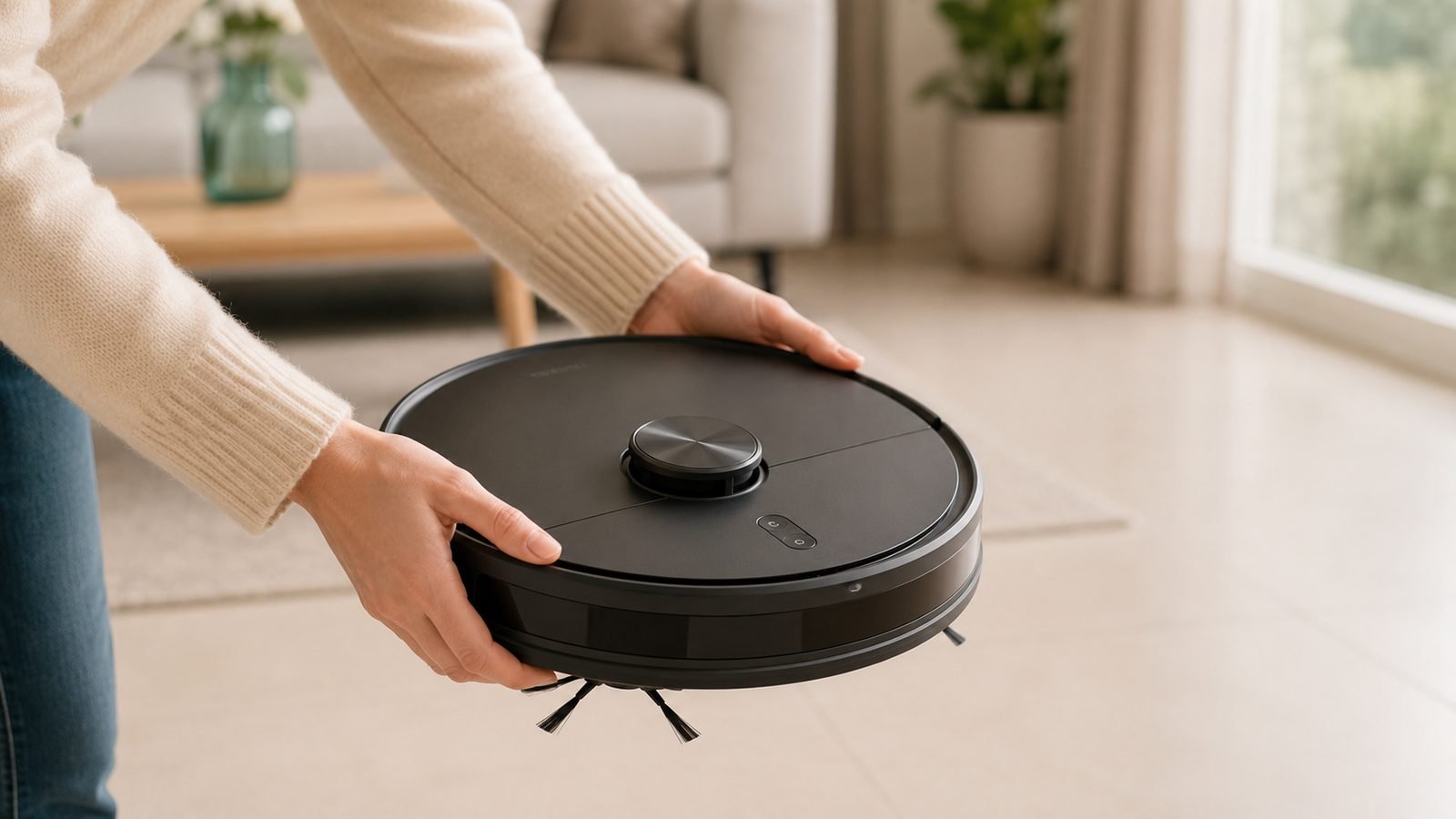
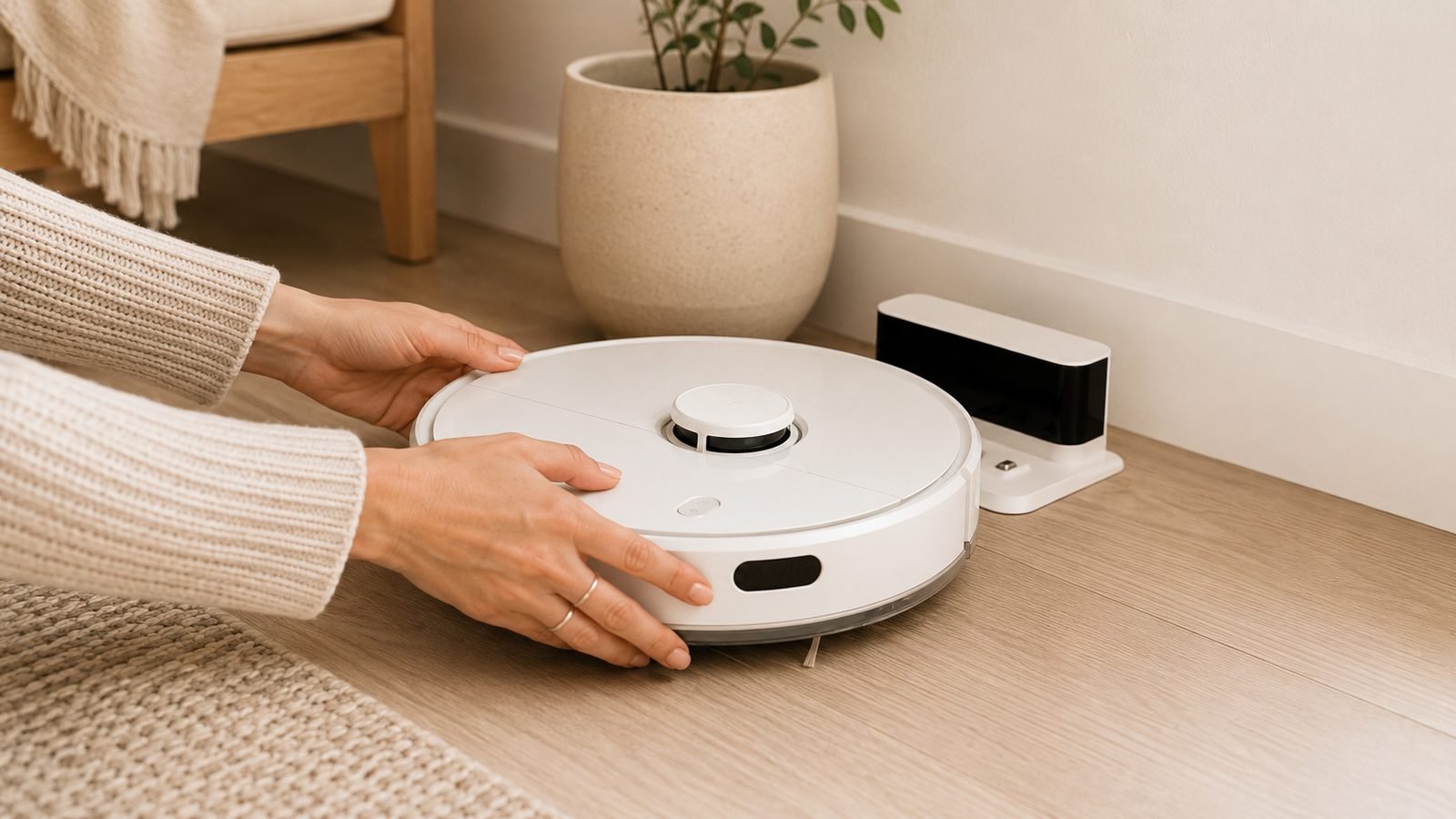
- Carry the robot to within 6 ft / 2 m of the dock and press the home button. If it docks, navigation is the problem, not the dock.
- Check the dock has power — the indicator LED should be lit and the charging contacts clean.
- Clear 1.5 ft / 0.5 m either side of the dock and 4 ft / 1.2 m in front. Shoes, cables and pet bowls are the top culprits.
- Wipe the charging contacts on both robot and dock with a dry cloth.
- Restart the robot (full power off, not just sleep) and send it home again.
If none of that works, keep reading — the fixes below are ordered from most to least common.
Why your robot vacuum won’t return to dock (how docking actually works)
Every robot vacuum finds its dock in two stages. First, long-range navigation: LiDAR or camera-based robots navigate back using their saved map; cheaper bump-navigation bots wander until they get lucky. Second, short-range homing: within about 6 ft / 2 m, the robot switches to the dock’s infrared (IR) beacon and steers onto the charging contacts.
A stage-one failure looks like a robot wandering the wrong room, or a robot vacuum that stops mid clean and declares itself lost — prioritise map and sensor fixes. A stage-two failure looks like the robot arriving, nudging the dock repeatedly, then reversing away — prioritise placement and contact fixes.
Fixes 1–3: dock placement, clearance and lighting
Fix 1: Put the dock against a wall on hard flooring
The dock must sit flush against a wall on a level, hard surface. On thick carpet, docks tilt backwards and the contacts miss; free-standing docks slide when the robot pushes against them — a classic cause of robot vacuum docking problems that looks like a robot fault but isn’t. If carpet is unavoidable, fix the dock down with adhesive pads or heavy-duty Velcro.
Fix 2: Give it the clearance the manual actually asks for
The IR homing beacon needs a clear cone of space. The near-universal spec is 0.5 m (1.5 ft) clearance each side and 1.2 m (4 ft) in front — self-empty docks often want 1.5 m. Keep the dock away from mirrors, radiators, stair edges and tasselled rugs, and out of corners, which block the angled approach path.
Fix 3: Fix the lighting — both too much and too little
Direct sunlight on the dock can swamp the IR beacon, so a dock by a patio door may work at 8 pm and fail at noon. Conversely, camera-navigation robots (many Roombas, Ecovacs and vSLAM Eufy models) can’t navigate home in a pitch-dark house. If your robot vacuum can’t find dock only at certain times of day, lighting is almost certainly the reason. Move the dock out of direct sun, or leave a lamp on for camera-based bots running night schedules.
Fixes 4–6: clean sensors, charging contacts and the LiDAR turret
Fix 4: Clean the robot’s sensors properly
If you only do one thing from this article, clean your robot vacuum sensors. Dust on the IR receiver window (usually front bumper), cliff sensors (underside) and wall sensor causes the majority of “arrives but won’t latch” failures. Use a dry microfibre cloth or a cotton bud with a drop of isopropyl alcohol — never household spray cleaners, which fog the sensor windows.
Fix 5: Polish the charging contacts
Oxidised or dusty contacts mean the robot docks, fails to detect current, and backs off to try again — forever. Wipe the metal strips on the dock and the contacts under the robot with a dry cloth; for visible tarnish, a pencil eraser followed by a microfibre wipe works well. In our research this single fix resolves a large share of “docks then leaves” complaints, especially on units over a year old.
Fix 6: Clean the LiDAR turret or camera lens
LiDAR robots (Roborock, Dreame, many Eufys) have a spinning turret on top; a film of dust degrades its ranging and the map drifts. Wipe the turret’s window gently and check it spins freely — pet hair wound underneath the turret is a known cause of a Roborock not returning to dock even though it cleans fine. Camera bots: wipe the lens, exactly as you would glasses.
Fixes 7–8: remap the home and reset Wi-Fi
Fix 7: Delete the map and remap
Maps rot. Moved furniture, a relocated dock or a Christmas tree that came and went can leave the saved map disagreeing with reality, and the robot navigates confidently to where the dock used to be. In the app, delete the map (or run a new mapping run) with the dock in its final position, and don’t move the dock afterwards — always move the dock then remap, never the reverse.
Fix 8: Reset the Wi-Fi connection
It sounds unrelated, but owner reports show robots stalling mid-return after network drops — one recurring flavour of “robot vacuum stops mid clean”. Reboot your router, re-add the robot in the app, and make sure it’s on the 2.4 GHz band if your model requires it. Mesh users: pin the robot to the nearest node if you can.
Fixes 9–11: firmware, battery health and dock replacement
Fix 9: Update the firmware — or wait out a bad one
Check the app for pending firmware. Docking logic lives in firmware, and updates regularly fix homing bugs; occasionally they introduce them, so if the problem started within days of an update, check your model’s subreddit or the manufacturer’s forum before factory-resetting a healthy robot.
Fix 10: Assess battery health
Lithium batteries fade after 2–3 years or roughly 300–400 cycles. A worn battery can trigger a return-to-dock so late the robot dies en route — which presents as a docking failure but is really a power one. If runtime has dropped noticeably and the robot keeps dying mid-return, a replacement battery ($30–60 / £25–50) is far cheaper than a new robot.
Fix 11: Test — and if needed replace — the dock itself
Docks fail: power bricks die, IR emitters weaken, self-empty docks develop board faults. Test with a different outlet and, if you can, a spare cable. If the robot docks perfectly when carried to it but never finds it from range after every fix above, a weak IR emitter is the prime suspect. Replacement docks run $40–90 / £35–80 from the manufacturer and are usually the last stop before warranty.
Brand-specific quirks and error codes: Roborock, iRobot, Eufy, Ecovacs
| Brand | Common error | What it means | First fix |
|---|---|---|---|
| Roborock | ”Failed to return to dock” | Robot lost dock location or beacon blocked | Clear dock area, remap |
| Roborock | Error 6 / bumper stuck | Jammed bumper stops homing approach | Tap bumper free, clean debris |
| Roborock | Error 9 | Dirty dock locator / IR window | Clean turret and dock sensor |
| iRobot (Roomba) | Error 8 / “cannot return to Home Base” | Navigation lost or base unpowered | Check base LED, clean camera |
| iRobot (Roomba) | Charging error 3/8 | Dirty or faulty charging contacts | Polish contacts (Fix 5) |
| Eufy | Beeps + red light at dock | Contact misalignment on carpet | Move dock to hard floor |
| Ecovacs | Error “difficult to locate charging dock” | IR interference or sunlight | Relocate dock away from sun |
Two quirks worth knowing. A Roomba won’t dock reliably if a Virtual Wall barrier sits too close to the Home Base — keep them 8 ft / 2.4 m apart. And the Roborock failed to return to dock error is disproportionately reported after users move the dock without remapping; Roborock’s own guidance is remap-after-move, every time.
When it’s a warranty claim
Escalate to the manufacturer if: the dock’s LED won’t light on a known-good outlet; charging errors persist with clean, aligned contacts; the LiDAR turret won’t spin after cleaning; or failures survive a factory reset and remap. Most robots carry a 12-month warranty (UK buyers get further statutory protection for faults present at purchase). Keep the app’s error log handy — codes and timestamps speed up claims.
Prevention: the monthly maintenance routine
Ten minutes a month prevents nearly all docking problems:
- Wipe all sensors, the LiDAR turret/camera and both sets of charging contacts.
- Remove hair from wheels, brushes and the caster — dragging debris skews odometry.
- Replace the filter every 2–3 months and side brushes every 3–6 months; a bent side brush flicks debris onto sensors. Generic replacement side brush/filter kits cost around $15–25 / £12–20 and take two minutes to fit.
- Check firmware and confirm the map still matches your furniture layout.
Check price: Replacement side brush/filter kits
FAQ
Why does my robot vacuum stop right in front of the dock?
It has navigated home (stage one) but failed IR homing (stage two). The usual causes are dirty charging contacts, a blocked or sun-blinded IR beacon, or a dock that shifts when nudged. Clean the contacts and the robot’s front sensor window, then make sure the dock is flat against a wall and can’t slide backwards.
Why does my robot vacuum dock and then leave again?
The robot isn’t detecting charging current, so it retries the approach. Nine times out of ten, oxidised or dusty charging contacts are to blame — polish both sets. If contacts are clean, check the dock’s power supply and cable, and look for a “charging error” code in the app that points to a battery or board fault.
How often should I clean robot vacuum sensors?
Monthly for most homes; every two weeks with shedding pets. Use a dry microfibre cloth on the cliff sensors, bumper IR window and LiDAR turret or camera lens. Dirty sensors are the single most common cause of docking failures in aggregated owner reports, and cleaning takes under five minutes.
Why won’t my Roomba dock after I moved the Home Base?
Camera-navigation Roombas store the base’s location on their Smart Map. Move the base and the map is wrong until it relearns, so run a new mapping run after any relocation. Also keep Virtual Walls at least 8 ft / 2.4 m from the Home Base — the two IR signals interfere.
Does sunlight really stop a robot vacuum from docking?
Yes. Direct sunlight carries enough infrared to drown out the dock’s IR beacon, so a robot that docks fine in the evening can fail at midday. If failures follow the sun, move the dock to a shaded wall. Camera-based robots have the opposite issue: they struggle to navigate home in darkness.
Still stuck? Upgrade picks that dock reliably
If you’ve worked through all 11 fixes and your robot is an older bump-navigation model, the honest answer is that modern LiDAR robots have largely engineered this problem away — in our research, current docks with wide IR arrays draw dramatically fewer docking complaints. For a broader look, see our category hub Smart Home and pet-hair guide Best Robot Vacuum for Pet Hair in 2026: Which One Wins?.
Roborock Qrevo Curv 2 Flow — best upgrade
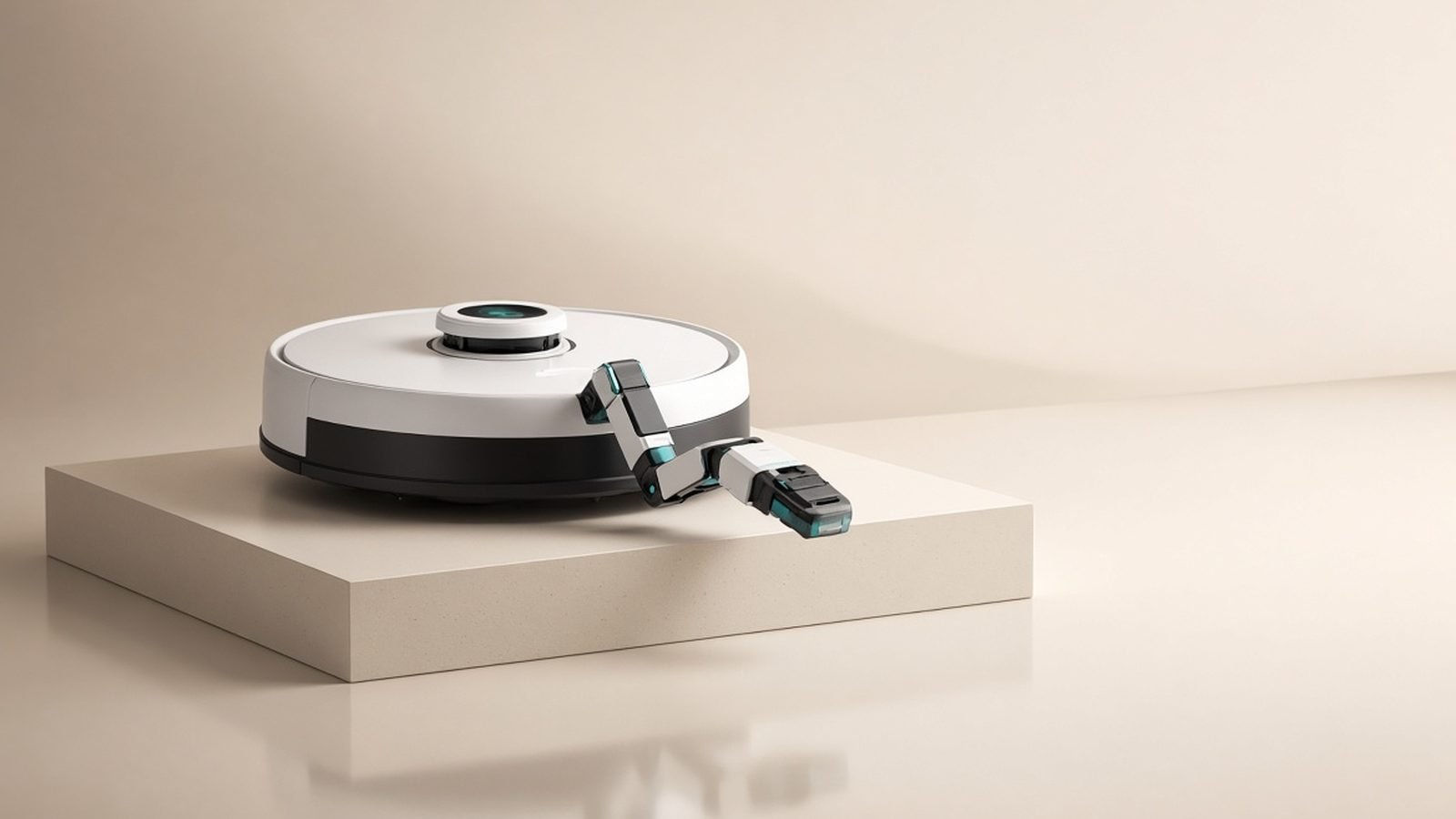
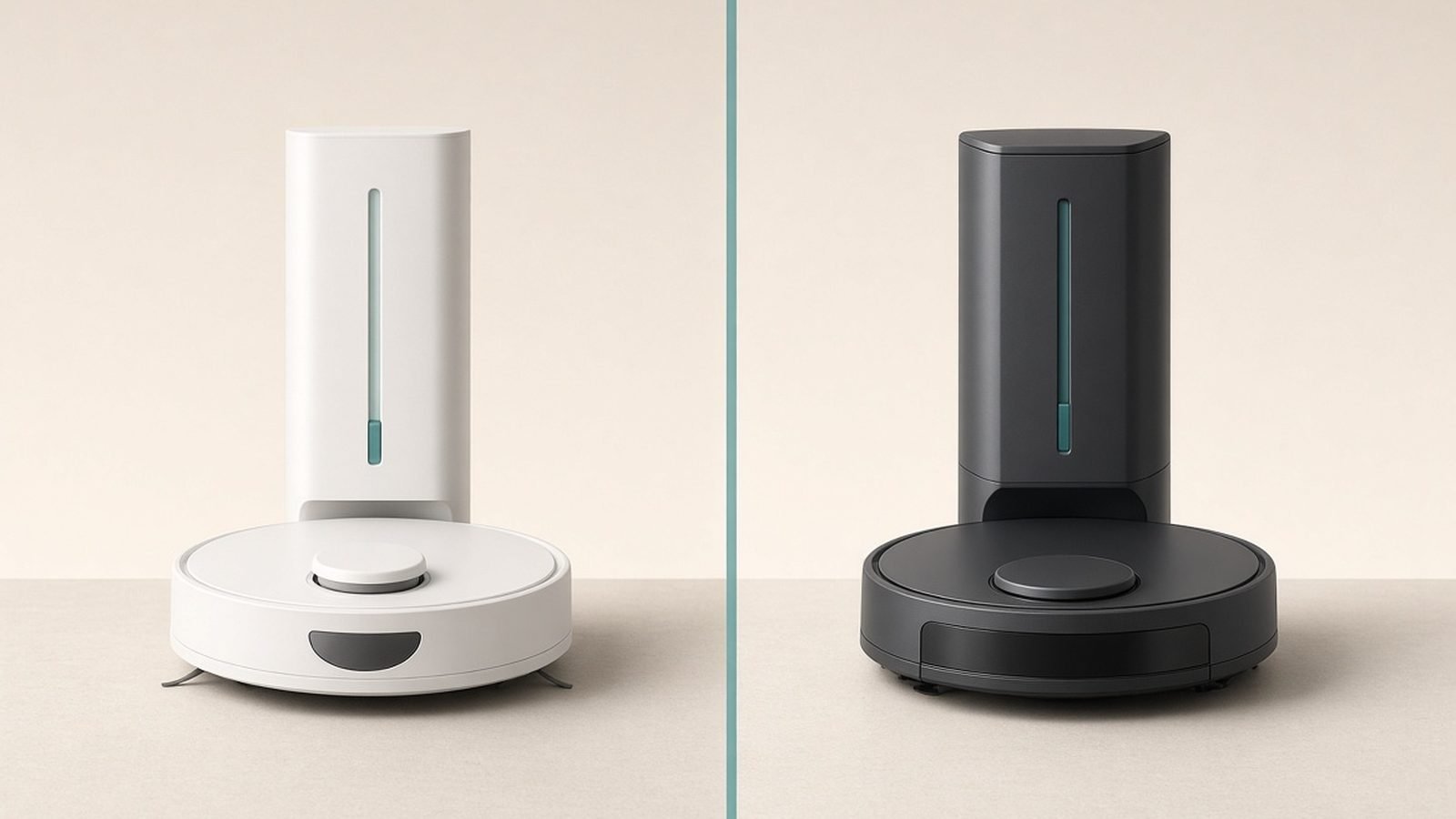
Around $785 / £699. Roborock’s mid-premium Qrevo line pairs top-tier LiDAR with a self-empty, self-wash dock, and the Curv 2 Flow’s docking is about as close to fail-proof as the category gets. It’s for owners of ageing robots who want mopping and months of hands-off running; the trade-offs are a big dock and paying for mopping you may not need. Weighing Roborock against its main rival? Read Roborock vs Dreame (2026): Which Robot Vacuum Brand Wins? — and step-up shoppers should see Roborock Saros Z70 Review: The Robot Arm Vacuum in 2026.
Pros: excellent LiDAR navigation and docking reliability; self-empty and mop-washing dock; strong app with per-room control. Cons: large dock footprint; premium price; mopping hardware adds maintenance of its own.
Check price: Roborock Qrevo Curv 2 Flow
Eufy C28 Omni — best budget upgrade
Around $499 / £429. The C28 Omni gets you LiDAR navigation and a self-empty dock at roughly two-thirds the Roborock’s price — a huge leap for anyone replacing a bump-and-run bot that could never find its dock. It’s for budget-conscious upgraders and smaller homes. Trade-offs: less refined obstacle avoidance than premium rivals, and the app is more basic.
Pros: LiDAR navigation and reliable docking at a budget price; self-empty dock; quiet operation. Cons: obstacle avoidance trails premium models; simpler app; smaller accessory ecosystem.
Which should you buy? Fix first — most docking problems cost nothing to solve. If you’re upgrading anyway, the Roborock Qrevo Curv 2 Flow is the pick for whole-home vacuum-and-mop automation; the Eufy C28 Omni is the value pick that still ends the docking drama.
Zen Tech Hub may earn a commission from links on this page, at no extra cost to you.