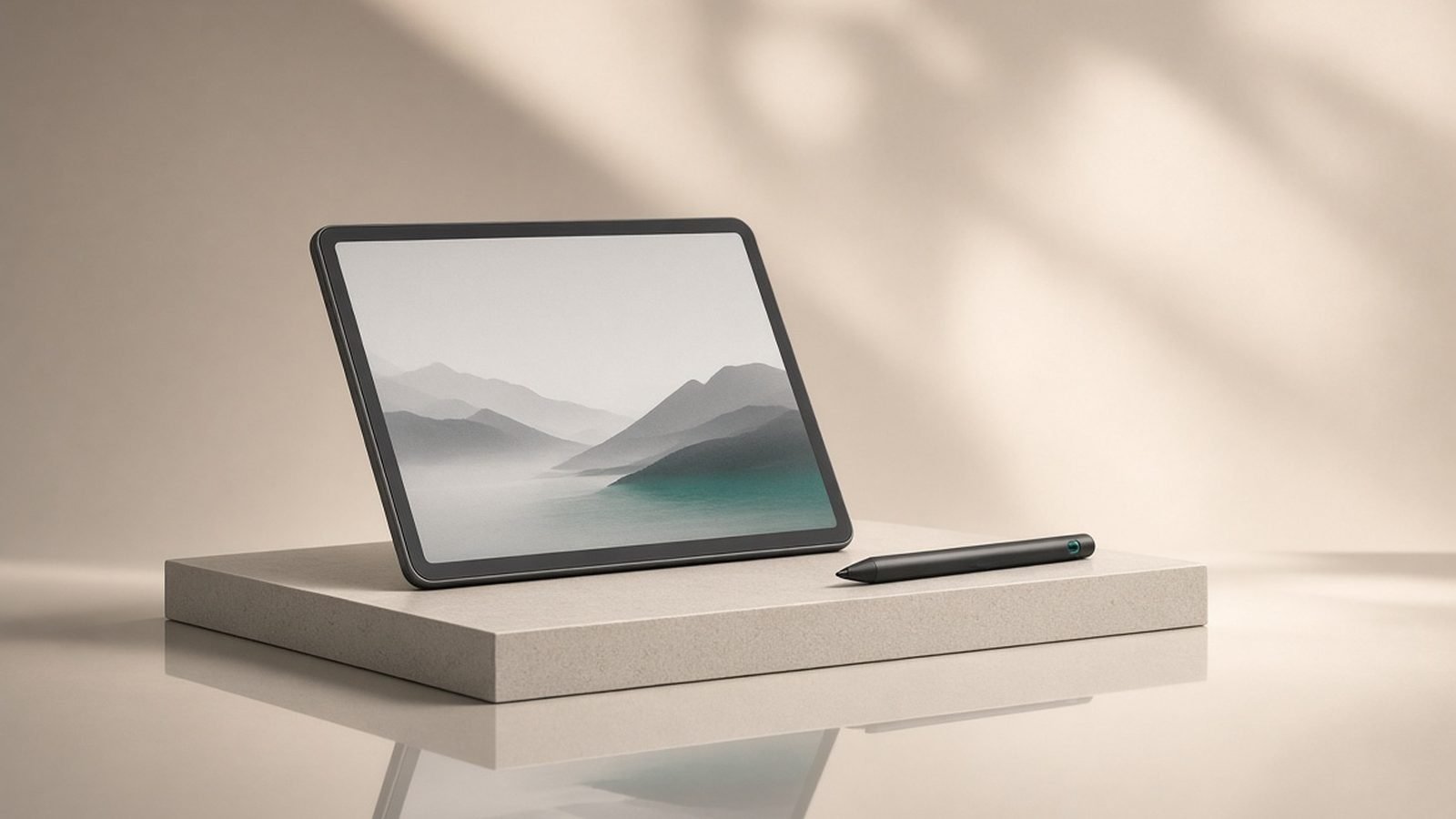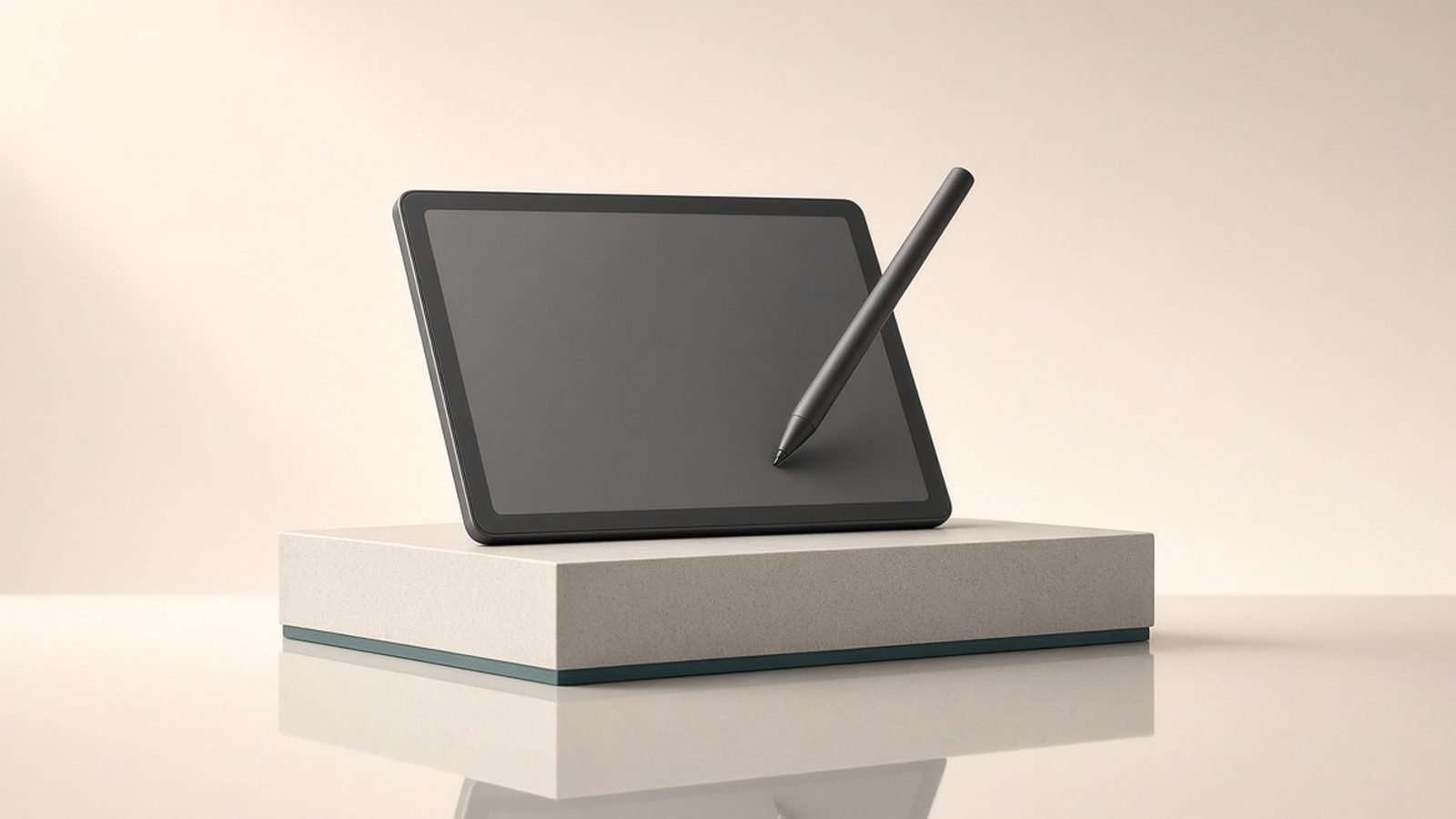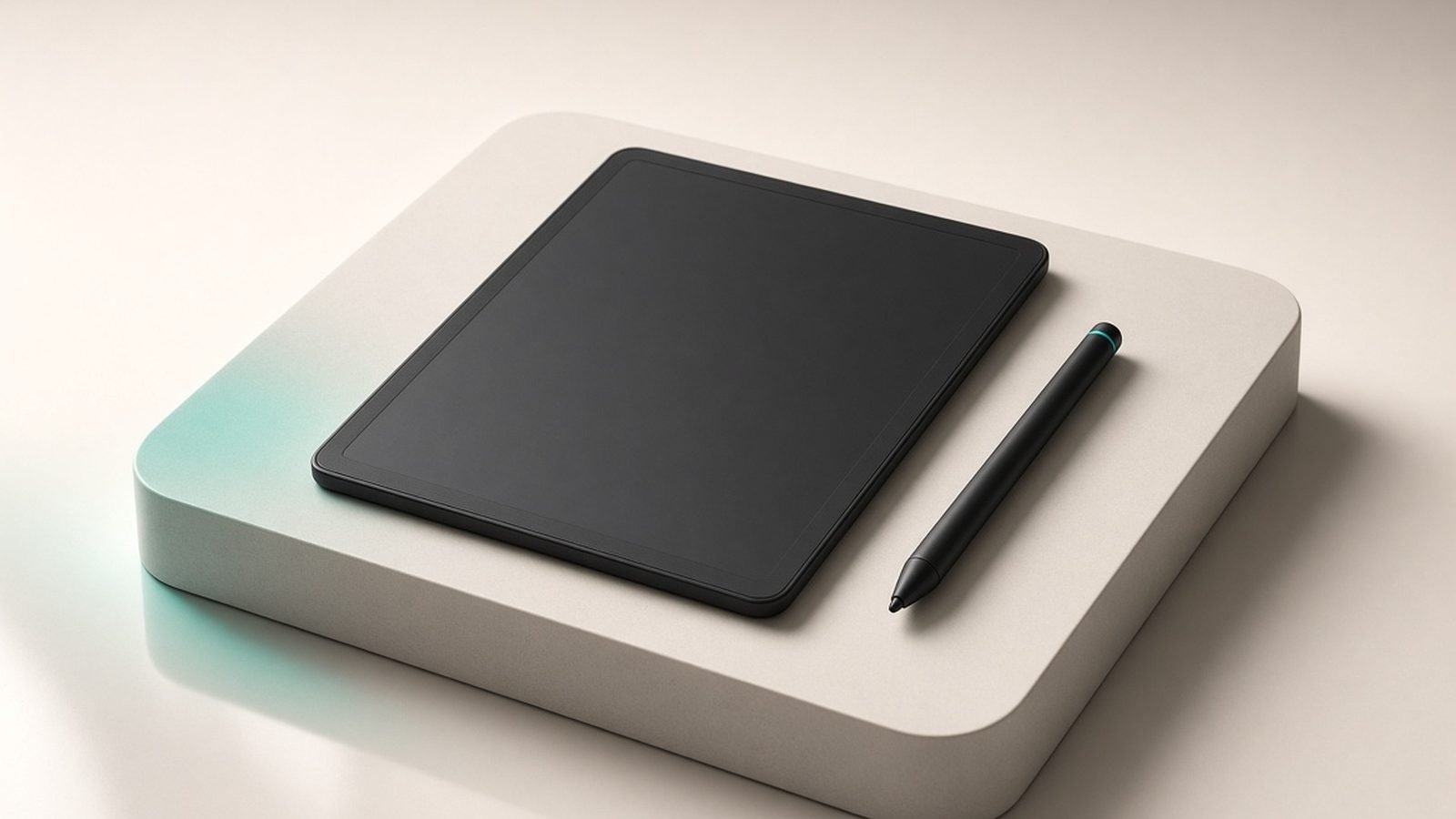
This reMarkable Paper Pro review is direct: the Paper Pro is the best device on the market for people whose main goal is focused, distraction-free writing on a screen that feels like paper — now with colour and a front light. It is a specialist tool, not a do-everything tablet, and that focus is precisely the point. If you want a digital notebook that keeps you off the internet and out of apps, nothing else does it this well. If you want to read a big book library or run apps, you are looking at the wrong device.
The short verdict: buy the reMarkable Paper Pro if writing and thinking, not reading or media, are your priority, and you value a paper-like feel above all. Look elsewhere if you want an all-purpose tablet or a book-first reader.
Starting price: around $579 / £579 for the device; Marker Plus pen and folio sold separately; optional Connect subscription.
Check price: reMarkable Paper Pro
reMarkable Paper Pro at a glance
The Paper Pro is an 11.8-inch colour E Ink writing tablet — reMarkable’s first with a colour display and a built-in front light, addressing the two biggest limitations of the reMarkable 2. It focuses relentlessly on writing and reading your own documents: no app store, no browser, no email. The textured surface and low-latency Marker pen aim to replicate pen on paper as closely as any device has.
Pros: best-in-class paper-like writing feel, colour E Ink, front light, superb focus and distraction-free design, excellent note organisation, thin and premium build.
Cons: expensive once you add the pen and folio, some features gated behind a subscription, weak as a general reader, no book store, greyscale-first colour is muted.
Design and the writing feel
The Paper Pro is a beautifully made object — thin, light, and rigid, with a matte textured display that has a faint tooth to it. That texture is the whole story: dragging the Marker across it produces subtle friction and a near-instant response that, based on aggregated owner reports and reReMarkable’s design goals, is the closest E Ink writing gets to real paper. If the tactile quality of writing matters to you, this is the device’s decisive advantage.
The addition of a front light is a genuine quality-of-life upgrade over the reMarkable 2, letting you write in a dim room, and the colour display adds a new dimension for highlighting, diagrams, and colour-coded notes. It remains a device you can use for hours without eye strain, and there is no glare in bright light.
Colour, notes and organisation
Colour on the Paper Pro is E Ink colour, which means it is more muted than an LCD tablet — think coloured pencil rather than vivid screen. For its purpose — highlighting, sketching, and organising notes by colour — it works well and adds real utility, but do not expect photo-grade vibrancy.
Where the Paper Pro shines is note management. It has a proper folder and document structure, layers, a wide range of templates, and handwriting-to-text conversion that is among the better implementations in E Ink. For people who take a lot of structured notes — meetings, research, journals — the organisation is deeper and more thoughtful than a reading-first device offers. This is exactly the area where it pulls ahead of the Kindle Scribe Review 2026: Read and Write on E-Ink.
Pros: deep folder and layer organisation, good handwriting-to-text, useful colour highlighting, wide template selection.
Cons: colour is muted versus LCD, some export and cloud features tied to a subscription.
The subscription question
reMarkable sells a Connect subscription that unlocks cloud sync, handwriting conversion extras, and note-taking apps for phone and desktop, plus extended cloud storage. The core writing experience works without it, but some of the convenience features that make the ecosystem seamless sit behind the monthly fee.
Be honest with yourself about this before buying. The hardware plus pen plus folio is already a significant outlay, and the subscription adds an ongoing cost for the full experience. For heavy users who sync across devices it can be worth it; for someone who just wants a local notebook, the base functionality may suffice. Factor the recurring cost into your decision.
Reading and the limits of focus
You can read PDFs and ePub documents on the Paper Pro, and the large colour screen with a front light makes this pleasant for your own documents, research papers, and articles. But it is not a bookstore device — there is no Kindle-style shop, no library-loan integration, and side-loading is the route for books. As a reader it is capable for documents but limited compared with a dedicated e-reader.
That limitation is deliberate. The whole appeal is that the Paper Pro does not let you check email, browse, or scroll social media. If you want a device that keeps you writing and thinking, the walls are the feature. If you want reading, media, or apps, this is the wrong tool.
reMarkable Paper Pro vs the alternatives
Against the Kindle Scribe, the split is clear. The Paper Pro is the better writing tablet — better feel, deeper organisation, colour and a front light — while the Scribe is the better reader with the entire Kindle library and library loans built in. Writers should lean reMarkable; readers who also write should lean Scribe. Our Best E-Ink Tablets for Note-Taking 2026: Scribe vs Kobo vs reMarkable guide compares the wider field.
Against the reMarkable 2, the Paper Pro adds colour and a front light — the two things people most wanted — at a higher price. If you own a reMarkable 2 and are happy in greyscale without a light, there is no urgent need to upgrade. Against a full tablet like the iPad Air M3 Review: The Only iPad Most People Should Buy, the reMarkable trades power, apps, and vivid colour for focus and a paper-like feel; they are different tools for different jobs.
Verdict
The reMarkable Paper Pro is the best paper-tablet for focused writing you can buy, and the colour screen and front light finally remove the reMarkable 2’s biggest limitations. It is expensive, especially once you add the pen and folio and consider the subscription, and it is deliberately bad at everything that is not writing or reading your own documents. But for the specific person who wants a distraction-free notebook that feels like paper, nothing else comes close.
Buy it if writing and focus are your priority and you will pay for quality. Skip it if you want an all-purpose tablet or a book-first reader — the Kindle Scribe or an iPad will serve you better.
FAQ
Is the reMarkable Paper Pro worth it in 2026? For people whose main goal is focused, distraction-free writing on a paper-like screen, yes — the writing feel, colour E Ink, front light, and note organisation are class-leading. It is not worth it if you want a general tablet or a device to read a big book library, since it deliberately has no app store, browser, or bookstore.
reMarkable Paper Pro vs Kindle Scribe — which is better? They serve different priorities. The Paper Pro is the better writing tablet, with a superior paper-like feel, deeper note organisation, colour, and a front light. The Kindle Scribe is the better reader, with access to the entire Kindle store and library loans. Choose the reMarkable if writing comes first, the Scribe if reading comes first.
Does the reMarkable Paper Pro need a subscription? The core writing and reading experience works without one. A Connect subscription unlocks cloud sync, extra handwriting-conversion features, companion apps, and extended storage. Heavy users who sync across devices may find it worthwhile, but a local-only note-taker can use the device without paying the monthly fee. Factor the optional cost into your budget.
How good is the colour on the reMarkable Paper Pro? It is E Ink colour, which is more muted than an LCD tablet — closer to coloured pencil than a vivid screen. For its intended use of highlighting, colour-coding notes, and simple diagrams, it works well and adds genuine utility. Do not expect photo-grade vibrancy; the trade-off is the low eye strain and paper-like quality of E Ink.
Should I upgrade from the reMarkable 2 to the Paper Pro? Only if you want the two features it adds: colour and a front light. If you are happy writing in greyscale without a built-in light, the reMarkable 2 still offers the same excellent writing feel for less. The Paper Pro is the better device, but the upgrade is worthwhile mainly for those specific additions.
For more tablet and e-reader guides, visit the Tablets & E-Readers and our Best E-Readers 2026: Kindle & Kobo Picks Compared (US & UK) round-up.
Zen Tech Hub may earn a commission from links on this page, at no extra cost to you.