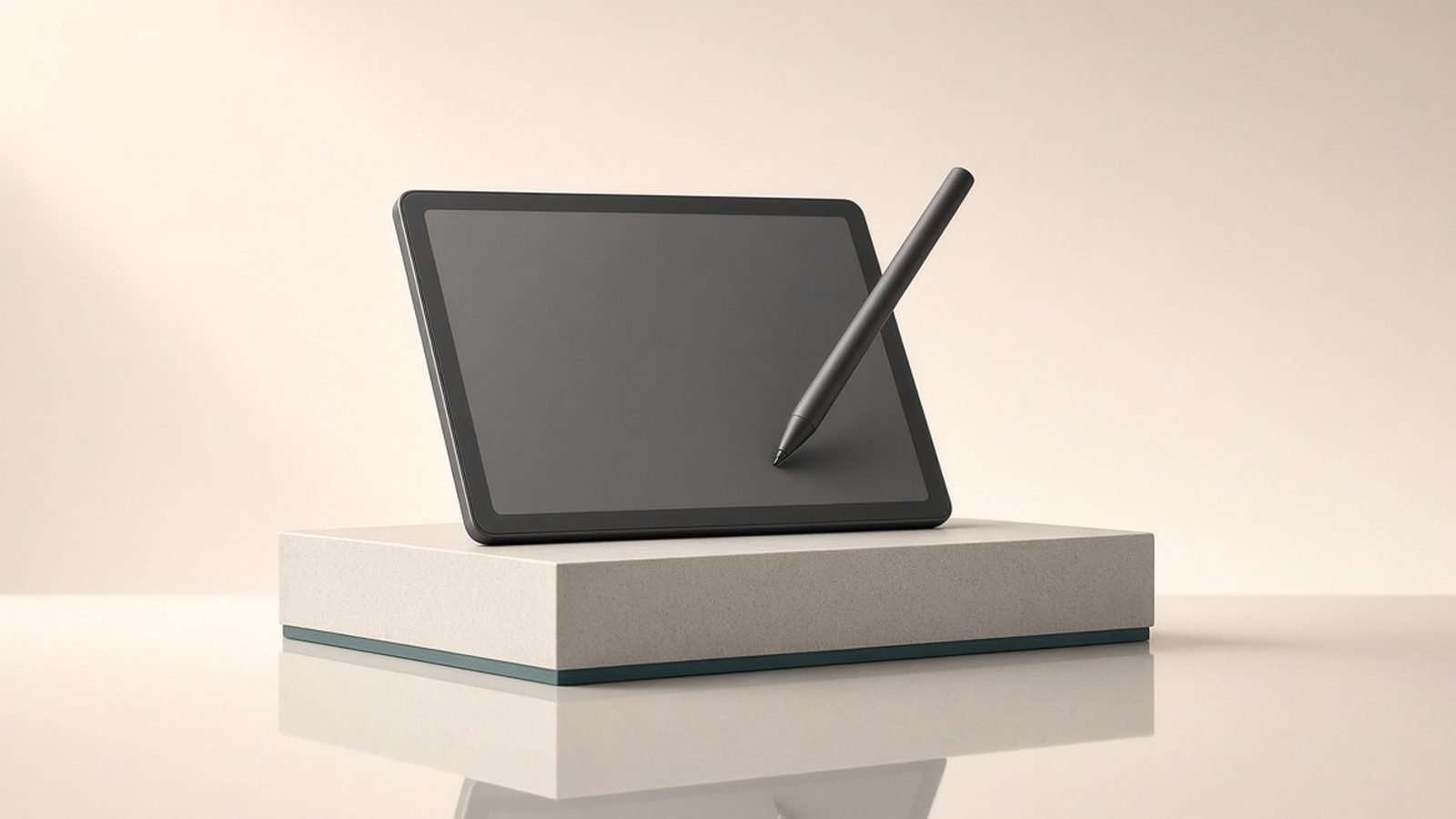
This Kindle Scribe review gets to the point: the Scribe is the best choice if you want one device that is primarily a superb large-screen Kindle and secondarily a capable notebook. It reads beautifully, the included pen makes margin notes and standalone notebooks genuinely useful, and it plugs straight into the enormous Kindle store and your library loans. If your priority is serious digital note-taking with deep organisation, a dedicated writing tablet may suit you better — but for readers who also want to write, the Scribe is the natural pick.
The short verdict: buy the Kindle Scribe if you are a heavy Kindle reader who wants a big screen and the ability to mark up books and jot notes. Look elsewhere if writing, not reading, is your main goal.
Starting price: around $399 / £379 including the Premium Pen (16GB).
Check price: Amazon Kindle Scribe
Kindle Scribe at a glance
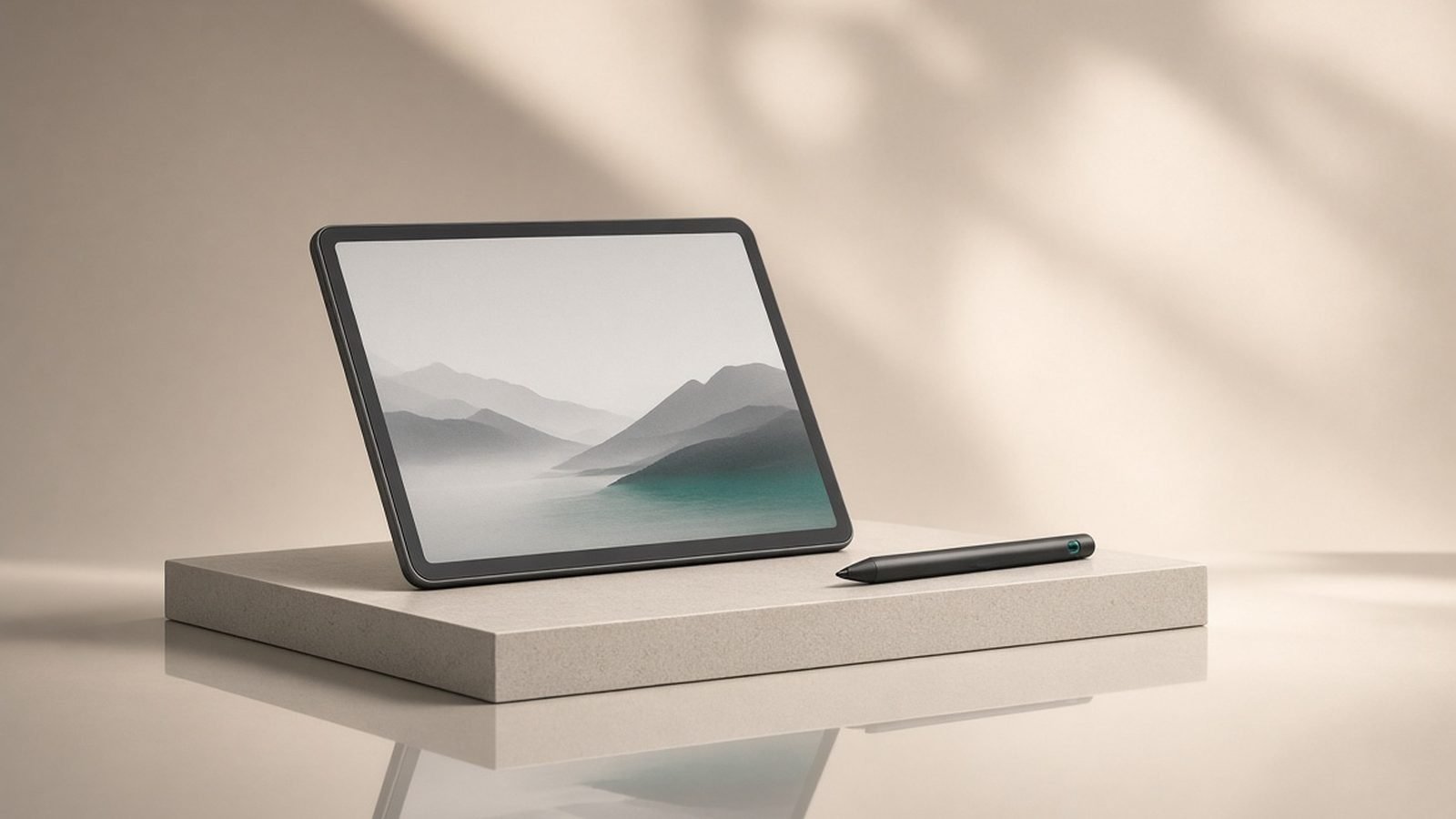
The Scribe is a 10.2-inch, 300ppi E Ink reader with a bundled stylus, a warm-and-white adjustable front light, and USB-C charging. It runs the familiar Kindle software with added handwriting features: write-in notebooks, sticky notes inside books, and PDF markup. The latest generation has refined the writing feel and software, narrowing the gap to dedicated note tablets while keeping the Kindle’s reading strengths.
Pros: excellent large E Ink reading screen, pen included, deep Kindle and library integration, weeks of battery, no distractions or notifications.
Cons: note organisation is simpler than dedicated writing tablets, PDF handling is decent rather than great, no colour, pricey next to a standard Kindle.
Design and the reading experience
Physically, the Scribe is a clean slab of aluminium with a flush glass front and a wider bezel down one side to hold comfortably in either hand. It is thin and light for its size, and the matte E Ink surface has a faint paper-like texture that makes writing feel less like glass.
As a reader, it is excellent. The 10.2-inch, 300ppi display renders text crisply, and the extra size over a Which Kindle Should You Buy in 2026? All 6 Models Ranked standard model is a real benefit for PDFs, textbooks, comics, and anyone who prefers larger type. The adjustable warm front light is easy on the eyes at night. Because it is E Ink, there are no notifications, no apps, and no glare in sunlight — the calm reading experience that keeps people loyal to Kindles. Battery lasts weeks, not hours.
If you only want to read, a smaller Kindle is cheaper and more pocketable; the Scribe earns its size when you want to write on it too.
Writing and note-taking
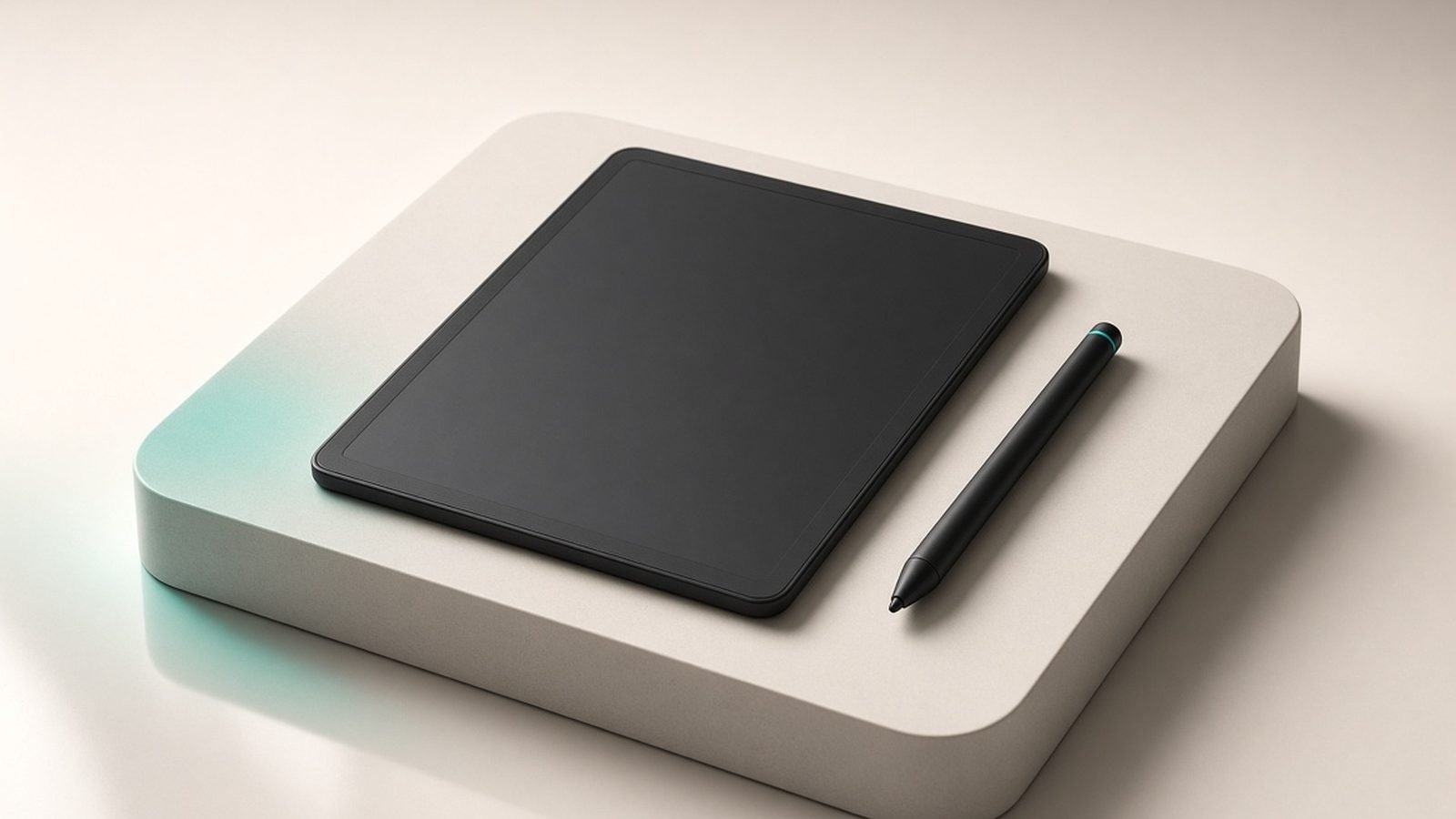
The bundled pen is the headline. It attaches magnetically, needs no charging, and the Premium Pen adds a shortcut button and a soft eraser end. Writing latency is low and the experience is close to pen on paper — one of the more convincing E Ink writing feels on the market.
You can create standalone notebooks with a range of templates, and write directly in the margins of Kindle books via sticky notes that tuck away neatly. Handwriting can be converted to text and exported, and the software has grown more capable with each update, adding better organisation and quick-note features.
Where it stops short of dedicated writing tablets like the reMarkable Paper Pro Review 2026: The Paper Tablet is depth. Folder structures, tagging, and layered document management are simpler here. For linear note-taking, sketches, and marking up books, it is more than enough; for a heavily organised digital notebook that replaces a filing system, it is less specialised.
Pros: natural writing feel, pen included, in-book sticky notes, handwriting-to-text export.
Cons: simpler organisation than dedicated note tablets, no colour ink, templates are limited.
PDF and document handling
The Scribe reads and annotates PDFs, and the large screen makes this far more comfortable than on a small Kindle. You can send documents via the Send to Kindle feature, mark them up with the pen, and read technical papers or contracts at a sensible size.
It is good rather than flawless. Complex layouts, tiny fonts, and heavily formatted PDFs can require pinch-zooming that feels slower than on an LCD tablet, and reflow support is inconsistent for image-heavy files. For standard documents and most textbooks it works well; for dense professional PDF workflows, a dedicated note tablet or an iPad may handle them more fluidly.
Value and the Kindle ecosystem
The Scribe’s strongest card is the ecosystem. It taps directly into the Kindle store, your existing purchases, Kindle Unlimited, and public library loans through OverDrive/Libby — the same convenience covered in our How to Borrow Library Books on Kindle (Free, via Libby) 2026 guide. If you already live in Amazon’s book world, the Scribe slots in instantly.
On price, it sits well above a standard reader. It is worth it only if you will use the writing features; if you mostly read and rarely write, a Kindle Colorsoft vs Paperwhite: Is Colour Worth $90 More? comparison points to cheaper models that read just as well in a more pocketable size.
Kindle Scribe vs the alternatives
Against a dedicated writing tablet like the reMarkable Paper Pro, the trade is clear: the Scribe is a better reader with a huge book library, while dedicated tablets offer deeper note organisation and, in some cases, colour. If reading is the priority, the Scribe wins; if writing is, weigh the reMarkable Paper Pro Review 2026: The Paper Tablet.
Against a standard Kindle, the Scribe adds size and a pen at a higher price. Against a full tablet like the iPad Air, the Scribe trades power and colour for a paper-like, distraction-free screen and battery measured in weeks. For focused reading and writing, that is a feature, not a limitation. For broader note-taking options, our Best E-Ink Tablets for Note-Taking 2026: Scribe vs Kobo vs reMarkable guide has the wider field.
Verdict
The Kindle Scribe is the best big-screen Kindle you can buy, and the writing features turn it from a luxury reader into a genuinely versatile device. It is not the most powerful digital notebook on the market, but it is the one that also gives you the entire Kindle library and weeks of battery on a paper-like screen. For readers who want to write, it is an easy recommendation.
Buy it if you read a lot and want to mark up books and take notes. Skip it if note-taking is your main need and reading is secondary — a dedicated writing tablet will serve you better.
FAQ
Is the Kindle Scribe worth it in 2026? For heavy Kindle readers who also want to write, yes. The large 300ppi screen is superb for reading, the included pen makes note-taking and book markup genuinely useful, and it plugs into the whole Kindle and library ecosystem. It is only worth the premium over a standard Kindle if you will actually use the writing features.
Kindle Scribe vs reMarkable — which is better? They serve different priorities. The Scribe is a far better reader with access to the Kindle store and library loans, plus writing on the side. The reMarkable is a more specialised writing tablet with deeper note organisation. Choose the Scribe if reading comes first; choose the reMarkable if writing and document workflow come first.
Can you take notes on the Kindle Scribe? Yes. You can create standalone notebooks with templates, write sticky notes directly inside Kindle books, and mark up PDFs with the included pen. Handwriting can be converted to text and exported. The writing feel is close to pen on paper, though the organisation tools are simpler than on dedicated note-taking tablets.
Does the Kindle Scribe handle PDFs well? Reasonably. The large screen makes reading and annotating PDFs much more comfortable than on a small Kindle, and Send to Kindle makes transferring documents easy. Complex, image-heavy, or tiny-font PDFs can require zooming and feel slower than on an LCD tablet, but standard documents and most textbooks work well.
Kindle Scribe vs Paperwhite — which should I buy? Choose the Paperwhite if you want an affordable, pocketable reader for books alone — it reads just as sharply in a smaller, cheaper body. Choose the Scribe if you want a bigger screen and the ability to write, annotate books, and read large PDFs. The Scribe costs considerably more, so only pay it for the size and pen.
For more tablet and e-reader guides, visit the Tablets & E-Readers and our Best E-Readers 2026: Kindle & Kobo Picks Compared (US & UK) round-up.
Zen Tech Hub may earn a commission from links on this page, at no extra cost to you.