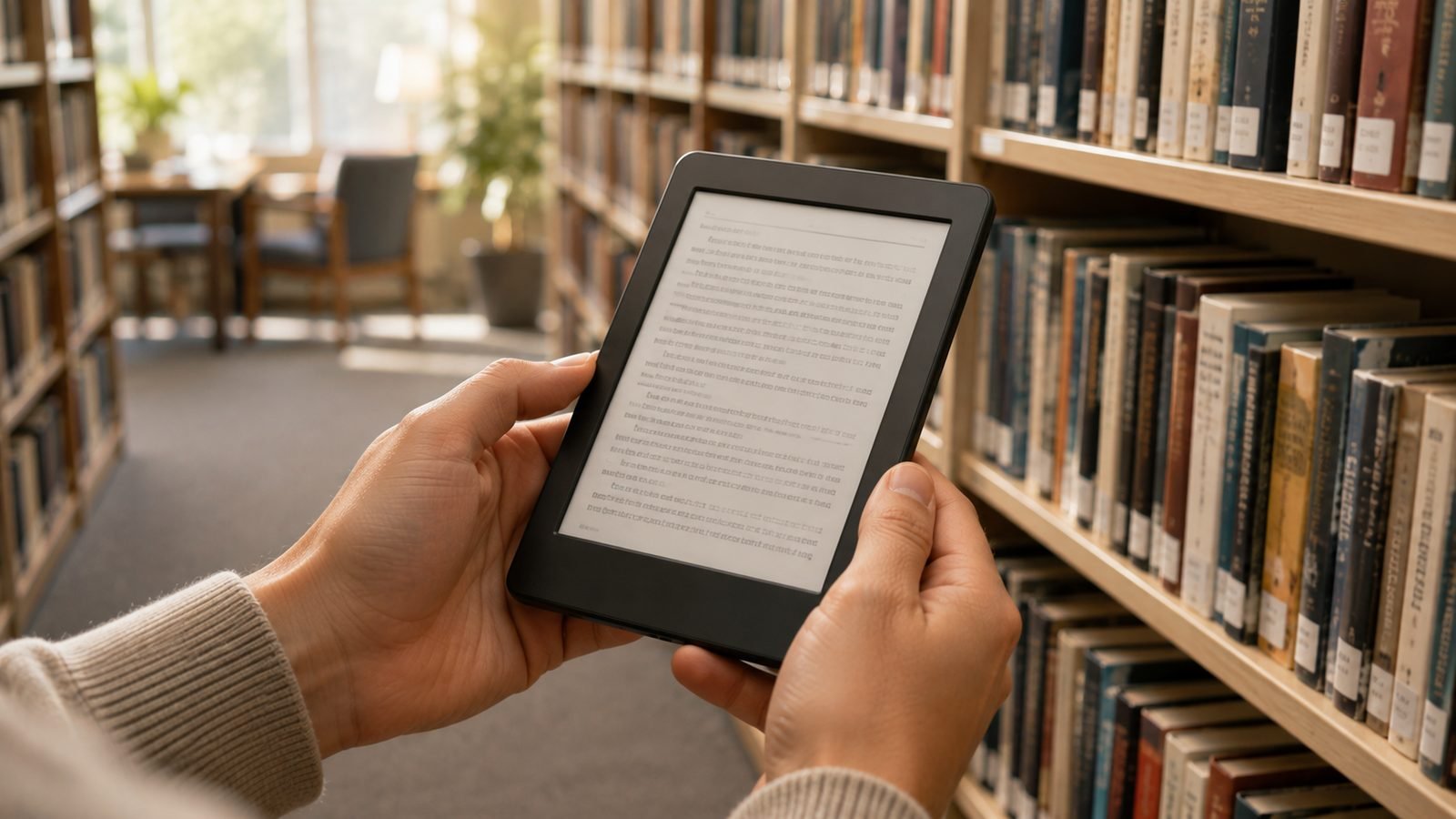
The Kindle Paperwhite vs Kobo Libra Colour decision is really a choice between two philosophies. The Paperwhite is the cheaper, sharper, lock-in-and-relax option backed by the biggest bookstore on earth. The Libra Colour costs more but hands you page-turn buttons, a colour screen, stylus notes and one-tap library borrowing on an open ePub platform. Both are excellent. The right pick depends entirely on how you read and how much you value freedom over convenience.
We have not run these two side by side in a lab. What follows is expert analysis built from published specs, store pricing and aggregated owner feedback, written to be genuinely balanced.
Specs and price side by side
Here is the quick-glance version for anyone weighing kindle vs kobo in 2026.
| Feature | Kindle Paperwhite (12th gen) | Kobo Libra Colour |
|---|---|---|
| Price | around $159.99 / £159.99 | around $229.99 / £219.99 |
| Screen | 7” B&W E Ink Carta 1300 | 7” Kaleido 3 colour E Ink |
| Page-turn buttons | No | Yes |
| Stylus support | No | Yes (Kobo Stylus 2, sold separately) |
| Waterproofing | IPX8 | IPX8 |
| Open ePub / library | Send-to-Kindle, Libby via Amazon | Native ePub, built-in OverDrive |
| Audiobooks | Audible (Bluetooth) | Kobo audiobooks (Bluetooth) |
| Ads on lock screen | Yes, unless you pay to remove | Never |
That six-row snapshot captures the whole argument: the Kindle wins on price and text crispness, the Kobo wins on flexibility and hardware features. Now the detail.
Display: crisp B&W vs Kaleido colour
The Paperwhite uses a monochrome E Ink panel that is, plainly, the sharper reader of the two for black text. Because every pixel is dedicated to greyscale, letters look dense and clean at the same 300 PPI resolution.
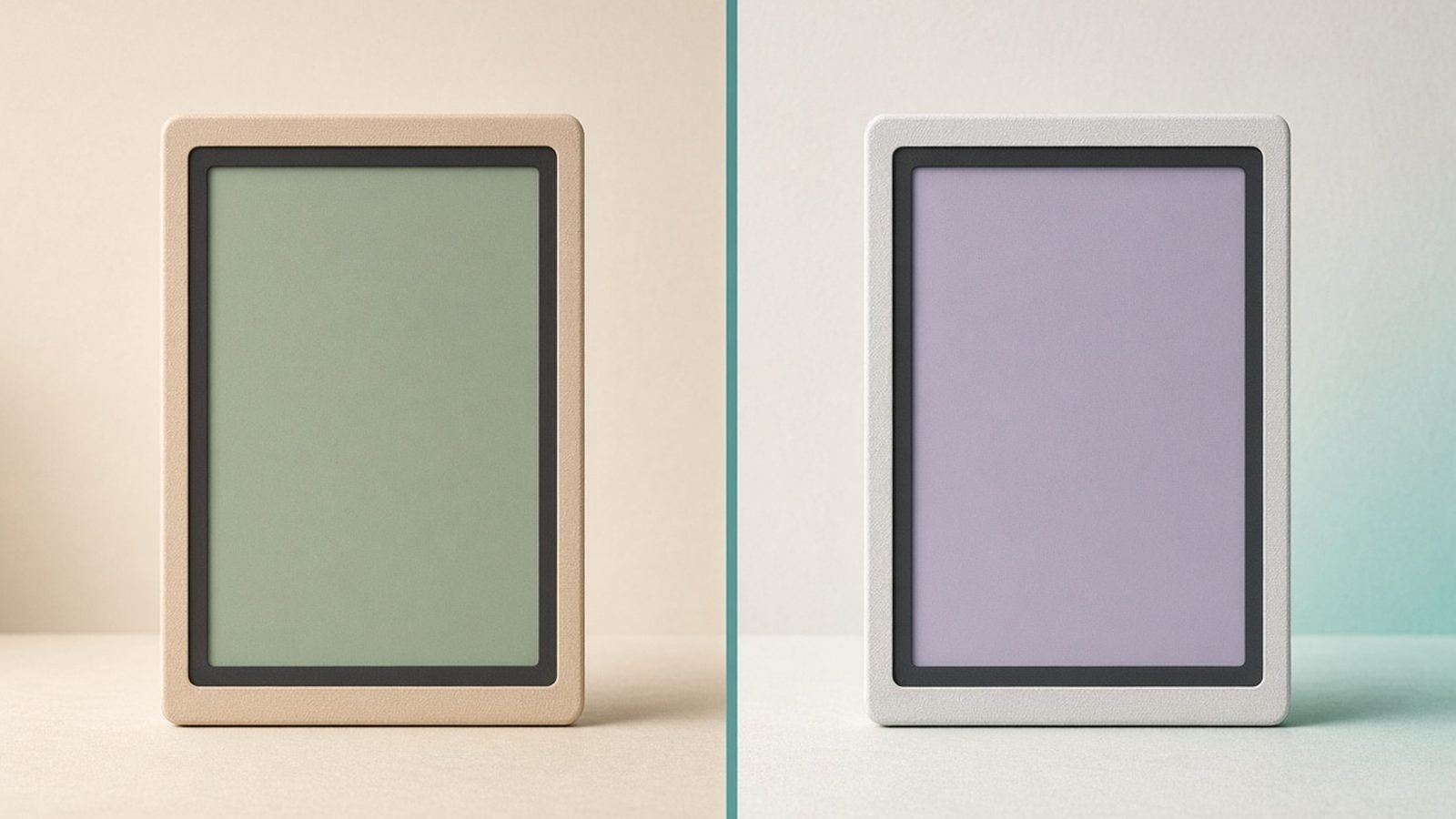
The Libra Colour uses a Kaleido 3 layer to add colour, which is genuinely useful for comics, magazine covers, kids’ books and highlighted study notes. The trade-off, well documented in owner reports, is that the colour layer adds a faint texture and drops effective colour resolution to around 150 PPI. Black text stays crisp at 300 PPI, but the screen looks very slightly less bright and pure white than the Kindle’s. Our e-ink vs LCD explainer covers why colour layers behave this way.
For the paperwhite vs libra color display question: if you read mostly novels, the Kindle looks marginally better. If you read anything visual, the Kobo’s colour is a real upgrade a black-and-white screen simply cannot match.
Design and ergonomics: buttons matter
This is where the Libra Colour pulls ahead for a lot of readers. It has a chunky bezel on one side with two physical page-turn buttons, and the screen auto-rotates so lefties and righties both get them under the thumb. If you read one-handed, in bed, on a commute or with gloves on, physical buttons are a quality-of-life feature you stop noticing only because you never fight the touchscreen again.
The Paperwhite is a flat, symmetrical slab: elegant, clean, and turned by tap or swipe only. Plenty of people prefer that look. But no Kindle at this price offers buttons, and that gap is the single most common reason we see owners switching from Kindle to Kobo. Both are IPX8 waterproof and well built.
Ecosystem and book prices: Amazon vs Kobo store
Amazon’s store is the biggest in the world, its recommendations are strong, and buying is frictionless. Kindle deals and Daily Deals are frequent, and Kindle devices hold the best resale value if you ever upgrade. The catch is lock-in: Kindle books are tied to Amazon, and the Paperwhite will not natively open a DRM ePub you bought elsewhere.
The Kobo store is large and covers most mainstream titles, but based on owner reports its list prices can run a little higher than Amazon’s on some bestsellers. What Kobo gives back is freedom: it reads ePub natively, so you can shop elsewhere, sideload your own files and never be trapped. If you already own hundreds of Kindle books, though, switching from Kindle to Kobo does not carry those purchases over.
Library borrowing: Libby vs built-in OverDrive
If you borrow from your public library, this section may decide the whole thing. On the Kobo Libra Colour, OverDrive is built into the device. You link your library card once and borrow directly on the reader, no phone, no cables, no second app. It is the smoothest library experience on any e-reader, full stop.
On the Kindle, library books route through Libby and Amazon’s “Send to Kindle” system. It works well in the US and is genuinely easy, but it is a two-step flow through Amazon, and outside the US library integration is patchier. So for the “kindle or kobo for library books” question, Kobo is the cleaner answer almost everywhere, and clearly so for UK and non-US readers weighing kobo vs kindle in the UK.
For Kindle owners who lean on their library, our guide How to Borrow Library Books on Kindle (Free, via Libby) 2026 walks through the Libby route step by step.
Extras: stylus notes, audiobooks, subscriptions
Stylus notes. The Libra Colour supports the Kobo Stylus 2 (sold separately) for margin notes, highlighting and a full notebook mode. The Paperwhite has no stylus option at all; for handwriting you would need a Kindle Scribe. For the full field of pen-first devices, our best e-ink tablets for note-taking guide compares the Scribe, Kobo Elipsa and reMarkable head on.
Audiobooks. Both play audiobooks over Bluetooth only. The Kindle uses Audible; the Kobo uses its own audiobook store and Kobo Plus audio tier.
Subscriptions. Kindle Unlimited and Kobo Plus are close cousins: a monthly all-you-can-read library for a flat fee. KU has the deeper catalogue overall; Kobo Plus bundles ebooks and audiobooks and is often better value if you want both. If you live inside a subscription, that alone can tip the decision.
For sideloaders eyeing the Kobo, How to Transfer ePub Books to a Kobo (USB, Calibre & Cloud) covers getting your own files onto the device cleanly.
Kindle Paperwhite (12th gen): pros and cons
Pros - Cheapest of the two at around $159.99 / £159.99 - Sharpest black-and-white text - Largest bookstore and frequent deals - Best resale value of any e-reader - Simple, frictionless Amazon experience
Cons - Lock-screen ads unless you pay to remove them - No page-turn buttons - No stylus or colour - Locked ecosystem; no native DRM ePub
Check price: Kindle Paperwhite (12th gen)
Kobo Libra Colour: pros and cons
Pros - Colour Kaleido 3 screen - Physical page-turn buttons - Native ePub and one-tap built-in library borrowing - Stylus notes supported - No ads, ever
Cons - Costs around $70 more (around $229.99 / £219.99) - Store prices can run higher than Amazon’s - Colour layer slightly softens the white background - Stylus sold separately
Check price: Kobo Libra Colour
Which one should you buy?
Neither is a wrong answer. Match the device to the reader.
| You are… | Buy this | Why |
|---|---|---|
| A budget-focused novel reader | Kindle Paperwhite | Cheapest, sharpest text, biggest store |
| A heavy library borrower | Kobo Libra Colour | Built-in OverDrive is effortless |
| A one-handed / in-bed reader | Kobo Libra Colour | Physical page-turn buttons |
| A comics, manga or study reader | Kobo Libra Colour | Colour screen earns its keep |
| Already deep in Kindle books | Kindle Paperwhite | Keep your library, avoid re-buying |
| A note-taker and annotator | Kobo Libra Colour | Stylus support the Kindle lacks |
| A UK / non-US reader | Kobo Libra Colour | Cleaner library integration abroad |
Short version: buy the Kindle Paperwhite if you want the best-value, best-looking black-and-white reader and you are happy inside Amazon. Buy the Kobo Libra Colour if buttons, colour, stylus notes or frictionless library borrowing matter more than saving $70.
For deeper dives, see our full Kobo Libra Colour Review: The Best Kindle Alternative in 2026, the roundup at Best E-Readers 2026: Kindle & Kobo Picks Compared (US & UK), and if you have decided on Amazon, Which Kindle Should You Buy in 2026? All 6 Models Ranked. You can also browse everything in our Tablets & E-Readers.
FAQ
Is the Kobo Libra Colour worth $70 more than the Paperwhite?
It is if you value what the extra money buys: a colour screen, physical page-turn buttons, stylus support and built-in library borrowing. If you read plain novels and mostly buy from one store, the cheaper Paperwhite gives you sharper text and the bigger bookshop, and the premium is harder to justify.
Can I read my Kindle books on a Kobo?
Not directly. Kindle purchases are tied to Amazon’s ecosystem and will not open natively on a Kobo. This is the main friction when switching from Kindle to Kobo. You keep buying new books from Kobo or other ePub stores, and any DRM-free files you own can be sideloaded onto the Kobo easily.
Which is better for library books, Kindle or Kobo?
For library books, the Kobo is cleaner. OverDrive is built into the device, so you borrow directly from your reader in one tap. Kindle library loans route through Libby and Amazon’s Send-to-Kindle flow, which works well in the US but is patchier elsewhere, making Kobo the stronger pick abroad.
How does the Libra Colour compare to the Kindle Paperwhite Signature?
The Paperwhite Signature Edition adds wireless charging, auto-brightness and 32GB with no ads, but stays black and white with no buttons. In the kobo libra colour vs paperwhite signature match-up, you are still choosing colour and buttons versus a slicker mono Kindle. Same trade-off, higher price on both sides.
Do both e-readers show ads?
Only the Kindle does, on its lock and home screens, unless you pay a one-time fee to remove them. The Kobo Libra Colour never shows ads at any price. If ad-free out of the box matters to you, factor Amazon’s removal fee into the Paperwhite’s real cost when comparing.
Zen Tech Hub may earn a commission from links on this page, at no extra cost to you.