This iPad Air M3 review is written from the perspective of a year of living with the tablet, cross-referenced against the wider picture of owner feedback. The short version: for the overwhelming majority of people cross-shopping the iPad range, the M3 Air is the sweet spot. It has near-flagship silicon, full Apple Pencil Pro and Magic Keyboard support, and a price that keeps sliding at retail. The one genuine compromise — a 60Hz display — matters far less in daily use than the spec sheet implies.
If you want the whole verdict without scrolling, here it is: the iPad Air M3 is the default recommendation, and you should only step past it in two specific situations we cover below.
Verdict up front
The Air M3 does roughly 90% of what an iPad Pro does for well under half the money once you account for the accessories most people never buy. Over a year, the M3 chip has not felt slow for a single task — gaming, 4K video edits in LumaFuse, multi-app Stage Manager, and Pencil Pro artwork all run without hesitation. Apple Intelligence features are on board and usable.
The reasons to hesitate are narrow. If you draw or read for hours daily and are sensitive to scroll smoothness, the 60Hz panel is the thing you will notice. If you push pro video or want the OLED Tandem display, the iPad Pro M5 exists. Everyone else: this is the iPad to buy.
Check price: iPad Air 11-inch (M3)
Price and configurations: 11-inch vs 13-inch, US and UK
Apple sells the Air M3 in two sizes, each starting at 128GB and topping out at 1TB, with Wi-Fi and cellular options.
| Model | Storage start | Around (US) | Around (UK) | Best for |
|---|---|---|---|---|
| iPad Air 11-inch (M3) | 128GB | $549–$599 | £579–£599 | Most people; portability |
| iPad Air 13-inch (M3) | 128GB | $749–$799 | £779–£799 | Creators, note-takers, couch-laptop use |
| Apple Pencil Pro | — | $129 | £129 | Drawing, handwriting, markup |
The list prices are only half the story. Based on retail tracking, the 11-inch Air M3 regularly dips to around $549 / £549 during sales, and early-2026 discounts knocked up to $140 off select configurations. If you can wait for a deal, the value equation gets even better. For most buyers the 128GB 11-inch is plenty; step up storage before you step up screen size unless you specifically want the bigger canvas.
Check price: iPad Air 11-inch (M3) Check price: iPad Air 13-inch (M3)
On iPad Air M3 UK price specifically: the UK carries the usual premium over a straight currency conversion, but Currys and Amazon UK both discount regularly, and Apple’s education store shaves more for students and staff.
Design and display — the 60Hz question
Physically, the Air M3 is the same clean flat-edged slab Apple has shipped for years: aluminium, Touch ID in the top button, USB-C, and Pencil Pro magnetic charging on the long edge. It is light, rigid, and it does not feel like a budget product in the hand.
The display is a Liquid Retina LCD — bright, colour-accurate, laminated, and genuinely lovely for video and reading. The catch is the refresh rate. It runs at 60Hz, where the iPad Pro’s ProMotion panel hits 120Hz. On paper that is a big gap. In practice, based on a year of use and aggregated owner reports, it is a “you notice it if you go looking” issue rather than a dealbreaker. Scrolling and Pencil latency are the two places it shows up. If you have never used a 120Hz tablet, you will likely never miss it; if you are coming from an iPad Pro, the first week feels a touch less fluid.
That single trade-off is the price of admission for M-class power at Air money, and for most people it is a fair deal.
M3 performance and Apple Intelligence in daily use
The jump from iPad Air M3 vs M2 is real but not transformational for everyday tasks — Apple quotes meaningful gains in graphics and neural performance, and in practice the M3 model handles a heavier future-proofing load, especially for on-device AI. If you own the M2 Air, there is no reason to upgrade. If you are buying new, buying the M3 is the right call for longevity.
Day to day, the M3 never becomes the bottleneck. Owner reports consistently describe console-quality gaming, smooth Procreate work with large layered canvases, and comfortable multitasking. Apple Intelligence — writing tools, notification summaries, image cleanup, and the smarter Siri features — runs on-device thanks to the M3’s neural engine. It is genuinely useful in small doses rather than life-changing, but the Air is fully equipped for it and will stay current as the feature set grows.
For anyone asking whether the iPad Air M3 is worth it on raw power alone: yes. You are buying a chip that will feel fast for years.
Apple Pencil Pro and Magic Keyboard experience
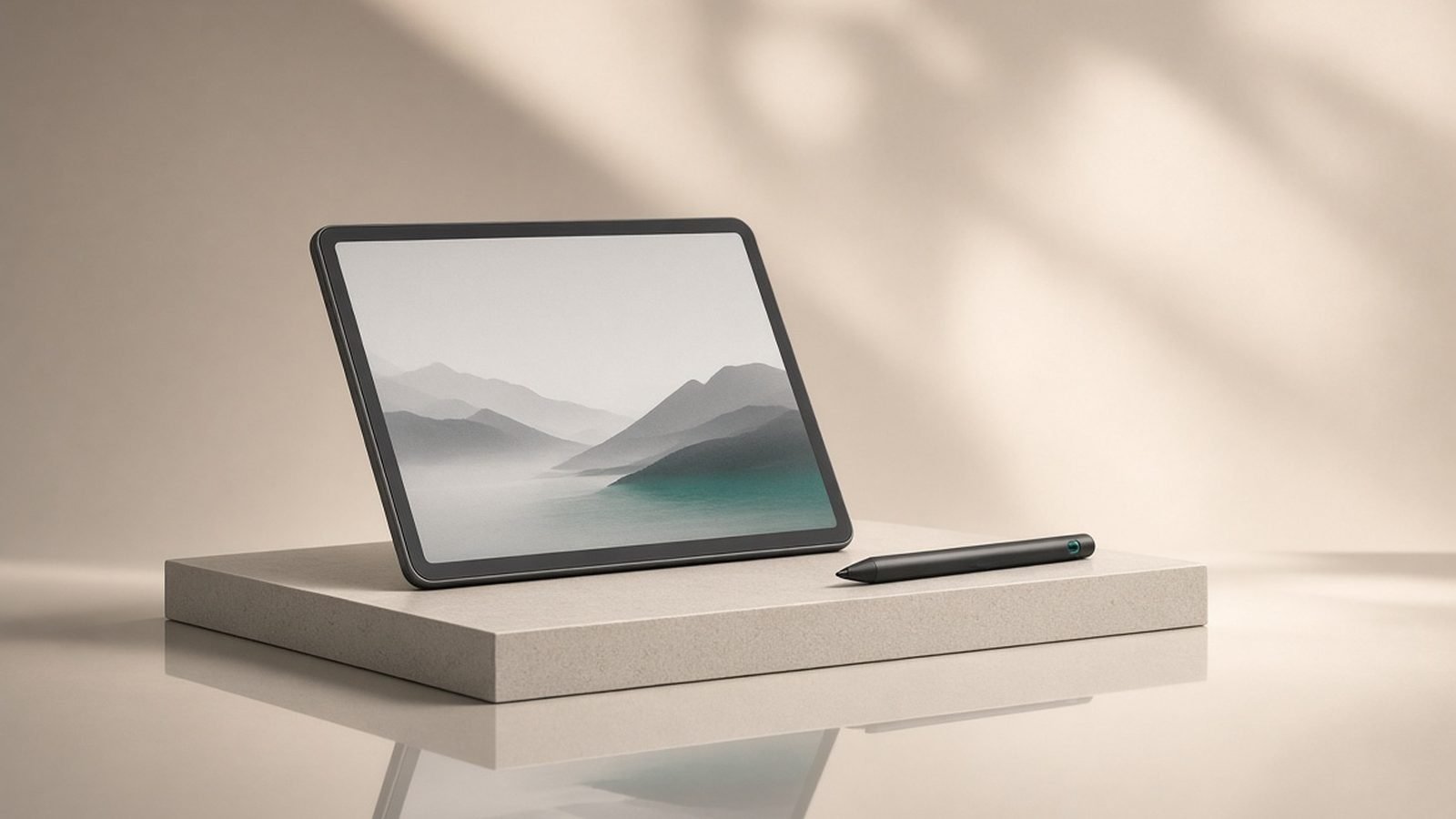
The Air M3 supports the full Apple Pencil Pro, and this is a bigger deal than it sounds. The Pro adds a squeeze gesture for tool menus, a gyroscope for barrel roll (rotating a brush or pen nib by twisting), haptic feedback, and Find My. For iPad Air M3 drawing, that means the tablet is a legitimate creative device, not a compromised one — the only art-related caveat is the 60Hz screen, where hardcore illustrators may perceive slightly more lag than on a ProMotion Pro.
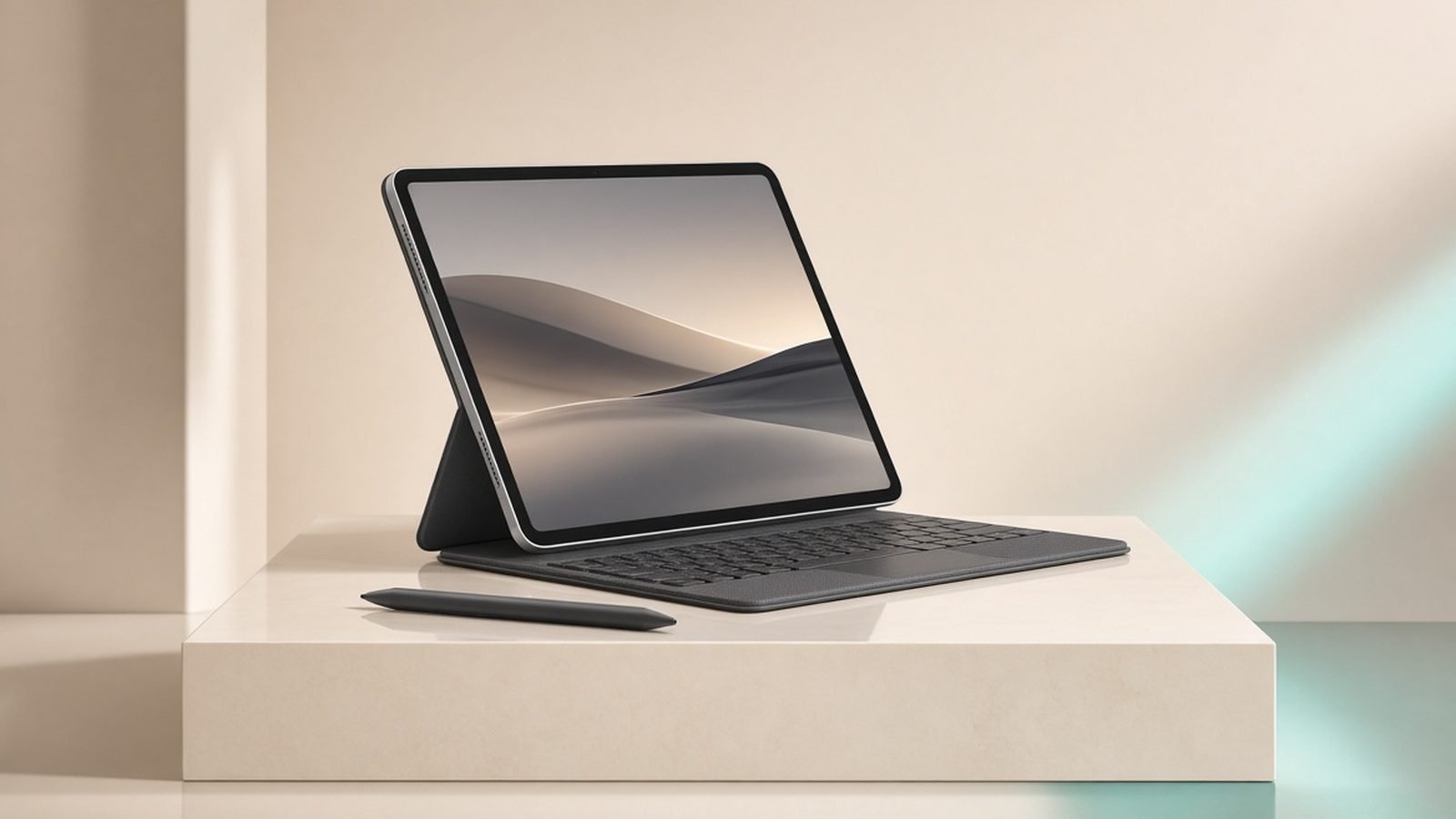
Pair it with the Magic Keyboard and the Air becomes a credible laptop stand-in for email, docs, and browser work. The floating hinge, backlit keys, and trackpad are excellent. Be honest with yourself about cost, though: Pencil Pro plus Magic Keyboard can add several hundred to the bill, which is where the Air’s value gap over the Pro narrows.
Pros: M3 power at mid-range money, full Pencil Pro and Magic Keyboard support, bright laminated display, Apple Intelligence ready, frequent street-price discounts.
Cons: 60Hz refresh rate, 128GB base storage fills fast for creators, accessories are pricey add-ons, no OLED or Face ID.
Battery life: what owners and reviewers report
Apple rates the Air M3 at around 10 hours of web and video, and that figure holds up in real-world reports. Expect a full working day of mixed use — notes, browsing, streaming, light editing — on a single charge. Heavy gaming or sustained video export will pull it down toward the six-to-seven-hour range, which is normal for an M-class tablet. Standby drain is minimal; it is the kind of device you charge overnight and stop thinking about. USB-C charging is convenient but not especially fast, so top up before long travel days rather than relying on a quick pre-flight boost.
iPad Air M3 vs iPad (A16) and iPad Pro M5
Two other iPads bracket the Air, and knowing where they sit tells you whether to spend more or less.
The entry iPad (A16) is the budget escape. It is cheaper, perfectly good for streaming, browsing, homework, and casual notes, and it takes the older Apple Pencil. But it lacks the M3’s power headroom, the lamination on the display, and Pencil Pro support. If your needs are light and money is tight, it is the smart save. See Which iPad Should You Buy in 2026? Every Model Compared and Best Tablets Under $500 in 2026: 7 Picks for US & UK Buyers.
The iPad Pro M5 is the upgrade escape. You get an OLED Tandem display at 120Hz, Face ID, the newer M5 chip, thinner design, and better cameras — at a substantially higher price. It is the right buy for professional video editors, serious illustrators who live at 120Hz, and people who want the best regardless of value. For the full breakdown see iPad Air M3 vs iPad Pro M5: Don’t Pay $400 More by Mistake. Android holdouts should also weigh the Galaxy Tab S11 vs iPad Air M3: Android or Apple in 2026? comparison.
For most people, the Air sits in the exact middle for a reason: it takes the Pro’s most important features and drops the ones you can live without.
Who should buy it (and who shouldn’t)
Buy the iPad Air M3 if you are a student wanting one device for notes, essays and Netflix; a hobbyist artist who wants Pencil Pro without Pro pricing; or anyone who wants a fast, future-proof tablet that will not feel dated in three years. As an iPad Air M3 for students pick, the education discount plus M3 longevity is hard to beat.
For iPad Air 11 vs 13: choose the 11-inch for portability and one-handed use, and the 13-inch if it doubles as your main couch computer or you draw and annotate on large canvases.
Do not buy it if your needs are genuinely basic — get the A16 and save. And skip it if you are a professional creator who will actually use OLED and 120Hz every day — the Pro M5 earns its premium for you.
Check price: iPad Air 13-inch (M3)
FAQ
Is the iPad Air M3 worth it in 2026? Yes, for most buyers. The M3 chip stays fast, it supports the full Pencil Pro and Magic Keyboard, and street prices frequently drop to around $549 / £549. The only real compromise is the 60Hz display. Unless you specifically need OLED, 120Hz or Face ID, the Air delivers the best balance of price and capability in Apple’s tablet range.
iPad Air M3 vs M2 — should I upgrade? No. If you already own the M2 Air, the M3 is not a meaningful upgrade for everyday tasks; the gains are modest and mostly matter for heavy graphics and on-device AI headroom. Keep your M2. If you are buying new, choose the M3 for better long-term support and future-proofing rather than any dramatic day-one speed difference.
Is the 60Hz screen a problem for drawing? For most people, no. Pencil Pro tracking is accurate and gestures work fully. Sensitive illustrators coming from a 120Hz iPad Pro may notice slightly more lag on fast strokes and scrolling, but casual and hobbyist artists rarely find it limiting. It is the Air’s one genuine trade-off, and it is a fair one at this price.
Which should I get, the 11-inch or 13-inch? Pick the 11-inch for portability, lighter weight and one-handed reading — it suits most students and commuters. Choose the 13-inch if the iPad is your primary couch computer, if you multitask heavily in Stage Manager, or if you draw and annotate on large canvases. Both share identical internals, so it is purely a size and price decision.
How long will the iPad Air M3 stay supported? Based on Apple’s history with M-series iPads, expect many years of major iPadOS updates. The M3 chip and its neural engine also keep it eligible for current and upcoming Apple Intelligence features, which is a large part of why it is a smarter long-term buy than the cheaper A16 model.
For more tablet buying guides, visit the Tablets & E-Readers.
Zen Tech Hub may earn a commission from links on this page, at no extra cost to you.