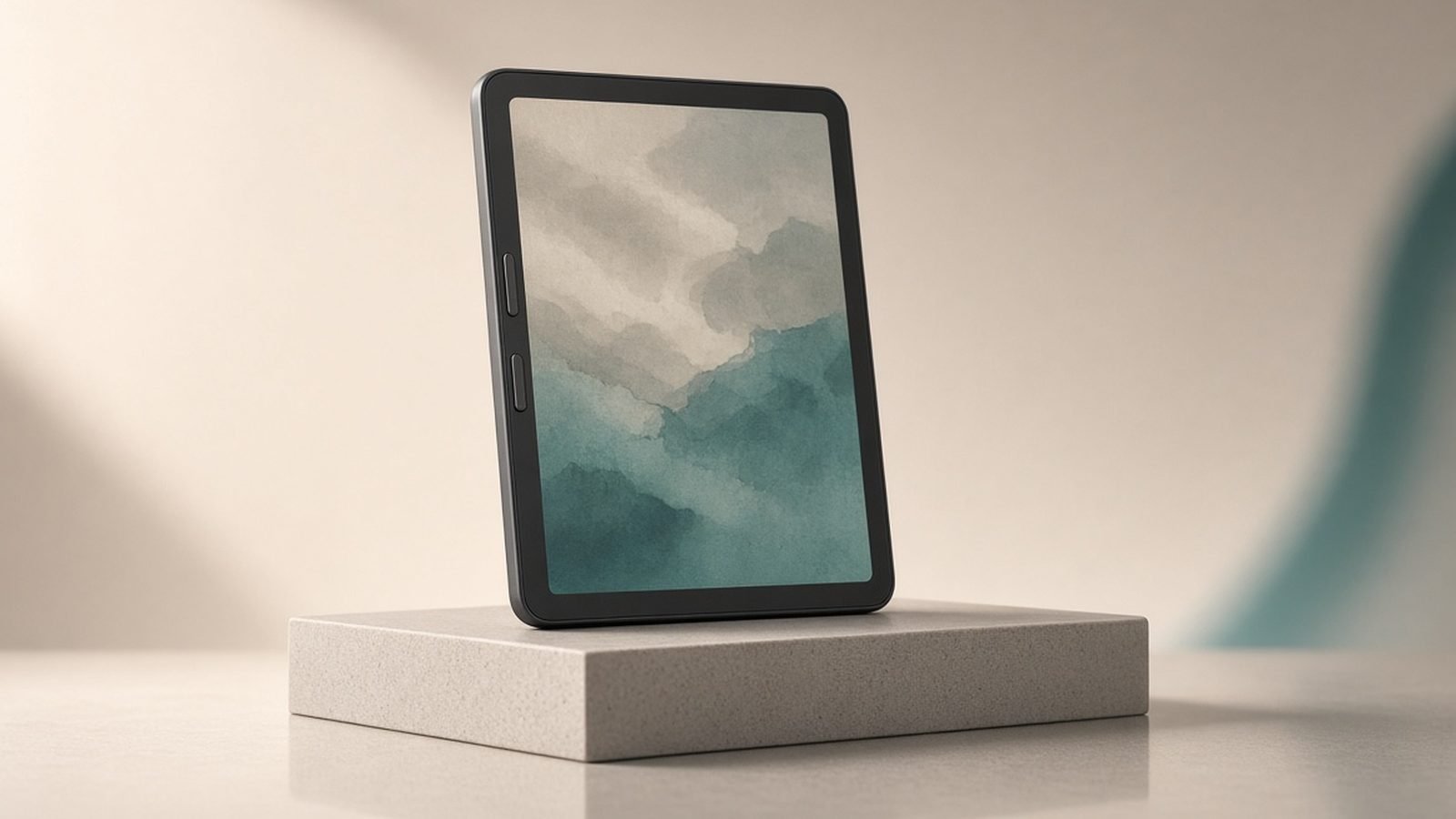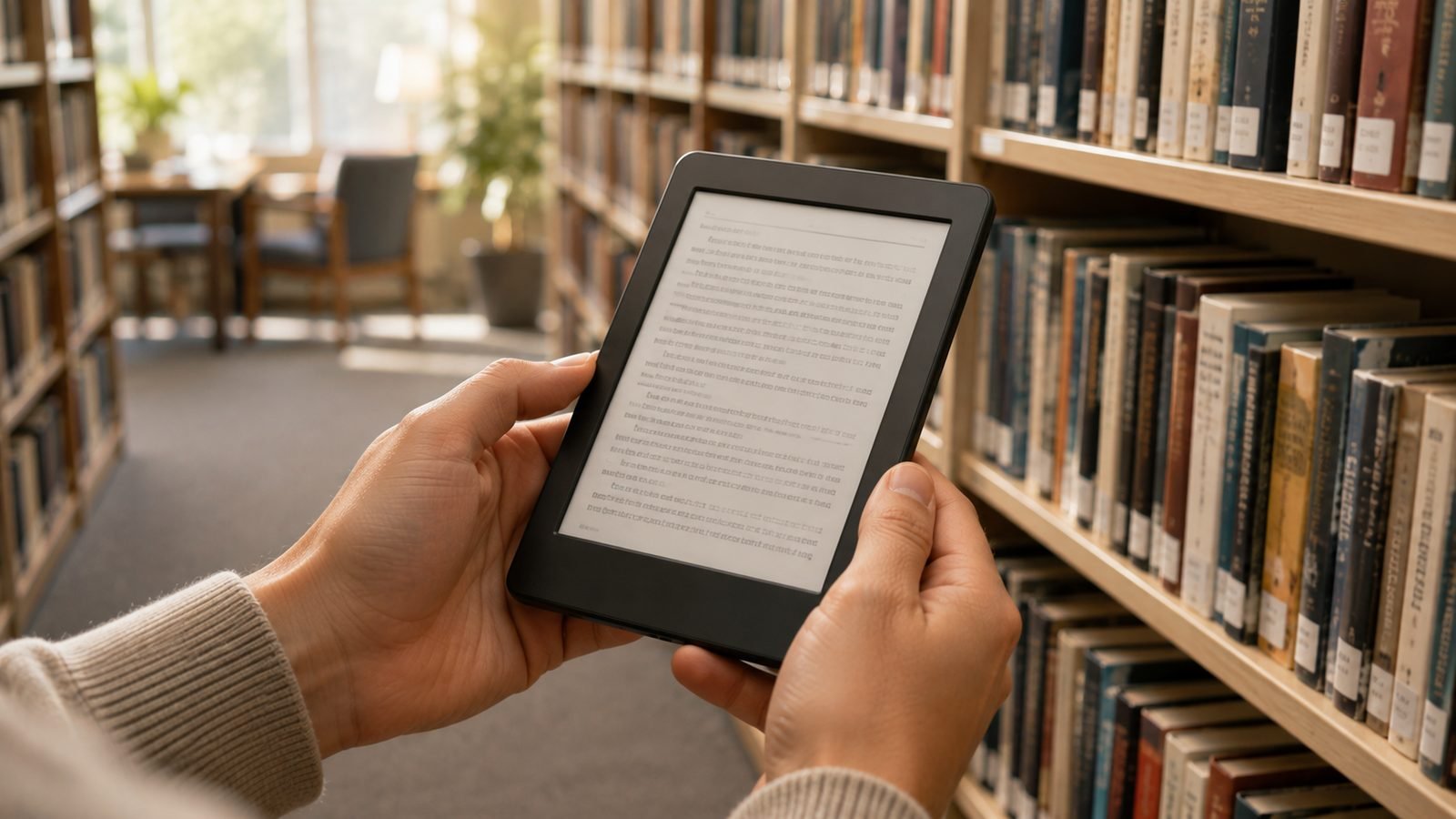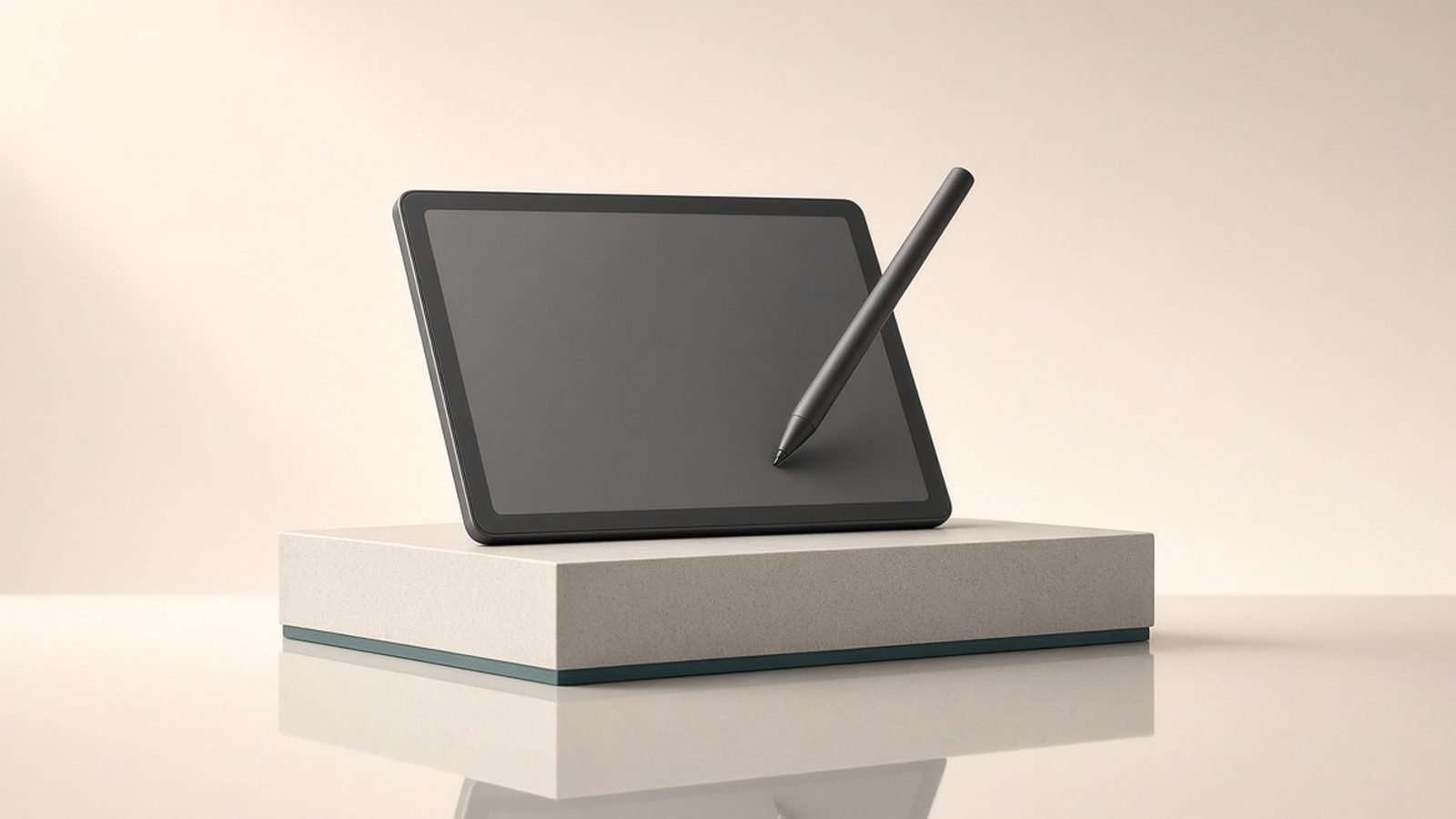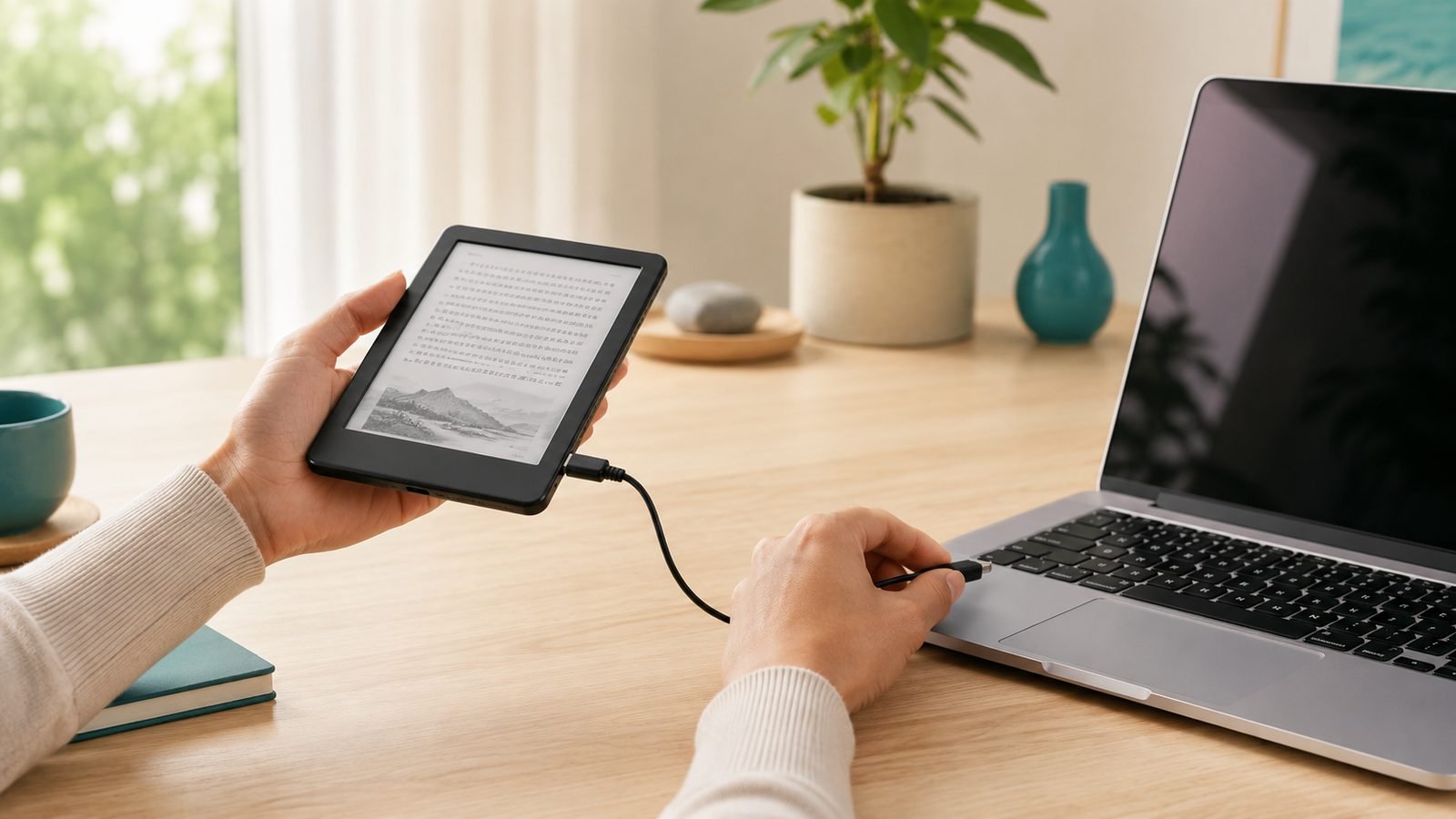
Finding the best e-reader 2026 has to offer comes down to two questions: are you buying into Amazon’s ecosystem or Kobo’s, and do you want plain black-and-white text, colour, or a screen you can write on? We researched the current Kindle and Kobo line-ups, cross-checked specs, and read through owner feedback on both sides of the Atlantic to build this guide for US and UK readers.
The short version: for most people the Kindle Paperwhite is still the mainstream right answer, and the Kobo Clara BW is the best value, especially if you borrow from your local library. But colour panels, note-taking slates, and big-screen readers have matured enough that the “best” pick genuinely depends on how you read.
Below you’ll find quick picks, a comparison table, honest pros and cons for each model, and a plain-English guide to choosing. All prices are approximate and shift with sales, so treat them as a guide.
Quick picks: best e-readers at a glance
Best overall: Kindle Paperwhite (12th gen) — the safe, fast, waterproof default.
Best value: Kobo Clara BW — small, sharp, and brilliant for library books.
Best colour e-reader: Kobo Libra Colour — colour plus page-turn buttons and stylus support.
Best colour Kindle: Kindle Colorsoft — for readers locked into Amazon who want covers and comics in colour.
Best for notes: Kindle Scribe — a big Kindle you can write in.
Best large-screen: Kobo Elipsa 2E — a 10.3in writing e-reader with unmatched file flexibility.
| Model | Screen | Colour | Waterproof | Stylus | Approx. price (US / UK) | Best for |
|---|---|---|---|---|---|---|
| Kindle Paperwhite (12th gen) | 7in, 300ppi | No | IPX8 | No | $159.99 / £159.99 | Most people |
| Kobo Clara BW | 6in, 300ppi | No | IPX8 | No | $129.99 / £119.99 | Value & library books |
| Kobo Libra Colour | 7in, Kaleido 3 | Yes | IPX8 | Optional | $229.99 / £219.99 | Colour + buttons |
| Kindle Colorsoft | 7in, colour | Yes | IPX8 | No | $249.99+ / £249.99+ | Colour on Amazon |
| Kindle Scribe (2024) | 10.2in, 300ppi | No | No | Included | $399.99 / £379.99 | Notes in the Kindle world |
| Kobo Elipsa 2E | 10.3in, 300ppi | No | No | Included | $399.99 / £349.99+ | Big-screen writing & PDFs |
Best overall: Kindle Paperwhite (12th gen)
The Paperwhite is the e-reader we’d point most people toward, and 2026 hasn’t changed that. The 12th-gen model (launched late 2024, still current) pairs a 7in 300ppi display with genuinely faster page turns than older Kindles, IPX8 waterproofing, and battery life measured in weeks rather than days.
It is the most frictionless way to read. Amazon’s store is enormous, Whispersync keeps your place across phone and tablet, and the whole thing just works. Based on owner reports, the speed bump over the previous generation is the upgrade people notice most day to day.
The catch is the Amazon walled garden. Native ePub isn’t supported (you send files through Amazon’s Send to Kindle tool), library borrowing runs through OverDrive/Libby into your Kindle rather than natively, and the base model shows lockscreen ads unless you pay a few dollars/pounds to remove them. There are also no physical page-turn buttons.
Pros: Fast, waterproof, huge store, weeks of battery, great value at the price. Cons: Lockscreen ads unless you pay extra, no page buttons, closed to native ePub.
Best for: Anyone who wants a no-fuss reader and buys most books from Amazon.
Check price: Kindle Paperwhite (12th gen, 2024)
Best value: Kobo Clara BW
If you want the best ereader UK and US buyers can get for the money, the Kobo Clara BW is our pick. It’s a compact 6in reader with a crisp 300ppi Carta 1300 e-ink panel, and it’s the answer to “what’s the best e reader for library books” for most people.
Why? Kobo builds OverDrive library borrowing right into the device. You search your local library, borrow, and read without ever touching a computer, and it reads ePub files natively, so books from other stores and DRM-free sources just open. For anyone who lives at the library or buys from multiple shops, that flexibility makes it the best Kindle alternative going.
The trade-offs are size and file handling. The 6in screen is noticeably smaller than the Paperwhite’s 7in, which matters if you like larger text or read PDFs. And unlike Amazon, Kobo has no over-the-air personal document push — you transfer your own files over USB or through Dropbox/Google Drive rather than emailing them in.
Pros: Excellent price, native library borrowing, native ePub, sharp screen, waterproof. Cons: Small 6in screen, no cloud email-in for personal files.
Best for: Library regulars and anyone who wants ecosystem freedom on a budget.
Best colour e-reader: Kobo Libra Colour
For the best colour e-reader overall, the Kobo Libra Colour is the one to beat. It uses a 7in Kaleido 3 colour panel, and crucially it keeps the things that make a reader pleasant to hold for hours: physical page-turn buttons, an ergonomic grip, and IPX8 waterproofing. It also supports the Kobo Stylus 2 for markup and notes.
Colour e-ink is still a compromise, and it’s worth being honest about it. Kaleido 3 colour is muted rather than vivid, and putting the colour filter layer over the screen slightly softens black-and-white contrast versus a pure mono panel. But for book covers, comics, kids’ books, highlights, and the occasional magazine or graphic novel, it adds real everyday value, and Kobo’s library and ePub strengths carry over intact.
Note the stylus is sold separately (around $70 / £70), so budget for that if you want to write.
Pros: Colour plus page buttons, waterproof, stylus support, full Kobo library flexibility. Cons: Muted colour, slightly softer mono contrast, stylus costs extra.
Best for: Colour-curious readers who still want buttons and library borrowing.
Check price: Kobo Libra Colour Check price: Kobo Libra Colour
Best colour Kindle: Kindle Colorsoft
If you’re committed to Amazon but want colour, the Kindle Colorsoft is the pick — it’s the first colour Kindle, and it now comes in a cheaper 16GB tier that brings the entry price down. It’s built for people whose libraries live in Kindle: comic and manga readers, cookbook browsers, and anyone who enjoys seeing covers and highlights in colour.
In our research the picture is much like the Libra Colour: colour e-ink here is pastel-soft rather than punchy, so set expectations accordingly. The bigger issue is value. Even in its cheaper tier the Colorsoft typically costs more than the Libra Colour while giving you fewer hardware perks — no page-turn buttons and no stylus support. You’re paying for colour and the Amazon ecosystem, not extra features.
Pros: Colour in the Kindle world, great for comics and covers, cheaper 16GB option now. Cons: Pricey next to the Libra Colour, pastel colour, no buttons or pen.
Best for: Amazon loyalists who want colour and don’t need note-taking.
Best for notes: Kindle Scribe
The Kindle Scribe is a big 10.2in, 300ppi Kindle you can write on, and it ships with a pen in the box. The 2024 refresh added Active Canvas, which lets you drop handwritten notes directly into the flow of a book rather than into a separate margin. If you read and annotate inside the Amazon ecosystem, it’s the natural choice, and the large screen is also the most comfortable Kindle for reading.
That size makes it one option for the best e-reader for PDF work too, since a 10in panel shows documents closer to their real layout. That said, based on owner feedback, the Scribe’s notebook and PDF markup tools still trail dedicated writing slates like the reMarkable, and it’s expensive. Buy it for reading-plus-light-notes in Kindle, not as a full paperless-office replacement.
Pros: Large 300ppi screen, pen included, notes inside books, best Kindle for PDFs. Cons: Expensive, notebook tools trail reMarkable, no waterproofing, large to hold.
Best for: Kindle users who want a big screen and occasional handwriting.
Check price: Kindle Scribe (2024)
Best large-screen: Kobo Elipsa 2E
The Kobo Elipsa 2E is the Kobo answer to the Scribe: a 10.3in, 300ppi writing e-reader with the stylus included. Its advantage is flexibility. You get Kobo’s best-in-class library borrowing and native ePub support on a big canvas, which makes it a strong pick for the best e-reader for PDF reading, marking up documents, and mixing bought books with borrowed and side-loaded files.
It’s not perfect. Like the Scribe it’s heavier than a pocket reader and there’s no colour, and in the UK its price floats depending on retailer and bundle. But if you want a large screen and you value open file handling and library access over the Amazon store, the Elipsa 2E is the most versatile big e-reader here.
Pros: Stylus included, superb library/ePub flexibility, large screen, good PDF handling. Cons: Heavy, no colour, no waterproofing, UK pricing varies.
Best for: Big-screen readers who want notes plus maximum file and library freedom.
Kindle vs Kobo: which ecosystem should you pick?
The kindle or kobo question matters more than any single spec, because it decides where your books live for years.
Choose Kindle if you already buy from Amazon, want the biggest store, value Whispersync across devices, and like the frictionless experience. Downsides: no native ePub, ads on cheaper models, and a more closed system.
Choose Kobo if you borrow heavily from libraries, want native ePub and OverDrive built in, buy from multiple stores, or want physical page-turn buttons on more models. It’s the best Kindle alternative for readers who value openness. Downside: a smaller (though large) store and no email-in for personal documents.
Neither is objectively “better.” Pick the ecosystem that matches how you get your books, then choose the model.
For a deeper head-to-head, see Kindle Paperwhite vs Kobo Libra Colour: Which to Buy in 2026 and Which Kindle Should You Buy in 2026? All 6 Models Ranked.
How to choose an e-reader (size, front light, storage, waterproofing)
Screen size. 6in is pocketable and cheap; 7in is the sweet spot for comfort; 10in is for PDFs and note-taking but heavy to hold one-handed.
Front light. Every reader here has an adjustable front light. Warm/amber tone control (on all these models) matters for night reading — it eases eye strain and helps you wind down.
Storage. 16GB holds thousands of books easily. You only need more for comics, manga, audiobooks, or heavy PDF libraries, where files are far larger.
Waterproofing. If you read in the bath, by the pool, or on the beach, get a waterproof ereader — the Paperwhite, Clara BW, and Libra Colour are all IPX8. The Scribe and Elipsa 2E are not, so keep them dry.
Colour vs mono. Colour e-ink is still muted and slightly dims contrast. If you mostly read novels, a sharp black-and-white panel looks better. Choose the best colour e-reader route only if covers, comics, or highlights genuinely matter to you.
For the display science, see E-Ink vs LCD for Reading: Eyes, Battery & Sunlight Explained. For note-taking specifically, see Best E-Ink Tablets for Note-Taking 2026: Scribe vs Kobo vs reMarkable.
Verdict
For most readers, the Kindle Paperwhite (12th gen) is the best e-reader 2026 has on shelves: fast, waterproof, and effortless. If you’d rather save money and borrow from the library, the Kobo Clara BW is the smarter buy and our value champion. Want colour with proper ergonomics? The Kobo Libra Colour leads. And if you need a big screen you can write on, pick the Kindle Scribe inside Amazon or the Kobo Elipsa 2E for open-file freedom.
Start from your ecosystem, match the model to how you actually read, and you won’t go wrong. See more in Kindle Colorsoft vs Paperwhite: Is Colour Worth $90 More?, Kobo Libra Colour Review: The Best Kindle Alternative in 2026, and the full Tablets & E-Readers.
FAQ
What is the best e-reader for library books? The Kobo Clara BW is our top pick because Kobo builds OverDrive library borrowing directly into the device — you search, borrow, and read without a computer. Any Kobo works well here. Kindles can borrow via Libby too, but the process routes through Amazon rather than borrowing natively on the device.
Kindle or Kobo — which should I buy? Buy Kindle if you already use Amazon and want the biggest store and simplest experience. Buy Kobo if you borrow from libraries, want native ePub support, or shop across multiple bookstores. Your books stay tied to that ecosystem for years, so choose based on where you get your books, not just hardware specs.
Is a colour e-reader worth it in 2026? Only if colour genuinely matters to you. Colour e-ink (Kaleido 3) is still muted rather than vivid and slightly softens black-and-white contrast. For novels, a sharp mono screen looks better and costs less. For comics, manga, kids’ books, cookbooks, or colour highlights, the Kobo Libra Colour or Kindle Colorsoft add real value.
Which e-reader is best for PDFs? Go large. A 10in screen shows PDFs closer to their true layout, so the Kindle Scribe and Kobo Elipsa 2E are the best e-reader for PDF work here. The Elipsa 2E edges ahead for flexibility and file handling, while the Scribe suits people already invested in the Kindle ecosystem.
Do I need a waterproof e-reader? If you read in the bath, by a pool, or on the beach, yes. The Kindle Paperwhite, Kobo Clara BW, and Kobo Libra Colour all carry IPX8 ratings and shrug off splashes and short dunks. The Kindle Scribe and Kobo Elipsa 2E are not waterproof, so keep those note-taking slates away from water.
Zen Tech Hub may earn a commission from links on this page, at no extra cost to you.