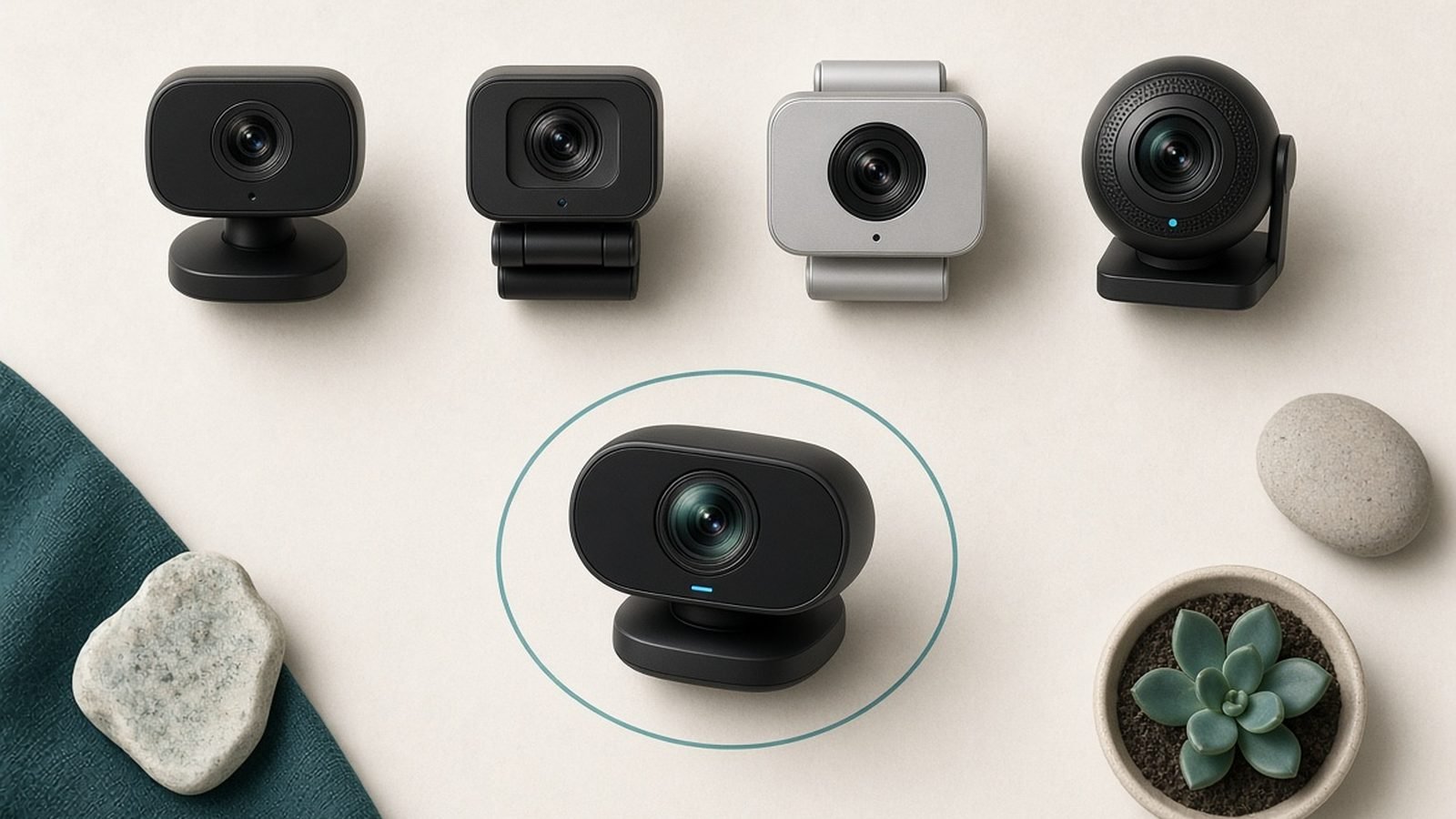
If you want the sharpest possible face on stream, the best 4K webcam for streaming is the Logitech MX Brio for most people, the Elgato Facecam Pro for hardcore OBS users, and the Insta360 Link 2 if you move around. But here is the honest part most buying guides skip: not every streamer actually needs 4K, and the wrong pick can cost you $300 for a picture your audience never sees at full resolution.
This guide cuts through it. We compare the top webcams for Twitch, YouTube and Zoom in 2026 and flag the real trade-offs before you spend a penny.
Quick Comparison
| Webcam | Best for | Max resolution | Price (US / UK) | Autofocus | Standout feature |
|---|---|---|---|---|---|
| Logitech MX Brio | Overall pick | 4K30 | around $199 / £199 | Yes | Great low-light, privacy shutter |
| Elgato Facecam Pro | Streamers | 4K60 | around $299 / £279 | Yes | True 4K60, deep Camera Hub |
| Insta360 Link 2 | Movement | 4K30 | around $199 / £179 | Yes (AI) | Gimbal AI tracking |
| Elgato Facecam MK.2 | Value | 1080p60 | around $149 / £139 | Fixed | HDR, same software |
Do You Really Need a 4K Webcam?
Here is the truth. Twitch caps most streams at 1080p, and even Twitch Enhanced Broadcasting compresses hard. YouTube Live and Zoom will happily take a higher input, but your viewers on a phone or a laggy connection may never see the difference between crisp 1080p and native 4K.
So why buy 4K at all? Three reasons that actually hold up:
Downsampling. A 4K sensor scaled down to a 1080p stream looks sharper and cleaner than a native 1080p sensor. You are buying detail and crop headroom, not literal 4K delivery.
Cropping and framing. More pixels mean you can zoom or reframe without turning to mush.
Future-proofing and recording. If you record locally for YouTube VODs, 4K is genuinely useful.
If you are a Zoom-first remote worker or a new Twitch streamer on a tight budget, a good 1080p camera is often the smarter buy. We built in a value pick for exactly that reason. If you record content, want the best downsampled image, or livestream to YouTube, 4K earns its place.
How We Researched and Ranked
We did not run these four cameras through a paid lab. Instead, this guide is built from close spec analysis, manufacturer documentation, and aggregated owner feedback from retailer reviews, creator forums and long-term user reports through mid-2026. In our research we weighted the things streamers complain about most: low-light noise, autofocus hunting, software stability and mic quality.
Where we describe image or tracking behaviour, it reflects the consensus in owner reports rather than invented benchmark numbers. Pricing was checked against major US and UK retailers at the time of writing, so treat figures as a guide.
Best Overall: Logitech MX Brio
The MX Brio is the webcam we would hand to most people asking for the best 4K webcam for streaming without a second thought. It shoots a sharp 4K image, handles dim rooms better than the older Brio 4K it replaces, and includes practical extras: a physical privacy shutter and dual noise-reducing mics that are genuinely usable in a pinch.
This is also our pick as a 4K webcam for Zoom. It works cleanly across Windows and macOS, plays nicely with Teams and Google Meet, and does not demand studio lighting to look good. For a Logitech MX Brio review in one line: it is the safe, sharp, no-drama choice.
The catch is software. Logi Options+ and the webcam controls are basic next to Elgato’s Camera Hub. You get exposure, field-of-view and colour tweaks, but not the granular, savable profiles OBS power users crave.
Pros - Sharp 4K sensor with strong detail - Noticeably better low-light than the old Brio - Physical privacy shutter and decent dual mics - Cross-platform and reliable
Cons - Software is basic versus Elgato - 4K caps at 30fps - Premium price for casual users
Who it’s for: streamers, hybrid workers and creators who want one camera that just works everywhere.
Check price: Logitech MX Brio 4K Check price: Logitech MX Brio 4K
Verdict: the best all-round pick, and the one to buy if you cannot decide.
Best for Streamers: Elgato Facecam Pro
If your world is OBS, Streamlabs and a lit-up battlestation, the Facecam Pro is the enthusiast’s best webcam for Twitch. It is one of the few webcams that delivers true 4K at 60fps, built around a large Sony sensor, and Elgato’s Camera Hub software is the deepest in the category. You get manual control over exposure, ISO, shutter, white balance and field of view, all savable as profiles you can switch between mid-session.
That control is the whole point. For a serious streamer, dialling in a look once and recalling it every night is worth the premium. It also makes the Facecam Pro a strong best webcam for YouTube pick if you record polished talking-head content.
Two honest caveats. It is expensive at around $299, and that big sensor is hungry for light. In a dim room the Facecam Pro can look noisier than you would expect at this price. Pair it with a key light and it sings; leave it in a dark corner and you paid for headroom you are not using.
Pros - True 4K60 with a large Sony sensor - Deepest software controls of any webcam here - Savable profiles ideal for OBS - Excellent detail in good light
Cons - Premium price - Needs good lighting to shine - Overkill for Zoom-only users
Who it’s for: dedicated Twitch and YouTube streamers who want maximum control and already run lighting.
Check price: Elgato Facecam Pro Check price: Elgato Facecam Pro
Verdict: the streamer’s power tool. Buy it if you will actually use the software.
Best AI Tracking: Insta360 Link 2
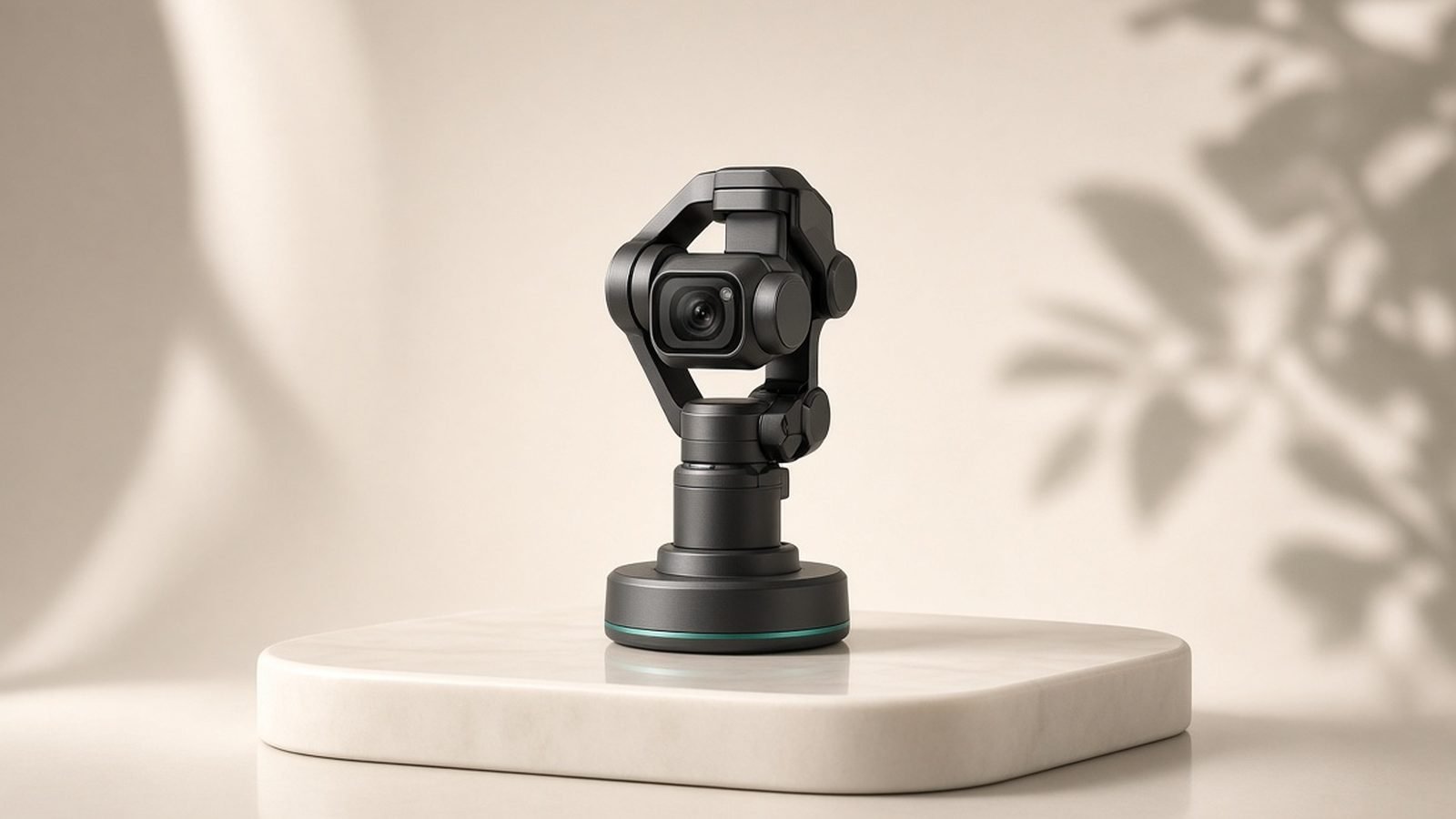
The Link 2 does something none of the others can: it sits on a motorised gimbal and physically follows you around the frame. For solo creators who stand at a whiteboard, cook, craft or pace while they talk, that AI tracking is close to magic. Gesture controls let you zoom or lock the frame with a hand signal, no mouse required.
It shoots 4K and covers the usual streaming and video-call duties well. As the best webcam 2026 pick for movement, nothing else at this price competes on tracking.
The trade-off is that the tracking leans on the camera seeing you clearly. Based on owner reports, the gimbal can get twitchy or lose lock in low light, and the extra moving parts add complexity a fixed camera avoids. If you sit still at a desk, you are paying for a feature you will switch off.
Pros - Genuine motorised AI subject tracking - Handy gesture controls - 4K image and flexible mounting - Great for standing or moving creators
Cons - Tracking can be twitchy in low light - Moving parts add complexity - Wasted on static desk setups
Who it’s for: solo presenters, teachers and makers who move around while filming.
Check price: Insta360 Link 2 Check price: Insta360 Link 2
Verdict: the mobile creator’s pick. Skip it if you never leave your chair.
Best Value 1080p Alternative: Elgato Facecam MK.2
Not everyone needs 4K, and the Facecam MK.2 is the honest budget answer. It shoots 1080p at 60fps with HDR, runs the exact same Camera Hub software as the Facecam Pro, and costs roughly half as much. For Twitch, where you are streaming at 1080p anyway, the visible gap between this and a 4K camera on a live feed is smaller than the price gap suggests.
You lose the 4K sensor and there is no autofocus trickery here, so you set your focus distance and stay in it. But you keep the pro-grade software, the smooth 60fps motion and a clean, punchy image in reasonable light.
Pros - 1080p60 with HDR - Same deep Camera Hub as the Pro - Excellent value - Fast, smooth motion for gaming
Cons - No 4K and no autofocus - Fixed focus needs a consistent distance - Wants decent light like its bigger sibling
Who it’s for: Twitch streamers and remote workers who want great software and image quality without paying for 4K.
Check price: Elgato Facecam MK.2 Check price: Elgato Facecam MK.2
Verdict: the value champion. The smart pick if 4K is not a must-have.
Lighting and Audio to Pair With It
A webcam is only as good as the light hitting your face. Every camera here, and especially the light-hungry Facecam Pro, looks dramatically better with a single soft key light in front of you. Even a cheap ring light or panel beats relying on a ceiling bulb or a window that changes through the day. If you buy one accessory alongside your camera, make it lighting. See our guide to the Best Ring Light for Streaming and Video Calls 2026 for picks at every budget.
On audio, the dual mics in the MX Brio are fine for calls and backup, but no built-in webcam mic will match even an entry-level USB microphone. If you are serious about Twitch or YouTube, budget for a dedicated mic and treat the webcam mics as a safety net.
Webcam Setup Tips
A few quick wins that matter more than the model you buy:
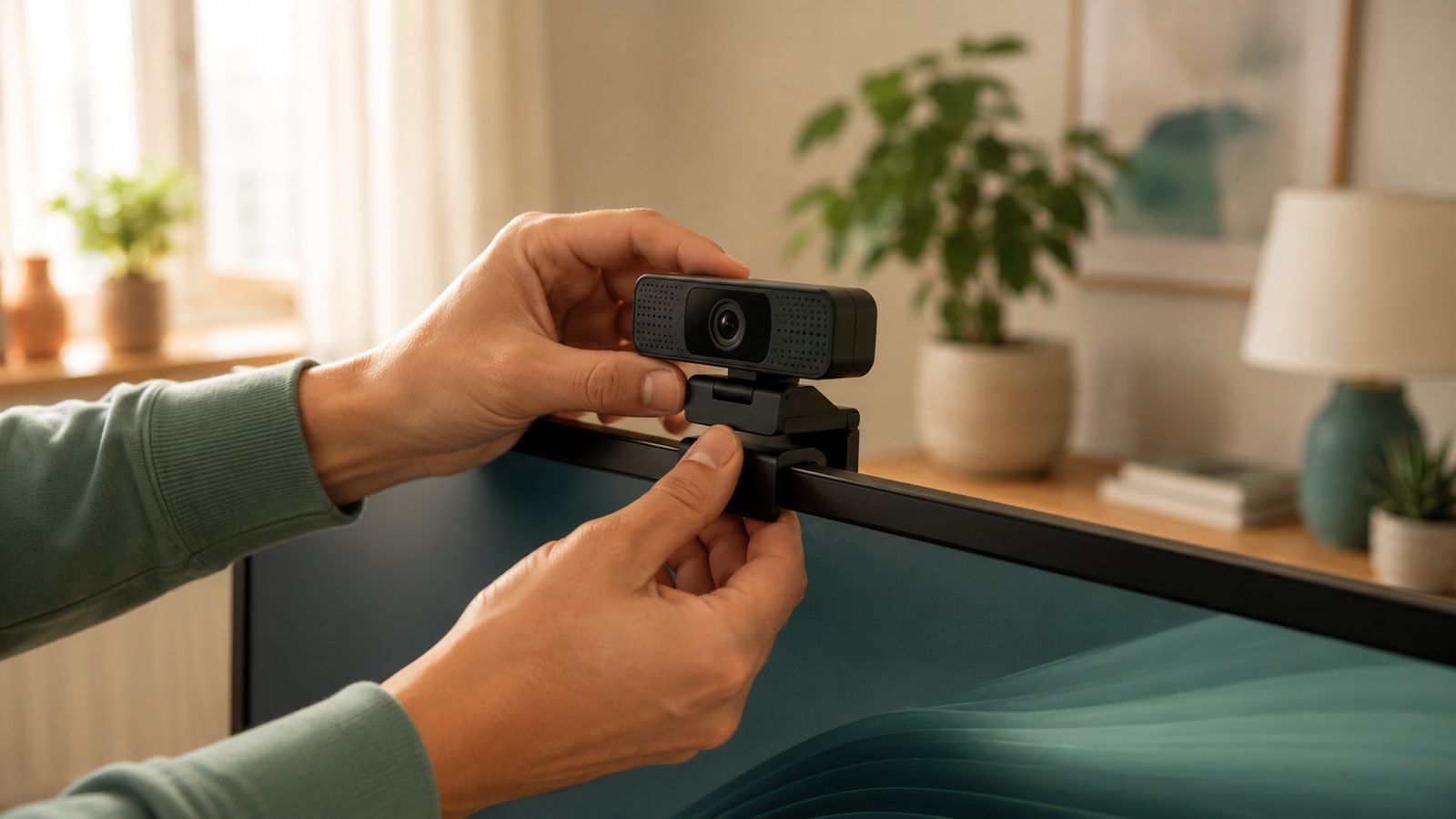
Mount at eye level. Clamp the camera to the top of your monitor so you are looking into it, not down at it.
Light from the front. Put your key light behind the camera, angled at your face, never behind you.
Lock exposure. Auto-exposure drifts as light changes. Set it manually in your camera software for a consistent look.
Use USB 3. 4K60 needs the bandwidth. A slow port or hub can cap your resolution or frame rate.
For a full walkthrough, see How to Set Up a Webcam for Streaming (2026 Guide). If your camera refuses to appear at all, our Webcam Not Working on Windows 11? How to Fix It fix covers the usual culprits. And for more gear guides, browse the Cameras & Creator Gear.
The Verdict
For most people, the Logitech MX Brio is the best 4K webcam for streaming in 2026: sharp, reliable, good in low light and easy to live with. Serious streamers who run OBS and lighting should stretch to the Elgato Facecam Pro for true 4K60 and unmatched software control. Movers and solo presenters want the Insta360 Link 2 for its AI tracking. And if 4K is not essential, the Elgato Facecam MK.2 gives you pro software and a great 1080p image for far less.
Buy for how you actually stream, not for the biggest number on the box.
FAQ
Do I need a 4K webcam for Twitch? Not strictly. Twitch streams top out around 1080p, so a 4K camera’s main benefit there is a cleaner downsampled image and cropping room. A strong 1080p webcam like the Facecam MK.2 is often the smarter buy for Twitch-only streamers on a budget.
Is the Logitech MX Brio better than the Elgato Facecam Pro? For most people, yes, because it is cheaper, handles low light well and works everywhere with less fuss. The Facecam Pro wins on true 4K60 and deep software control, so dedicated OBS streamers with good lighting should prefer it.
What’s the best 4K webcam for Zoom? The Logitech MX Brio. It is cross-platform, reliable in Teams, Meet and Zoom, includes a privacy shutter and looks good without studio lighting, which matters more for calls than raw frame rate.
Do webcams need extra lighting? Almost always. Even great sensors look noisy in dim rooms, and the Elgato Facecam Pro especially wants light. A single soft key light in front of you improves any webcam more than upgrading the camera itself.
Zen Tech Hub may earn a commission from links on this page, at no extra cost to you.