A GoPro overheating fix usually comes down to three things: heat trapped around the camera, settings that push the sensor too hard, and firmware doing its job a little too aggressively. If your GoPro keeps flashing a thermometer icon and dying mid-clip, you are not alone, and in almost every case it is solvable without a repair.
This guide covers why action cameras overheat, the quick fixes that get you filming again, and the settings and mounting changes that prevent a GoPro overheating shutdown, plus when heat is a genuine hardware fault.
Why GoPros Overheat
The honest answer to “why does my GoPro overheat” is physics. A GoPro packs a high-resolution sensor, a powerful processor and a battery into a tiny, sealed body with almost no room for airflow. Push it hard, in heat, with no air moving over it, and the internal temperature climbs fast. To protect the sensor and battery, the camera throttles performance and shuts down.
Based on owner reports, the biggest triggers are:
High resolution and frame rate. GoPro 4K overheating complaints spike at 4K60 and 5.3K, where the processor works hardest.
Still, hot air. A stationary timelapse in direct sun is the classic scenario: no airflow, maximum heat soak.
Enclosed mounts. Suction-cup cases, dive housings and tight helmet mounts trap heat against the body.
A hot battery. A fully charged cell worked hard in warm weather adds its own heat to the mix.
None of this means your camera is broken. It hit a thermal limit, and the fixes below tackle each cause directly.
Quick Fixes When It Happens
When the thermometer icon appears and the camera shuts down, do this:
Get it into shade and moving air. A minute in a breeze or in front of an AC vent drops the internal temperature quickly.
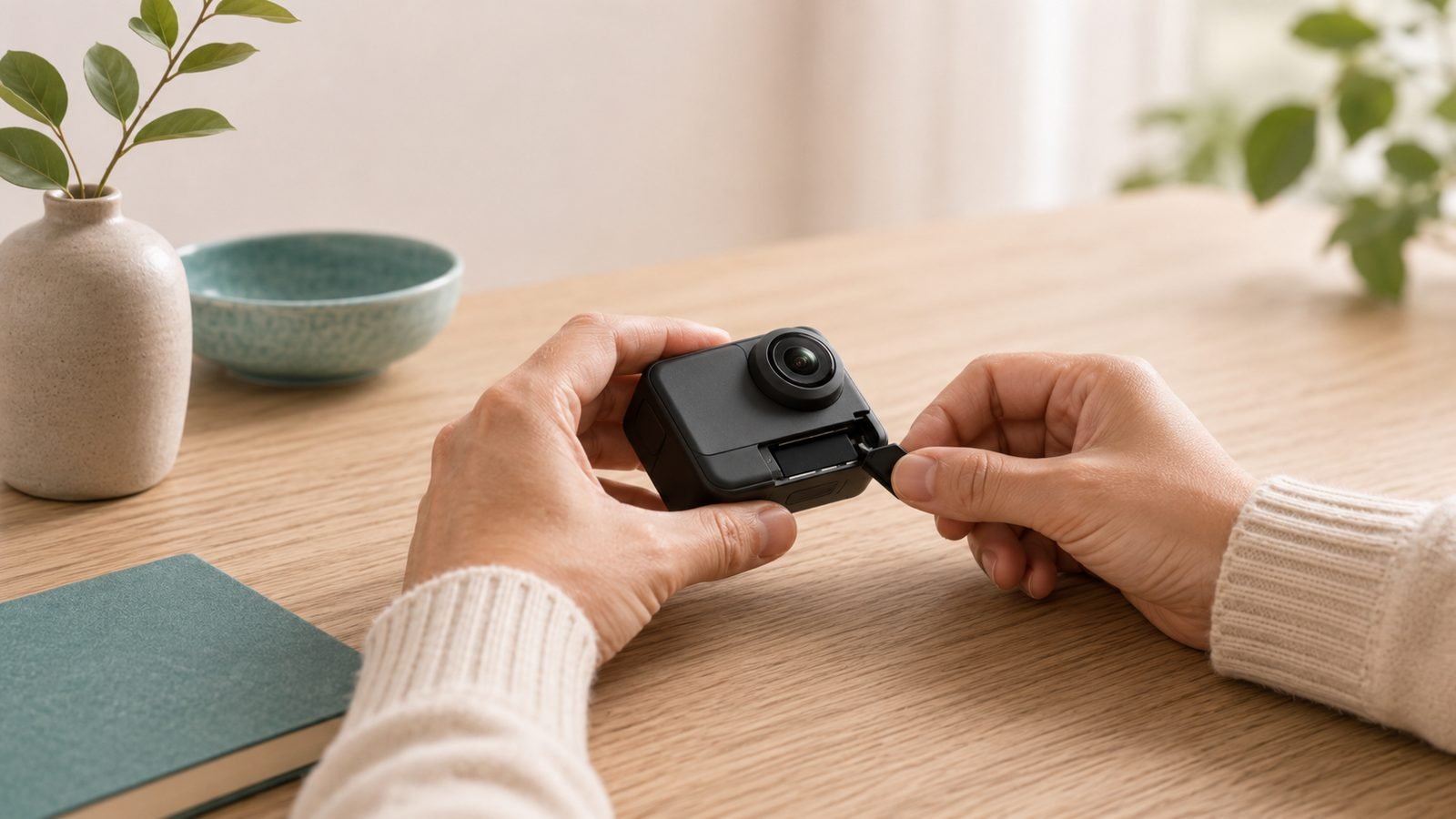
Open the battery door. This vents trapped heat and is the single fastest way to cool an overheating action camera.
Remove it from the mount or housing. Enclosed cases are heat traps; pull the camera out while it cools.
Swap in a spare battery. A fresh, cool cell lets you keep shooting while the hot one rests, which is why serious users carry two or three.
Drop the resolution before you restart. From 5.3K or 4K60, restart at 4K30 or 1080p to break the cycle.
Do not put a hot GoPro in a fridge or freezer. The rapid temperature swing causes condensation inside the sealed body, which is far worse than heat.
Settings That Reduce Heat
Most overheating is preventable in the menus. These changes cut the processor’s workload and keep temperatures down without ruining your footage.
Lower the resolution or frame rate. 4K30 runs noticeably cooler than 4K60 or 5.3K, and for most social and vlog use it is more than enough.
Turn off the front and rear screens. Displays generate heat and drain the battery; use the Quik app or voice control instead.
Disable GPS and unused wireless. Small savings individually, but they add up on long shoots.
Use interval capture for timelapse. Letting the camera sleep between frames dramatically reduces heat versus continuous recording.
In our research, dropping from 4K60 to 4K30 is the most consistently effective single setting change owners report for stopping a GoPro overheating shutdown.
Mounting and Airflow Tips
How you mount the camera matters as much as the settings.
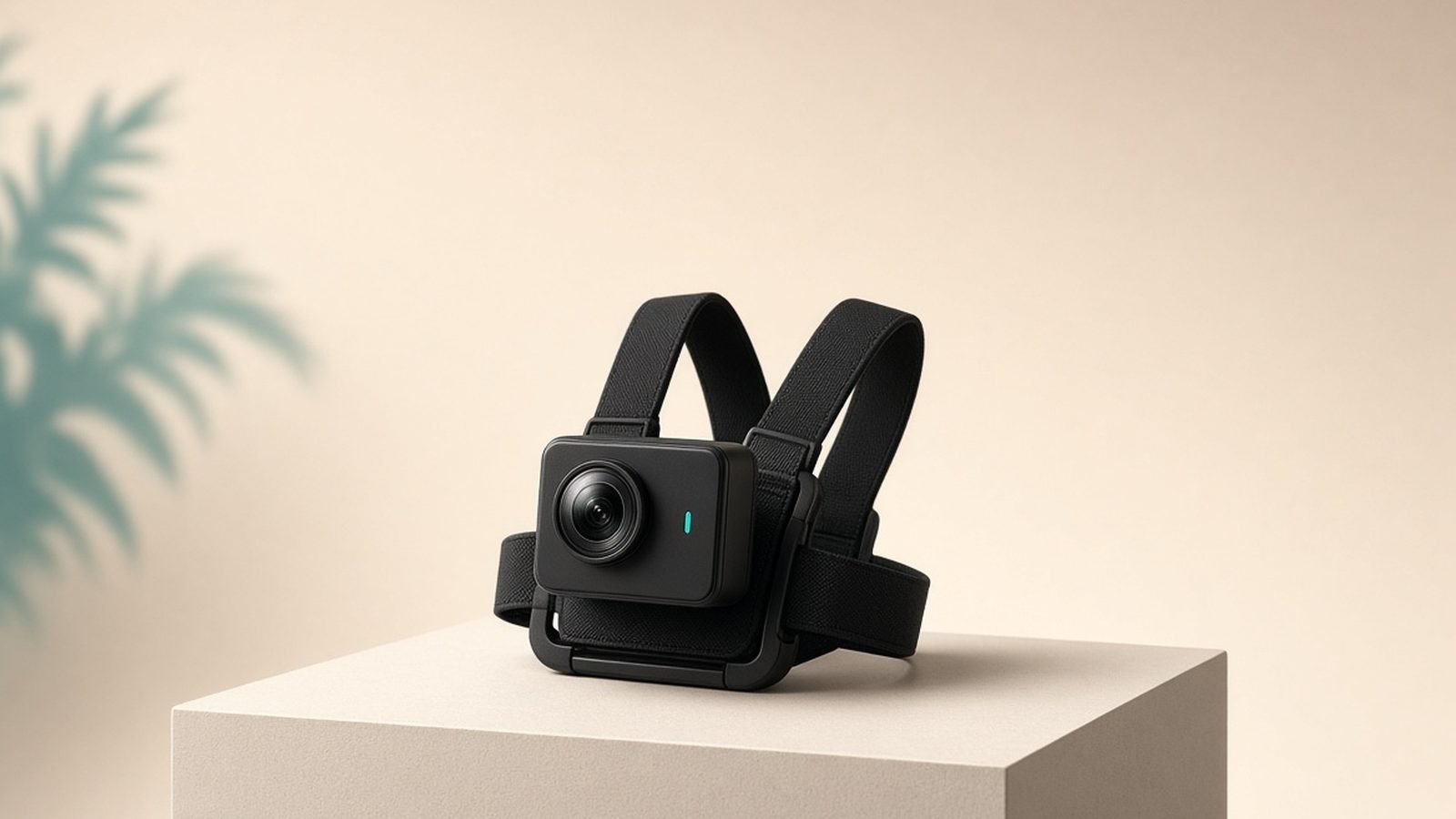
Airflow is your friend. A GoPro on a helmet or chest mount moving through the air rarely overheats because it is constantly cooled. The same camera clamped to a static tripod in the sun will struggle. For a fixed shot, position the camera in shade and, if you can, point a small clip fan at it.
Avoid fully enclosed housings unless you need waterproofing beyond the camera’s native rating. The bare HERO13 Black is already waterproof to 33ft (10m), so the dive housing is only for deeper work, and it traps heat. Light or reflective mounts also soak up less radiant heat than black ones in direct sun.
Firmware and Battery Considerations
Keep the firmware current. Many early GoPro HERO 13 overheating complaints eased after updates, because GoPro has repeatedly shipped thermal-management improvements this way, and running an old version can mean earlier shutdowns than necessary. Update through the Quik app or GoPro’s desktop tool.
Batteries are the other half of the equation. GoPro’s Enduro batteries are designed to perform better in temperature extremes than the older standard cells, and the HERO13 Black ships with an Enduro by default. If you are running older batteries, replacing them can genuinely help, especially in cold weather where standard cells sag.
Check price: GoPro HERO13 Black
For a full breakdown of the HERO13’s battery life, resolution modes and thermal behaviour, see our GoPro HERO13 Black Review 2026: Worth It?.
When It’s a Hardware Fault
Occasionally, overheating is not normal behaviour. Treat it as a possible fault if:
It shuts down within a minute or two, even at low resolution in cool conditions.
The body becomes uncomfortably hot to hold almost immediately.
Overheating started suddenly after a drop, water exposure or an update, having never happened before.
If any of these apply, do a factory reset, then reinstall the current firmware. If it persists and the camera is in warranty, contact GoPro support. A swollen battery, a bad cell or a damaged sensor are all real, if uncommon, causes.
If you have done everything here and still hit thermal limits, the problem may be the tool, not your technique. Long static 4K interviews and hot-climate shooting genuinely push small action cameras. In our research, the DJI Osmo Action 6 is the alternative owners reach for when they repeatedly hit GoPro thermal walls: its larger sensor and heat-dissipation design tend to run cooler on long takes, and at around $399 / £369 it sits alongside the HERO13 on price.
Pros: Runs cooler on long static clips, strong low-light sensor, competitive price. Cons: Different app ecosystem, some mounts differ from GoPro’s, still a small camera with limits.
Best for readers who shoot long, stationary 4K in the heat and are tired of shutdowns.
Check price: DJI Osmo Action 6
See the full head-to-head in our GoPro HERO13 vs DJI Osmo Action 6: Which Wins? comparison, or browse more guides on the Cameras & Creator Gear.
The Verdict
For most people, a GoPro overheating fix is a habit, not a purchase. Keep the resolution sensible, keep air moving over the camera, ditch enclosed housings when you can, carry a spare Enduro battery and stay on current firmware. Do that and the thermometer icon largely disappears.
The HERO13 Black remains an excellent all-rounder that handles heat well once set up correctly. If your shooting genuinely lives at thermal limits, the DJI Osmo Action 6 is the sensible cooler-running upgrade rather than a first resort.
FAQ
Why does my GoPro overheat so quickly? Most likely you are shooting high resolution (4K60 or 5.3K) with little airflow, often in a case or in the sun. The processor generates heat the sealed body cannot vent. Drop to 4K30, open the battery door between takes and keep the camera in moving air to fix it fast.
Does lowering resolution really prevent GoPro overheating? Yes. Going from 4K60 or 5.3K down to 4K30 is the most effective single change owners report. Lower resolution and frame rates cut how hard the processor works, which directly lowers internal temperature and delays or prevents a thermal shutdown.
Is it bad to put a hot GoPro in the fridge? Yes, avoid it. A rapid temperature drop causes condensation inside the sealed body, which can damage electronics and fog the lens. Cool it gradually instead: shade, moving air and an open battery door do the job safely without moisture risk.
Does the DJI Osmo Action 6 overheat less than a GoPro? In our research, owners report the Osmo Action 6 tends to run cooler on long, static 4K takes thanks to its larger sensor and heat-dissipation design. It is not immune to thermal limits, but it is the common upgrade for people who repeatedly hit GoPro shutdowns.
Zen Tech Hub may earn a commission from links on this page, at no extra cost to you.