Learning how to fly a drone for beginners is far easier than it looks. Modern DJI drones hold their own position with GPS, hover on their own when you let go of the sticks, and can return home at the tap of a button. The hard part is not the flying, it is building good habits early so a nervous first flight does not become an expensive first crash.
This DJI drone beginner guide walks you through everything in order: the pre-flight checklist, what the controls actually do, your first takeoff and landing, and the manoeuvres worth practising before you go anywhere near a scenic cliff edge. Follow it start to finish and your first flight should be calm and boring, which is exactly what you want.
Before Your First Flight (Checklist)
Most beginner crashes happen on the ground, before takeoff, because something was skipped. Run this drone pre-flight checklist every single time until it becomes muscle memory.
Charge everything. Drone battery, controller, and phone all above 50%.
Update firmware in the DJI Fly app while you are still at home on Wi-Fi.
Fit a fresh microSD card and check it has space if you plan to record.
Inspect the props. Look for chips or cracks. Remove prop guards only when you are confident outdoors.
Pick your spot. Open grass, away from people, water, roads and trees.
Check the weather. Winds under ~15 mph for your first flights, no rain.
Confirm GPS lock before takeoff so the drone can hold position and return home.
Set Return-to-Home (RTH) altitude higher than nearby trees and rooftops.
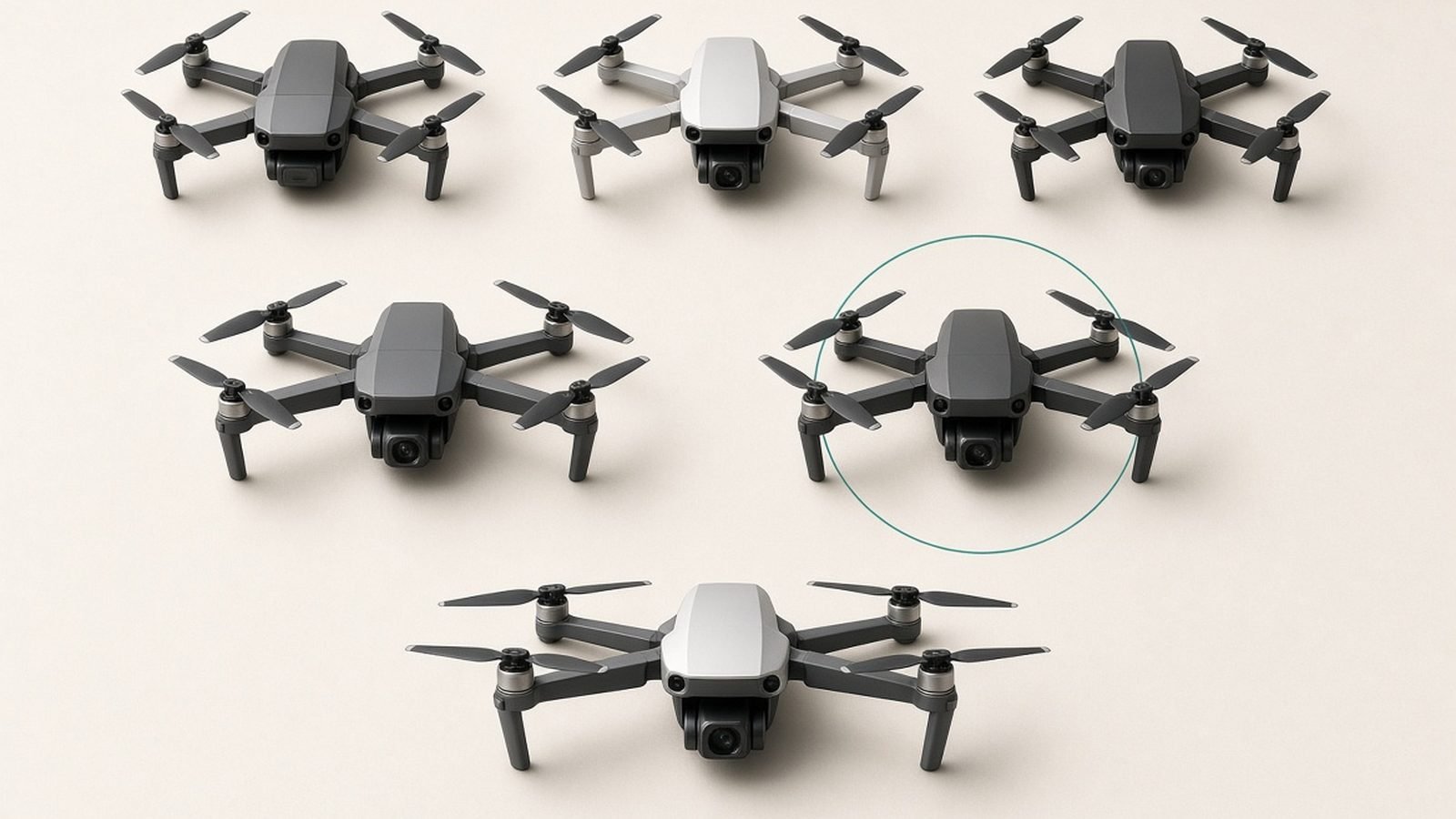
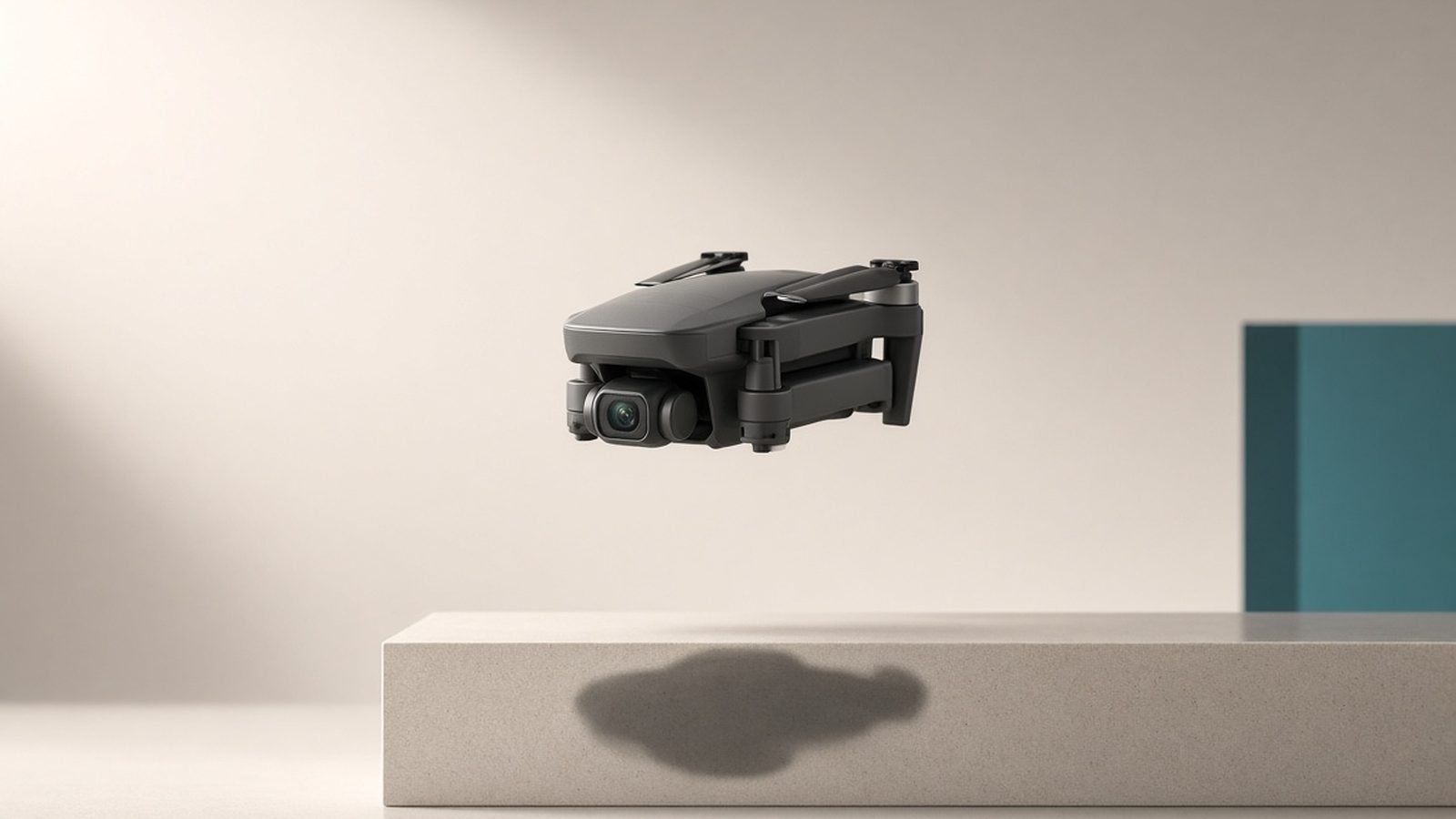
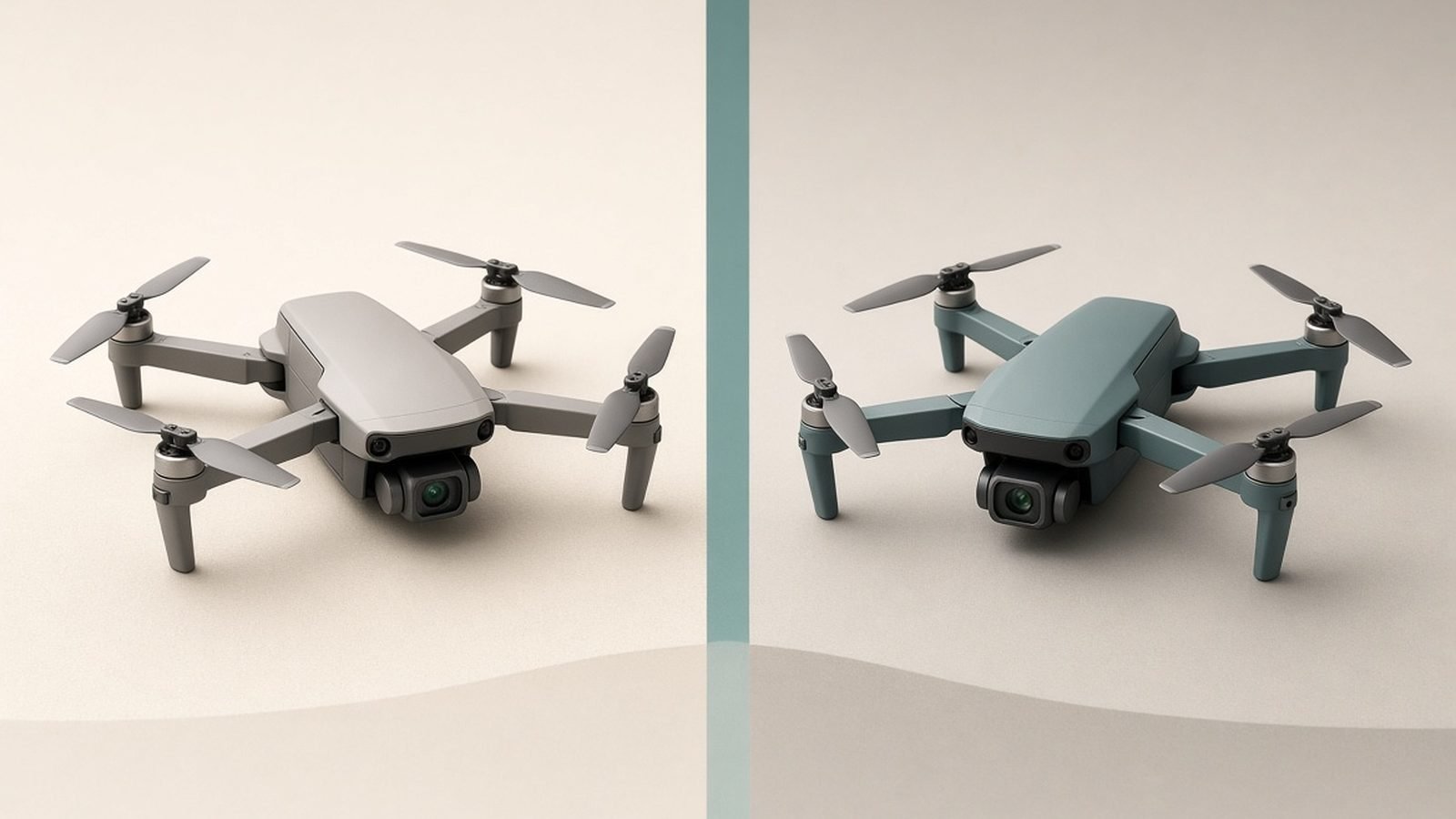
If you are still choosing hardware, start light. In our research the DJI Neo (around $199 / £169) is the lowest-risk way to learn: it is palm-sized, comes with prop guards, and does the least damage if it clips something.
Understanding the Controls
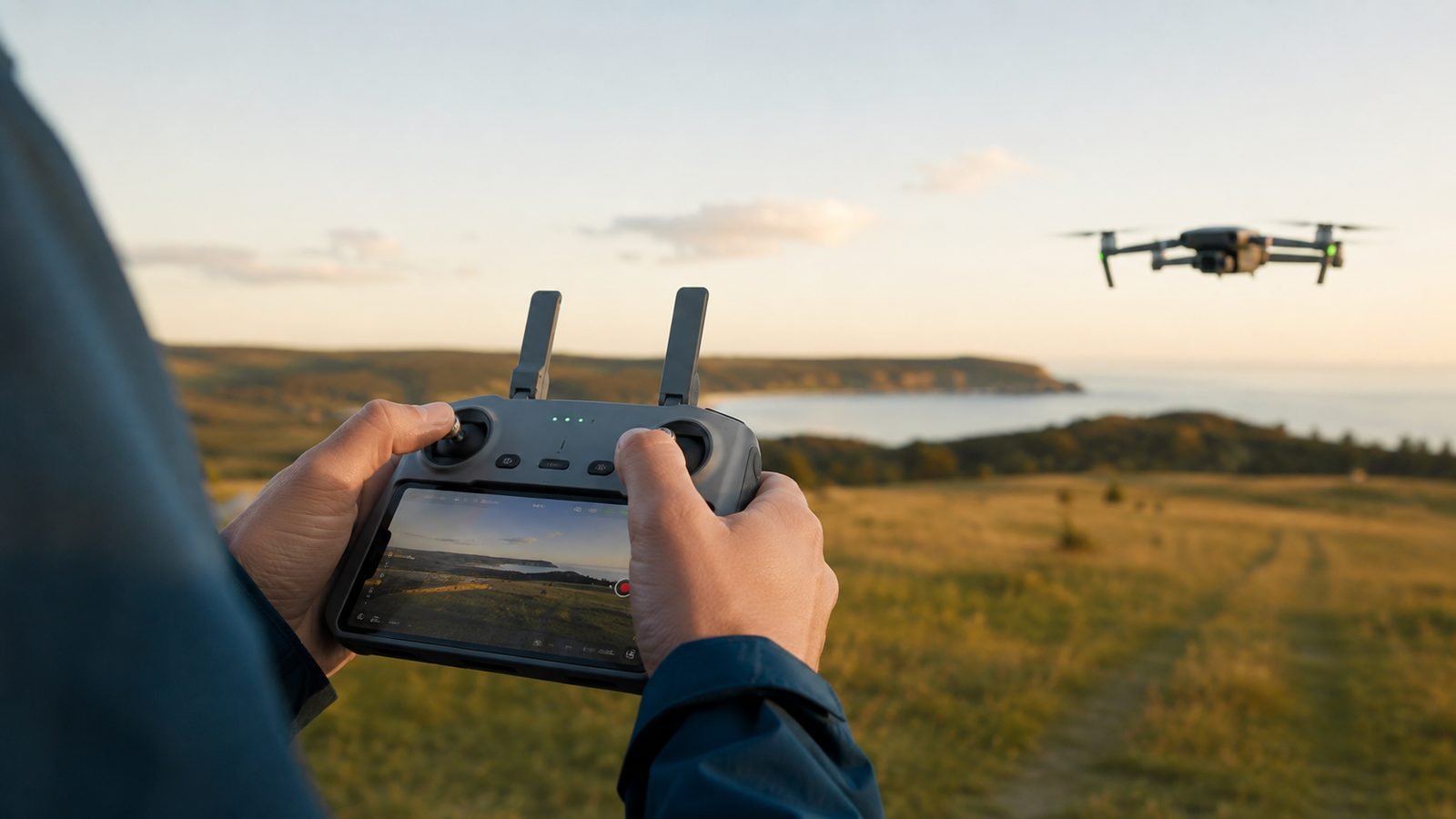
Drone controls explained simply: the two sticks each do two jobs, so four movements total. DJI ships in “Mode 2” by default, which is the standard most pilots learn.
Left stick up/down — Throttle: climbs and descends.
Left stick left/right — Yaw: rotates the drone on the spot (spins the nose left or right).
Right stick up/down — Pitch: flies forward and backward.
Right stick left/right — Roll: slides left and right without turning.
The golden rule for first drone flight tips: make small, gentle inputs. These sticks are sensitive, and beginners almost always overcorrect. Push a stick a little, wait, and watch what happens before pushing more. When you let go, the sticks spring back to centre and the drone hovers in place.
Also learn where the RTH button and the flight-mode switch live before you launch. Most DJI drones have Cine (slow and smooth), Normal, and Sport (fast, sensors often off). Beginners should stay in Cine or Normal.
Your First Takeoff and Landing
You have two options, and it is worth using both.
Automatic: In the DJI Fly app, press and hold the on-screen takeoff button. The drone spins up, rises to about 1.2m, and hovers. To land, use the auto-land button or hold the throttle stick down until it touches and the motors stop.
Manual: Hold both sticks down and inward (or outward, depending on model) to start the motors. Gently push the throttle up to lift off. This is the skill that matters, so practise it. To land manually, ease the throttle down until the drone settles, then hold it at the bottom until the motors cut.
Learning how to fly a DJI Mini or Neo is mostly about trusting the hover. Take off, climb to a comfortable 3–5m, release the sticks, and just watch it hold steady for 30 seconds. That builds confidence faster than anything.
Basic Manoeuvres to Practise
Once you can hover, rise and land, drill these in open space. Keep the drone in front of you and close.
Square: fly forward, right, back, left, returning to start. Pure pitch and roll.
Up and down: climb and descend smoothly on the throttle only.
Yaw spins: rotate the drone 360° slowly on the spot.
The nose-in hover: turn the drone to face you. Now the controls are mirrored — this is where beginners panic, so master it low and slow.
Fly these until the mirrored orientation stops confusing you. That single skill separates confident pilots from twitchy ones.
Using Intelligent Flight Modes
DJI’s automated modes are genuinely useful once basics are solid — but treat them as a reward, not a crutch.
QuickShots: the drone flies a pre-set cinematic path (Dronie, Circle, Helix) and returns. Great for instant results.
ActiveTrack / subject tracking: follows a person or object. Powerful, but needs space.
Return-to-Home: the safety net. Practise triggering it deliberately so it is familiar in an emergency.
If you want a drone that forgives mistakes while you learn these, the step-up DJI Mini 5 Pro (around $799 / £689 base) adds omnidirectional obstacle sensing that will stop or steer around trees and walls. Based on owner reports, that sensing is the single feature that saves the most beginner drones. It is the natural upgrade once the Neo feels limiting — see our full DJI Mini 5 Pro Review 2026: The Beginner Drone to Beat for the detail.
Staying Legal and Safe
Rules matter, and they differ by country. These are the essentials, not legal advice.
United States (FAA): Register drones over 250g (the Neo and Mini sit under this for recreational flight, but registration rules still apply in some cases). Pass the free TRUST test, keep the drone in sight, stay under 400ft, and never fly over people or near airports.
United Kingdom (CAA): You will likely need an Operator ID (and a Flyer ID for the pilot). Keep the drone in direct sight, under 120m, and away from crowds.
Wherever you are, the core drone safety tips are the same: maintain visual line of sight, respect no-fly zones (the app warns you), and never fly over people or moving traffic. For the full breakdown, read Do You Need a License to Fly a Drone? (US & UK 2026).
Common Beginner Mistakes
Flying too far, too soon. Keep it close for the first few batteries.
Ignoring the low-battery warning. Land at 25–30%, not 5%.
Taking off without GPS lock. Without it the drone drifts and will not hold position.
Flying in wind. Small drones get pushed around fast; check the forecast.
Panicking and pushing sticks hard. When in doubt, let go — the drone hovers.
Skipping the checklist. Every crash story starts with “I forgot to check…”.
Still deciding which model suits you? Our roundup of the Best DJI Drone for Beginners in 2026 compares the Neo, Mini line and beyond, and the Cameras & Creator Gear hub gathers all our creator gear guides in one place.
Verdict: Start Small, Fly Often
The fastest way to learn how to fly a drone for beginners is short, frequent, boring flights in open space. Master the hover, the mirrored nose-in orientation, and the checklist before you chase dramatic shots. Start on something cheap and forgiving like the DJI Neo, then graduate to the Mini 5 Pro when you want obstacle sensing and a bigger sensor. Habits first, epic footage second.
FAQ
Is it hard to fly a DJI drone as a complete beginner? No. DJI drones use GPS to hold position and hover automatically when you release the sticks, so they are very stable. The learning curve is mostly about small, gentle stick inputs and understanding orientation when the drone faces you. Most people fly comfortably within their first two or three batteries.
How long does a beginner drone battery last? Expect roughly 15–20 minutes of real flight per battery on drones like the Neo and Mini series, less in wind or cold. Always land at 25–30% remaining rather than draining fully. Buying a Fly More combo with two or three batteries is the single best upgrade for practice sessions.
Do I need a licence to fly a drone? It depends on your country and the drone’s weight. US pilots must pass the free FAA TRUST test for recreational flight; UK pilots usually need an Operator ID and Flyer ID from the CAA. Sub-250g drones face lighter rules but not zero. Check our dedicated guide before your first outdoor flight.
What is the best drone to learn on? For lowest risk, the DJI Neo: it is cheap, tiny, and has prop guards. If you want a drone that actively avoids crashes and shoots better footage, step up to the DJI Mini 5 Pro with its obstacle sensing. Both are beginner-friendly; the Neo just costs less to bump into a hedge.
What should I do if my drone flies out of control? Let go of both sticks first — the drone will stop and hover. If it keeps drifting or you lose orientation, press Return-to-Home and let it fly back and land itself automatically. Practise triggering RTH deliberately in a safe open area so it feels routine before you ever need it in a panic.
Zen Tech Hub may earn a commission from links on this page, at no extra cost to you.