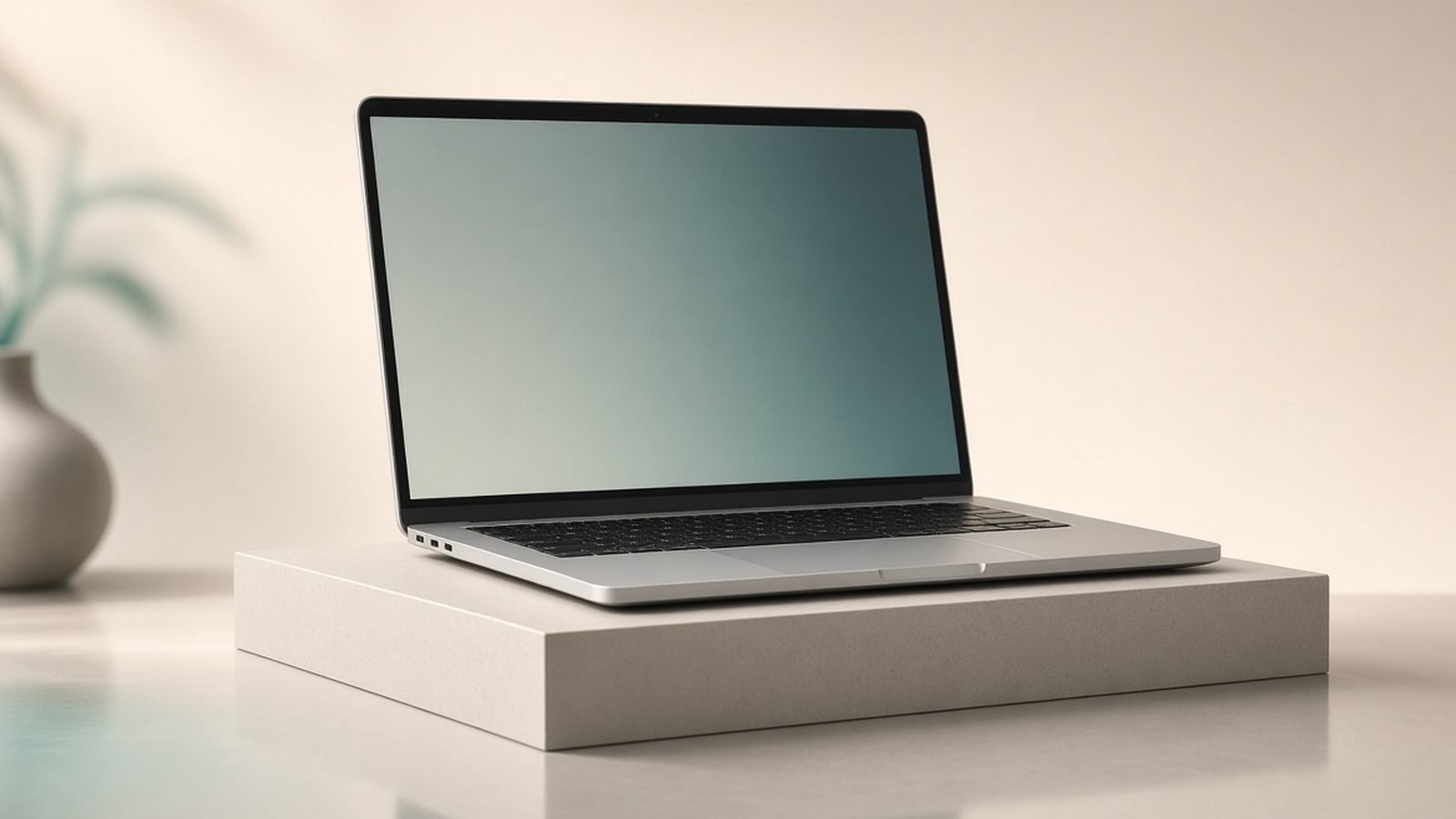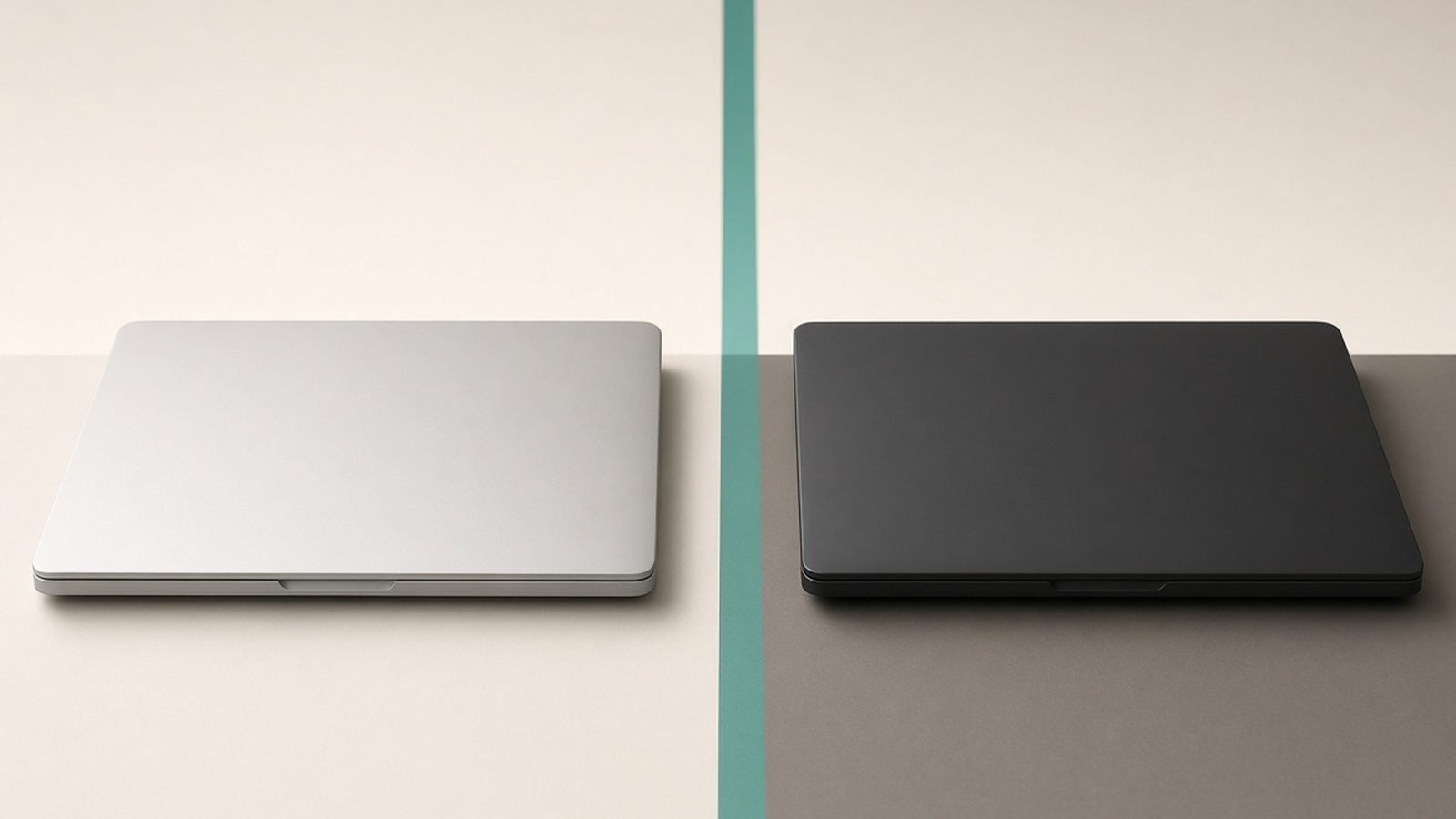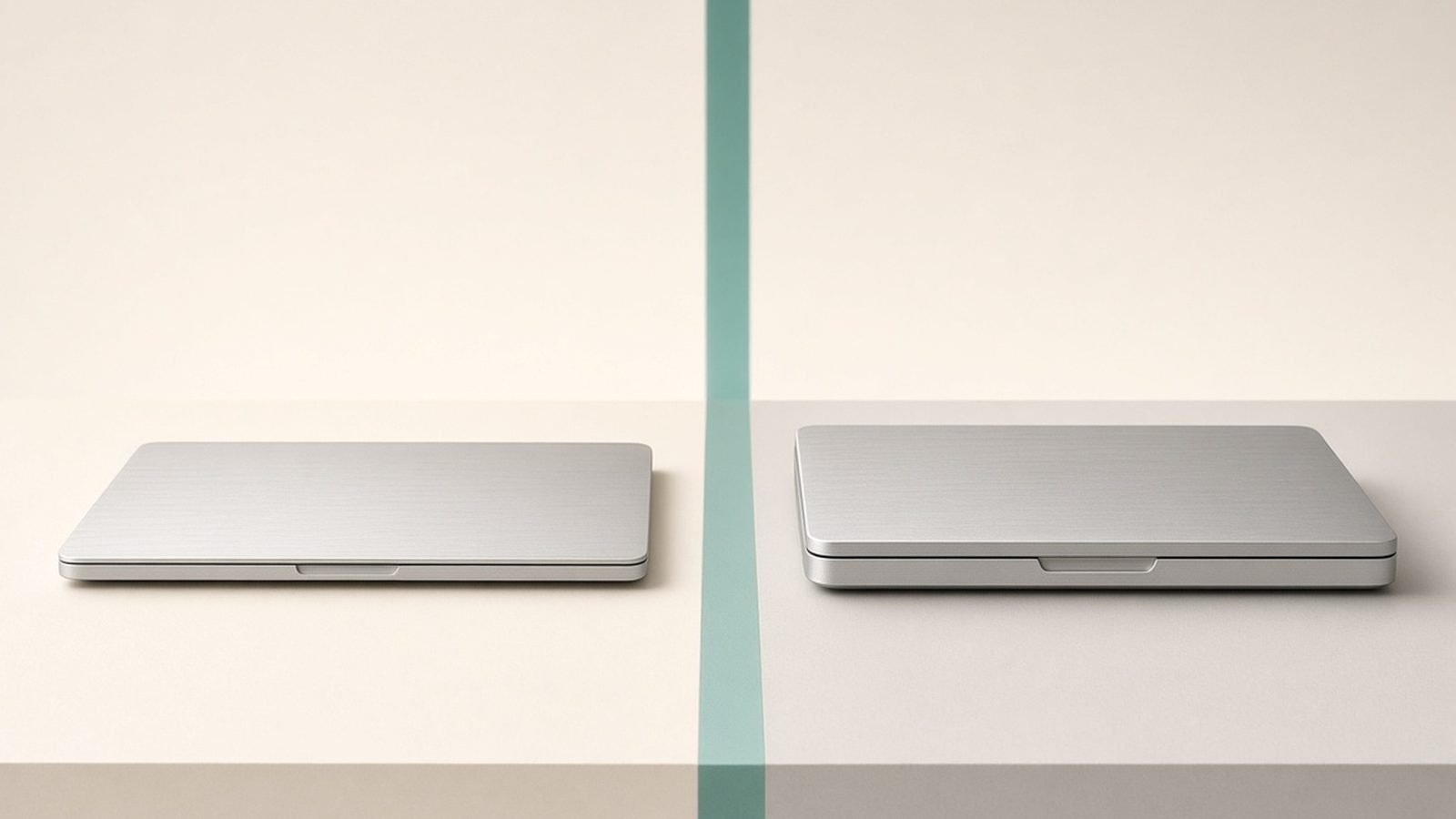
For most people in 2026, the MacBook Air M5 is the right choice — it is cheaper, lighter, silent, and fast enough for nearly everything. The MacBook Pro M5 is worth the extra money only if you regularly run long, heavy workloads or need its mini-LED 120Hz display and extra ports. Put simply: buy the Air unless a specific demanding task keeps interrupting you, then buy the Pro.
We have not run our own lab bench for this piece. What follows is expert analysis built from Apple’s published specifications, documentation, current pricing, and aggregated owner feedback across reviews and forums.
MacBook Air vs Pro: quick comparison
The Air and Pro share the same M5 foundation and macOS, so they feel similar day to day. The differences show up under sustained load, in the screen, and in connectivity — and in price and weight.
| Feature | MacBook Air M5 | MacBook Pro M5 (14”) |
|---|---|---|
| Starting price | ~$999 / £999 | ~$1,599 / £1,599 |
| Cooling | Fanless (silent) | Active fans |
| Chip options | M5 | M5 / M5 Pro / M5 Max |
| Display | Liquid Retina, 60Hz | mini-LED XDR, 120Hz |
| Ports | 2x Thunderbolt, MagSafe | 3x TB, HDMI, SDXC, MagSafe |
| Weight (13/14”) | ~2.7 lbs | ~3.4 lbs |
| Sustained load | Throttles | Holds performance |
| Best for | Everyday use, value | Heavy pro workloads |
Bottom line: the Air wins on price, weight, and silence. The Pro wins on sustained performance, screen, and ports. Both are excellent — the question is which strengths your work needs.
Price and value
This is where most decisions are made. The Air starts at around $999 / £999, the 14-inch Pro at around $1,599 / £1,599 — a $600 / £600 gap before any upgrades. That difference buys a laptop, a big software budget, or years of subscriptions.
The value verdict depends entirely on use. If your work is everyday tasks with occasional heavy bursts, the Pro’s premium goes largely unused, and the Air is the smarter buy. If you spend hours a day on demanding jobs, the Pro pays for itself in saved time and a better working experience.
One nuance: the 15-inch Air, at around $1,199 / £1,199, sits between the two. If you want a bigger screen but not Pro power, it often makes more sense than a base Pro. Our Best MacBook 2026: Which Mac Laptop Should You Buy? guide maps out all four models by budget.
Performance and sustained load
On paper and in short bursts, the Air and base Pro feel close — same M5 class of chip, same snappy response for browsing, office work, and light creative tasks. The gap opens under sustained load.
Because the Air is fanless, a long job — a 20-minute-plus 4K export, a big compile, a lengthy render — causes it to throttle to manage heat. It stays usable, just slower over time. The Pro’s fans let it hold high performance for as long as the task runs. For bursty workloads, you will not notice a difference; for marathon tasks, the Pro is clearly faster.
The Pro also scales far higher with M5 Pro and M5 Max chips, which the Air does not offer. These add CPU and GPU cores, memory bandwidth, and much larger memory ceilings for serious video, 3D, and development work. If you need that much power, only the Pro provides it. Our MacBook Pro M5 Review 2026: Power for Pros covers the tiers in detail.
Display and design
The Air’s Liquid Retina screen is sharp, colourful, and bright enough for everyday work, but it is a 60Hz LCD. The Pro’s mini-LED XDR panel is a real upgrade: true HDR, much higher brightness, deeper contrast, and 120Hz ProMotion for smoother scrolling and motion. For colour-critical creative work or anyone who values a premium screen, the Pro’s display is a genuine reason to choose it.
Design splits on portability. The Air is thinner and lighter — the 13-inch at around 2.7 lbs is effortless to carry daily. The 14-inch Pro, at around 3.4 lbs, is denser because of its cooling and battery, and the 16-inch is a desk-first machine. If you commute with your laptop, the Air is the more comfortable companion.
Both have superb keyboards and trackpads, so typing and pointing feel equally good on either.
Ports and connectivity
The Air keeps it minimal: two Thunderbolt ports plus MagSafe. That is fine for a charger and one or two peripherals, but heavy setups need a hub. The Pro is far more generous — three Thunderbolt ports, full-size HDMI, and an SDXC card slot — which photographers, editors, and anyone running docks or multiple displays will appreciate. Fewer dongles is a quiet but real quality-of-life win, and one reason pros gravitate to it in our Best Laptops for Video Editing 2026: The Complete Guide roundup.
Battery life
Both last a full working day, which is a strength of the whole M5 lineup. The Air is remarkably efficient for its size, and the 15-inch edges ahead thanks to a bigger cell. The Pro also lasts all day and, in the 16-inch, offers the longest runtime in the range while holding performance better on battery. For pure endurance in a light package, the Air is excellent; for endurance under load, the 16-inch Pro leads.
Which should you buy?
Decide by your heaviest regular task, not your average one.
Buy the MacBook Air M5 if you want the best value, a silent and light laptop, all-day battery, and enough power for everyday work, study, coding, and light creative tasks. This is most people. Choose the 15-inch if you want a bigger screen without a Pro price.
Buy the MacBook Pro M5 if you regularly run long, heavy workloads — video editing, large compiles, music production, 3D — or you need the mini-LED 120Hz display and extra ports. Choose the 14-inch for pro power that still travels, or the 16-inch for maximum performance as a workstation.
If you are a student comparing across platforms, Best Laptops for Students 2026: Value & Battery helps, and if you are weighing macOS against Windows entirely, read MacBook vs Windows Laptop 2026: Which Is Right for You? before deciding.
FAQ
Is the MacBook Air or Pro better for most people?
The MacBook Air M5 is better for most people. It is cheaper, lighter, silent, and fast enough for everyday work, study, and light creative tasks. The Pro is only the better choice if you regularly run demanding, sustained workloads or need its superior display and extra ports.
Is the MacBook Pro really faster than the Air?
In short bursts they feel similar, because they share the M5 foundation. The Pro pulls ahead under sustained load — long exports, big compiles, heavy renders — where its fans prevent throttling. With M5 Pro or M5 Max chips it is far faster still, but only for workloads that can use that power.
Should students buy the Air or the Pro?
Most students should buy the Air. It handles essays, research, coding, and light media work silently and with all-day battery, at a lower price. Only students in demanding fields like video production, engineering rendering, or music production benefit enough from the Pro to justify the cost. See Best Laptops for Students 2026: Value & Battery.
Is the MacBook Air good enough for video editing?
For light to moderate editing — trimming, short 4K exports, basic colour — yes. For long timelines, heavy 4K/8K projects, or all-day editing, the Air’s fanless design throttles under sustained load, and the MacBook Pro is the better tool. Our Best Laptops for Video Editing 2026: The Complete Guide guide compares options.
Does the MacBook Pro have better battery life than the Air?
Both last a full day. The Air is superbly efficient for its weight, with the 15-inch slightly ahead. The Pro also lasts all day, and the 16-inch offers the longest runtime in the lineup and holds performance better under load. For endurance in a light body, the Air wins; for endurance while working hard, the 16-inch Pro leads.
Is the 15-inch Air or the 14-inch Pro the better middle option?
If you want a big screen for everyday use and want to save money, the 15-inch Air is the better middle pick — same silent, light experience with more room. If you need sustained performance, the mini-LED 120Hz display, or more ports, the 14-inch Pro is worth the extra despite costing more.
Zen Tech Hub may earn a commission from links on this page, at no extra cost to you.