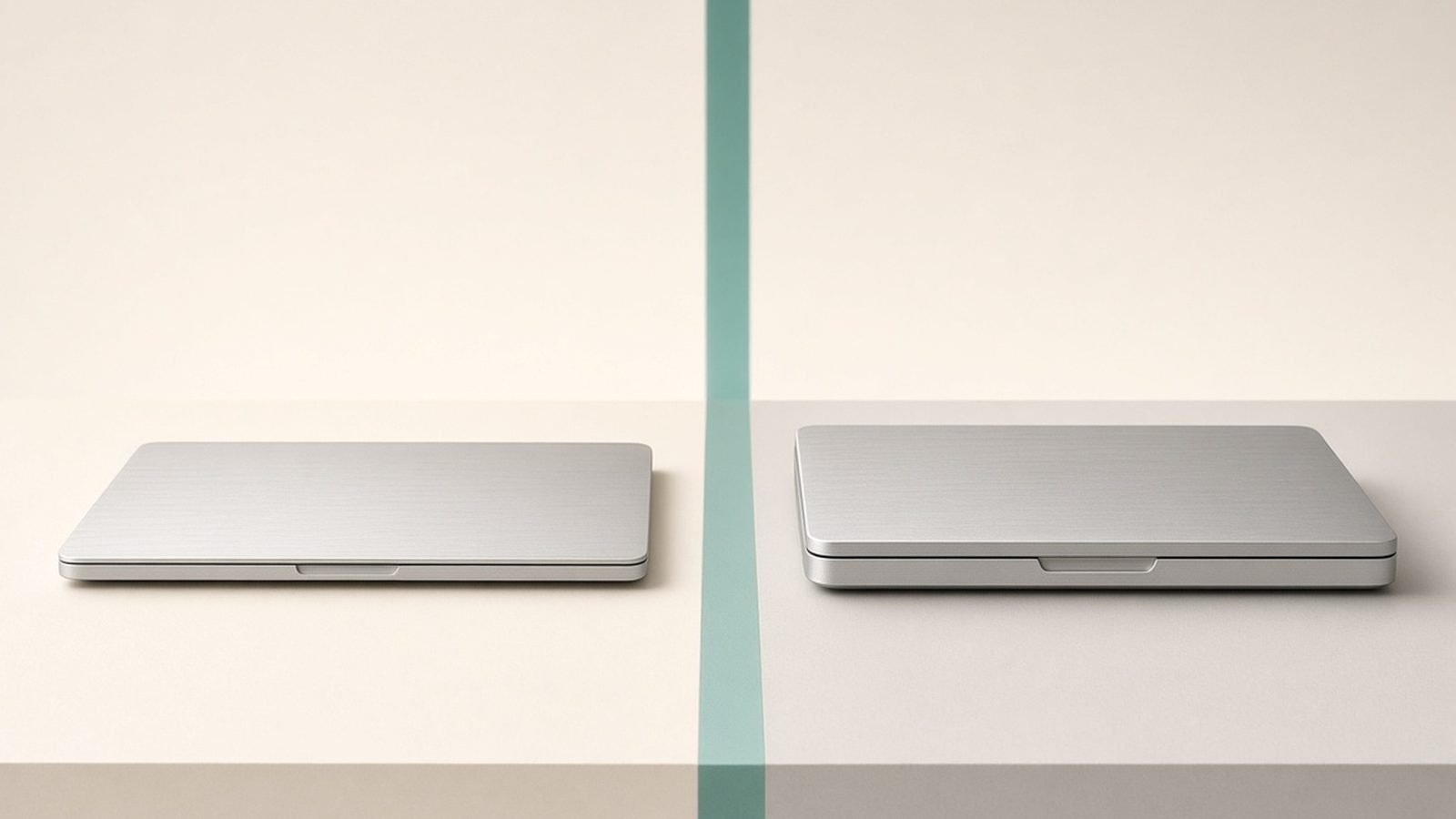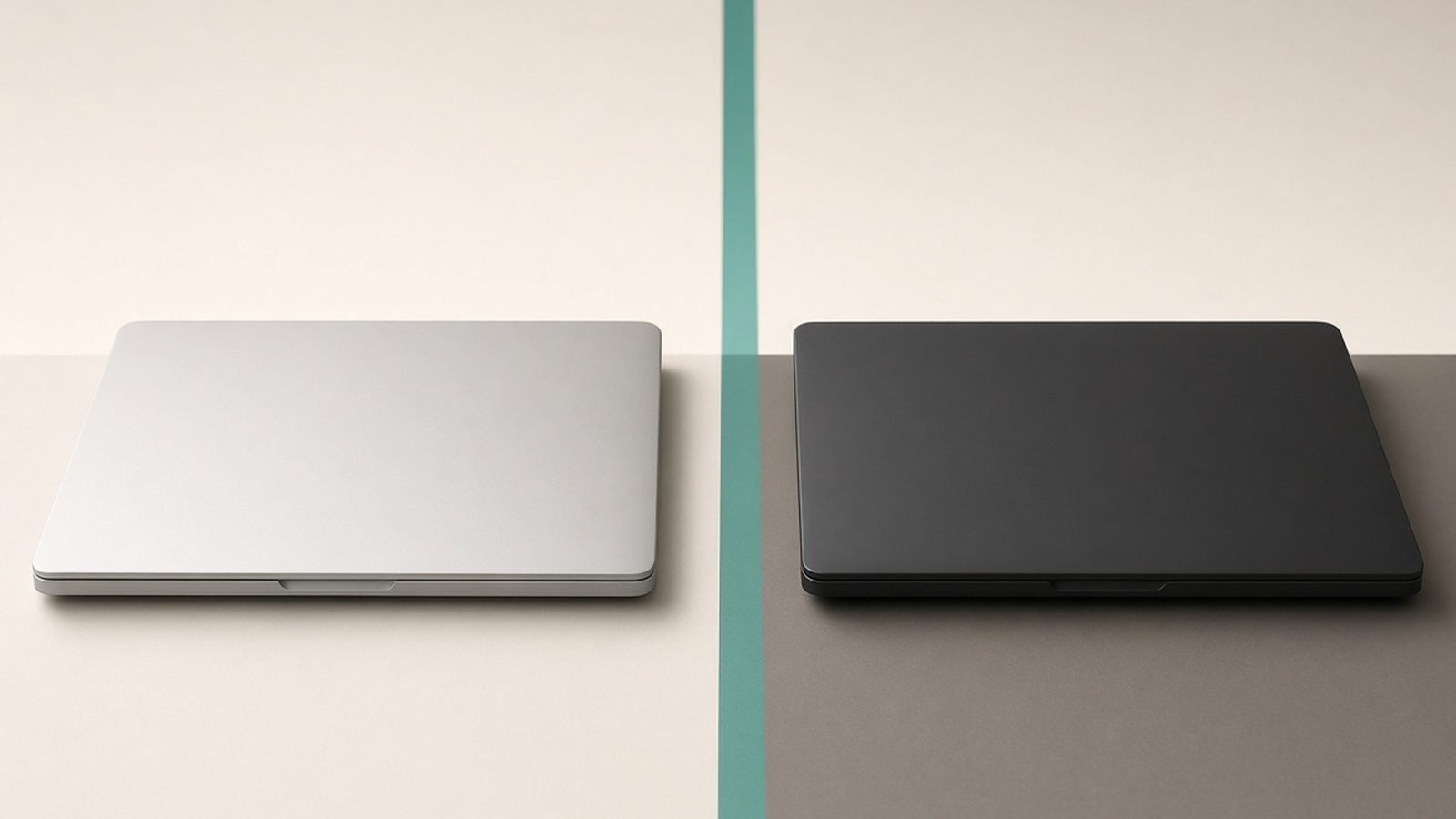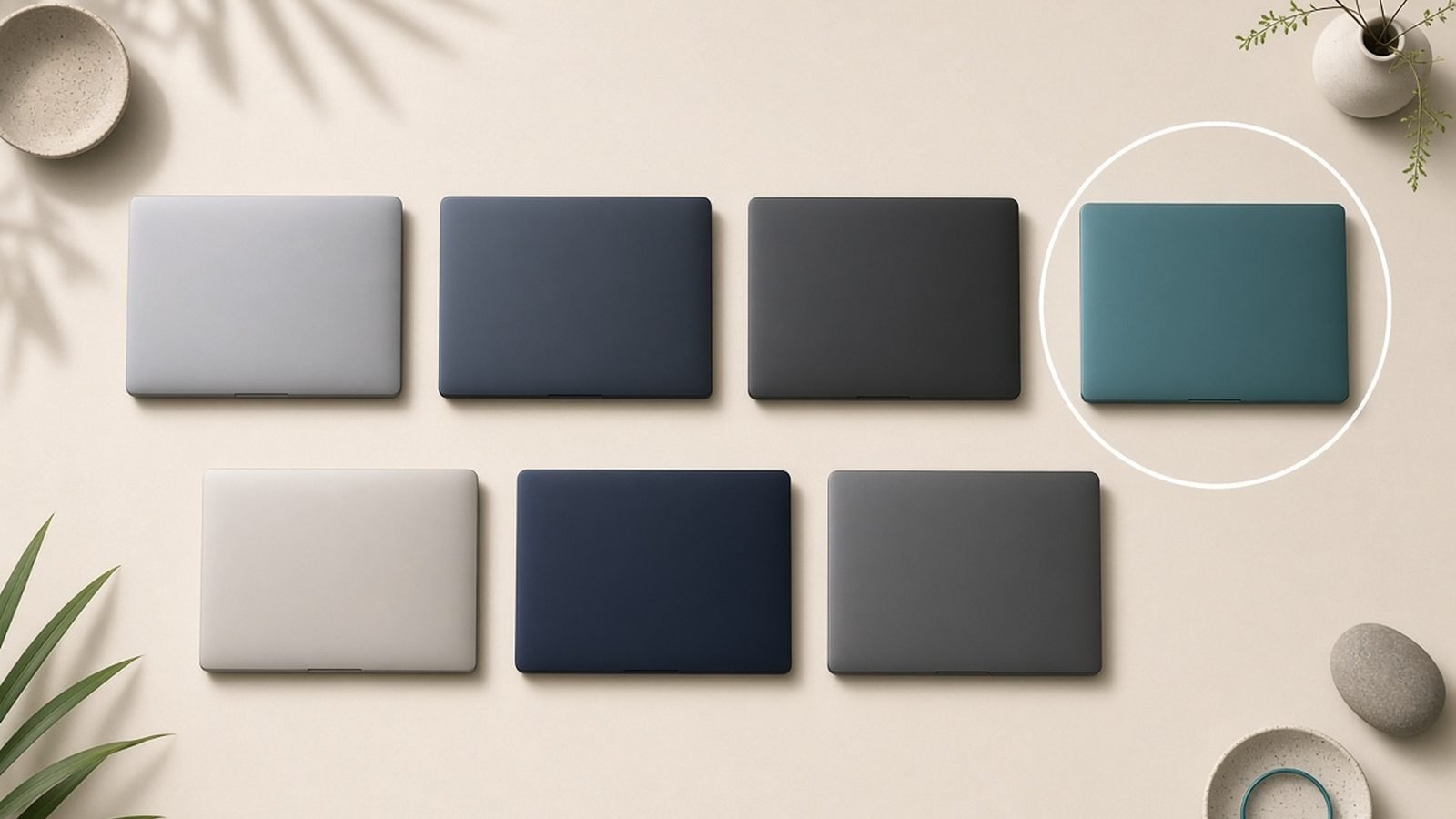
For most people in 2026, the best MacBook is the 13-inch MacBook Air M5 at around $999 / £999. It is fast enough for almost everything, silent, thin, and lasts all day. You only need to spend more if you regularly push heavy work — sustained video exports, big code compiles, or demanding audio sessions — and that is where the MacBook Pro M5 earns its premium.
This guide covers the four Macs worth buying today: the MacBook Air M5 in 13 and 15 inches, and the MacBook Pro M5 in 14 and 16 inches. We help you match one to your actual workload rather than overspending on power you will never use.
Best MacBook 2026 at a glance
We have not run our own lab bench for this piece. What follows is expert analysis built from Apple’s published specifications, documentation, current retail pricing, and aggregated owner feedback from reviews and forums.
| Pick | Product | Best for | Price (US / UK) |
|---|---|---|---|
| Best for most people | MacBook Air M5 13” | Everyday use, students, portability | ~$999 / £999 |
| Best big-screen Air | MacBook Air M5 15” | More screen without a Pro price | ~$1,199 / £1,199 |
| Best for pros | MacBook Pro M5 14” | Sustained heavy work, mini-LED screen | ~$1,599 / £1,599 |
| Best for maximum power | MacBook Pro M5 16” | Video editing, large displays, all-day pro use | ~$2,499 / £2,499 |
Bottom line: buy the Air unless a specific heavy task keeps interrupting you. The Pro is not “the better MacBook” for everyone — it is the better MacBook for people who hit the Air’s limits.
How we picked
We focused on the current M5 generation, because buying last year’s chip rarely saves enough to matter once resale value is factored in. Our reasoning weighs four things: real-world performance for typical tasks, thermal behaviour (fanless Air vs actively cooled Pro), display quality, and price-to-value at each tier.
Where we mention performance, we mean expected behaviour based on Apple’s published specs and how the previous M-series generation behaved under the same workloads — not invented benchmark numbers. Every pick below states who it is for and the trade-off you accept.
Best for most people: MacBook Air M5 13”
Apple M5 chip, 16GB unified memory (base), fanless design, ~18-hour battery. Around $999 / £999.
The 13-inch Air is the default Mac for a reason. The M5 handles browsing, office work, photo editing, coding in most languages, and 4K video playback without breaking a sweat, and because there is no fan, it does all of it in silence. At around 2.7 lbs it is genuinely easy to carry every day.
The base memory now starting at 16GB is the single biggest quality-of-life change versus older Airs — 8GB machines used to feel cramped with lots of browser tabs and an app or two open. With 16GB, the Air stays smooth for the multitasking most people actually do.
The trade-off is sustained load. Because it is fanless, the Air throttles during long, heavy jobs like a 20-minute 4K export. It stays usable, just slower than a Pro on marathon tasks. For bursts — which is what most workloads are — you will never notice.
Pros:
- Silent, fanless design
- Excellent battery life, easily a full day
- Light and genuinely portable
- 16GB base memory keeps multitasking smooth
Cons:
- Throttles on long sustained workloads
- Only two Thunderbolt ports
- No high-refresh or mini-LED screen
Who it’s for: students, writers, office workers, and anyone who wants one laptop that does everything well without fuss. If that is you, stop here. See our MacBook Air M5 Review 2026: The Laptop for Most People for the full breakdown, and Best Laptops for Students 2026: Value & Battery for cross-platform options.
Best big-screen Air: MacBook Air M5 15”
Apple M5 chip, 16GB base memory, 15.3” Liquid Retina display, six-speaker sound. Around $1,199 / £1,199.
The 15-inch Air is the same great machine with more room to work. If you spend your day in spreadsheets, split-screen writing, or just want less scrolling, the extra display area is worth more than a spec bump. The bigger chassis also brings a noticeably better six-speaker system.
Performance is identical to the 13-inch — same M5, same fanless design, same strengths and same sustained-load ceiling. You are paying purely for screen size and speakers, not more power. Battery life stays excellent thanks to the larger body making room for a bigger cell.
The trade-off is portability. At around 3.3 lbs it is still light for a 15-inch laptop, but it is less grab-and-go than the 13-inch. If you mostly work at a desk or on a couch, that hardly registers.
Pros:
- Large, comfortable 15.3” screen
- Strong six-speaker audio
- Same silent, all-day-battery Air experience
- Cheaper than any 14” Pro
Cons:
- Same sustained-load throttling as the 13”
- Heavier and larger to carry
- No screen upgrade beyond size (still 60Hz LCD)
Who it’s for: people who want a big screen for everyday work and media but do not need Pro-level power or a Pro price.
Best for pros: MacBook Pro M5 14”
Apple M5 (or M5 Pro) chip, active cooling, Liquid Retina XDR mini-LED 120Hz display, up to three external displays. Around $1,599 / £1,599.
The 14-inch Pro is where you go when the Air’s fanless ceiling gets in your way. Its fans let it hold peak performance through long exports, big compiles, and heavy multi-app sessions without slowing down. The mini-LED XDR screen is the other headline: far brighter, with true HDR and a smooth 120Hz ProMotion refresh the Air simply does not offer.
Configured with the M5 Pro chip, it steps well ahead of the Air for professional workloads — more CPU and GPU cores, more memory bandwidth, and more Thunderbolt connectivity. For colour-accurate video, music production, or software builds, that headroom is the point.
The trade-off is weight, size, and money. The Pro is heavier, thicker, and starts $600 above the Air. If your work does not routinely stress the Air, most of that premium goes unused. Be honest about your workload before paying for it.
Pros:
- Sustained performance under long, heavy loads
- Superb mini-LED XDR 120Hz display
- More ports, including HDMI and an SD card slot
- Strong resale value
Cons:
- Noticeably heavier than the Air
- Meaningfully more expensive
- Overkill for light everyday use
Who it’s for: video editors, developers, music producers, and photographers who hit the Air’s limits regularly. Our MacBook Pro M5 Review 2026: Power for Pros digs into the configurations, and Best Laptops for Video Editing 2026: The Complete Guide compares it with Windows creator laptops.
Best for maximum power: MacBook Pro M5 16”
Apple M5 Pro or M5 Max chip, 16.2” mini-LED XDR 120Hz display, largest battery in the lineup. Around $2,499 / £2,499 and up.
The 16-inch Pro is the no-compromise Mac laptop. With an M5 Max configuration it is built for the heaviest creative work a portable machine can handle: multi-stream 4K and 8K timelines, large 3D scenes, and long batch renders. The big chassis also delivers the best sustained thermals and the longest battery life of any MacBook, even under load.
That larger 16.2-inch XDR display is a genuine productivity tool for editors and anyone who works with detailed timelines or multiple windows. Paired with the extra ports, it can anchor a serious desk setup while still travelling when you need it to.
The trade-off is obvious: it is big, heavy, and expensive, and a well-specced M5 Max unit climbs well past $3,000 / £3,000. Most people, even many professionals, do not need this much machine.
Pros:
- The most powerful MacBook you can buy
- Best sustained performance and battery in the range
- Large, gorgeous 16.2” XDR display
- Ideal as a desktop-replacement pro laptop
Cons:
- Heavy and not very portable
- Expensive, especially in M5 Max trims
- Total overkill for everyday tasks
Who it’s for: professional video editors, 3D artists, and developers who want the fastest portable Mac and treat it as a primary workstation.
How to choose
Start with your heaviest regular task, not your average one. If long exports, large compiles, or heavy audio sessions are part of most weeks, lean Pro. If your heaviest task is occasional and everything else is light, the Air wins.
Memory matters more than the chip for most people. For everyday use, 16GB is plenty; for heavy multitasking or pro apps, consider 24GB or 32GB. You cannot upgrade memory later, so buy for a few years out.
Screen size is a real decision, not a spec. The 15” Air and 16” Pro suit desk-first users; the 13” Air and 14” Pro suit people who carry a laptop daily.
Do not pay for the Pro’s display and fans if you will not use them. The XDR screen and sustained power are wonderful, but only if your work needs them. Many buyers regret over-spending here.
Consider the whole ecosystem. If you are weighing macOS against Windows at all, read MacBook vs Windows Laptop 2026: Which Is Right for You? before you commit, and see Best Laptops 2026: Top Picks for Every Need for the full cross-brand picture.
FAQ
Which MacBook is best for most people in 2026?
The 13-inch MacBook Air M5 at around $999 / £999. It handles everyday tasks, study, office work, coding, and photo editing silently and with all-day battery. Only choose a Pro if you regularly run long, heavy workloads that the Air’s fanless design slows down.
Is the MacBook Air M5 powerful enough for real work?
For most real work, yes. The M5 is quick for browsing, office apps, development, photo editing, and even light video. Its only weakness is sustained heavy load, where the fanless design throttles. If your job is bursts of demanding work rather than hour-long renders, the Air is more than enough.
Should I buy the Air 15” or the Pro 14”?
Choose the 15” Air if you want a big screen for everyday use and want to save money — it is the same silent, light experience with more room. Choose the 14” Pro if you need sustained performance, a brighter mini-LED 120Hz display, and more ports for professional creative work.
How much memory should I get in a MacBook?
For general use, 16GB is comfortable and now the base on the Air. For heavy multitasking, large photo libraries, or professional video, music, and code work, step up to 24GB or 32GB. Memory is soldered and cannot be upgraded later, so buy for the next few years.
Is it worth waiting for the next MacBook?
Apple refreshes MacBooks on a roughly annual cadence, so there is always something newer coming. The M5 generation is current and capable, and buying now gives you years of useful life. Unless a specific rumoured feature matters to you, waiting mostly delays getting work done.
Are MacBooks good for gaming in 2026?
They are better than they used to be, thanks to more native Mac titles and Apple’s game porting tools, but the library is still far smaller than on Windows and there is no discrete GPU option. For serious gaming, a Windows laptop remains the better choice; see Best Laptops 2026: Top Picks for Every Need for options.
Zen Tech Hub may earn a commission from links on this page, at no extra cost to you.