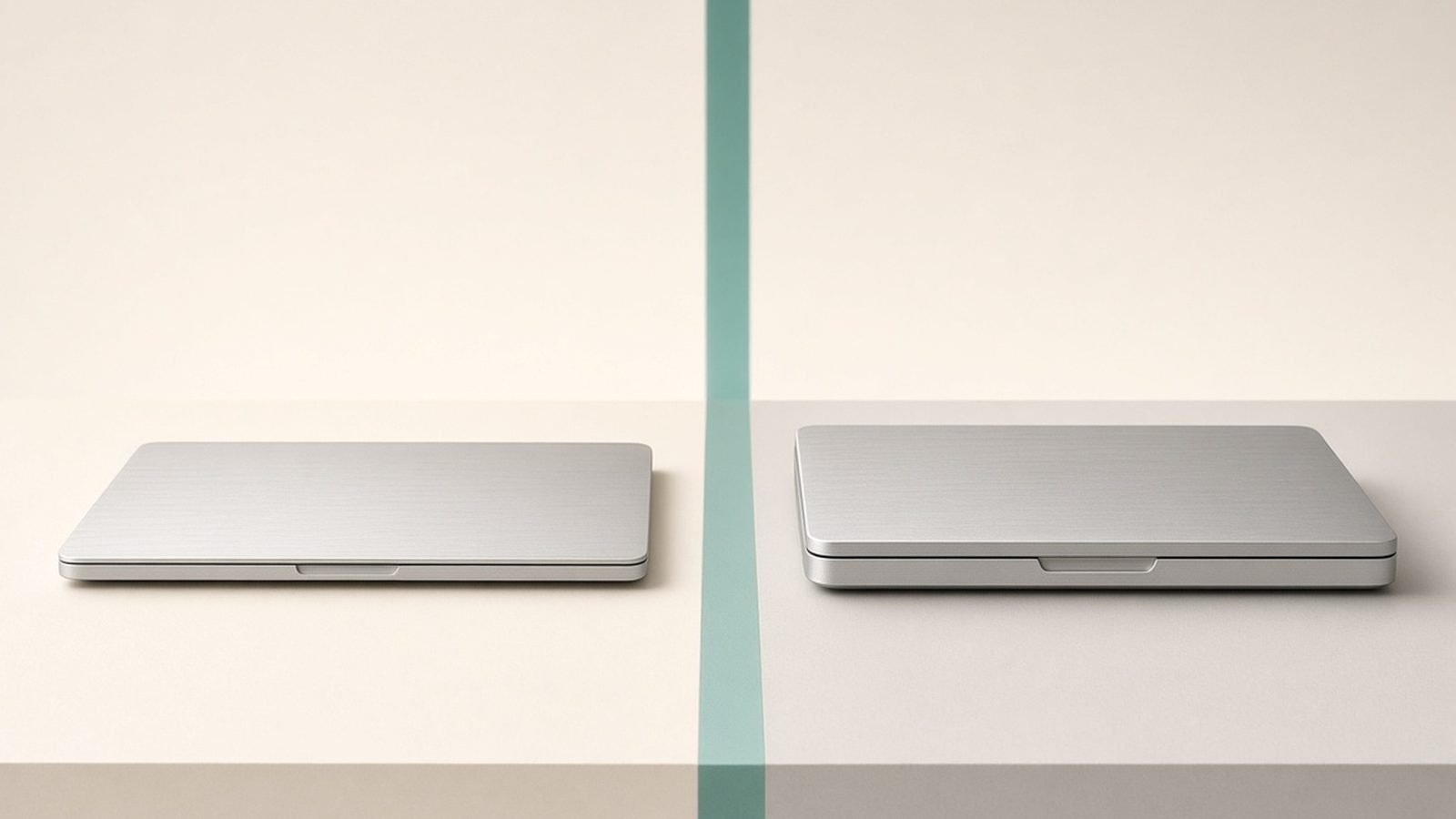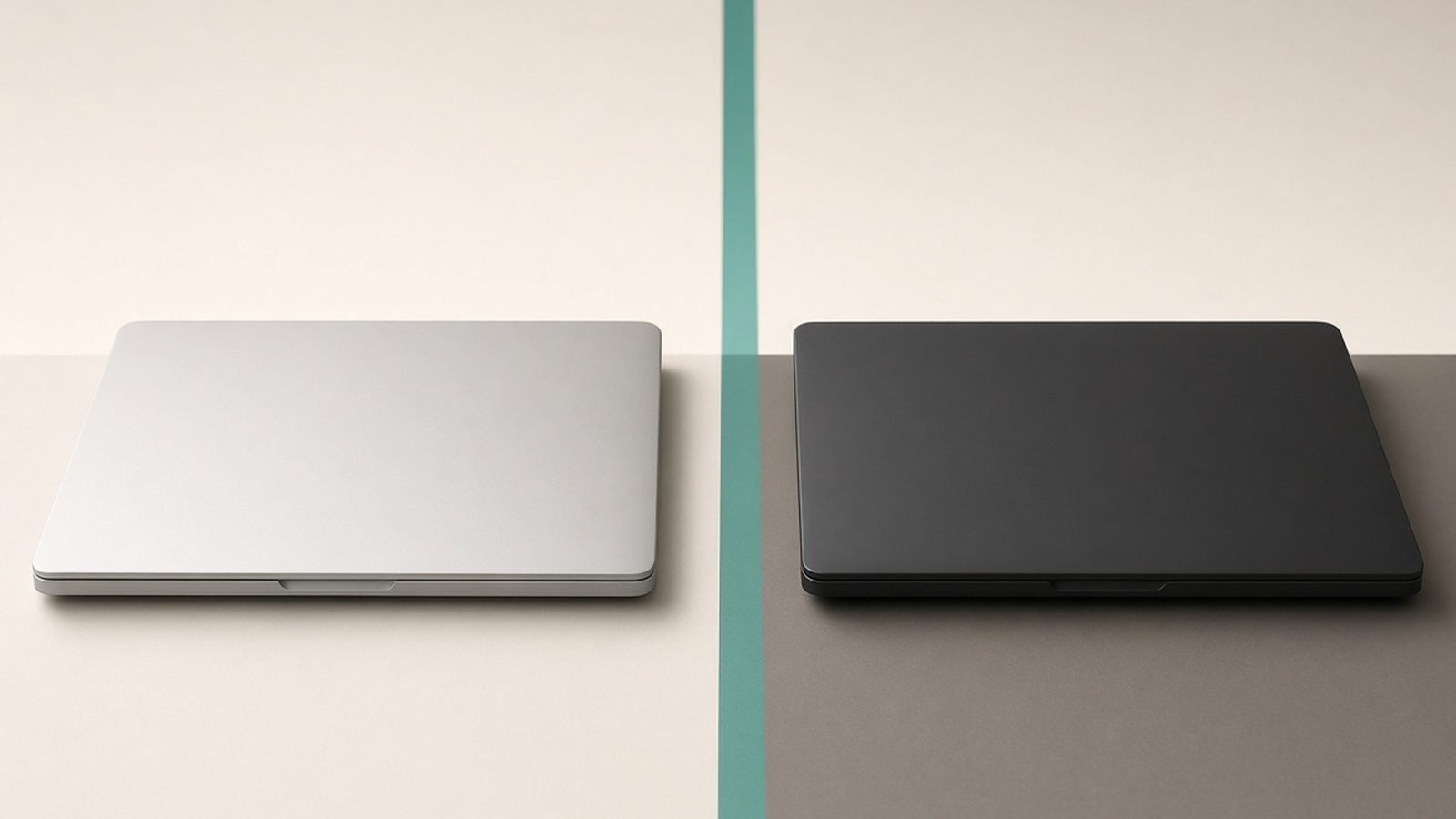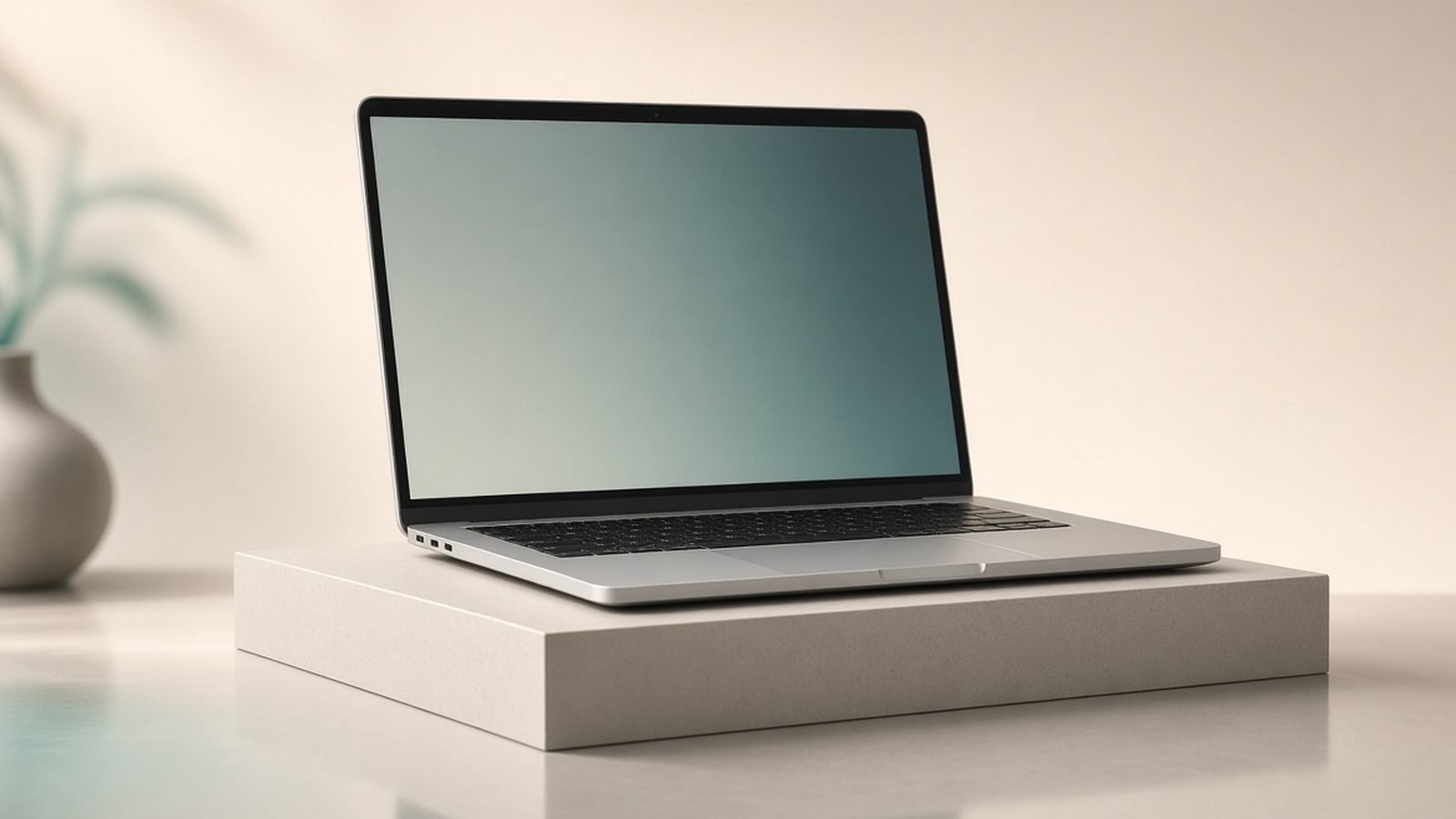
The MacBook Pro M5 is the Mac to buy when the Air’s fanless design starts holding you back. Starting at around $1,599 / £1,599 for the 14-inch, it adds active cooling for sustained performance, a stunning mini-LED 120Hz XDR display, and — in M5 Pro and M5 Max trims — serious professional power. Buy it if you regularly run long, heavy workloads: video exports, large code compiles, music production, or 3D. If you do not, the MacBook Air M5 Review 2026: The Laptop for Most People Air saves you real money for the same everyday experience.
We have not run our own lab bench here. What follows is expert analysis built from Apple’s published specifications, documentation, current pricing, and aggregated owner feedback across reviews and forums.
MacBook Pro M5 at a glance
The Pro’s whole reason to exist is doing hard work for a long time without slowing down. Its fans let it hold peak performance through jobs that would throttle an Air, and its screen and connectivity are a clear step above. The trade-off is weight and price.
Buy it if you edit video, produce music, compile large projects, or work in 3D — anything that stresses a machine for sustained periods and rewards a better display.
Skip it if your work is mostly everyday tasks with occasional heavy bursts. You will pay a premium for headroom you rarely touch; the MacBook Air vs MacBook Pro 2026: Which Should You Buy? comparison shows exactly where the line falls.
| Spec | MacBook Pro M5 (14”) |
|---|---|
| Chip | M5 / M5 Pro / M5 Max |
| Memory | 16GB base, up to 128GB (Max) |
| Display | 14.2” mini-LED XDR, 120Hz ProMotion |
| Cooling | Active (fans) |
| Ports | 3x Thunderbolt, HDMI, SDXC, MagSafe |
| Battery | Up to ~22 hours (varies by chip) |
| Price | ~$1,599 / £1,599 (14”) and up |
Design and build
The Pro chassis is heavier and thicker than the Air, and that is deliberate — the extra volume houses the cooling system and a bigger battery. The 14-inch is still portable enough for daily carry, if noticeably denser in the bag; the 16-inch is a desk-first machine you move rather than commute with. Build quality is superb, as you would expect at the price.
Connectivity is a genuine reason to choose the Pro. You get three Thunderbolt ports, a full-size HDMI output, and an SDXC card slot, plus MagSafe. For photographers offloading cards, editors driving external displays, and developers with docks and peripherals, that means far fewer dongles than the Air demands.
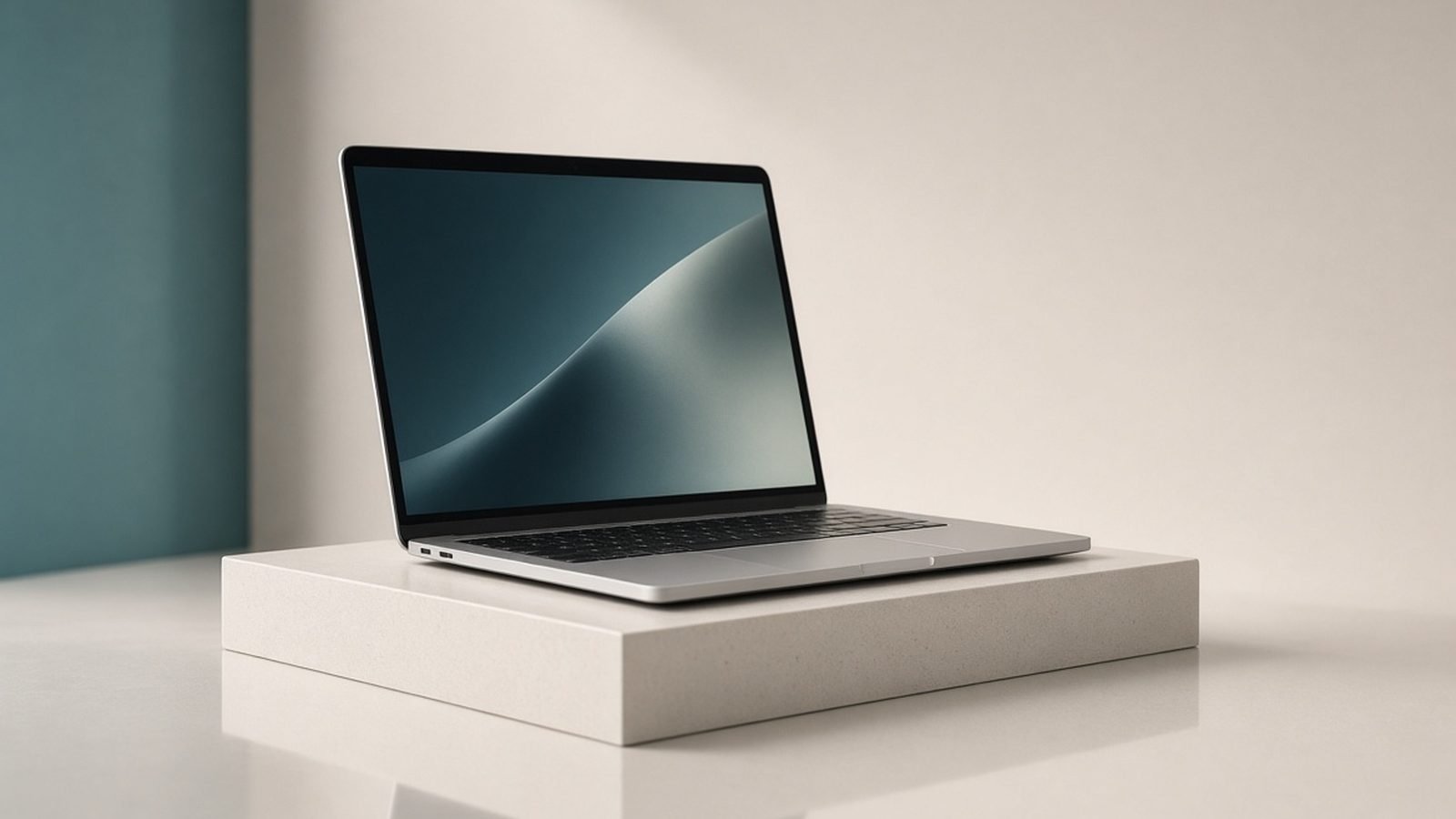
The star is the display. The 14.2-inch (and 16.2-inch) Liquid Retina XDR panel uses mini-LED backlighting for true HDR, very high brightness, and deep contrast, and runs at 120Hz ProMotion for buttery-smooth motion. For colour-critical work it is a professional tool, not just a nicer screen — and it is one thing the Air simply cannot match.
Performance and features
This is where the Pro justifies itself. With active cooling, the M5 holds high clocks through long tasks instead of throttling like the fanless Air. A base M5 14-inch is already a strong performer, but the real story is the M5 Pro and M5 Max options, which add CPU and GPU cores, far more memory bandwidth, and support for much more unified memory — up to 128GB on the Max.
For video editors, that translates to smoother multi-stream 4K and 8K timelines and faster exports. For developers, it means quicker builds and the ability to run heavy local workloads, containers, or on-device AI models — see Best Laptops for Programming 2026: Devs' Picks for how that compares across platforms. For music producers, it is more simultaneous tracks and plug-ins without dropouts.
The M5 Max GPU is the piece that matters most for creative pros, and it is why the Pro dominates our Best Laptops for Video Editing 2026: The Complete Guide shortlist. Paired with the large unified memory pool, it handles high-resolution timelines and effects that would stall lesser machines.
Battery life is excellent for a pro laptop. Even under mixed workloads the Pro lasts a full day, and the efficient M5 base and Pro chips can push well beyond that in lighter use. The 16-inch, with the biggest battery in the lineup, is the endurance champion and holds performance best on battery.
Value
The Pro is not trying to be cheap, and it is not the machine to buy on price alone. At around $1,599 / £1,599 the base 14-inch sits $600 above the Air, and a well-specced M5 Max 16-inch climbs past $3,000 / £3,000. The value is real only if your work uses the sustained power and the display — otherwise you are buying capability you will not tap.
Where the Pro does hold value is longevity and resale. These machines stay capable for years and command strong second-hand prices, which softens the true cost over time. For a professional whose income depends on the tool, that maths is easy. For everyone else, the MacBook Air M5 Review 2026: The Laptop for Most People Air is the smarter spend.
Configuration discipline matters most here. Memory and storage upgrades are expensive and permanent, so match them to your actual projects rather than buying the biggest numbers “to be safe.”
Alternatives
The obvious alternative is the Air itself. If you are not sure you need the Pro, you probably do not — read MacBook Air vs MacBook Pro 2026: Which Should You Buy? before spending. The Air gives most people the same day-to-day experience for hundreds less.
On the Windows side, creator laptops with discrete NVIDIA GPUs can rival or beat the Pro in some GPU-accelerated tasks and gaming, often for less money, at the cost of battery life and noise. Our MacBook vs Windows Laptop 2026: Which Is Right for You? guide weighs that trade-off, and Best Laptops 2026: Top Picks for Every Need rounds up the strongest options across both camps.
Pros:
- Sustained performance under long, heavy loads
- Superb mini-LED XDR 120Hz display
- M5 Pro/Max power for demanding creative work
- Generous ports: 3x Thunderbolt, HDMI, SD
- Excellent battery life, best on the 16-inch
- Strong longevity and resale value
Cons:
- Heavier and bulkier than the Air
- Expensive, especially M5 Max configurations
- Overkill for everyday, light workloads
- Costly memory and storage upgrades
Verdict
The MacBook Pro M5 is a professional’s laptop, and it is outstanding at that job. Active cooling for sustained speed, a reference-grade mini-LED 120Hz screen, and M5 Pro/Max power make it the Mac for people whose work genuinely stresses a machine. If that is you, it is worth every penny and will stay capable for years.
If it is not you, be honest: most of what makes the Pro great goes unused in everyday tasks, and the Air delivers the same smooth daily experience for far less. Buy the 14-inch if you want pro power that still travels, or the 16-inch if you want the fastest, longest-lasting MacBook and treat it as a workstation.
FAQ
Is the MacBook Pro M5 worth it?
It is worth it if you regularly run heavy, sustained workloads — video editing, large compiles, music production, or 3D — and benefit from the mini-LED 120Hz display and extra ports. For everyday use with only occasional heavy tasks, the MacBook Air M5 offers the same daily experience for hundreds less.
What’s the difference between M5, M5 Pro, and M5 Max?
The base M5 suits demanding everyday and light pro work. The M5 Pro adds CPU/GPU cores and memory bandwidth for serious creative workloads. The M5 Max goes furthest, with the most GPU power and support for very large unified memory, aimed at heavy video, 3D, and professional workflows.
Should I buy the 14-inch or 16-inch MacBook Pro M5?
Choose the 14-inch if you want pro power that still travels reasonably well. Choose the 16-inch if you want the largest screen, the best sustained performance and battery, and treat the laptop as a desktop replacement. The 16-inch is heavier and pricier but the more capable workstation.
Is the MacBook Pro M5 good for video editing?
Yes — it is one of the best laptops for video editing in 2026. Active cooling holds performance through long exports, the XDR display is colour-accurate with true HDR, and M5 Pro/Max configurations handle multi-stream 4K and 8K smoothly. See our Best Laptops for Video Editing 2026: The Complete Guide guide for full comparisons.
How is the MacBook Pro M5 battery life?
Very good for a pro laptop. Even under mixed workloads it lasts a full day, and lighter use pushes it further. The 16-inch has the largest battery in the MacBook range, giving the longest runtime and holding performance best when unplugged.
Do I need the Pro, or is the Air enough?
If your heaviest tasks are occasional and everything else is light, the Air is enough and the smarter buy. Choose the Pro only when long, sustained workloads or the professional display are a regular part of your week. Our MacBook Air vs MacBook Pro 2026: Which Should You Buy? comparison helps you decide.
Zen Tech Hub may earn a commission from links on this page, at no extra cost to you.