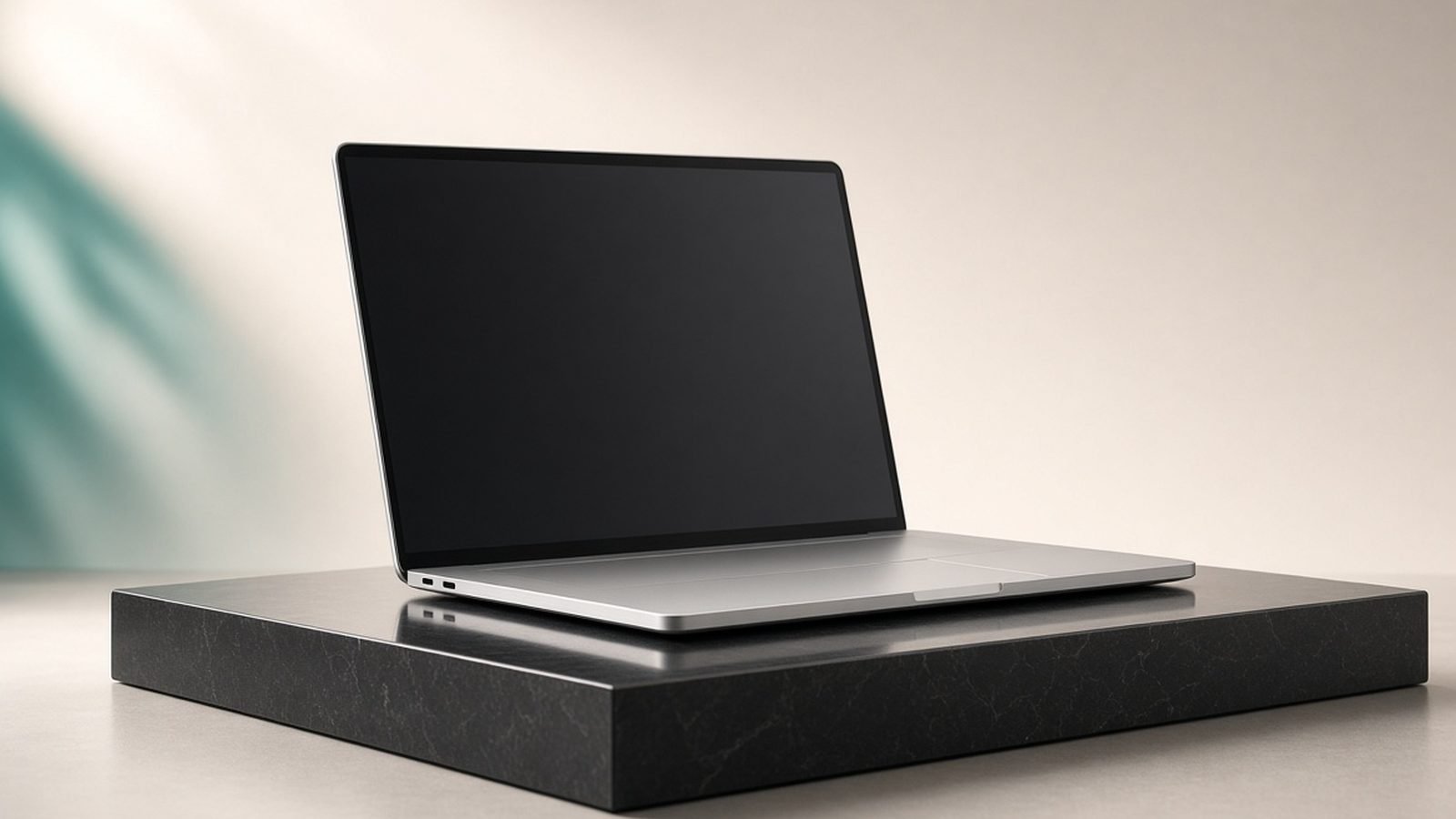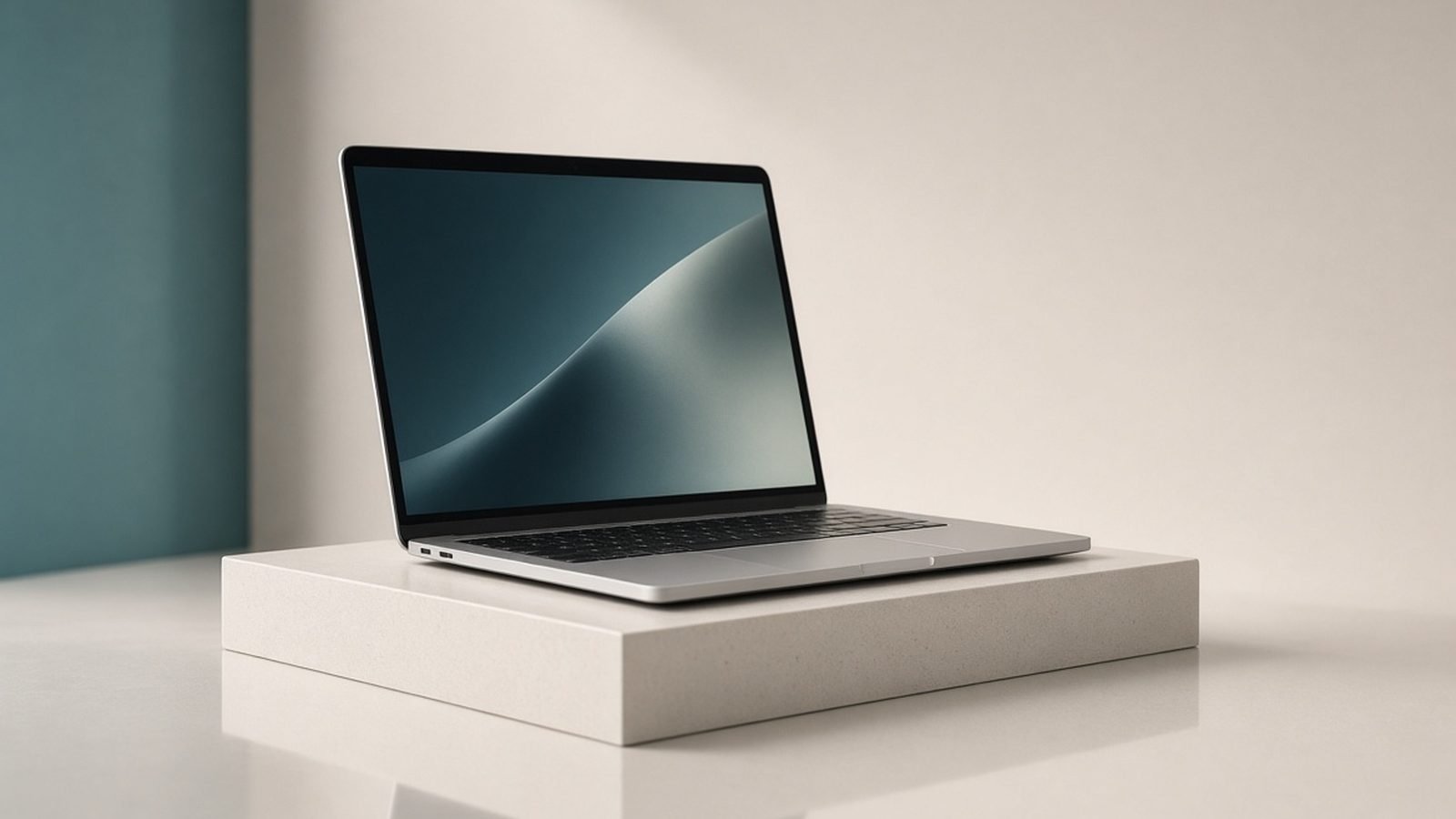
The best laptop for video editing in 2026 for most people is the Apple MacBook Pro 16 with the M5 Max. It pairs huge unified memory bandwidth with hardware media engines that chew through multiple 4K and 8K streams, a genuinely color-accurate mini-LED screen, and all-day battery even under an export. If you live in Windows or need an NVIDIA GPU for AI-accelerated effects, the ASUS ProArt P16 is the pick we’d point you to instead.
Below are seven laptops that hold up for real timelines, not just spec sheets. We’ve weighed each on what actually slows editors down — memory, media engines, sustained cooling, screen accuracy, and export speed — and matched them to budgets from around $900 up to serious pro money. Every pick names who it’s for and where it falls short.
Best laptop for video editing 2026 at a glance
| Pick | Laptop | Best for | Price (US / UK) |
|---|---|---|---|
| Best overall | Apple MacBook Pro 16 (M5 Max) | Pro 4K/8K editing, battery, color | ~$3,499 / £3,499 |
| Best value Mac | Apple MacBook Pro 14 (M5 Pro) | Most editors, portable power | ~$1,999 / £1,999 |
| Best Windows creator | ASUS ProArt P16 | Windows + NVIDIA, Resolve | ~$2,299 / £2,199 |
| Best for effects/AI | Razer Blade 16 (RTX 5090) | GPU-heavy grading, VFX | ~$3,299 / £3,199 |
| Best thin-and-light | Dell 16 Premium | Travel editing, OLED | ~$2,199 / £2,099 |
| Best budget Windows | Acer Swift 16 AI | Starter 1080p/4K editing | ~$1,099 / £1,049 |
| Best budget Mac | Apple MacBook Air 15 (M4) | Light 4K edits, students | ~$1,299 / £1,299 |
Prices move month to month in 2026 — treat these as reference points, not the checkout total.
How we picked
We’re an editorial team, not a benchmarking lab, so let’s be honest about method. These picks come from published Apple, Intel, AMD and NVIDIA specs, manufacturer documentation, retailer pricing across US and UK stores, and aggregated owner and reviewer feedback from creator forums, Reddit, and long-term reviews. When we say a machine “throttles under a long export” or “runs quiet,” that reflects patterns in that feedback — not a stopwatch in our hands.
For video editing specifically, we weighted five things. Memory: 4K editing wants 32GB, 8K and heavy layering wants 48–64GB, and Apple’s unified memory stretches further than the number suggests. Media engines: dedicated hardware for H.264/H.265 and ProRes decode is what lets a laptop scrub multicam smoothly. Sustained cooling, because a chip that boosts for 30 seconds and then throttles is useless on a two-hour timeline. Screen accuracy (color gamut, calibration, brightness). And export speed against price.
If you want the broader shortlist beyond creation work, our Best Laptops 2026: Top Picks for Every Need guide covers all-rounders, and Best MacBook 2026: Which Mac Laptop Should You Buy? digs into every current Mac.
Best overall: Apple MacBook Pro 16 (M5 Max)
M5 Max chip, up to 128GB unified memory, 16.2in mini-LED XDR display, ~$3,499 / £3,499 as configured.
Nothing else edits video this cleanly out of the box. The M5 Max’s media engines decode and encode ProRes, H.264 and H.265 in hardware, so scrubbing multicam 4K — or a single 8K stream — stays smooth without proxies. Unified memory means the GPU and CPU share the same fast pool, and once you configure 48GB or more, timelines that choke a spec-matched Windows machine stay responsive.
The screen is the other half of the argument. The mini-LED XDR panel is bright, covers P3, and ships calibrated well enough that most editors trust it for a first pass without an external reference monitor. And it does all this while sipping power: you can grade on battery for hours and still get a fast export, because Apple’s chips barely slow down when unplugged — the single biggest practical gap between Mac and Windows laptops for editors who work away from a desk.
The catch is money and flexibility. A useful configuration climbs past $3,500 / £3,500 fast once you add memory and storage, Apple’s SSD upgrades are expensive, and if your pipeline leans on CUDA-only plugins or NVIDIA-accelerated AI tools, macOS locks you out of them. For most timelines, though, this is the least compromised editing laptop you can buy.
Pros:
- Hardware media engines handle 4K/8K and ProRes effortlessly
- Class-leading battery — full performance unplugged
- Bright, color-accurate mini-LED screen
Cons:
- Expensive once you add memory and storage
- No NVIDIA CUDA / limited AI-plugin support
- Not user-upgradeable
Who it’s for: Working editors and colorists who want the fastest, quietest, longest-lasting machine and edit primarily in Final Cut, Premiere or Resolve on macOS.
Best value Mac: Apple MacBook Pro 14 (M5 Pro)
M5 Pro chip, 24–48GB unified memory, 14.2in mini-LED XDR display, ~$1,999 / £1,999.
Most editors don’t need the Max. The M5 Pro in the 14-inch MacBook Pro handles 4K multicam, color grading and effects with the same hardware media engines and the same excellent screen as its bigger sibling, in a chassis you’ll actually carry every day. Configure it with 36GB or 48GB of memory and it stops being a “starter” machine and becomes the one a lot of professionals settle on.
You give up some raw GPU headroom versus the Max, which shows on heavy 8K work, noise-reduction passes and long renders. And the 14-inch panel, gorgeous as it is, is a tight canvas for a full editing UI — many owners pair it with an external display at the desk. But for the money, nothing in the Mac line hits the price-to-performance sweet spot like this.
Pros:
- Same media engines and screen tech as the 16-inch
- Genuinely portable; excellent battery
- Strong resale value
Cons:
- Less GPU headroom for 8K and heavy VFX
- Small screen for a full editing layout
- Memory upgrades add up quickly
Who it’s for: The majority of 4K editors who want pro capability, portability and battery without paying Max prices.
Best Windows creator laptop: ASUS ProArt P16
AMD Ryzen AI 9 HX, NVIDIA RTX 5080 laptop GPU, up to 64GB RAM, 16in 4K OLED, ~$2,299 / £2,199.
If you want Windows and an NVIDIA GPU, the ProArt P16 is the most editor-focused machine we’d recommend. DaVinci Resolve in particular loves the RTX 5080’s CUDA cores for noise reduction, optical-flow slow motion and GPU-accelerated grading, and the 4K OLED panel is stunning for reviewing color — deep blacks, wide gamut, factory-calibrated profiles. ASUS also builds in the DialPad, a nice touch for scrubbing and parameter tweaks.
Two honest caveats. First, battery: like every powerful Windows creator laptop, it drains fast under load and slows meaningfully on battery, so you’ll edit plugged in for serious work. Second, OLED and static editing UIs are a long-term burn-in risk — manageable with sensible settings, but worth knowing. Handle those and you get a Windows editing powerhouse with the GPU flexibility Macs can’t match.
Pros:
- RTX 5080 excels in Resolve and AI-accelerated effects
- Superb 4K OLED for color work
- 64GB RAM option and upgradeable storage
Cons:
- Weak battery under load
- OLED burn-in risk with static UIs
- Runs hot and loud during exports
Who it’s for: Windows editors and colorists who need CUDA acceleration, especially heavy DaVinci Resolve users.
Best for effects and AI: Razer Blade 16 (RTX 5090)
Intel Core Ultra 9 or Ryzen AI 9, RTX 5090 laptop GPU, up to 64GB RAM, 16in OLED, ~$3,299 / £3,199.
When your timeline is stacked with GPU effects — heavy grading, VFX compositing, AI upscaling, 3D — the mobile RTX 5090 is the fastest GPU you can put in a laptop, and the Blade 16 wraps it in the most desk-worthy chassis of any gaming-derived creator machine. The 16-inch OLED is excellent, the build is aluminum-solid, and it doubles as a serious gaming laptop after hours, which the Best Gaming Laptops 2026: RTX 50-Series Picks Ranked guide covers in more depth.
It’s a lot of laptop to carry and to cool. Expect real weight, loud fans during renders, and a battery that’s there to get you to the next outlet. The premium is steep, too — you’re paying for the fastest mobile GPU on the market. But for effects-heavy editors who want maximum GPU muscle in Windows, nothing else keeps up.
Pros:
- Fastest laptop GPU available (RTX 5090)
- Premium OLED screen and build
- Doubles as a top-tier gaming laptop
Cons:
- Heavy, hot and loud under load
- Poor battery life while editing
- Very expensive
Who it’s for: VFX artists and colorists whose work is bottlenecked by GPU compute and who edit at a desk.
Best thin-and-light: Dell 16 Premium
Intel Core Ultra 9, RTX 5070 laptop GPU option, up to 64GB RAM, 16in 4K OLED, ~$2,199 / £2,099.
Dell’s 16 Premium (the laptop that replaced the XPS 16 name) is for editors who travel and want a machine that doesn’t look or feel like a rig. It’s slim, beautifully built, and the 4K OLED touch panel is one of the best editing screens in a portable chassis. With the RTX 5070 option and 32–64GB of RAM, it handles 4K timelines and moderate effects comfortably.
The trade-offs are the price you pay for thin. Cooling is tighter than the ProArt or Blade, so sustained exports throttle sooner, and the divisive capacitive function row and edge-to-edge keyboard aren’t for everyone — try before you commit if you can. As a portable 4K editing companion, though, it’s hard to beat on looks and screen quality.
Pros:
- Gorgeous 4K OLED in a slim, premium body
- Genuinely portable for a 16-inch creator laptop
- Strong RAM and storage configurations
Cons:
- Throttles sooner than thicker rivals on long renders
- Polarizing keyboard and capacitive function row
- Mid-tier GPU ceiling (RTX 5070)
Who it’s for: Editors who prioritize portability and screen quality over maximum sustained horsepower.
Best budget Windows: Acer Swift 16 AI
Intel Core Ultra 7 (Lunar Lake), Arc integrated graphics, 32GB RAM, 16in OLED, ~$1,099 / £1,049.
You can edit 4K on a laptop for around a thousand dollars if your expectations are realistic — and the Acer Swift 16 AI is our pick for that. It has a lovely OLED screen, 32GB of RAM (essential; don’t buy 16GB for editing), and Intel’s Lunar Lake chip includes hardware media decode that keeps 1080p and lighter 4K timelines watchable. As a Copilot+ PC it also has a capable NPU for background AI features.
Be clear about the ceiling. There’s no discrete GPU, so heavy effects, 8K, and long exports are slow — this is a machine for shorter projects, social content, and learning the craft, not for a busy commercial edit bay. Within those limits, it’s remarkable value and a sensible first editing laptop.
Pros:
- OLED screen and 32GB RAM at a low price
- Efficient chip with hardware media decode
- Light and cool-running
Cons:
- No discrete GPU — slow on effects and 8K
- Exports take real patience
- Not built for heavy sustained loads
Who it’s for: Students, hobbyists and social-content editors on a budget who work with 1080p and lighter 4K.
Best budget Mac: Apple MacBook Air 15 (M4)
M4 chip, 16–24GB unified memory, 15.3in Liquid Retina display, ~$1,299 / £1,299.
The 15-inch MacBook Air with M4 punches far above its price for light editing thanks to the same efficient media engines found across Apple silicon. It decodes 4K H.265 and ProRes smoothly, runs silent (there’s no fan), and lasts all day. For students and creators doing YouTube, social, and short-form 4K, it’s a delightful little editor.
The limits are cooling and memory. With no fan, long exports slow the chip down, and the base 16GB fills up fast — spend the extra for 24GB if editing is a priority. It’s not a machine for feature-length 8K timelines, but for light 4K work at this price and weight, it’s the best Mac value.
Pros:
- Silent, fanless, all-day battery
- Smooth 4K playback via media engines
- Excellent value in the Mac line
Cons:
- Fanless design throttles on long exports
- 16GB base is tight — upgrade to 24GB
- Not for heavy or 8K projects
Who it’s for: Students and light 4K creators who want a Mac, silence and portability over raw power.
How to choose a video editing laptop
Cut through the marketing with four questions.
How much RAM? For 4K editing, 32GB is the floor; 48–64GB if you layer heavily or touch 8K. Apple’s unified memory stretches further, so 36GB on a Mac roughly matches a bit more on Windows. Never buy 16GB for serious editing.
Media engines vs raw GPU. Smooth scrubbing comes from hardware decode of your codec (H.265, ProRes), which is where Apple silicon shines. Fast effects, grading and AI come from GPU compute, which is where NVIDIA RTX cards win. Match the machine to whichever dominates your timeline.
Screen and color. Look for wide gamut (100% DCI-P3 or close), factory calibration, and enough brightness. OLED and mini-LED both look superb; OLED carries a small long-term burn-in risk with static UIs.
Cooling and battery. A thin laptop that throttles mid-export costs you time. If you render often, favor a thicker chassis or a Mac. If you edit on the move, battery life under load matters more than peak numbers — and here Apple has a real lead.
FAQ
What is the best laptop for video editing in 2026?
For most professional editors, the Apple MacBook Pro 16 with M5 Max. Its hardware media engines handle 4K and 8K without proxies, the mini-LED screen is color-accurate out of the box, and it keeps full performance on battery. Windows editors who need an NVIDIA GPU should look at the ASUS ProArt P16 with an RTX 5080 instead.
How much RAM do I need for video editing?
For 4K, treat 32GB as the minimum and 48–64GB as comfortable if you layer effects or edit 8K. On Apple silicon, unified memory is more efficient, so 36GB behaves like a bit more on a Windows machine. Avoid 16GB for anything beyond light 1080p work — it’s the most common regret among new editing-laptop buyers.
Is a MacBook or Windows laptop better for editing?
MacBooks win on battery, silence, media-engine playback and out-of-box color; Windows laptops win on NVIDIA GPU compute, CUDA plugins, AI-accelerated tools and upgradeability. If you edit on the move in Final Cut or Premiere, go Mac. If you’re a heavy DaVinci Resolve or VFX user tied to a desk, a Windows RTX machine gives you more GPU muscle per dollar.
What’s the best laptop for DaVinci Resolve specifically?
Resolve leans hard on the GPU, so an NVIDIA RTX machine like the ASUS ProArt P16 (RTX 5080) or Razer Blade 16 (RTX 5090) delivers the fastest grading, noise reduction and optical-flow work. Macs run Resolve very well too thanks to Metal optimization, but for pure GPU-bound tasks the top RTX laptops pull ahead.
Can you edit 4K video on a budget laptop?
Yes, within limits. A machine like the Acer Swift 16 AI or MacBook Air M4 with 24–32GB of RAM handles 1080p and lighter 4K timelines, especially with hardware media decode. What you sacrifice is export speed and heavy effects — long renders and stacked timelines will crawl. For short-form and learning, budget laptops are genuinely capable.
Do I need an OLED screen for editing?
It helps but isn’t essential. OLED and mini-LED give you deep blacks, wide color and strong contrast for reviewing grades, which is why creator laptops feature them. The trade-off with OLED is a small burn-in risk from static editing UIs over years of use. A well-calibrated IPS panel at 100% sRGB/P3 is still perfectly workable if you prefer to avoid that risk.
For a wider look at the field — including programming and everyday all-rounders — see Best Laptops for Programming 2026: Devs' Picks and our main Best Laptops 2026: Top Picks for Every Need roundup.
Zen Tech Hub may earn a commission from links on this page, at no extra cost to you.