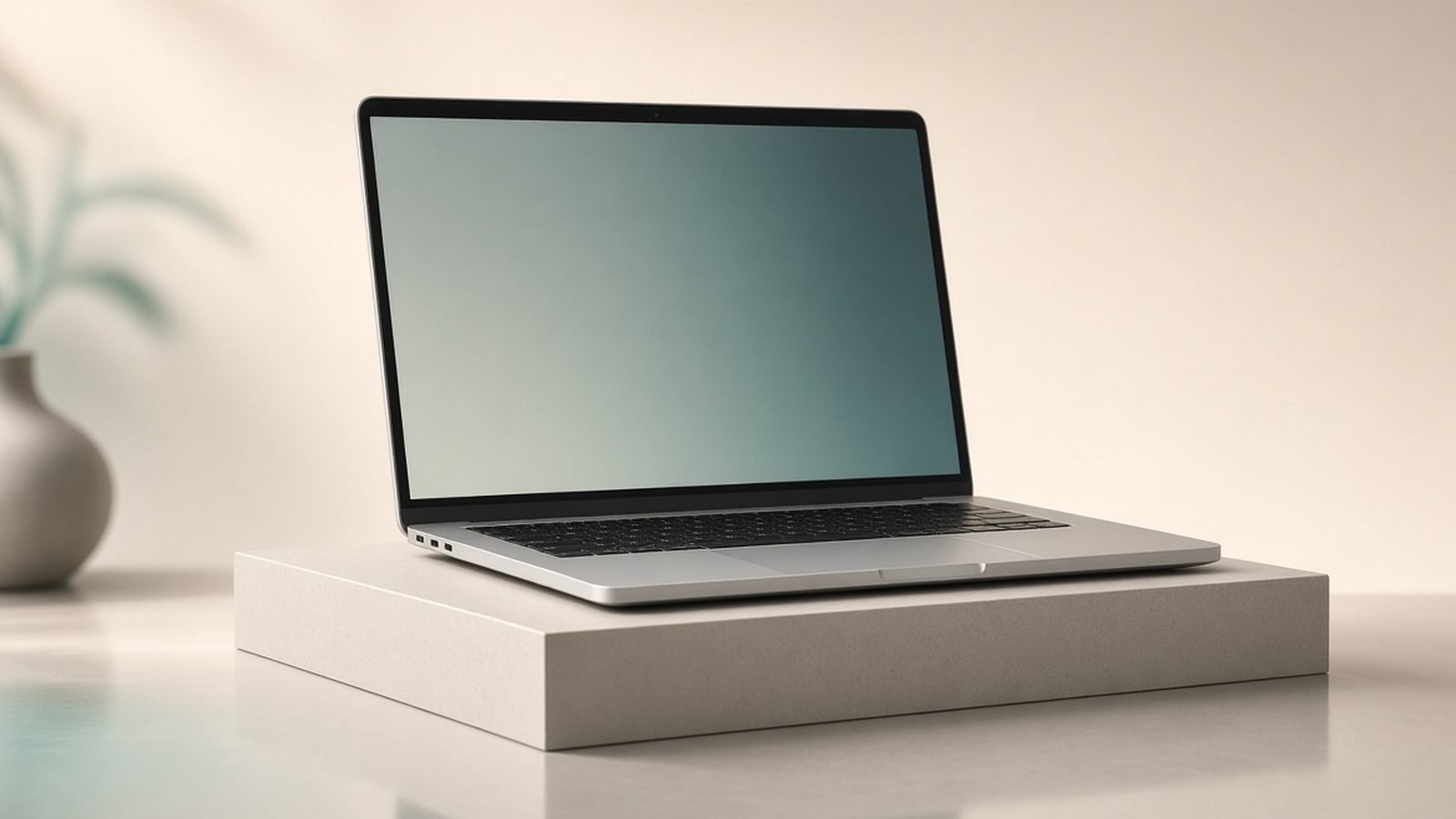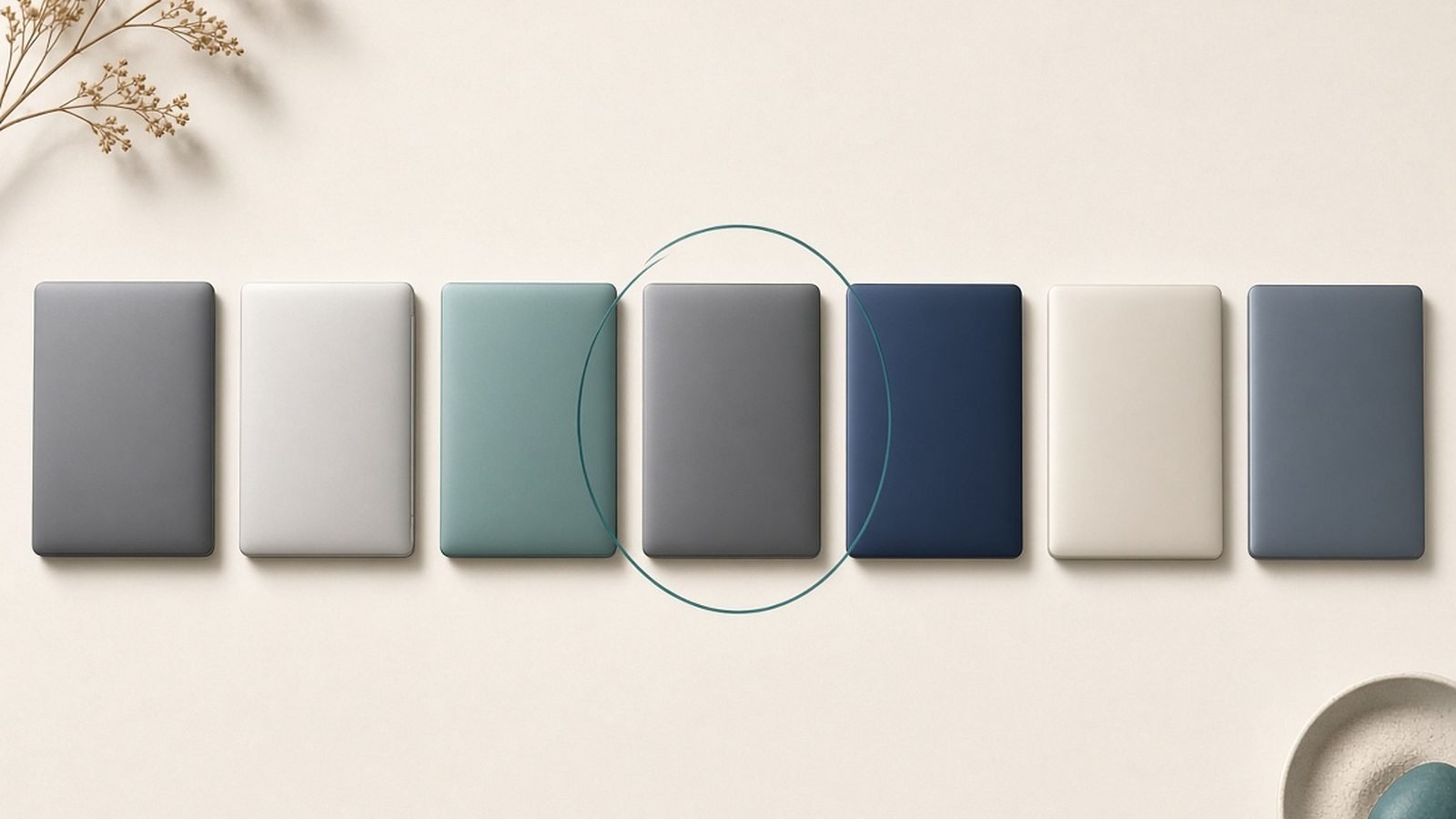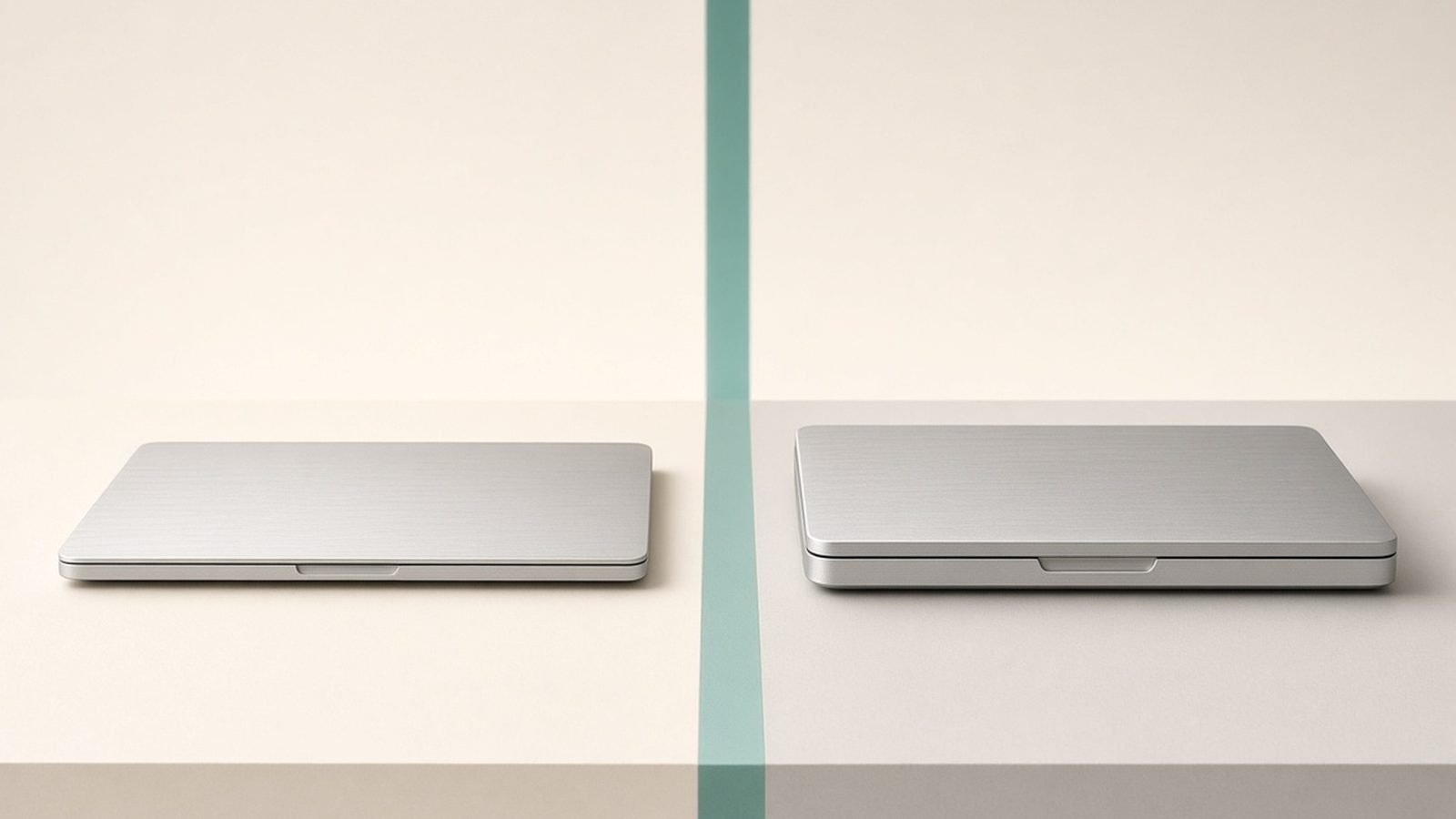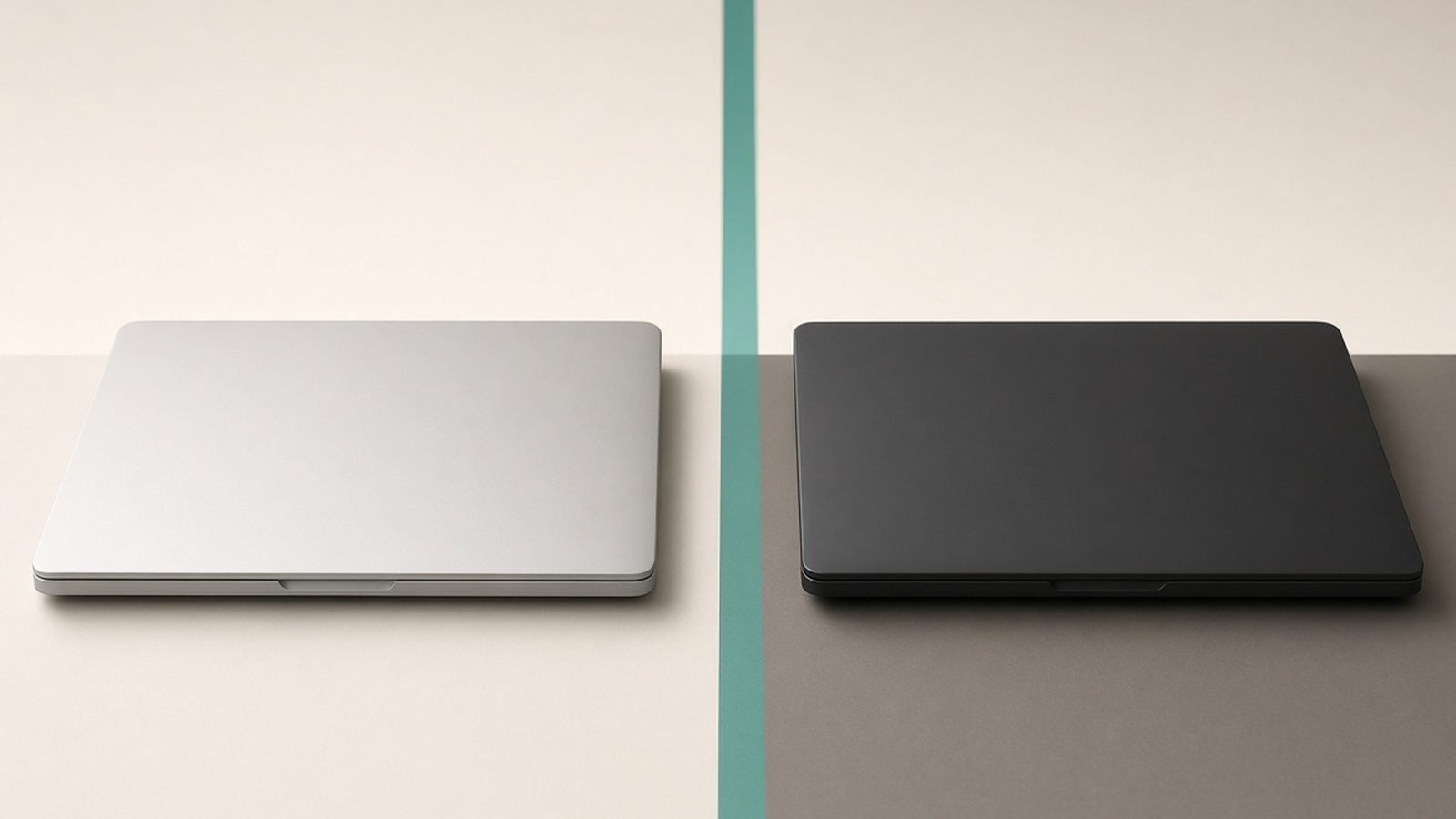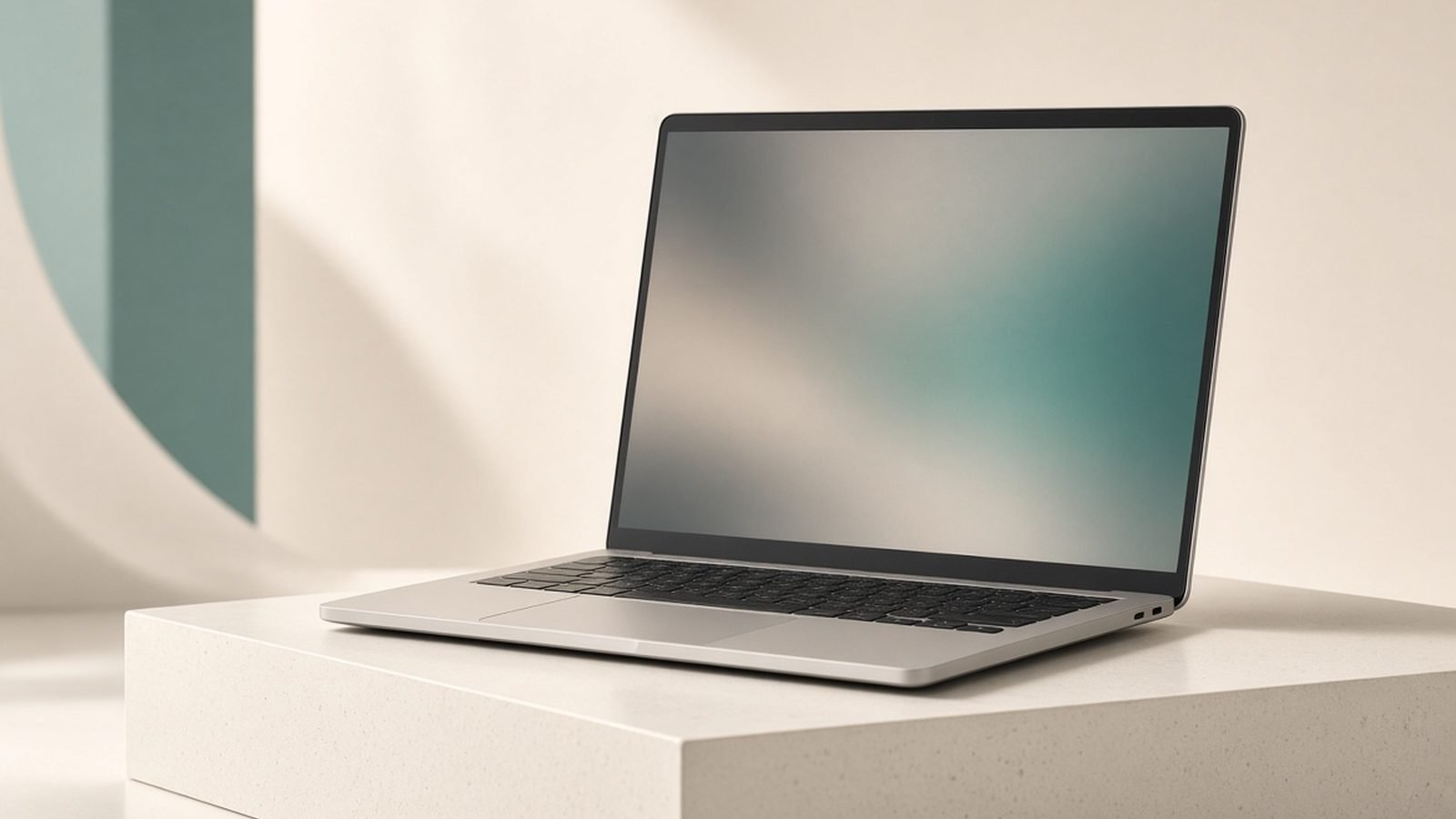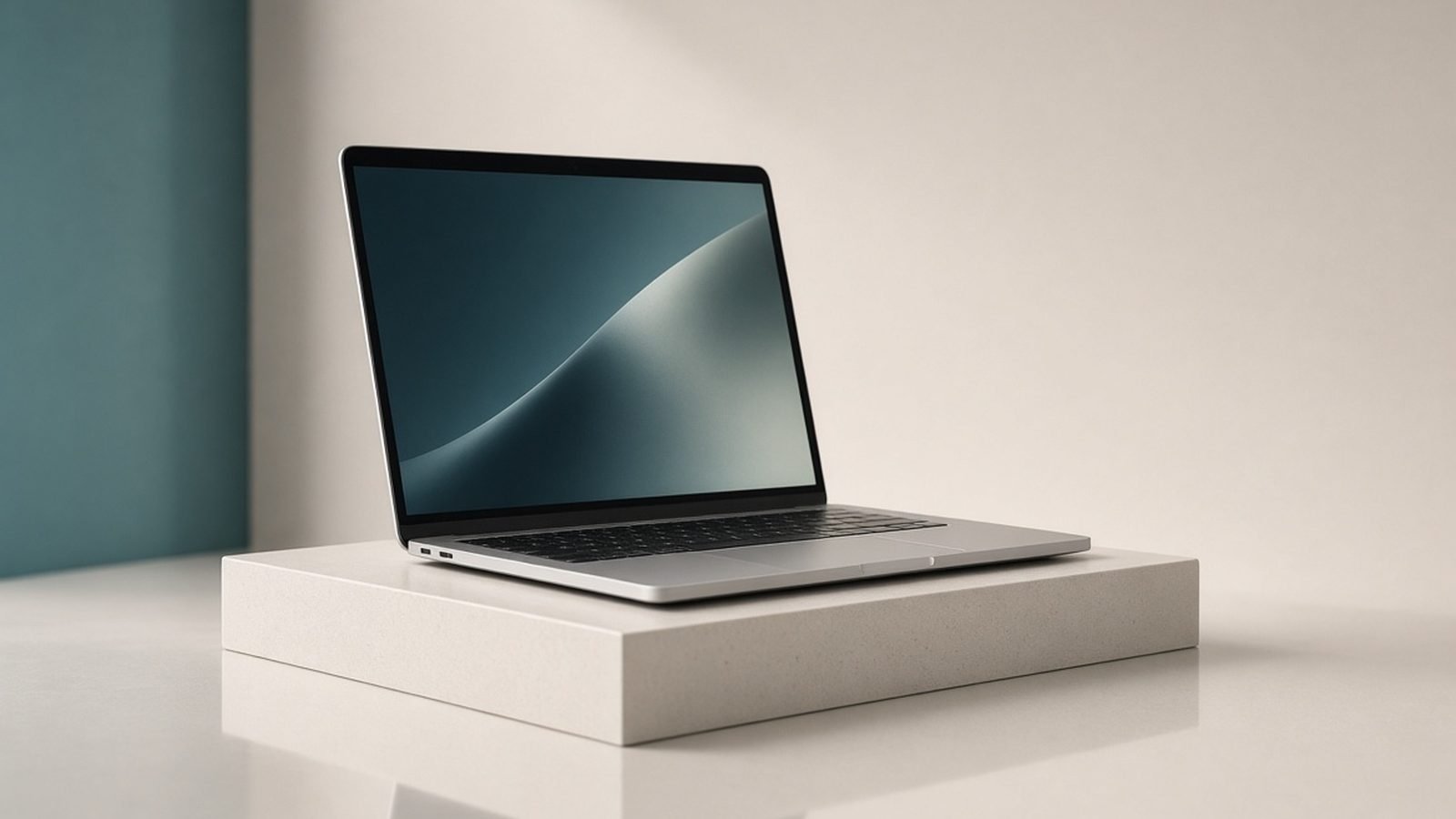
The MacBook Air M5 is the laptop most people should buy in 2026. Starting at around $999 / £999 for the 13-inch, it pairs Apple’s M5 chip with a fanless, silent design, all-day battery, and — finally — 16GB of memory as standard. For everyday computing, study, office work, coding, and photo editing, it does everything well and asks for almost nothing back. Buy it unless you regularly run long, heavy workloads; in that case, step up to the Pro.
We have not run our own lab bench here. What follows is expert analysis built from Apple’s published specifications, documentation, current pricing, and aggregated owner feedback across reviews and forums.
MacBook Air M5 at a glance
The verdict is simple: this is the best-value Mac for the widest range of people. The M5 is quick, the battery lasts, and the whole thing runs in total silence. Its only real limit is sustained heavy load, where the lack of a fan means it slows down on marathon tasks.
Buy it if you want one reliable, portable laptop for everyday work, study, and light creative tasks, and you value silence and battery life.
Skip it if you spend hours a day on 4K video exports, large code compiles, or heavy audio sessions — the fanless design throttles, and the MacBook Pro M5 Review 2026: Power for Pros Pro is built for that.
| Spec | MacBook Air M5 |
|---|---|
| Chip | Apple M5 (10-core CPU class) |
| Memory | 16GB base, up to 32GB |
| Display | 13.6” or 15.3” Liquid Retina, 60Hz |
| Battery | Up to ~18 hours |
| Ports | 2x Thunderbolt, MagSafe, headphone |
| Weight | ~2.7 lbs (13”) / ~3.3 lbs (15”) |
| Price | ~$999 / £999 (13”) / ~$1,199 / £1,199 (15”) |
Design and build
Little has changed physically, and that is fine — the Air’s chassis is already excellent. It is a thin, rigid slab of aluminium that feels far more expensive than many Windows rivals at the price. The 13-inch weighs about 2.7 lbs and slides into any bag without a thought; the 15-inch is still light for its class at around 3.3 lbs.
The return of MagSafe charging means you get a dedicated power connector and keep both Thunderbolt ports free. Those two ports remain the main physical limitation: no HDMI, no SD card slot, no third USB-C. If you use lots of peripherals, budget for a hub. Our Best Laptops 2026: Top Picks for Every Need guide notes this is a common Air compromise.
The keyboard and large Force Touch trackpad are among the best on any laptop, and the screen, while “only” a 60Hz Liquid Retina panel, is sharp, colour-accurate, and bright enough for indoor and most outdoor use. You do miss the Pro’s mini-LED HDR and 120Hz smoothness, but for everyday work you rarely think about it.
Performance and features
For the tasks most people actually do, the M5 is fast and, crucially, consistent in short bursts. Web browsing with dozens of tabs, office documents, photo editing in Lightroom, coding in VS Code, and 4K video playback all feel immediate. The jump to a 16GB base memory is the most meaningful upgrade over older 8GB Airs — multitasking stays smooth where those machines used to stutter.
The M5 also brings a stronger Neural Engine, which matters more each year as on-device AI features, image processing, and Apple Intelligence tasks lean on it. For light video work — trimming clips, short 4K exports, basic colour — the Air is genuinely capable.
The honest limit is sustained load. Because there is no fan, a long export or a big compile will see the chip warm up and throttle to protect itself. It stays usable, just slower than a Pro over a 20-minute-plus job. For programming, this mostly affects large builds rather than day-to-day coding; our Best Laptops for Programming 2026: Devs' Picks guide explains when that matters. If your heavy tasks are occasional, you will never feel the ceiling.
Battery life is a genuine strength. Real-world all-day use — a full working day of mixed tasks on a charge — is realistic, and owners consistently praise how little the Air needs its charger. Expect the 15-inch to edge slightly ahead thanks to its larger cell.
Value
At around $999 / £999, the Air is priced where it has long lived, but you now get more for it: the current chip and doubled base memory. Against Windows ultrabooks, it competes hard on build quality, trackpad, battery, and resale value — Macs hold their price notably well, which softens the real cost of ownership.
The 15-inch at around $1,199 / £1,199 is the quiet value pick for anyone who wants a bigger screen. It is cheaper than any 14-inch Pro while offering the same silent, long-battery experience and better speakers. You pay only for size, not power.
Where value slips is configuration. Apple’s upgrades for memory and storage are pricey, so decide up front — you cannot change them later. For most people, 16GB and 512GB is the sensible sweet spot.
Alternatives
If your work regularly stresses the Air, the MacBook Pro M5 Review 2026: Power for Pros is the natural step up: active cooling for sustained performance, a mini-LED 120Hz XDR screen, and more ports. The trade-off is weight and a $600-plus price jump. Our MacBook Air vs MacBook Pro 2026: Which Should You Buy? comparison walks through exactly where the line falls.
If you are open to Windows, plenty of capable ultrabooks compete on price and offer touchscreens or more ports; see MacBook vs Windows Laptop 2026: Which Is Right for You? and Best Laptops 2026: Top Picks for Every Need. And if you are a student weighing options across both platforms, Best Laptops for Students 2026: Value & Battery is the place to start.
Pros:
- Fast, consistent everyday performance
- Silent, fanless design
- All-day battery life
- 16GB base memory ends the old 8GB frustration
- Excellent build, keyboard, and trackpad
- Strong resale value
Cons:
- Throttles on long, sustained heavy loads
- Only two Thunderbolt ports
- 60Hz LCD, no HDR or high refresh
- Pricey memory and storage upgrades
Verdict
The MacBook Air M5 is the easiest laptop to recommend in 2026. It nails the fundamentals — speed for real tasks, silence, battery, and build — and the 16GB base finally removes the one caveat that used to come with the entry price. For students, writers, office workers, and most creators doing everyday work, it is the right amount of laptop and no more.
Choose the 13-inch for maximum portability, or the 15-inch if you want a bigger screen without a Pro price. Only reach for the Pro if long, heavy workloads are a regular part of your week.
FAQ
Is the MacBook Air M5 worth it in 2026?
Yes, for most people. At around $999 / £999 it delivers fast everyday performance, all-day battery, and a silent design, now with 16GB base memory. It is only the wrong choice if you routinely run long, heavy workloads that need the Pro’s active cooling and sustained power.
Should I get the 13-inch or 15-inch MacBook Air M5?
They perform identically, so choose by screen and portability. The 13-inch is lighter and easier to carry daily. The 15-inch gives you more screen area and better speakers for around $200 / £200 more, and is ideal if you mostly work at a desk or want less scrolling.
How much memory do I need in the MacBook Air M5?
The 16GB base is comfortable for browsing, office work, coding, and photo editing. Step up to 24GB or 32GB only if you do heavy multitasking, large photo libraries, or professional creative work. Memory cannot be upgraded later, so choose for a few years ahead.
Is the MacBook Air M5 good for students?
It is one of the best student laptops available: light, silent, long-lasting on battery, and powerful enough for essays, research, coding, and light media work. The main trade-offs are only two ports and Apple’s pricey storage upgrades. See our Best Laptops for Students 2026: Value & Battery guide for cross-platform comparisons.
Can the MacBook Air M5 edit video?
Yes, for light to moderate work — trimming, short 4K exports, and basic colour grading are fine. For long timelines, heavy 4K/8K projects, or all-day editing, the fanless design throttles under sustained load, and the Best Laptops for Video Editing 2026: The Complete Guide picks, including the MacBook Pro, are better suited.
Is the MacBook Air M5 a big upgrade over the M4?
It is a steady, generational step rather than a dramatic leap — faster CPU and GPU, a stronger Neural Engine for AI tasks, and the move to 16GB base memory. If you own an M4 Air, there is little reason to upgrade. Coming from an M1 or older Intel Air, the improvement is substantial.
Zen Tech Hub may earn a commission from links on this page, at no extra cost to you.