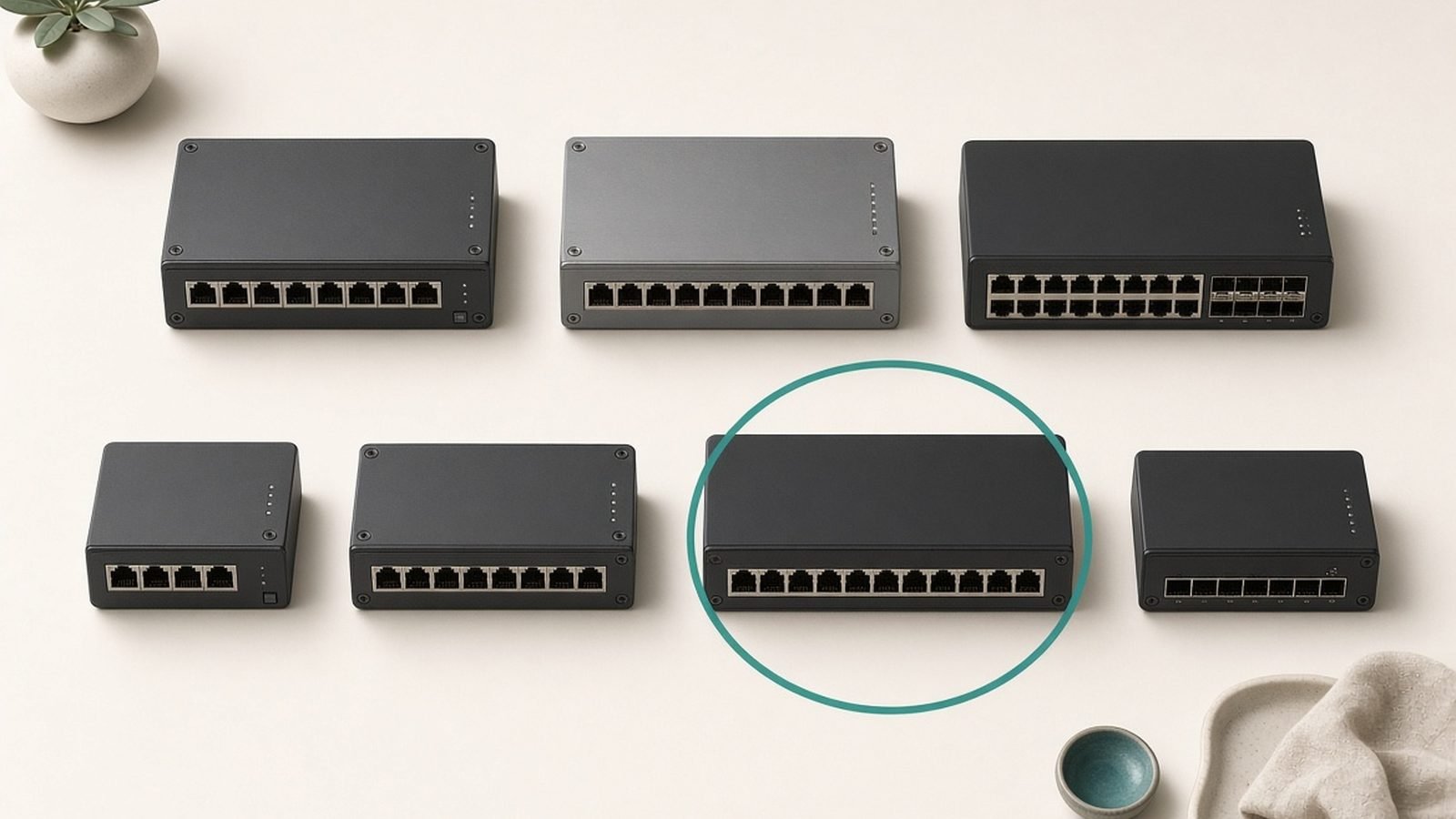
A PoE switch delivers both data and power to your access points, security cameras and IP phones over a single Ethernet cable — no power adapter at every device, no outlet behind the camera. The best PoE switch for most homes is the TP-Link TL-SG1210MP, which supplies a generous 123W across eight PoE+ ports for around $110 / £100, enough to run a full set of cameras and a couple of access points without breaking a sweat.
The catch that trips up most first-time buyers isn’t ports or speed — it’s the power budget. We’ve researched the field across TP-Link, Netgear and Ubiquiti — spec sheets, published reviews and aggregated owner reports — to match six PoE switches to real needs, and we explain the budget maths so you don’t buy a switch that can’t power everything you plug into it. To fit PoE into your wider setup, pair this with our Best Network Switches 2026: Gigabit & 2.5G/10G guide, and if you’re going the prosumer route, our Ubiquiti UniFi Review 2026: Prosumer Networking Verdict covers the UniFi ecosystem in depth.
Best poe switch 2026 at a glance
| Pick | Model | PoE ports | PoE budget | Price (US / UK) |
|---|---|---|---|---|
| Best overall | TP-Link TL-SG1210MP | 8x PoE+ | 123W | around $110 / £100 |
| Best budget | TP-Link TL-SG1008P | 4x PoE+ | 64W | around $45 / £42 |
| Best smart managed | Netgear GS308EPP | 8x PoE+ | 123W | around $120 / £110 |
| Best 2.5G PoE | Netgear MS305EUP | 5x PoE++ (2.5G) | 180W | around $250 / £240 |
| Best prosumer | Ubiquiti USW-Lite-16-PoE | 8x PoE+ | 45W | around $200 / £190 |
| Best high-capacity | TP-Link TL-SG1218MPE | 16x PoE+ | 250W | around $180 / £170 |
Prices drift around Prime Day and Black Friday, so treat these as typical street prices, not fixed MSRPs.
How we picked
PoE switch performance is simple — the switching side just needs to run at wire speed — so our picks turn on the things that actually differ: total power budget, per-port PoE standard, port count and speed, management features, and fan noise. Those come from manufacturer specs cross-referenced with published reviews and aggregated owner reports covering reliability, real-world power delivery and how loud each unit runs in a home.
The one concept we won’t let you skip is the power budget. A PoE switch has a total wattage it can supply across all ports combined — not per port. A switch advertising “eight PoE ports” but only 30W total can’t actually power eight demanding devices at once. Throughout this guide we flag each switch’s budget and what it realistically runs, because a mismatch here is the number-one PoE buying mistake. We cover the full framework in the “How to choose” section below.
Best poe switch overall: TP-Link TL-SG1210MP
Around $110 / £100 | 8 PoE+ + 2 gigabit uplinks | 123W budget | unmanaged
For most homes adding cameras and access points, the TL-SG1210MP is the sweet spot. It offers eight gigabit PoE+ ports plus two non-PoE gigabit uplinks (one an SFP slot), all backed by a healthy 123W total power budget — enough headroom to matter.
That budget is the reason it’s our top pick. PoE+ (802.3at) delivers up to 30W per port, and 123W across eight ports means you can realistically run, say, four to six PoE cameras and two Wi-Fi access points simultaneously without hitting the ceiling. It’s unmanaged, so there’s no configuration — plug devices in and they power up — and the metal chassis handles the heat. Owner reports consistently praise its reliability and its relatively quiet operation for a switch pushing this much power (it does have a fan, but reviewers describe it as unobtrusive in most rooms).
The trade-offs are scope, not quality. It’s unmanaged, so no VLANs or monitoring — if you need those, the Netgear GS308EPP below is the smart-managed sibling. The uplinks are gigabit, not multi-gig, which is fine for cameras but worth noting if you’re feeding Wi-Fi 7 access points that could use more. For the classic camera-and-AP home, it’s exactly right.
Pros:
- Generous 123W budget across eight PoE+ ports
- Runs a full camera set plus access points comfortably
- Simple plug-and-play with two extra gigabit uplinks
- Reliable and reasonably quiet for its power class
Cons:
- Unmanaged — no VLANs or monitoring
- Gigabit uplinks, not multi-gig
- Has a fan (quiet, but present)
Who it’s for: The typical home installing several PoE cameras and one or two access points who wants ample power headroom and zero setup.
Check price: TP-Link TL-SG1210MP
Best budget poe switch: TP-Link TL-SG1008P
Around $45 / £42 | 4 PoE+ + 4 gigabit | 64W budget | unmanaged, fanless
If you only need to power a couple of cameras or a single access point, the eight-port powerhouse above is more than you need. The TL-SG1008P is the value entry: eight gigabit ports total, four of them PoE+, with a 64W budget, all in a silent fanless case for around $45 / £42.
It’s the perfect starter PoE switch. The four PoE+ ports and 64W budget comfortably run, for example, three cameras and one access point, or a doorbell camera plus a couple of APs — and the four non-PoE ports handle regular wired devices. Being fanless, it’s genuinely silent, so it can sit on a desk or shelf rather than being banished to a closet. Owner feedback is overwhelmingly positive on reliability and its quiet, cool operation; it’s one of the most popular small PoE switches for good reason.
The limits are simply capacity: four PoE ports and 64W won’t grow with a big camera project, and it’s unmanaged. But as an affordable, silent way to power a handful of devices, nothing beats it. If you expect to expand, buy the TL-SG1210MP now rather than replacing this later.
Pros:
- Silent, fanless design for living spaces
- Four PoE+ ports with a 64W budget for a small setup
- Four extra gigabit ports for regular devices
- Excellent value and proven reliability
Cons:
- Only four PoE ports; limited room to grow
- Unmanaged — no VLANs or monitoring
- 64W budget rules out many high-draw devices at once
Who it’s for: Anyone powering a small number of cameras or a single access point who wants a cheap, silent, dependable switch.
Check price: TP-Link TL-SG1008P
Best smart managed poe switch: Netgear GS308EPP
Around $120 / £110 | 8 PoE+ | 123W budget | smart managed, fanless
When you want PoE plus a few managed features, the Netgear GS308EPP is the pick. It matches our overall winner on power — eight PoE+ ports and a 123W budget — but adds a smart-managed web interface and, notably, runs fanless despite that healthy budget.
The added value is control. Through the local web UI or Netgear’s Insight app you get VLANs (ideal for isolating cameras or IoT devices from your main network for security), basic QoS, and per-port PoE controls — including the ability to power-cycle a frozen camera remotely, a genuinely handy feature. Segmenting security cameras onto their own VLAN is smart practice, and this switch makes it approachable. Being fanless at 123W is a real engineering win; it can live in a quiet room where a fan-cooled switch couldn’t.
The compromises are minor. The smart-managed feature set is curated rather than exhaustive (no advanced enterprise routing), the interface is functional over slick, and Netgear’s occasional cloud-account nudges annoy some owners, though everything works locally without one. At around $120 / £110 it’s a small premium over the unmanaged TP-Link for VLANs and remote PoE control.
Pros:
- 123W budget across eight PoE+ ports, fanless and silent
- VLANs for isolating cameras and IoT devices
- Per-port PoE control, including remote power-cycling
- Approachable web UI and Insight app
Cons:
- Smart-managed feature set is curated, not full enterprise
- Interface is functional rather than polished
- Occasional cloud-account prompts
Who it’s for: Security-minded homes that want to segment cameras onto a VLAN and power-cycle devices remotely, without the complexity of prosumer gear.
Best 2.5G poe switch: Netgear MS305EUP
Around $250 / £240 | 5x 2.5G PoE++ | 180W budget | smart managed, fanless
Wi-Fi 7 access points can push past gigabit and draw more power, which is where multi-gig PoE earns its premium. The Netgear MS305EUP answers both needs: five 2.5G ports with high-power PoE++ (802.3bt) and a big 180W budget, in a fanless smart-managed unit for around $250 / £240.
This is a future-facing switch. The 2.5G ports mean a Wi-Fi 7 access point wired to it isn’t bottlenecked at gigabit, so it can actually deliver the multi-gig speeds it’s capable of. PoE++ supplies up to 60W per port, enough for the most demanding access points, PTZ cameras and other high-draw gear that PoE+ can’t fully power. The 180W total budget gives real headroom across all five ports, and smart-managed features add VLANs and per-port control. It’s fanless too, which is impressive at this power level.
The honest caveats are cost and necessity. At around $250 / £240 it’s a serious step up, and it only makes sense if you actually have multi-gig or high-power devices — a mix of gigabit cameras won’t benefit from 2.5G ports. For a standard camera setup, the TP-Link TL-SG1210MP does the job for less than half the price. Buy this specifically to power and feed Wi-Fi 7 access points or high-wattage gear at full speed.
Pros:
- 2.5G ports feed Wi-Fi 7 access points without bottlenecking
- PoE++ (up to 60W/port) for high-draw devices
- Large 180W total budget with real headroom
- Fanless and smart-managed with VLAN support
Cons:
- Expensive; only worth it for multi-gig or high-power gear
- Five ports may be limiting for larger projects
- Overkill for standard gigabit cameras
Who it’s for: Enthusiasts wiring Wi-Fi 7 access points or high-wattage PoE devices who need both multi-gig speed and serious power per port.
Best prosumer poe switch: Ubiquiti USW-Lite-16-PoE
Around $200 / £190 | 16 gigabit (8 PoE+) | 45W budget | fully managed, fanless
For anyone building a UniFi network, the USW-Lite-16-PoE is the natural PoE switch: sixteen gigabit ports with eight PoE+ ports, fully managed through UniFi’s superb software, and silent thanks to a fanless design. It powers UniFi (or third-party) access points and cameras while integrating them into one unified dashboard.
The strength is the ecosystem. Adopt this into a UniFi controller and it appears alongside your access points and cameras with per-port VLANs, deep traffic insights, topology maps and remote PoE control — the same polished experience we detail in our Ubiquiti UniFi Review 2026: Prosumer Networking Verdict. For a prosumer running several UniFi access points and a set of UniFi Protect cameras, managing power and network from a single pane is the entire appeal. Sixteen ports also leaves plenty of room for wired devices beyond the eight PoE ports.
The important caveat is the 45W total PoE budget, which is modest for a 16-port switch. It comfortably powers a few access points or a small camera set, but it can’t run many high-draw devices at once — plan your loads carefully, and step up to a higher-budget UniFi switch (like the USW-Pro-Max line) if you’re powering a large camera array. It’s also best value only inside the UniFi ecosystem; as a standalone managed switch it’s more setup than a smart-managed Netgear.
Pros:
- Unified UniFi management with per-port PoE and VLAN control
- 16 gigabit ports (8 PoE+), fanless and silent
- Deep insight, topology maps and remote power control
- Scales cleanly with a wider UniFi setup
Cons:
- Modest 45W total PoE budget limits heavy loads
- Best value only within the UniFi ecosystem
- Steeper learning curve than a smart switch
Who it’s for: Prosumers building or running a UniFi network who want PoE, switching and Wi-Fi managed together — provided their PoE power needs stay within 45W.
Check price: Ubiquiti USW-Lite-16-PoE
Best high-capacity poe switch: TP-Link TL-SG1218MPE
Around $180 / £170 | 16 PoE+ + 2 uplinks | 250W budget | easy smart managed, rack-mount
For a big camera project or a whole-home access-point deployment, you need ports and power in bulk. The TL-SG1218MPE delivers both: sixteen gigabit PoE+ ports plus two uplinks, a large 250W budget, and light smart-managed features, in a rack-mountable chassis for around $180 / £170.
This is the switch for scale. A 250W budget across sixteen PoE+ ports can power a serious array — think eight to twelve cameras plus several access points, all at once, with headroom to spare. TP-Link’s “Easy Smart” management adds VLANs, basic QoS and per-port PoE control through a simple utility, so you can segment your camera network without a full enterprise learning curve. The rack-mount form factor suits a network closet or AV rack where a large installation naturally lives.
The trade-offs follow from its purpose. It’s a fan-cooled rack switch, so it’s audible — keep it out of living spaces. The uplinks are gigabit rather than multi-gig, fine for cameras but a limitation for high-speed Wi-Fi 7 backhaul. And sixteen PoE ports is genuinely more than a small home needs; if you’re powering only a few devices, the TL-SG1210MP or TL-SG1008P will save you money and noise. For a whole-house or multi-camera build, though, this is the efficient choice.
Pros:
- Large 250W budget across sixteen PoE+ ports
- Powers a big camera and access-point deployment at once
- Easy Smart management with VLANs and per-port PoE control
- Rack-mountable for a proper install
Cons:
- Fan-cooled and audible; not for living spaces
- Gigabit uplinks limit multi-gig backhaul
- More capacity than small homes need
Who it’s for: Homes and small offices with a large camera setup or many access points that need bulk PoE ports and a big power budget in one rack-mounted unit.
Check price: TP-Link TL-SG1218MPE
How to choose a PoE switch
Get these four things right and you’ll buy the correct switch the first time.
Calculate your power budget. This is the big one. Add up the wattage of every PoE device you’ll connect — cameras typically draw 4-15W, access points 10-25W, and demanding models more. Your switch’s total budget must comfortably exceed that sum, with headroom for future devices. A switch with “eight PoE ports” but a small budget can’t power eight hungry devices at once.
Match the PoE standard to your devices. Standard PoE (802.3af) supplies up to 15.4W per port, PoE+ (802.3at) up to 30W, and PoE++ (802.3bt) up to 60-90W. Most cameras and access points are happy on PoE+, but high-power PTZ cameras and top-end Wi-Fi 7 APs may need PoE++. Check each device’s requirement.
Count ports and plan uplinks. Buy more PoE ports than you need today so the project can grow. Also note the uplink port that connects the switch to your router — if you’re feeding Wi-Fi 7 access points, a multi-gig uplink (2.5G or faster) avoids a bottleneck; for cameras, gigabit is plenty.
Decide managed or unmanaged, and mind the noise. Unmanaged switches are plug-and-play; managed switches add VLANs to isolate cameras and IoT devices for security, plus remote PoE power-cycling. And check cooling — fanless switches suit living spaces, while high-capacity fan-cooled units belong in a closet or rack. For non-PoE switching context, see our Best Network Switches 2026: Gigabit & 2.5G/10G guide.
FAQ: PoE switches
What is the best PoE switch in 2026?
For most homes it’s the TP-Link TL-SG1210MP at around $110 / £100. Its eight PoE+ ports and generous 123W power budget comfortably run a full set of cameras plus a couple of access points, with no configuration needed. Smaller setups can save money with the fanless TL-SG1008P, security-focused homes should look at the managed Netgear GS308EPP, and UniFi users want the USW-Lite-16-PoE.
What is a PoE power budget and why does it matter?
A PoE switch’s power budget is the total wattage it can supply across all ports combined — not per port. If a switch has a 64W budget and you connect devices drawing 80W in total, some won’t power up. This is the most common PoE buying mistake: people count ports but ignore the budget. Always add up your devices’ wattage and pick a switch whose total budget comfortably exceeds it, with room to grow.
What’s the difference between PoE, PoE+ and PoE++?
They’re power tiers. Standard PoE (802.3af) supplies up to 15.4W per port, enough for basic cameras and phones. PoE+ (802.3at) supplies up to 30W, covering most modern cameras and access points. PoE++ (802.3bt) supplies up to 60-90W for high-draw devices like PTZ cameras and top-end Wi-Fi 7 access points. Choose based on your most demanding device — PoE+ suits the majority of home setups.
Can a PoE switch power both cameras and Wi-Fi access points?
Yes — that’s exactly what it’s for. A single PoE switch can power security cameras, wireless access points, IP phones and more, as long as its total power budget covers all of them at once and each port meets the device’s PoE standard. A switch like the TL-SG1210MP with a 123W budget easily handles a mixed set of cameras and access points simultaneously over single Ethernet cables.
Do I need a managed PoE switch for security cameras?
Not necessarily, but it helps. An unmanaged PoE switch powers cameras perfectly well with no setup. A managed (or smart-managed) switch adds VLANs, which let you isolate cameras on their own network segment for better security — a wise practice, since cameras are common targets — plus the ability to remotely power-cycle a frozen camera. If security segmentation matters to you, choose a managed switch like the Netgear GS308EPP.
Will a PoE switch work with non-PoE devices too?
Yes. PoE switches deliver power only to devices that request it, so plugging in a regular non-PoE device like a laptop, desktop or games console is completely safe — the port simply carries data without sending power. Many PoE switches also include dedicated non-PoE ports and uplinks. This means one switch can serve your powered cameras and access points alongside ordinary wired gear without any risk.
Zen Tech Hub may earn a commission from links on this page, at no extra cost to you.