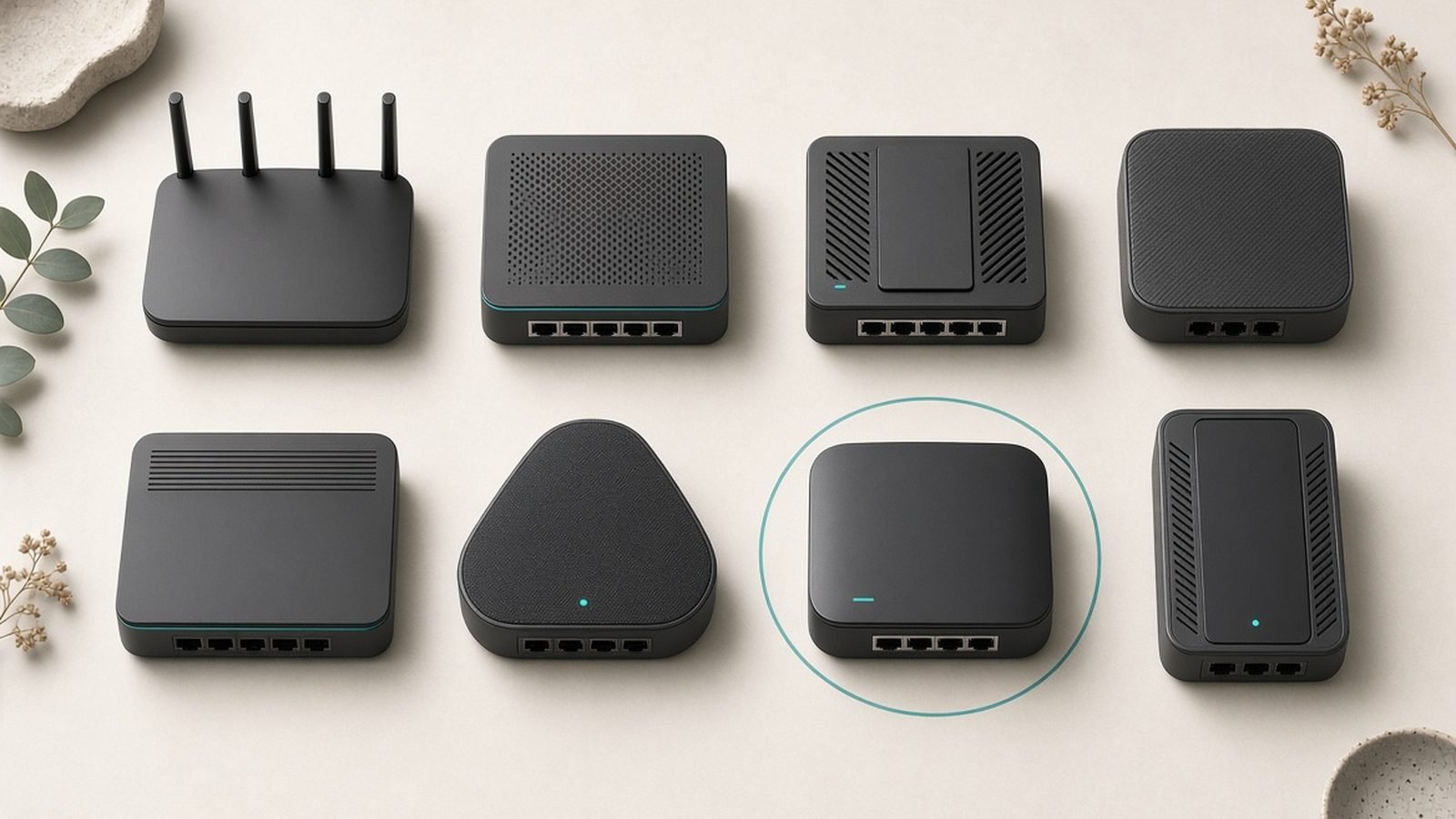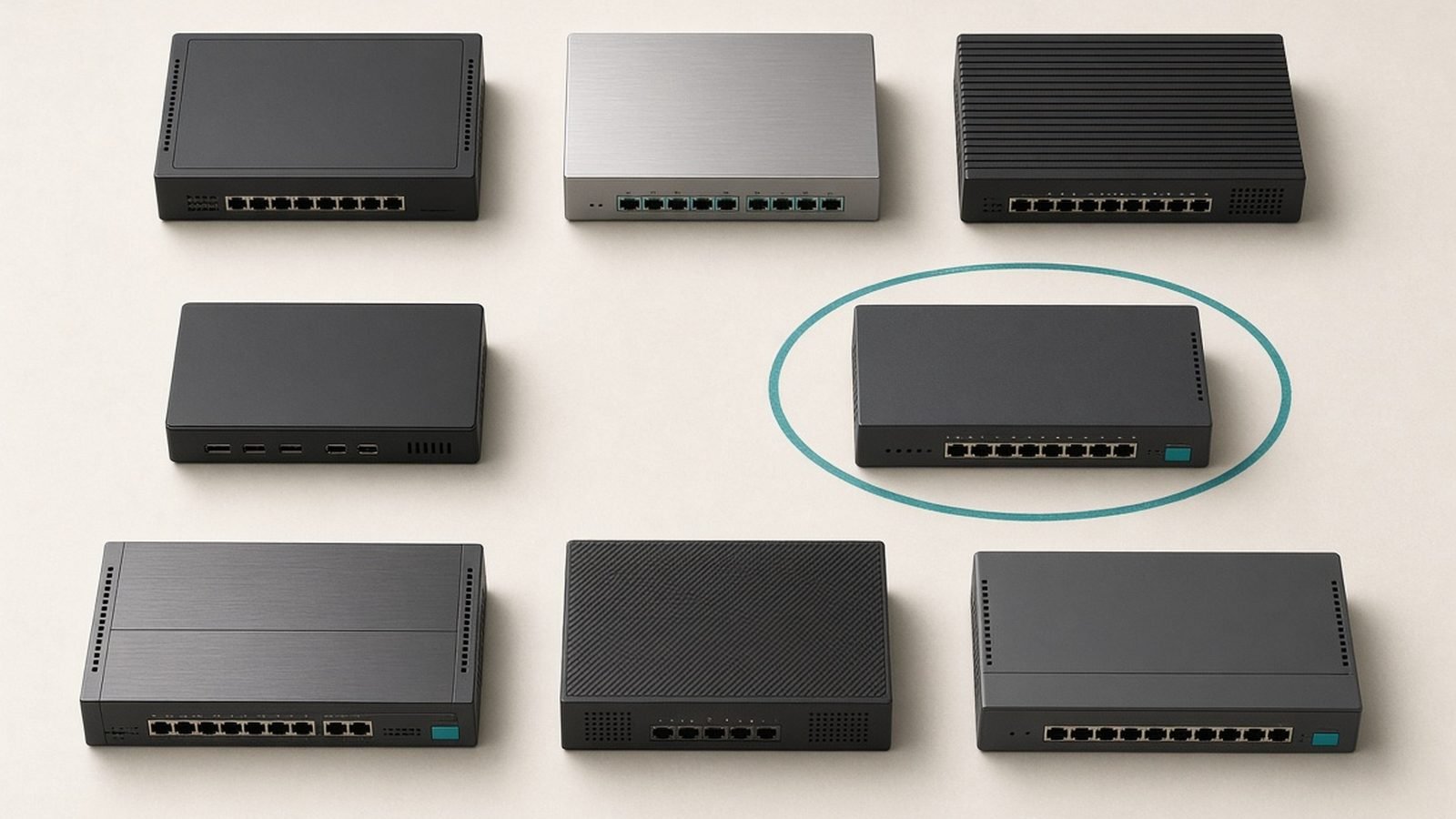
If your router has run out of Ethernet ports, a network switch is the cheapest fix in all of home networking. The best network switch for most people is the TP-Link TL-SG108, an eight-port gigabit unit that costs around $23 / £22, needs no configuration, and simply adds seven usable wired ports. Buy it, plug it in, and forget it exists.
But switches range from that $23 box to prosumer managed units with VLANs, PoE and 10G uplinks. We’ve researched the field across TP-Link, Netgear and Ubiquiti — spec sheets, published reviews and aggregated owner reports — to pick the right switch for six different needs, from a simple port expander to a multi-gig backbone. If you’re wiring a whole smart home, pair this with our Best PoE Switches 2026: Power Your Cameras & APs guide, and for storage that lives on the network see Best Home NAS 2026: Top Picks for Backup, Plex & Photos.
Best network switch 2026 at a glance
| Pick | Model | Ports | Type | Price (US / UK) |
|---|---|---|---|---|
| Best overall | TP-Link TL-SG108 | 8x 1G | Unmanaged | around $23 / £22 |
| Best smart managed | Netgear GS308E | 8x 1G | Smart managed | around $40 / £38 |
| Best 2.5G value | TP-Link TL-SG108-M2 | 8x 2.5G | Unmanaged | around $160 / £150 |
| Best 2.5G budget | Netgear MS305 | 5x 2.5G | Unmanaged | around $130 / £120 |
| Best prosumer | Ubiquiti UniFi USW-Lite-16-PoE | 16x 1G | Managed | around $200 / £190 |
| Best 10G | TP-Link TL-SX105 | 5x 10G | Unmanaged | around $300 / £280 |
Prices move around, especially during Prime Day and Black Friday, so read these as typical street prices rather than fixed MSRPs.
How we picked
We don’t run a switching lab, and switch performance is refreshingly boring anyway: a decent switch moves packets at wire speed and gets out of the way. So our picks lean on the things that actually differ — port speed, port count, PoE budget, management features, fan noise, and long-term reliability from owner reports across Amazon, Reddit and networking forums.
The main honesty note is about “managed versus unmanaged.” Most homes need nothing more than an unmanaged switch that just works. Managed switches add VLANs, QoS, link aggregation and monitoring — genuinely useful for prosumers, home labs and anyone segmenting IoT devices, but pure overhead for someone who just wants more ports. We call out which camp each pick serves so you don’t overpay for features you’ll never open.
Best network switch overall: TP-Link TL-SG108
Around $23 / £22 | 8x gigabit | unmanaged, metal case, fanless
For the vast majority of homes, this is the answer. The TL-SG108 is an eight-port gigabit switch in a sturdy metal case that runs silently, sips power, and requires zero setup. Plug your router into one port and you’ve got seven more for a desk, a media cabinet or a home office.
There’s genuinely little to analyze, which is the point. It switches at full gigabit wire speed, supports jumbo frames, and its metal chassis dissipates heat without a fan — a quiet win over the cheaper plastic switches that can run warm. Owner reports stretch back years and describe the same thing: it works, it keeps working, and it disappears into the setup. TP-Link also sells five-port (TL-SG105) and 16-port (TL-SG116) versions of the same design if eight ports is the wrong number.
The only “con” is really a scope note: it’s unmanaged, so there are no VLANs, no monitoring, no QoS. If you need those, jump to the Netgear GS308E or the UniFi switch below. Otherwise, save your money.
Pros:
- Dead-simple plug-and-play with no configuration
- Silent, fanless metal chassis that runs cool
- Full gigabit wire speed and jumbo frame support
- Years of proven reliability at a rock-bottom price
Cons:
- Unmanaged — no VLANs, QoS or monitoring
- Gigabit only, so no multi-gig headroom
- Basic look and no rack-mount option
Who it’s for: Anyone who simply needs more wired ports in a home or small office and doesn’t want to think about networking. It’s the default recommendation.
Best smart managed switch: Netgear GS308E
Around $40 / £38 | 8x gigabit | smart managed, fanless
When you want a few managed features without the cost or complexity of full enterprise gear, the Netgear GS308E hits the sweet spot. It looks almost identical to a basic unmanaged switch — eight gigabit ports, fanless metal body — but adds a lightweight web and app interface for the extras that matter to enthusiasts.
Those extras are the reason to buy it: VLANs to wall off IoT or guest devices from your main network, basic QoS to prioritize traffic, port mirroring for troubleshooting, and cable diagnostics. It’s “smart managed” rather than “fully managed,” meaning the feature set is curated and approachable rather than exhaustive — which for a home lab or a segmented smart home is exactly right. Netgear’s Insight app makes basic setup painless, though power users can ignore it and use the local web UI.
The trade-offs are minor. It’s gigabit only, the interface is functional rather than slick, and some advanced users find Netgear’s cloud-account nudges mildly annoying (everything works fine locally without one). At around $40 / £38 it’s a small premium over the unmanaged TL-SG108 for a meaningful jump in capability.
Pros:
- VLANs, QoS and port mirroring in a home-friendly package
- Fanless and silent, same footprint as an unmanaged switch
- Approachable web UI plus optional Insight app
- Strong value for a smart managed switch
Cons:
- Gigabit only — no multi-gig ports
- Feature set is curated, not full enterprise-grade
- Occasional cloud-account prompts
Who it’s for: Home-lab tinkerers and anyone who wants to segment IoT, guest or work devices onto separate VLANs without paying for prosumer gear.
Best 2.5G switch value: TP-Link TL-SG108-M2
Around $160 / £150 | 8x 2.5G | unmanaged, fanless
Multi-gig has arrived in the home, driven by Wi-Fi 7 access points, faster NAS units and 2.5G-capable motherboards. The TL-SG108-M2 is the most sensible way to build a 2.5G backbone: eight full 2.5GbE ports, unmanaged, in a quiet metal case, for around $160 / £150.
The appeal is that every port runs at 2.5Gbps, so there’s no awkward mix of fast and slow — you can wire a 2.5G NAS, a Wi-Fi 7 router’s multi-gig port, a gaming PC and a Mac mini all at full speed, and they’ll talk to each other at 2.5G locally regardless of your internet speed. That local-network throughput is the real prize; large file transfers to a NAS stop being a coffee-break activity. Owner reports praise its cool, silent operation, a welcome contrast to some early multi-gig switches that shipped with buzzy fans.
Two honest caveats. First, it’s unmanaged, so no VLANs — if you need those at 2.5G, TP-Link’s managed TL-SG3210 line or a UniFi switch is the route. Second, per-port cost is far higher than gigabit; only buy it if you genuinely have multi-gig devices to connect. If most of your gear is still gigabit, the TL-SG108 saves you a lot of money.
Pros:
- Eight full 2.5G ports for a true multi-gig backbone
- Fanless and quiet, unlike some rival multi-gig switches
- Massive local transfer speeds to a 2.5G NAS
- Simple plug-and-play operation
Cons:
- Unmanaged — no VLANs or QoS
- Expensive per port versus gigabit
- Only worth it if you own multi-gig devices
Who it’s for: Enthusiasts building a multi-gig home network around a fast NAS, Wi-Fi 7 gear and modern PCs who don’t need managed features.
Check price: TP-Link TL-SG108-M2
Best budget 2.5G switch: Netgear MS305
Around $130 / £120 | 5x 2.5G | unmanaged, fanless
If you only need to bring a couple of devices up to multi-gig, the eight-port TL-SG108-M2 is overkill. The Netgear MS305 is the cheaper way in: five 2.5G ports in a compact, fanless metal shell for around $130 / £120.
Five ports is the right count for a common scenario — a 2.5G router or fiber ONT, a NAS, a desktop and a Wi-Fi 7 access point, with one to spare. Every port is 2.5GbE, so there’s no bottleneck between them, and the small footprint suits a crowded desk or media cabinet. Netgear also sells an eight-port MS308 if you outgrow it. Owner feedback is consistently positive on reliability and its silent, cool operation.
The compromises mirror the TP-Link: it’s unmanaged, so no VLANs, and multi-gig switching still carries a price premium over gigabit. There’s also no 10G uplink, so it’s a pure 2.5G island rather than a stepping stone to a faster core. For most homes taking their first step into multi-gig, that’s perfectly fine.
Pros:
- Affordable five-port entry into 2.5G networking
- Compact, silent, fanless design
- Every port runs at full 2.5Gbps
- Reliable, with a solid Netgear warranty
Cons:
- Unmanaged — no VLANs or QoS
- No 10G uplink for a faster core later
- Still pricier per port than gigabit
Who it’s for: Anyone connecting a handful of multi-gig devices — a NAS, a fast PC, a Wi-Fi 7 AP — who wants the cheapest reliable route into 2.5G.
Best prosumer switch: Ubiquiti UniFi USW-Lite-16-PoE
Around $200 / £190 | 16x gigabit (8 PoE+) | fully managed, 45W PoE budget
For anyone building a proper home network — multiple access points, cameras, VLANs and a single-pane management view — the UniFi ecosystem is the prosumer standard, and the USW-Lite-16-PoE is its most sensible mid-size switch. Sixteen gigabit ports, eight of them PoE+, all managed through UniFi’s polished software.
The draw is the ecosystem. Adopt this switch into a UniFi controller (a Cloud Gateway, Dream Router or self-hosted instance) and you manage it alongside your access points and cameras from one clean dashboard, with per-port VLANs, deep traffic insights and topology maps. The eight PoE+ ports power UniFi or third-party access points and cameras directly, no separate injectors needed. It’s fanless and silent, which matters if it lives in a living space rather than a rack. We go much deeper on the platform in our Ubiquiti UniFi Review 2026: Prosumer Networking Verdict.
The honest caveats are ecosystem lock-in and the learning curve. UniFi shines when the rest of your network is UniFi; as a standalone managed switch it’s more setup than the Netgear. The 45W total PoE budget is also modest — fine for a few APs, tight if you want to power many cameras at once, in which case step up to a higher-budget UniFi switch or see our Best PoE Switches 2026: Power Your Cameras & APs guide.
Pros:
- Best-in-class management via the UniFi ecosystem
- 16 ports with 8 PoE+ for APs and cameras
- Fanless, silent, and rack- or wall-mountable
- Deep VLAN, QoS and monitoring features
Cons:
- Best value only inside the UniFi ecosystem
- Steeper learning curve than a smart switch
- 45W PoE budget limits heavy PoE loads
Who it’s for: Prosumers and enthusiasts committed to (or building toward) a UniFi setup who want unified management of switching, Wi-Fi and cameras.
Check price: Ubiquiti UniFi USW-Lite-16-PoE
Best 10G switch: TP-Link TL-SX105
Around $300 / £280 | 5x 10G | unmanaged, fanless
At the top of the home ladder sits 10-gigabit, and the TL-SX105 makes it approachable: five full 10GbE ports, unmanaged, in a fanless metal case, for around $300 / £280. That’s aggressive pricing for 10G, which not long ago meant loud, expensive enterprise gear.
This is a switch for a specific person: someone with a 10G-capable NAS, a workstation with a 10G NIC, and perhaps a 10G uplink from a faster router, who wants those devices talking at full speed. In that role it’s transformative — editing multi-gigabyte video files straight off network storage feels local. Every port auto-negotiates, so you can also downshift ports to 2.5G or 5G for mixed gear. Crucially for a home, it’s fanless, so it won’t roar in a quiet room the way many 10G switches do.
The caveats are cost and necessity. Ten-gig hardware — switches, NICs and compatible NAS units — is a serious investment, and the vast majority of homes see zero benefit because their devices can’t saturate even 2.5G. Buy this only if you have a concrete multi-gigabit workflow. For most, the 2.5G picks above are the smarter multi-gig entry point.
Pros:
- Five full 10G ports at a relatively affordable price
- Fanless and silent, unusual for 10G hardware
- Auto-negotiates down to 5G/2.5G for mixed gear
- Enables genuinely local-feeling NAS workflows
Cons:
- Expensive, and requires 10G NICs and NAS to matter
- Unmanaged — no VLANs or monitoring
- Overkill for the vast majority of homes
Who it’s for: Creators and home-lab users with 10G storage and workstations who need maximum local transfer speed and quiet operation.
How to choose a network switch
Five questions settle almost every switch decision.
How many ports do you need? Count your wired devices, add room to grow, and buy the next size up. Five, eight and 16 ports are the common tiers; it’s cheaper to buy once than to daisy-chain switches later.
What port speed do your devices support? If everything is gigabit — as most homes still are — a gigabit switch like the TL-SG108 is all you need. Only pay the multi-gig premium if you actually own 2.5G or 10G hardware such as a fast NAS, a Wi-Fi 7 access point, or a workstation NIC.
Managed or unmanaged? Unmanaged means plug-and-play with no settings. Managed adds VLANs, QoS and monitoring, which matter for segmenting IoT devices, running a home lab, or building a prosumer network. Most homes are happiest unmanaged.
Do you need PoE? If you’re powering access points, cameras or IP phones over the same cable that carries data, you want a PoE switch — check the total power budget carefully. Our dedicated Best PoE Switches 2026: Power Your Cameras & APs guide covers this in depth.
Fanless or not? Any switch living in a bedroom, office or living room should be fanless. Rack-mounted switches in a closet or garage can tolerate fan noise for higher port counts and power budgets.
FAQ: network switches
What is the best network switch for a home in 2026?
For most homes it’s the TP-Link TL-SG108, an eight-port gigabit switch at around $23 / £22. It’s unmanaged, silent, reliable and needs no setup — you simply gain seven extra wired ports. If you want managed features like VLANs, the Netgear GS308E is a small step up, and multi-gig users should look at the TP-Link TL-SG108-M2 or Netgear MS305.
What’s the difference between a managed and unmanaged switch?
An unmanaged switch is plug-and-play: it moves data between ports with no configuration and no settings. A managed switch adds control — VLANs to separate networks, QoS to prioritize traffic, link aggregation and monitoring. Managed switches suit home labs, prosumers and anyone segmenting IoT devices; unmanaged switches suit everyone who just wants more ports. Smart managed switches like the GS308E sit in between.
Do I need a 2.5G or 10G switch?
Only if you own devices that can use it. A multi-gig switch bumps local transfer speeds between things like a fast NAS, a Wi-Fi 7 access point and a modern PC — independent of your internet speed. If your gear is all gigabit, a 2.5G or 10G switch adds cost with no benefit. Check your devices’ port speeds first; 2.5G is the practical sweet spot for most upgraders in 2026.
Will a network switch slow down my internet?
No. A quality switch operates at full wire speed and adds no meaningful latency, so your internet speed through it is unchanged. A switch simply expands the number of wired ports; it doesn’t route or throttle traffic like a router does. The only way a switch limits speed is if its ports are slower than your plan — for example, a gigabit switch on a 2Gbps connection.
Can I connect one switch to another switch?
Yes — daisy-chaining switches is fine and common. Run an Ethernet cable from any port on the first switch to any port on the second, and the second switch’s remaining ports become available. There’s no need for a special “uplink” port on modern switches. Just avoid accidentally creating a loop by connecting two switches with two cables unless you’re using managed switches with loop protection.
Does a switch need to match my router’s brand?
No. Ethernet is a universal standard, so any switch works with any router regardless of brand. A TP-Link switch pairs perfectly with a Netgear or Asus router, for instance. The exception is management convenience: Ubiquiti UniFi switches are best managed alongside other UniFi gear, so brand-matching helps there — but it’s about software, not compatibility.
Zen Tech Hub may earn a commission from links on this page, at no extra cost to you.